Asana
Asana is a work management tool for planning, tracking, and executing projects.
Website
Industry
Project Management
Share this article:

How to add milestones to the project overview in Asana

Here is how to add milestones to the project overview in asana

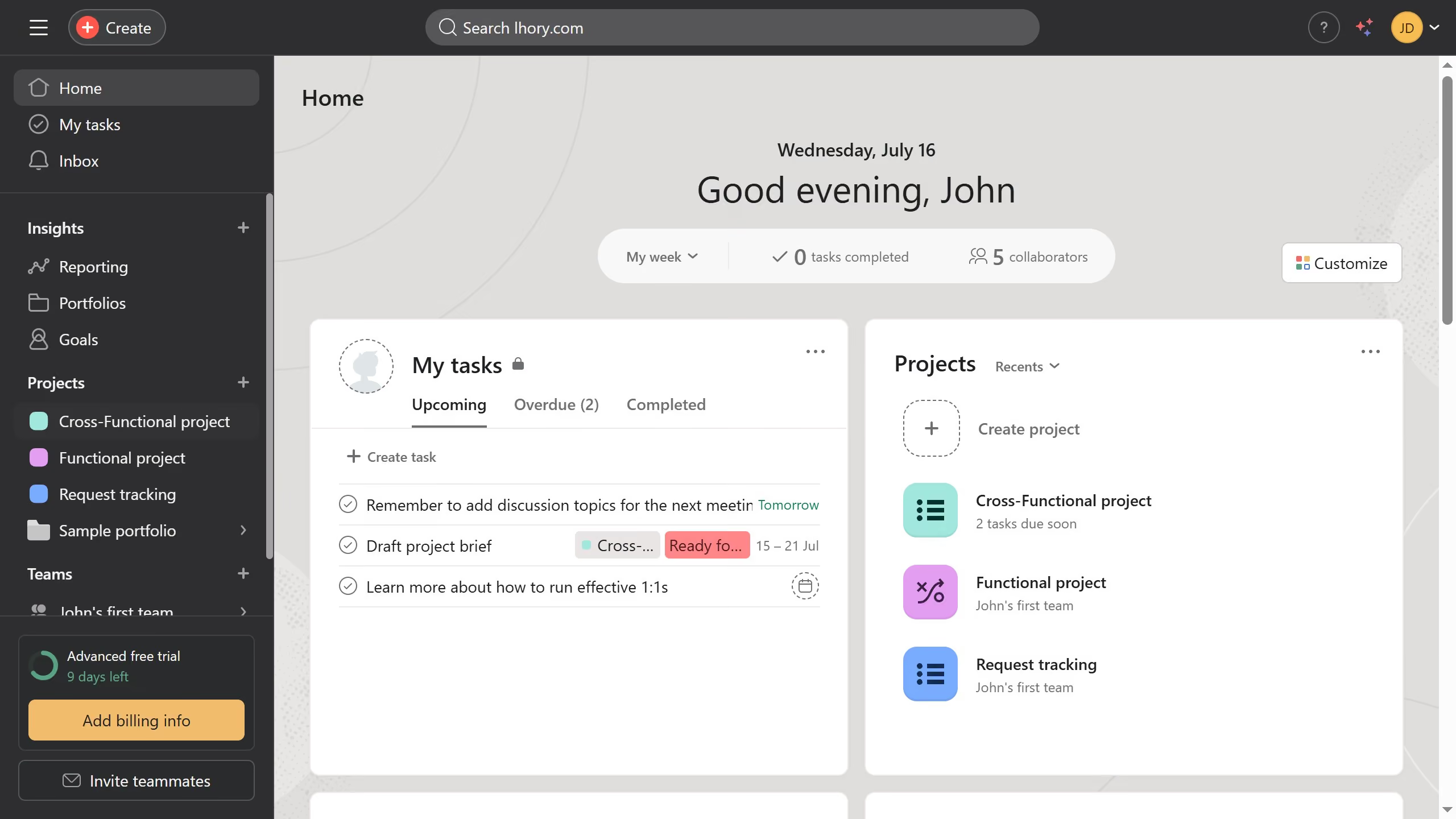
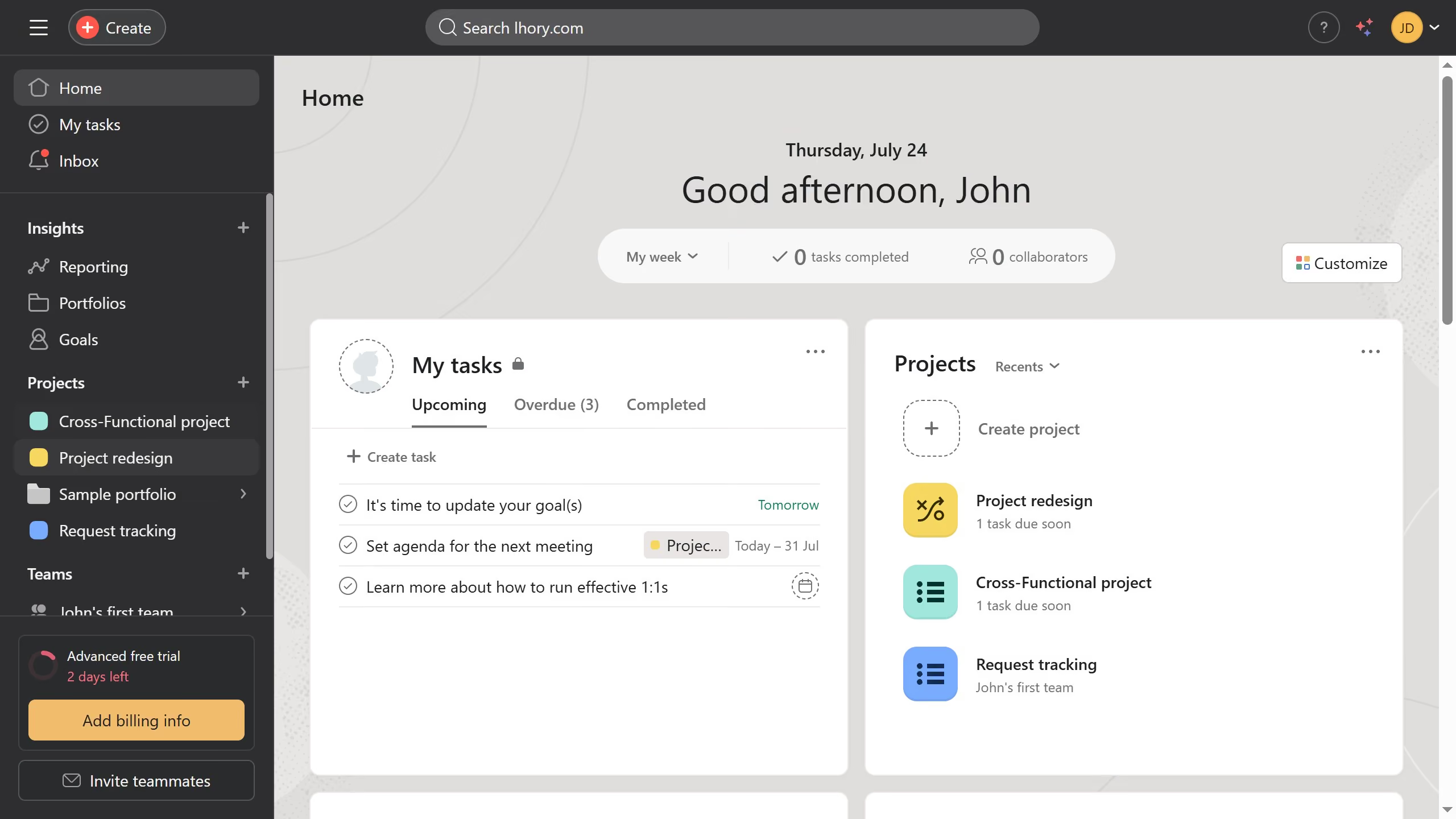
  1. First click on a project in the sidebar under Projects section
  2. Then click on "Overview" tab in the top navigation menu
  3. Next scroll down the overview page until you see the milestone section
  4. Then click on the "+" button next to "Milestones" heading
  5. Next click on "Add milestone..." text field in the Milestones section to open up the details panel
  6. Then click the task name input field and type the desired name for the milestone
  7. Next fill out all the necessary information for the milestone you want to create
  8. Finally click the "X" close button in the top right corner of the milestone dialog

Create your own interactive guide with Guideflow

Why should you add milestones to the project overview in Asana

Asana is a dynamic project management tool designed to enhance team collaboration and streamline task management.

Adding milestones to the project overview in Asana serves as visual markers to highlight significant points in a project's timeline. These milestones play a crucial role in keeping teams aligned and focused on key objectives, ensuring that everyone is aware of essential deadlines.

Utilizing milestones empowers teams to track progress effectively, offering clarity on project development and boosting motivation by celebrating critical achievements along the way.


Last update
June 23, 2026
Cursor MariaA cursor points to a button labeled "James."

Create your first demo in less than 30 seconds.