Asana
Asana is a work management tool for planning, tracking, and executing projects.
Website
Industry
Project Management
Share this article:

How to filter tasks by SLA countdown in calendar view in Asana

Here is how to filter tasks by sla countdown in calendar view in asana

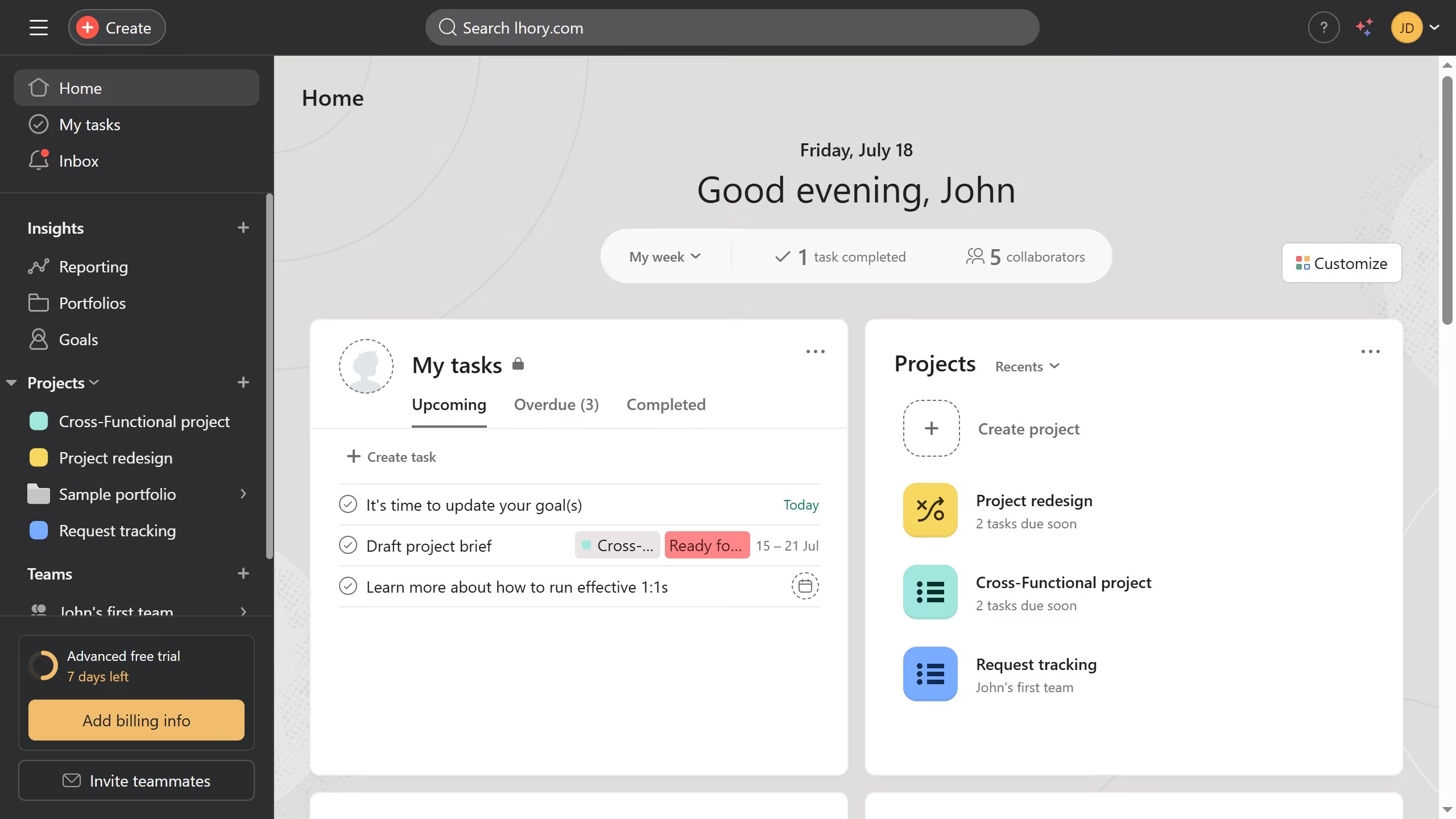
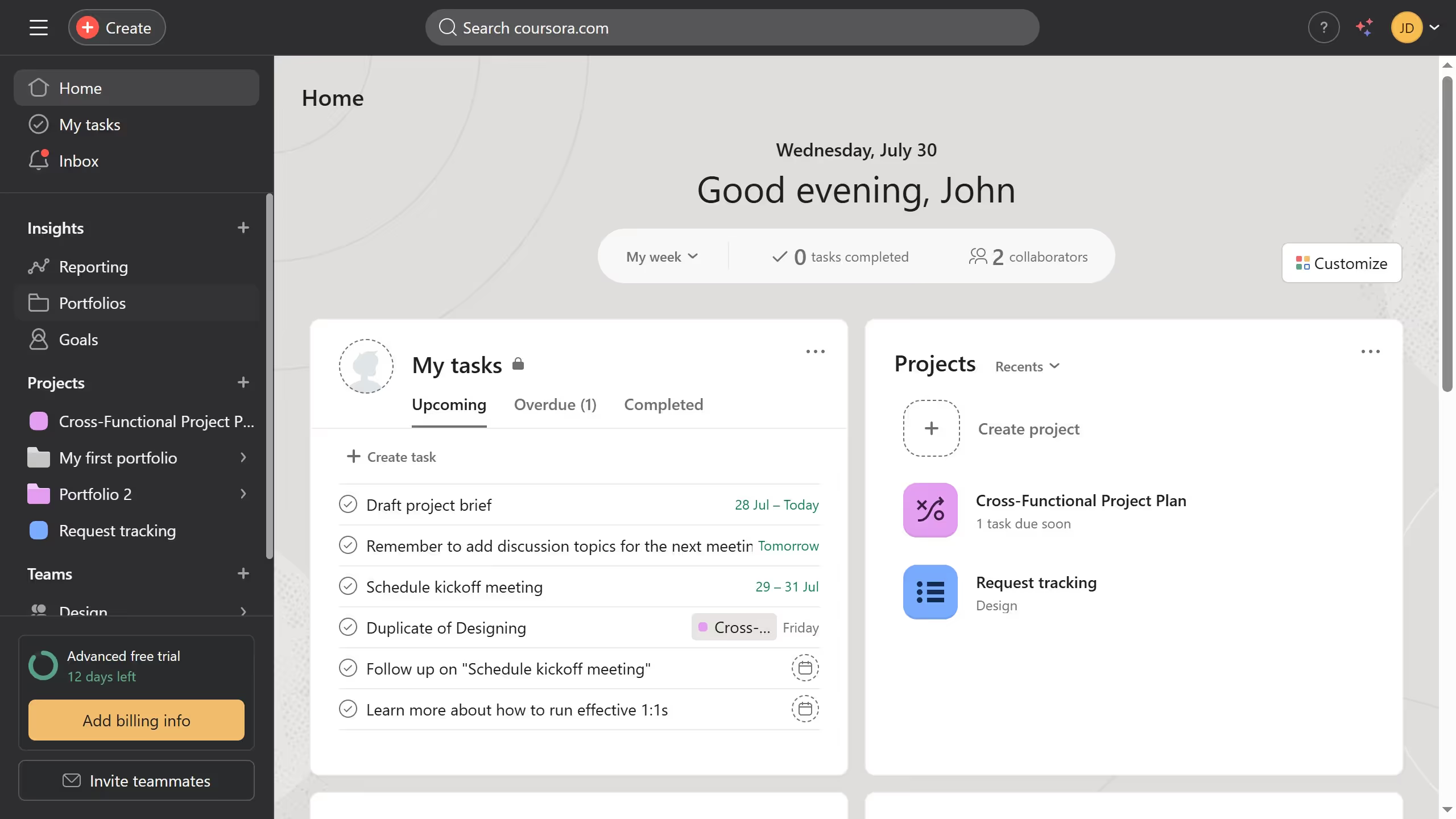
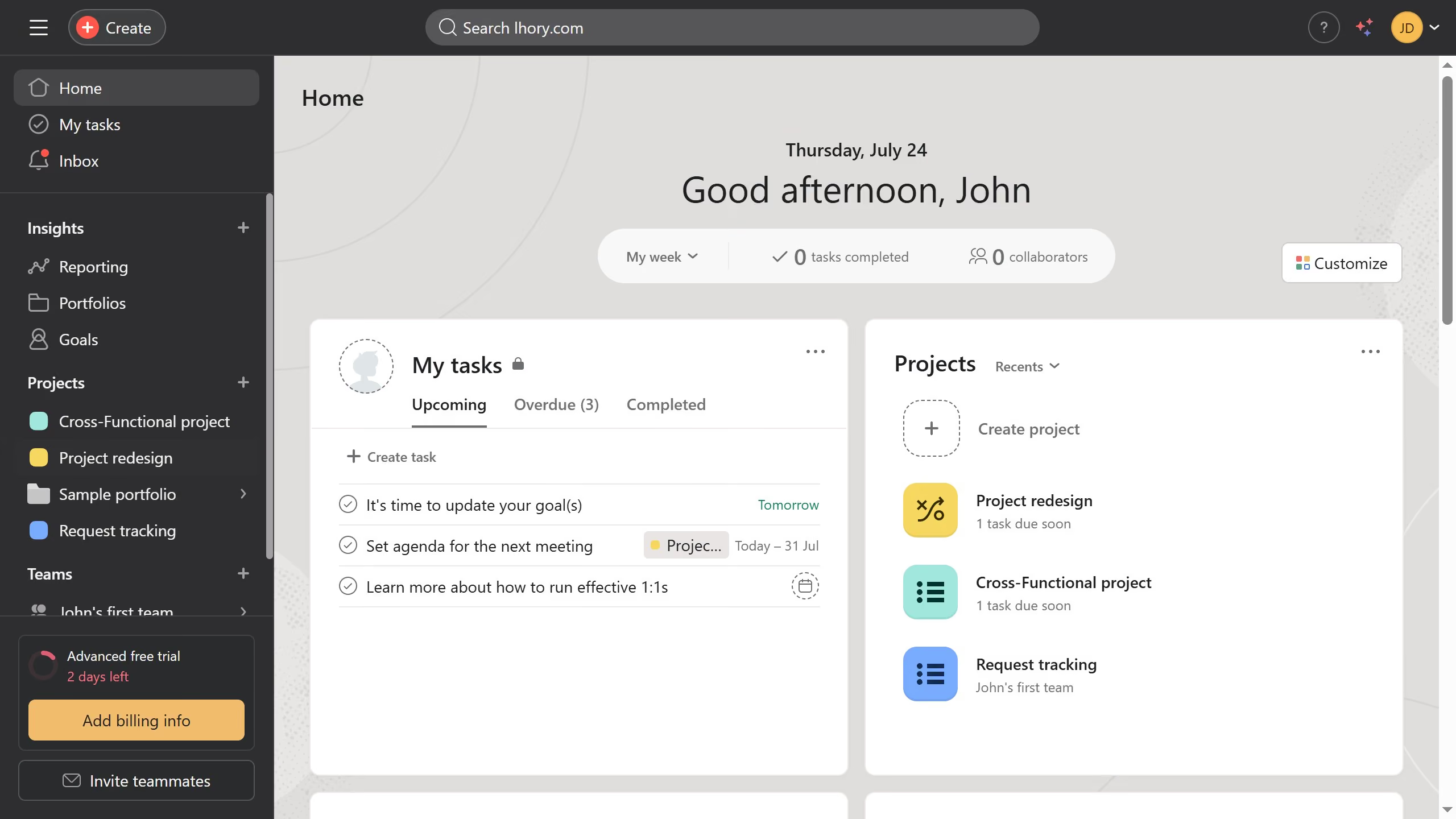
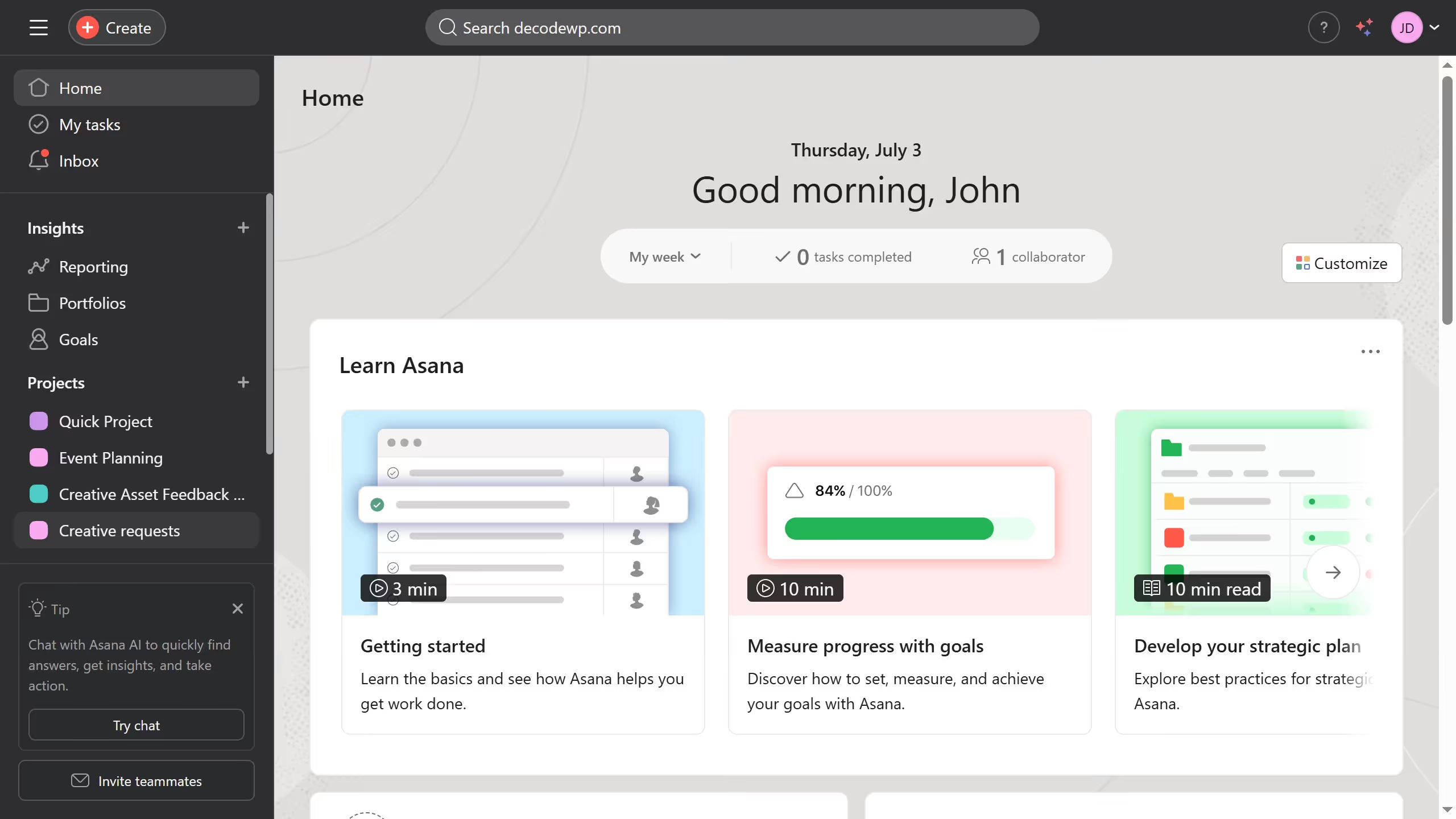
  1. First click on a project in the left sidebar under Projects section
  2. Then click on "Calendar" tab in the top navigation menu
  3. Next click on "Filter" button in the calendar view toolbar
  4. Then click on "Add filter" dropdown in the filters panel
  5. Next click on "SLA countdown" option in the filter dropdown menu
  6. Then click on the date dropdown showing "Today" in the filter settings
  7. Next click on the desired date in the date dropdown menu
  8. Finally click on "Save view" button in the calendar view toolbar

Create your own interactive guide with Guideflow

Why should you filter tasks by SLA countdown in calendar view in Asana

Asana is a dynamic platform designed to optimize teamwork and streamline project management.

The ability to filter tasks by SLA countdown in the calendar view offers unparalleled clarity by focusing on deadlines approaching soonest.

This feature empowers users to prioritize tasks efficiently, ensuring critical deadlines are met without stress.

Ultimately, it helps teams maintain high productivity and accountability by providing a clear view of immediate priorities at a glance.

Last update
June 16, 2026
Cursor MariaA cursor points to a button labeled "James."

Create your first demo in less than 30 seconds.