How to Export Time Tracking Data in Asana
Here is how to export time tracking data in asana
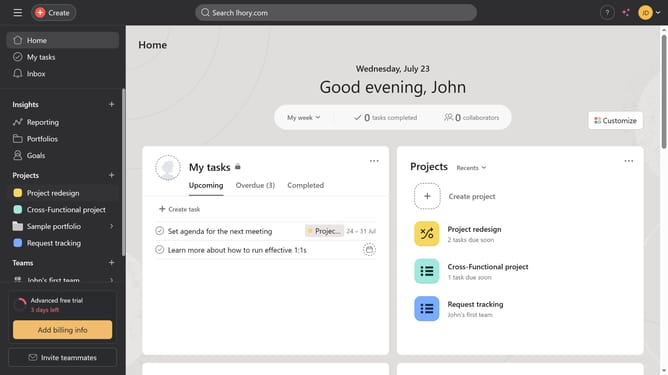
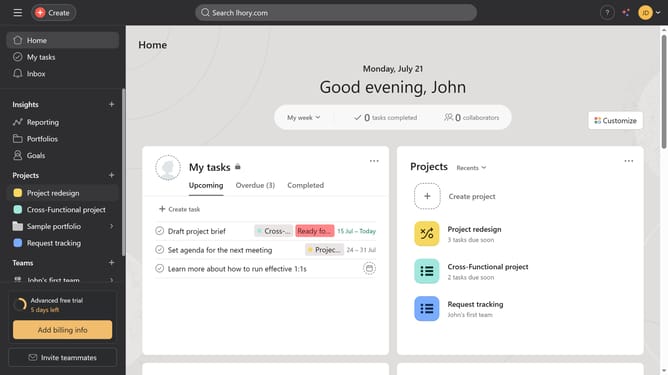
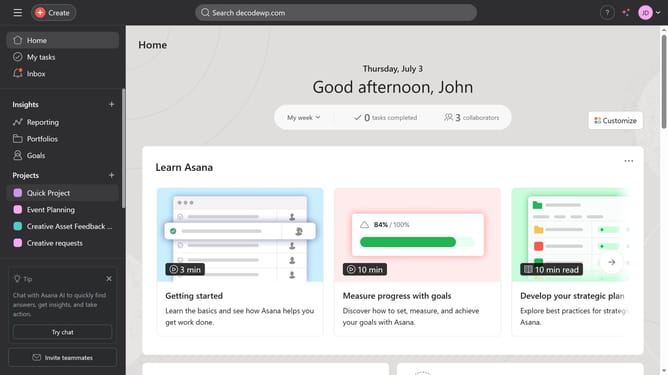
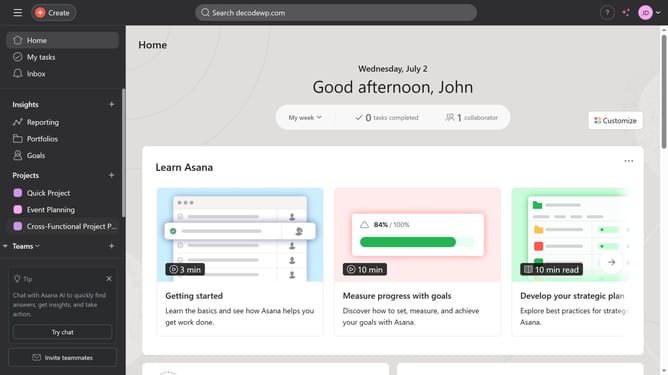
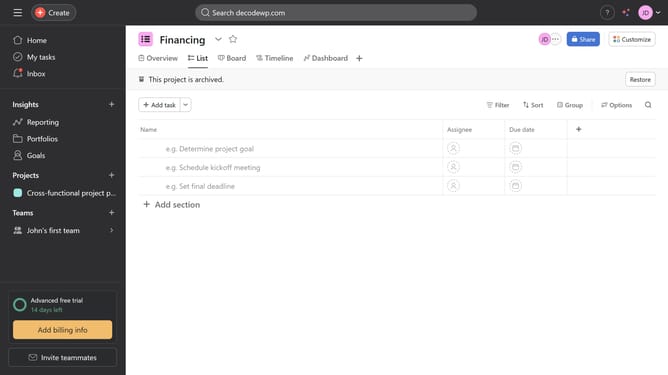
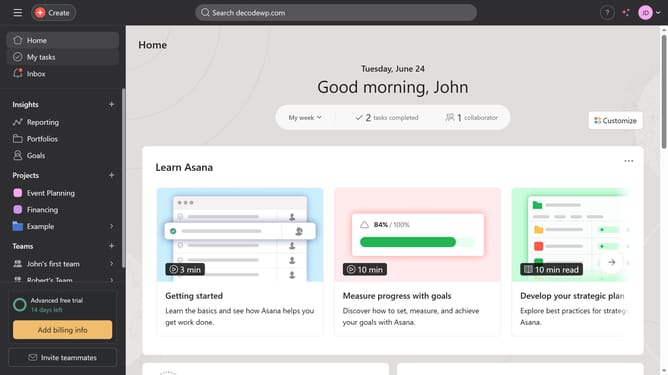
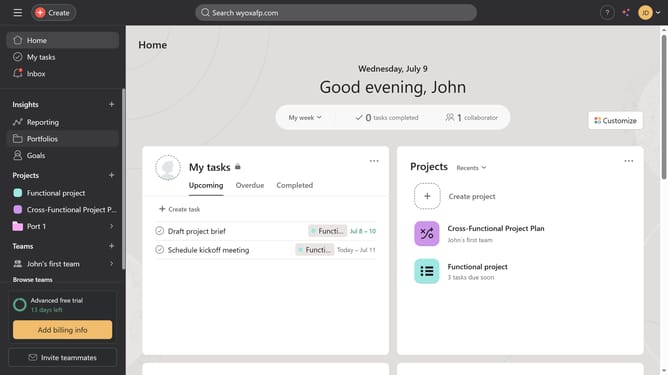
- First click on a project left sidebar under Projects section
- Then click on the arrow button next to the project name in the top header area
- Next click on "Sync/Export" option from the dropdown menu
- Then select "CSV" option from the export submenu
- Finally click the "Export CSV" button in the export dialog window
Why should you Export Time Tracking Data in Asana
Asana is a dynamic project management tool designed to streamline team collaboration and increase productivity.
Exporting time tracking data from Asana enhances your ability to quantify project progress and analyze resource allocation.
This feature allows businesses to track timelines effectively, ensuring they stay on top of project deadlines and budgets.
By exporting these valuable insights, you promote informed decision-making, potentially boosting team efficiency and performance.
Last update