How to sort projects in portfolio alphabetically in Asana
Here is how to sort projects in portfolio alphabetically in asana
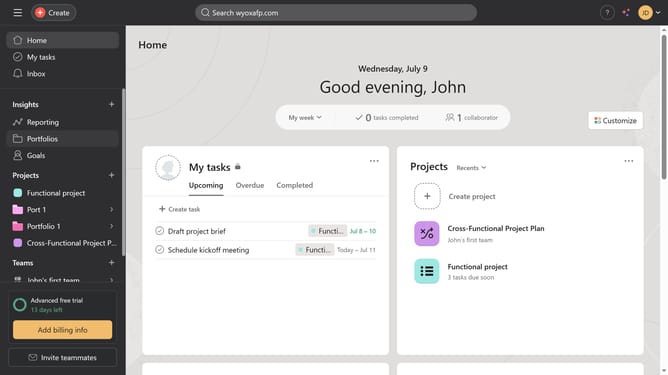
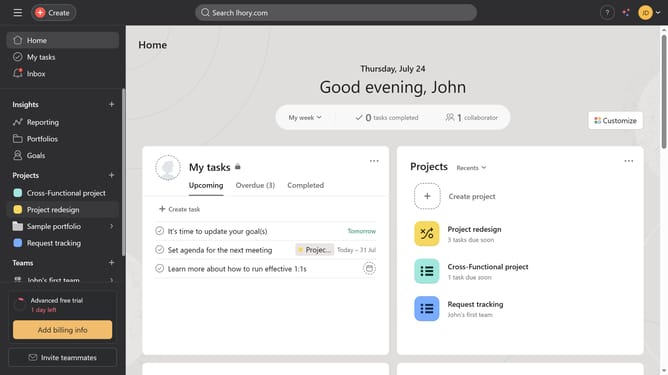
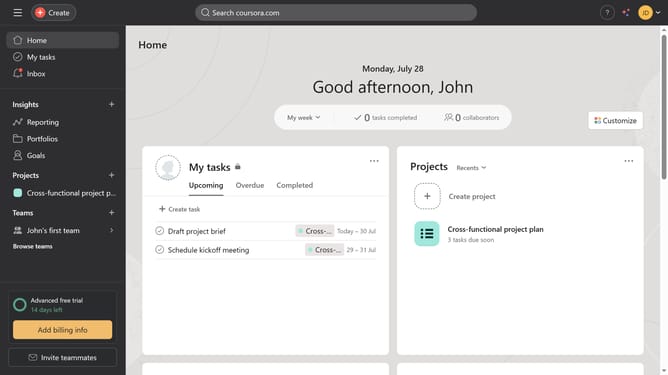
- First click on the "Portfolios" item in the left sidebar navigation menu
- Then click on a project in the Recent portfolios section
- Next click on the "Sort" button in the top toolbar
- Then select "Alphabetical" from the Sort dropdown menu
- Finally click on "Save view" button in the top toolbar to preserve the sorting
Why should you sort projects in portfolio alphabetically in Asana
Asana is a powerful tool designed to streamline project management for teams of all sizes.
Sorting projects in your portfolio alphabetically within Asana enhances navigability and efficiency.
This feature simplifies the process of finding specific projects, ensuring that team members and managers can promptly access vital information without unnecessary delays.
By keeping your workspace organized, you foster a smoother, more productive working environment that empowers your team to focus on what truly matters: achieving project goals.
Last update