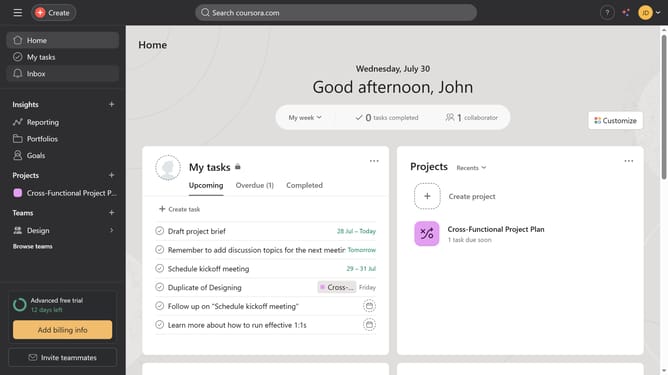
How to create a project in Asana
Here is how to create a project in asana
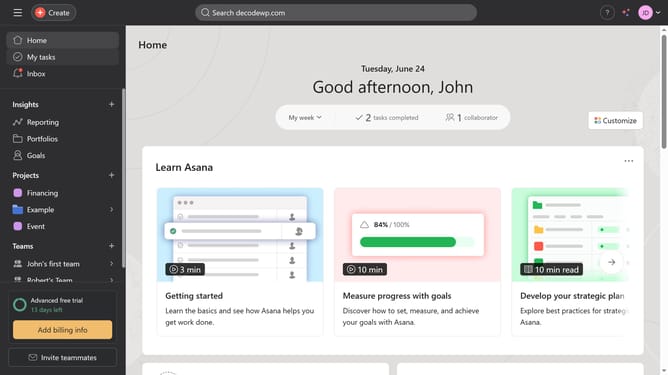
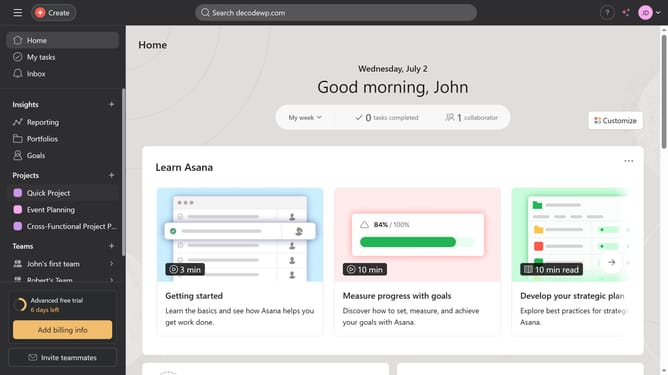
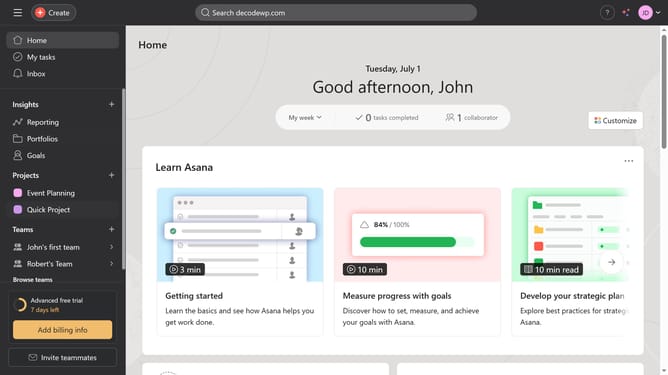
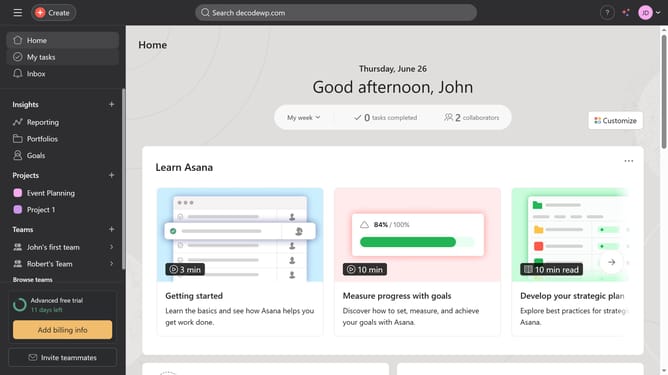
- First click on the "+" icon in the left sidebar
- Select "New project" from the dropdown menu
- Click "Blank project" option in the project creation dialog
- Click the project name input field and enter the desired name
- Click on the "Select a team" dropdown menu and choose the team you want to assign
- Click on the "Privacy" dropdown menu
- Select the desired privacy option from the privacy menu
- Click the "Continue" button at the bottom of the form
- Click "Create project" button in the views selection dialog
Why should you create a project in Asana
Asana is a dynamic project management tool designed to streamline teamwork and increase productivity.
Creating a project in Asana is a powerful feature that allows teams to organize tasks efficiently, visualize workflows, and stay on track with deadlines.
By leveraging Asana's project creation, teams can enhance communication and clarify responsibilities, ensuring all goals are met without confusion.
This leads to improved collaboration and a higher likelihood of project success, making it an indispensable asset in any team's toolkit.
Last update