How to use task template in Asana
Here is how to use task template in asana
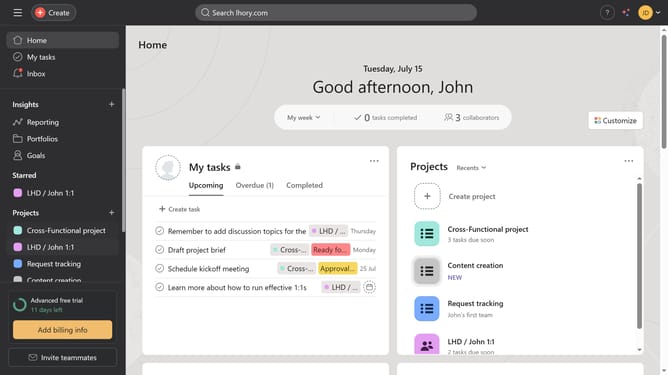
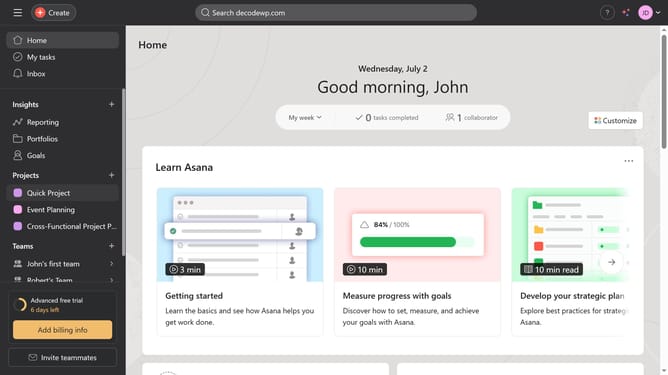
- First, click a project in the Projects section of the left sidebar
- Then click on "List" tab in the top navigation menu
- Next click on the "Add task" dropdown arrow in the task management toolbar
- Finally select the template you want to use from the task templates dropdown menu
Why should you use task template in Asana
Asana is a powerful project management tool designed to streamline team collaboration and task management.
One standout feature is the use of task templates, which significantly optimizes task creation. By leveraging task templates, teams can quickly replicate consistent tasks, ensuring no crucial details are missed. This not only saves time but also maintains uniformity across projects.
Implementing task templates fosters efficiency, reduces manual entry, and enhances productivity, making it indispensable for organized project workflows.
Last update