How to add portfolios to a portfolio in Asana
Here is how to add portfolios to a portfolio in asana
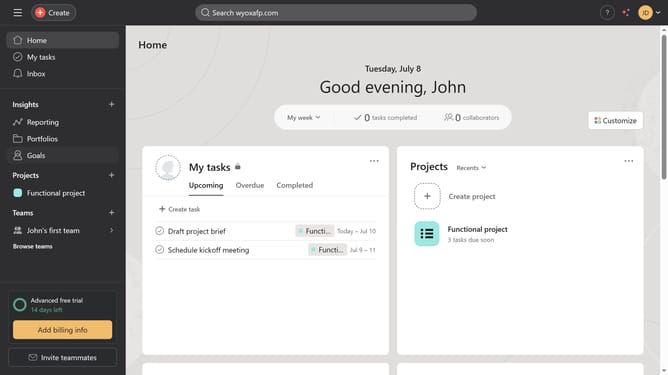
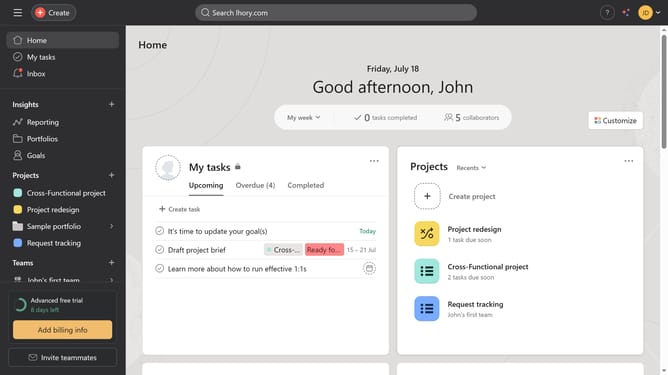
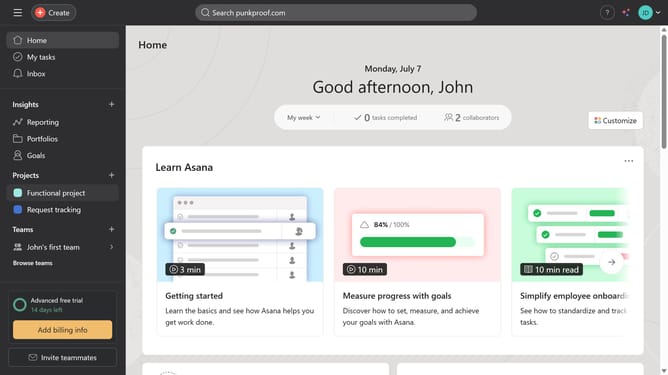
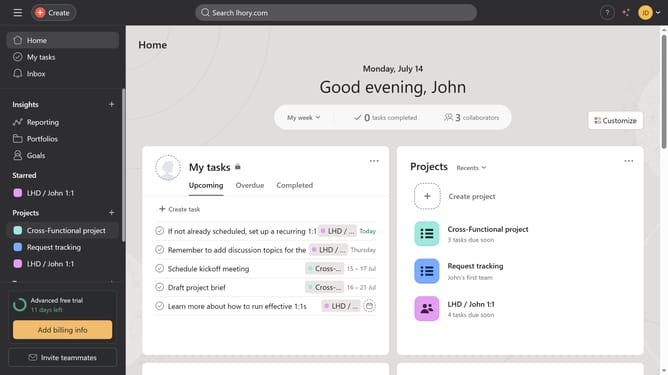
- First click on the "Portfolios" item in the left sidebar menu
- Then click the portfolio you want to add another portfolio to in the Recent Portfolios section
- Next click on the "Add work" button in the top menu bar
- Finally select the portfolio that you want to add from the dropdown list
Why should you add portfolios to a portfolio in Asana
Asana is a powerful tool designed to streamline team collaboration and enhance productivity.
One of Asana's standout features is the ability to add portfolios to a portfolio, allowing for an exceptional level of organization.
This feature enables users to view multiple projects under a single umbrella, bringing clarity to project management and simplifying oversight.
By effectively consolidating information, users can quickly identify trends, track performance metrics, and make informed decisions.
Last update