How to disconnect a parent goal in Asana
Here is how to disconnect a parent goal in asana
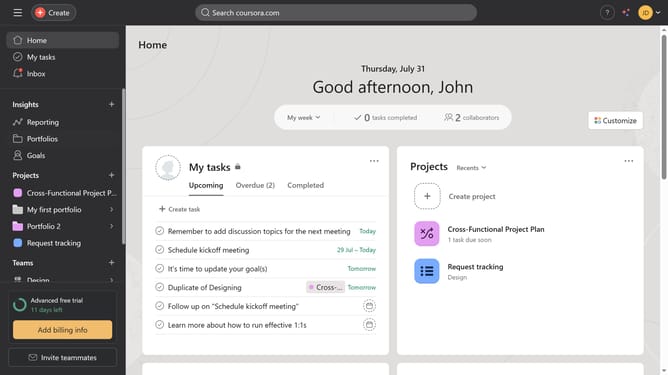
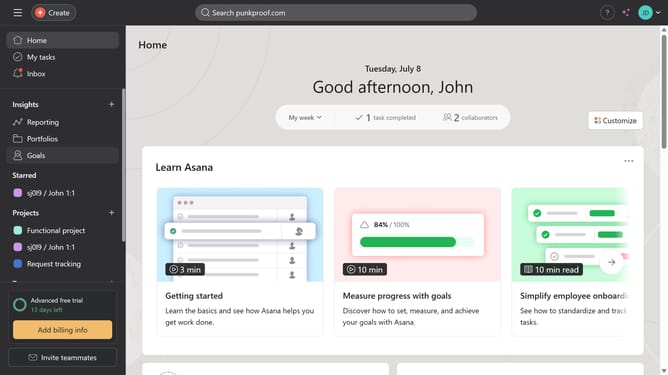
- First click on the "Goals" option in the left sidebar menu
- Then click on the sub-goal arrow button under the name of the parent goal you want to disconnect
- Next click on the name of the sub-goal in the expanded sub-goal
- Then scroll down
- Next under the parent goals section click the three dots next to the name of the parent goal
- Finally click on "Disconnect this parent goal" option in the Parent goals section
Why should you disconnect a parent goal in Asana
Asana is a dynamic tool designed to streamline teamwork and enhance productivity.
Disconnecting a parent goal in Asana is a feature that allows teams to adapt and shift priorities with ease.
This flexibility ensures that ongoing projects can be re-aligned without disrupting the workflow.
By disconnecting a parent goal, teams gain the ability to refocus on relevant objectives, promoting efficiency and clarity in achieving their targets.
Last update