Asana
Asana is a work management tool for planning, tracking, and executing projects.
Website
Industry
Project Management
Share this article:

How to leave a team in Asana

Here is how to leave a team in asana

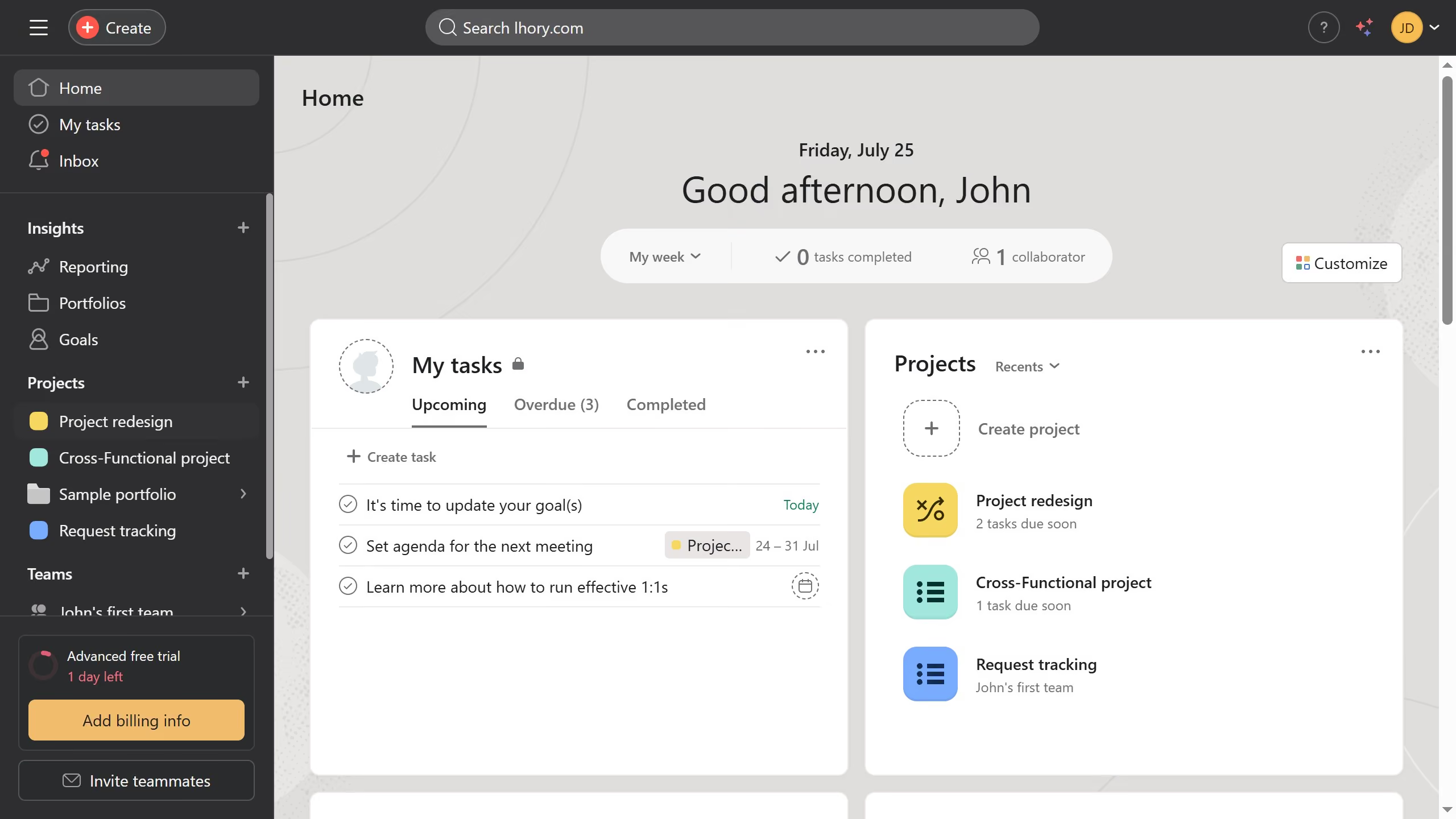
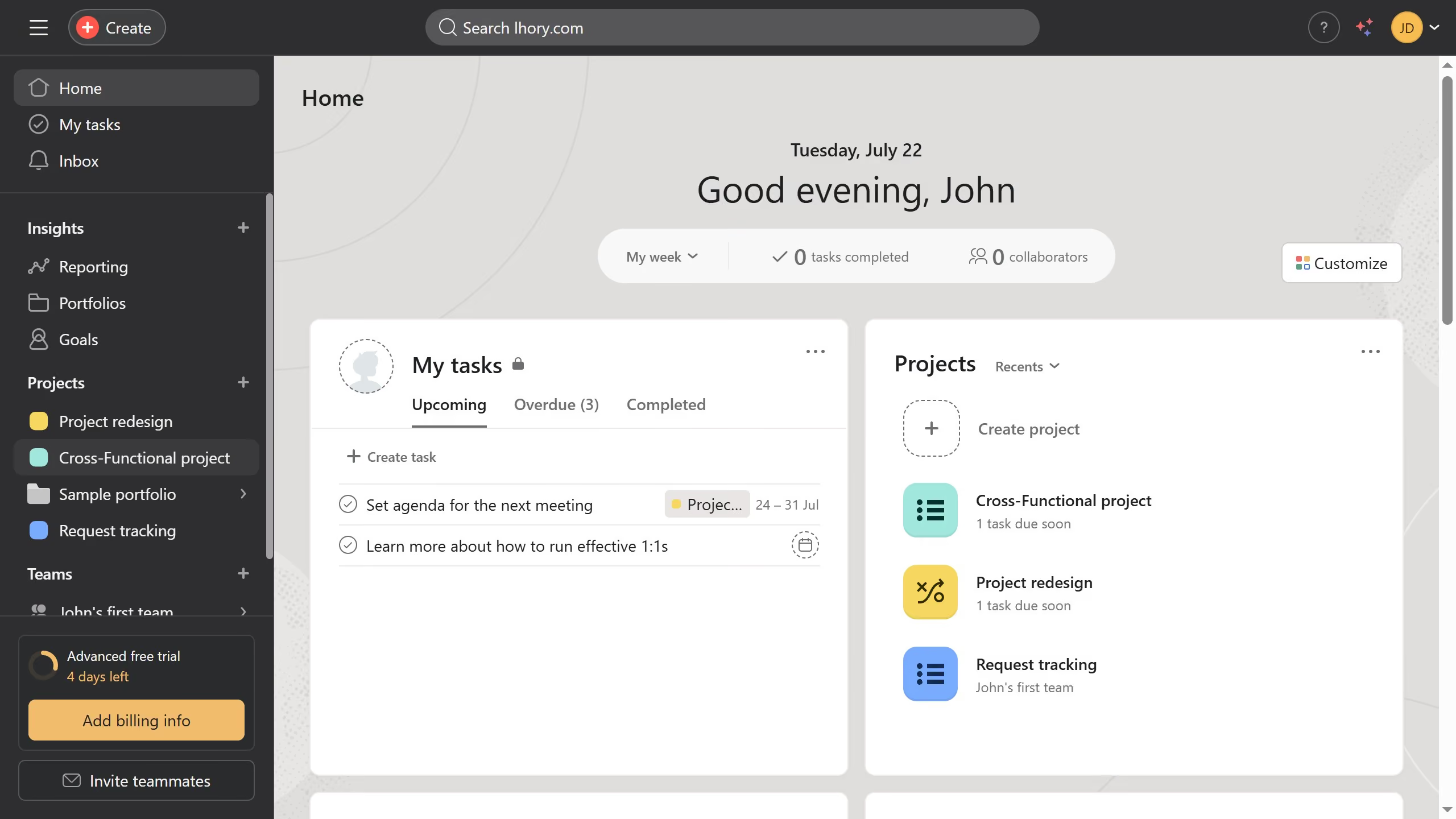
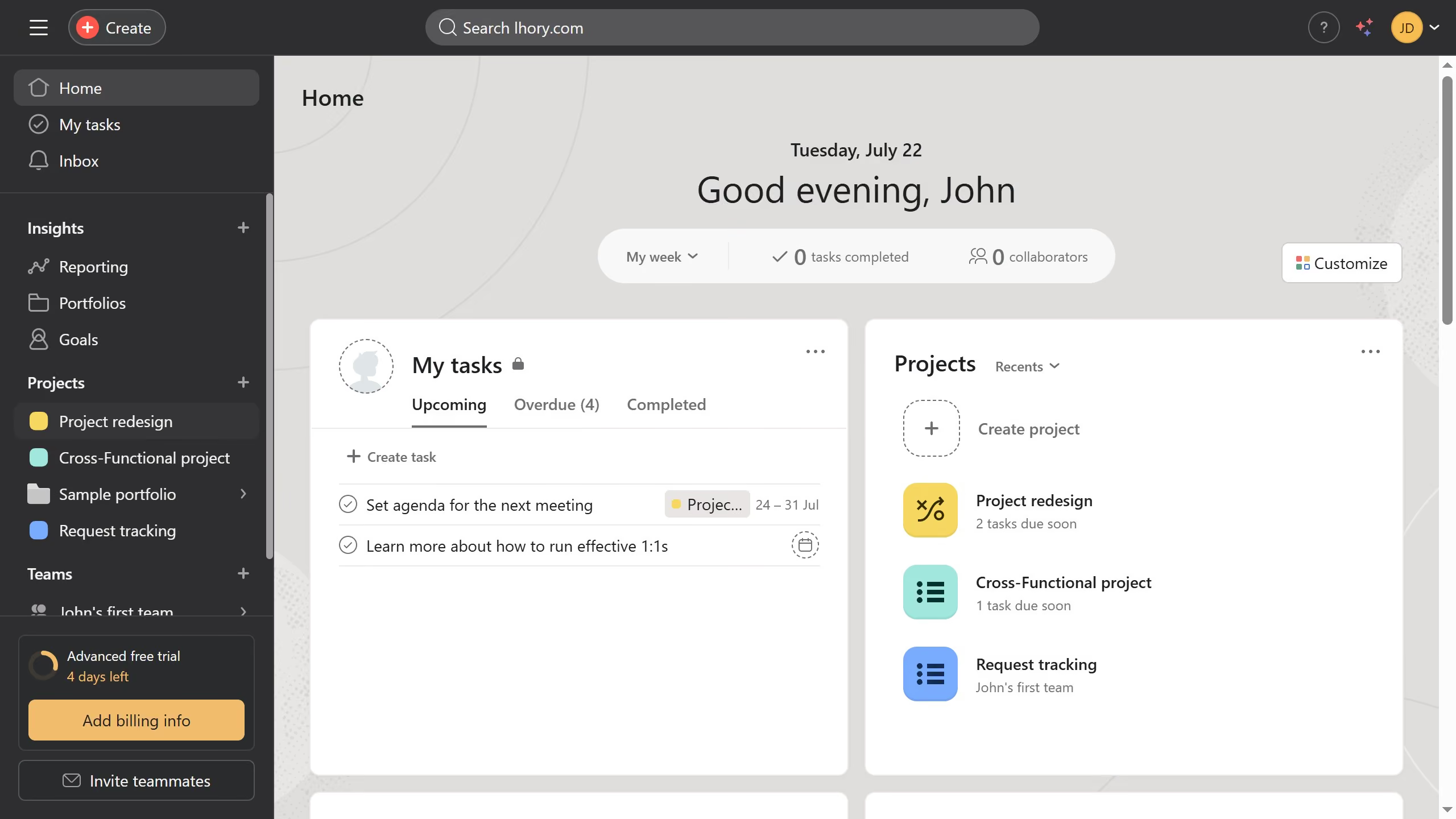
  1. First click on a project in the left sidebar under Teams section
  2. Click on the dropdown arrow next to the team name in the header
  3. Select "Remove me from this team" option from the dropdown menu
  4. Finally click on "Leave team" button in the confirmation dialog

Create your own interactive guide with Guideflow

Why should you leave a team in Asana

Asana is an intuitive project management tool designed to streamline teamwork and enhance productivity.

Leaving a team in Asana is a straightforward feature that allows users to manage their team involvements efficiently.

This feature is beneficial when shifting responsibilities, ensuring that team members focus on relevant projects and tasks.

By using the leave team option, users maintain personal workload organization and ensure that project teams are up-to-date with current participation.

Last update
June 16, 2026
Cursor MariaA cursor points to a button labeled "James."

Create your first demo in less than 30 seconds.