Asana
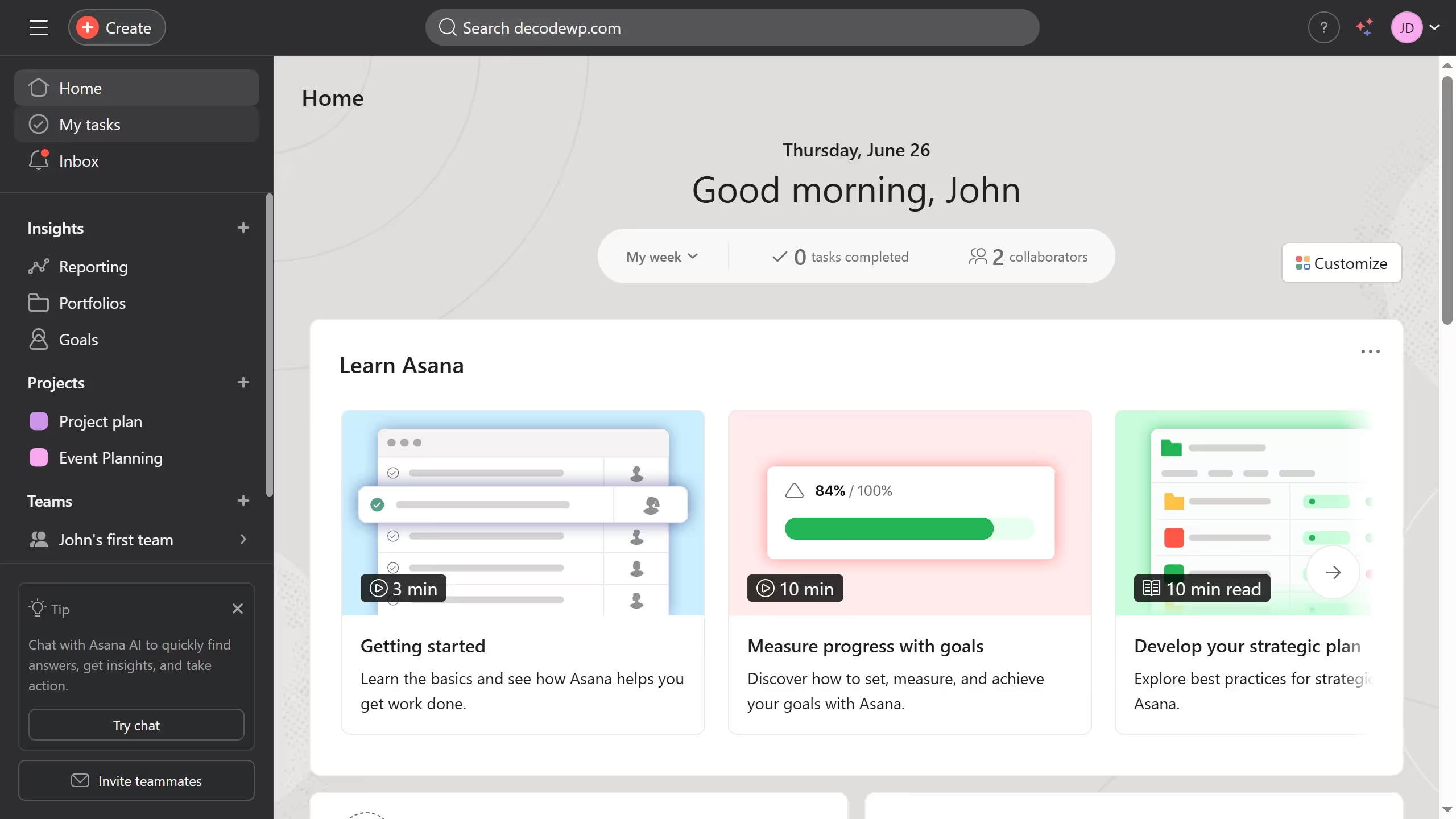
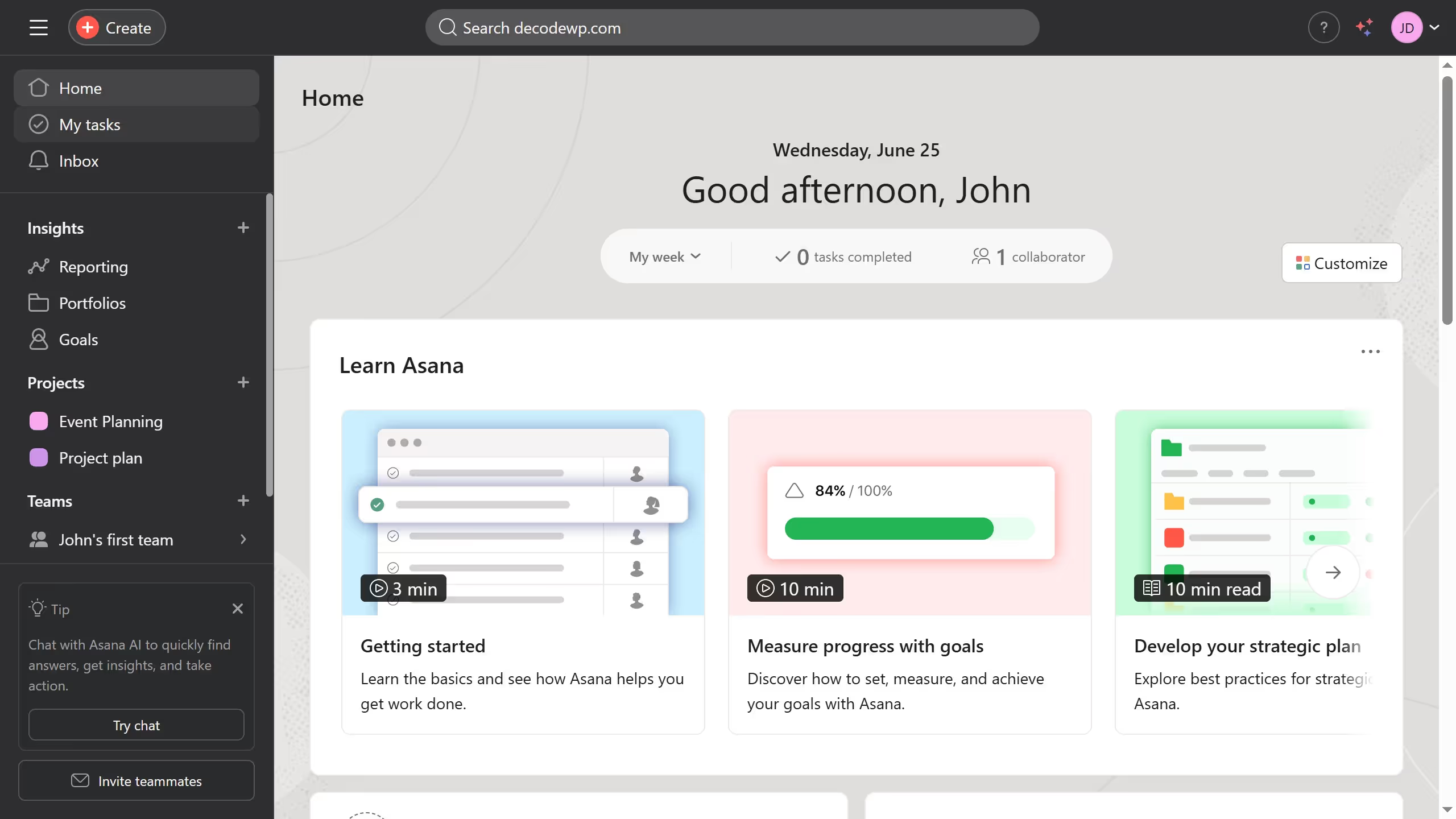
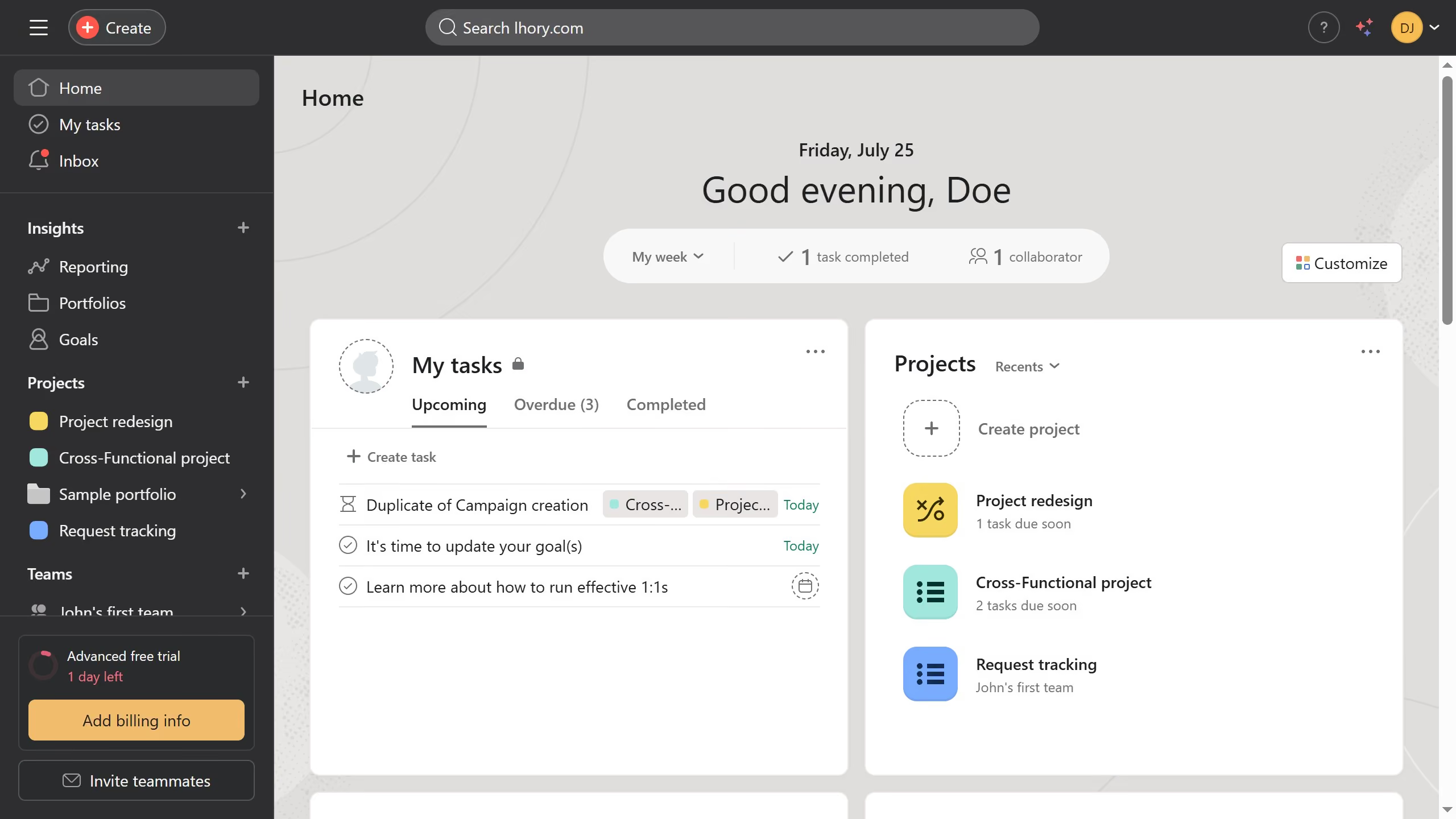
Asana is a work management tool for planning, tracking, and executing projects.
Website
Industry
Project Management
Share this article:

How to mark tasks as complete in board view in Asana

Here is how to mark tasks as complete in board view in asana

  1. First click on a project in the left sidebar under Projects section
  2. Then click on "Board" tab in the top navigation menu
  3. Next click on the task you want to mark as complete in the board view
  4. Finally click on "Mark complete" button in the task details panel

Create your own interactive guide with Guideflow

Why should you mark tasks as complete in board view in Asana

Asana transforms teamwork, allowing teams to focus on what matters most: productivity and project progression.

In board view, marking tasks as complete in Asana is intuitive and efficient, providing a clear visual of your team's workflow. This feature helps you track task progress seamlessly, ensuring everyone stays updated in real-time.

By utilizing the complete task feature, you reinforce accountability, keep momentum high, and allow for celebrated accomplishments, ensuring tasks don't just pile up but progress and conclude.


Last update
June 23, 2026
Cursor MariaA cursor points to a button labeled "James."

Create your first demo in less than 30 seconds.