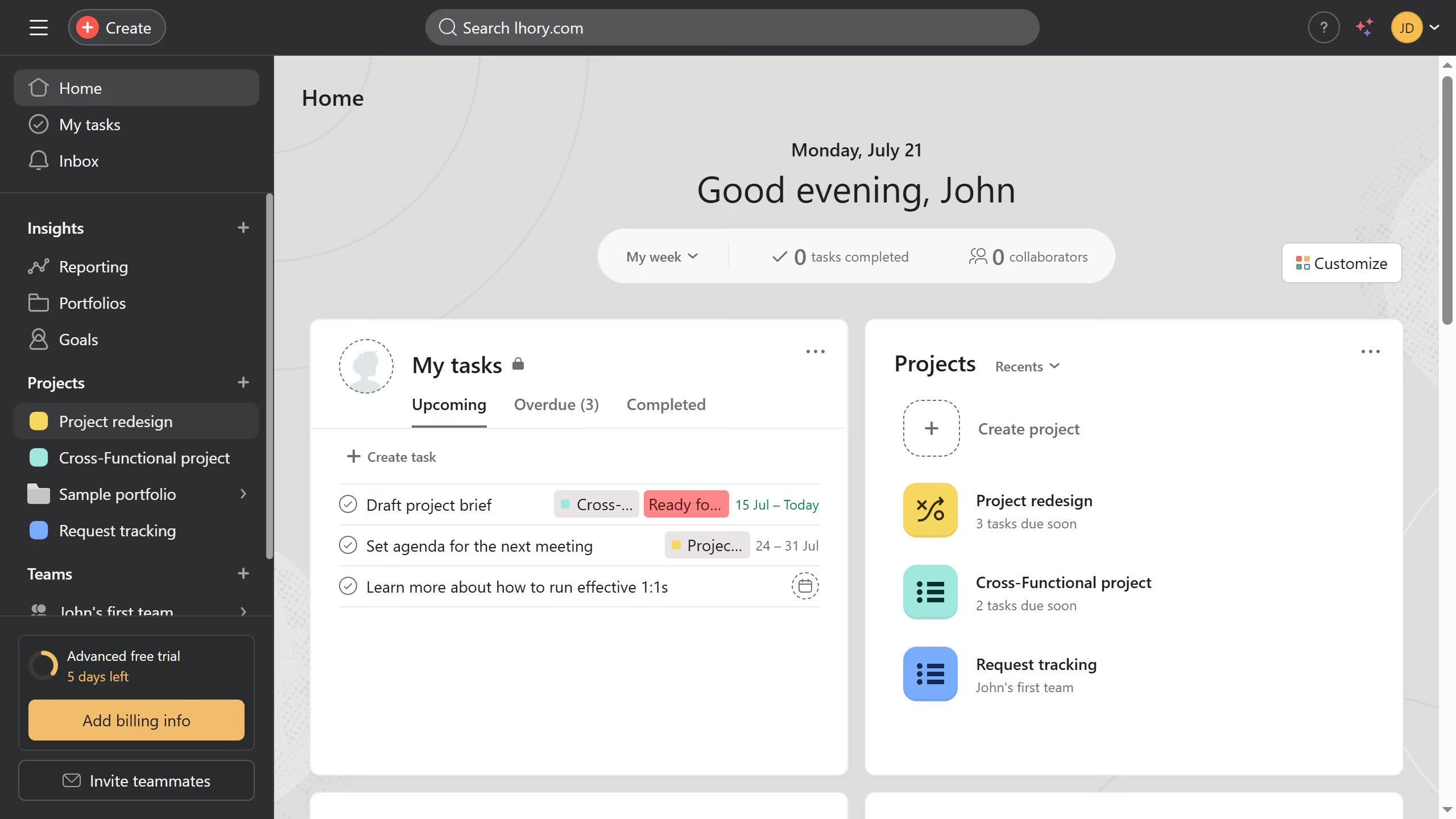
Here is how to add a task to another project in calendar view in asana
- First click on the a project in the left sidebar
- Then click on the "Calendar" tab in the top navigation menu
- Next click on the task you want to add to another project in the calendar view
- Then click on the more options menu ("...") in the top right corner
- Next click on "Add to another project" option
- Then click on the project selection field labeled "Add task to a project..."
- Type the name of the project you want to add the task to in the project selection field
- Finally click on the result from the dropdown list to add the task into the project