Asana
Asana is a work management tool for planning, tracking, and executing projects.
Website
Industry
Project Management
Share this article:

How to add an assignee in calendar view in Asana

Here is how to add an assignee in calendar view in asana

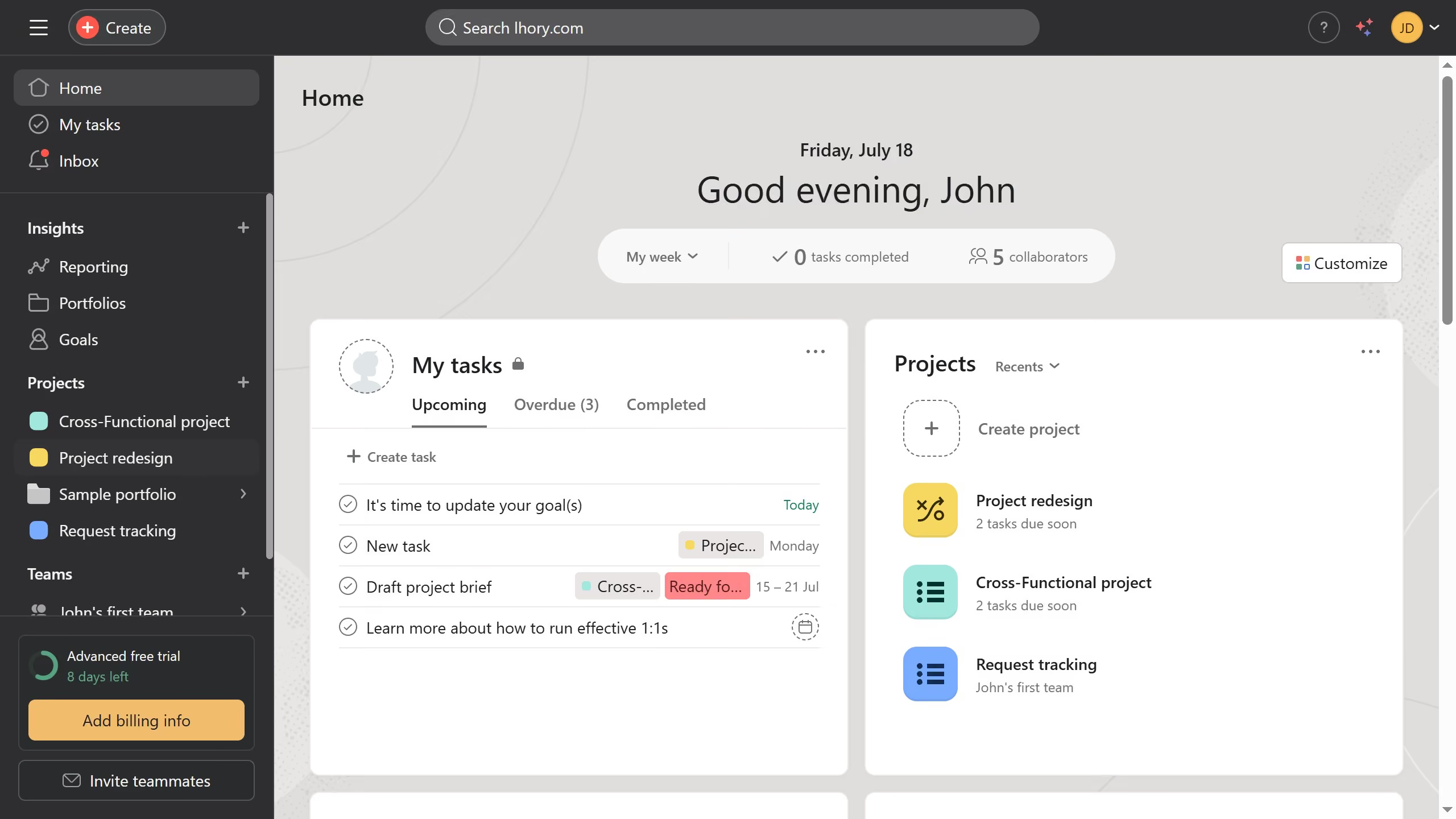
  1. First click on a project in the left sidebar under Projects section
  2. Then click on "Calendar" tab in the top navigation menu
  3. Next click the task you want to add an assignee to in calendar view
  4. Then click on "No assignee" button in the task details panel
  5. Next click on the search field that says "Name or email"
  6. Type the name of the team member you want to assign to the task in the assignee search field
  7. Finally click the name from the search results to assign the task

Create your own interactive guide with Guideflow

Why should you add an assignee in calendar view in Asana

Asana is a versatile project management tool designed to streamline team collaboration and productivity.

One of its standout features is the ability to add assignees directly from the calendar view. This feature allows users to efficiently delegate tasks while viewing the project timeline.

Assigning tasks directly from the calendar provides a comprehensive overview of team responsibilities, ensuring everyone is on the same page and deadlines are met effortlessly.

By utilizing this feature, teams can enhance communication, optimize workload management, and maintain a steady workflow.


Last update
June 16, 2026
Cursor MariaA cursor points to a button labeled "James."

Create your first demo in less than 30 seconds.