Asana
Asana is a work management tool for planning, tracking, and executing projects.
Website
Industry
Project Management
Share this article:

How to manage portoflio notifications in your profile in Asana

Here is how to manage portoflio notifications in your profile in asana

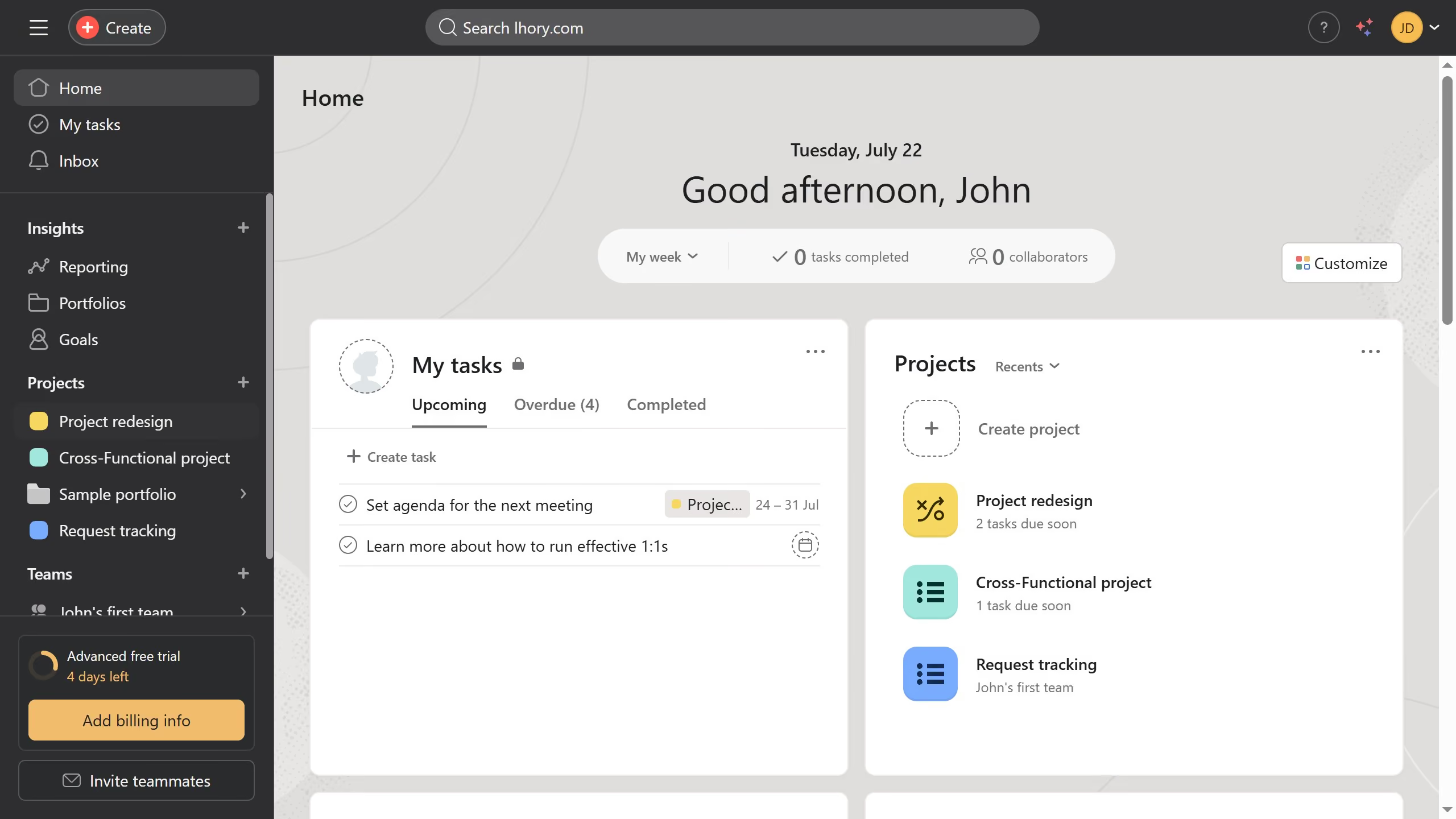
  1. First click on the user avatar in the top-right corner of the header
  2. Then click on the "Profile" option in the dropdown menu
  3. Next click on the "Edit profile" button in the profile page
  4. Then click on the "Notifications" tab in the Settings modal
  5. Next scroll down in the profile settings
  6. Then click the arrow button next to the "Portfolio notifications" section
  7. Finally toggle on or off the notifications you want to receive for your portfolio

Create your own interactive guide with Guideflow

Why should you manage portoflio notifications in your profile in Asana

Asana is a powerful tool designed to streamline project management and enhance team productivity.

Managing portfolio notifications in your profile within Asana allows for a seamless overview of your project's progress.

By customizing these notifications, you ensure that you're always in the loop without being overwhelmed by unnecessary updates.

This feature helps you focus on what truly matters, making it easier to align with your team's goals and project timelines.

Last update
June 16, 2026
Cursor MariaA cursor points to a button labeled "James."

Create your first demo in less than 30 seconds.