How to add workload tab in a portfolio in Asana
Here is how to add workload tab in a portfolio in asana
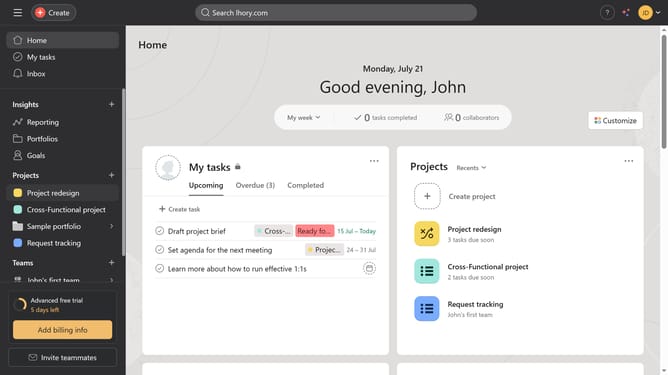
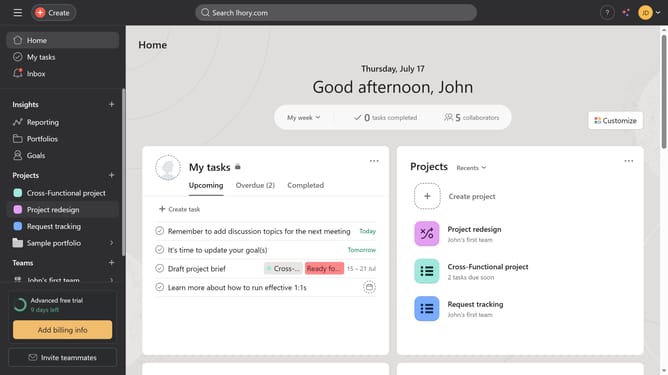
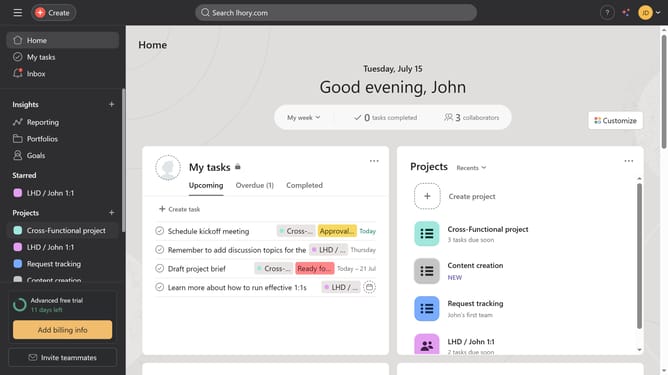
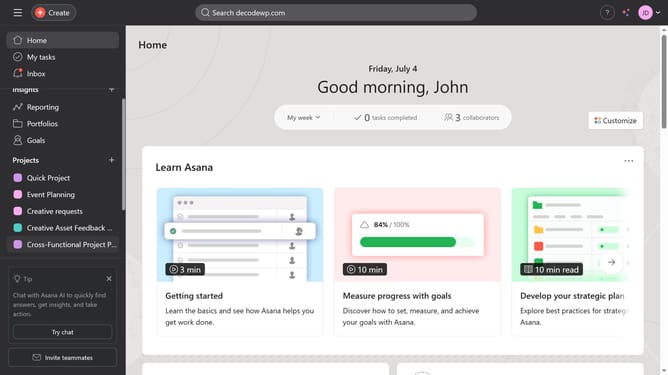
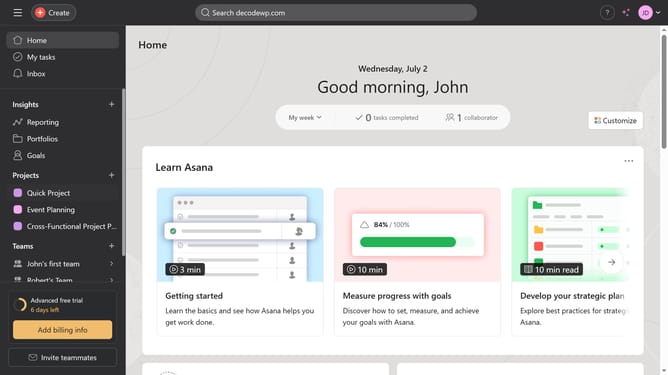
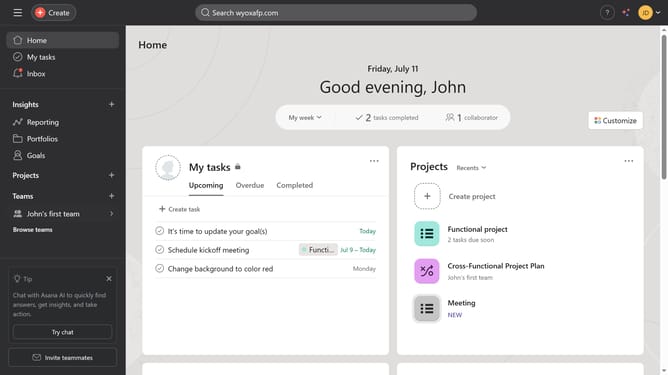
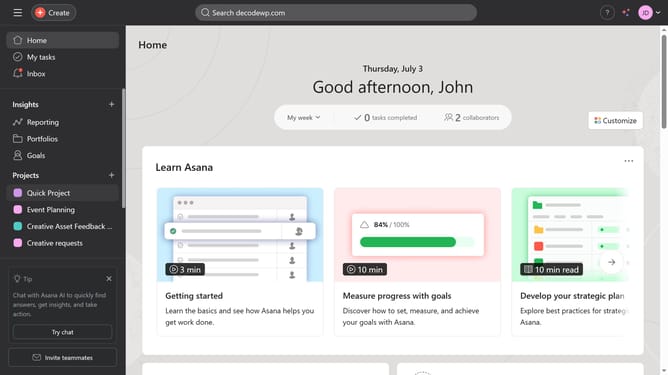
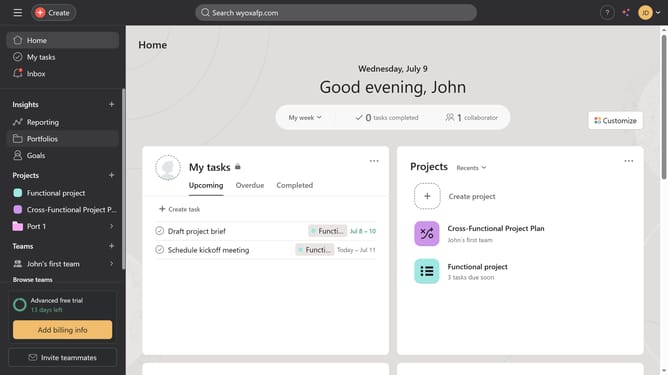
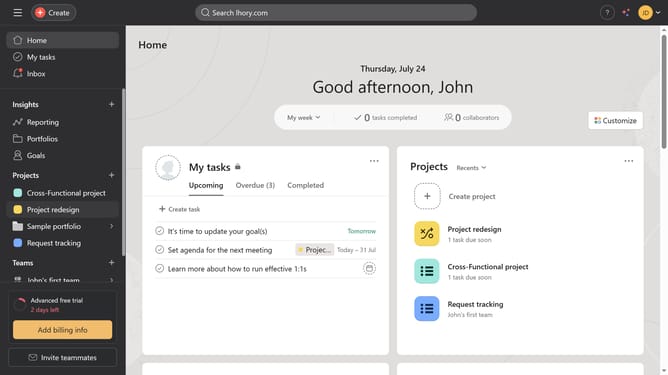
- First click on the "Portfolios" option in the left sidebar menu
- Then in the Recent Portfolios section, click the portfolio you want to add a Workload tab to
- Next click on the "+" button in the top menu bar
- Finally select "Workload" from the dropdown menu that appears
Why should you add workload tab in a portfolio in Asana
Asana is a powerful tool designed to streamline teamwork and enhance project management efficiency.
Adding a workload tab to your portfolio in Asana offers a comprehensive view of team capacity, crucial for effective resource allocation.
This feature ensures you can balance workloads, preventing burnout and boosting productivity. With clear, visual insights, project managers can make informed decisions, avoiding potential bottlenecks.
Overall, the workload tab enriches your portfolio management by simplifying the monitoring of team efforts and project timelines.
Last update