How to change the owner of a portfolio in Asana
Here is how to change the owner of a portfolio in asana
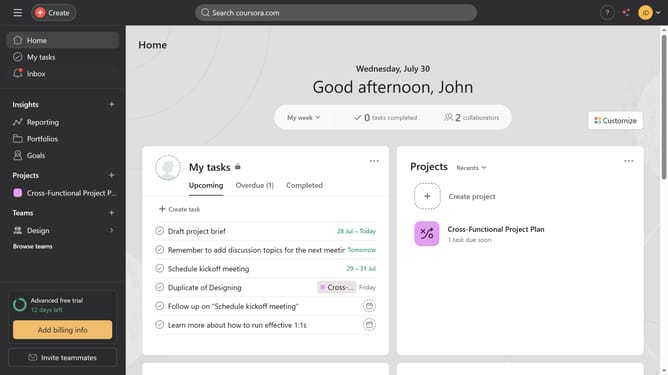
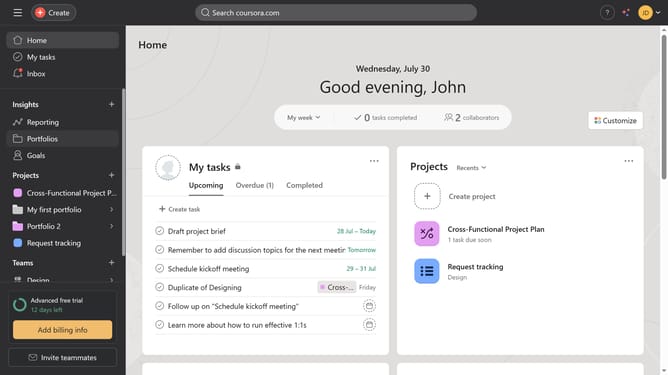
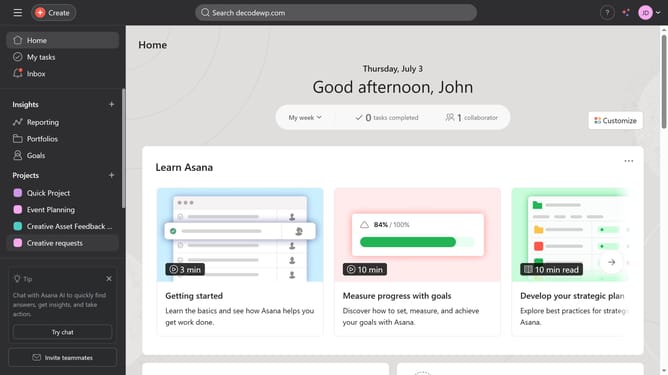
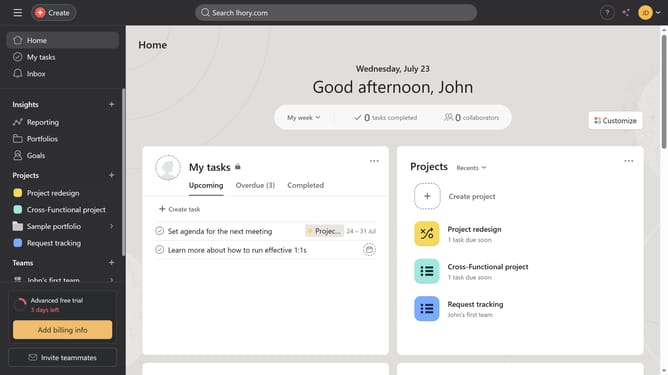
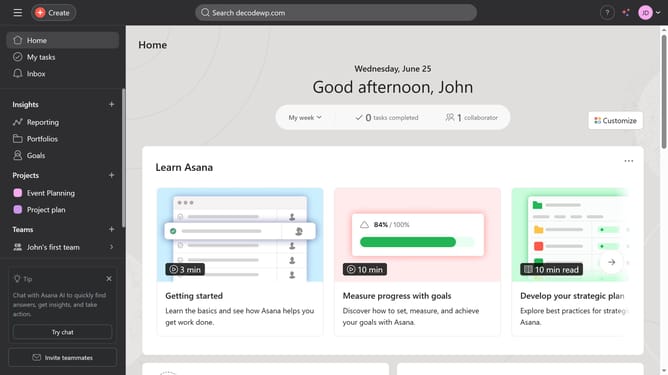
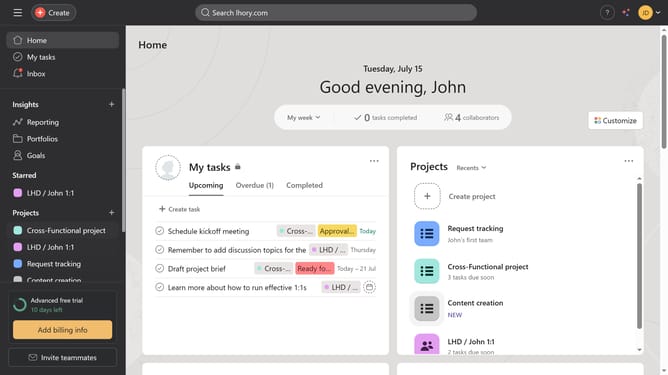
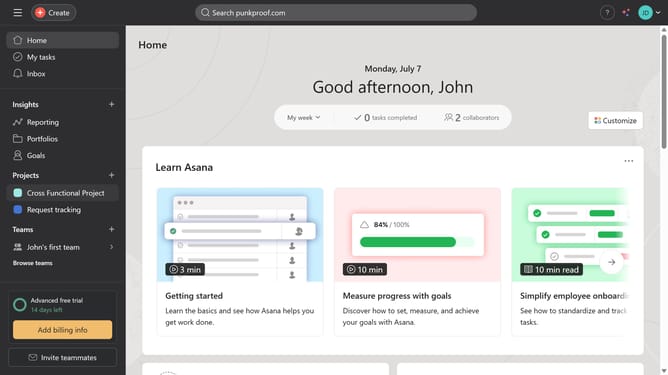
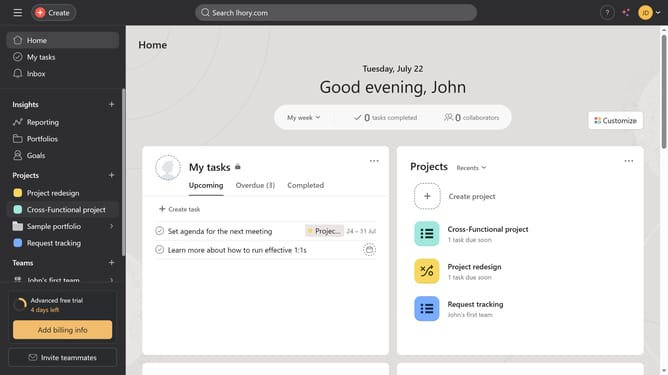
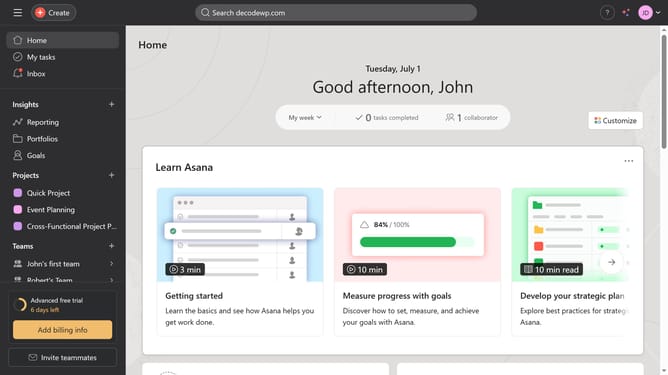
- First click on the "Portfolios" item in the left sidebar
- Then click the portfolio you want to change the owner of in the main content area
- In the portfolio view, click on dropdown arrow button in the top navigation bar
- Next select "Edit portfolio details" from the dropdown menu
- Then click on the owner field to open the user selection dropdown
- Next click on the owner search field
- Finally type in the name of the owner in the search field and click the result from the suggested menu
Why should you change the owner of a portfolio in Asana
Asana is a powerful tool designed to streamline team collaboration and project management.
Changing the owner of a portfolio in Asana can greatly enhance flexibility and ensure project continuity when team dynamics shift. This feature allows for seamless transition of responsibilities, which is crucial during role changes or departures.
By empowering another team member to take ownership, projects are maintained efficiently and consistently. This adaptability contributes to sustained productivity and smooth workflow across the organization.
Last update