How to edit a task template in Asana
Here is how to edit a task template in asana
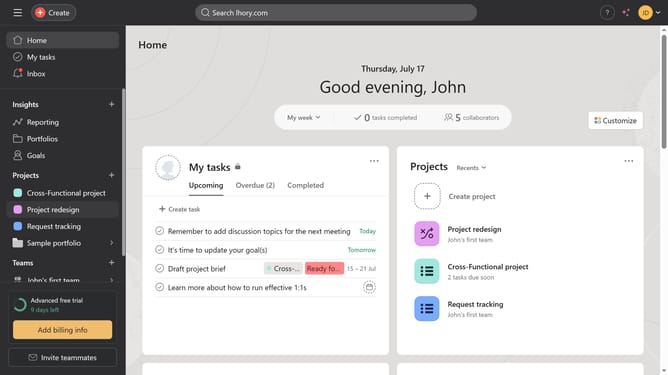
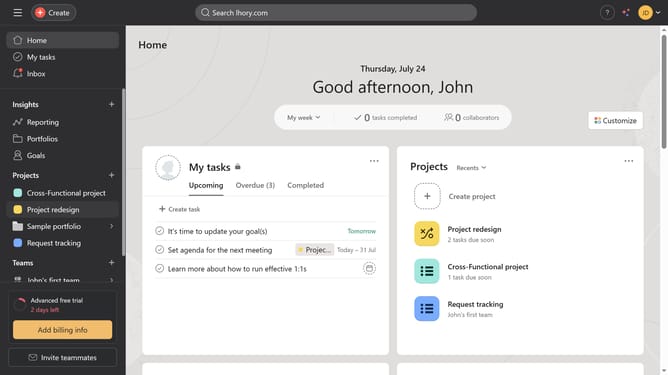
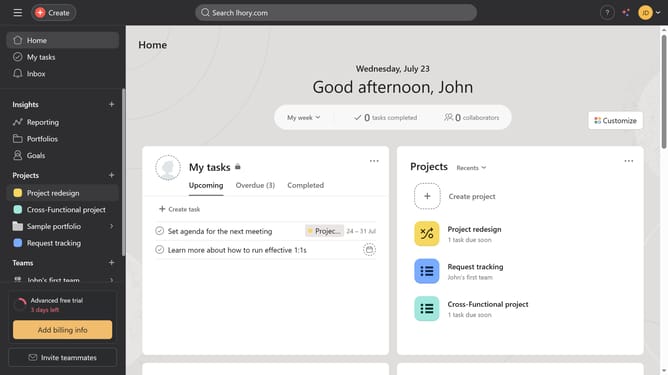
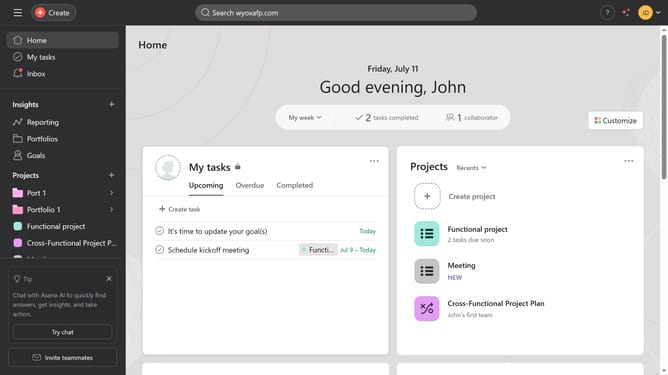
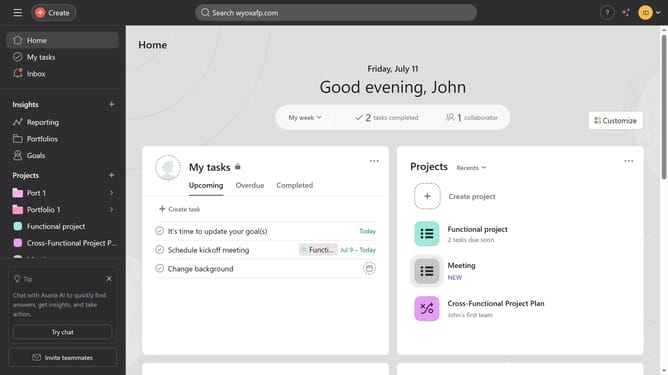
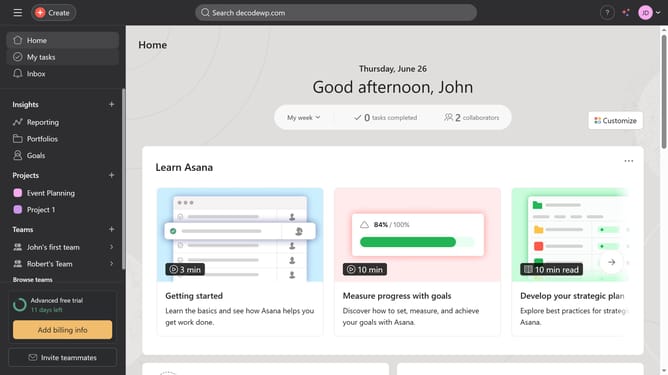
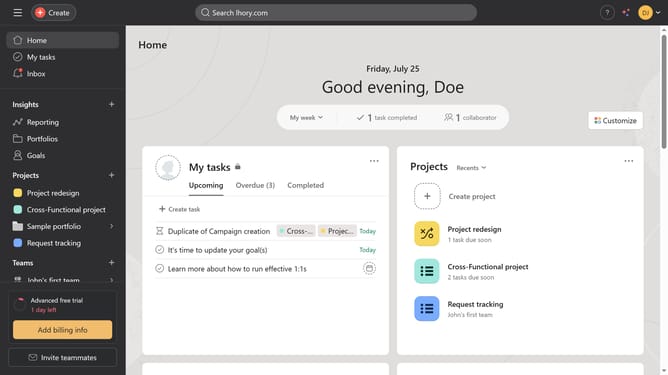
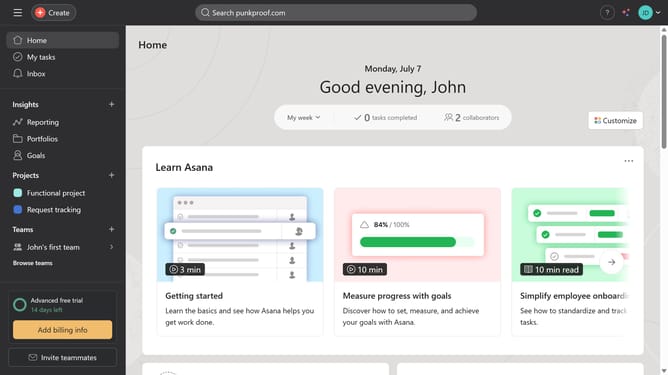
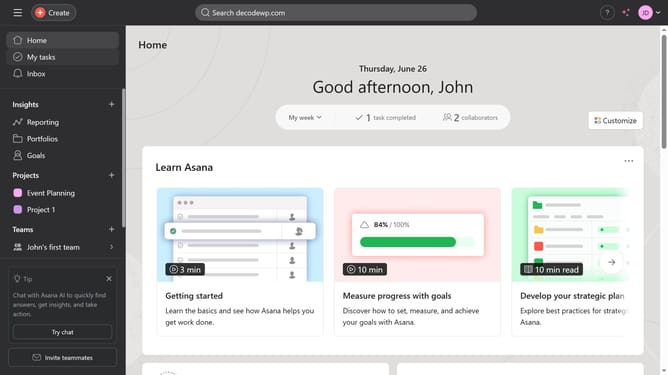
- First click on a project in the left sidebar under Projects section
- Then click on the "Customize" button in the top-right corner of the project view
- Next click on "Task templates" option in the customization panel
- Then, click the menu icon (three dots) next to the template you want to edit in the task templates list
- Next select "Edit" option from the dropdown menu
- Then make the necessary changes to the task template
- Finally, click “Done” in the bottom-right corner to save your edits
Why should you edit a task template in Asana
Asana is an intuitive project management tool designed to help teams organize, track, and manage work efficiently.
Editing a task template in Asana allows you to customize workflows to better meet the unique needs of your projects. This feature ensures that reusable structures remain relevant and efficient.
By tailoring task templates, teams can streamline their processes, improve productivity, and maintain consistency across projects. This leads to more effective collaboration and goal achievement.
Last update