How to delete tasks in Asana
Here is how to delete tasks in asana
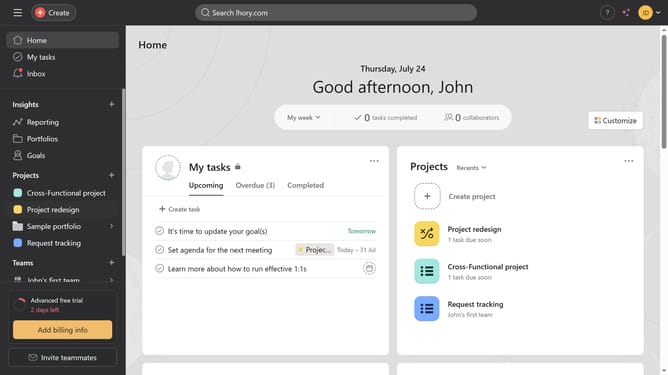
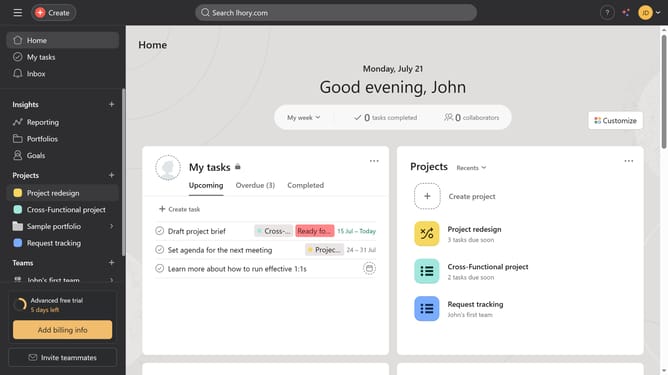
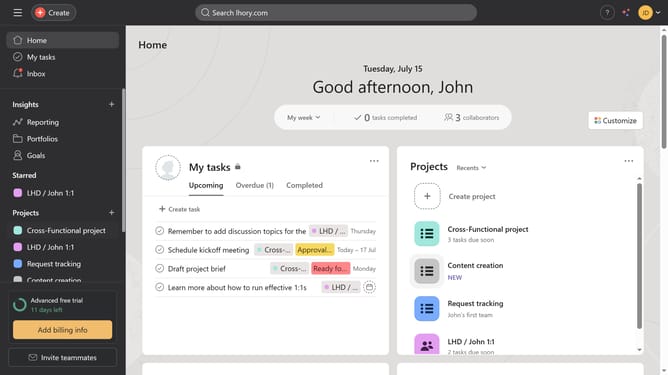
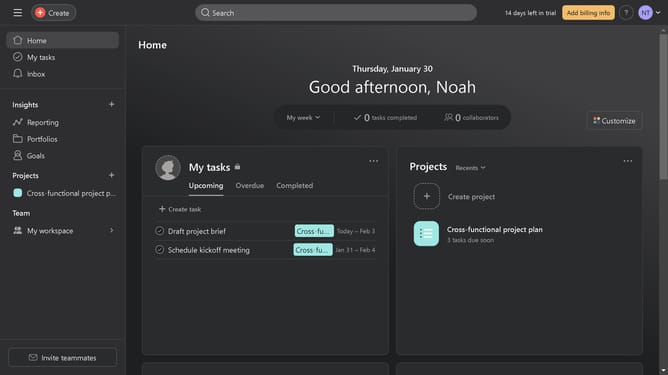
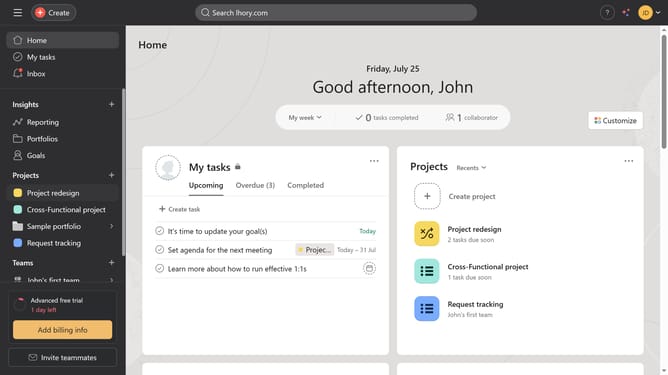
- First click on "My tasks" in the left sidebar navigation
- Then click on the task you want to delete in the task list
- Click on the "More actions" button (three dots) in the top-right corner of the task details
- Select "Delete task" from the dropdown menu
- Click "Delete permanently" button in the task header
- Finally click "Delete" button in the confirmation dialog to permanently remove the task
Why should you delete tasks in Asana
Asana is a powerful project management tool designed to streamline team collaboration and increase productivity.
One of the understated yet vital features is the ability to delete tasks in Asana, allowing users to maintain a clean workspace.
This capability ensures that teams can easily eliminate redundant or outdated tasks, refining focus on current priorities.
By removing unnecessary tasks, users foster a more efficient workflow, ensuring that attention and energy are channeled towards strategic goals and essential action items.
Last update