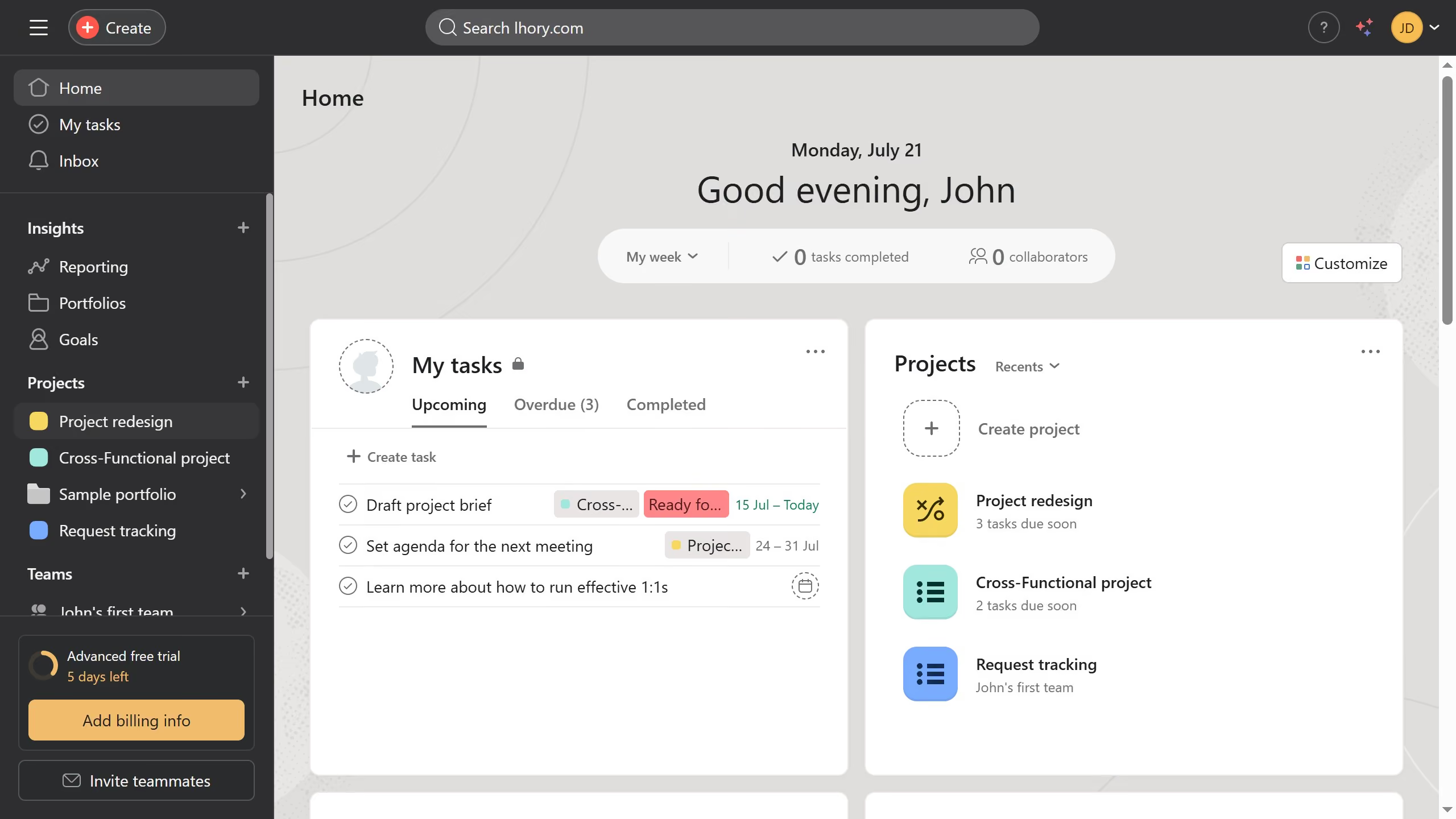
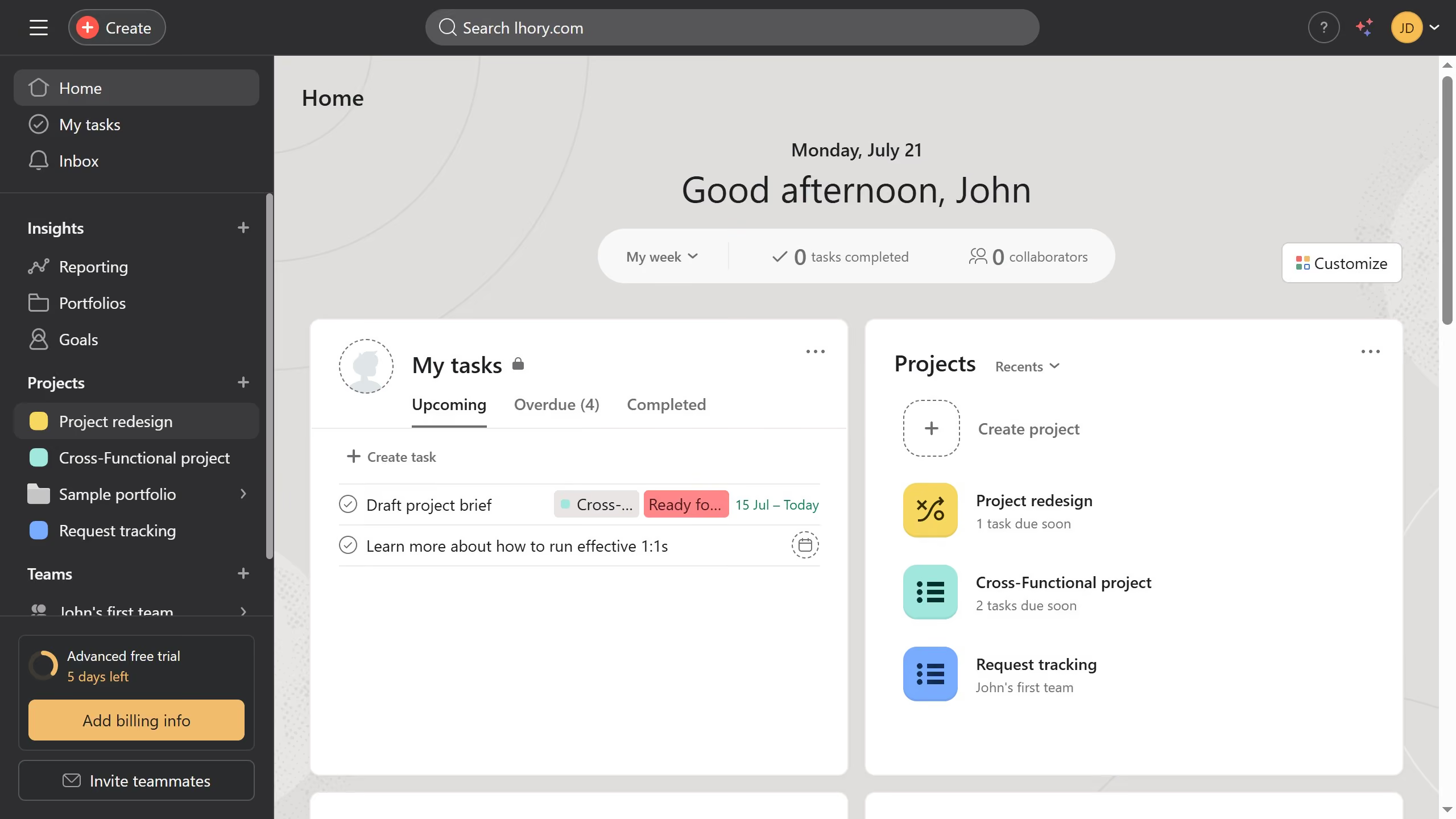
Asana
Asana is a work management tool for planning, tracking, and executing projects.
Website
Industry
Project Management
Share this article:

How to copy tasks in board view in Asana

Here is how to copy tasks in board view in asana

  1. First click on a project in the left sidebar
  2. Then click on "Board" tab in the top navigation menu
  3. Next click the task you want to copy in board view
  4. Then click on the "..." (more options) menu in the top-right corner of the task details panel
  5. Next click on "Duplicate task" option in the dropdown menu
  6. Then select the checkbox for the information you want to include in the task copy
  7. Finally click on "Create new task" button to duplicate the selected task

Create your own interactive guide with Guideflow

Why should you copy tasks in board view in Asana

Asana is a versatile project management tool designed to streamline teamwork and enhance productivity.

One of its standout features is the ability to copy tasks in board view, which simplifies task replication across projects or within the same board. This feature is especially beneficial for teams that handle repetitive tasks or projects with similar workflows.

Using this feature ensures consistency in task management and saves valuable time that would otherwise be spent creating tasks from scratch. By effortlessly duplicating tasks, teams can focus more on execution rather than setup, thus boosting overall efficiency.


Last update
June 16, 2026
Cursor MariaA cursor points to a button labeled "James."

Create your first demo in less than 30 seconds.