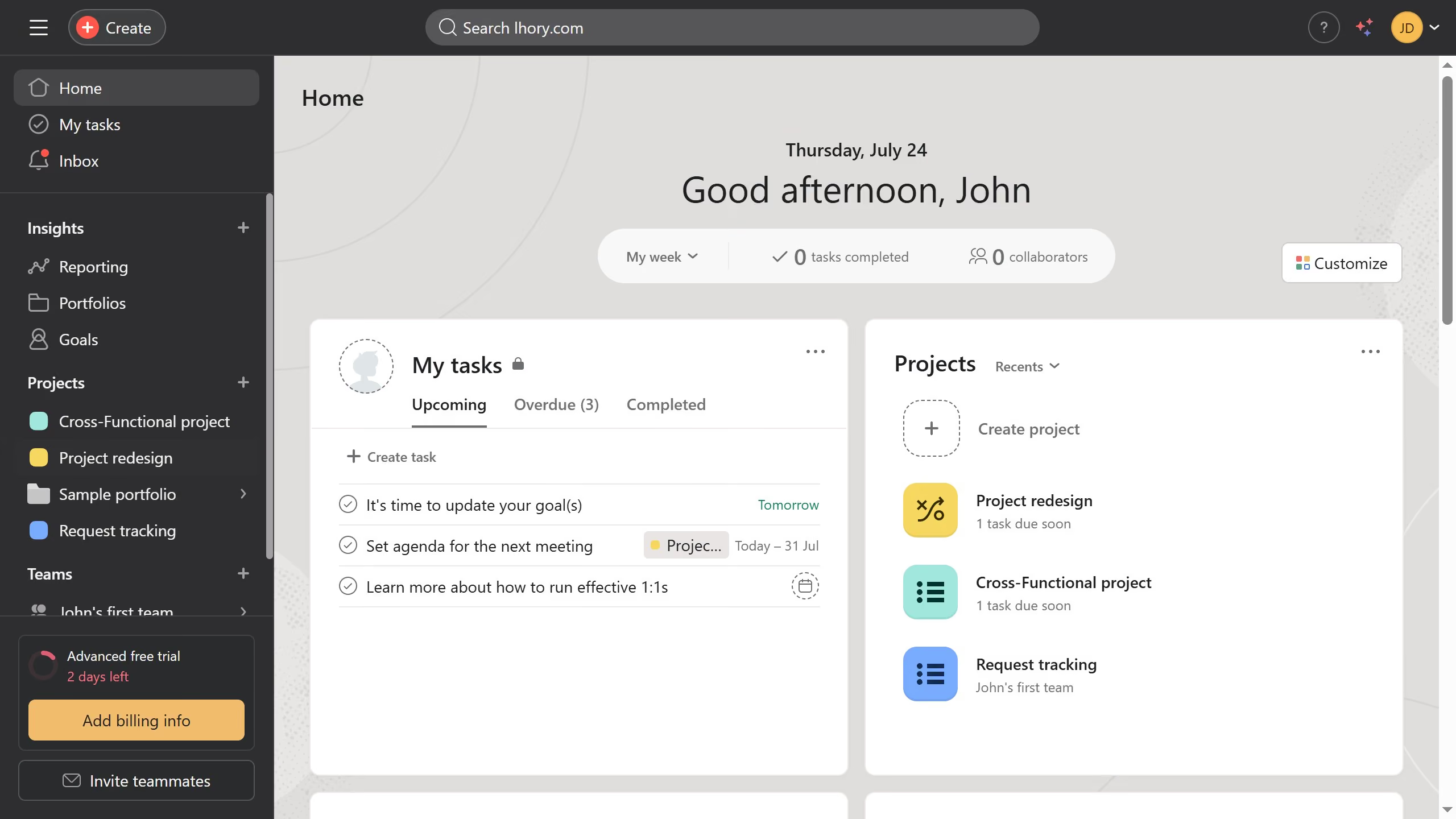
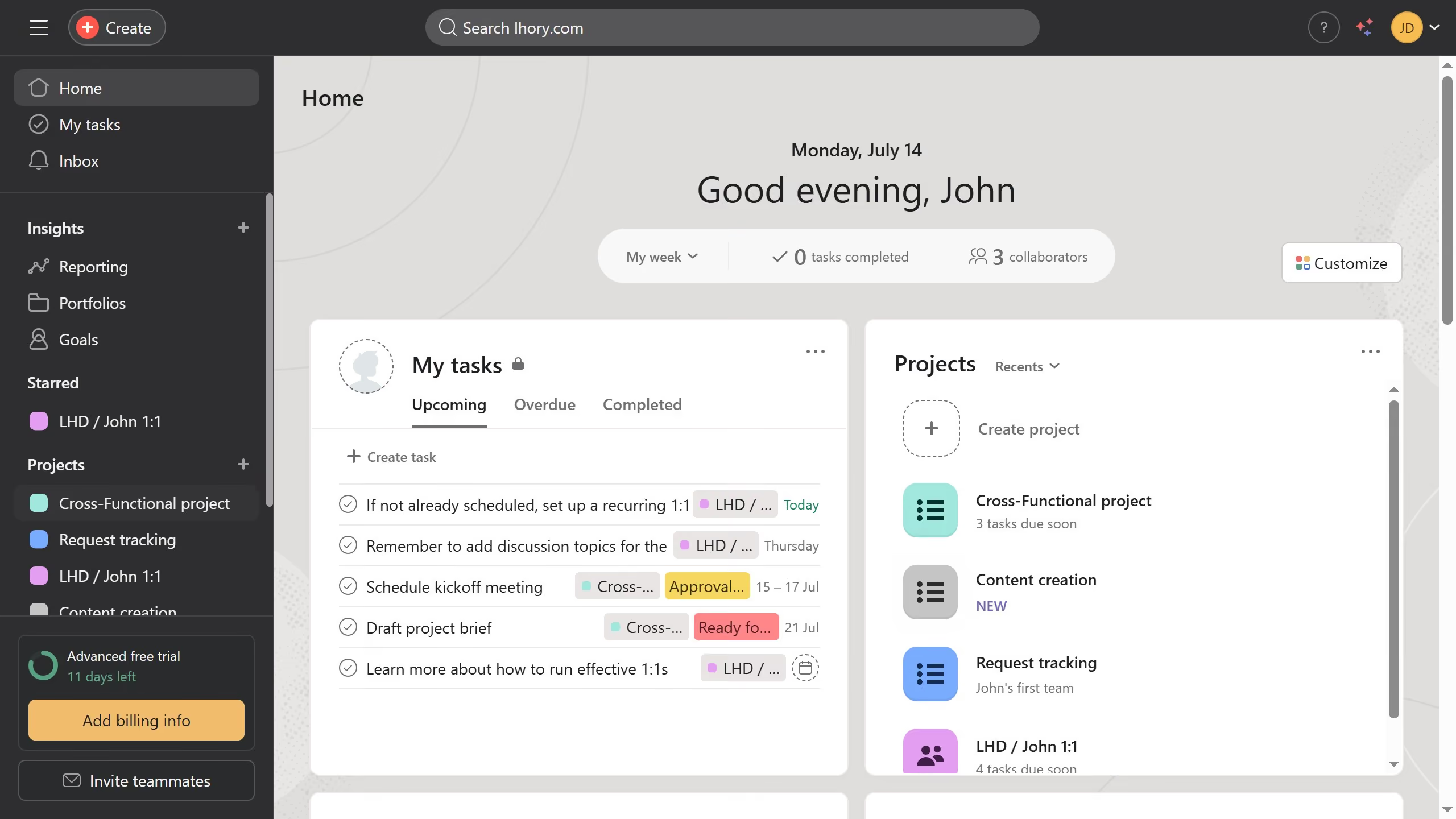
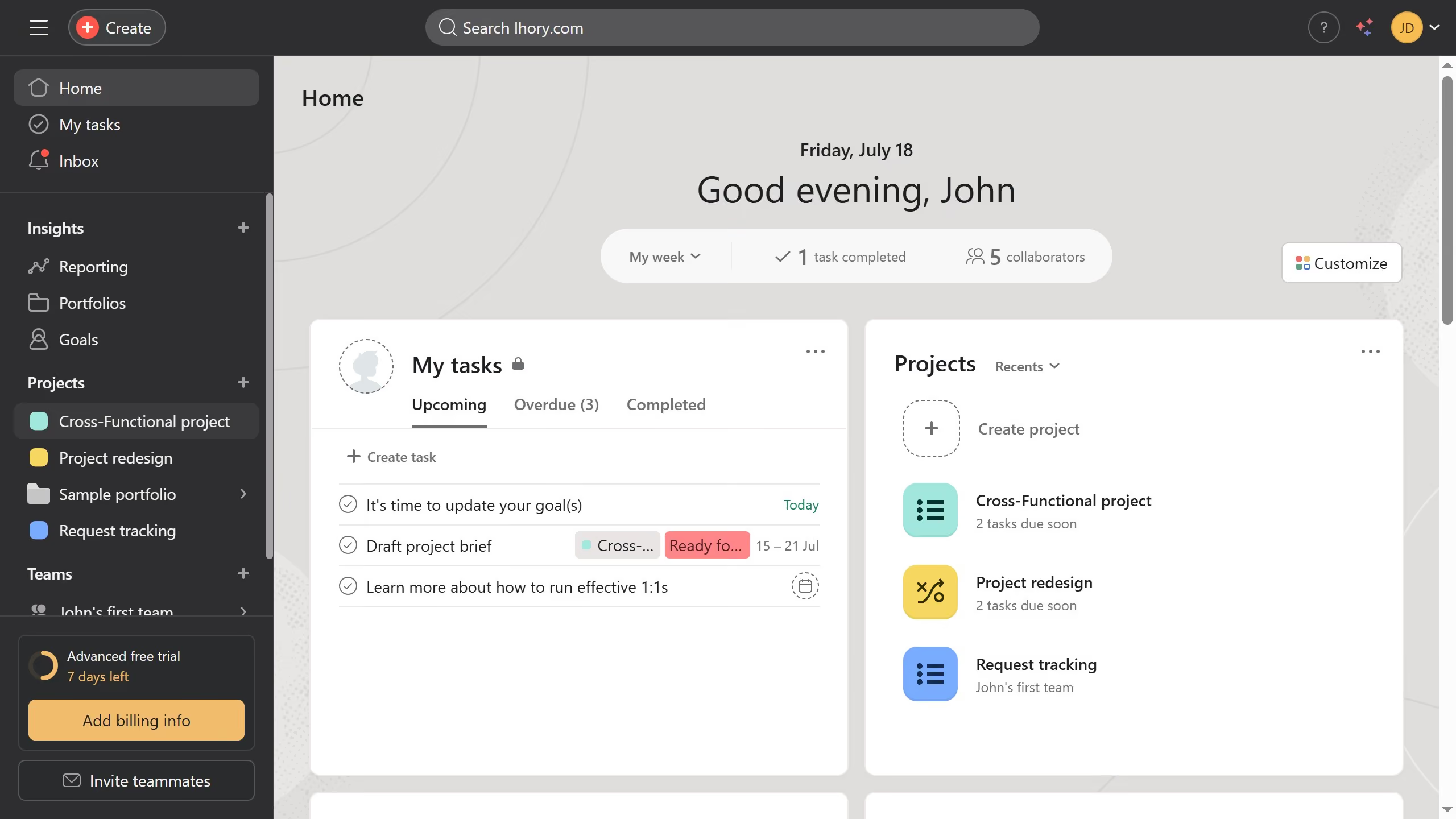
Asana
Asana is a work management tool for planning, tracking, and executing projects.
Website
Industry
Project Management
Share this article:

How to insert images in a project brief in Asana

Here is how to insert images in a project brief in asana

  1. First click on a project in the Projects section of the left sidebar
  2. Then click on the "Overview" tab in the top navigation menu
  3. Next scroll down the overview page until you see the key resources section
  4. Then click on "Create project brief" button in the Key resources section
  5. Next click on the "+" icon in the project brief editor
  6. Then click the "image" option from the insert menu and upload the image you want to add to your project brief
  7. Finally click on the "Done" button in the top-right corner of the project brief editor

Create your own interactive guide with Guideflow

Why should you insert images in a project brief in Asana

Asana is a dynamic project management tool designed to streamline collaboration and enhance productivity.

Inserting images into a project brief in Asana is a powerful feature that enriches your communication. By adding visuals directly to your project briefs, you provide context that words alone cannot convey, fostering a clearer understanding among team members.

Using images in project briefs can significantly enhance engagement, making complex information easier to digest and more memorable, leading to more effective teamwork and project outcomes.


Last update
June 23, 2026
Cursor MariaA cursor points to a button labeled "James."

Create your first demo in less than 30 seconds.