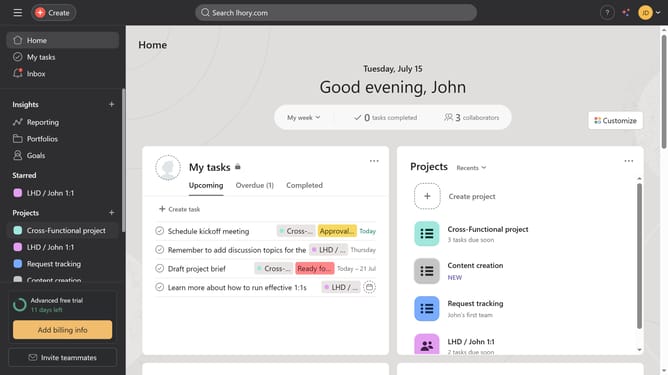
How to comment on a task in Asana
Here is how to comment on a task in asana
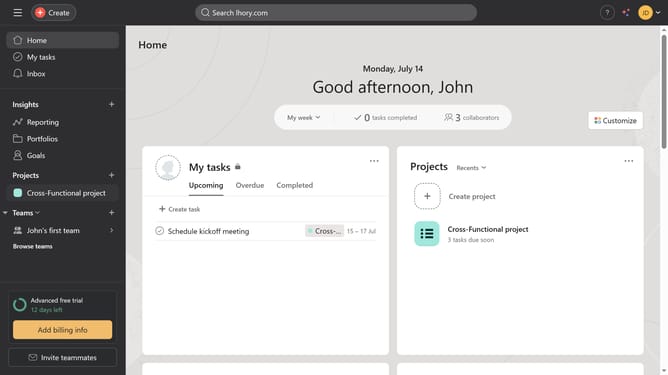
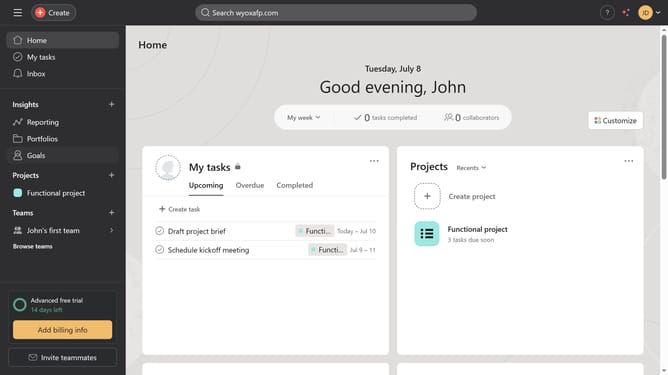
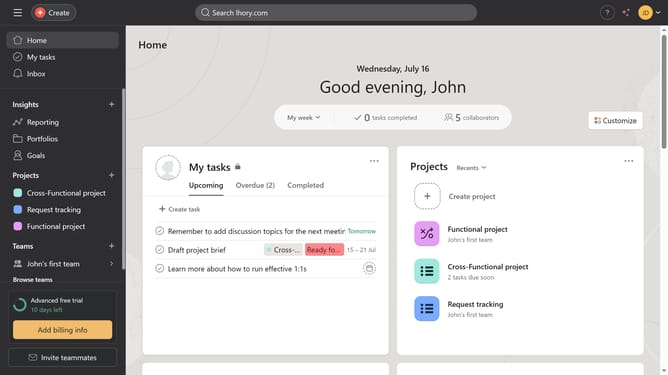
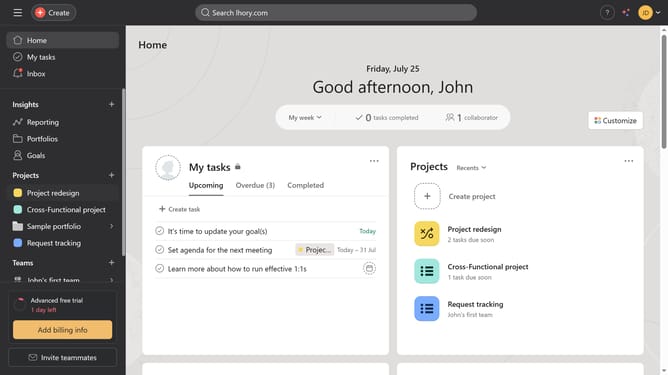
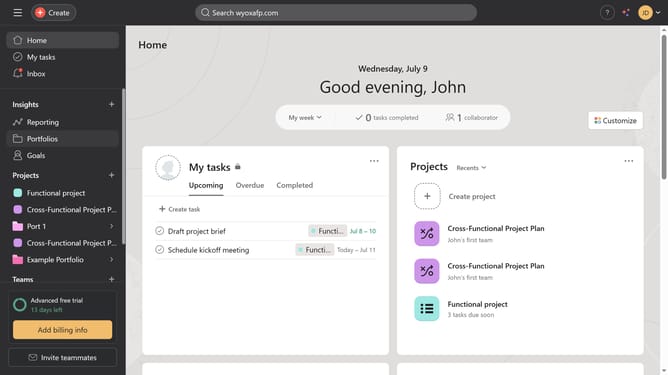
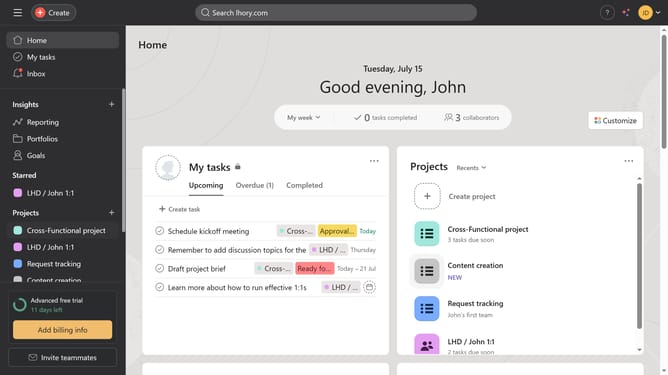
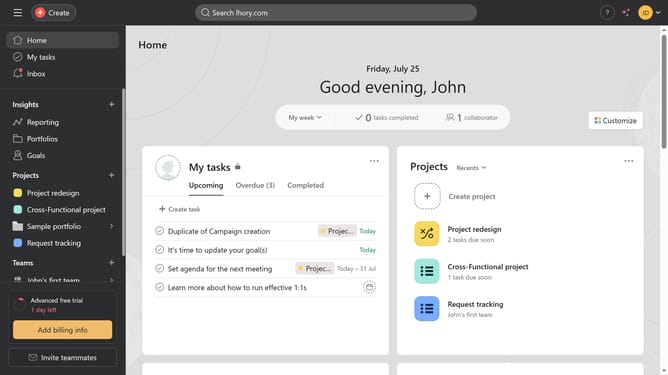
- First click on the "My tasks" in the left sidebar
- Next click the arrow icon on one of the tasks in the task list
- Next click the comment field
- Then type the comment you want to insert in the text area
- Finally click the "Comment" button again to submit the comment
Why should you comment on a task in Asana
Asana is a powerful project management tool designed to streamline teamwork and communication.
Commenting on a task in Asana enhances collaboration by allowing team members to share insights and updates directly within the task.
Utilizing this feature ensures everyone stays informed and can contribute to the project's progress without sifting through lengthy email chains.
The ability to comment promotes transparency and fosters a more interactive and engaged work environment.
Last update