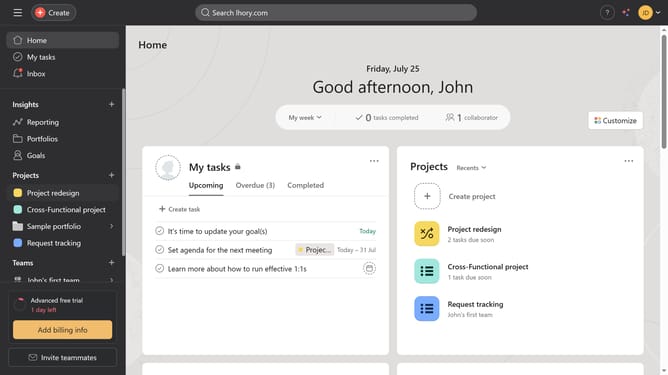
How to set milestones in Asana
Here is how to set milestones in asana
- First click on the project you want to set a milestone in the left sidebar
- Then click on "Add task..." field in the main content area
- Next click on the input field to enter task name
- Then type in the name of the task and hit enter on your keyboard
- Then click on the task you just created
- Click on the three dots (menu icon) task details panel
- Hover your mouse cursor over the "Convert to" option in the dropdown menu
- Click on the Milestone option to add and set the milestone
Why should you set milestones in Asana
Asana is a powerful task management tool designed to streamline your team’s collaboration and productivity.
Setting milestones in Asana is an impactful way to track progress and celebrate key achievements in your projects.
It provides a clear visual road map, helping teams stay focused on essential goals while keeping motivation high.
By using Asana milestones, teams can easily measure success points, ensuring projects remain aligned with strategic objectives and deadlines.
Last update