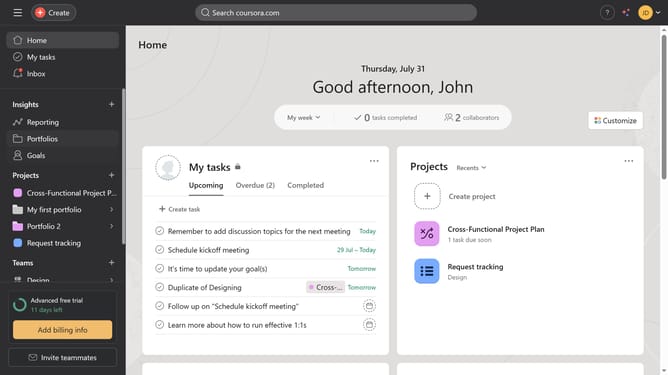
How to add child goal from strategy map in Asana
Here is how to add child goal from strategy map in asana
- First click on the "Goals" link in the left sidebar menu
- Then click on "Strategy map" tab in the top navigation
- Next hover your mouse cursor over the goal you want to add a child goal to until the "Add child" option appears at the bottom of the goal card
- Next under the goal card click "Add child" in the strategy map view
- Click on the empty goal name input field
- Type the name of the goal you want to set as a child goal in the search field
- Finally click the result to confirm and set it as a child goal for the selected parent goal
Why should you add child goal from strategy map in Asana
Asana, a robust task management tool, empowers teams to organize and track their work efficiently.
The ability to add a child goal from the strategy map in Asana enhances your project organization by connecting overarching plans with specific, actionable objectives.
This feature helps break down broader goals into manageable tasks, ensuring clarity and focus. Utilizing child goals creates a visual hierarchy, aiding team alignment and boosting productivity.
Incorporating child goals fosters accountability and provides a structured approach to achieving strategic objectives.
Last update