Asana
Asana is a work management tool for planning, tracking, and executing projects.
Website
Industry
Project Management
Share this article:

How to move tasks in board view in Asana

Here is how to move tasks in board view in asana

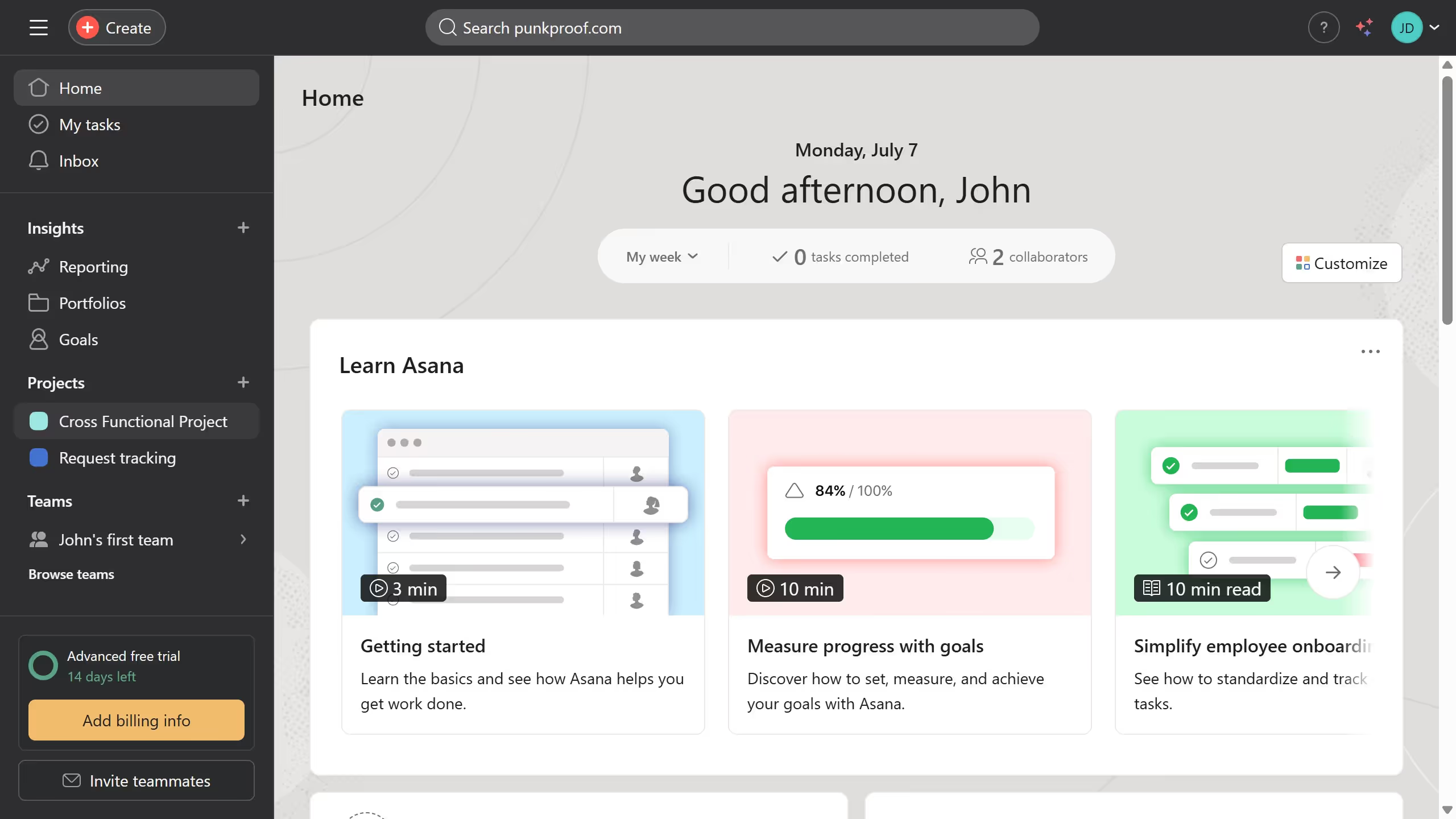
  1. First click on a project in the left sidebar under Projects section
  2. Then click on the "Board" tab in the top navigation menu of the project view
  3. Next click on the task card you want to move in the board view
  4. Finally drag the task card to the desired order in the board view Asana automatically saves the changes

Create your own interactive guide with Guideflow

Why should you move tasks in board view in Asana

Asana is a renowned project management tool designed to boost productivity and collaboration.

In Asana's board view, moving tasks is seamless and intuitive, enhancing workflow flexibility. This feature allows you to easily reorganize priorities or adjust project stages by simply dragging and dropping tasks into different columns.

Using this feature not only saves time but also provides better visual clarity, ensuring the team remains aligned and focused on key tasks. It’s an ideal way to maintain momentum and adapt to changes swiftly.


Last update
June 23, 2026
Cursor MariaA cursor points to a button labeled "James."

Create your first demo in less than 30 seconds.