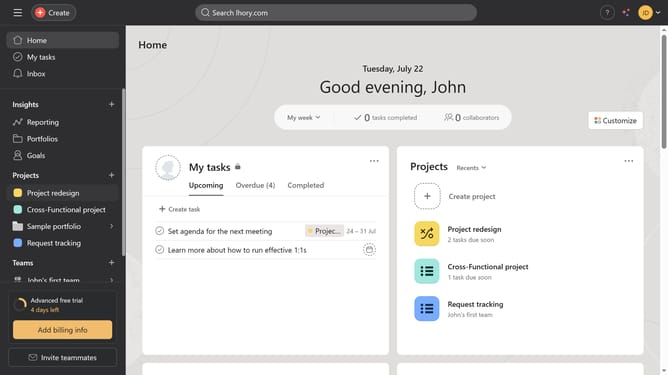
How to post status update for portfolios in Asana
Here is how to post status update for portfolios in asana
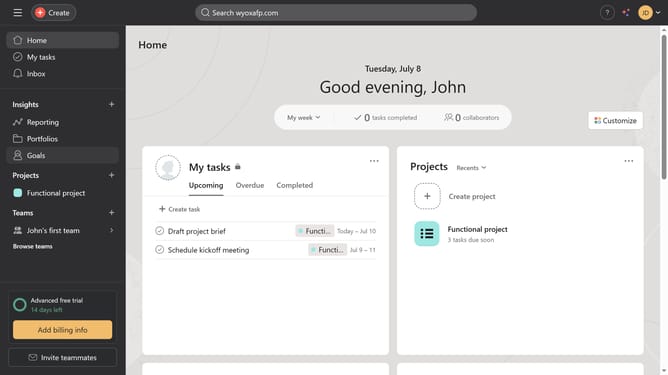
- First click on "Portfolios" item in the left sidebar
- Then click the portfolio you want to post a status update to in the Recent Portfolios section
- Next click on "Set status" button in the top menu bar
- Then select the desired progress status from the dropdown menu
- Click on title field and type in the name of the update that you will be posting
- Then fill out all the necessary information for your status update
- Finally click on "Post" button in the top right corner
Why should you post status update for portfolios in Asana
Asana is a versatile project management tool designed to streamline teamwork and track progress.
Posting status updates for portfolios in Asana allows teams to quickly share progress, keeping everyone aligned and informed.
This feature facilitates transparency and accountability, ensuring that stakeholders are aware of the current state without needing lengthy meetings.
By using status updates, project managers can efficiently communicate milestones, challenges, and next steps, fostering a collaborative and responsive team environment.
Last update