How to disconnect a subgoal in Asana
Here is how to disconnect a subgoal in asana
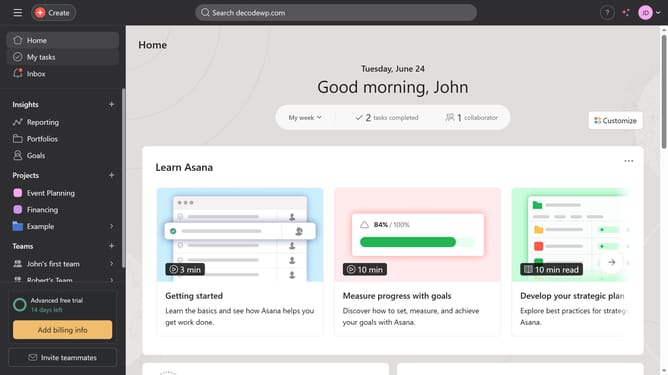
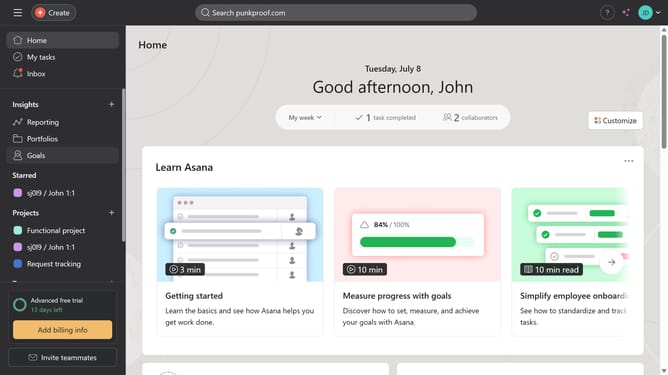
- First click on the "Goals" item in the left sidebar menu
- Then click the goal you want to disconnect a sub goal from in the main content area
- Scroll down
- Then click on the "More actions" menu (three dots) next to the sub-goal you want to disconnect
- Finally click on the "Disconnect subgoal" option in the dropdown menu
Why should you disconnect a subgoal in Asana
Asana is a powerful tool designed to streamline teamwork and enhance productivity.
When managing complex projects, disconnecting a subgoal in Asana allows for greater flexibility and adaptability. This feature ensures that tasks are not rigidly bound, enabling you to adjust priorities without disrupting the entire workflow.
Using this feature can enhance clarity by refining project focus, leading to improved collaboration and successful outcomes. Being able to disconnect subgoals effortlessly empowers teams to stay agile and respond swiftly to changing project demands.
Last update