Here is how to manage project member notification settings in asana
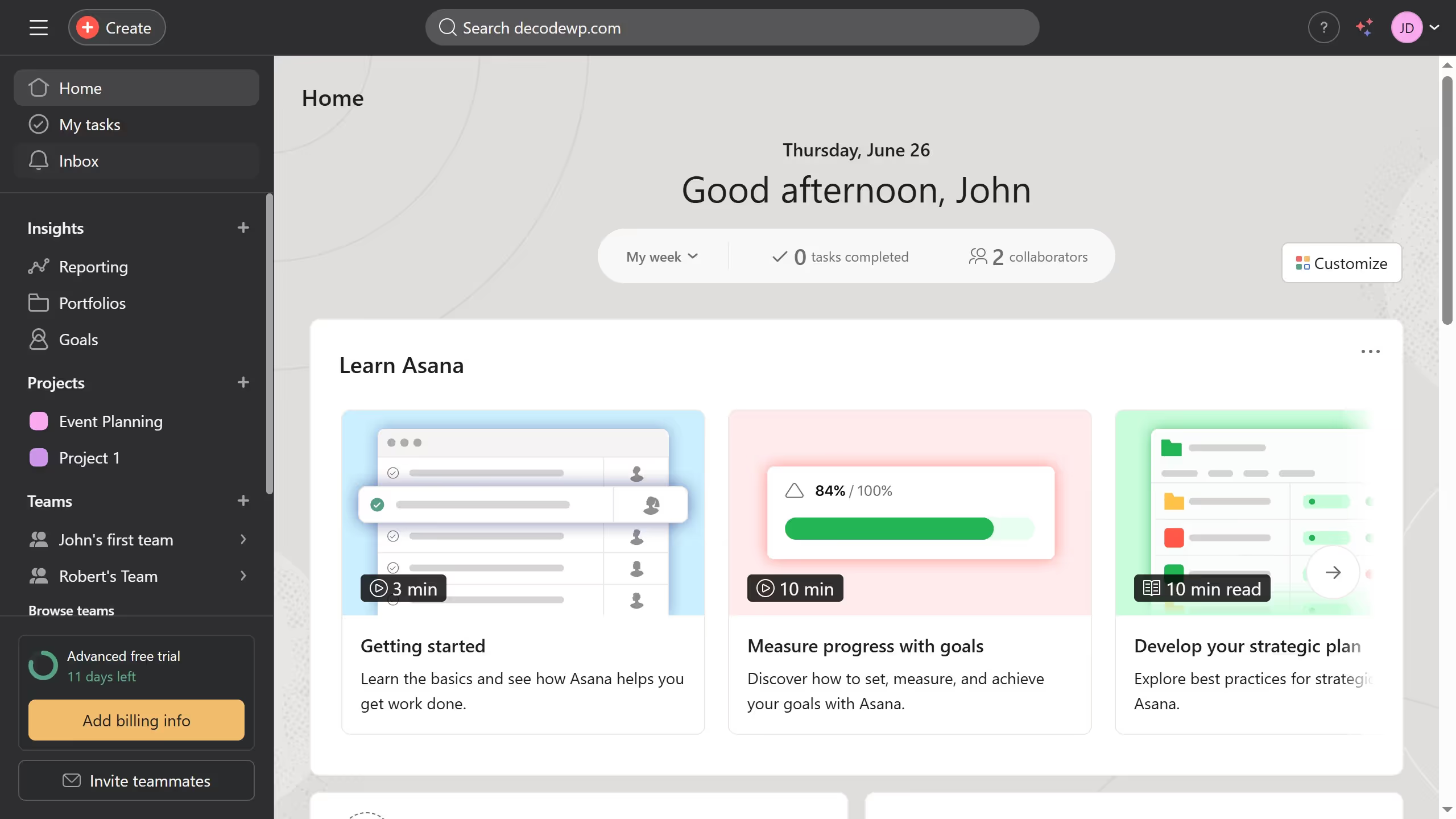
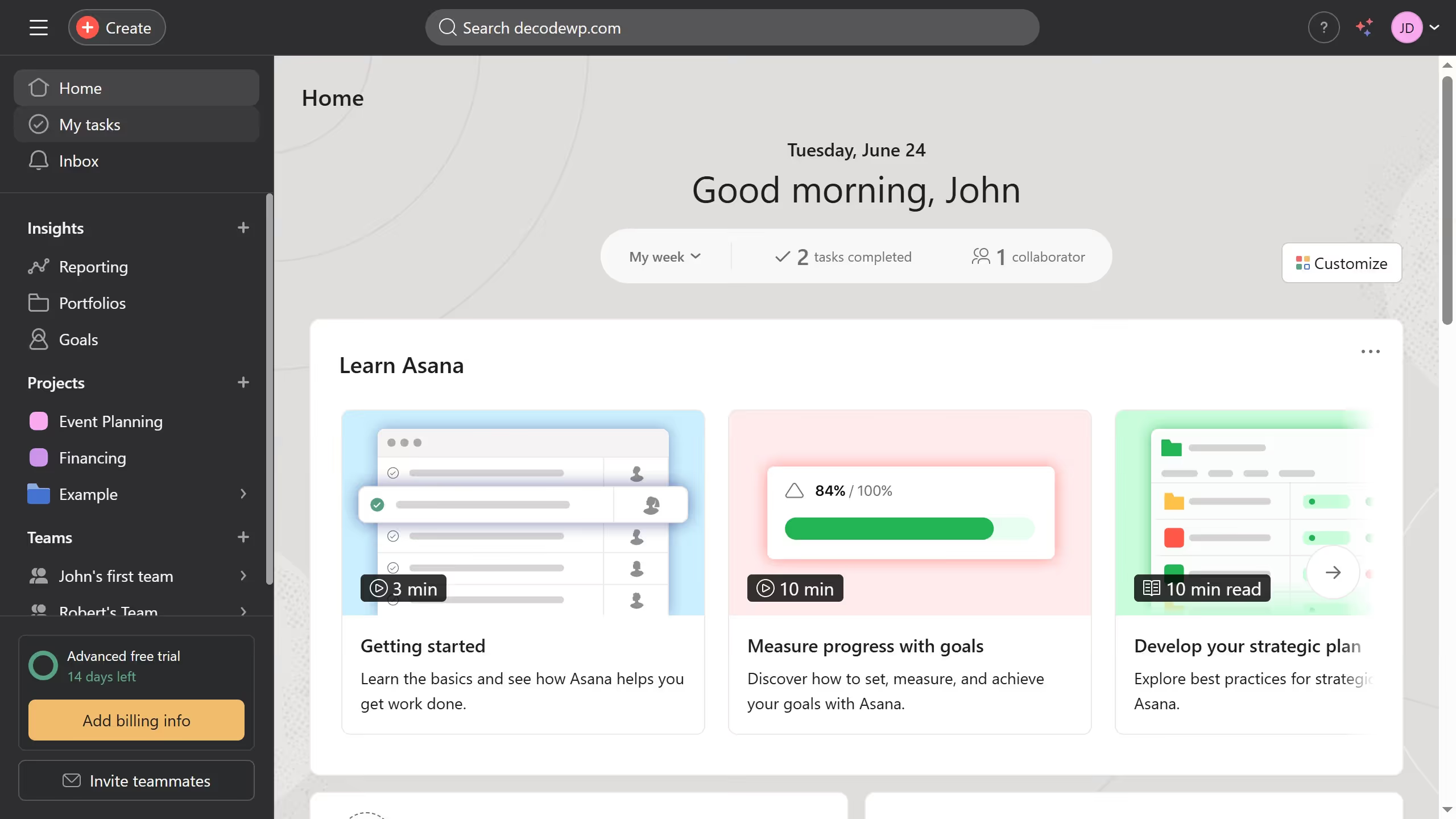
- First click on a project in the left sidebar under Projects section
- Then click on "Share" button in the top right corner of the project page
- Next click on "Manage notifications" link in the Share dialog box
- Finally check or uncheck the box for the type of notification you want to set for the member