Asana
Asana is a work management tool for planning, tracking, and executing projects.
Website
Industry
Project Management
Share this article:

How to download attachment in Asana

Here is how to download attachment in asana

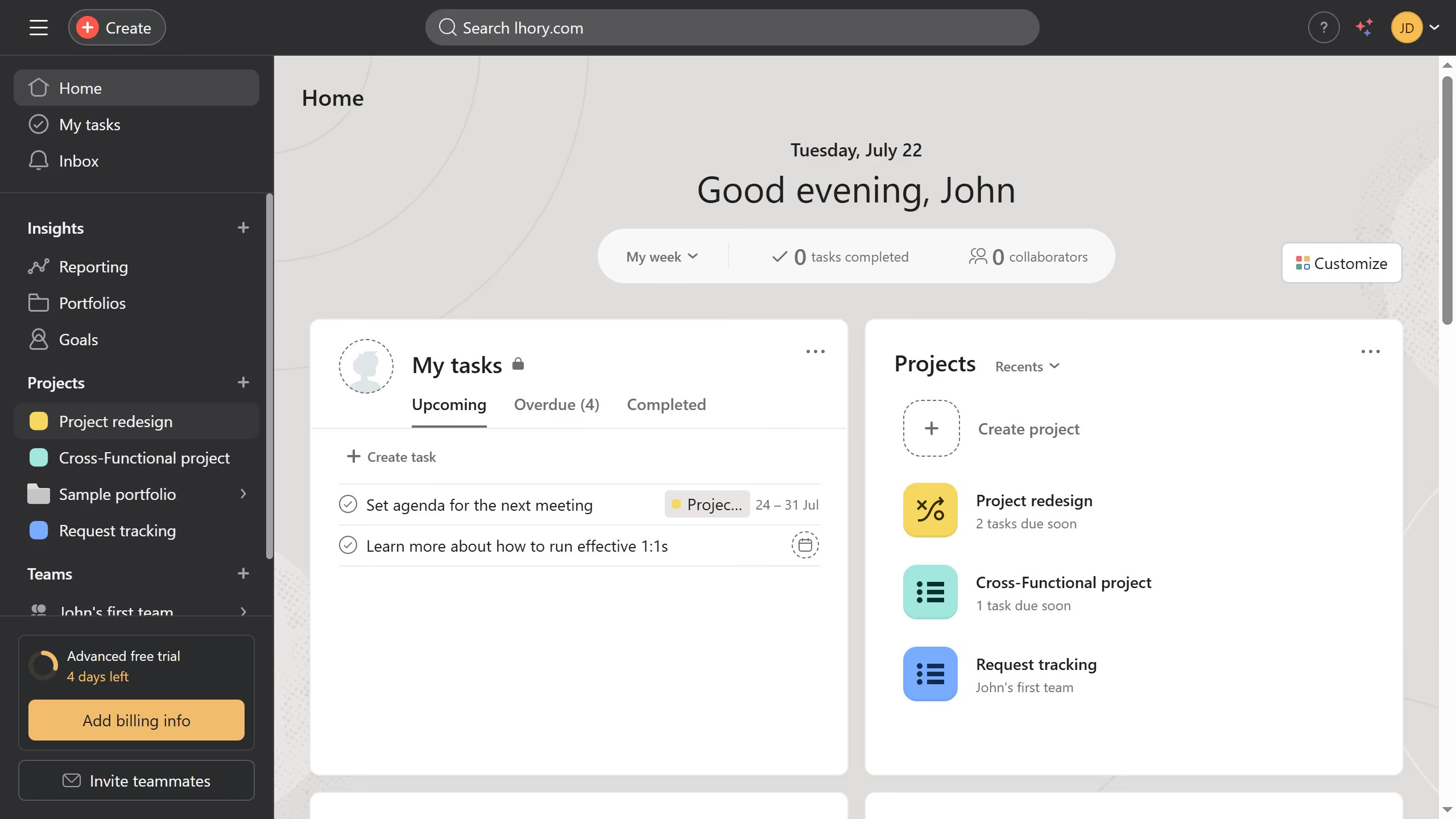
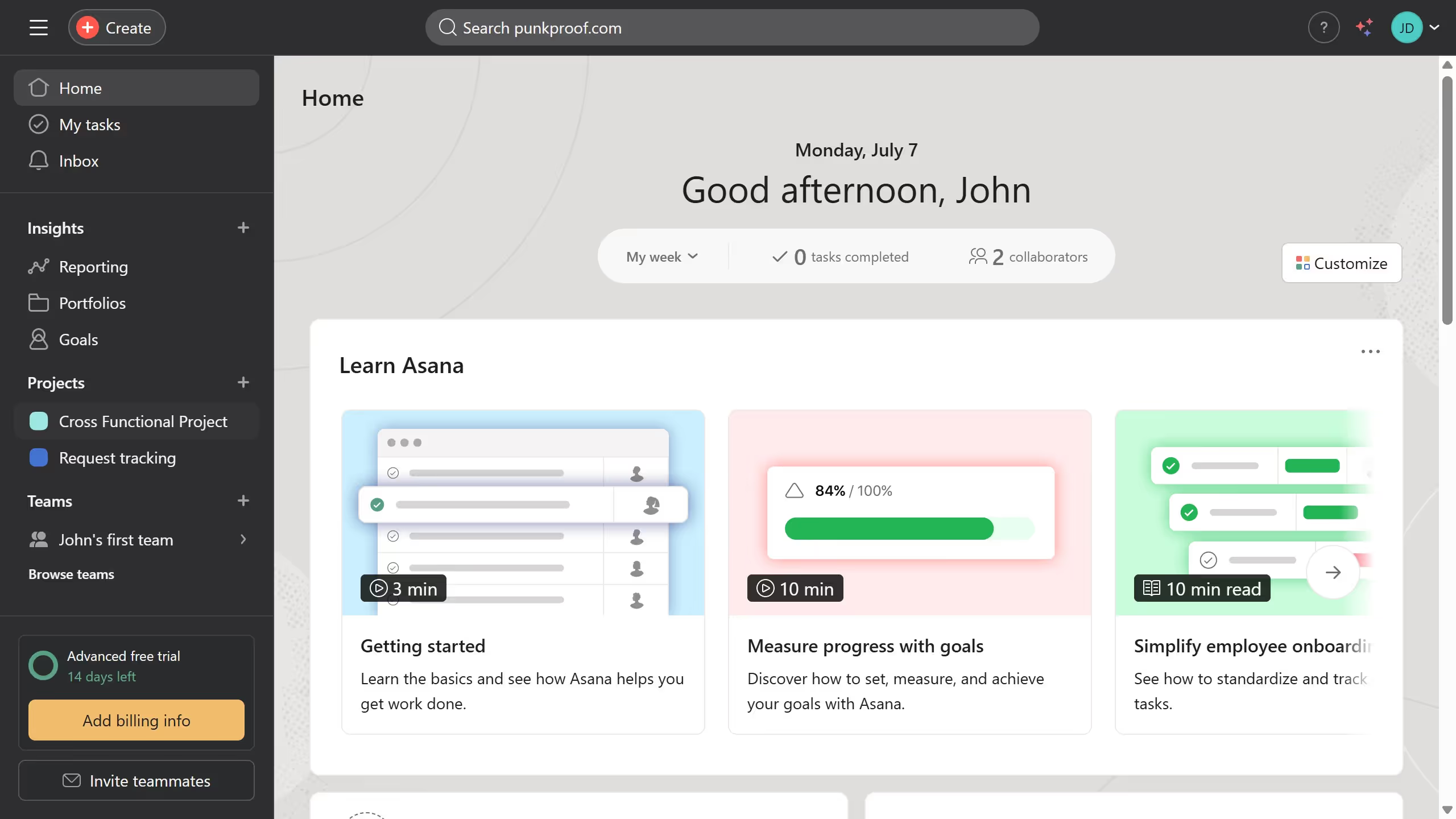
  1. First click on a project in the left sidebar under Projects section
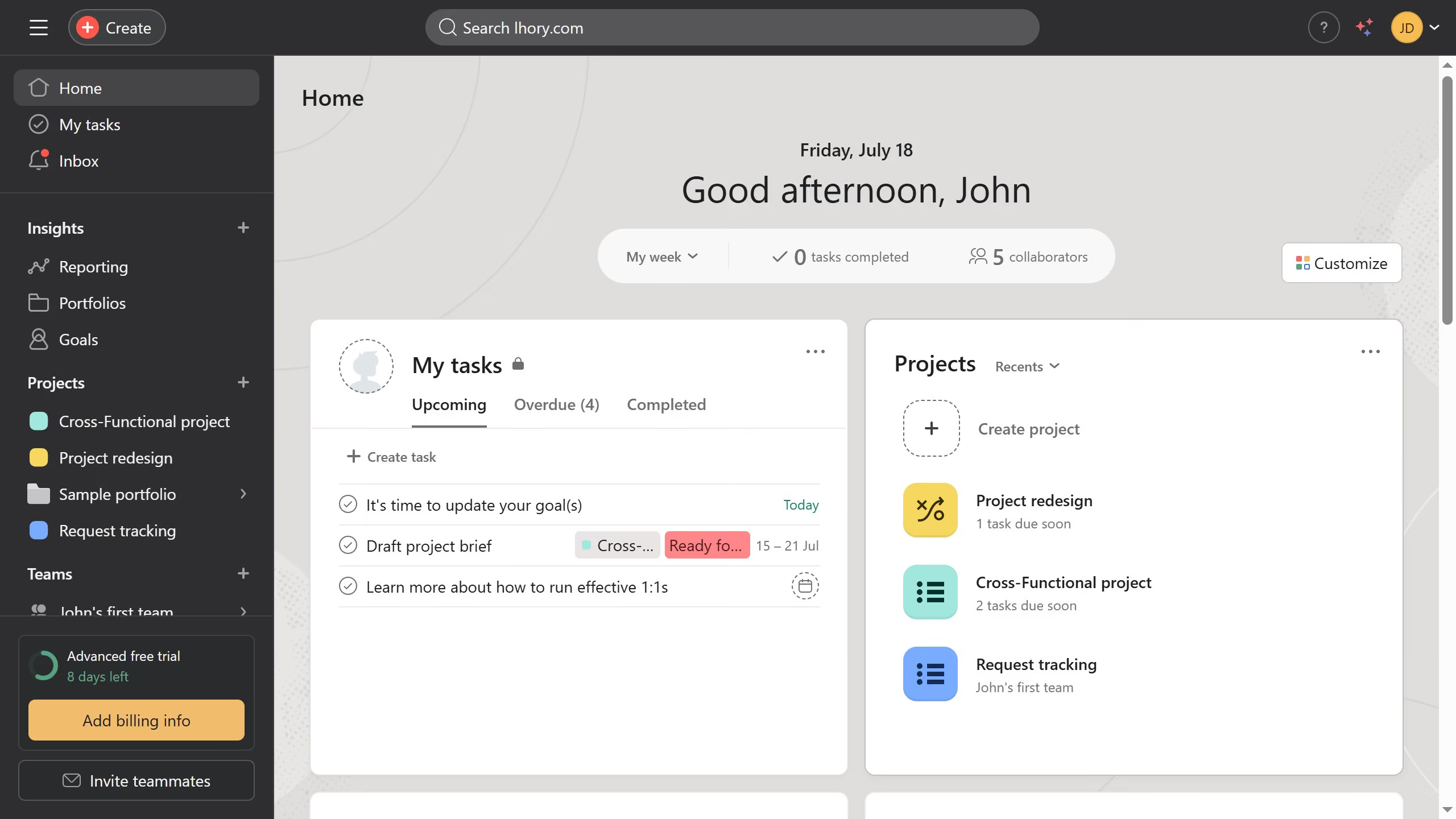
  2. Then click a task in the main task list that has the attachment you want to download
  3. Next scroll down the details panel until you see the attachment
  4. Then click on the attachment icon in the task details panel
  5. Finally click on "Download attachment" option in the attachment dropdown menu

Create your own interactive guide with Guideflow

Why should you download attachment in Asana

Asana is a powerful and intuitive tool designed to streamline project management and enhance team collaboration.

The ability to download attachments in Asana ensures that important documents and files are always within easy reach. This feature is incredibly beneficial for team members who need to access updated materials quickly and efficiently.

Whether working remotely or in an office, downloading attachments directly from Asana allows for seamless workflow continuity and enhanced productivity. It provides peace of mind by ensuring everyone has access to the relevant information when they need it most.


Last update
June 23, 2026
Cursor MariaA cursor points to a button labeled "James."

Create your first demo in less than 30 seconds.