Asana
Asana is a work management tool for planning, tracking, and executing projects.
Website
Industry
Project Management
Share this article:

How to download a key resource attachment in Asana

Here is how to download a key resource attachment in asana

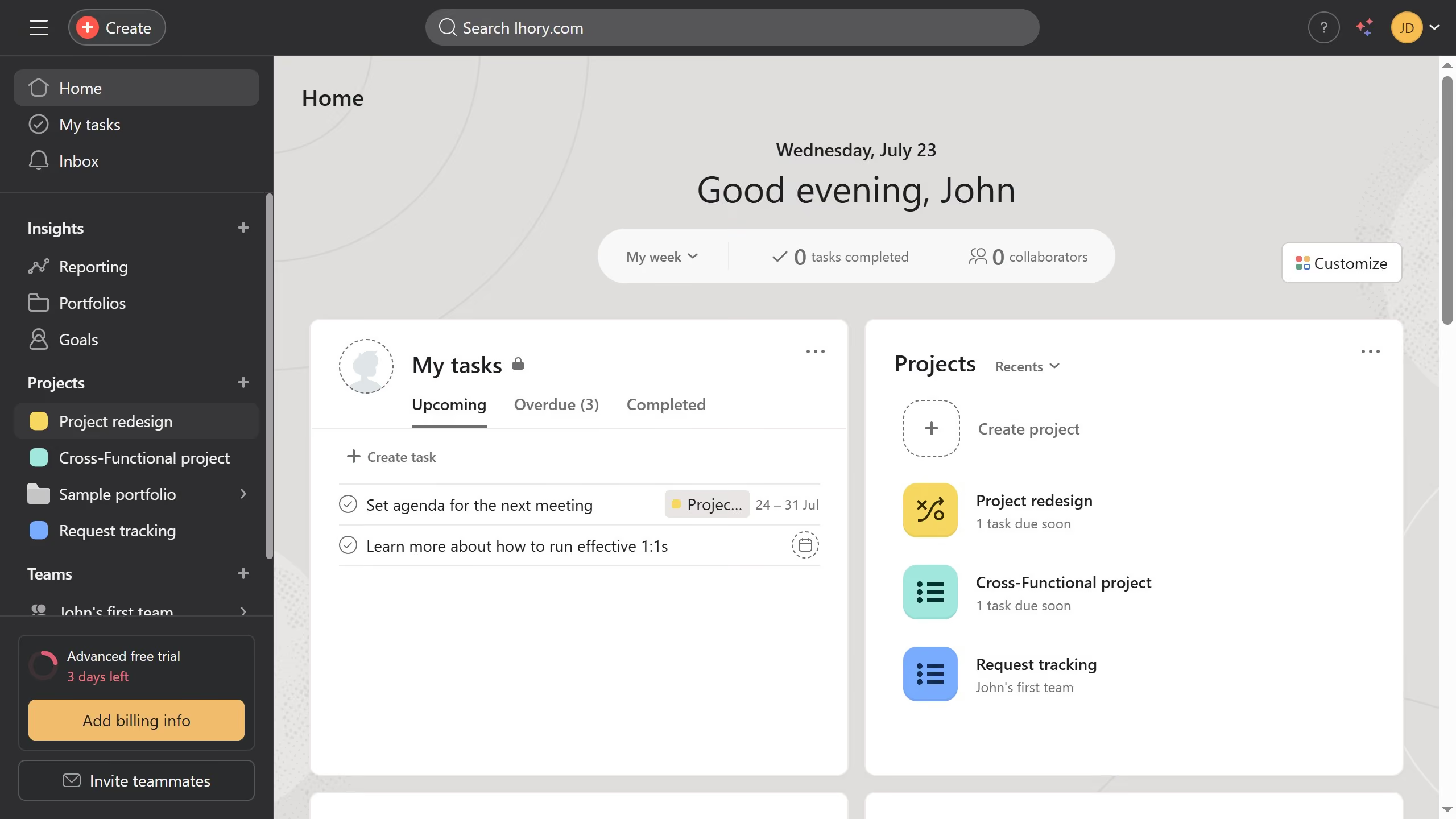
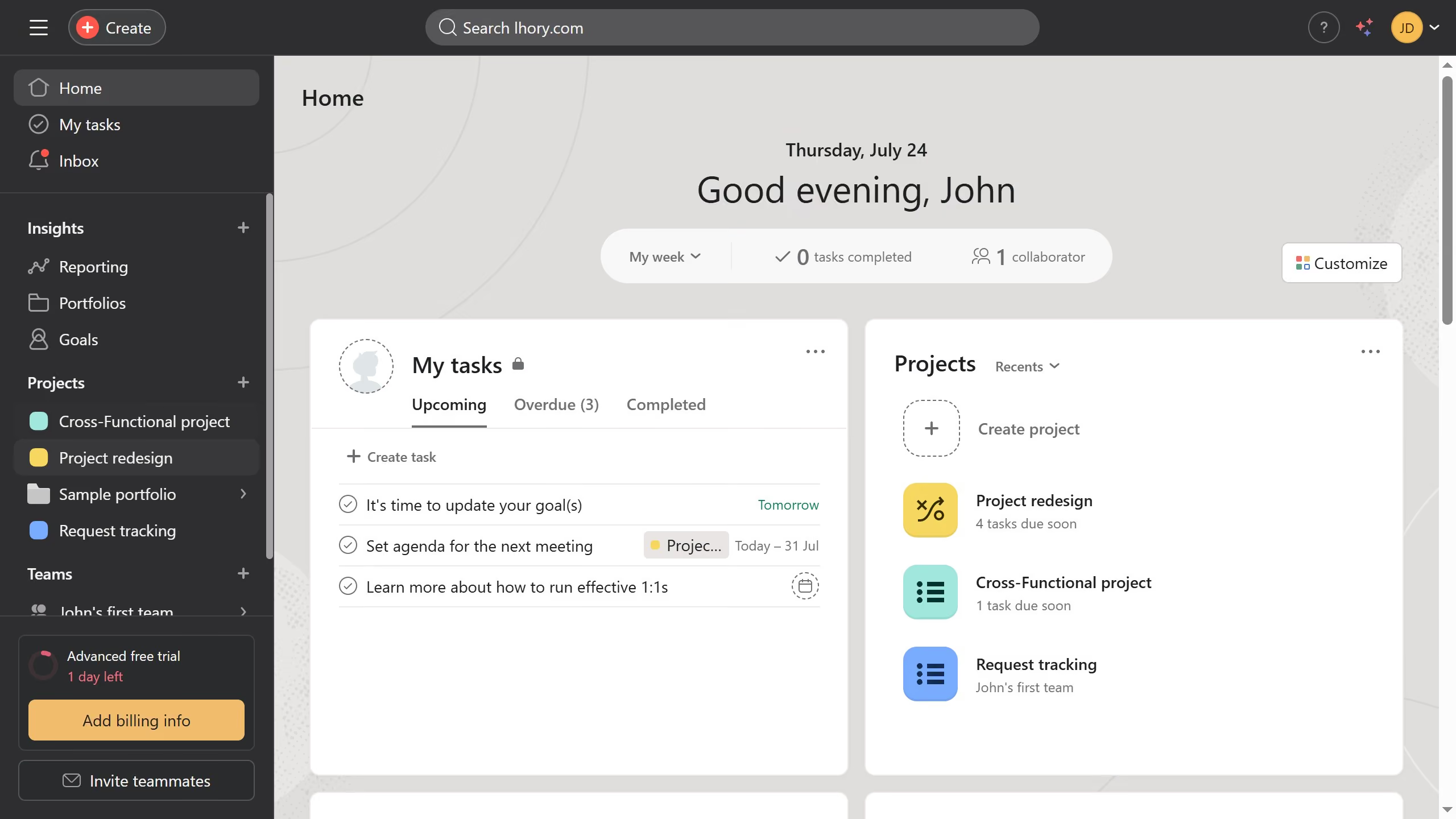
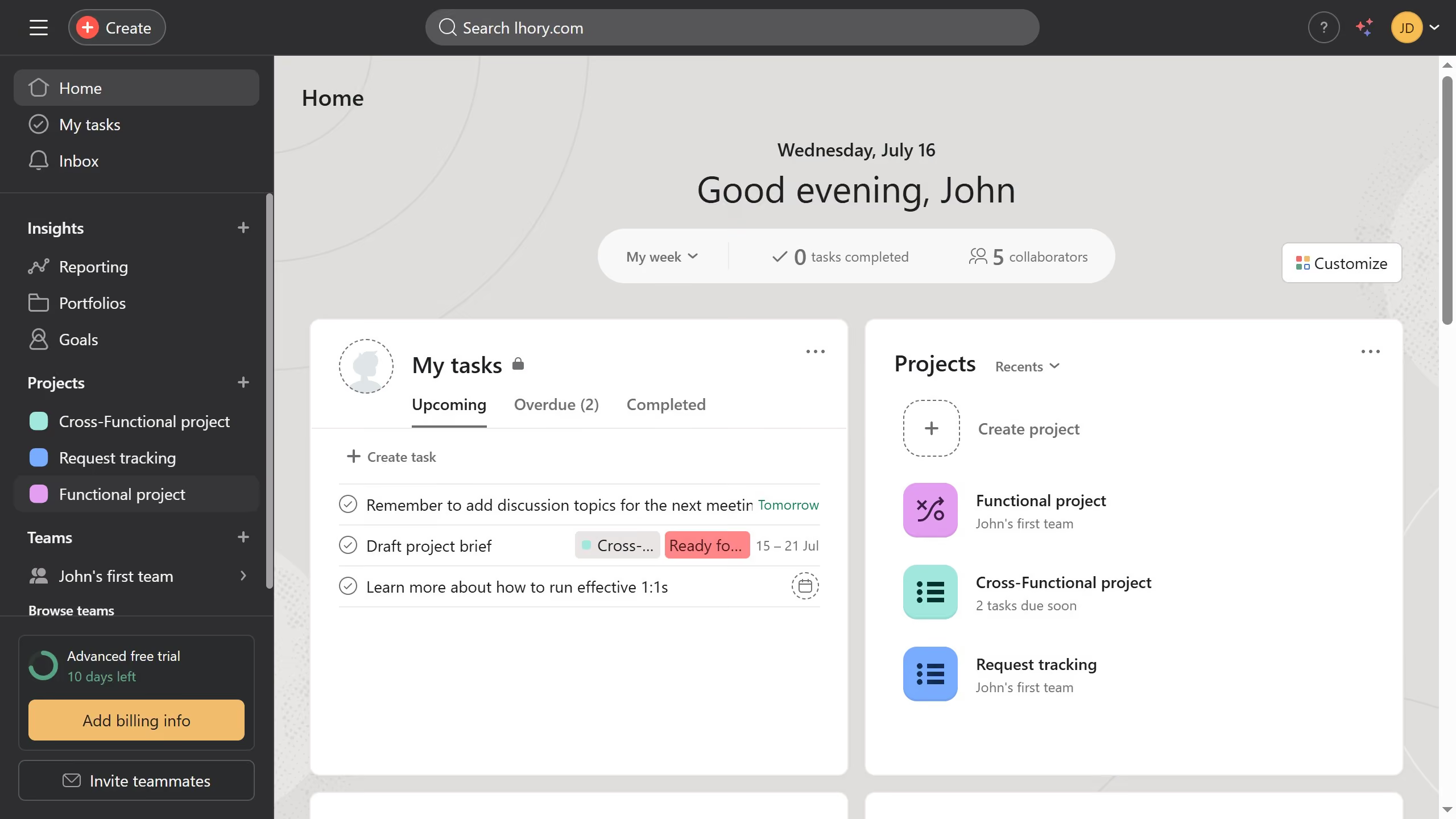
  1. First click on a project in the left sidebar under Projects section
  2. Then click on the "Overview" tab in the top navigation menu of the project
  3. Next scroll down the overview page until you see the key resources section
  4. Then hover over the attachment until the down arrow button appears
  5. Next click the down arrow button to open the menu options
  6. Finally click on "Download attachment" option in the attachment menu

Create your own interactive guide with Guideflow

Why should you download a key resource attachment in Asana

Asana is a powerful tool designed to streamline teamwork and increase productivity.

Downloading a key resource attachment in Asana is an intuitive process that enhances project management efficiency. This feature allows for seamless access to important documents, ensuring that vital information is always within reach.

Being able to quickly obtain these attachments allows team members to stay aligned and informed. It also reduces the time spent searching for documents, fostering a more focused environment.

This accessibility ultimately supports smooth workflow and fosters collaboration across teams.

Last update
June 23, 2026
Cursor MariaA cursor points to a button labeled "James."

Create your first demo in less than 30 seconds.