How to disconnect a project from a goal in Asana
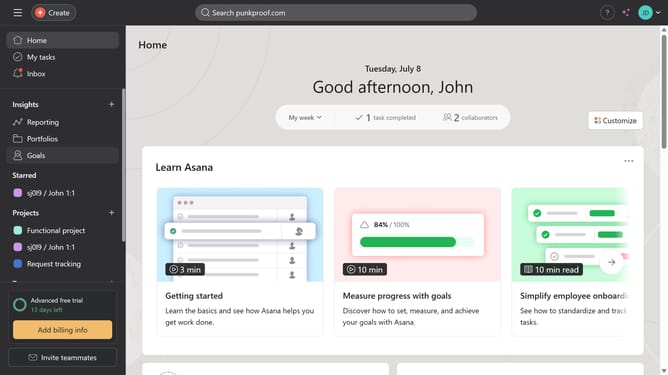
Here is how to disconnect a project from a goal in asana
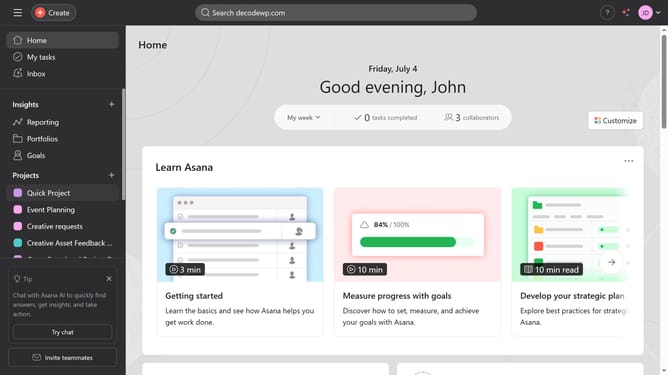
- First click on the "Goals" item in the left sidebar
- Then click the goal you want to disconnect a project from in the main content area
- Scroll down
- Then click on the "..." menu button next to the project you want to disconnect under the Related work section
- Finally click on "Disconnect project" option in the dropdown menu
Why should you disconnect a project from a goal in Asana
Asana is a powerful tool designed to streamline team collaboration and enhance project management.
One of its handy features allows users to effortlessly disconnect a project from a goal, providing flexibility and refined focus.
This feature is particularly beneficial when priorities shift, enabling teams to swiftly adapt by realigning their projects with new strategic directions.
Ultimately, it aids in maintaining clarity, ensuring that all efforts are aligned with current objectives, leading to more effective team outcomes.
Last update