How to filter projects by start date in portfolio in Asana
Here is how to filter projects by start date in portfolio in asana
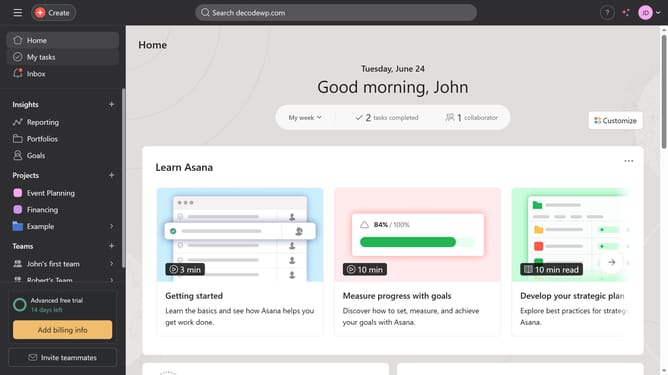
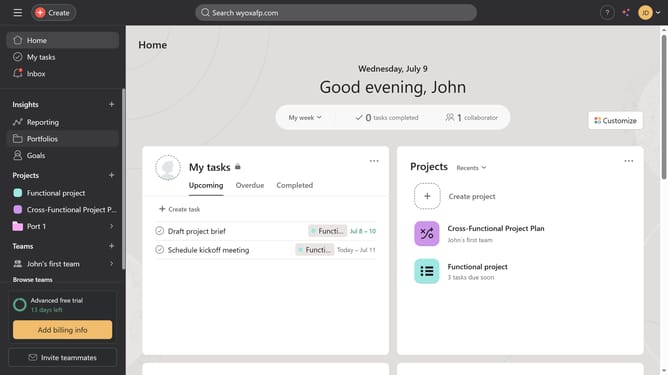
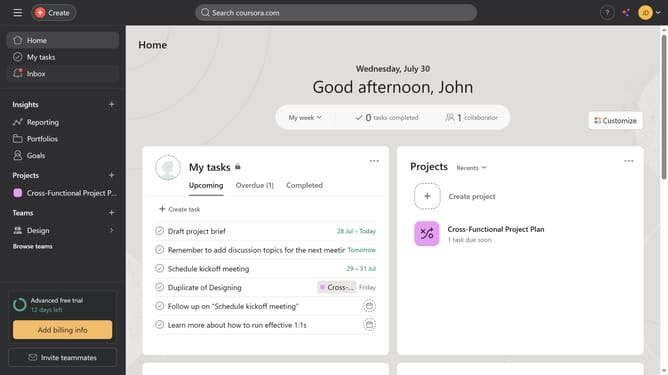
- First click on "Portfolios" in the left sidebar menu
- Then click on a portfolio folder in the portfolios list
- Click on the "Filter" button in the top toolbar
- Click on "Add filter" dropdown button
- Select "Start date" option from the filter dropdown menu
- Click on the date selection dropdown that shows "Today"
- Select the desired time period from the date dropdown menu
- Finally click on "Save view" button in the top toolbar
Why should you filter projects by start date in portfolio in Asana
Asana is a powerful tool designed to streamline project management and enhance team collaboration.
One standout feature in Asana is the ability to filter projects by their start date within portfolios. This functionality brings immense clarity and organization to your workflow.
By focusing on upcoming tasks, teams can better prioritize and allocate resources effectively, ensuring every project kicks off smoothly.
Overall, this filter enhances planning, boosts productivity, and ensures strategic oversight of ongoing projects.
Last update