Asana
Asana is a work management tool for planning, tracking, and executing projects.
Website
Industry
Project Management
Share this article:

How to update milestones in the project overview in Asana

Here is how to update milestones in the project overview in asana

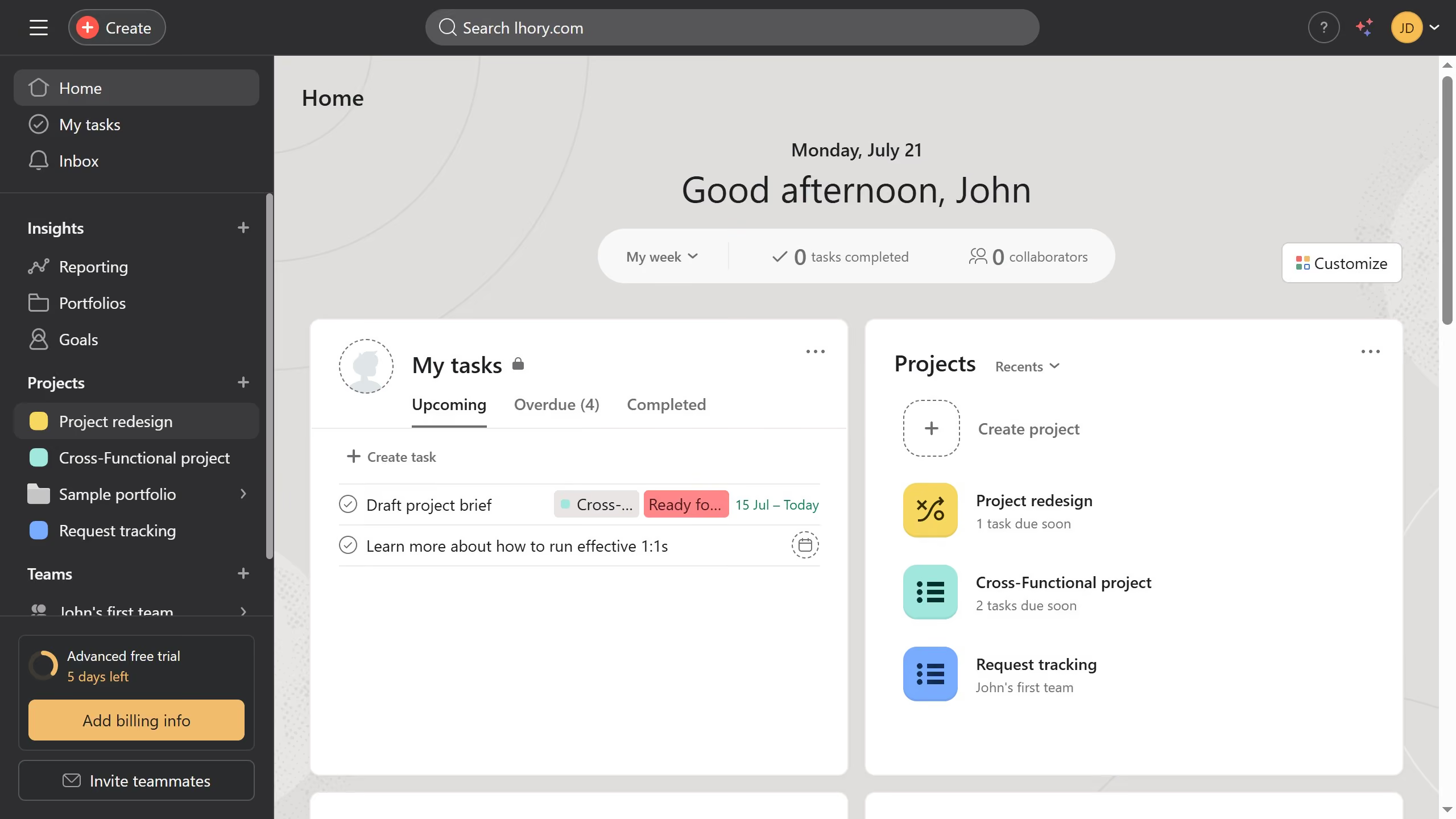
  1. First click on a project in the left sidebar under Projects section
  2. Then click on "Overview" tab in the top navigation menu
  3. Next scroll down the overview page until you see the milestone section
  4. Then click the milestone you want to update in the milestone section
  5. Finally update all the information you want in the details panel and Asana will  automatically save the changes

Create your own interactive guide with Guideflow

Why should you update milestones in the project overview in Asana

Asana is a powerful tool that streamlines teamwork by turning tasks into clear plans, maximizing productivity with ease.

Updating milestones in the project overview in Asana provides a clear visual timeline, enhancing the team's ability to track progress efficiently. Milestones symbolize critical points in your project, ensuring everyone embraces the project's strategic flow.

Keeping milestones current ensures alignment within the team, fosters accountability, and boosts morale as each milestone achieved is a step closer to project completion. This makes your project management more responsive and cohesive.


Last update
June 23, 2026
Cursor MariaA cursor points to a button labeled "James."

Create your first demo in less than 30 seconds.