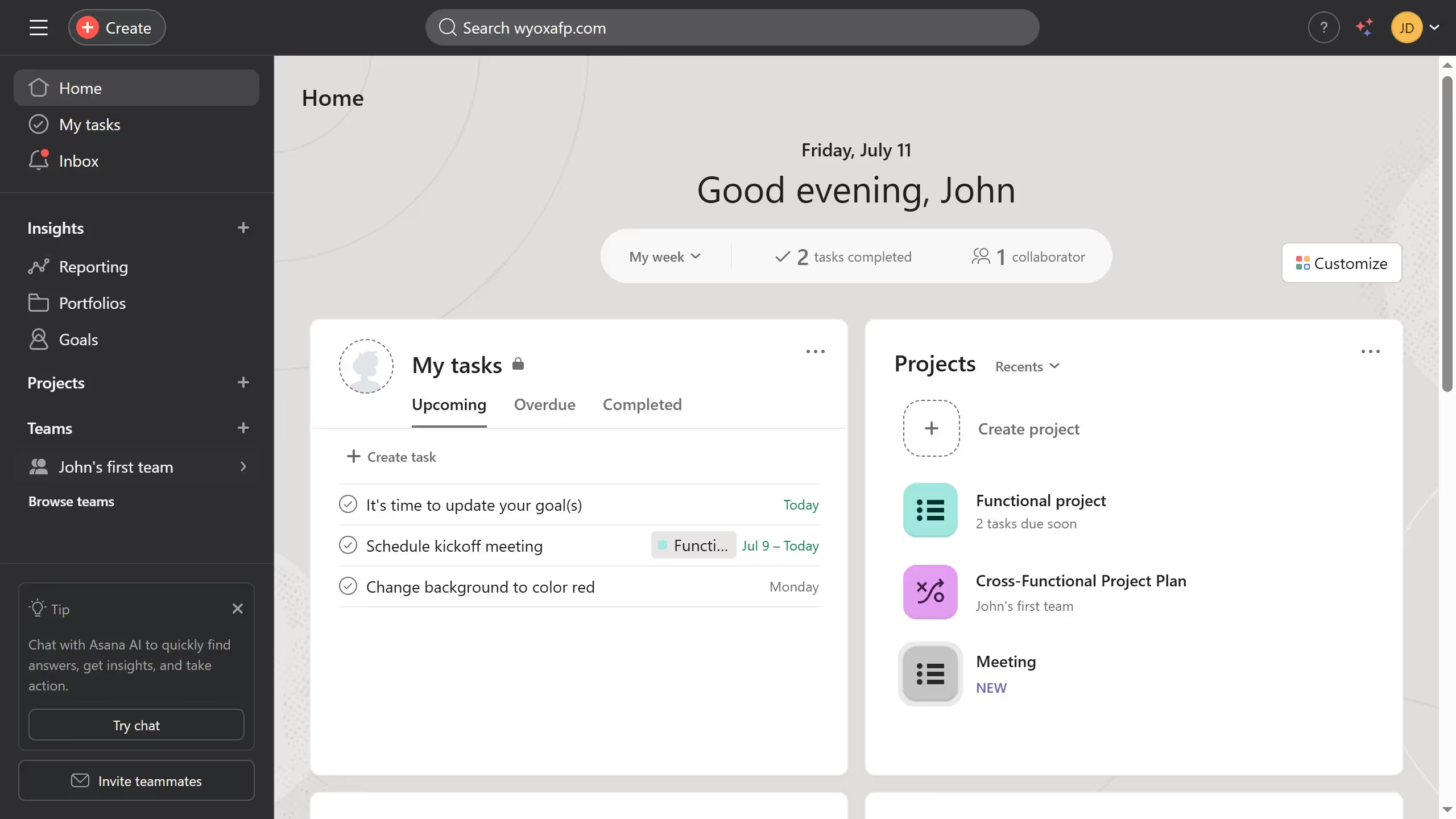
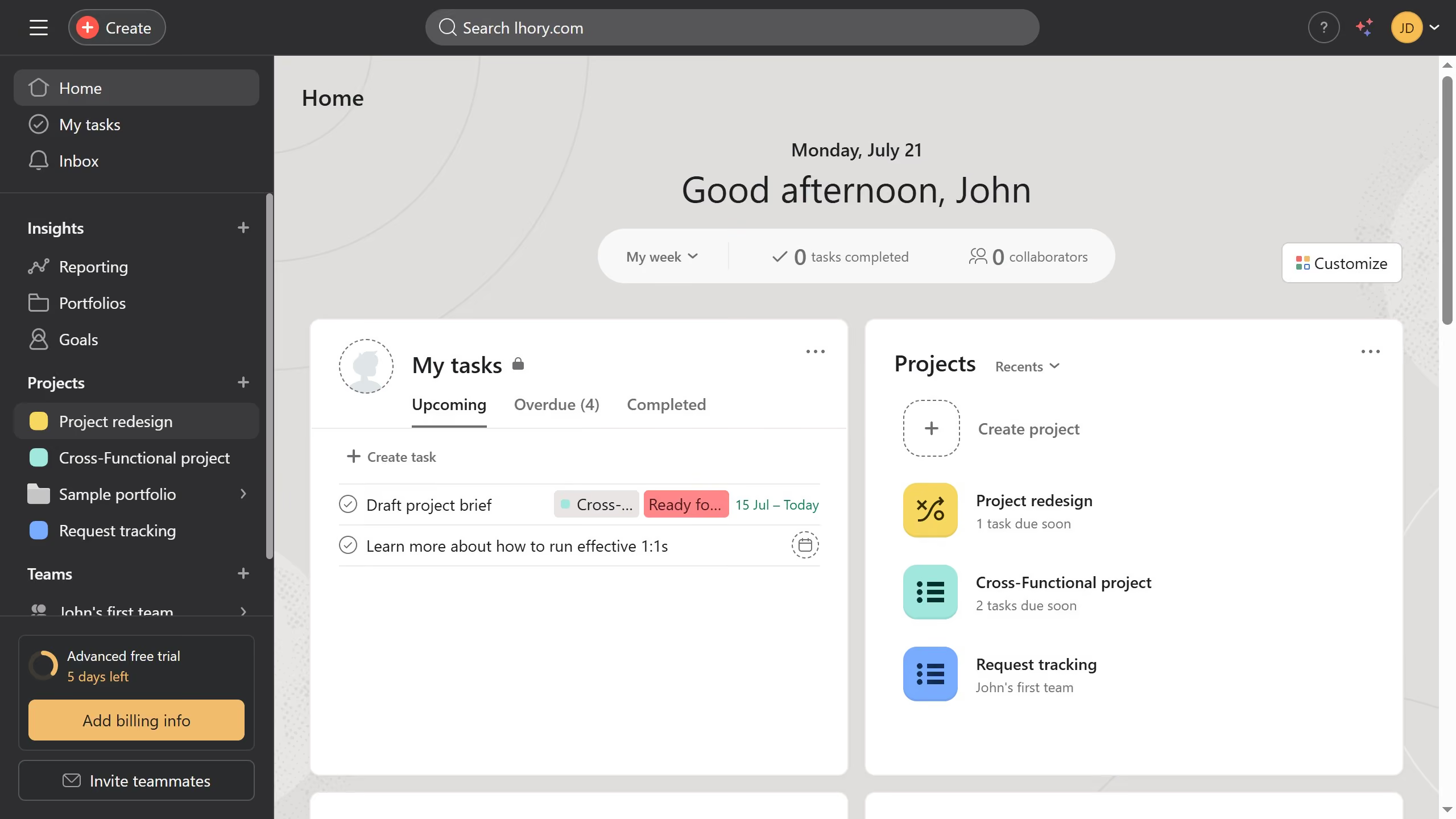
Here is how to show all empty groups in board view in asana
- First click on project in the left sidebar menu
- Then click on "Board" tab in the top navigation menu
- Next hover your mouse cursor over any section header until the three dots menu appears
- Then click on the three dots menu button
- After that click on "Show all empty groups" option in the section menu
- Finally click on "Save view" button in the top right corner