Asana
Asana is a work management tool for planning, tracking, and executing projects.
Website
Industry
Project Management
Share this article:

How to add tasks in list view in Asana

Here is how to add tasks in list view in asana

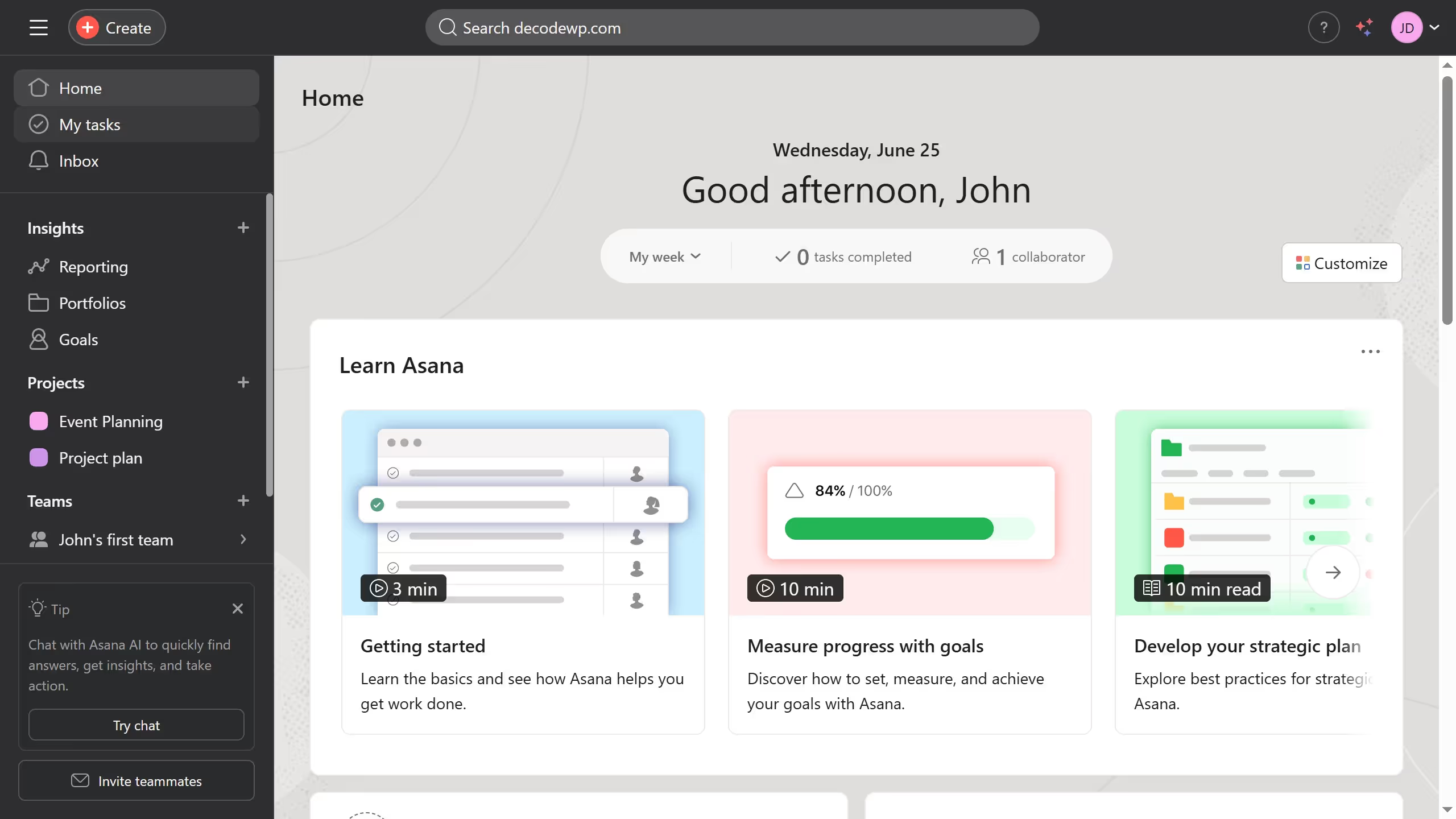
  1. First click on a project in the left sidebar
  2. Then click on the "List" tab in the top navigation menu
  3. Next click on the "Add task" button in the task list toolbar
  4. Then click in the task name input field to begin entering the details for the  new task
  5. Next click the task name input field on the details panel and type in the name of the new task
  6. Then click on the assignee field showing "No assignee"
  7. Then type in the name of the team member you want to assign for the task and select it from the drop down suggested menu
  8. Click on the "No due date" field to set the task deadline
  9. Then click on the desired due date from the calendar pop up
  10. Finally the task is now created with name assignee and due date set just fill in any other necessary information in the task details panel if needed Asana automatically saves the changes

Create your own interactive guide with Guideflow

Why should you add tasks in list view in Asana

Asana is a dynamic project management tool designed to enhance team collaboration and streamline task management.

Adding tasks in list view in Asana is an essential feature that allows you to maintain an organized overview of project priorities.

This feature ensures that tasks are clearly visible, enabling teams to allocate responsibilities and deadlines efficiently. With the simplicity of the list view, you can effortlessly capture and prioritize tasks, promoting productivity and ensuring no detail is overlooked.

Using it effectively optimizes your workflow, making task management both efficient and intuitive.


Last update
June 23, 2026
Cursor MariaA cursor points to a button labeled "James."

Create your first demo in less than 30 seconds.