
You're planning a virtual conference, and the last thing you want is for it to feel like a glorified Zoom call. The difference between a forgettable webinar and an event that actually drives pipeline comes down to the platform you choose.
This guide breaks down 14 virtual event platforms, comparing their strengths for different use cases so you can find the right fit for your next event.
What's inside
This guide covers the 14 best virtual event platforms available today, selected based on engagement features, scalability, integration capabilities, and overall value for different event types. You'll learn what separates a true virtual event platform from a basic video call, when to use each type of solution, and how to match a platform to your specific goals. We also include a comparison table and detailed reviews to help you make a confident decision.
TL;DR
- Virtual event platforms are specialized software for hosting online conferences, trade shows, and corporate gatherings. They offer registration, networking, engagement tools, and analytics that go far beyond standard video calls.
- Top picks vary by use case: Zoom Events works well for large-scale conferences, Airmeet excels at community engagement, and vFairs leads for virtual trade shows and job fairs.
- For product-focused events, embedding interactive demos from tools like Guideflow can significantly boost engagement and lead quality.
- Key selection factors include attendee capacity, engagement tools (polls, Q&A, breakout rooms), networking features, and integration with your existing CRM and marketing stack.
What is a virtual event platform
Top virtual event platforms for 2026 include RingCentral Events for AI-powered, branded experiences and vFairs for immersive 3D, high-engagement conferences. Key options like ON24, Remo, and Zoom provide specialized tools for webinars, networking, and large-scale interactive virtual meetings.
Unlike a standard Zoom call or Google Meet, a virtual event platform is purpose-built software for hosting online conferences, trade shows, and corporate gatherings at scale. The platforms manage the entire event lifecycle: attendee registration, multi-session agendas, virtual sponsor booths, interactive networking lounges, and detailed analytics. The goal is to replicate the experience of an in-person event in a digital environment, with a focus on engagement, branding, and measurable outcomes.
Core features of virtual event software
- Live streaming and video hosting: Broadcast keynotes, panels, and breakout sessions to large audiences with options for live and pre-recorded content.
- Attendee registration and ticketing: Manage sign-ups, sell tickets, and control access with custom forms and unique credentials.
- Networking tools: Facilitate connections through virtual lounges, AI-powered matchmaking, and 1:1 video meeting schedulers.
- Engagement features: Keep audiences involved with live polls, moderated Q&A, emoji reactions, and gamification like leaderboards.
- Analytics and reporting: Track registration, attendance, session popularity, engagement metrics, and lead data.
- Integrations: Connect to CRMs (Salesforce, HubSpot) and marketing automation tools to streamline data flow and follow-up.
Why teams choose virtual event platforms over video conferencing
Standard video tools like Zoom Meetings or Microsoft Teams work well for internal calls, but they lack the infrastructure for a full-scale virtual event. The primary gap is the ability to manage a complex, multi-faceted experience for a large audience.
A purpose-built virtual event platform handles thousands of attendees across multiple concurrent sessions without sacrificing performance. The platforms also offer robust branding and customization, letting organizers create immersive environments that reflect their company's identity. Sophisticated networking capabilities, such as virtual expo halls and AI-driven matchmaking, are impossible to replicate in a standard video call. And the event-specific analytics provide deep insights into attendee behavior, content performance, and sponsor ROI - 74% of B2B event organizers report seeing positive ROI at least 6 months after a virtual event.
Virtual events vs webinars vs online conferences
Webinars work best for single-session, one-to-many presentations. Online conferences and virtual events are better suited for multi-session experiences that require deeper engagement and networking.
When to use a virtual event platform
Different event types call for different platform capabilities. Matching your goals to the right solution is the first step toward a successful event.
Virtual conferences and industry summits
Multi-day, multi-track conferences with keynotes, breakout sessions, and panel discussions require robust agenda management and networking tools. Attendees expect to build their own schedules, navigate between sessions, and connect with peers and speakers.
Product launches and interactive demos
Product marketing teams use virtual events to generate excitement and educate audiences about new features. The best platforms for product launches allow you to go beyond a simple presentation by embedding interactive product experiences directly within the event environment, giving attendees a hands-on feel for the product.
Hybrid events with in-person and remote attendees
Hybrid events combine a physical gathering with a virtual audience. A live virtual event platform bridges the gap between in-person and remote groups, syncing live-streamed content from the venue with the online experience and enabling networking between both attendee types.
Corporate training and enablement programs
Internal events like sales kickoffs, company-wide onboarding, and partner training programs benefit from the scalability and accessibility of virtual event platforms. The platforms make it easy to deliver consistent training to a global workforce and provide on-demand access to session replays.
Best virtual event platforms comparison table
This comparison table provides a high-level overview of our top 14 picks. Use it to quickly identify solutions that fit your goals based on ideal use case, key features, and pricing model.
14 best virtual event platforms for your next event
We selected the following platforms based on a comprehensive review of their features, focusing on engagement tools, scalability, integration capabilities, ease of use, and overall value.
1. Zoom Events
Zoom Events builds upon the familiar Zoom Meetings interface to offer a dedicated solution for virtual and hybrid events. The platform is designed to manage everything from multi-track conferences to ticketed public events.
Key strengths
- Familiar user interface: Leverages widespread Zoom adoption, reducing the learning curve for attendees and speakers.
- Robust backstage area: A dedicated "green room" for speakers and production staff to coordinate before going live.
- Integrated registration and ticketing: Manage complex ticketing tiers and registration flows directly within the platform.
- Detailed analytics: Provides comprehensive data on attendance, engagement, and session performance.
Zoom Events offers unmatched reliability and familiarity. If your primary goal is to deliver high-quality video content to a large audience with minimal technical friction, Zoom's powerful infrastructure is a top contender.
Pricing: Typically based on a per-attendee license model, with different tiers for single or multi-day events. Plans start around $990/year.
2. Microsoft Teams

Microsoft Teams has evolved beyond internal meetings with features like Live Events and Town Halls, making it a viable option for virtual events, especially for organizations deeply embedded in the Microsoft 365 ecosystem.
Key strengths
- Seamless M365 integration: Connects effortlessly with Outlook, SharePoint, and other Microsoft apps.
- High attendee capacity: Town Halls can support up to 10,000 attendees, with advanced options for even larger broadcasts.
- Structured Q&A: Moderated Q&A functionality helps manage audience questions during large presentations.
- Security and compliance: Benefits from Microsoft's enterprise-grade security framework.
Teams is a cost-effective and convenient choice for internal events. The platform streamlines the user experience by keeping employees within a familiar environment. While Teams lacks the advanced networking and branding features of dedicated platforms, its strength lies in its integration and accessibility.
Pricing: Included in Microsoft 365 Business plans.
3. Airmeet
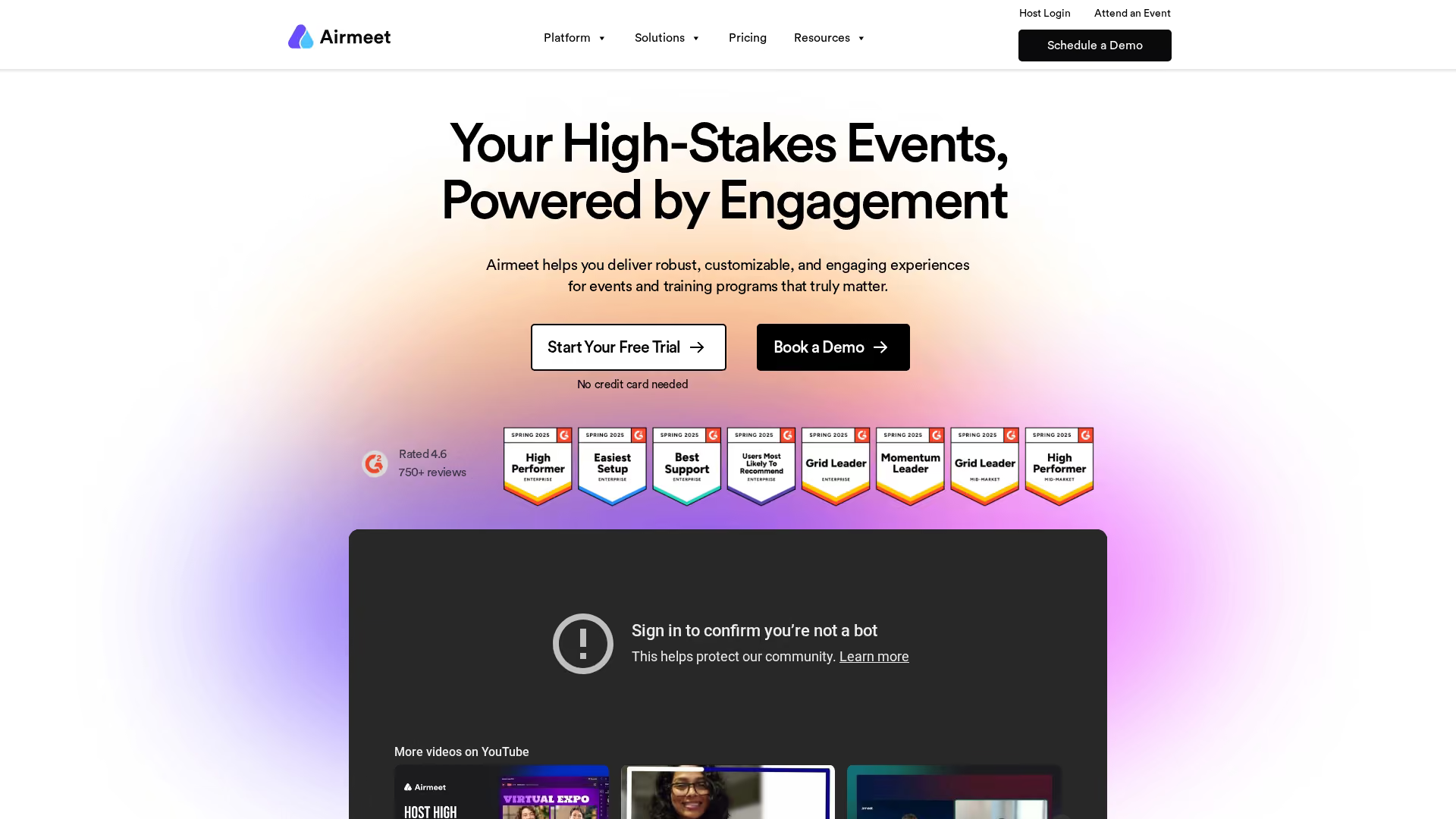
Airmeet is a virtual networking event platform designed to foster interaction and community building. Its standout features are the Social Lounge, which features virtual tables where attendees can join small group video chats, and speed networking, which pairs attendees for short, timed one-on-one meetings.
Key strengths
- Social lounge: A highly interactive virtual space with "tables" for spontaneous group conversations.
- Speed networking: Automatically pairs attendees for brief, timed one-on-one video calls.
- Rich engagement tools: Includes polls, Q&A, and reactions, all accessible without leaving the main session view.
- Sponsor booths: Allows sponsors to interact with attendees via dedicated virtual booths.
Airmeet works well when your primary event goal is to connect people. Its design philosophy prioritizes attendee-to-attendee interaction over passive content consumption.
Pricing: Free tier available for up to 50 attendees. Paid plans start at $99/month per organizer.
4. RingCentral Events
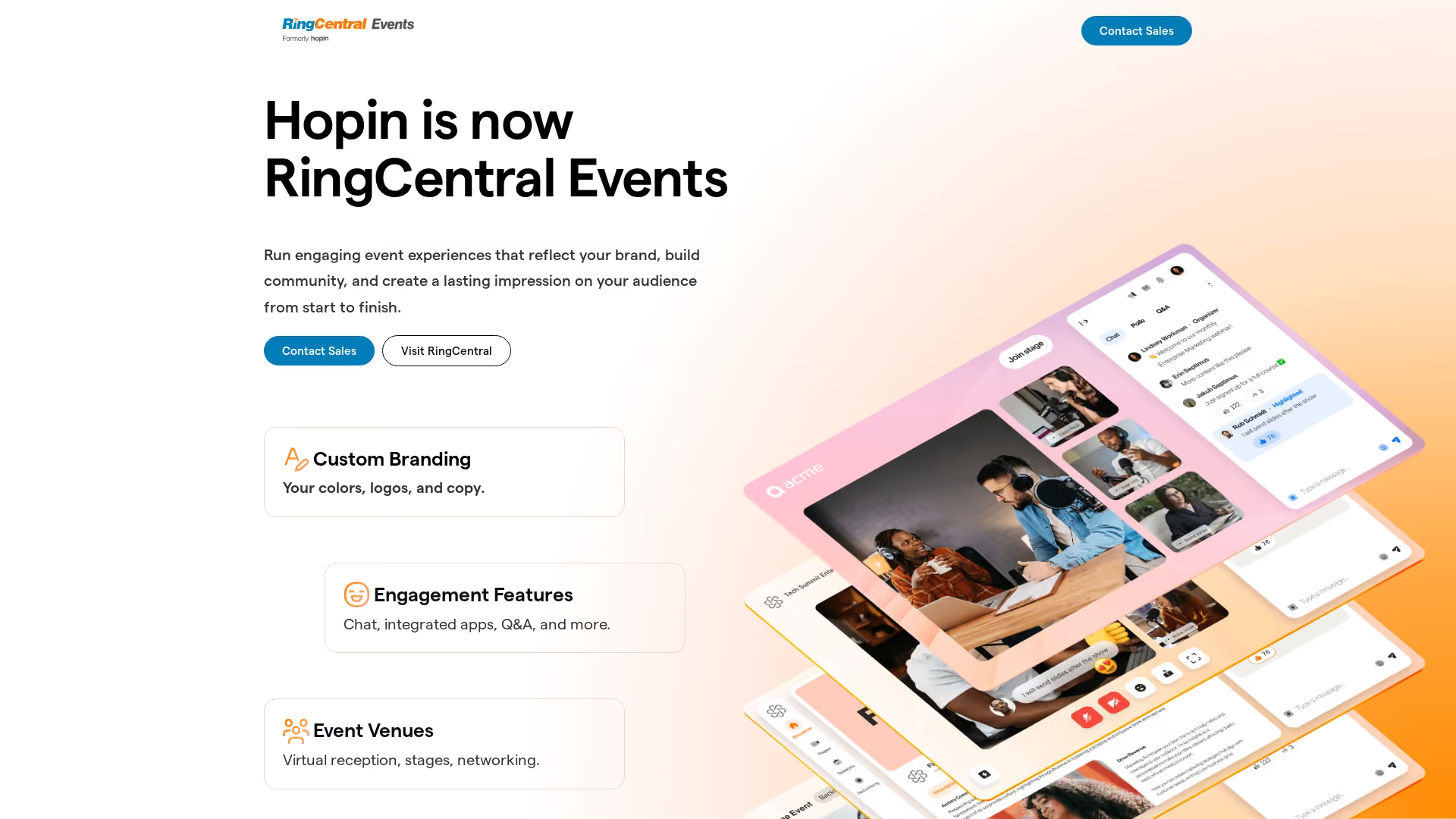
RingCentral Events (Hopin) is an all-in-one event management platform that aims to replicate every aspect of an in-person event. It features distinct areas for the main stage, sessions, networking, and an expo area for sponsor booths.
Key strengths
- All-in-one structure: Provides separate virtual spaces for different event activities, creating a clear attendee journey.
- Powerful expo area: Sponsors can set up highly customizable virtual booths with live video and lead capture forms.
- One-on-one networking: A speed-dating-style feature randomly pairs attendees for timed video conversations.
- Scalability: Built to handle very large events with tens of thousands of attendees.
RingCentral Events is the go-to choice for organizers looking to host a complex, feature-rich virtual event that feels like a physical conference.
Pricing: Custom quote based on attendee count and features.
5. vFairs
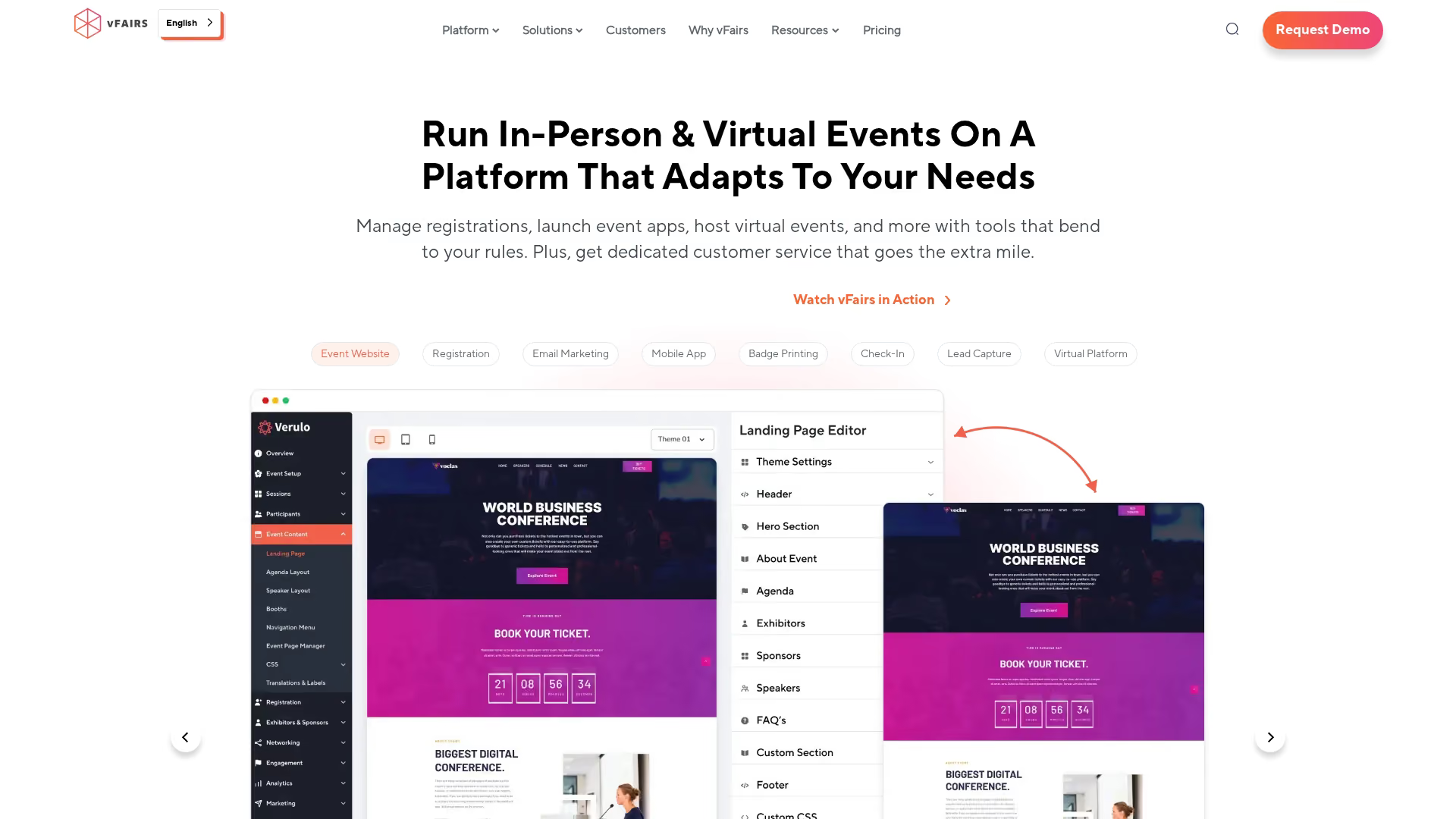
vFairs specializes in creating immersive and visually rich virtual events, with a strong focus on 3D animated environments. The platform excels at building virtual trade shows, job fairs, and university open days.
Key strengths
- Immersive 3D environments: Offers stunning, customizable 3D virtual venues.
- Advanced virtual booths: Sponsors get highly interactive booths with video chat, document downloads, and lead capture.
- Gamification: Incorporates scavenger hunts and leaderboards to encourage exploration.
- Dedicated project management: vFairs often provides a dedicated event manager to help with setup.
vFairs works well when you want to "wow" your audience with a visually impressive environment. It's perfect for job fairs where candidates can "walk" through a virtual hall and visit employer booths.
Pricing: Custom quote per event.
6. Hubilo
Hubilo is a virtual event platform built with a strong emphasis on attendee engagement and gamification. It offers a wide array of tools designed to keep audiences active and interacting.
Key strengths
- Robust gamification suite: Use points, badges, and leaderboards to incentivize attendees.
- Multiple networking modes: Offers virtual lounges, one-on-one meeting scheduling, and breakout rooms.
- Deep engagement analytics: Provides detailed reports on every interaction.
- Branded mobile app: A strong mobile experience for both virtual and hybrid attendees.
Hubilo is an excellent choice for marketing teams who want to run data-driven events that generate highly qualified leads.
Pricing: Custom quote per event or subscription.
7. ON24
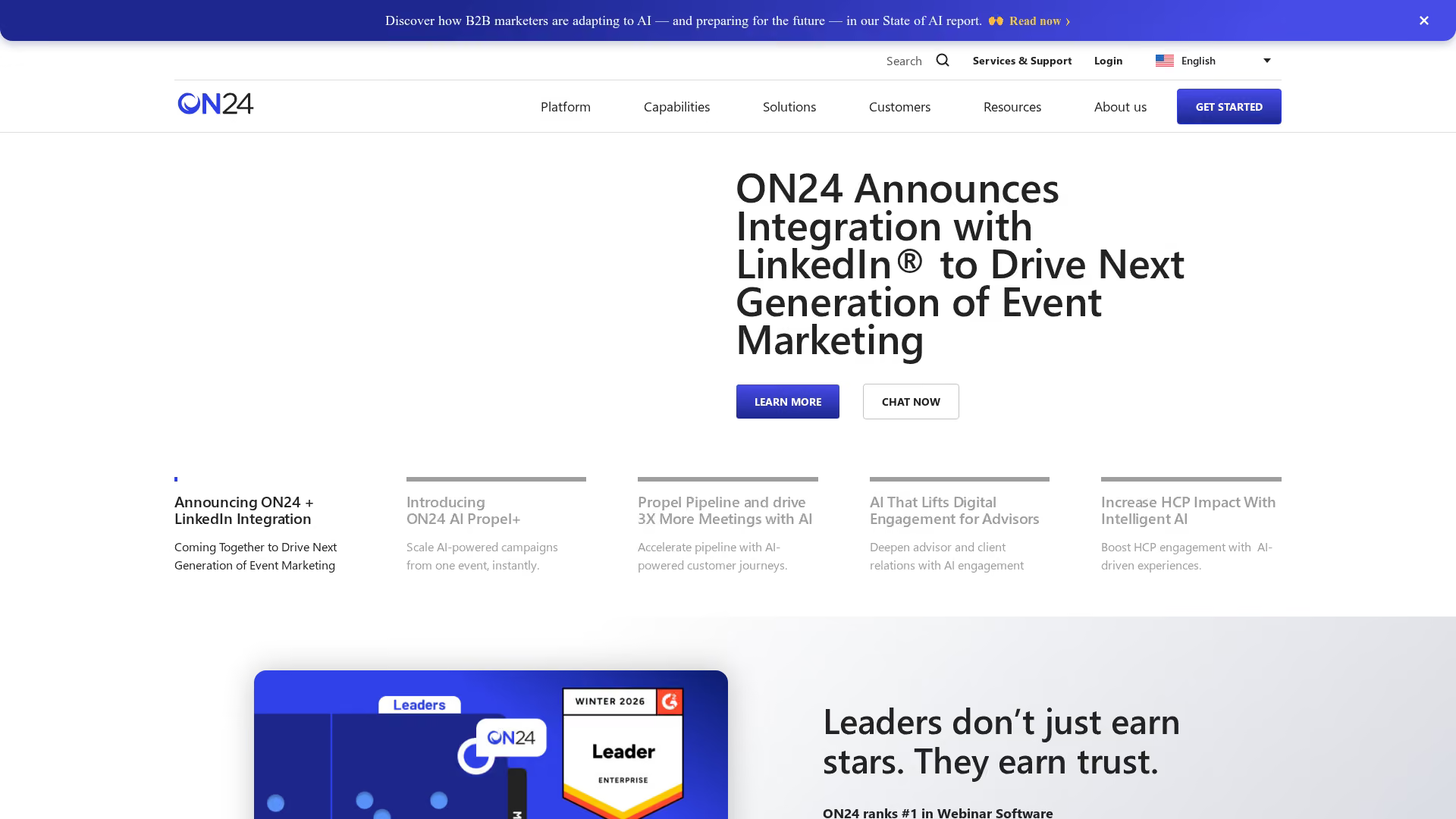
ON24 is a powerful platform that sits at the intersection of webinars and virtual events, with a laser focus on B2B marketing and demand generation. It excels at capturing "digital body language" by tracking dozens of engagement metrics.
Key strengths
- First-party data capture: Tracks a wide range of attendee behaviors, creating rich lead profiles.
- Customizable engagement hub: Create a branded, on-demand content hub for event recordings.
- Seamless CRM integration: Pushes detailed engagement data directly into marketing automation platforms and CRMs.
- Webinar-to-event pipeline: Easily scale from a single webinar to a multi-session virtual event.
ON24 works well when your virtual event is a core part of your marketing funnel. Its strength lies in turning attendee engagement into actionable data for sales teams.
Pricing: Subscription-based, custom quote.
8. Bizzabo

Bizzabo is an "Event Experience OS" that provides a powerful suite of tools for managing in-person, virtual, and hybrid events. Its key strength lies in its robust event marketing and registration capabilities.
Key strengths
- Powerful registration engine: Build complex registration flows with conditional logic and different ticket types.
- Integrated website builder: Create beautiful, fully branded event websites without a developer.
- Email marketing automation: Design and automate promotional email campaigns and follow-ups.
- Holistic data and analytics: Provides a single source of truth for your entire event program.
Bizzabo is the ideal choice for event marketers who want a centralized platform to manage a diverse and ongoing event strategy.
Pricing: Subscription-based, custom quote.
9. Goldcast
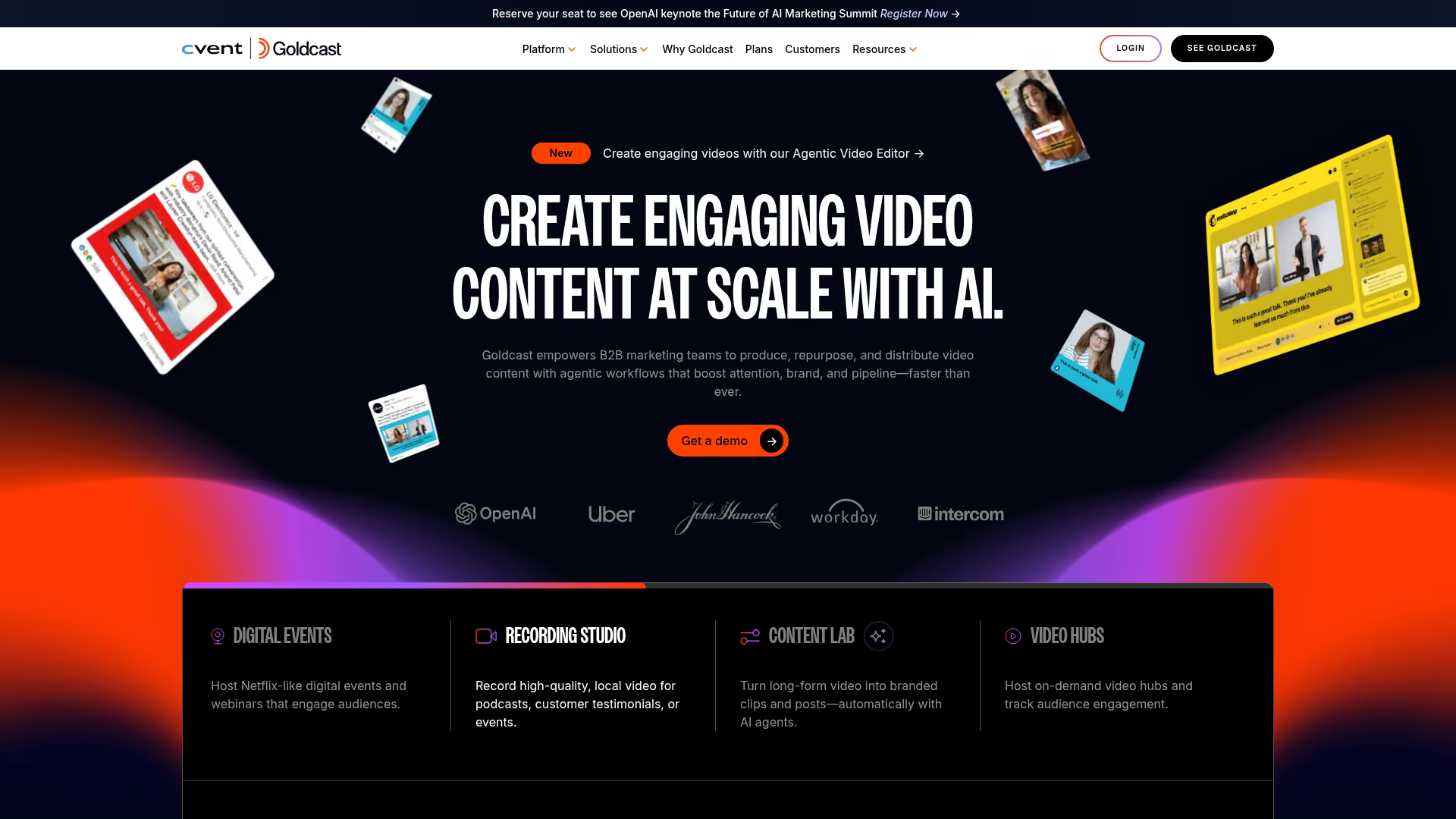
Goldcast is a B2B marketing platform built specifically for event marketers who want to create TV-like virtual and hybrid events and turn them into a pipeline of engaging content.
Key strengths
- High production value: Offers a "show-in-a-box" experience with beautiful branding and smooth transitions.
- Content repurposing tools: Easily create and export video clips from event recordings for social media.
- Deep account-based insights: Provides analytics showing which target accounts attended and how they engaged.
- Seamless integrations: Strong, bi-directional integrations with HubSpot, Salesforce, Marketo, and Pardot.
Goldcast works well when your event is the starting point for a broader content marketing strategy.
Pricing: Subscription-based, custom quote.
10. Webex Events
Webex Events (formerly Socio) is Cisco's enterprise-grade solution for virtual, in-person, and hybrid events. It combines a user-friendly interface with the security and reliability expected from Cisco.
Key strengths
- Enterprise-grade security: Backed by Cisco's robust security infrastructure.
- End-to-end event management: A single platform for ticketing, event app, virtual streaming, and analytics.
- Highly rated mobile app: Provides a best-in-class mobile experience.
- Language interpretation: Offers simultaneous interpretation features for global events.
Webex Events is a trusted and secure choice for large corporations with stringent IT and security standards.
Pricing: Per event or per attendee, custom quote.
11. BigMarker

BigMarker is a versatile, browser-based platform for webinars, virtual, and hybrid events. A key differentiator is that it requires no downloads for attendees or hosts.
Key strengths
- Browser-based: No software downloads required, making it easy for anyone to join.
- Marketing automation: Includes built-in email marketing, landing pages, and integrations.
- Interactive overlays: Add pop-up offers, lead forms, and CTAs directly on top of the video stream.
- On-demand event hubs: Create "evergreen" event channels to host your video content library.
BigMarker works well for teams that want a single, flexible platform to manage their entire video marketing strategy.
Pricing: Subscription-based, starting around $79/month.
12. SpotMe
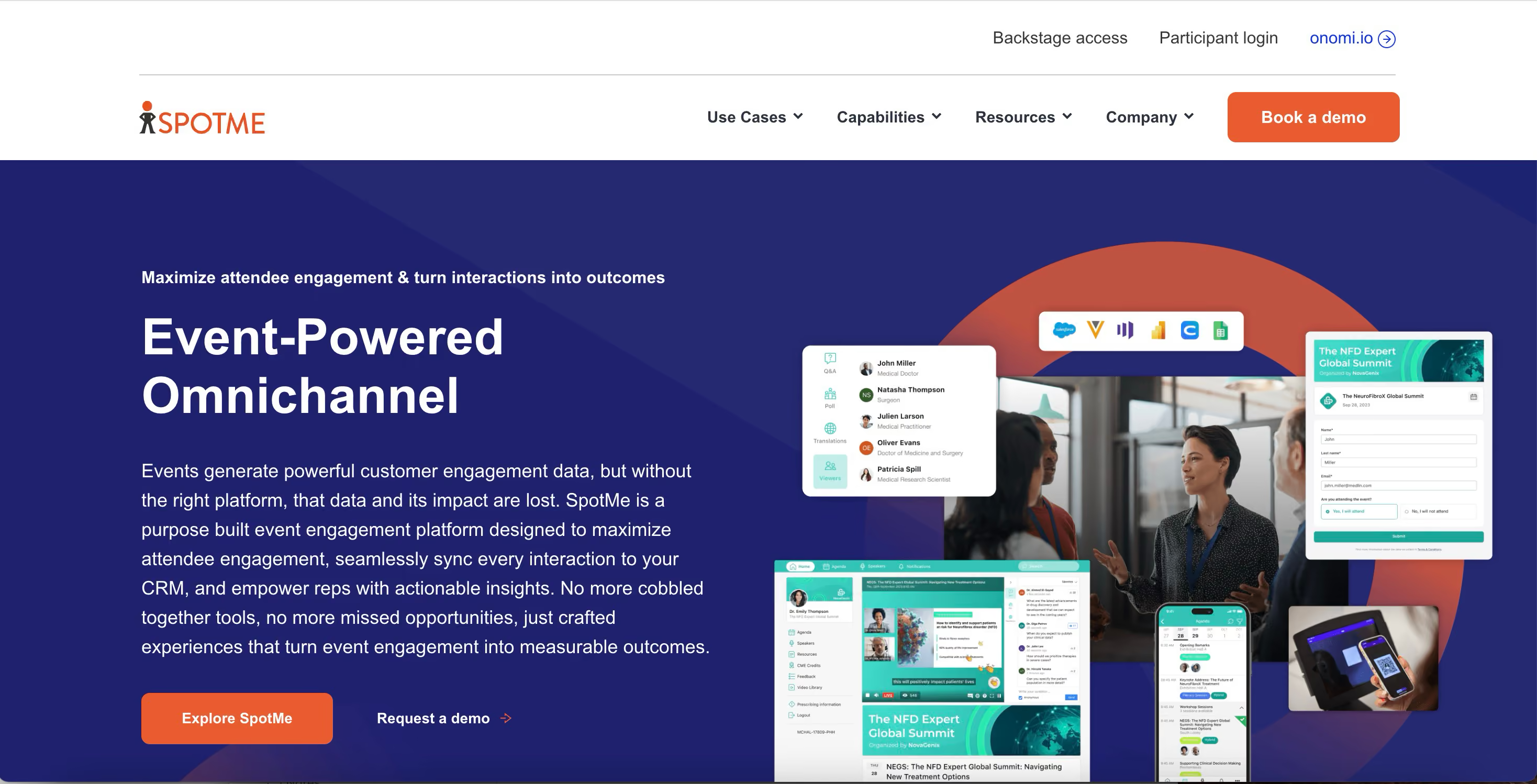
SpotMe is a B2B event marketing platform with over 20 years of experience, specializing in serving high-touch industries like pharmaceuticals, life sciences, and financial services.
Key strengths
- Focus on regulated industries: Deep expertise in pharma and finance, with features for compliance and content approval workflows.
- Fully customizable and branded: Offers a true white-label experience.
- White-glove service: Provides a high level of support, including dedicated project managers.
- Personalized attendee journeys: Use data to create tailored agendas and content recommendations.
SpotMe works well when brand control, security, and compliance are non-negotiable.
Pricing: Per event, custom quote.
13. Whova

Whova is an award-winning event management solution that started with a powerful event app and has since expanded to a full virtual and hybrid platform.
Key strengths
- Award-winning mobile app: An intuitive and feature-rich app that consistently receives high ratings.
- Powerful agenda management: Easily handle complex, multi-track agendas.
- Community board and networking: Features like attendee profiles, direct messaging, and community forums.
- All-in-one efficiency: Streamlines tasks from name badge generation to certificate issuance.
Whova is an excellent choice for conference organizers who prioritize the attendee experience, especially on mobile.
Pricing: Per event, custom quote.
14. Google Meet
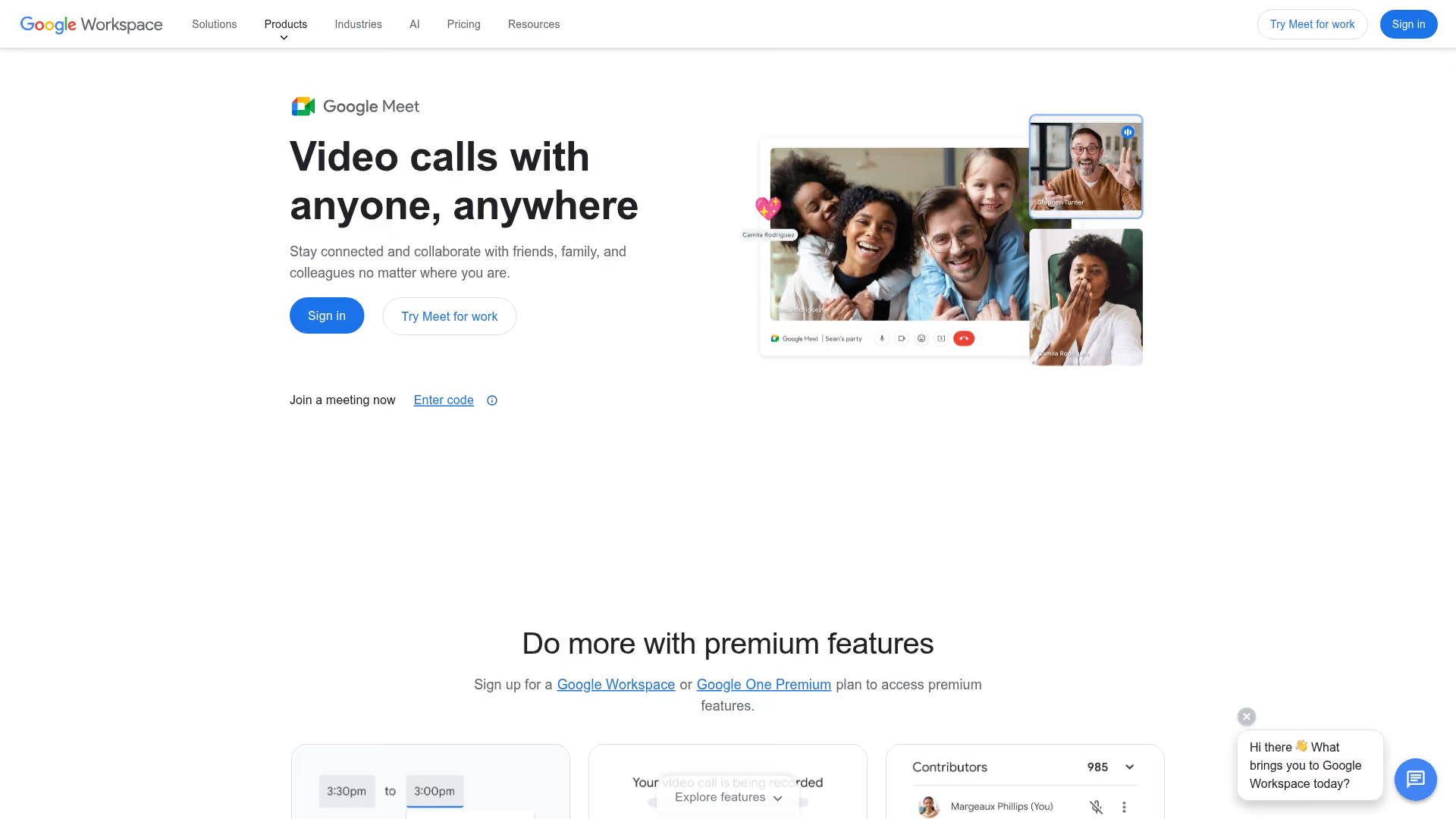
While not a dedicated event platform, Google Meet has expanded its capabilities to serve as an accessible entry point for smaller, simpler virtual events.
Key strengths
- Accessibility and familiarity: Integrated directly into Google Workspace.
- Cost-effective: Many event features are included in existing Google Workspace subscriptions.
- Live streaming: Can stream events to a wider audience via YouTube.
- Simplicity: A clean, straightforward interface that is easy for anyone to use.
Google Meet is a practical choice for small-scale or internal events where the primary requirement is reliable video streaming and basic interaction.
Pricing: Included in Google Workspace plans.
How to choose the best virtual event platform
Selecting the right virtual event solution requires a clear understanding of your event goals, audience size, and technical requirements.
Attendee capacity and event scalability
First, match the platform's capacity limits to your expected audience size. Consider not just total registrants, but also the maximum number of attendees you expect in a single session at one time. Ensure the platform can scale with you as your events grow.
Engagement features and networking tools
The right engagement features depend on your event's goals. Look for features that encourage participation and connection:
- Breakout rooms: Small group discussions for deeper engagement.
- 1:1 meeting scheduling: AI-powered matchmaking for targeted networking.
- Live chat and moderated Q&A: Real-time interaction during sessions.
- Virtual lounges: Topic-based discussion tables for informal networking.
CRM and marketing automation integrations
To prove event ROI, you want to connect event data to your core business systems - 70.6% of event organizers prioritize marketing automation integrations when selecting a platform. Ensure the platform integrates with your CRM (like Salesforce or HubSpot) and marketing automation tool. This allows you to pass lead data and engagement scores to your sales team for timely follow-up.
Branding and customization options
Your virtual event can feel like your event. Look for a platform that offers white-labeling options, allowing you to use your own logo, colors, and domain. The ability to create custom registration pages, email templates, and branded virtual environments is key to a cohesive experience.
Analytics and attendee tracking
Data is one of the biggest advantages of virtual events. The platform's analytics can provide insights into what works. Key metrics to track include:
- Registration vs. attendance rates
- Session popularity and drop-off times
- Content downloads and poll responses
- Lead scores based on engagement
Security and compliance requirements
For enterprise buyers or those in regulated industries, security is paramount. Look for platforms that offer Single Sign-On (SSO), data encryption, and clear data residency policies. Check for industry-specific compliance certifications like SOC 2 or HIPAA if they are relevant to your organization.
Find the right virtual event platform for your team
Finding the perfect platform starts with defining your primary goal. Are you hosting a large conference, a networking-heavy community event, or a product launch? Start by shortlisting the platforms that excel in your specific use case. From there, evaluate them against your key decision factors: attendee capacity, required engagement tools, integration requirements, and budget.
For product-focused events, remember that the platform is only half the equation. Increasing engagement and generating qualified leads often comes from how well you can showcase your product. Adding embeddable interactive demos from a tool like Guideflow can transform a passive presentation into an active, hands-on experience, dramatically boosting the ROI of your event.
Start your journey with Guideflow today!