Originality is harder to prove than ever. Up to 36% of students admit to paraphrasing without proper citation, and the surge of AI-generated content has made plagiarism detection a moving target. Whether you're submitting a thesis, publishing a blog post, or reviewing outsourced articles, the right plagiarism checker software can save you from academic penalties, client disputes, and reputational damage.
But not every plagiarism checker online works the same way. Some scan billions of web pages. Others tap into academic journal databases. A few now detect AI-written text at the sentence level. And the gap between a free plagiarism checker and an enterprise-grade plagiarism detection software tool is wider than most people realize.
We tested and evaluated 15 tools across accuracy, database size, AI detection, pricing, integrations, and privacy. This guide covers every option worth your time in 2026 - from the best plagiarism checker for graduate research to no-cost tools for quick blog post scans. If you're also evaluating tools for your content creation workflow, pairing a solid plagiarism checker with the right writing stack makes a real difference.
Here's how they compare.
What's inside
This article reviews 15 plagiarism checker tools side by side, organized by who they serve best: students, educators, writers, researchers, and content teams. Each tool gets a detailed breakdown with pricing, strengths, and honest limitations.
You'll also find a quick-reference comparison table, a free vs. paid breakdown, a guide to choosing the right tool for your situation, and answers to the most common questions about plagiarism detection in 2026.
Tl;dr - the top picks
- Best for academic institutions: Turnitin - largest student paper database, robust AI detection
- Best all-in-one writing tool: Grammarly - grammar, style, and plagiarism in a single editor
- Best for thesis and dissertation work: Scribbr - Turnitin-powered, available to individuals
- Best for AI content detection: GPTZero and Copyleaks - purpose-built for the AI era
- Best free option: Quetext - genuinely useful free tier with contextual matching
- Best for researchers and publishers: iThenticate - gold standard for journal submissions
Quick comparison table: 15 best plagiarism checker software at a glance
Before diving into detailed reviews, here's a side-by-side snapshot of every plagiarism checker software tool in this guide.
| Tool | Best For | Free Plan? | AI Detection? | Starting Price | Rating |
|---|---|---|---|---|---|
| Turnitin | Academic institutions | No | Yes | Institutional licensing | 4.8/5 |
| Grammarly | All-in-one writing + plagiarism | Yes (no plagiarism) | Yes | ~$12/mo | 4.7/5 |
| Scribbr | Thesis & dissertation | No | No | ~$19.95/doc | 4.6/5 |
| Copyleaks | AI detection & enterprise | Limited trial | Yes | ~$10.99/mo | 4.5/5 |
| Quetext | Free quick scans | Yes | No | Free / $10/mo Pro | 4.3/5 |
| GPTZero | AI-generated content detection | Yes | Yes | ~$10/mo | 4.4/5 |
| iThenticate | Researchers & publishers | No | No | ~$100/doc | 4.7/5 |
| PlagAware | European users & GDPR | Yes | No | ~€5/mo | 4.0/5 |
| Compilatio | French-speaking institutions | No | No | Institutional pricing | 4.1/5 |
| Unicheck | K-12 & LMS integration | Trial | No | Per-student pricing | 4.2/5 |
| Prepostseo | Free bulk checking | Yes | No | Free / ~$10/mo | 3.6/5 |
| DupliChecker | No-signup free checks | Yes | No | Free / ~$10/mo | 3.4/5 |
| Smodin | Multilingual checking | Yes | No | ~$10/mo | 3.8/5 |
| Small SEO Tools | Free SEO content checks | Yes | No | Free (ad-supported) | 3.3/5 |
| PapersOwl | Students needing writing support | Yes | No | Free / paid services | 3.5/5 |
Keep reading for in-depth reviews, pros and cons, and our verdict on each tool.
How we evaluated these plagiarism checker software tools
Transparency matters. Here's exactly what we looked at when testing each plagiarism detection tool.
- Detection accuracy: How well does it catch verbatim copying, mosaic plagiarism, and paraphrased content? We ran identical sample documents through each tool.
- Database coverage: Size and type of source databases - web pages, academic journals, books, and student paper repositories all vary dramatically between tools.
- AI content detection: Can it identify text generated by ChatGPT, Claude, or Gemini? This is a critical 2026 differentiator.
- Usability and speed: Interface quality, upload options, report clarity, and processing time.
- Pricing and value: Free tier availability, per-check pricing, subscription models, and institutional plans.
- Integrations: LMS compatibility (Canvas, Blackboard, Moodle, Google Classroom), Google Docs, Microsoft Word, and API access.
- Privacy and data security: GDPR compliance, whether uploaded documents are stored, and how data is handled after scanning.
No single plagiarism detection software tool wins on every criterion. The best choice depends on who you are and what you're checking.
The 15 best plagiarism checker software tools (detailed reviews)
1. Turnitin - best for academic institutions
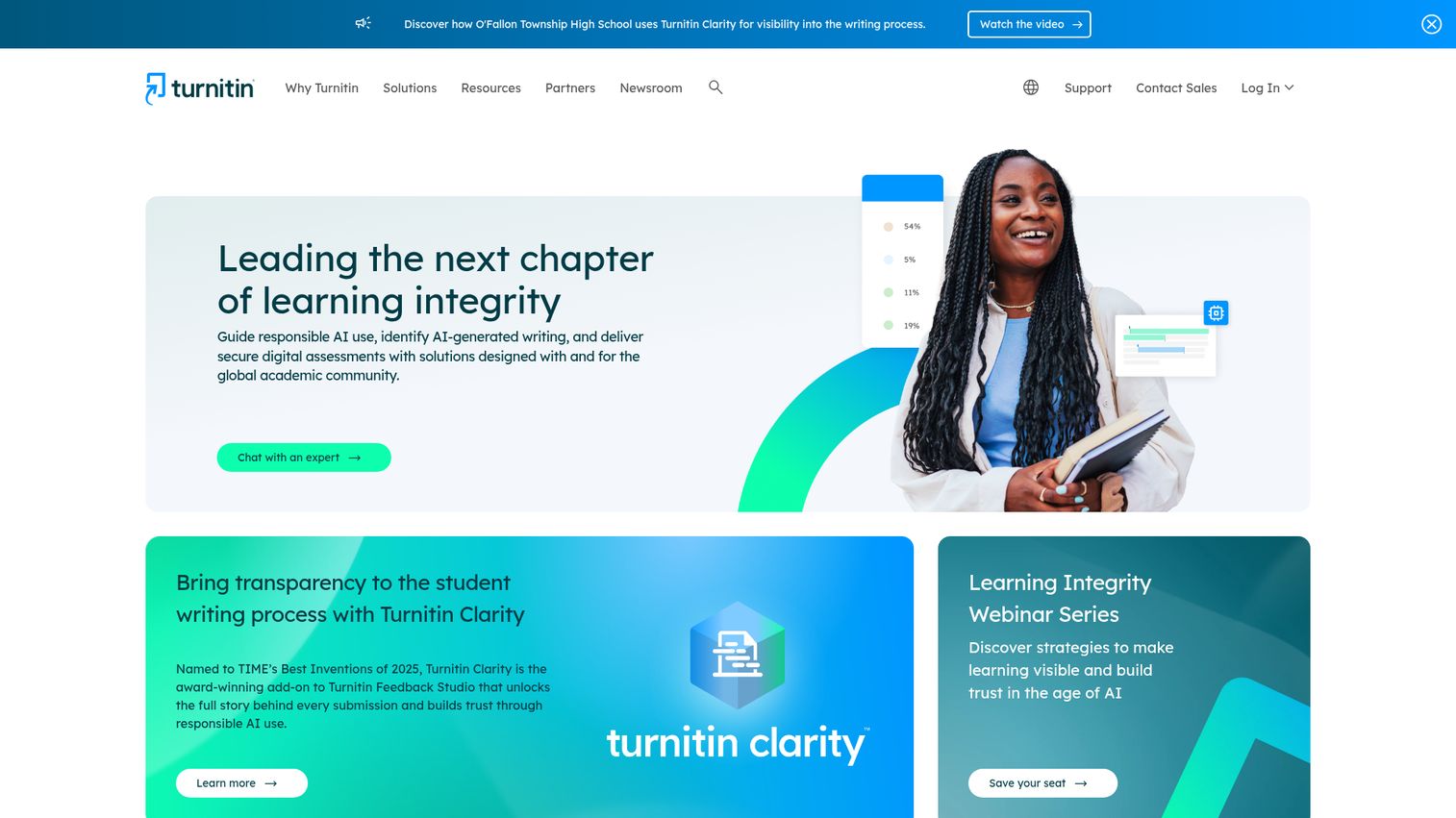
Turnitin is the most widely recognized academic plagiarism checker in the world, used by over 15,000 institutions across 140 countries. No competitor in the current SERP even mentions it - which is a significant oversight.
What sets Turnitin apart is its proprietary student paper repository. Every paper submitted through the platform gets added to this database, creating an ever-growing reference pool that no web-only tool can match. Its AI writing detection, first launched in 2023 and refined through 2025–2026, now identifies content from GPT-4, Gemini, and Claude with reported accuracy rates above 95% for fully AI-generated text.
Best for: Universities, colleges, and K-12 schools that need institution-wide plagiarism and AI detection.
Key strengths
- Largest academic paper database in the world
- AI writing detection with sentence-level highlighting
- Deep LMS integrations including Canvas, Blackboard, Moodle
- Detailed Similarity Reports with source-by-source breakdown
- Feedback Studio for inline instructor comments
Pricing: Institutional licensing only - not available for individual purchase. Contact Turnitin for quotes.
The biggest limitation is clear: if you're a freelance writer or individual student without institutional access, you can't buy Turnitin directly. That's where Scribbr comes in (see below).
2. Grammarly - best all-in-one writing and plagiarism tool
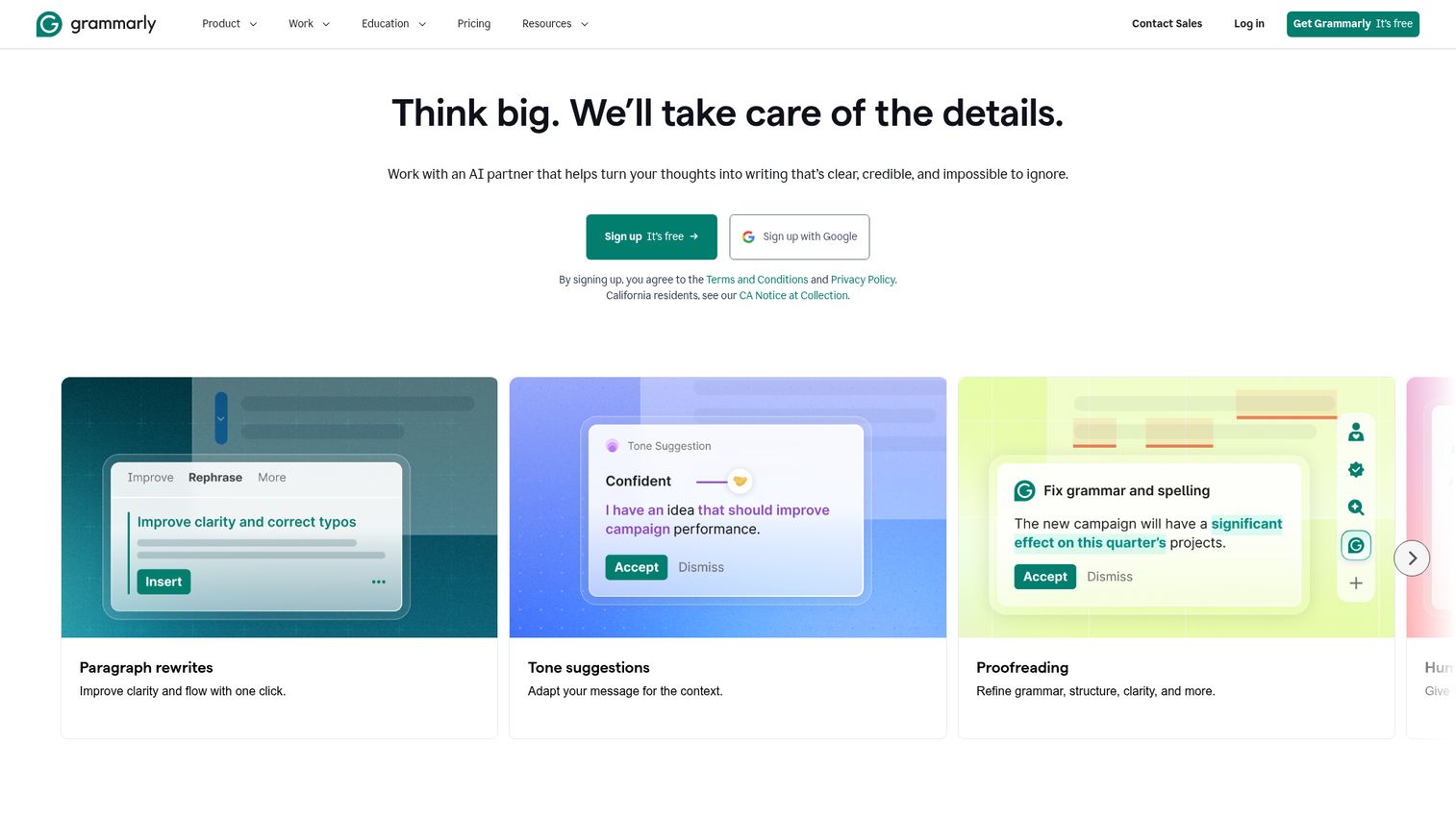
Grammarly is primarily a grammar and writing assistant, but its Premium and Business plans include a plagiarism checker that scans against 16 billion+ web pages. It's the most convenient option if you already use Grammarly for writing.
The plagiarism check runs inside the same editor where you're fixing grammar, adjusting tone, and refining clarity. One workspace, multiple checks. That said, Grammarly's database is web-only - it doesn't access academic journal repositories or student paper archives the way Turnitin does.
Best for: Students, freelance writers, and content marketers who want grammar, style, and plagiarism checking in a single tool.
Key strengths
- Real-time plagiarism detection within the writing editor
- Scans 16 billion+ web pages for matches
- Citation format suggestions for flagged passages
- Available as browser extension, desktop app, and mobile keyboard
- AI writing disclosure feature for transparency
Pricing: Free plan (grammar only - no plagiarism check). Premium starts at ~$12/month billed annually. Business plans available.
One common point of confusion: Grammarly's free plan does not include plagiarism checking. You need Premium for that.
3. Scribbr - best for thesis and dissertation checking
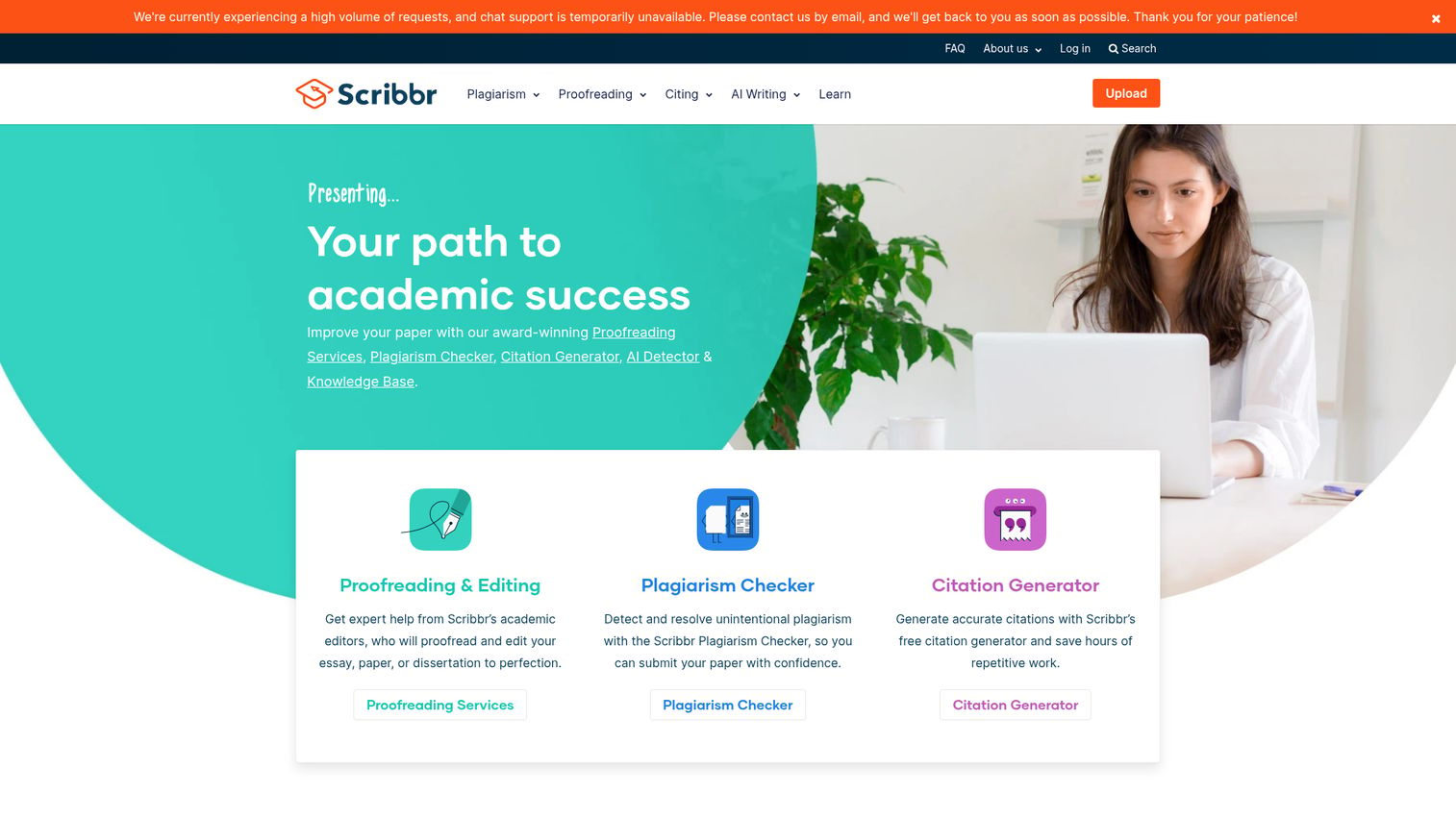
Scribbr is powered by Turnitin's technology but available for individual purchase - filling the gap for students who can't access Turnitin through their institution. Many users don't realize this connection, and it's the single biggest reason to consider Scribbr for academic work.
You get access to Turnitin's database (including academic papers and student submissions), a detailed similarity report, self-plagiarism detection, and citation checking for APA, MLA, and Chicago formats. Scribbr also promises not to store your document after scanning, which matters if you're worried about your thesis being flagged as "matching" in a future Turnitin check.
Best for: Graduate students checking theses and dissertations, and researchers submitting to journals who need Turnitin-level accuracy without institutional access.
Key strengths
- Turnitin-powered database including academic papers
- Self-plagiarism detection across previously submitted work
- No document storage after scanning (privacy-focused)
- Citation checker for APA, MLA, and Chicago formats
- Happiness guarantee on results
Pricing: Pay-per-check model starting at ~$19.95 per document. No subscription required.
The trade-off is cost. At roughly $20 per check, Scribbr isn't practical for frequent scanning. It's best reserved for final drafts of important academic submissions.
4. Copyleaks - best for AI detection and enterprise use
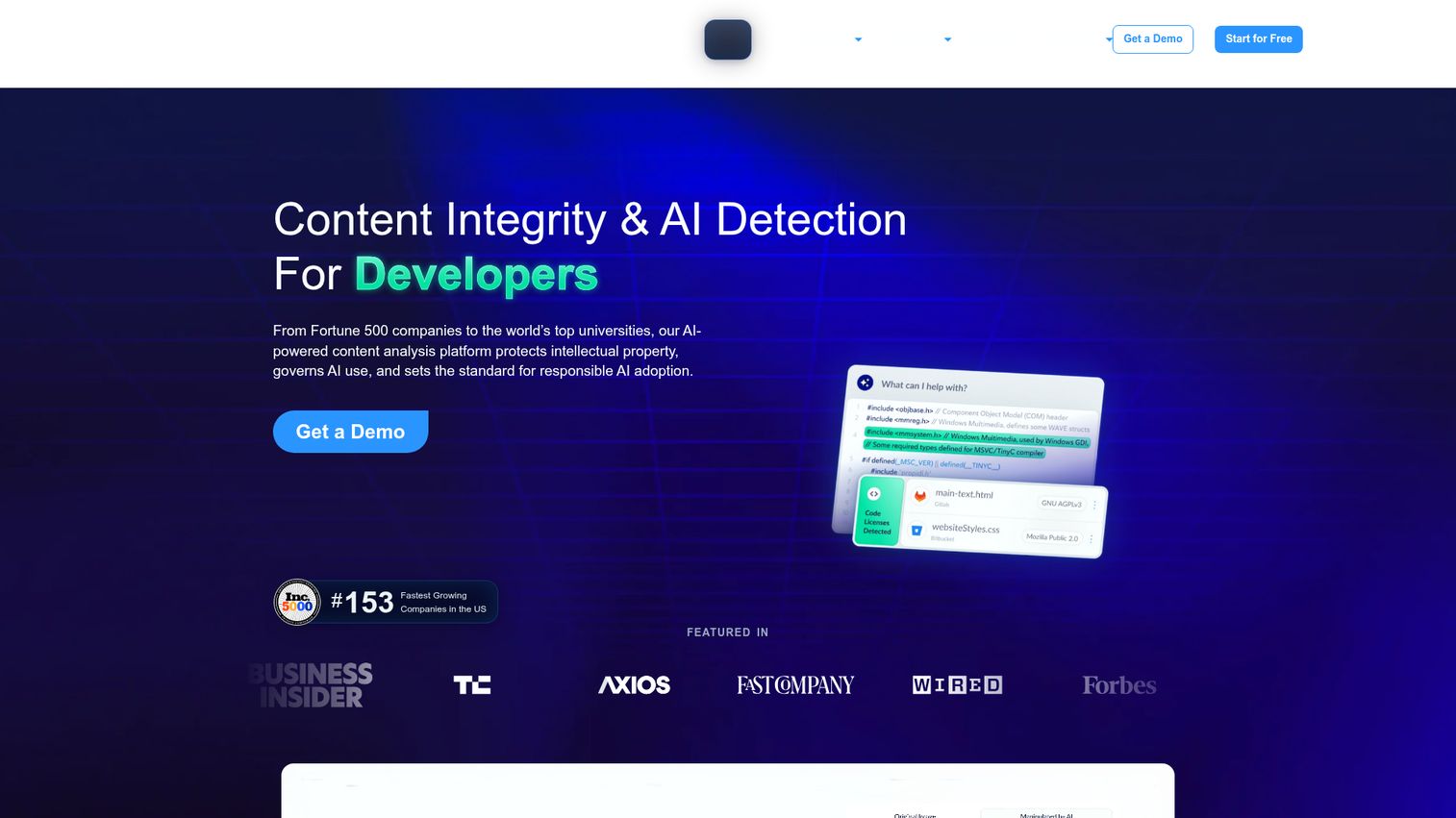
Copyleaks is the most technically advanced plagiarism detection tool on this list. It combines traditional plagiarism detection with AI content identification across 100+ languages, and it offers a developer API that content platforms and EdTech companies can plug directly into their workflows.
Its AI detection engine identifies output from ChatGPT, GPT-4, Gemini, and Claude. It also handles code plagiarism detection - a niche feature that's increasingly relevant for computer science programs and developer hiring platforms.
Best for: Content platforms, EdTech companies, developers, and multilingual organizations that need enterprise-grade detection with API access.
Key strengths
- AI content detection across all major LLM outputs
- Multi-language support covering 100+ languages
- Developer API for custom integrations
- Code plagiarism detection for programming assignments
- LMS integrations with Canvas, Moodle, and Blackboard
Pricing: Free trial available. Paid plans start at ~$10.99/month for individuals. Enterprise pricing on request.
Be aware that AI detection across all tools - Copyleaks included - can produce false positives. It's a useful signal, not a definitive verdict.
5. Quetext - best free plagiarism checker for quick scans
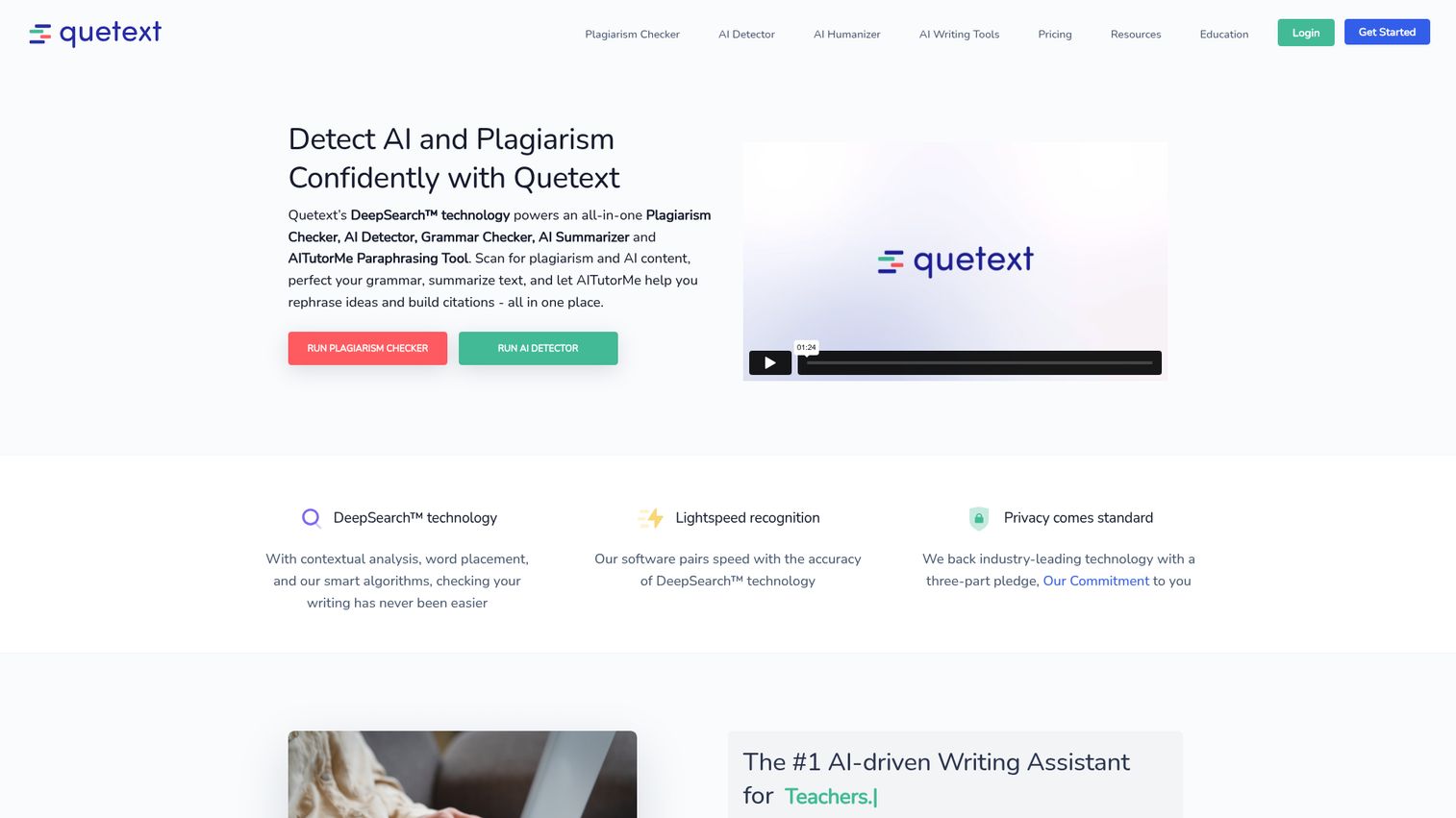
Quetext offers the most genuinely useful free tier among the plagiarism checker tools we tested. Its DeepSearch technology goes beyond surface-level string matching to catch contextual similarities and near-matches.
The free plan gives you 3 checks per month at up to 500 words each. That's enough for a quick blog post scan or a short essay check. The interface is clean - paste your text, hit check, and get color-coded results within seconds.
Best for: Students needing quick free checks, bloggers verifying short posts, and casual users who don't need academic-grade detection.
Key strengths
- DeepSearch contextual analysis beyond exact matching
- Color-coded results showing matched sources
- Built-in citation assistant for flagged passages
- Clean paste-and-check interface with fast results
- Affordable Pro upgrade for unlimited checks
Pricing: Free plan (3 checks/month, 500 words each). Pro plan at ~$10/month for unlimited checks and expanded word limits. Plagiarism checker free for basic use.
The free tier's word limit is restrictive for longer documents. If you're checking anything over 500 words regularly, the Pro plan is worth considering.
6. GPTZero - best for AI-generated content detection
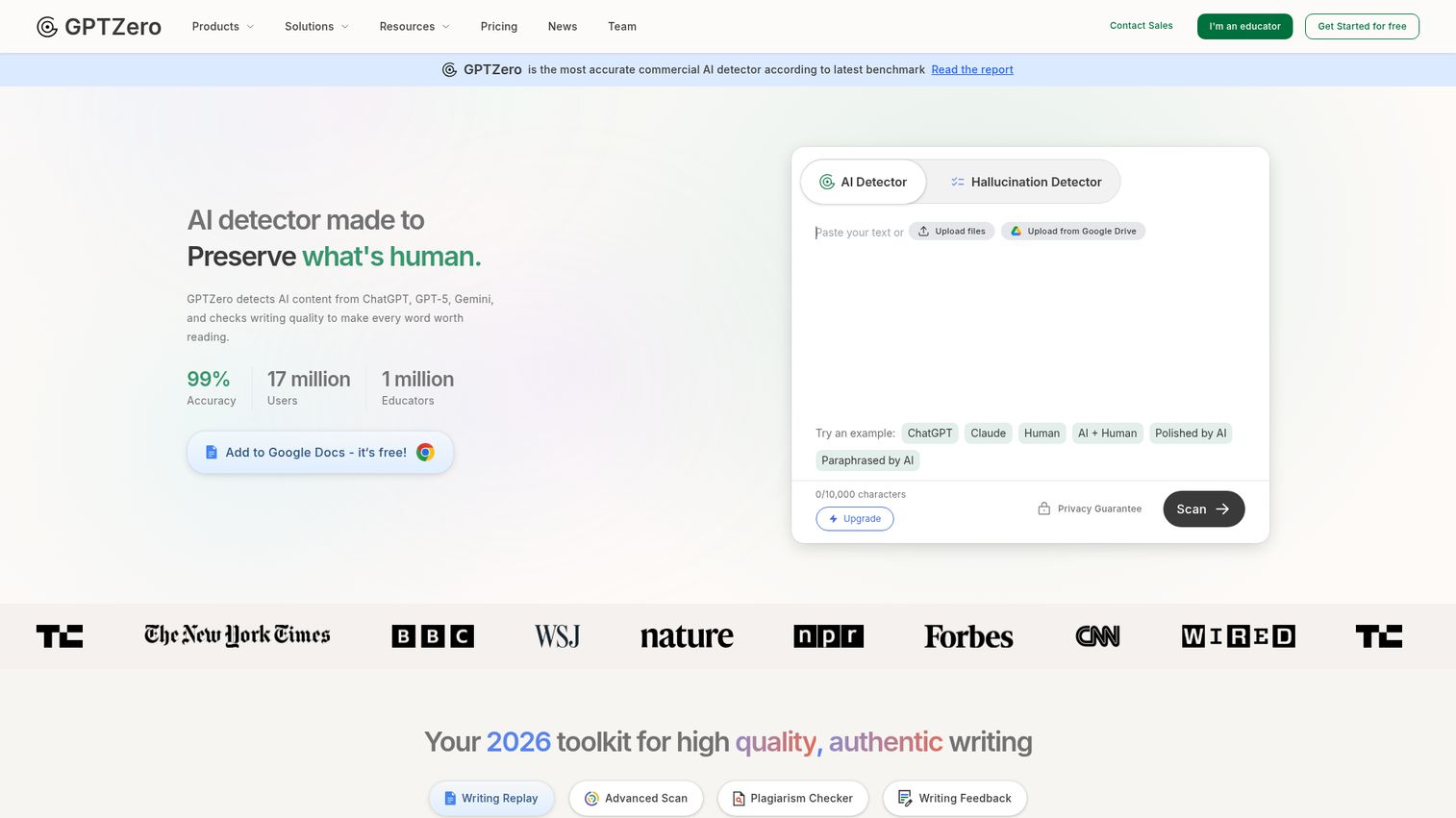
GPTZero started as a pure AI detection tool and has since expanded into plagiarism detection. If your primary concern in 2026 is whether content was written by a human or generated by AI, this is the purpose-built option.
It provides sentence-level highlighting that shows exactly which parts of a document appear AI-generated. The plagiarism detection feature is newer and less mature than dedicated tools like Turnitin or Scribbr, but the dual capability - AI detection plus plagiarism checking - makes it a strong choice for educators dealing with both issues.
Best for: Educators checking for AI-generated student submissions, and institutions needing dual AI and plagiarism detection in one platform.
Key strengths
- Sentence-level AI detection with confidence scoring
- Combined AI detection and plagiarism checking
- Batch file scanning for multiple documents
- Canvas and LMS integrations for educators
- API access for platform integration
Pricing: Free basic checks with limited words. Pro plans start at ~$10/month. Institutional pricing available.
GPTZero's plagiarism detection is secondary to its AI detection. If plagiarism catching is your main goal, pair it with a dedicated plagiarism checker tool.
7. iThenticate - best for researchers and publishers
iThenticate is built by the same parent company as Turnitin (Turnitin LLC), but it serves a completely different audience: professional researchers, journal editors, and publishing houses. Major publishers including Elsevier, Springer, and IEEE rely on iThenticate as part of their manuscript review process.
Its database includes access to CrossRef and PubMed scholarly databases, covering 70+ billion web pages and 200+ million published works. The similarity reports are detailed enough for peer review workflows, and the tool integrates directly into publisher submission systems.
Best for: PhD researchers submitting to journals, journal editors reviewing manuscripts, and publishing houses maintaining integrity standards.
Key strengths
- CrossRef and PubMed scholarly database access
- 70+ billion web pages and 200+ million published works
- Trusted by Elsevier, Springer, IEEE, and Wiley
- Detailed similarity reports built for peer review
- Publisher workflow integrations for submission systems
Pricing: Pay-per-document at approximately $100 per document for individuals. Institutional licensing available.
The price tag is steep for casual use. But if you're submitting a research paper to a major journal, the cost of not checking is far higher.
8. PlagAware - best for European users and GDPR compliance
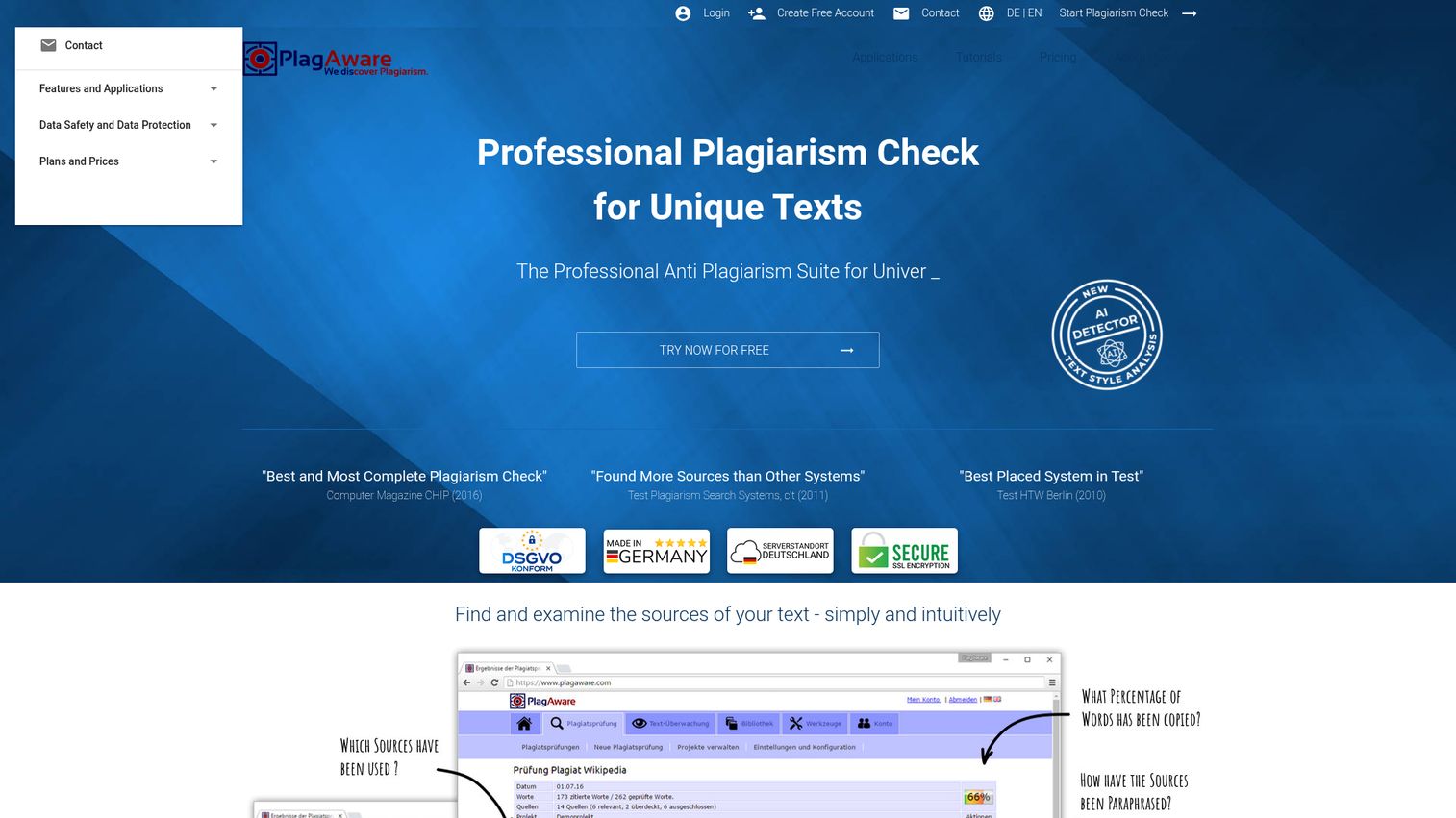
PlagAware is a German-based plagiarism detection tool that prioritizes European data protection standards. If GDPR compliance requirements for data processing is a hard requirement for your organization, PlagAware is one of the few tools that makes this a core feature rather than an afterthought.
Beyond privacy, it offers real-time web monitoring - meaning you can set it to continuously scan the web for copies of your published content. That's a useful feature for content creators and publishers worried about unauthorized reproduction.
Best for: European institutions, privacy-conscious users, and content creators who need ongoing plagiarism monitoring.
Key strengths
- Full GDPR compliance with German data hosting
- Real-time web monitoring for content protection
- Document comparison for internal duplicate checking
- Team accounts with shared dashboards
- Scheduled automated checks for ongoing monitoring
Pricing: Free basic plan available. Paid plans start at ~€5/month.
The trade-off: PlagAware's database is smaller than US-based tools, and its interface feels dated compared to Grammarly or Copyleaks. It's a solid regional choice, not a global leader.
9. Compilatio - best for French-speaking and European institutions
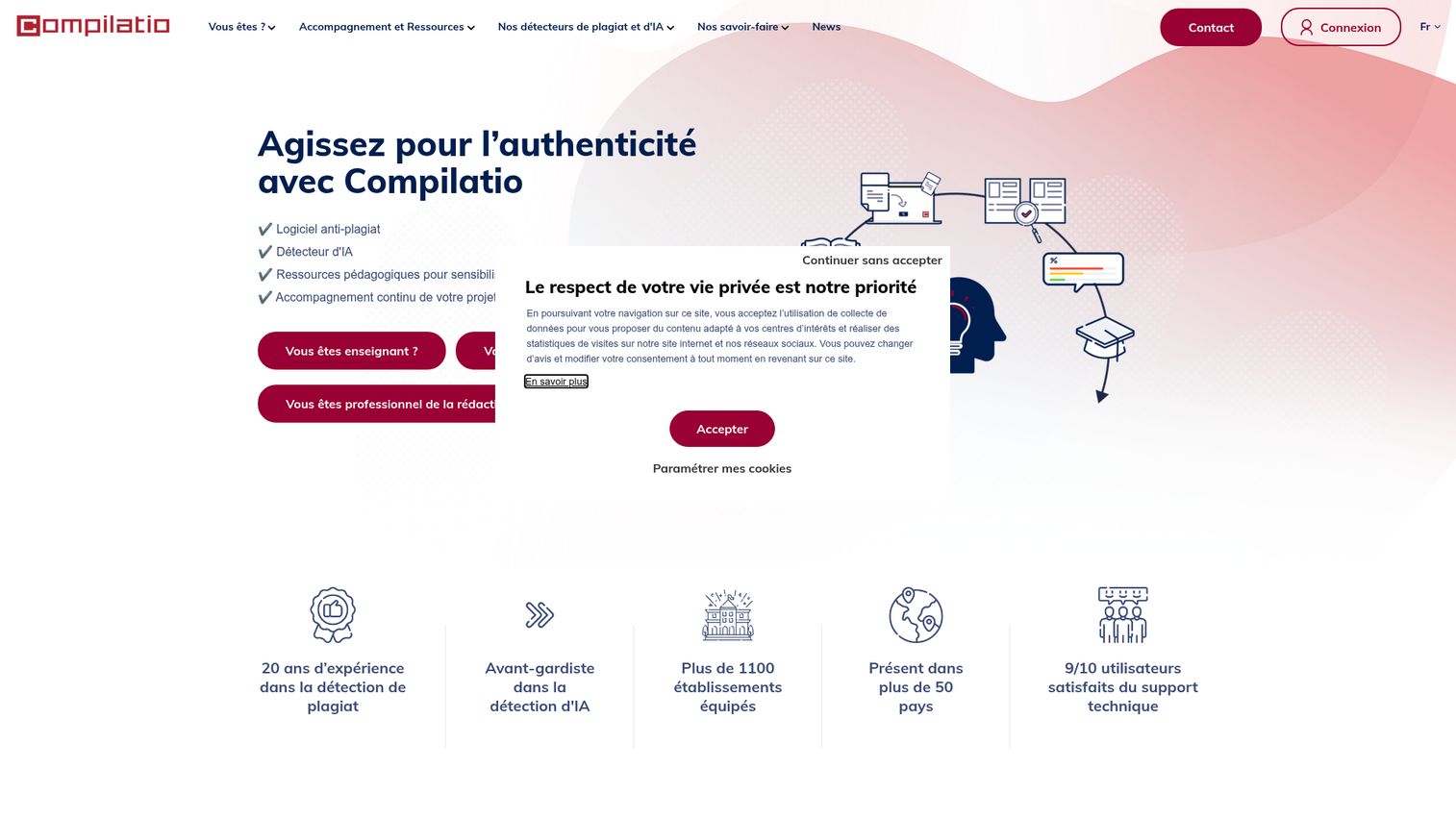
Compilatio is a French-origin plagiarism detection platform widely adopted across European higher education. Its strength lies in non-English academic content, particularly French, Spanish, and Italian texts.
What distinguishes Compilatio is its pedagogical approach. The platform doesn't just flag plagiarism - it includes educational modules that teach students about proper citation and academic integrity. For institutions that want prevention alongside detection, this dual focus is valuable.
Best for: European universities and French-speaking institutions that need strong non-English language support with an educational component.
Key strengths
- Strong multi-language support for European languages
- Pedagogical modules teaching citation and integrity
- LMS integrations for institutional deployment
- Institutional dashboards with class-level analytics
- Established presence across European higher education
Pricing: Institutional licensing only with per-student pricing. Contact Compilatio for quotes.
Compilatio's English-language database is smaller than Turnitin's or Grammarly's. For English-only content, other tools tend to perform better.
10. Unicheck - best for K-12 and higher education LMS integration
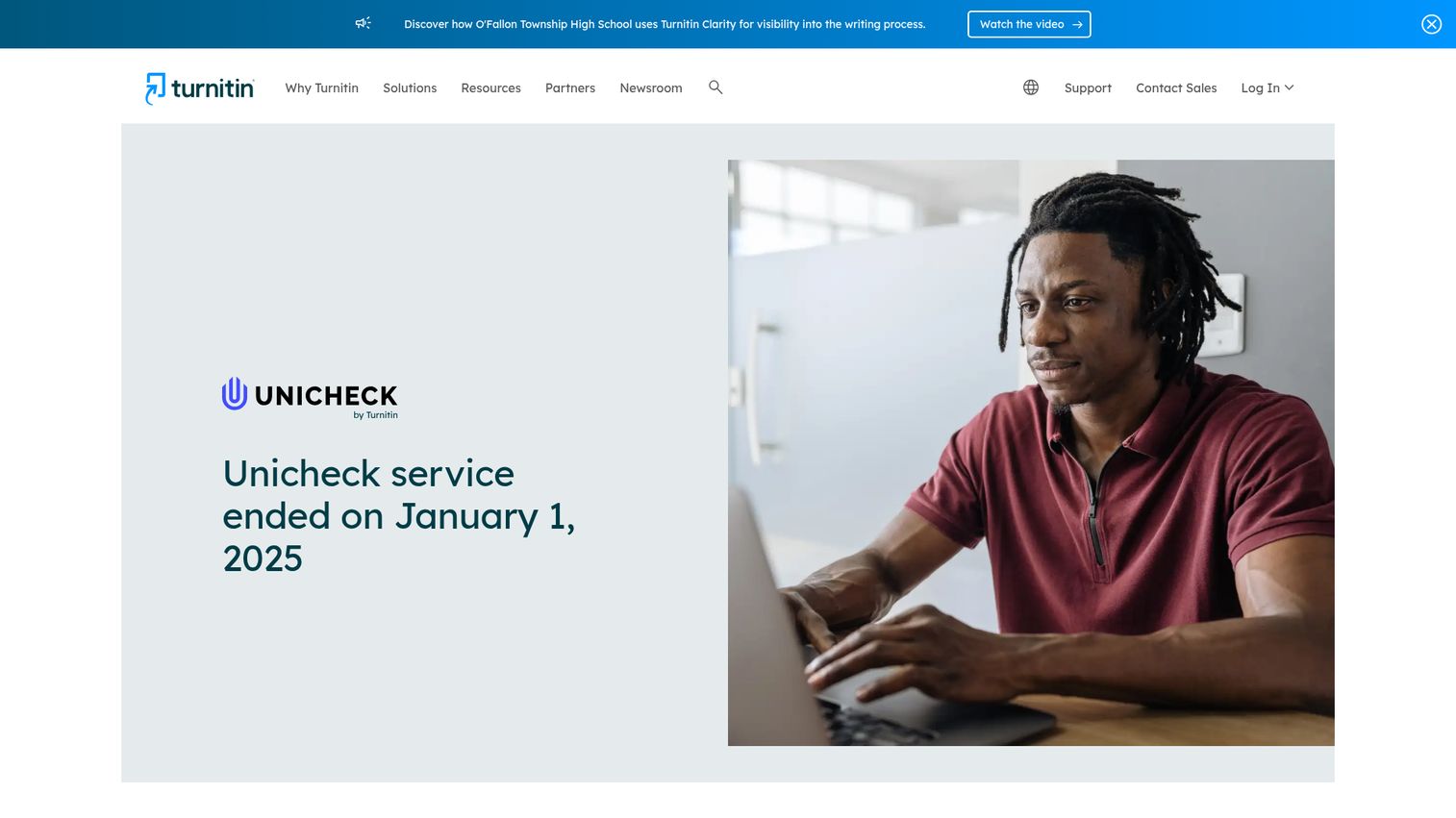
Unicheck focuses squarely on education, with deep integrations into Google Classroom, Canvas, Moodle, and Blackboard. It's now part of the Turnitin family following Turnitin's acquisition of Unicheck, which gives it access to expanded database resources while maintaining its own pricing structure.
The teacher dashboard is clean and practical. Educators can review similarity reports, leave feedback, and manage class-level submissions without leaving their LMS. Batch upload support makes it workable for end-of-semester grading rushes.
Best for: K-12 schools, community colleges, and institutions wanting affordable plagiarism detection with tight LMS integration.
Key strengths
- Native Google Classroom integration for K-12
- Canvas, Moodle, and Blackboard LMS support
- Clean teacher dashboard with batch processing
- Real-time similarity checking during upload
- Affordable per-student institutional pricing
Pricing: Per-student institutional pricing. Free trial available. Contact Unicheck for specific rates.
Unicheck isn't available for individual purchase. It's built for schools and districts, not solo users.
11. Prepostseo - best free bulk plagiarism checker
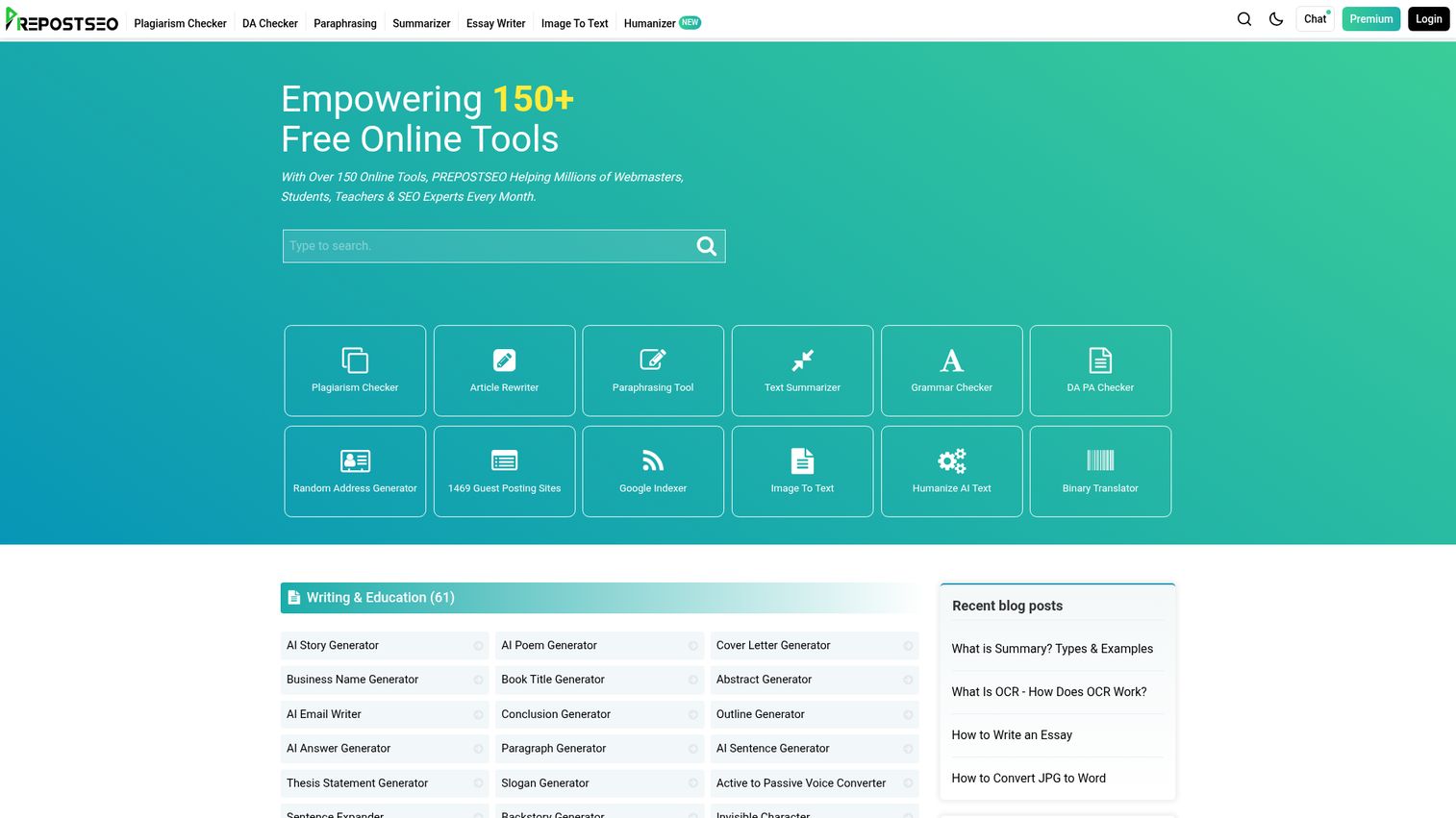
Prepostseo is a free online plagiarism checker popular with SEO professionals and content marketers who need to check multiple articles quickly. It offers 1,000-word free checks, bulk URL checking, and a website-wide plagiarism scanner.
The tool works well as a plagiarism checker for articles - particularly when you're reviewing outsourced content from freelancers and need a quick pass before publishing. No registration is required for basic use. If you're building out a broader SEO content stack, you might also want to explore the best SEO tools to complement your plagiarism workflow.
Best for: SEO professionals, content marketers checking outsourced content, and bloggers who need free bulk scanning.
Key strengths
- 1,000-word free checks with no signup required
- Bulk URL checking for website-wide scans
- Multiple file format support including DOCX and PDF
- SEO-focused companion tools in the same suite
- Grammar checker add-on for combined editing
Pricing: Free with ads and word limits. Pro plans start at ~$10/month.
Be honest about the trade-offs here: Prepostseo's accuracy is noticeably lower than premium tools, especially for paraphrased content. The ad-heavy free experience can also be frustrating. Review the privacy policy before uploading sensitive documents.
12. DupliChecker - best no-signup free option
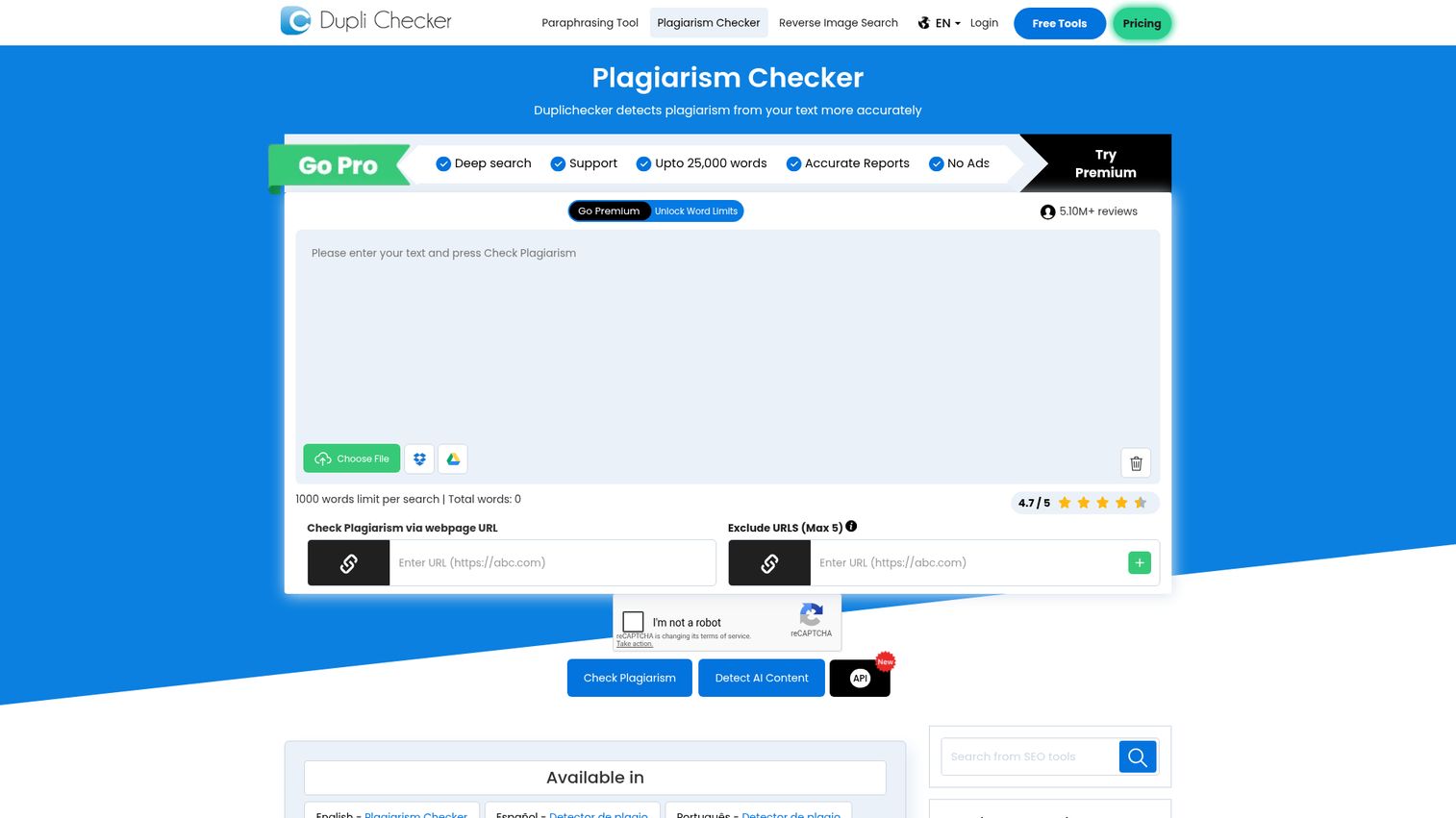
DupliChecker is as bare-bones as plagiarism checking gets. No account. No signup. Paste up to 1,000 words, click check, and get results. That's it.
It's useful for quick spot-checks when you need a fast answer and don't want to create yet another account. But the results are basic - it catches obvious copy-paste matches and misses most paraphrased content.
Best for: Users who want a zero-commitment, no-registration free scan for quick spot-checks.
Key strengths
- No registration or account creation needed
- Instant results for pasted text up to 1,000 words
- Multiple file upload support for DOCX and TXT
- Built-in word counter and grammar checker
- Completely free for basic single-document checks
Pricing: Free with ads and limits. Pro plan from ~$10/month for expanded features.
Don't rely on DupliChecker for academic submissions or professional work. It's a quick-and-dirty option, and the accuracy reflects that. The ad-heavy interface also makes the experience feel cluttered.
13. Smodin - best for multilingual plagiarism checking
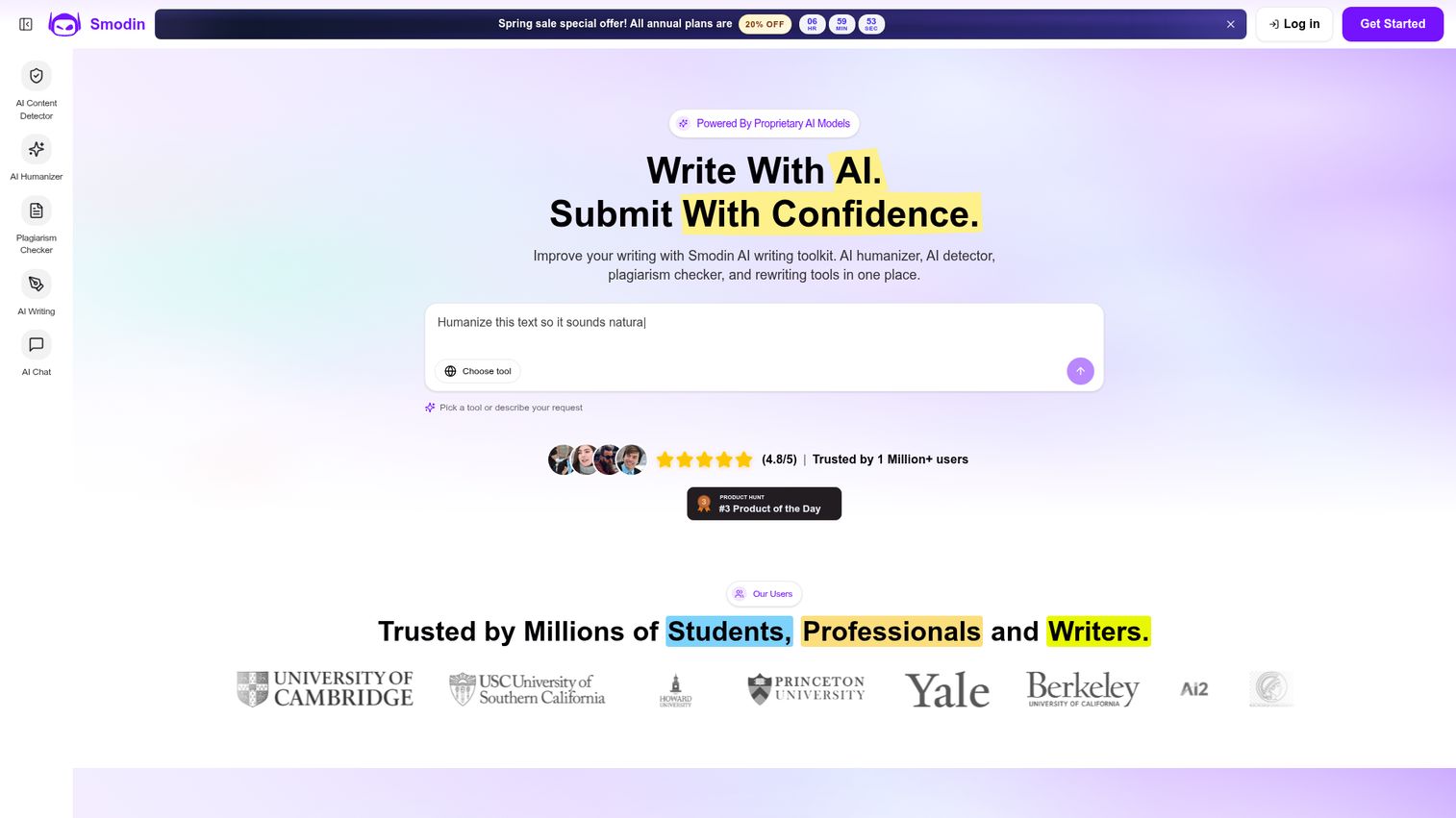
Smodin is an AI-powered writing platform with plagiarism detection supporting 100+ languages. If you're writing or checking content in a language other than English, Smodin offers broader coverage than most competitors.
The platform bundles plagiarism detection with AI writing assistance, a rewriting tool, and a citation generator. It's a Swiss Army knife for multilingual content creators, though the plagiarism detection is secondary to the AI writing features.
Best for: Non-English writers, multilingual content teams, and international students working across multiple languages.
Key strengths
- Plagiarism detection across 100+ languages
- AI writing assistant with rewriting capabilities
- Built-in citation generator for academic work
- Research paper tools for structured writing
- Affordable pricing for combined feature set
Pricing: Free limited checks. Essentials plan at ~$10/month. Productive plan at ~$20/month.
Accuracy varies by language. Smodin tends to perform best in widely spoken languages (Spanish, French, German, Portuguese) and less reliably in lower-resource languages.
14. Small SEO Tools - best free suite for SEO content checks
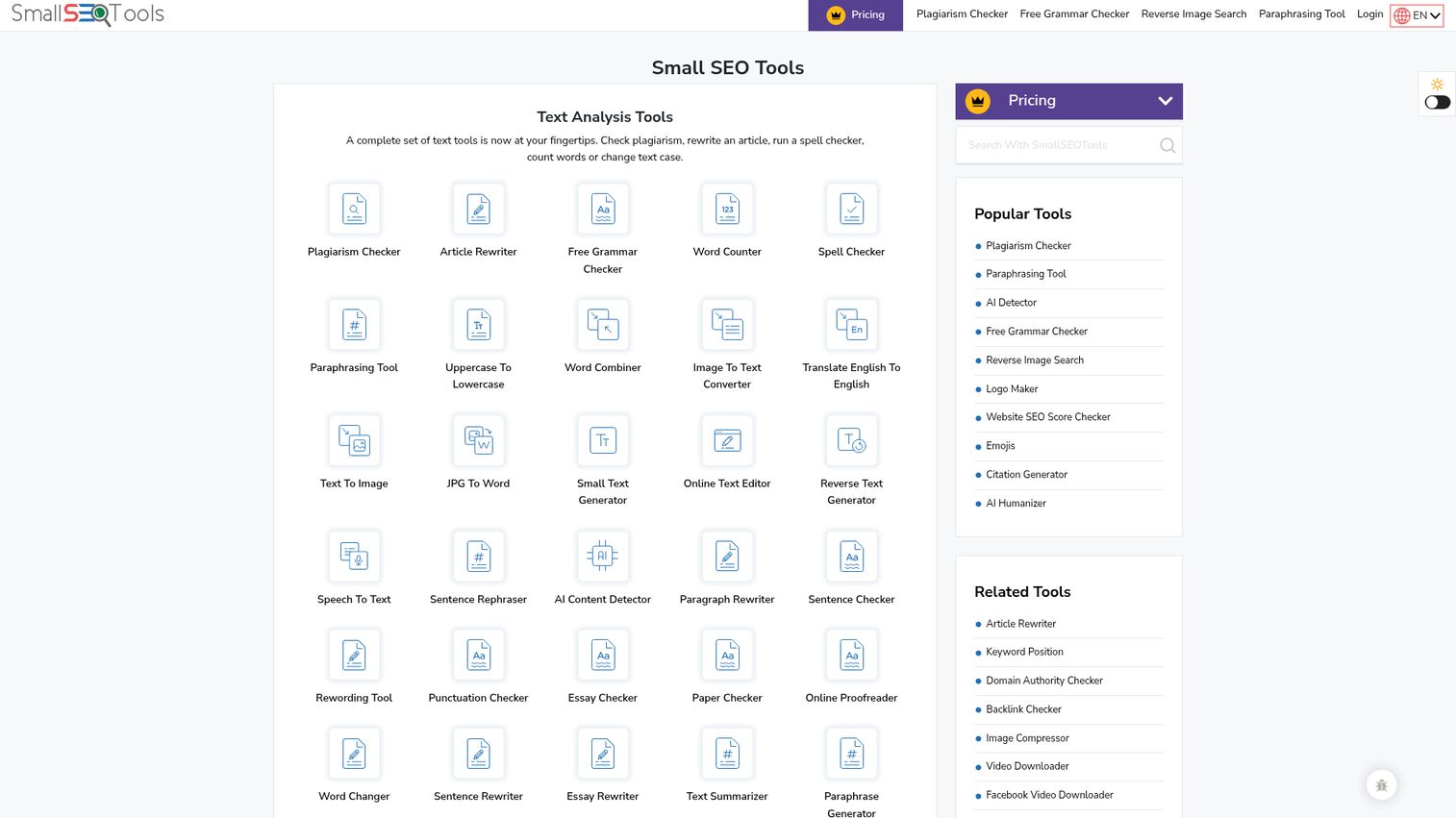
Small SEO Tools offers a free online plagiarism checker as part of a larger suite of 100+ free SEO tools. It provides 1,000-word checks, percentage-based similarity scores, and source URL identification - all without requiring a signup.
This is a basic tool for basic needs. It's appropriate for checking a blog post draft against web sources. It's not appropriate for academic work, professional publishing, or anything where accuracy matters more than convenience.
Best for: Budget-conscious bloggers and SEO beginners who need a free, no-commitment web content check.
Key strengths
- Completely free with no signup required
- Part of a larger suite of 100+ SEO tools
- Percentage-based similarity score with source URLs
- 1,000-word check limit per scan
- Simple paste-and-check interface
Pricing: Free (ad-supported). Premium plans available for higher limits.
The accuracy is limited. The ads are heavy. And the privacy policy deserves a careful read before you upload anything sensitive. Use it for casual checks, not critical submissions.
15. PapersOwl - best for students needing writing support
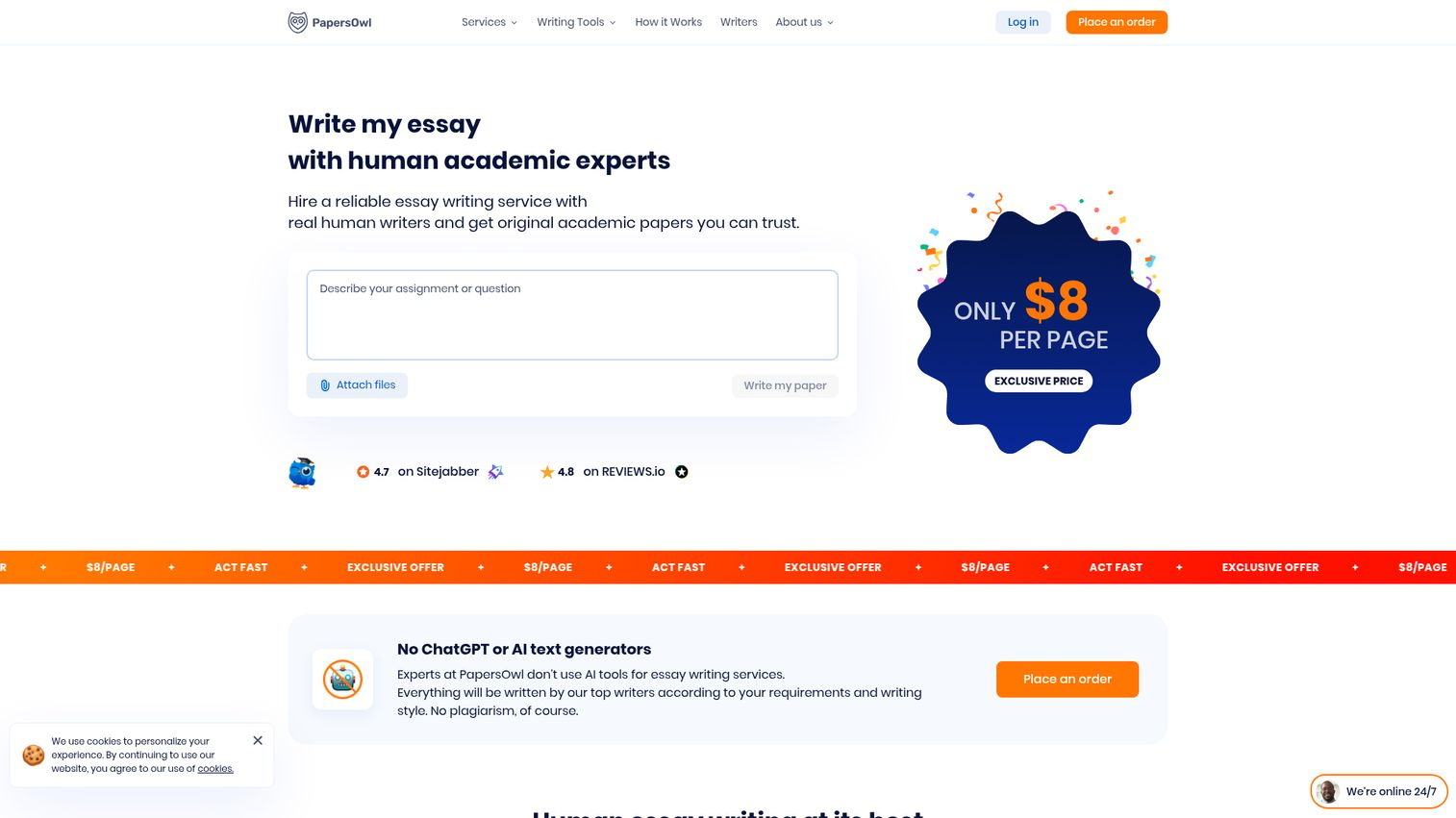
PapersOwl bundles a free plagiarism checker for students with access to academic writing services including editing, rewriting, and tutoring. The plagiarism checker itself is decent for web-source matching, and it generates a detailed similarity report.
The catch: PapersOwl heavily promotes its paid writing services throughout the experience. If you're just looking for a plagiarism check, expect frequent upsells. The tool works, but the experience is clearly designed to funnel you toward paid services.
Best for: Students who want a free plagiarism check and might also need access to writing support, editing, or tutoring services.
Key strengths
- Free plagiarism check with detailed similarity report
- Integration with writing and editing services
- Citation help for flagged passages
- Decent accuracy for web source matching
- No account required for basic plagiarism check
Pricing: Free plagiarism checker. Paid writing services priced per page.
If you just want a clean plagiarism check without the upsell pressure, Quetext or Grammarly tend to be better experiences.
Free vs. paid plagiarism checker software: what's the difference?
The gap between free and paid tools is significant. Here's what you're actually getting - and giving up - at each tier.
| Feature | Free Tools | Paid Tools |
|---|---|---|
| Database | Web pages only | Web + academic journals + student papers + books |
| Word limit | 500–1,000 words per check | Unlimited or very high |
| AI detection | Rarely included | Often included |
| Paraphrase detection | Weak | Strong |
| LMS integration | None | Canvas, Blackboard, Moodle, Google Classroom |
| Plagiarism report detail | Basic percentage score | Source-by-source breakdown with highlighting |
| Batch processing | None | Yes |
| API access | None | Available on enterprise plans |
| Privacy/GDPR | Varies (read terms carefully) | Typically stronger protections |
| Ads | Heavy | None |
Choose free if you're doing a quick check on a blog post, need a one-time scan under 1,000 words, or want a preliminary pass before using a paid tool.
Choose paid if you're submitting academic work, checking content professionally, need AI detection, require LMS integration, or handle sensitive documents.
A free plagiarism checker is fine for casual use. For anything with real consequences, paid tools are worth the investment.
Types of plagiarism these tools detect
Not all plagiarism looks the same, and not all tools catch every type equally well.
- Direct/verbatim plagiarism: Copy-paste without attribution. Every tool on this list catches this - it's the easiest type to detect.
- Mosaic plagiarism: Mixing copied phrases with original text, swapping a few words. Premium tools like Turnitin and Copyleaks handle this well; free tools often miss it.
- Paraphrasing plagiarism: Rewording someone's ideas without citation. This is the hardest to detect. Turnitin and Scribbr tend to perform best here, thanks to their deep databases and contextual matching.
- Self-plagiarism: Reusing your own previously submitted work. Turnitin catches this through its student paper repository. Scribbr also flags it.
- Accidental plagiarism: Failing to cite properly despite good intentions. Tools with citation assistants (Grammarly, Quetext, Scribbr) help here.
- AI-generated plagiarism: Submitting AI-written content as original work. GPTZero and Copyleaks lead in this category, with Turnitin's AI detection close behind. Teams using AI sales tools or AI writing assistants for content production should be especially mindful of running output through a checker before publishing.
How plagiarism detection software works
The underlying technology is more straightforward than most people assume. Here's the basic process:
- Text ingestion: You upload a document or paste text into the tool.
- Fingerprinting: The software breaks your text into small fragments - typically phrases of 5–10 words.
- Database comparison: Each fragment is matched against the tool's database, which might include web pages, academic journals, books, and previously submitted student papers.
- Similarity scoring: Matches are flagged and compiled into a percentage score. A 15% similarity score doesn't mean 15% of your work is plagiarized - it means 15% matches existing sources, which may include properly cited material.
- Report generation: You receive a plagiarism report with highlighted matches, source URLs, and (in premium tools) recommendations for citation.
Modern tools layer AI and machine learning on top of this process. That's how they detect paraphrased content and AI-generated text - by analyzing writing patterns rather than just matching strings.
How to choose the right plagiarism checker software for your needs
If you're a student
Prioritize accuracy and affordability. For everyday assignments, Grammarly Premium gives you grammar and plagiarism in one tool for ~$12/month. For your thesis or dissertation, Scribbr's Turnitin-powered check at ~$19.95 per document is worth the investment. For quick free checks on shorter work, Quetext's free tier does the job.
If you're an educator or institution
You need LMS integration, batch processing, and access to student paper databases. Turnitin is the standard for good reason. Unicheck offers a more affordable alternative with strong Google Classroom and Canvas integration. Copyleaks adds AI detection to the mix. If you're also looking to improve how you onboard students or staff into new tools, user onboarding software can streamline that process significantly.
If you're a freelance writer or blogger
Speed and ease of use matter most. Grammarly catches plagiarism while you write. Quetext gives you a fast free check. Prepostseo handles bulk content checks for SEO work.
If you're a content marketer or SEO professional
You likely need bulk checking, API access, and AI detection for outsourced or AI-assisted content. Copyleaks is the strongest option here, with its API and multi-language support. GPTZero adds AI detection. Prepostseo works for quick, free bulk scans. For a broader view of the tools powering modern content operations, see our roundup of the best content marketing tools.
If you're a researcher or publisher
Scholarly database access is non-negotiable. iThenticate is the standard for journal submissions, with CrossRef and PubMed integration. Scribbr is a more affordable alternative for individual researchers.
| User Type | Top Pick | Runner-Up | Budget Option |
|---|---|---|---|
| Students | Grammarly Premium | Scribbr | Quetext (free) |
| Educators | Turnitin | Unicheck | Copyleaks |
| Freelance writers | Grammarly | Quetext Pro | Prepostseo (free) |
| Content marketers | Copyleaks | GPTZero | Prepostseo (free) |
| Researchers | iThenticate | Scribbr | - |
The best plagiarism checker is the one that fits your specific workflow, budget, and accuracy requirements. Take advantage of free trials before committing to a paid plan. If you want to see how interactive demos can help you evaluate software before buying, that's another approach worth exploring.
FAQ - plagiarism checker software
Plagiarism is presenting someone else's words, ideas, or work as your own without proper attribution. It includes direct copying, paraphrasing without citation, and - increasingly in 2026 - submitting AI-generated content as original human work.
They break your text into fragments and compare them against databases of web pages, academic papers, and previously submitted documents. Matches are flagged with a similarity score and compiled into a report showing exactly which passages match which sources.
Free tools catch obvious copy-paste plagiarism but often miss paraphrased content and don't access academic databases. For important submissions - theses, journal articles, client deliverables - paid tools are significantly more reliable. Quetext offers the best accuracy among free options.
Yes, some can. GPTZero, Copyleaks, and Turnitin all include AI detection capabilities that identify output from ChatGPT, Claude, and Gemini. Accuracy is improving but not perfect - AI detection false positives remain a known limitation across all AI plagiarism checker tools in 2026.
It depends on the work. Scribbr is the strongest choice for thesis and dissertation checking, since it uses Turnitin's database. Grammarly Premium works well for everyday assignments with combined grammar and plagiarism checking. Quetext is the best free option for quick scans on shorter papers.
It depends on the tool. Some tools store uploaded documents in their databases, which could flag your work as "matching" in future checks. Scribbr explicitly does not store documents after scanning. PlagAware offers full GDPR compliance with German data hosting. Always check a tool's privacy policy before uploading sensitive work. For organizations with strict data handling requirements, reviewing a vendor's security and compliance documentation is a smart first step.
Prices range from free (Quetext, DupliChecker, Small SEO Tools) to $10–20/month (Grammarly, Copyleaks, Quetext Pro) to ~$100 per document (iThenticate) to institutional licensing (Turnitin). Many tools offer free trials, so you can test before committing.
Yes. Copyleaks and Smodin both support 100+ languages. Compilatio is strong in French, Spanish, and Italian. PlagAware focuses on German-language content. Accuracy tends to vary by language and tool - widely spoken languages get better coverage than lower-resource ones.