Too many AI design tools. Not enough honest comparisons.
The AI graphic design market has exploded in the past two years, and the number of AI design tools available in 2026 is genuinely overwhelming. Whether you're a marketer building social posts, a founder prototyping an app, or a freelancer generating client concepts, there's an AI design generator (or five) claiming to be the one you need.
We tested 15 of them. Not just quick demos - actual projects, real outputs, honest assessments. This guide covers everything from full-suite AI powered design tools like Canva and Figma to specialized image generators like Midjourney and niche picks like Khroma. Every tool gets the same treatment: what it does well, where it falls short, what it costs, and who it's actually built for.
What's inside
You'll find a scannable comparison table up front, followed by detailed breakdowns of all 15 tools. Each review covers key strengths, pricing, and ideal use cases. At the end, there's a decision framework to help you pick the right tool (or combination of tools) based on your specific situation.
This article is numbered for organization, not ranked best-to-worst. The best AI design tool for you depends entirely on what you're making and how technical you want to get.
TL;DR
- Best all-around for non-designers: Canva - massive template library, generous free tier, Magic Design handles most marketing needs
- Best for UI/UX teams: Figma - industry-standard prototyping with maturing AI features
- Best AI image quality: Midjourney - consistently the most aesthetically refined image generation
- Best for commercial safety: Adobe Firefly - trained on licensed content, integrated into Creative Cloud
- Best free AI design generator: Microsoft Designer - free with any Microsoft account, DALL-E powered
- Best for maximum control: Stable Diffusion - open-source, locally hostable, endlessly customizable
What are AI design tools (and why do they matter in 2026)?
AI design tools are software applications that use generative AI, machine learning, and neural networks to create, modify, or assist with visual design tasks. That includes everything from generating images from text prompts to automating layouts, suggesting color palettes, building prototypes, removing backgrounds, and even producing deployable code from a mockup.
There's an important distinction worth noting. AI design generators - like Midjourney and DALL-E - create visual assets from scratch based on prompts. AI-assisted design tools - like Canva and Figma - enhance existing workflows with intelligent suggestions, auto-layouts, and generative features baked into a broader design environment.
In 2026, these tools matter more than ever because the models behind them have gotten materially better. Text-in-image rendering actually works now. Brand-aware generation keeps outputs consistent. And the line between "designer" and "non-designer" continues to blur, which means more people can produce professional-quality visuals without a design degree. For teams looking to showcase their product visually, interactive demos have become another powerful way to bring designs and product experiences to life.
How we evaluated these AI design tools
Every tool in this list was assessed against the same six criteria:
- Ease of use - how quickly can a beginner produce a usable design?
- AI capability and output quality - how good are the AI-generated results out of the box?
- Feature depth - range of design tasks the tool supports
- Pricing and free tier - value for money, free plan generosity
- Collaboration and integration - team features, export options, third-party connections
- Commercial usage rights - can you use outputs commercially without restrictions?
No tool scores perfectly across all six. The trade-offs are what make this comparison useful.
Quick comparison table: 15 best AI design tools at a glance
| Tool | Best For | Free Plan? | Starting Price | Standout Feature |
|---|---|---|---|---|
| Canva | Non-designers, marketing teams | Yes | ~$13/mo (Pro) | Magic Design text-to-design |
| Figma | UI/UX teams, product design | Yes (limited) | ~$15/editor/mo | Figma Make + Dev Mode |
| Adobe Firefly | Professional designers, agencies | Yes (limited credits) | ~$55/mo (All Apps) | Commercially safe AI outputs |
| Midjourney | Concept art, marketing imagery | No | ~$10/mo (Basic) | Best-in-class image aesthetics |
| Microsoft Designer | Office workers, quick graphics | Yes | ~$7/mo (M365) | Deep Microsoft 365 integration |
| DALL-E 3 | Quick concept generation | Yes (limited) | ~$20/mo (ChatGPT Plus) | Conversational prompt refinement |
| V0 by Vercel | Frontend devs, rapid prototyping | Yes | ~$20/mo (Pro) | Generates deployable React code |
| Galileo AI | Product designers, UX teams | Limited | Varies | High-fidelity UI from prompts |
| Uizard | Non-designers, early prototyping | Yes | ~$19/mo (Pro) | Sketch-to-digital conversion |
| Framer | Website creation | Yes | ~$5/mo/site | AI-generated responsive websites |
| Lovable | Startup founders, idea validation | Yes | Varies | Full-stack app from text prompts |
| Design.com | Entrepreneurs, branding assets | Yes | Varies (premium) | All-in-one branding generator suite |
| Khroma | Color palette discovery | Yes (fully free) | Free | AI learns your color preferences |
| Cursor | Design-to-code workflows | Yes | ~$20/mo (Pro) | Codebase-aware AI coding |
| Stable Diffusion | Technical users, max flexibility | Yes (self-hosted) | ~$10 (DreamStudio credits) | Open-source, fully customizable |
Keep reading for detailed breakdowns of each tool, including key strengths and who it's actually built for.
1. Canva (Magic Design)
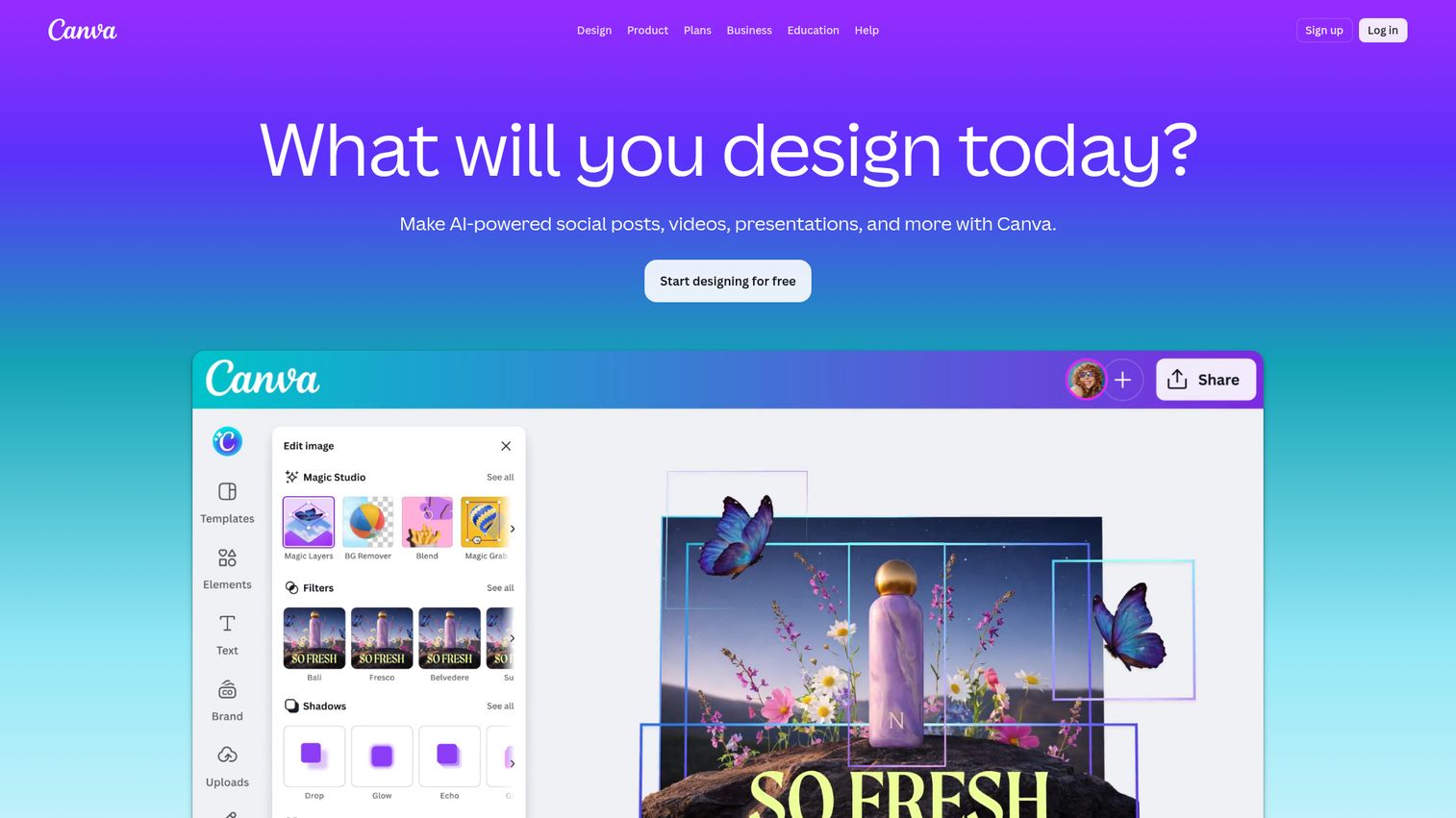
Canva is the most widely adopted AI design generator for non-designers, and Magic Design is the feature that makes it work - you type a prompt or upload an image, and it generates complete, editable designs in seconds. You can also explore Canva's interface firsthand through a Canva interactive demo.
What makes Canva sticky isn't any single AI feature. It's the combination of 250,000+ templates, Magic Write for AI copywriting, AI photo editing (background remover, magic eraser), one-click resize across formats, and real-time collaboration - all in one place. For marketing teams producing social posts, presentations, and ad creatives at volume, it tends to be the fastest path from idea to finished asset.
Best for: Non-designers, social media managers, small business owners, and marketing teams needing high-volume visual content.
Key strengths
- Magic Design generates complete layouts from prompts
- 250,000+ templates across every content format
- Generous free tier covers most basic needs
- Real-time collaboration with team brand kits
- AI photo editing and one-click format resizing
Pricing: Free plan available; Canva Pro starts at ~$13/month.
2. Figma (Figma AI & Figma Make)
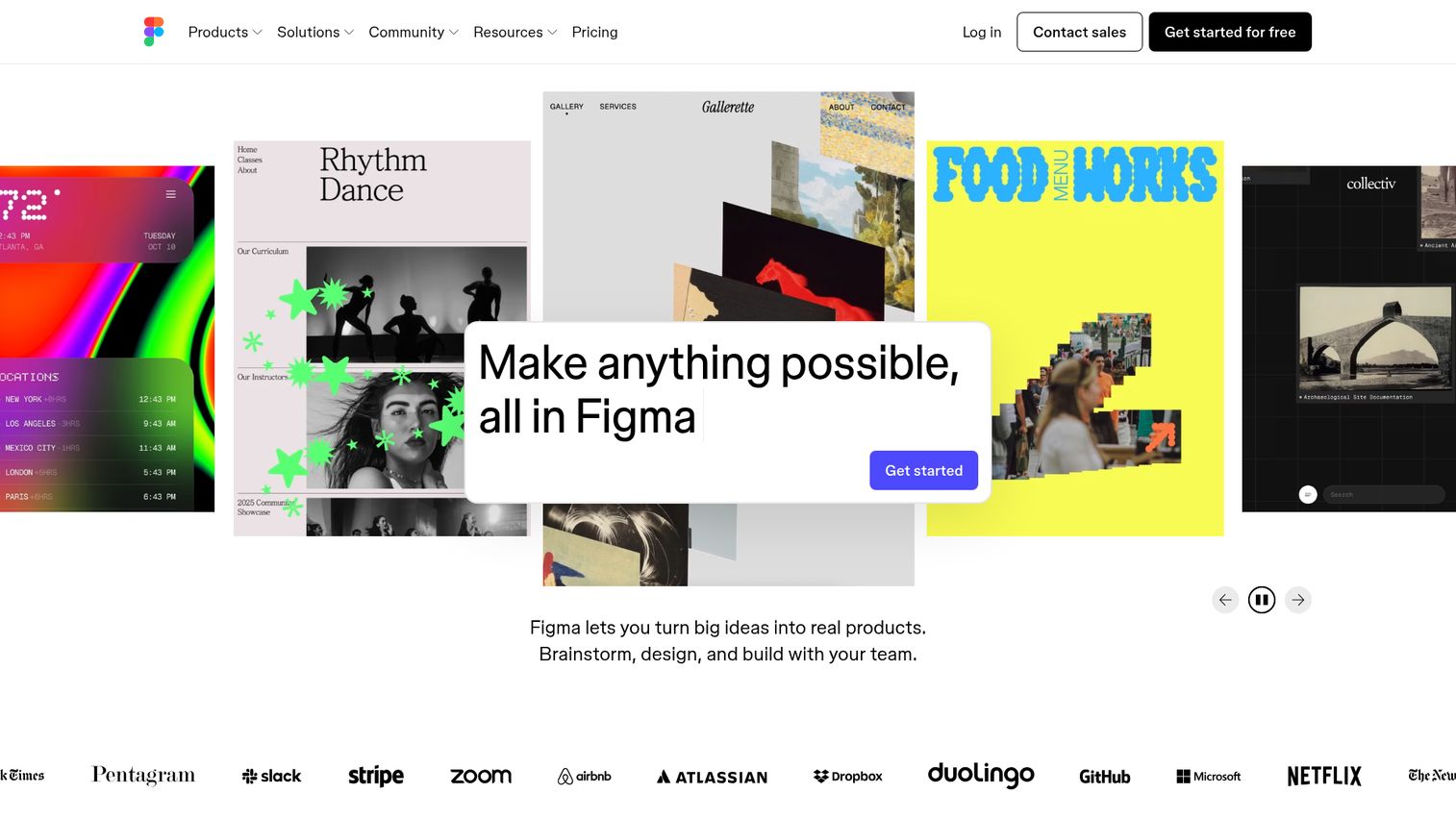
Figma remains the industry standard for UI/UX design, and its AI features - Figma AI for intelligent suggestions and Figma Make for text-to-design generation - are adding real speed to product design workflows in 2026. See how Figma works in practice with a Figma interactive demo.
The core strength here is the full pipeline: design, prototype, test, and hand off to developers, all in one tool. Dev Mode translates designs into usable code specs. Figma Make lets you generate component-level designs from natural language. The plugin ecosystem adds hundreds of additional capabilities. If you're building digital products, this is likely where your team already lives.
Best for: UI/UX designers, product teams, and anyone working in a design-to-development workflow.
Key strengths
- Figma Make generates designs from natural language
- Real-time multiplayer collaboration on shared files
- Dev Mode for direct design-to-code handoff
- Extensive plugin ecosystem with 1,000+ options
- Prototyping and component libraries built in
Pricing: Free plan (limited); Professional starts at ~$15/editor/month.
3. Adobe Firefly
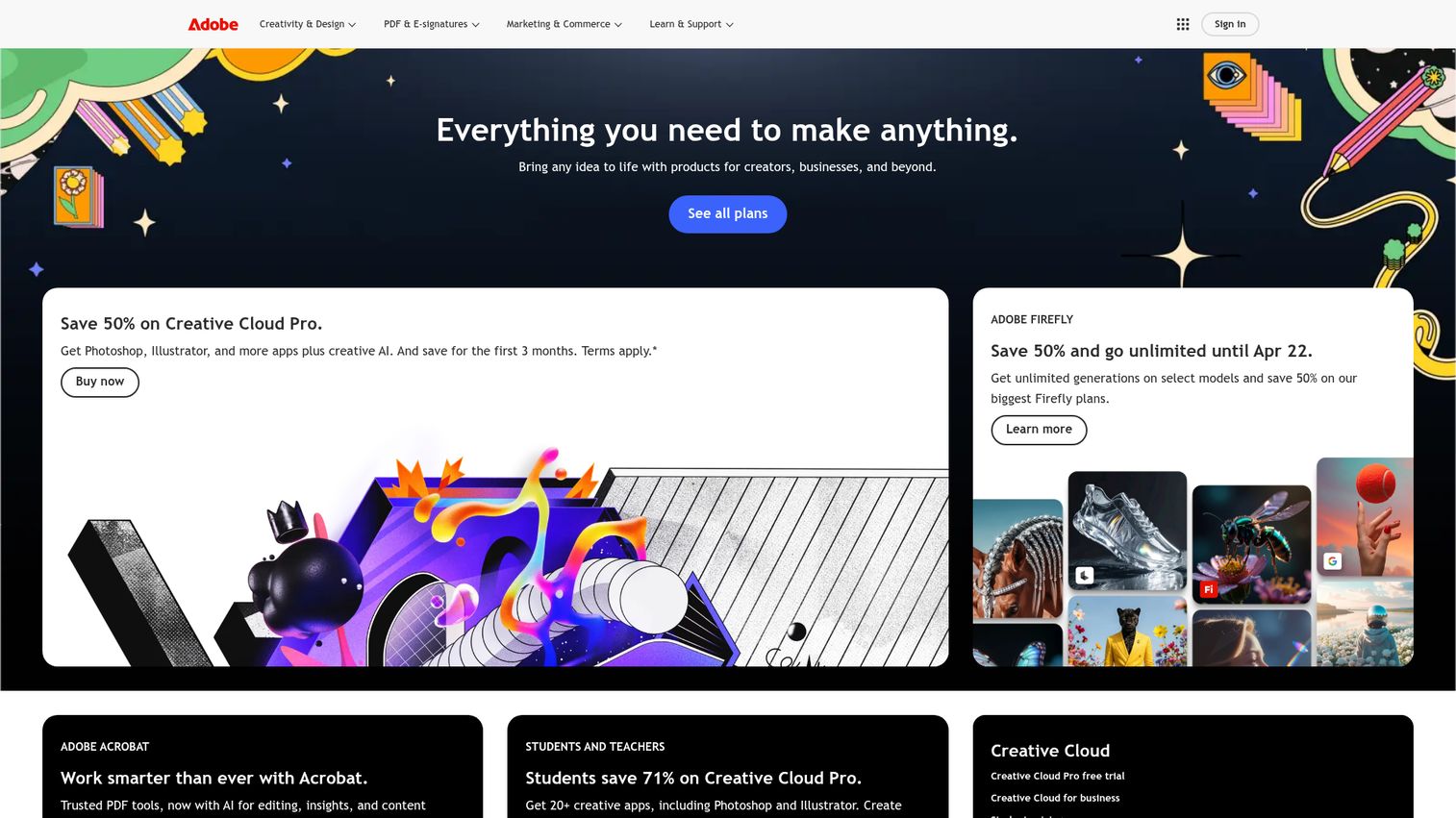
Adobe Firefly is Adobe's generative AI engine, and its defining advantage is commercial safety - it's trained exclusively on licensed content, Adobe Stock, and public domain material, so outputs are cleared for commercial use.
Firefly is integrated across Creative Cloud apps. That means generative fill in Photoshop, generative recolor in Illustrator, text effects, and style reference matching - all accessible within tools professional designers already use daily. If you're an agency or designer producing client work where IP safety matters, this is the AI design tool that removes legal ambiguity.
Best for: Professional designers in the Adobe ecosystem, agencies, and commercial projects requiring IP-safe outputs.
Key strengths
- Commercially safe training data for IP protection
- Deep integration across Photoshop, Illustrator, Express
- Generative fill and recolor within existing workflows
- Style reference matching for brand consistency
- High-quality output with professional-grade control
Pricing: Free tier with limited credits; included in Creative Cloud subscriptions (~$55/month for All Apps).
4. Midjourney
Midjourney produces the most aesthetically refined AI-generated images available in 2026. If you need concept art, marketing imagery, mood boards, or illustrations that actually look good without heavy post-processing, this is where the bar is set.
The tool now offers both Discord-based and web-based interfaces. Style references, character consistency features, and upscaling give you meaningful control over outputs. The trade-off is clear: Midjourney generates images, not layouts. You'll likely pair it with another tool (Canva, Figma) for final design composition. There's also no free tier, which matters if you're testing on a budget.
Best for: Creatives needing high-quality concept art, illustrations, marketing visuals, and mood boards.
Key strengths
- Best-in-class aesthetic quality for AI images
- Style references and character consistency controls
- Web app now available beyond Discord-only access
- Strong community sharing prompts and techniques
- Upscaling and variation tools for refinement
Pricing: No free tier; plans start at ~$10/month (Basic).
5. Microsoft Designer
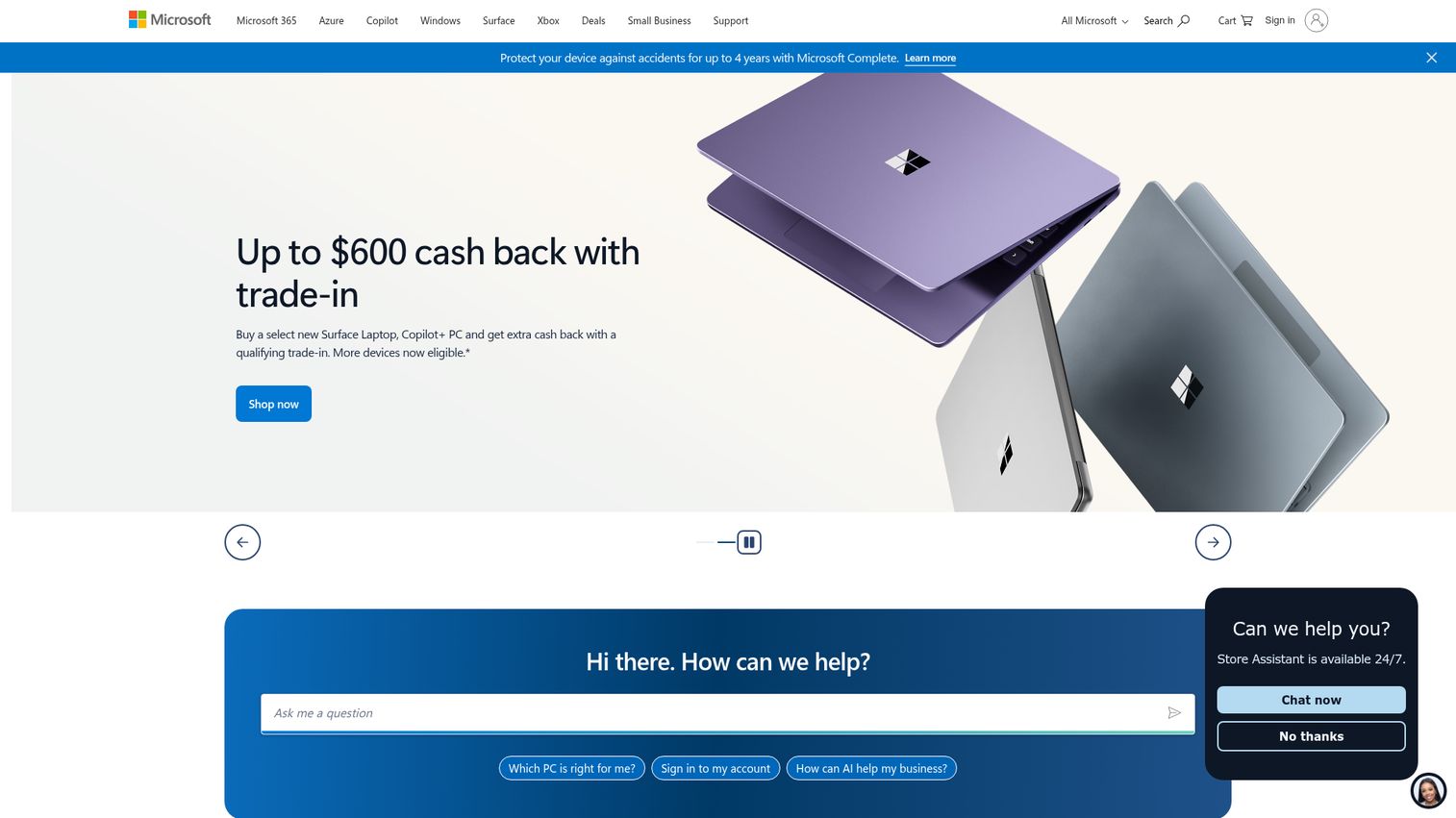
Microsoft Designer is the AI design tool you might already have access to without realizing it. It's free with any Microsoft account, powered by DALL-E for image generation, and integrated into the Microsoft 365 suite. Explore the Microsoft ecosystem demo to see how it fits into broader workflows.
For office workers who need a quick social media graphic, a presentation visual, or a branded poster without opening a dedicated design tool, Designer is a solid pick. It won't match Canva's template depth or Midjourney's image quality, but the price (free) and the integration with Word, PowerPoint, and Teams make it a practical default for Microsoft-heavy organizations.
Best for: Microsoft 365 users, office workers creating quick presentations and social posts without switching tools.
Key strengths
- Free with any Microsoft account
- DALL-E-powered AI image generation built in
- Tight integration with Word, PowerPoint, Teams
- Brand kit support for consistent visuals
- Background removal and text-to-design features
Pricing: Free with a Microsoft account; additional features with Microsoft 365 (~$7/month).
6. DALL-E 3 (via ChatGPT)
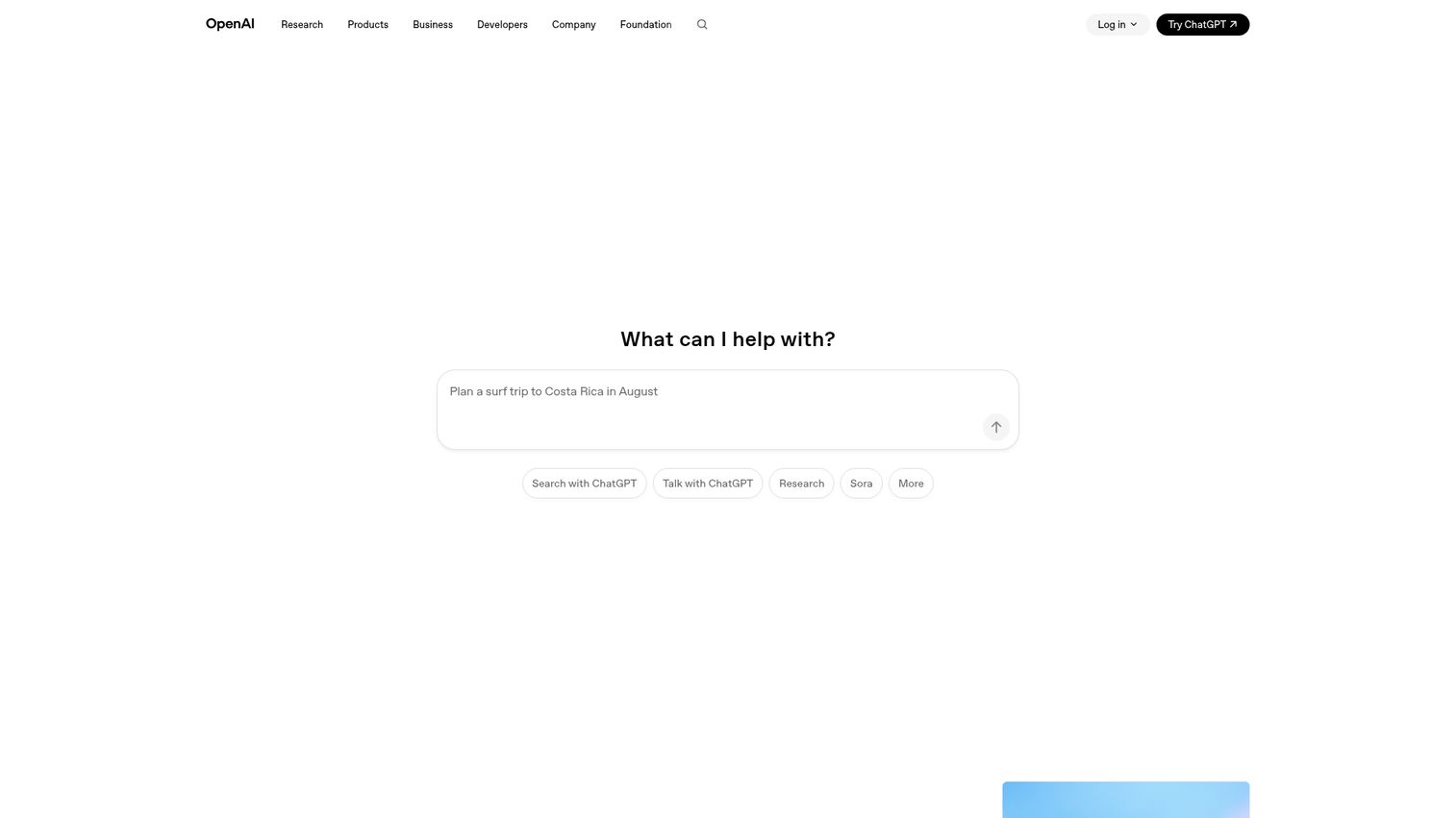
DALL-E 3 is OpenAI's image generation model, and its biggest advantage is how well it understands natural language prompts. Accessed through ChatGPT, it lets you describe what you want conversationally and iterate through refinements in the same chat.
Text rendering in images - historically a weak point for AI generators - works noticeably better with DALL-E 3. It's a strong pick for quick concept generation and brainstorming. The limitation: it generates individual images, not complete design layouts, and outputs can lean toward a recognizable "AI-generated" aesthetic.
Best for: Quick concept generation, brainstorming visual ideas, and creating individual assets through conversational prompts.
Key strengths
- Superior natural language prompt comprehension
- Conversational iteration through ChatGPT interface
- Improved text rendering within generated images
- Free tier available with limited daily generations
- API access for custom integrations and automation
Pricing: Free tier via ChatGPT (limited); ChatGPT Plus at ~$20/month for full access.
7. V0 by Vercel
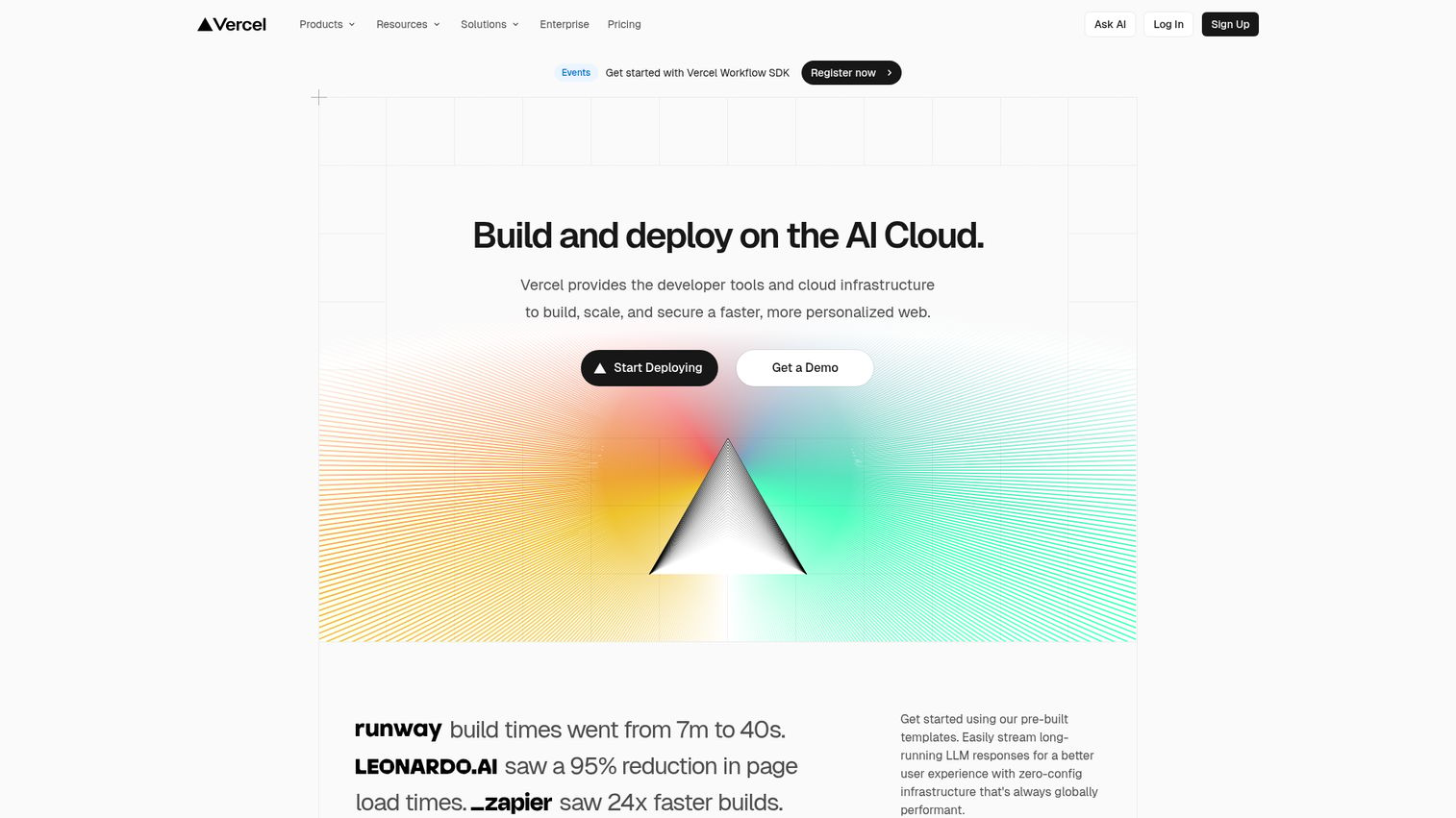
V0 bridges design and development in a way few other tools attempt. You describe a UI component or page layout in plain language, and V0 generates functional React/Next.js code - not a mockup, not a screenshot, but deployable code.
For frontend developers and technical designers, this collapses the design-to-implementation timeline dramatically. You can iterate via chat, refine component-level details, and get responsive output. The catch: you need to be comfortable with code to get the most from it. This is an AI product design tool for technical teams, not a graphic AI tool for marketers.
Best for: Frontend developers, technical product designers, and teams doing rapid UI prototyping.
Key strengths
- Generates real, deployable React and Next.js code
- Chat-based iterative refinement of components
- Responsive design output by default
- Component-level design granularity and control
- Integrates naturally into Vercel deployment workflow
Pricing: Free tier available; Pro plan at ~$20/month.
8. Galileo AI
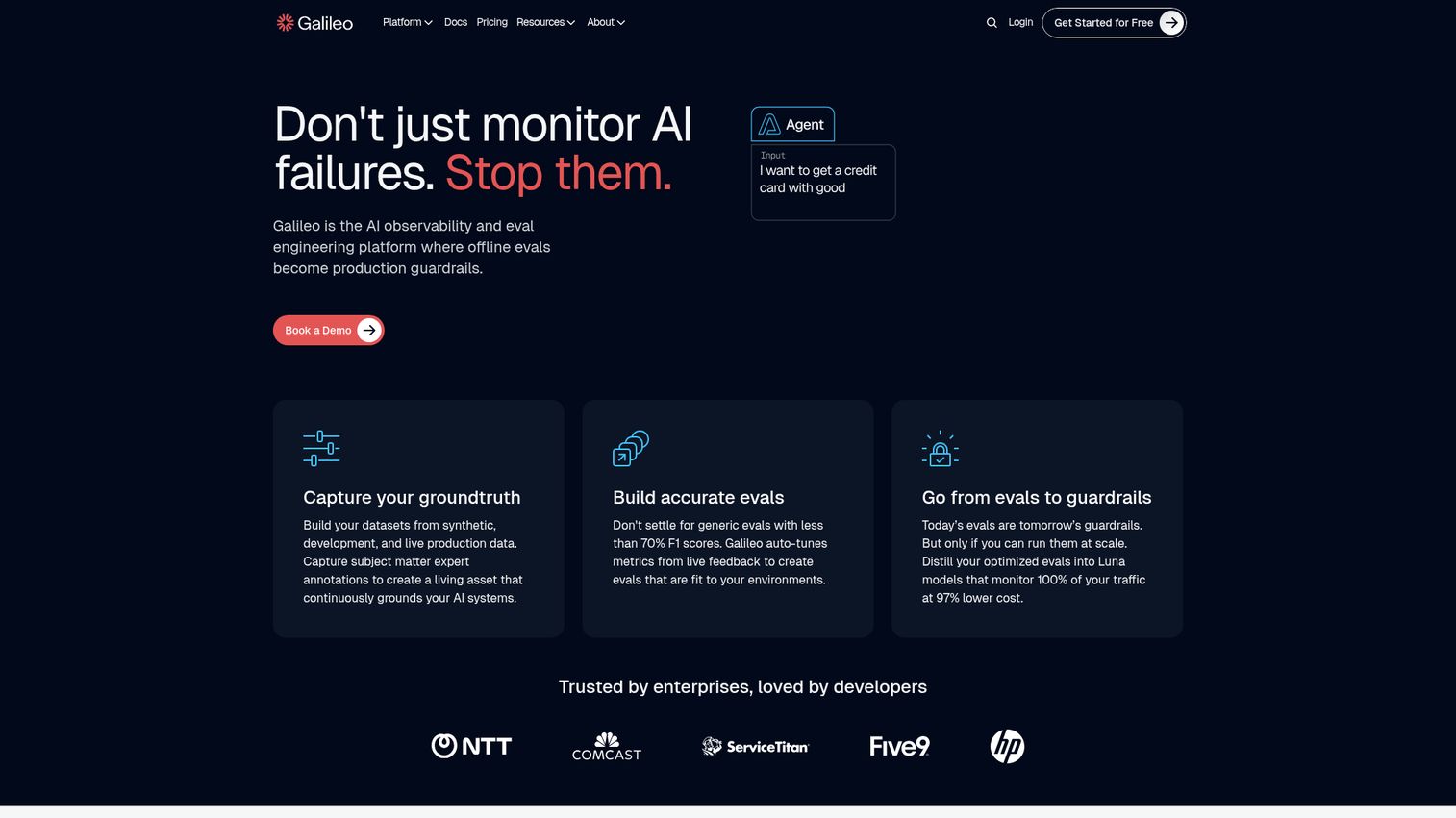
Galileo AI focuses on one thing: generating high-fidelity UI designs from text descriptions. You describe a screen or flow, and it produces polished, editable mockups that look like a designer spent hours on them.
Outputs are Figma-compatible, which means they slot directly into existing product design workflows. For product teams and startup founders who need to visualize an app concept quickly, Galileo AI saves significant time in the early ideation phase. The narrow focus is both its strength and limitation - it does UI design well but doesn't handle graphic design, image generation, or branding.
Best for: Product designers, UX teams, and startup founders prototyping app interfaces quickly.
Key strengths
- High-fidelity UI mockups from text descriptions
- Figma-compatible editable output files
- Component-based design with style customization
- Saves hours in early-stage product ideation
- Clean, professional default design aesthetic
Pricing: Pricing varies; check Galileo AI for current 2026 plans.
9. Uizard
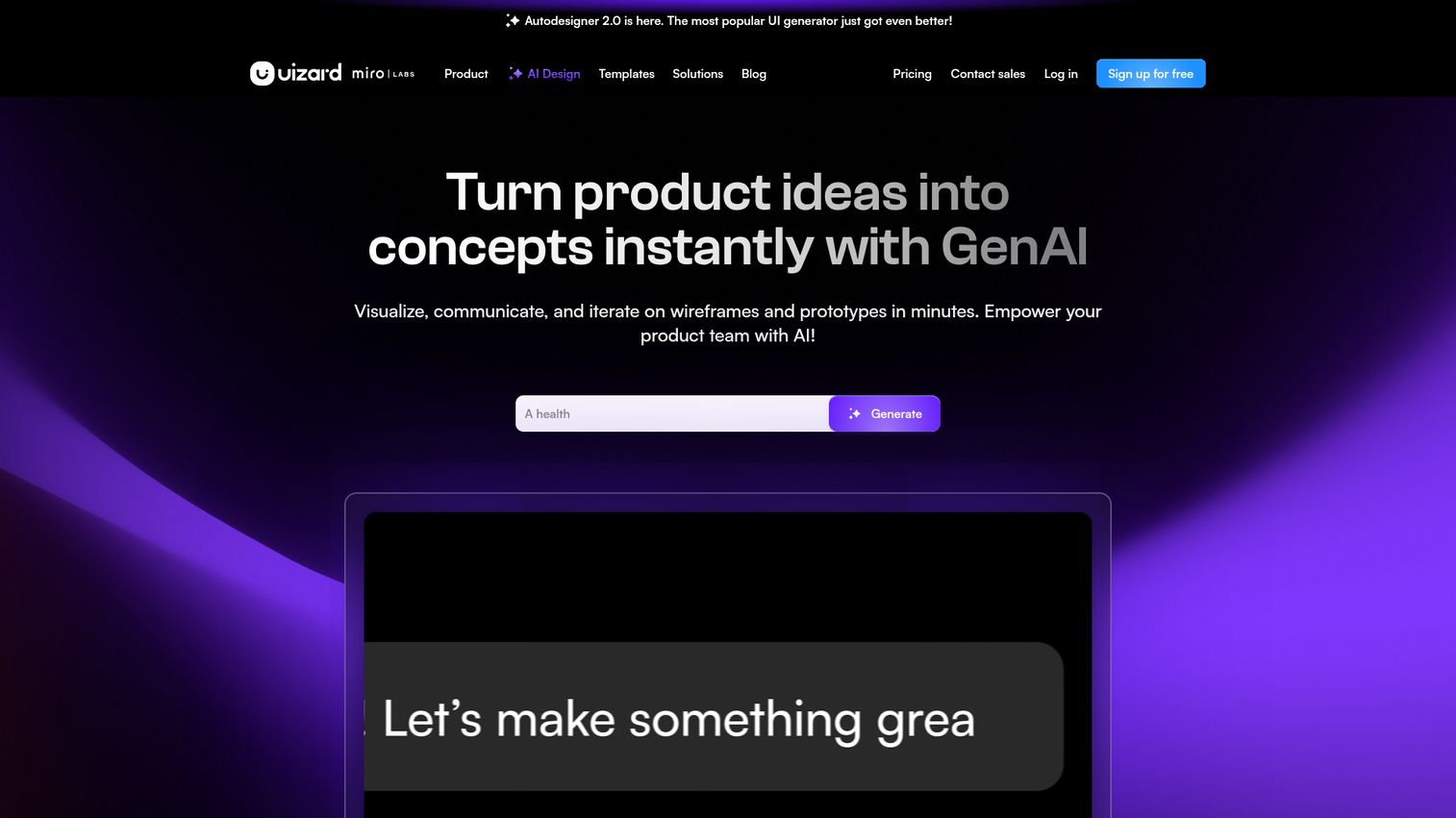
Uizard has a feature no other tool on this list matches: you can sketch a UI on paper, photograph it, and Uizard converts it into an editable digital design. It also offers Autodesigner for text-to-design generation and screenshot-to-editable-design conversion.
This makes Uizard particularly useful for early-stage product thinking - when ideas are rough, napkin-sketch-level, and you need to get them into a shareable format fast. It's more beginner-friendly than Figma, though the trade-off is less polished output and fewer advanced features.
Best for: Product managers, startup founders, and non-designers doing early-stage prototyping and wireframing.
Key strengths
- Hand-drawn sketch to digital design conversion
- Autodesigner generates screens from text prompts
- Screenshot-to-editable-design import feature
- Beginner-friendly interface with collaboration tools
- Wireframing and prototyping in one platform
Pricing: Free plan available; Pro starts at ~$19/month.
10. Framer
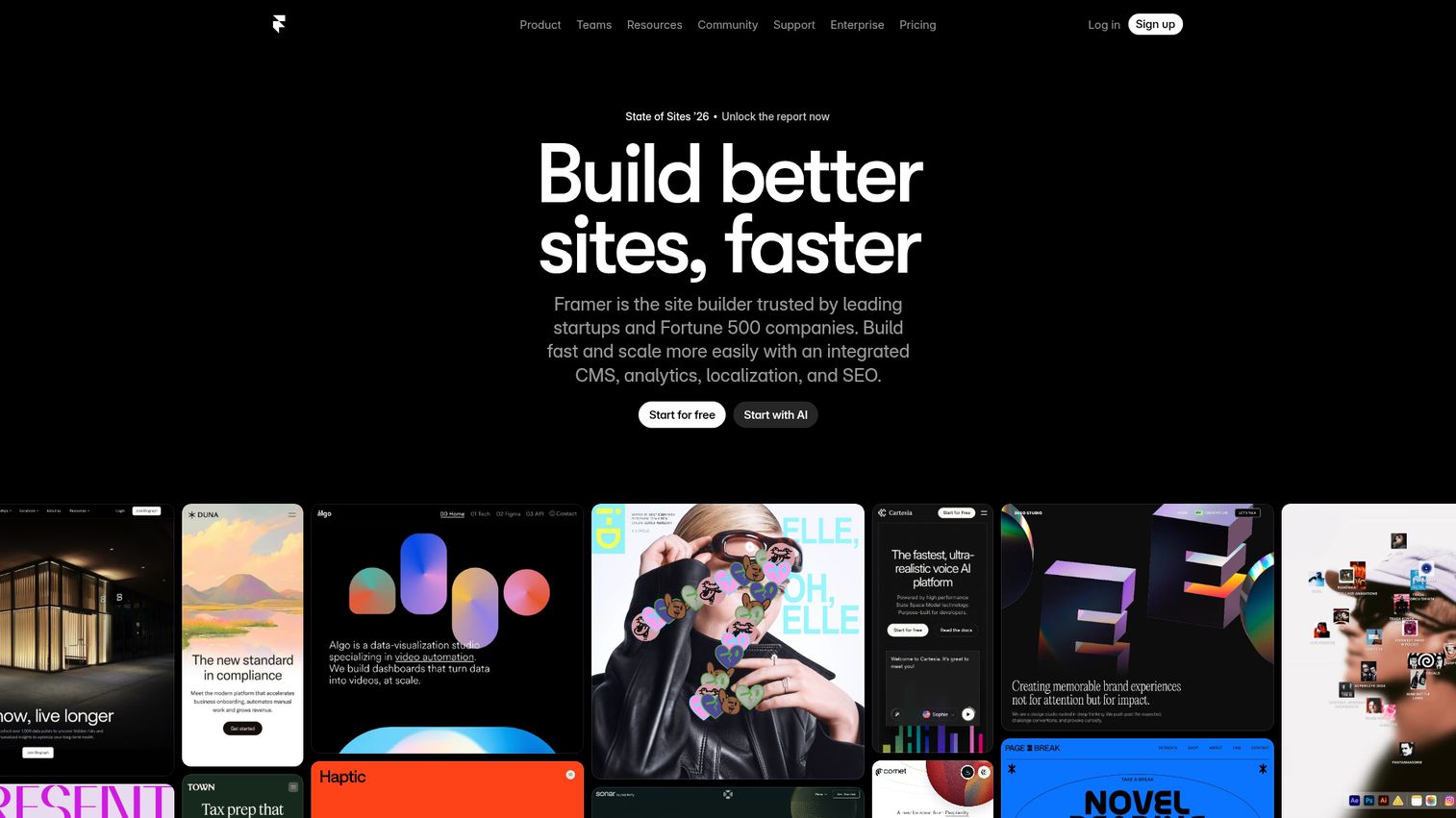
Framer generates complete, responsive, publishable websites from text prompts. Not mockups. Not prototypes. Actual websites with hosting, CMS, custom animations, and SEO tools included.
For freelancers building portfolio sites, startups needing a landing page by next week, or agencies producing client websites at volume, Framer's AI generation is a genuine time-saver. The designs it produces tend to look polished out of the box. Advanced customization has a learning curve, and you're limited to websites - but within that scope, it's one of the best design AI tools available. If you're building landing pages specifically to convert visitors, consider pairing your design tool with best landing page builders for maximum impact.
Best for: Freelancers, startups, and agencies building marketing sites, portfolios, and landing pages quickly.
Key strengths
- AI generates complete responsive websites from prompts
- Built-in CMS, hosting, and SEO tools
- Custom animations and interaction design support
- Component-based editing for granular control
- Polished default designs requiring minimal adjustment
Pricing: Free plan available; Basic starts at ~$5/month per site.
11. Lovable
Lovable goes further than most tools on this list - it generates full-stack web applications, not just designs. Describe what you want in plain language, and Lovable produces a working app with frontend, backend, and database integration.
This positions it squarely for idea validation. If you're a startup founder who wants to test a concept before investing in a development team, Lovable gets you to a functional prototype faster than almost any alternative. The reality check: outputs often need developer refinement for production use, and design quality varies depending on the complexity of what you're building.
Best for: Startup founders, product managers, and teams validating ideas with functional prototypes before committing to full development.
Key strengths
- Full-stack app generation from natural language
- Frontend, backend, and database in one output
- Chat-based iterative refinement of functionality
- Deployment capabilities for quick user testing
- Accessible to non-developers for idea validation
Pricing: Free tier available; paid plans vary - check Lovable for current pricing.
12. Design.com
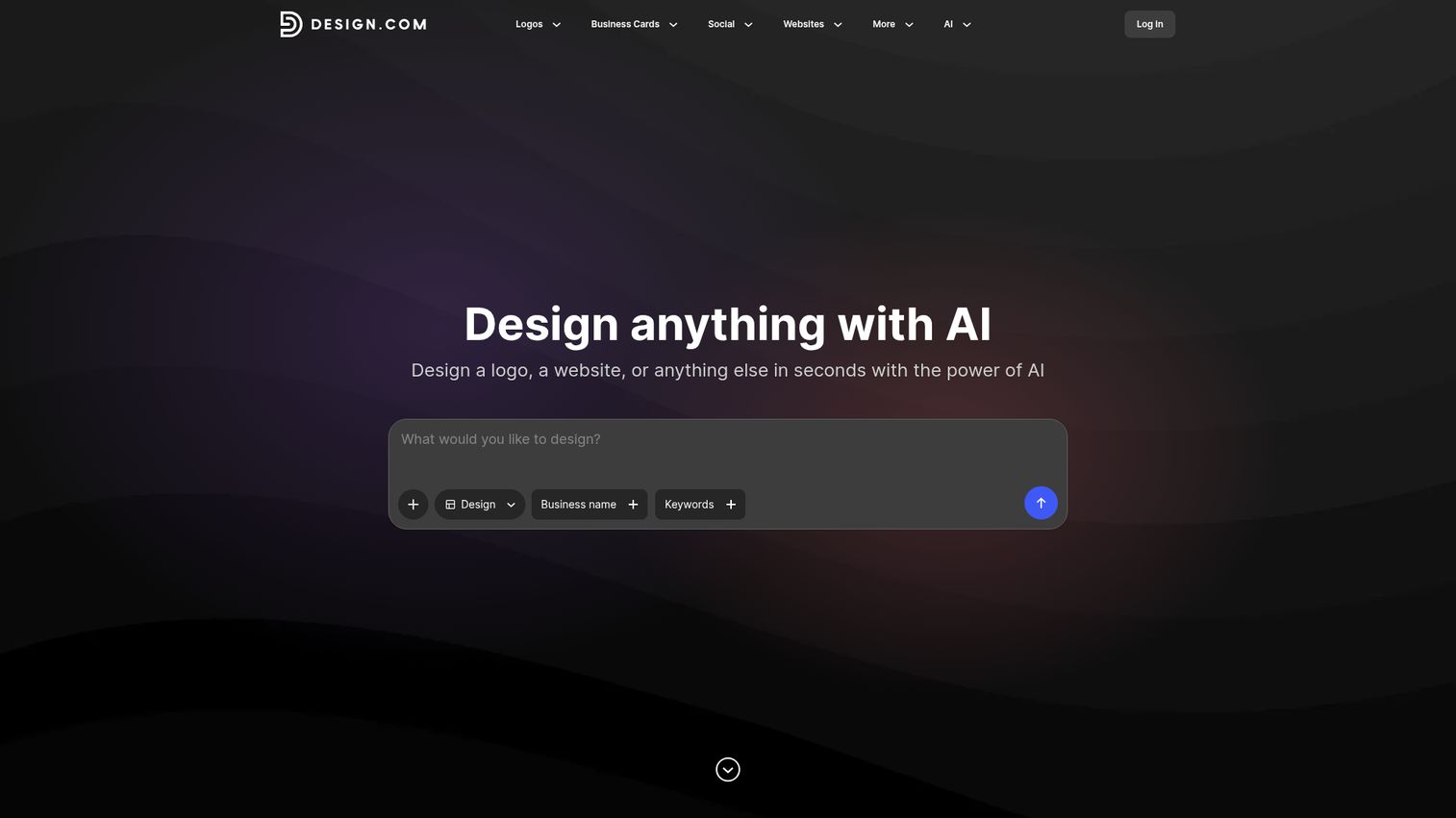
Design.com is an all-in-one AI branding toolkit. It bundles specialized generators for logos, business cards, websites, posters, flyers, presentations, and more - each powered by its own AI design generator.
The breadth is the selling point. A new business owner can generate a logo, matching business cards, a basic website, and social media templates in a single session. Individual tool quality varies - the logo generator is stronger than the website builder, for instance - and outputs can feel generic compared to Canva or custom design work. But for speed and coverage of basic branding needs, it fills a real gap.
Best for: New businesses and entrepreneurs needing quick branding assets - logo, business cards, website - in one place.
Key strengths
- AI Logo Generator with multiple style options
- Business card, poster, and flyer generators
- AI Website Generator for basic online presence
- Background remover and presentation maker included
- Business name and domain name generators bundled
Pricing: Free tools available; premium plans for higher quality and additional options.
13. Khroma
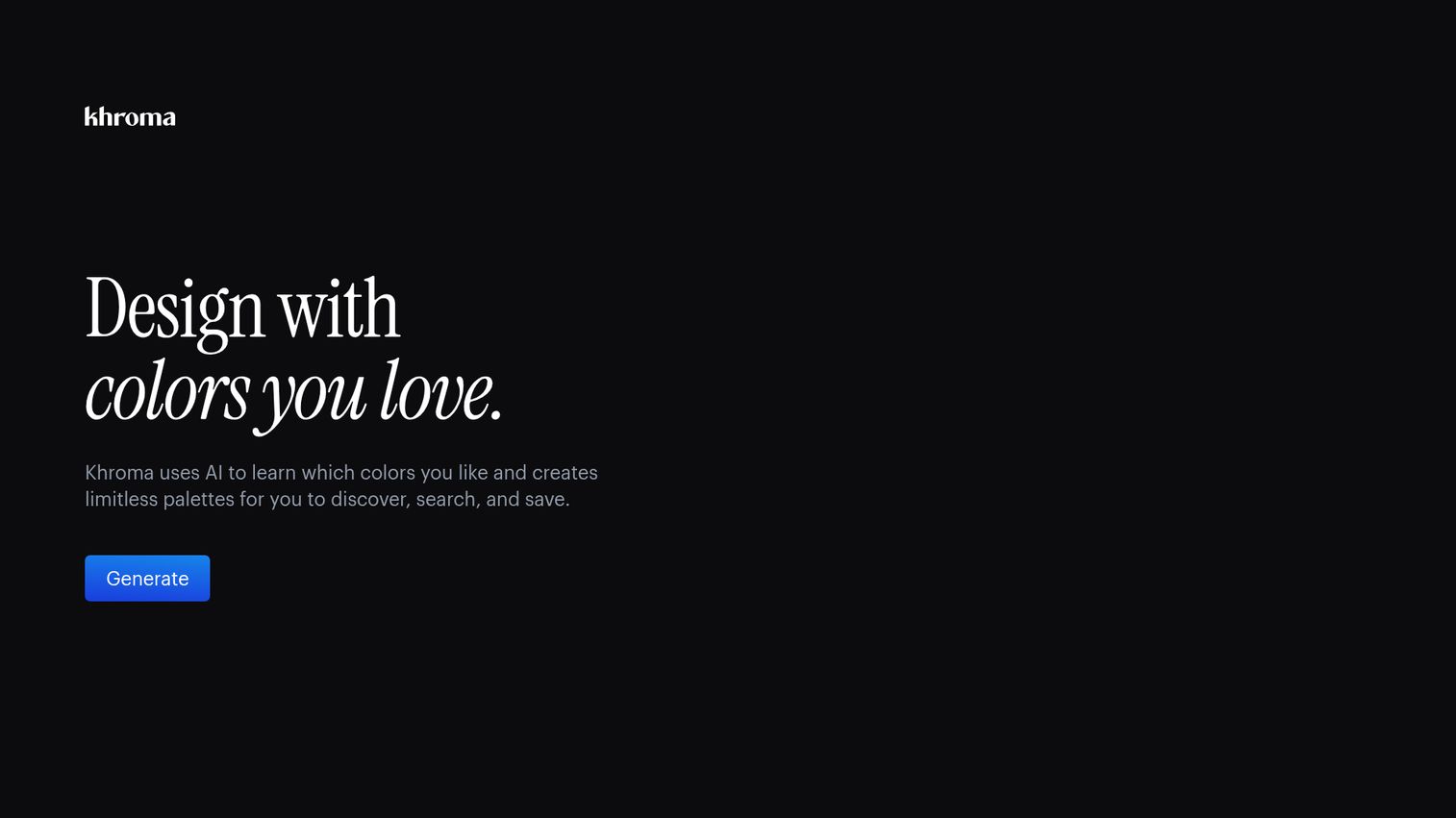
Khroma is a free AI design generator focused entirely on color. You select 50 colors you like, and Khroma's AI learns your preferences, then generates infinite palettes tailored to your taste - displayed as typography pairings, gradients, posters, and images.
It's a niche tool, and that's fine. Color selection is one of the most time-consuming parts of brand development, and Khroma makes it faster and more personalized than browsing generic palette sites. You get hex and RGB values for every suggestion. It's completely free, with no paid tier.
Best for: Designers and brand creators looking for AI-assisted color palette inspiration and brand color selection.
Key strengths
- AI learns your color preferences from selections
- Generates palettes as typography, gradients, posters
- Completely free with no paid tier
- Hex and RGB values for every suggestion
- Personalized results improve over time with use
Pricing: Free.
14. Cursor (for design-to-code)
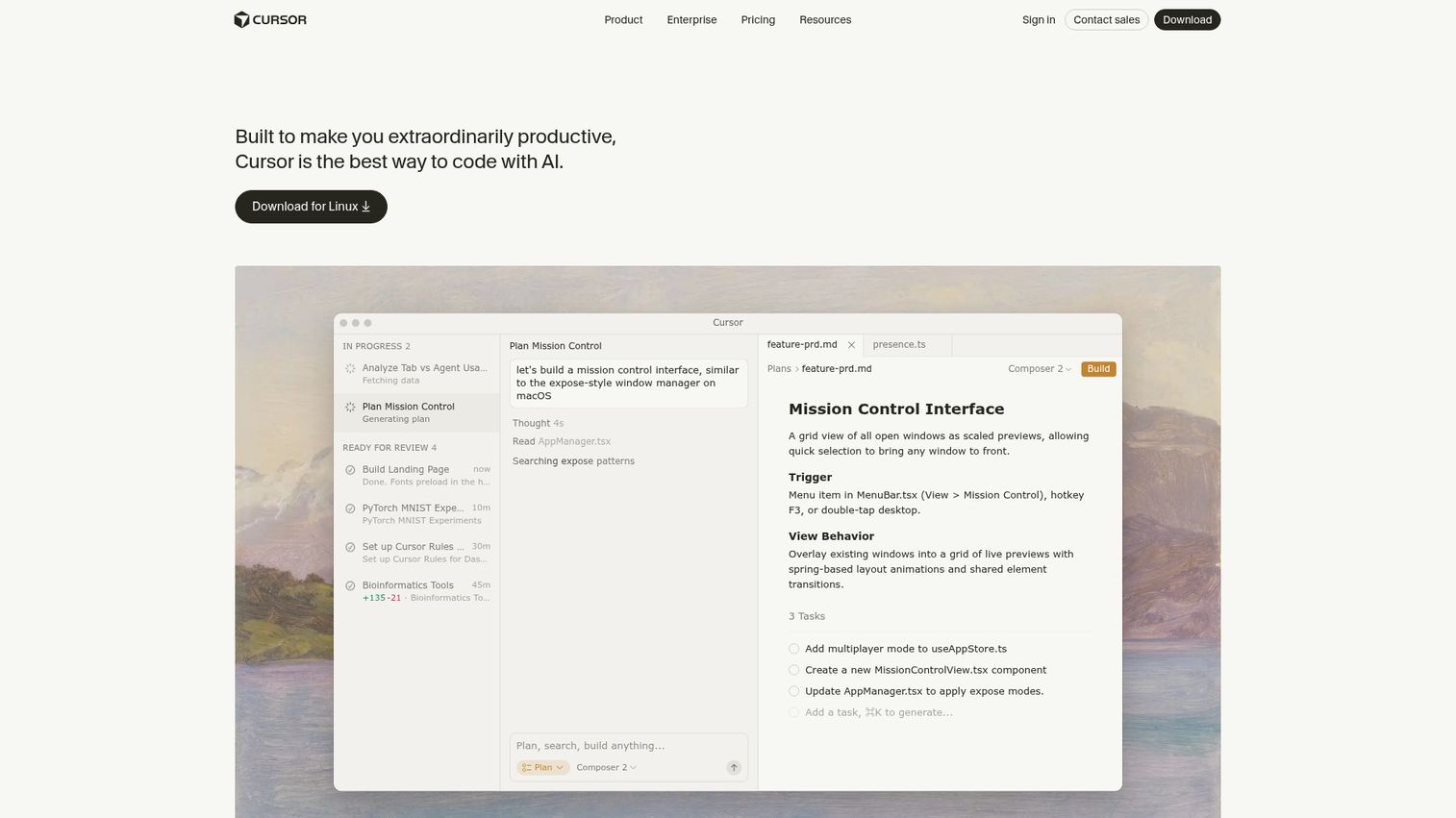
Cursor is an AI-powered code editor, not a design tool in the traditional sense. But it's increasingly used by design engineers to translate visual designs - screenshots, Figma specs, mockups - into functional code.
Built on the VS Code ecosystem, Cursor offers codebase-aware suggestions, natural language to code generation, and multi-file editing. If your bottleneck is the handoff between design and development, Cursor compresses that gap. The requirement is clear: you need coding knowledge to use it. For non-technical users, this isn't the right pick.
Best for: Developers implementing designs, technical designers, and design engineers bridging the design-to-code gap.
Key strengths
- AI-powered codebase-aware code suggestions
- Translates design mockups and screenshots to code
- Natural language to code generation capabilities
- Built on VS Code with full extension compatibility
- Multi-file editing with contextual AI understanding
Pricing: Free tier available; Pro at ~$20/month.
15. Stable Diffusion (via DreamStudio / ComfyUI)
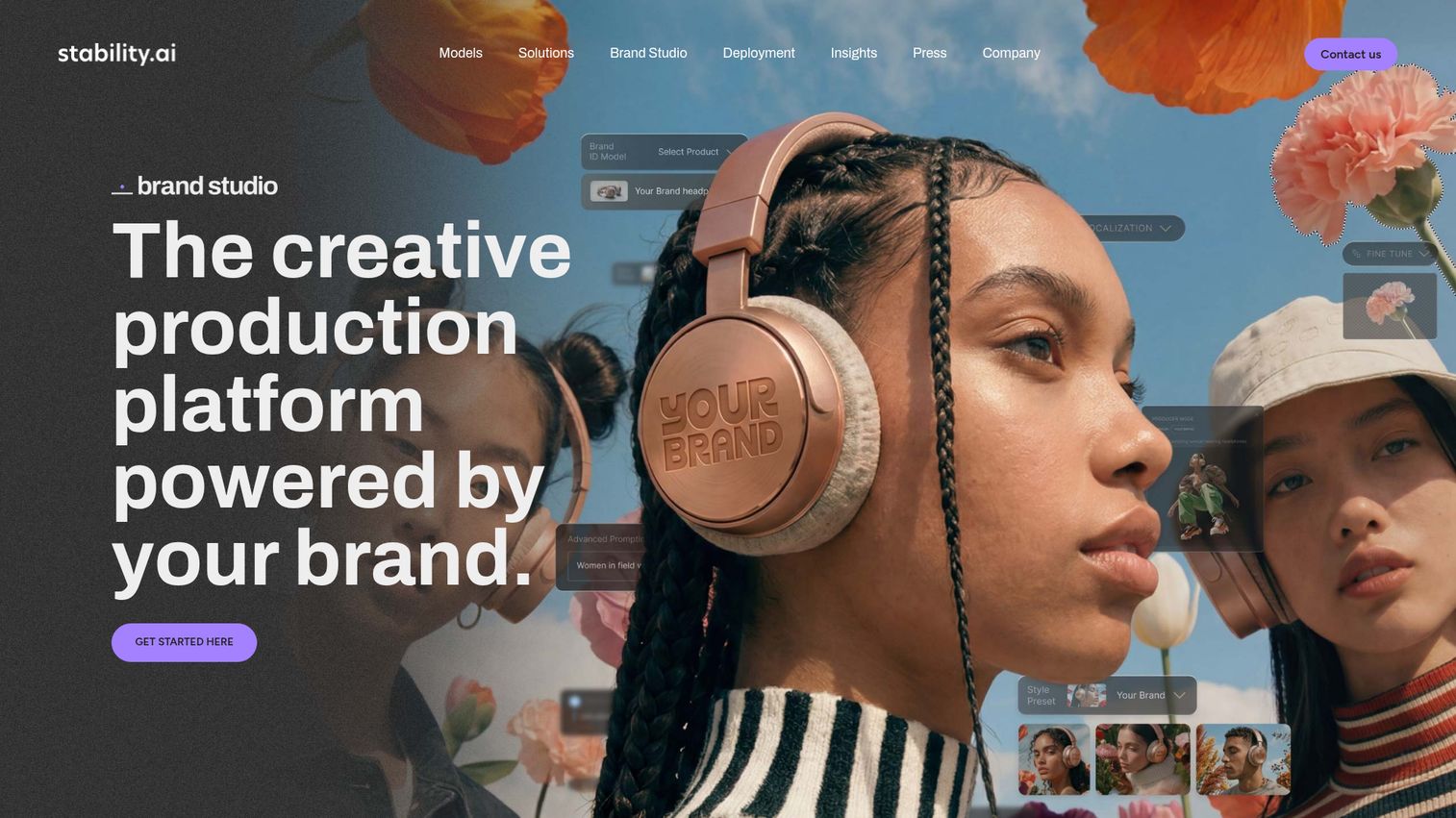
Stable Diffusion is the open-source option, and for technical users, it's the most flexible AI image generation tool available. You can run it locally on your own hardware (free after the GPU cost), fine-tune models with LoRA, use ControlNet for precise compositional control, and access thousands of community-created custom models.
DreamStudio is Stability AI's hosted interface for those who don't want to set up a local environment. ComfyUI offers a node-based workflow for advanced users. The learning curve is steep. Output quality depends heavily on model selection and settings. But if maximum control and customizability matter more than convenience, nothing else comes close.
Best for: Technical users, AI art enthusiasts, and designers wanting maximum control over every aspect of AI image generation.
Key strengths
- Open-source with full model customization options
- Run locally for free on your own hardware
- ControlNet for precise compositional image control
- Thousands of community-created custom models available
- Inpainting, outpainting, and fine-tuning with LoRA
Pricing: DreamStudio: credit-based (~$10 for ~5,000 images); self-hosted: free (requires GPU hardware).
How to choose the right AI design tool for your needs
The best AI tools for designers aren't universal. Your pick depends on what you're making, your technical comfort level, and your budget. Here's a use-case decision framework:
- "I need social media graphics and marketing materials" → Canva, Microsoft Designer - and if you're looking for more tools to power your social strategy, check out the best social media management tools
- "I need high-quality AI-generated images" → Midjourney, DALL-E 3, Stable Diffusion
- "I need UI/UX design and prototyping" → Figma, Galileo AI, Uizard - teams focused on product experience should also explore best product tour software for guided walkthroughs
- "I need a website built fast" → Framer, Lovable, V0
- "I need professional design with commercial safety" → Adobe Firefly
- "I need complete branding assets (logo, cards, etc.)" → Design.com
- "I need color palette help" → Khroma
- "I need to turn designs into code" → Cursor, V0
Combining tools works better than picking one
Most teams in 2026 use 2-3 design AI tools together. A common stack: Midjourney for image generation, Canva for layout and social content, Figma for product design. Trying to do everything in one tool usually means compromising on quality somewhere. The same principle applies to your broader marketing and sales tech stack - pairing the right content creation software tools with your design workflow amplifies output quality.
Don't ignore commercial usage rights
If you're producing client work or commercial content, check each tool's terms of service. Adobe Firefly offers the strongest IP safety guarantees. Midjourney allows commercial use on paid plans. Stable Diffusion outputs depend on which model you use. This is a real selection factor, not a footnote.
AI design tools: key trends to watch in 2026
- Real-time collaboration meets AI generation - tools like Figma and Canva are merging multiplayer editing with AI generation, so teams can prompt, refine, and approve designs in the same workspace. For product teams, collaboration features across your entire demo and design stack are becoming essential.
- Design-to-code convergence - the line between design tools and development tools keeps blurring. V0, Cursor, and Framer all point toward a future where "designing" and "building" are the same step.
- Brand-aware AI - more tools are learning to enforce brand guidelines automatically. Canva's Brand Kit and Adobe Firefly's style matching are early examples. Expect this to become standard. Teams investing in brand consistency may also benefit from best brand intelligence software to monitor and manage brand assets at scale.
- Copyright clarity emerging - legal frameworks around AI-generated design assets are solidifying in 2026. Adobe's approach (licensed training data) is becoming a competitive differentiator, and other tools are following with clearer usage policies.
Finding your perfect AI design stack
There's no single best AI for design - there's the best tool for your specific workflow. For non-designers who need volume, Canva is the safest starting point. For product teams, Figma with its AI features remains the standard. For raw image generation quality, Midjourney still leads.
Start with free tiers. Test with real projects, not demo prompts. Then build a stack of 2-3 tools that cover your actual needs without overlap. If you're evaluating tools for your sales or marketing team, interactive product demos can help stakeholders experience each tool's interface before committing.
Bookmark this page - we'll update it throughout 2026 as these tools continue to evolve.
Frequently asked questions about AI design tools
Most AI design tools offer free tiers or fully free plans. Canva, Figma, Microsoft Designer, Uizard, Design.com, and Khroma all have usable free options. Premium features, higher usage limits, and better output quality typically require paid plans ranging from $5 to $55/month. Midjourney is the notable exception - it has no free tier at all.
An AI design tool uses generative AI, machine learning, and neural networks to create or assist with visual designs. The typical workflow: you provide a text prompt, upload an image, or select parameters. The AI generates design options. You then refine, customize, and export the result. Some tools generate from scratch (Midjourney, DALL-E), while others enhance existing workflows with intelligent suggestions (Canva, Figma).
Commercial usage rights vary by tool. Adobe Firefly is specifically trained on licensed content, making it the safest choice for commercial projects. Canva and Microsoft Designer generally allow commercial use of AI outputs under their terms. Midjourney permits commercial use on paid plans. Stable Diffusion outputs depend on the specific model used. Always check each tool's current terms of service before using outputs in commercial work.
Canva is the most beginner-friendly AI design generator available. Its Magic Design feature, massive template library, and intuitive drag-and-drop interface mean you can produce professional-looking designs within minutes, with zero design experience. Microsoft Designer is a strong runner-up, especially if you're already in the Microsoft 365 ecosystem. For UI/UX beginners specifically, Uizard's sketch-to-design feature makes early prototyping accessible. Once you've created your designs, you can walk users through them step-by-step using product tour software for guided onboarding experiences.
Not for the work that matters most. AI design tools excel at routine tasks - social media posts, simple layouts, image generation, color selection - and they dramatically speed up production workflows. But they can't replace human designers for strategic brand thinking, complex design systems, emotional storytelling, or highly customized creative work. The most effective approach in 2026 treats AI as an augmentation layer, not a replacement.
Design.com's AI Logo Generator is the fastest path to a free, usable logo. Canva's logo maker offers more template variety. Midjourney can generate striking logo concepts that a designer can then refine in vector software. For brand-critical logos, treat any AI-generated option as a starting point - not a final deliverable. Professional refinement still tends to produce noticeably better results.
Midjourney consistently produces the most aesthetically refined AI-generated images, followed by DALL-E 3 and Adobe Firefly. Stable Diffusion can match or exceed all of these with the right custom models and careful settings, but it requires significant technical expertise. "Quality" also depends on your use case - Midjourney excels at artistic and photorealistic imagery, while DALL-E 3 handles text-in-image rendering better.
This is actually the recommended approach. Most productive teams run an "AI design stack" - using specialized tools for what each does best. A common combination: Midjourney or DALL-E for image generation, Canva for layout and social media graphics, Figma for UI/UX design, and Cursor for design-to-code implementation. Relying on one tool for everything usually means compromising on output quality somewhere.