One hour of audio takes four hours to transcribe by hand.
That math hasn't changed. But the tools have. Today's transcription software ranges from AI-powered audio transcribers that return a draft in under five minutes to human transcription services that guarantee 99%+ accuracy for legal depositions. The gap between those two options - in cost, speed, and quality - is wider than most comparison guides admit.
We tested 15 transcription software tools across AI, human, and hybrid categories. This guide covers the best transcription software for meetings, podcasts, video editing, research, and high-stakes legal work. You'll find a consolidated pricing table, honest pros and cons for every tool, and a framework for deciding between AI and human transcription services.
What's inside
This article walks through 15 audio transcription software options organized by type: AI-powered, human-powered, and hybrid. Each tool gets a structured review with specific pricing, strengths, limitations, and a clear "best for" recommendation.
Beyond the individual reviews, you'll find an AI vs. human comparison table, a master pricing grid for all 15 tools, and a use-case matching section that maps your specific workflow to the right transcript software. If you're a podcaster, the pick is different than if you're a paralegal - and we don't pretend otherwise.
Tl;dr
- Best for meetings: Otter.ai (real-time transcription, Zoom/Teams/Meet integration, free tier with 300 min/month)
- Best for accuracy: GoTranscript and Rev's human service both hit 99%+ accuracy - but expect $0.72–$1.50/min and hours-long turnaround
- Best free option: OpenAI Whisper is completely free and supports 97+ languages, but you'll need command-line comfort to set it up
- Best for podcasters: Castmagic turns one audio upload into show notes, social posts, and blog drafts automatically
- Best for video editors: Descript lets you edit audio and video by editing the transcript text - a workflow that's hard to go back from
- AI transcription costs $0.05–$0.25/min; human transcription runs $0.72–$1.50/min - a 5–20x price difference that matters at scale
How we evaluated these transcription software tools
Every tool on this list was assessed against the same eight criteria. Here's what we looked at:
- Transcription accuracy - tested with clear speech, accented English, multi-speaker recordings, and audio with background noise
- Speed and turnaround - how quickly you get a usable transcript
- Pricing and value - cost per minute, subscription fees, and what the free tier actually includes
- File format support and integrations - compatibility with Zoom, Google Meet, Slack, Notion, and common audio/video formats
- Language support - number of supported languages and accuracy outside English
- Ease of use - setup time, learning curve, and interface quality
- Editing and export options - in-app editor quality, export formats (SRT, VTT, TXT, DOCX)
- Security and compliance - data handling, encryption, SOC 2 compliance, HIPAA readiness
Both AI and human transcription services were tested with the same audio samples where possible. For automated transcription services, we ran identical 10-minute clips through each tool and compared output accuracy word by word.
AI vs. human transcription: which should you choose?
This is the first decision you need to make, and it shapes everything else.
AI transcription software uses speech-to-text models to convert audio automatically. It's fast - most tools deliver results in under five minutes. Human transcription services route your audio to professional transcribers who listen and type. It's slow but precise.
Here's how they compare:
| Factor | AI transcription | Human transcription |
|---|---|---|
| Accuracy | 85–95% (depends on audio quality) | 99%+ with professional QA |
| Speed | Minutes | Hours to days |
| Cost per hour of audio | $3–$15 | $43–$90 |
| Best for | Meetings, podcasts, content repurposing, high volume | Legal proceedings, medical records, heavy accents, critical accuracy |
| Limitations | Struggles with accents, cross-talk, background noise | Expensive at scale, slower turnaround |
Choose AI if you're transcribing meetings, podcasts, or interviews where 90%+ accuracy is good enough - and you need results fast. Most ai powered transcription services now include speaker identification and AI summaries, which add value beyond the raw transcript.
Choose human if the transcript will be used in legal filings, medical documentation, or published research where every word matters. The cost premium is real, but so is the accuracy gap.
Hybrid models (like Rev and TranscribeMe) run an AI first pass and then have humans review the output. You get near-human accuracy at a lower price point. It's often the right middle ground.
Quick comparison: all 15 transcription software tools at a glance
Here's a snapshot of every tool we reviewed - scroll down for detailed breakdowns.
| Tool | Type | Starting Price | Free Plan? | Best For | Key Differentiator |
|---|---|---|---|---|---|
| Otter.ai | AI | $16.99/mo | Yes (300 min/mo) | Real-time meetings | Live Zoom/Teams/Meet transcription |
| Rev | Hybrid | $0.25/min (AI) | No | Accuracy + flexibility | AI and human options in one platform |
| Descript | AI | $24/mo | Yes (1 hr/mo) | Content editors | Edit audio by editing text |
| Sonix | AI | $10/hr | No | Multilingual teams | 49+ languages supported |
| Happy Scribe | Hybrid | ~$0.22/min (AI) | No | Subtitle generation | 120+ languages, subtitle workflow |
| Trint | AI | $52/mo | No | Journalists | Editorial collaboration tools |
| GoTranscript | Human | $0.72/min | No | Legal/medical accuracy | 99% accuracy guarantee, certified |
| TranscribeMe | Hybrid | $0.07/min (AI) | No | Budget human transcription | Three-tier quality pricing |
| Fireflies.ai | AI | $18/mo | Yes (limited) | Meeting automation | CRM integrations (Salesforce, HubSpot) |
| Castmagic | AI | $23/mo | No | Podcast repurposing | Auto-generates show notes, social posts |
| OpenAI Whisper | AI | Free | Yes (fully free) | Developers/privacy | Open-source, runs locally |
| Notta | AI | $14.99/mo | Yes (120 min/mo) | Mobile transcription | Cross-platform (iOS, Android, web) |
| Riverside | AI | $15/mo | Yes (limited) | Recording + transcription | Studio-quality local recording |
| oTranscribe | Manual | Free | Yes (fully free) | Manual transcription | Browser-based, no account needed |
| Reduct | AI | ~$30/mo | No | Research teams | Transcript-to-video-clip workflow |
The 15 best transcription software tools in 2026
Now let's get into each tool in detail. We've organized these into AI-powered, human-powered, and hybrid categories.
1. Otter.ai - best ai transcription software for meetings
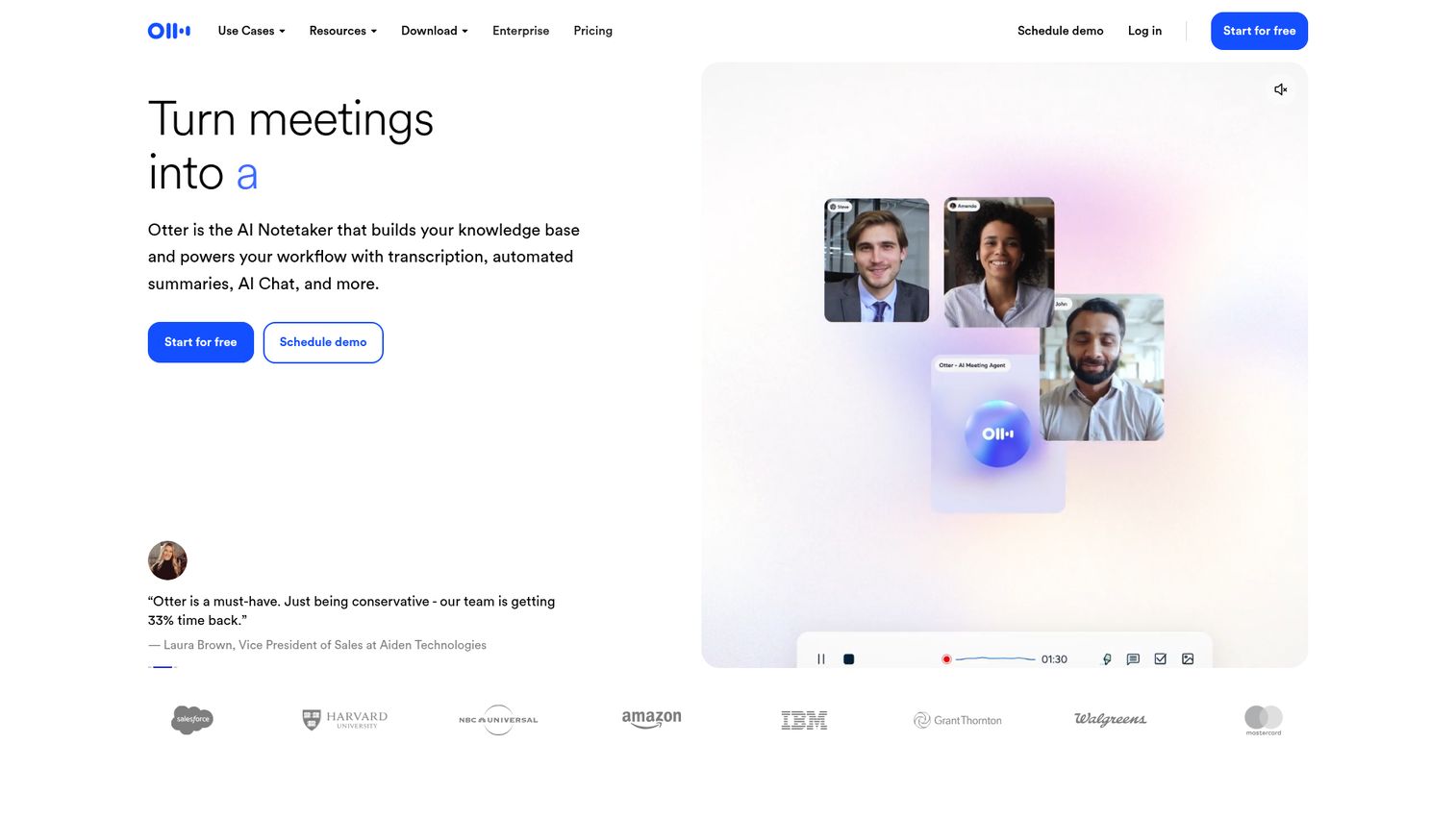
Otter.ai is a real-time meeting transcription tool that auto-joins your Zoom, Google Meet, and Microsoft Teams calls to capture every word as it's spoken.
Where Otter stands out is the meeting workflow. It doesn't just transcribe - it generates AI summaries, extracts action items, and identifies speakers automatically. Your transcript becomes a searchable archive you can reference weeks later without pinging someone on Slack for their notes.
Best for: Remote teams and meeting-heavy professionals who want automated notes.
Key strengths
- Live transcription across Zoom, Teams, and Google Meet
- AI-generated meeting summaries and action items
- Searchable transcript library with speaker identification
- Collaborative features for team annotation and sharing
- Free tier with 300 minutes per month
Pricing: Free (300 min/month), Pro at $16.99/month, Business at $30/user/month.
The main trade-off: accuracy drops noticeably with heavy accents or significant background noise. And the free tier, while generous, caps you at 30 minutes per conversation. For most weekly meeting loads, you'll hit the Pro tier quickly.
2. Rev - best hybrid transcription service for accuracy
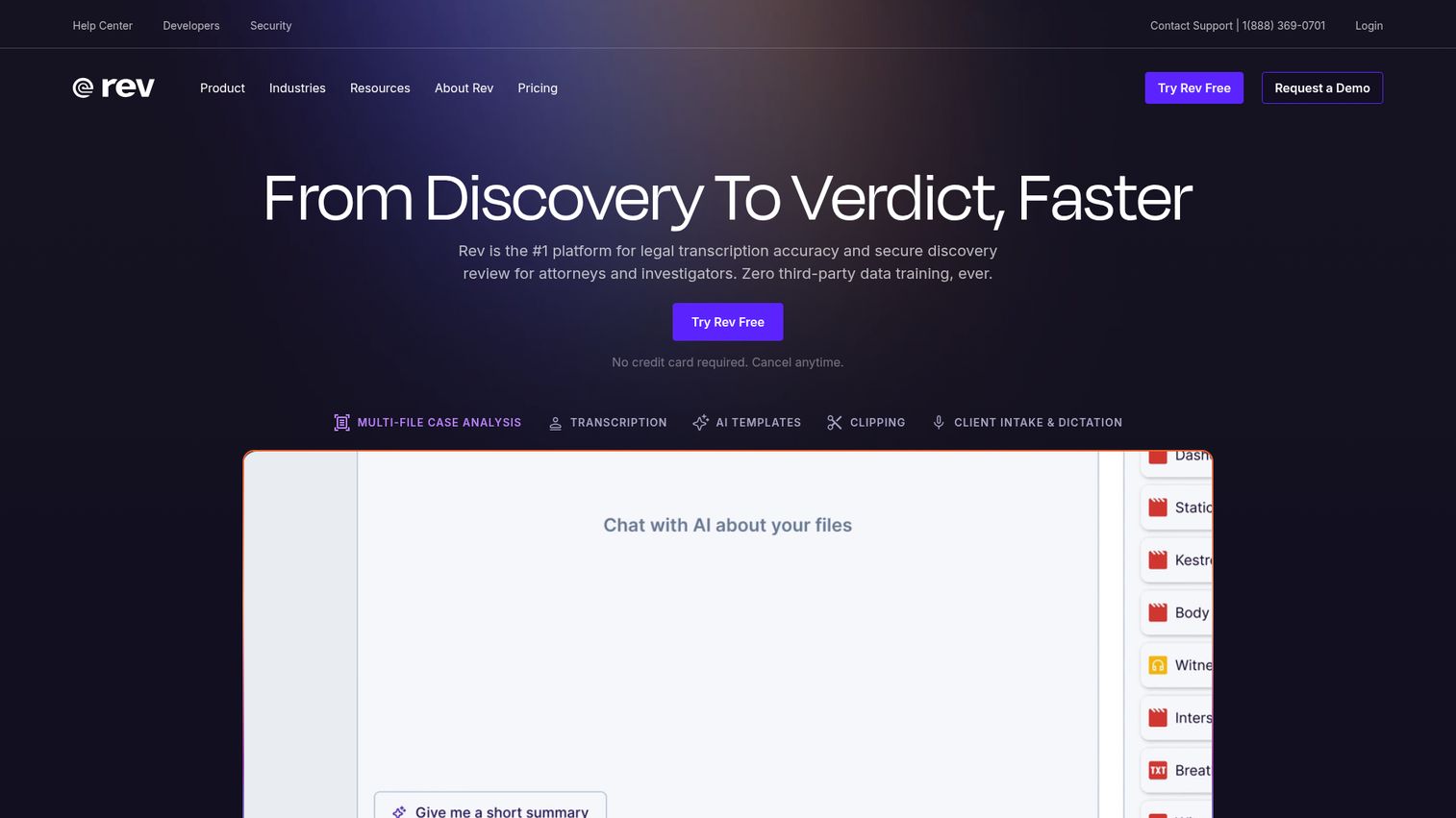
Rev offers both AI and human transcription under one roof, making it the most flexible transcription service online for teams that need speed sometimes and precision other times.
Rev's dual model is its biggest advantage. Need a rough draft in five minutes? Use the AI option at $0.25/min. Need a courtroom-ready transcript? The human service runs $1.50/min with a 99% accuracy guarantee. Few other platforms let you toggle between both within the same account.
Best for: Content creators and professionals who need both speed (AI) and precision (human) depending on the project.
Key strengths
- AI and human transcription in one platform
- 99% accuracy guarantee on human transcription
- Caption and subtitle generation included
- API access for custom workflow integration
- Supports 36+ languages across both service tiers
Pricing: AI at ~$0.25/min, Human at ~$1.50/min. No monthly subscription required - pay per minute.
Rev appears in more competitor roundups than any other tool on this list, and for good reason. The trade-off: Rev's AI accuracy is average compared to newer competitors like Otter or Whisper. And human transcription gets expensive fast - a 60-minute interview costs roughly $90.
3. Descript - best transcription software for content editors
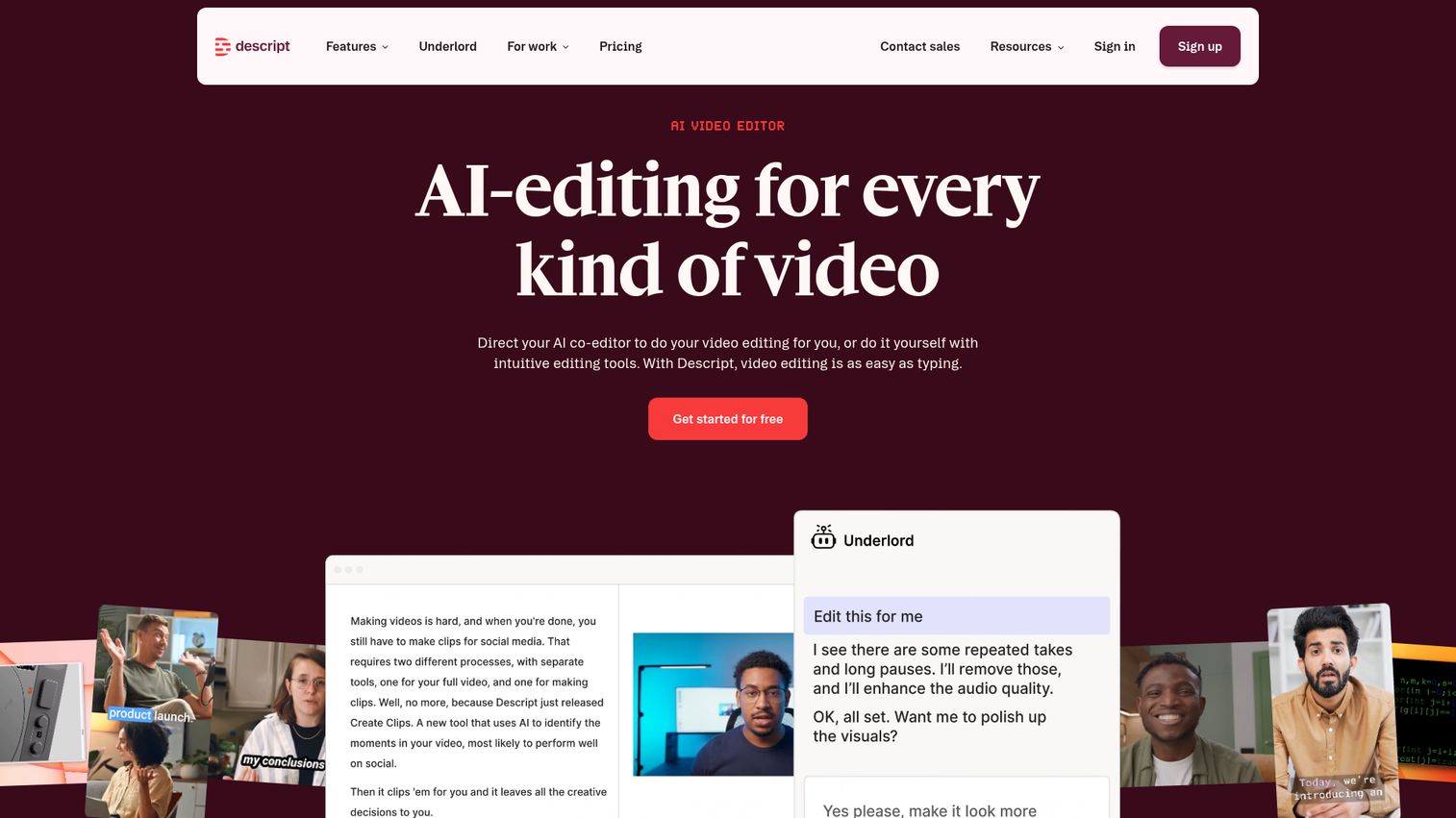
Descript is a video and audio editing suite where transcription isn't a feature - it's the foundation of the entire editing workflow.
Here's what makes Descript different from every other tool on this list: you edit your audio and video by editing the transcript text. Delete a sentence from the transcript, and Descript removes it from the audio. It's a workflow that sounds gimmicky until you try it. Once you do, traditional timeline editing feels slow. Descript also handles filler word removal, screen recording, and AI voice cloning (Overdub).
Best for: Podcasters, video creators, and content creation software teams who want editing and transcription in one tool.
Key strengths
- Edit audio and video by editing transcript text
- Automatic filler word detection and removal
- Multi-track editing with video transcription software built in
- Screen recording and AI voice cloning (Overdub)
- Supports collaboration with team commenting
Pricing: Free (1 hour transcription/month), Hobbyist at $24/month, Pro at $33/month.
The downside: Descript is overkill if you only need transcription. The full feature set has a learning curve, and the free tier is too limited for regular use. But if you're already editing audio or video, it's hard to beat.
4. Sonix - best for multilingual transcription
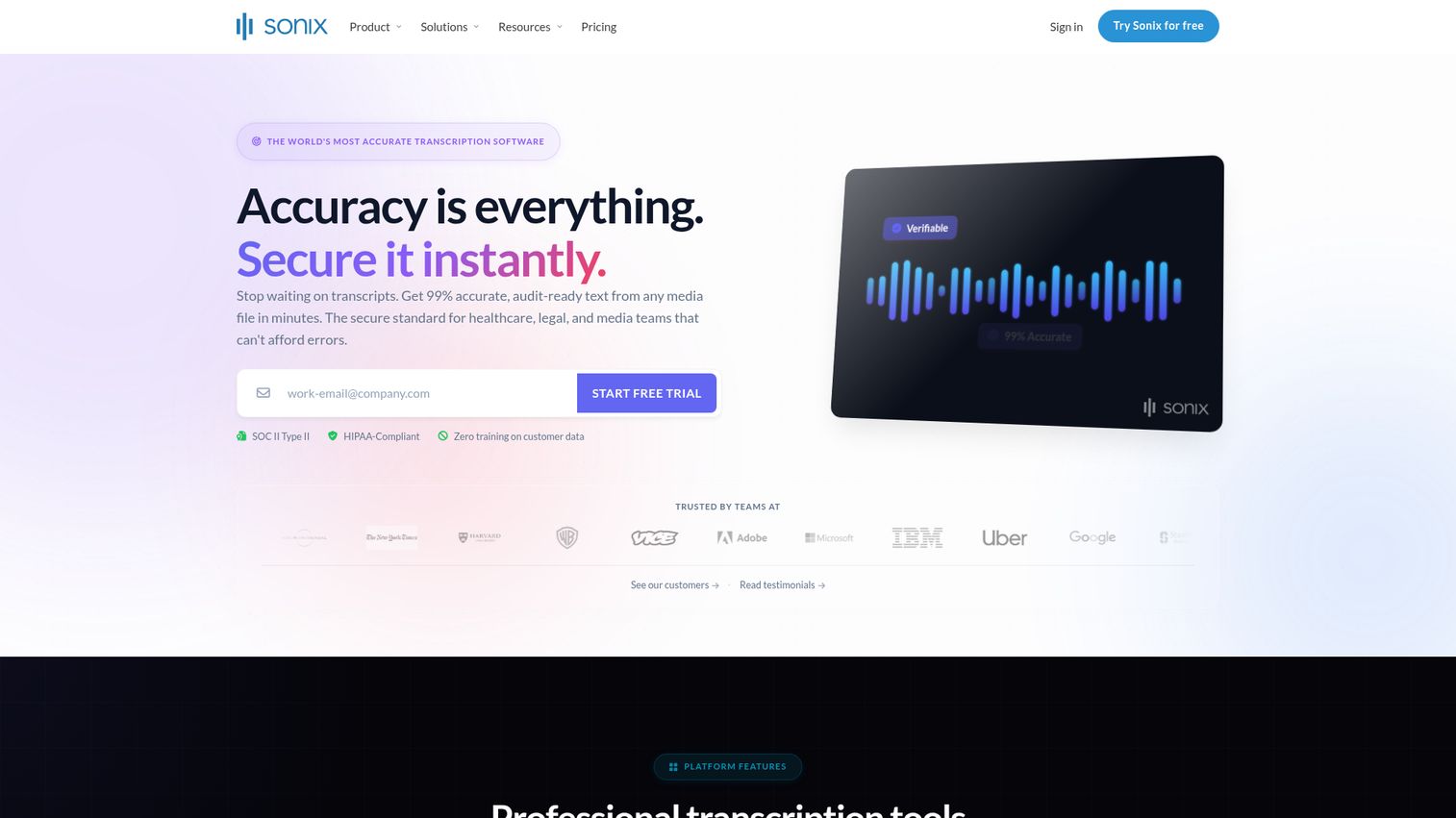
Sonix is an automatic transcription software tool built for teams working across languages, with support for 49+ languages and automated translation built in.
If your content spans multiple languages, Sonix tends to be the most practical choice. It handles transcription, translation, and subtitling in a single workflow. The in-browser editor is clean, and integrations with Adobe Premiere and Final Cut Pro make it easy to pull transcripts into post-production.
Best for: Global teams, multilingual content creators, and media companies working across language barriers.
Key strengths
- Supports 49+ languages with automated transcription
- Built-in translation and subtitle generation
- In-browser transcript editor with speaker labeling
- Integrations with Adobe Premiere, Final Cut Pro, and Zoom
- Competitive pay-per-hour pricing model
Pricing: Standard at $10/hr of audio, Premium at $5/hr + $22/month subscription.
The trade-off with Sonix: accuracy varies significantly by language. English and Spanish perform well. Less common languages can produce rougher output. There's also no human transcription fallback - it's AI-only.
5. Happy Scribe - best for subtitle and caption generation
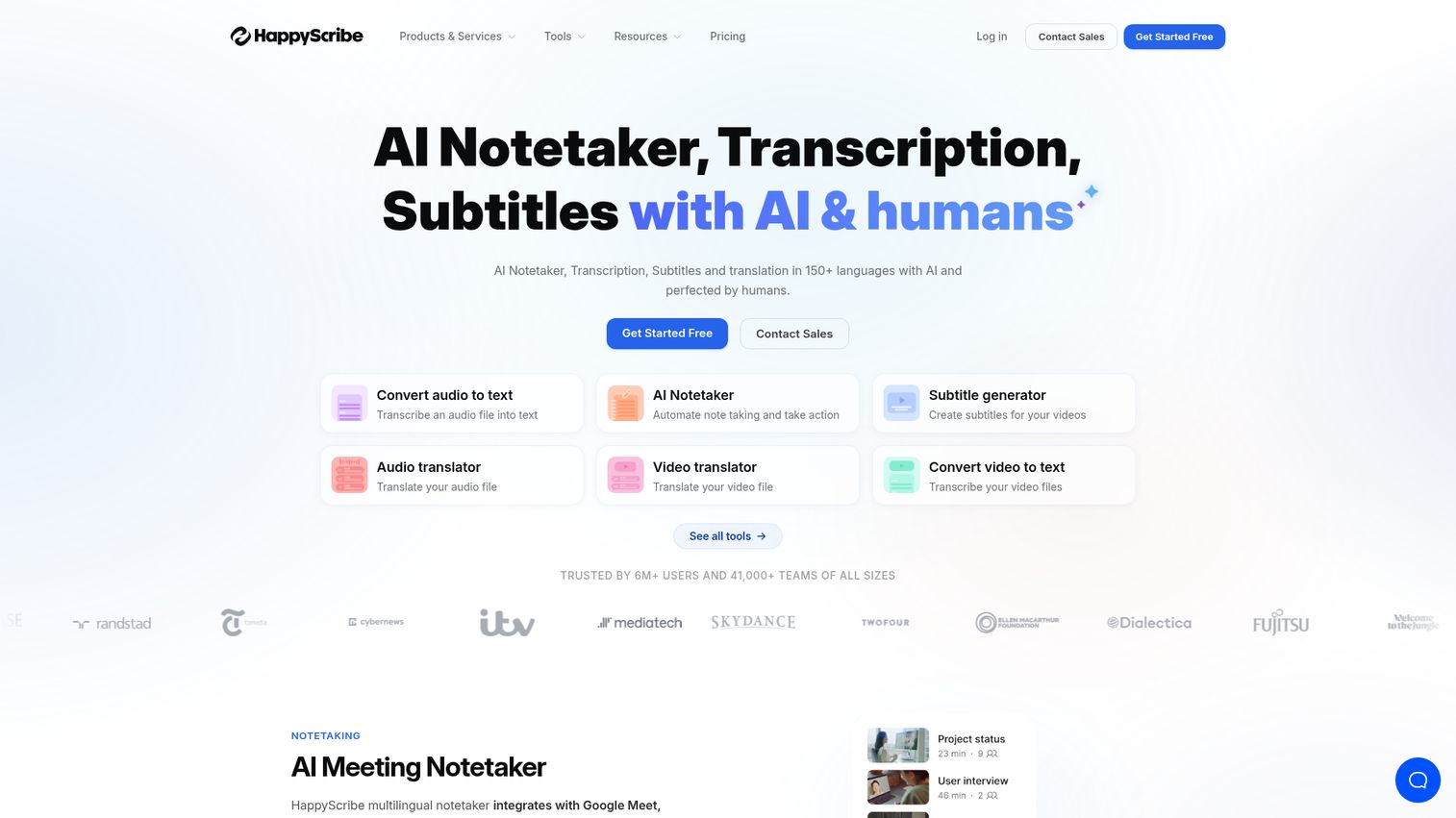
Happy Scribe combines AI and human transcription with a particularly strong subtitle and caption workflow, supporting 120+ languages.
For video producers and YouTube creators, Happy Scribe's subtitle tools are the main draw. You can transcribe, generate timed subtitles, translate them, and export in SRT or VTT format - all without leaving the platform. The human transcription option (from professional transcribers) adds a safety net for published content.
Best for: Video producers, YouTube creators, and teams with subtitle-heavy workflows.
Key strengths
- AI and human transcription with subtitle generation
- 120+ languages - the widest support on this list
- Interactive editor for timing and formatting subtitles
- API available for bulk and automated workflows
- Export in SRT, VTT, TXT, DOCX, and more
Pricing: AI from €0.20/min ($0.22/min USD), Human from €1.70/min ($1.85/min USD).
Worth noting: human transcription turnaround can be slower than competitors like Rev. And pricing in euros may cause minor confusion for US-based buyers. But the subtitle workflow is among the best available.
6. Trint - best ai transcription for journalists and newsrooms
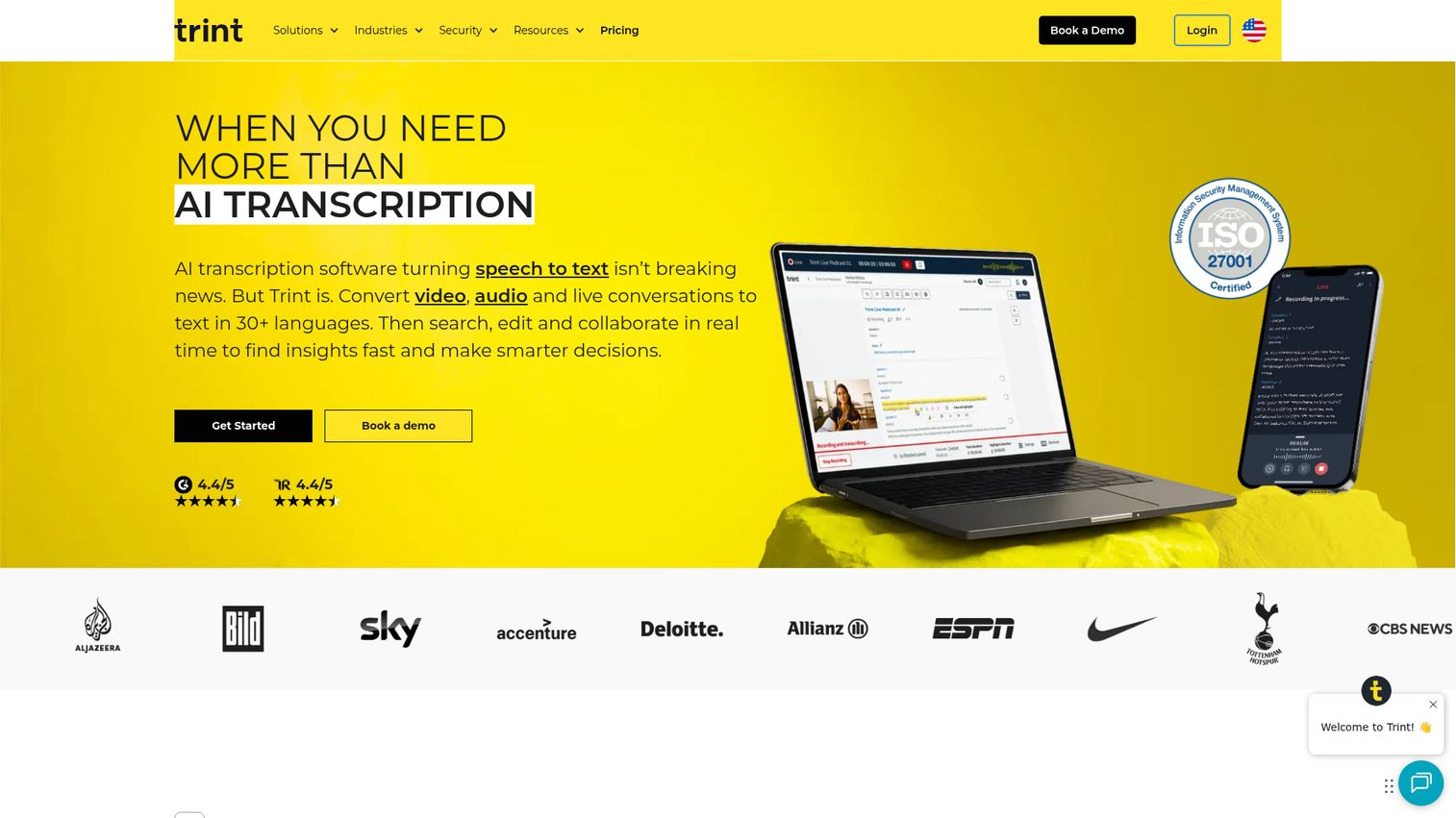
Trint is ai transcription software purpose-built for media professionals, with collaborative editing, story creation from transcripts, and a highlight-and-tag system designed for editorial workflows.
If you're a journalist transcribing interviews, Trint's workflow makes more sense than a general-purpose tool. You can highlight key quotes, tag passages by topic, and build stories directly from transcript sections. Real-time team access means editors and reporters can work on the same transcript simultaneously.
Best for: Journalists, newsrooms, and media production teams who need editorial-grade transcription tools.
Key strengths
- Built for editorial workflows with story creation tools
- Real-time collaborative editing across teams
- Highlight, tag, and organize transcript passages
- Integrations with Adobe Premiere and Avid
- Supports 40+ languages with AI transcription
Pricing: Starter at $52/month per seat, Advanced at $60/month, Enterprise pricing is custom.
The honest trade-off: Trint is expensive for individual users. At $52/month minimum, it's 3x the cost of Otter's Pro plan. And there's no human transcription fallback. But for newsrooms processing dozens of interviews weekly, the editorial workflow features justify the premium.
7. GoTranscript - best human transcription service for accuracy
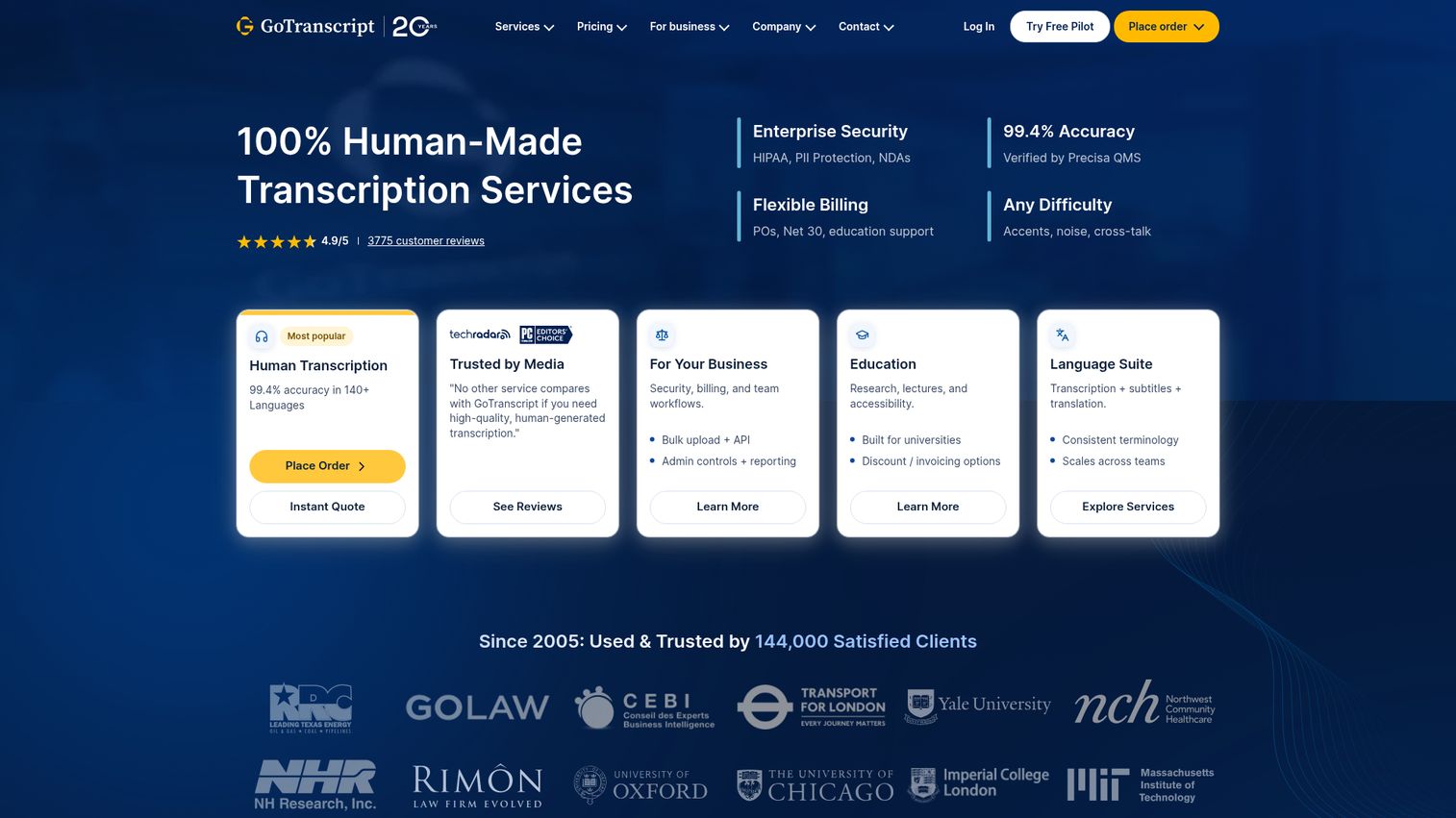
GoTranscript is a purely human-powered transcription service online that routes your audio to professional transcribers - no AI involved in the transcription itself.
When accuracy is non-negotiable, GoTranscript is one of the strongest picks. Their 99% accuracy guarantee is backed by professional transcribers, and they offer certified transcription for legal and medical use cases. If you need a transcript that can hold up in court, this is where you start.
Best for: Legal professionals, academics, and anyone who needs guaranteed accuracy from a human transcription service.
Key strengths
- 99% accuracy guarantee from professional transcribers
- Certified transcription for legal and medical documents
- Supports 60+ languages with human translators
- Rush turnaround available (as fast as 6–12 hours)
- Caption and subtitle services included
Pricing: Starting at ~$0.72/min for human transcription.
The limitations are predictable: no AI option means no instant results. Standard turnaround is 12–24 hours. And quality can vary slightly by transcriber, though their QA process catches most issues. For high-volume, non-critical work, an AI tool will serve you better and cheaper.
8. TranscribeMe - best budget human transcription
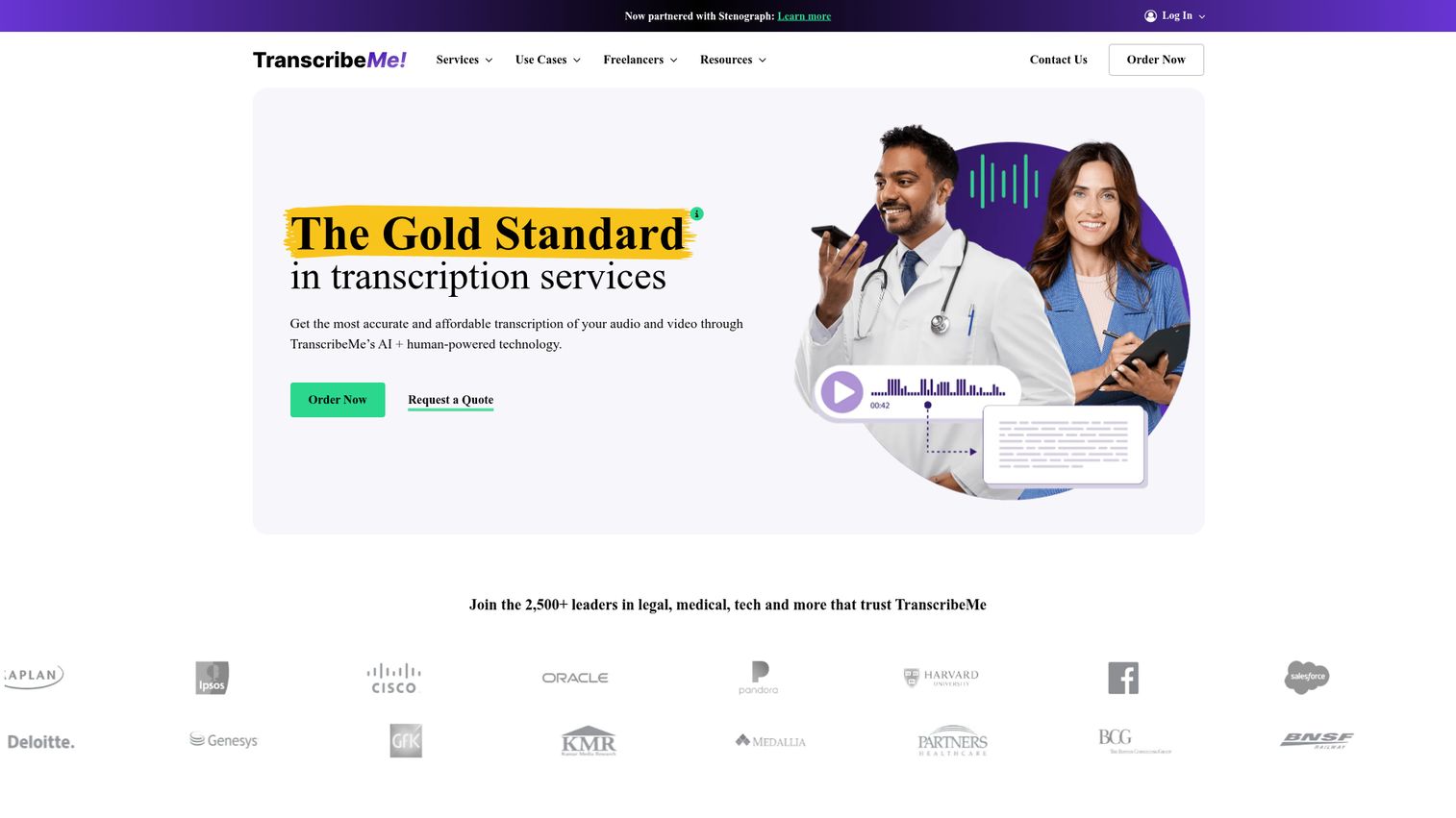
TranscribeMe offers a three-tier pricing model that lets you choose exactly how much accuracy (and human involvement) you're paying for.
The tiered approach is TranscribeMe's real differentiator. Their First Draft tier uses AI at $0.07/min - among the cheapest automated transcription services available. Standard adds human QA at $0.79/min. Verbatim delivers word-for-word human transcription at $1.50/min. You pick the level that matches your project.
Best for: Researchers, academics, and budget-conscious users who need human-level accuracy without paying top-tier rates.
Key strengths
- Three quality tiers from AI-only to full verbatim
- Most affordable human-reviewed transcription option available
- Speaker tracking and timestamping included
- Custom formatting options for academic and research use
- First Draft AI tier at $0.07/min is competitively priced
Pricing: First Draft (AI) at ~$0.07/min, Standard (human QA) at ~$0.79/min, Verbatim at ~$1.50/min.
The downsides: TranscribeMe's interface feels dated compared to newer competitors. Integrations are limited - there's no direct Zoom or Google Meet connection. And turnaround on human tiers is slower than Rev's. But the pricing flexibility is genuinely useful for research teams managing tight budgets.
9. Fireflies.ai - best for automated meeting notes
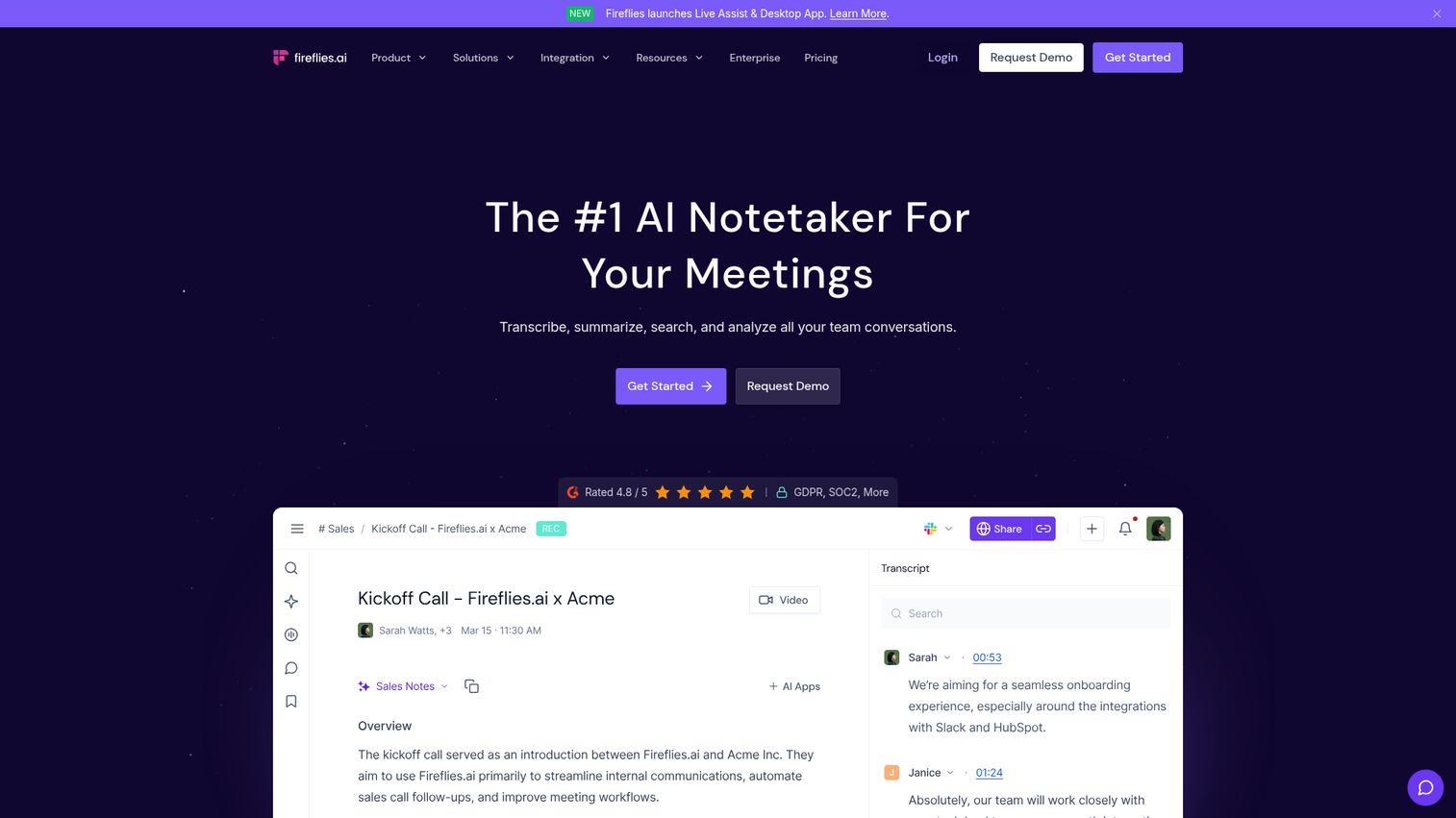
Fireflies.ai is an AI meeting assistant that auto-joins your calls, transcribes everything, and pushes summaries and action items directly into your CRM.
What sets Fireflies apart from Otter (the other meeting-focused tool on this list) is the CRM integration depth. It connects natively to Salesforce, HubSpot, Slack, Notion, Asana, and Trello. For sales teams, that means meeting notes flow into deal records automatically - without manual data entry. If you're evaluating tools for your sales stack, you may also want to explore the best CRM software to pair with your transcription workflow.
Best for: Sales teams, project managers, and anyone in meeting-heavy roles who want transcripts tied to their CRM and project management tools.
Key strengths
- Auto-joins Zoom, Teams, and Google Meet calls
- Native CRM integrations with Salesforce and HubSpot
- AI-generated summaries, action items, and key topics
- Searchable meeting database across your entire team
- Conversation intelligence features for sales coaching
Pricing: Free (limited), Pro at $18/month, Business at $29/month, Enterprise is custom.
The limitation: Fireflies is built for live meetings. It's not designed for transcribing pre-recorded podcast episodes or uploaded audio files. Accuracy also drops with significant cross-talk. But for meeting-centric workflows - especially in sales - it's a strong pick that's missing from most competitor lists. Teams focused on sales performance may also benefit from dedicated sales coaching software alongside their transcription tools.
10. Castmagic - best for podcast transcription and repurposing
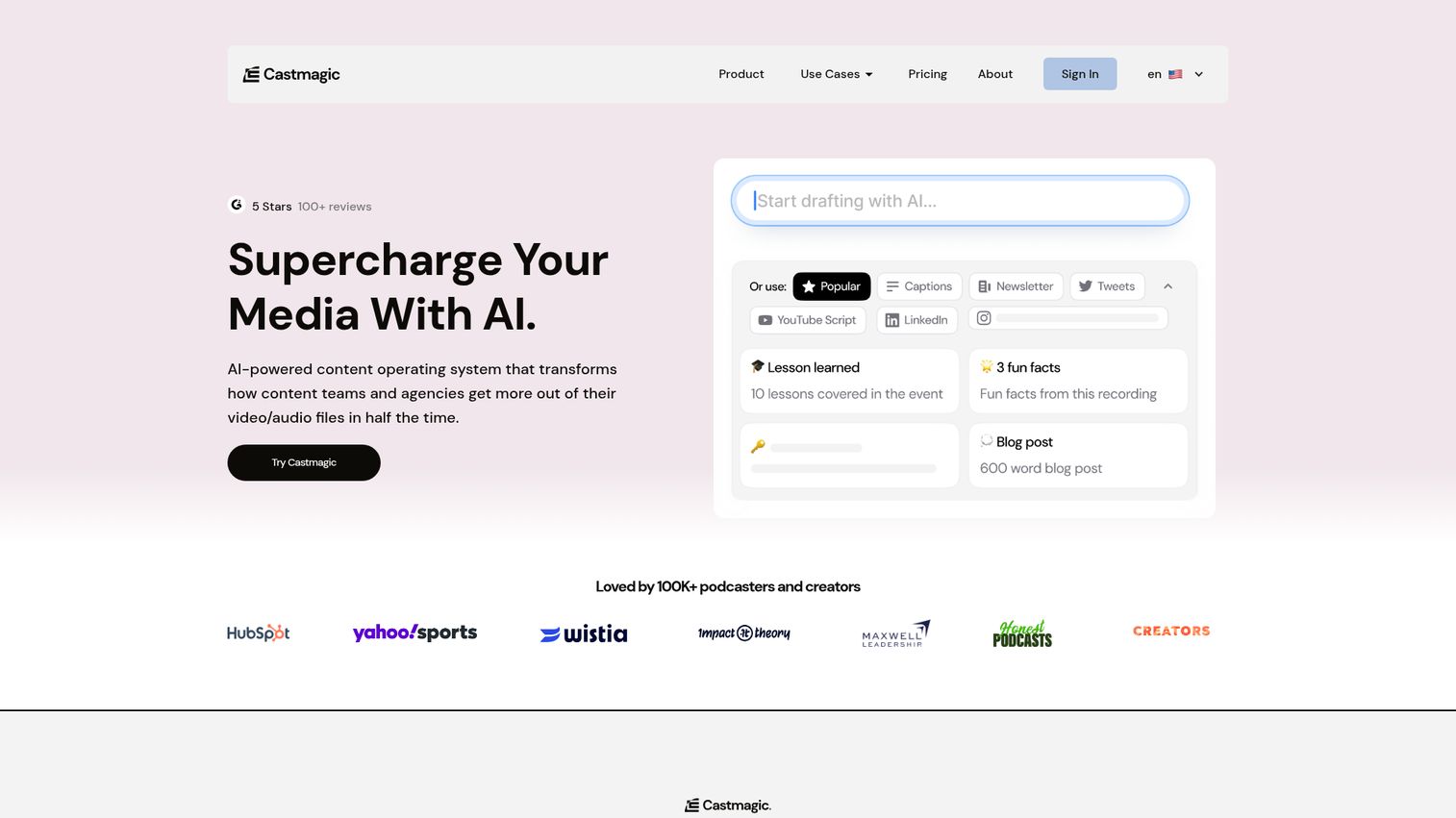
Castmagic is a transcription app that turns a single audio upload into a full content library - show notes, social media posts, blog drafts, email newsletters, timestamps, and key quotes.
While Descript focuses on editing and Otter focuses on meetings, Castmagic is built specifically for podcast content repurposing. Upload an episode, and it generates a dozen content assets automatically. For podcast producers who spend hours writing show notes and pulling quotes, this is a significant time saver. If you're looking to maximize your content output beyond transcription, check out the best content marketing tools to build a full repurposing pipeline.
Best for: Podcasters, content marketers, and media teams who want to turn one recording into multiple content pieces.
Key strengths
- Auto-generates show notes, social posts, and blog drafts
- Key quote extraction and timestamp generation
- Newsletter and email content from audio uploads
- AI-powered content suggestions based on episode themes
- Clean interface designed specifically for podcast workflows
Pricing: Starter at $23/month, Growth at $49/month, Pro at $99/month.
The trade-off: Castmagic is a niche tool. If you don't produce podcasts or long-form audio content, you're paying for features you won't use. The Pro tier at $99/month is steep for transcription alone. But for dedicated podcast teams, the content repurposing features more than justify the cost compared to doing it manually.
11. OpenAI Whisper - best free open-source transcription
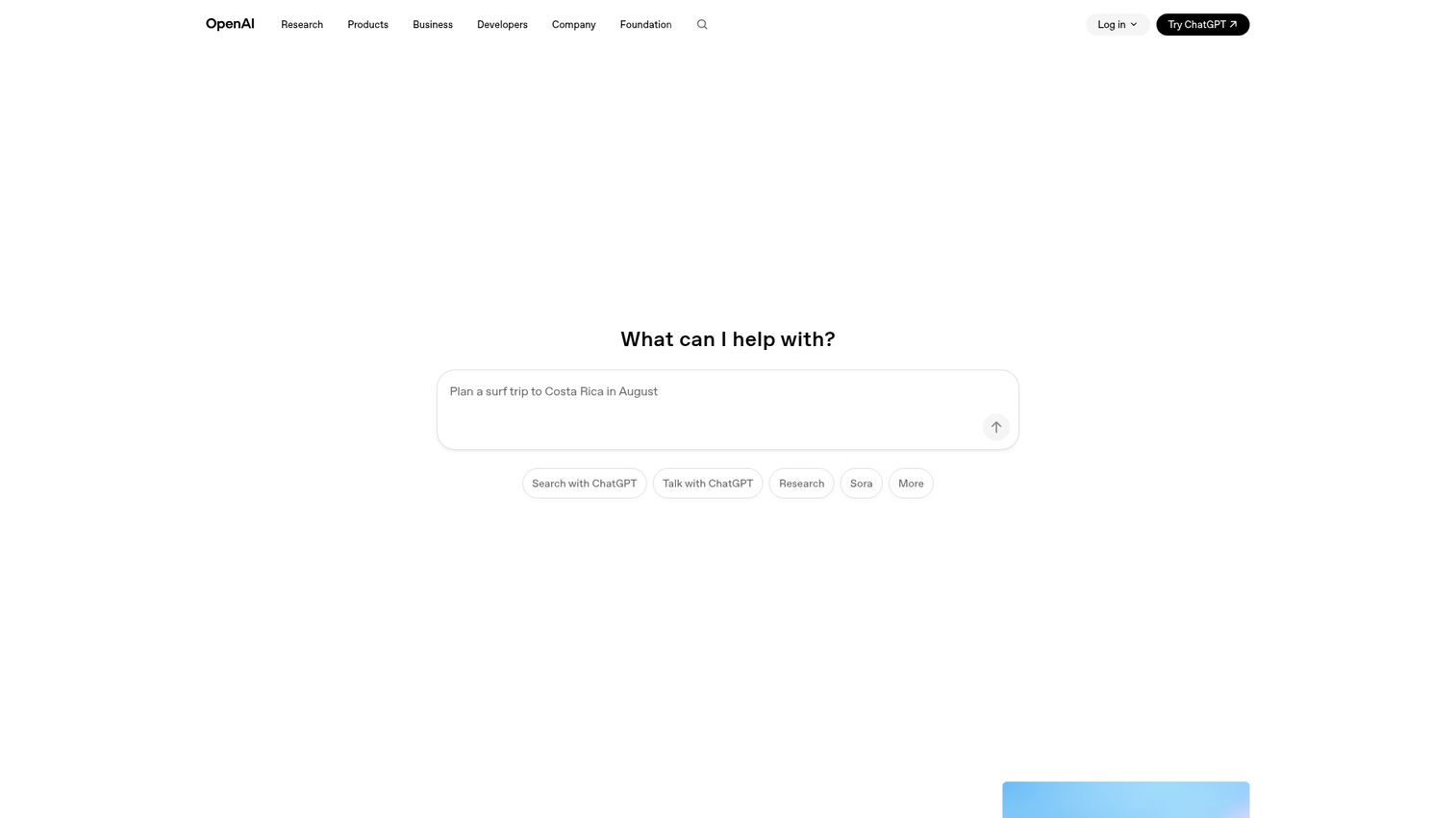
OpenAI Whisper is a free, open-source speech recognition model that runs locally on your machine - no subscription, no per-minute fees, no data leaving your computer.
Whisper's accuracy rivals many paid tools on this list, and it supports 97+ languages. It's also the engine running under the hood of several commercial transcription tools, including Descript. The catch: there's no user interface. You'll need to be comfortable with the command line and have a machine with a decent GPU.
Best for: Developers, technical users, and privacy-conscious professionals who want a free program to transcribe audio to text without sending data to the cloud.
Key strengths
- Completely free and open-source with no usage limits
- Supports 97+ languages - the most on this list
- Runs locally so no data leaves your machine
- Highly accurate for English and major languages
- Can be integrated into custom workflows via API
Pricing: Free (open source). No subscription, no per-minute fees.
Let's be clear about what Whisper is not: it's not a plug-and-play transcription app. There's no web interface, no real-time transcription, and no built-in editor. You need Python, a command-line terminal, and ideally a GPU. If that description made you nervous, pick a different tool. If it made you excited, Whisper is the best free transcription software available.
12. Notta - best for real-time transcription across devices
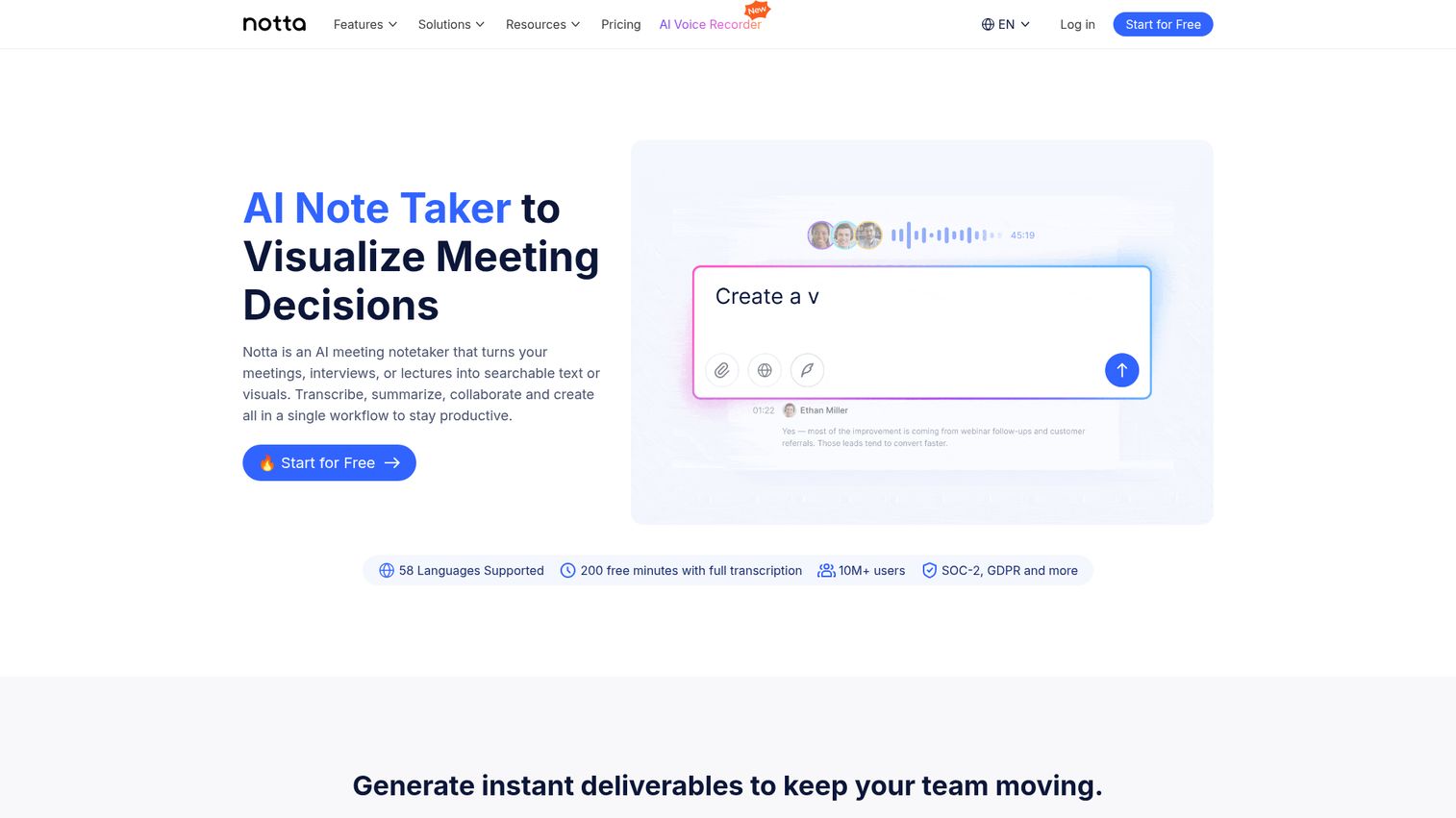
Notta is a cross-platform transcription app available on web, iOS, Android, and as a Chrome extension - making it the most accessible ai transcription service for mobile-first professionals.
Most transcription tools are desktop-centric. Notta works equally well on your phone. The mobile experience is polished, with real-time transcription, AI summaries, and translation across 58 languages. For bilingual teams or professionals who record interviews on the go, it's an underrated pick that's absent from most competitor lists.
Best for: Mobile-first professionals, bilingual teams, and anyone who needs on-the-go transcription across devices.
Key strengths
- Cross-platform support on iOS, Android, web, and Chrome
- Real-time transcription with AI-generated summaries
- Translation support for 58 languages built in
- Meeting recording for Zoom, Teams, and Google Meet
- Clean, intuitive interface across all platforms
Pricing: Free (120 min/month), Pro at $14.99/month, Business at $27.99/month.
Compared to Otter's free tier (300 min/month), Notta's 120 minutes is more restrictive. AI summaries can also feel generic on shorter recordings. But the mobile experience is genuinely better than Otter's, and the $14.99/month Pro price undercuts most competitors.
13. Riverside - best for high-quality recording + transcription
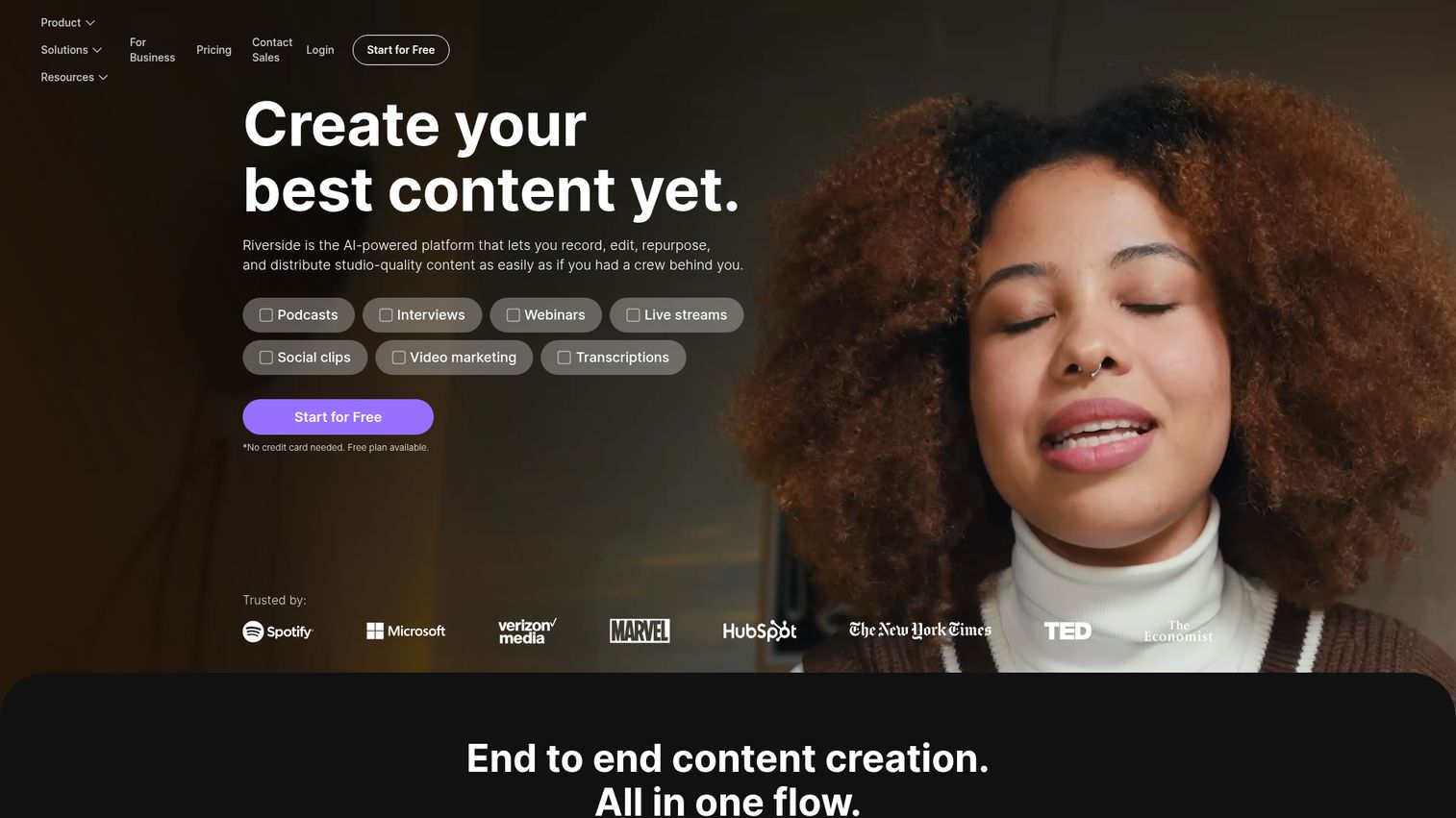
Riverside is a recording-first platform for podcasts and video interviews that includes AI transcription and text-based editing as built-in features.
Riverside records each participant's audio and video locally, then syncs everything in the cloud. This means studio-quality output even on shaky internet connections. The transcription and video transcription services are solid additions - you get speaker labels, text-based editing (similar to Descript), and clip creation for social media.
Best for: Podcasters and video creators who want high-quality recording and transcription in a single platform.
Key strengths
- Studio-quality local recording for each participant
- AI transcription with speaker labels and timestamps
- Text-based editing similar to Descript's workflow
- Social media clip creation from transcript highlights
- Free tier available for basic recording and transcription
Pricing: Free (limited), Standard at $15/month, Pro at $24/month.
The honest comparison: Riverside's transcription accuracy isn't best-in-class compared to dedicated tools like Otter or Rev. It's a recording platform first, transcription tool second. If you're already using Descript for editing, Riverside's overlap may not add enough value. But if you need a single tool for remote recording and transcription, it's a strong contender at a competitive price.
14. oTranscribe - best free browser-based transcription tool
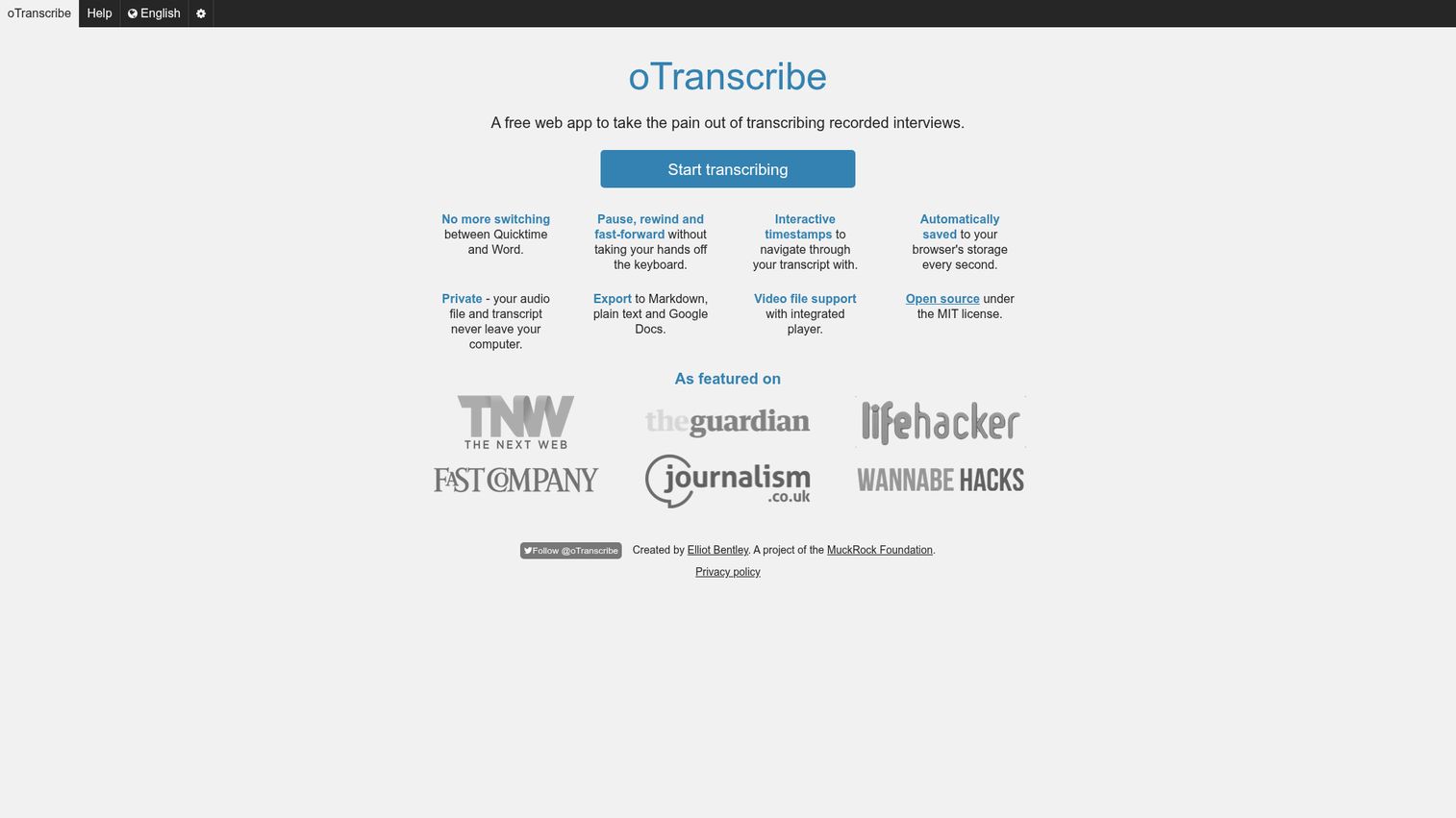
oTranscribe is a free, open-source web app designed to make manual transcription less painful - not to replace it.
This is important to understand: oTranscribe does not transcribe audio for you. There's no AI. You listen and type. What it does is give you a clean browser-based workspace with keyboard shortcuts for playback control, adjustable speed, and auto-save. It also supports YouTube URLs, so you can transcribe video directly.
Best for: Students, freelancers, and anyone doing manual transcription who wants a better tool than a text editor and media player side by side.
Key strengths
- Completely free with no account required
- Browser-based with no download or installation
- Keyboard shortcuts for play, pause, rewind, and speed
- Auto-save to prevent lost work during long sessions
- Supports audio files and YouTube URLs directly
Pricing: Free. No tiers, no upsells, no catches.
oTranscribe is the right tool for a narrow use case: you want to transcribe something yourself, and you want a no-fuss interface to do it. It's not competing with Otter or Whisper. It's competing with the clunky setup of a media player in one window and a Google Doc in another. For that specific problem, it's the best free transcription service available.
15. Reduct - best for collaborative video transcript review
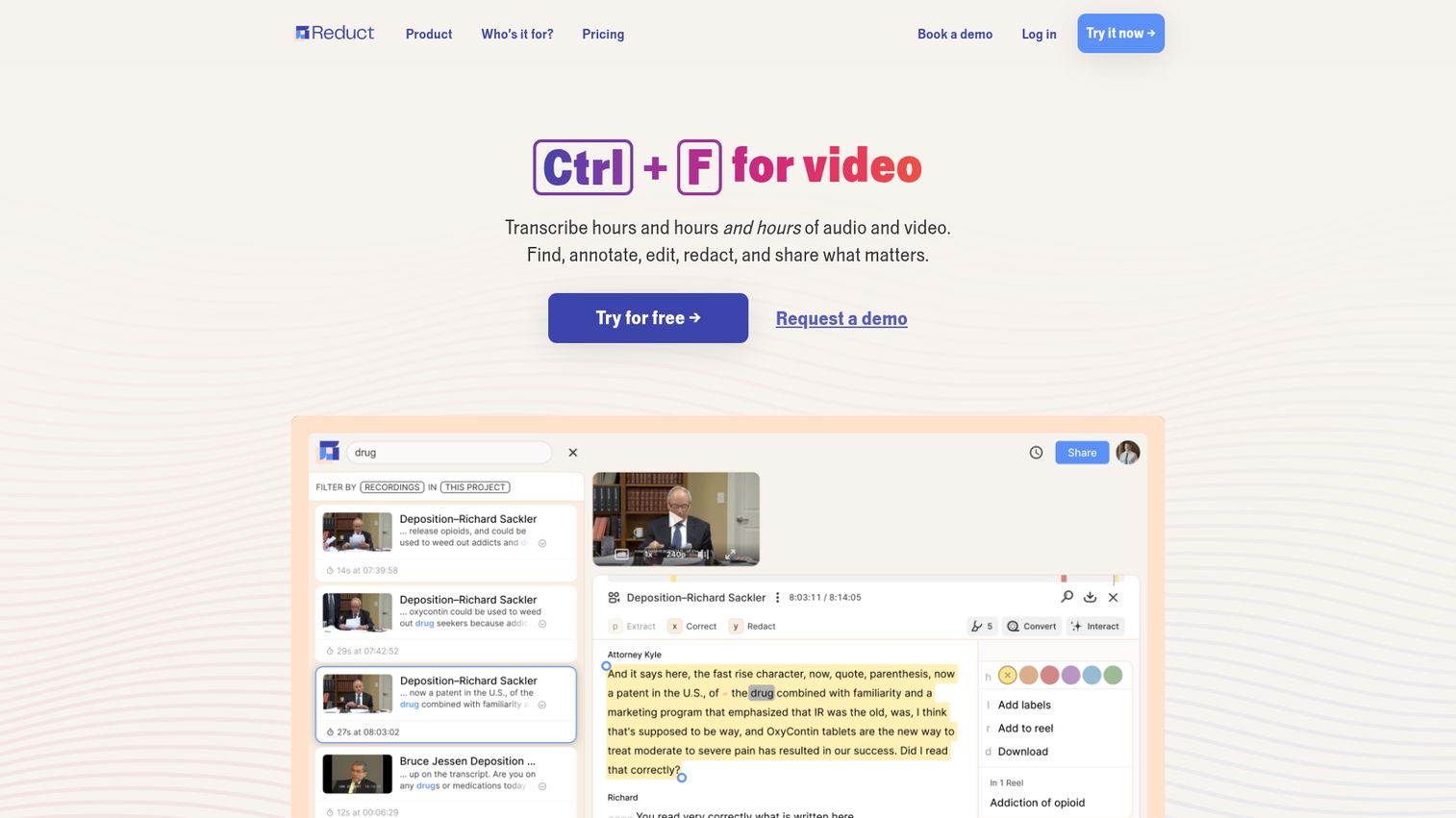
Reduct is a transcript-based video review and collaboration platform designed for teams that need to analyze, tag, and create clips from video content at scale.
Reduct's workflow is unique: highlight a passage in the transcript, and it automatically creates a video clip of that moment. For UX researchers reviewing user interviews or qualitative research teams coding hours of footage, this is a significant workflow improvement. Team members can comment on specific transcript passages, tag themes, and build video reels - all from the text. If your team also conducts formal user studies, our guide to the best user research tools covers complementary platforms.
Best for: UX researchers, qualitative research teams, and video-heavy organizations that need collaborative transcript analysis.
Key strengths
- Highlight transcript text to auto-create video clips
- Team commenting and tagging on transcript passages
- Searchable video library across all uploaded content
- Theme coding and organization for qualitative research
- Strong collaboration features for distributed teams
Pricing: Custom/enterprise pricing, starting around $30/month.
Reduct is overkill for simple transcription needs. If you just need audio to text, pick literally any other tool on this list. But for research teams who spend hours scrubbing through video to find key moments, Reduct's transcript-to-clip workflow saves significant time. It occupies a niche that neither Descript (editing-focused) nor Trint (journalism-focused) quite covers.
How to choose the right transcription software for your needs
Fifteen tools is a lot. Here's how to narrow down based on what you actually need.
By use case
- For meetings and calls: Otter.ai, Fireflies.ai, or Notta - all three auto-join video calls and generate summaries
- For podcasts and video: Descript, Castmagic, or Riverside - each handles recording, transcription, and content creation differently
- For maximum accuracy (legal/medical): GoTranscript, Rev (human tier), or TranscribeMe (Verbatim tier) - human transcribers with 99%+ accuracy
- For multilingual needs: Sonix (49+ languages), Happy Scribe (120+ languages), or Whisper (97+ languages)
- For editorial and journalism: Trint for newsrooms, Reduct for research teams
- For budget or free options: Whisper (free, technical), oTranscribe (free, manual), or free tiers from Otter and Notta
- For developers and custom workflows: Whisper (open source), Rev API, or Sonix API
By decision factors
Volume matters. If you're transcribing 20+ hours per month, AI transcription software from audio to text is the only cost-effective path. Human transcription at that volume runs $800–$1,800/month.
Accuracy requirements matter. For internal meeting notes, 90% accuracy is fine. For published content or legal records, you need human review.
Your existing stack matters. Check integrations before committing. Fireflies connects to Salesforce. Sonix connects to Adobe Premiere. Otter connects to Zoom. The right integration can save more time than the transcription itself.
Real-time vs. post-recording matters. If you need live captions during a meeting, your options are Otter, Fireflies, and Notta. Most other tools work with uploaded files only.
AI transcription software vs. human transcription services: pricing breakdown
| Service type | Cost per minute | Cost per hour | Turnaround | Accuracy |
|---|---|---|---|---|
| AI (budget) | $0.05–$0.10 | $3–$6 | Minutes | 85–90% |
| AI (premium) | $0.15–$0.25 | $9–$15 | Minutes | 90–95% |
| Hybrid (AI + human QA) | $0.50–$0.80 | $30–$48 | Hours | 95–99% |
| Human (standard) | $0.72–$1.00 | $43–$60 | 12–24 hours | 99%+ |
| Human (verbatim/certified) | $1.25–$1.50+ | $75–$90+ | 24–48 hours | 99%+ |
For most professionals, ai transcription services hit the sweet spot of speed and cost. Reserve human services for the 10–20% of transcripts where accuracy is truly critical.
Free transcription software: what you actually get
Free tiers and free tools sound appealing, but limitations matter. Here's what each free option actually includes:
| Tool | Free allowance | What's limited |
|---|---|---|
| Otter.ai | 300 min/month | 30-min cap per conversation, no Zoom integration on free |
| Notta | 120 min/month | 3-min cap per real-time session on free |
| Whisper | Unlimited | No UI, requires technical setup, needs GPU for speed |
| oTranscribe | Unlimited | Manual transcription only - no AI |
| Descript | 1 hr/month | Limited export options, watermarks on video |
| Riverside | Limited | Basic features only, limited recording time |
If you need a free program to transcribe audio to text without restrictions, Whisper is the answer - assuming you're comfortable with command-line tools. For everyone else, Otter's free tier offers the most generous allowance for AI-powered transcription.
The best transcription software for your workflow depends on three things: how much accuracy you need, how much you're willing to spend, and which tools already live in your tech stack. Most of the options above offer free tiers or trials - take advantage of that before committing. If you're also exploring ways to showcase your own product through interactive demos or build a demo center for prospects, tools like Guideflow can complement your content workflow by turning product walkthroughs into shareable, self-serve experiences.
Start with a free trial of the tool that best matches your use case, and test it with your own audio before committing to a paid plan.
FAQs about transcription software
Human transcription services like GoTranscript, Rev (human tier), and TranscribeMe (Verbatim) consistently deliver 99%+ accuracy. Among AI-only tools, Otter.ai and OpenAI Whisper lead for English-language transcription. Accuracy always depends on audio quality, speaker accents, and background noise - so test with your own recordings before committing.
Yes. OpenAI Whisper is completely free and open-source, but it requires command-line setup and a decent computer. oTranscribe is free for manual transcription (you type it yourself). Otter.ai offers 300 free minutes per month, and Notta offers 120 free minutes per month - both with feature limitations on free tiers.
AI transcription uses machine learning models to convert speech to text automatically - it's fast (minutes) and cheap ($0.05–$0.25/min) but typically 85–95% accurate. Human transcription uses professional transcribers who deliver 99%+ accuracy but cost $0.72–$1.50/min and take hours or days. Many services now offer hybrid models where AI creates a first draft and humans review it.
Most modern AI tools include speaker diarization - the ability to identify and label different speakers in a recording. Otter.ai, Fireflies.ai, and Rev are particularly strong at multi-speaker transcription. Accuracy decreases with cross-talk or speakers with similar-sounding voices, so clean audio with clear turn-taking produces the best results.
Most tools accept MP3, WAV, M4A, MP4, MOV, and other common audio and video formats. Some platforms like Sonix and Descript support a wider range including FLAC, OGG, and WebM. Cloud-based tools typically have file size limits - often 1–5 GB - so check before uploading long recordings.
AI transcription typically costs $0.05–$0.25 per minute of audio. Human transcription ranges from $0.72–$1.50+ per minute. Monthly subscription models (Otter, Trint, Fireflies) range from $10–$60/month depending on the tier. Free options exist - Whisper and oTranscribe are fully free, and several tools offer limited free tiers - but they come with significant feature or usage restrictions.
Yes, and coverage varies widely. OpenAI Whisper supports 97+ languages, Happy Scribe covers 120+ languages, Sonix handles 49+ languages, and Notta supports 58 languages. Accuracy varies significantly by language - English typically produces the highest accuracy across all tools. If you need non-English transcription, test your specific language with a free trial before committing to a paid plan.