You're in back-to-back meetings all day. Then you spend another hour reconstructing what was said - an estimated 146 hours annually per employee, according to a survey of over 1,000 workers.
This guide ranks 15 AI note taking tools based on real-world accuracy, integration depth, and whether the free tier is actually usable.
What's inside
This guide ranks 15 AI note taking tools based on transcription accuracy, integration depth, and pricing transparency. You'll find a comparison table, detailed breakdowns of each tool, and guidance on choosing the right one for sales calls, team meetings, or personal productivity.
TL;DR
Otter.ai is the best overall AI meeting note taker for teams wanting live transcription and searchable archives.
Fathom offers unlimited free recording, making it the top choice for budget-conscious users.
tl;dv excels at multilingual transcription with support for 30+ languages.
Bot-free options like Jamie and Krisp work without a visible bot joining your calls, which matters for sensitive meetings.
What is an AI note taker
An AI note taker automatically records, transcribes, and summarizes meetings. The tool extracts action items, identifies who said what, and makes meeting content searchable long after the call ends. This matters because 54% of workers leave meetings without a clear idea of next steps or task ownership.
The core workflow follows four steps. First, the tool joins or listens to your meeting. Then it converts speech to text, either live or immediately after.
Next, AI generates highlights, action items, and decisions from the full transcript. Finally, notes sync to your CRM, Slack, Notion, or other workplace tools.
Accuracy varies depending on audio quality and number of speakers. Single-speaker recordings typically hit 95%+ accuracy, while multi-speaker calls with crosstalk can drop to 85-90%.
How AI note taking works
Recording: The tool joins your video call or captures audio from your device.
Transcription: Speech converts to text during the meeting or immediately after.
Summarization: AI generates highlights, action items, and decisions from the full transcript.
Integration: Notes sync to your CRM, Slack, Notion, or other workplace tools.
Bot-based vs bot-free AI notetakers
Bot-based tools send a visible participant into your meeting room. Bot-free tools capture audio locally from your device without anyone knowing.
Type | How it works | Best for | Trade-off |
|---|---|---|---|
Bot-based | A visible bot joins the meeting | Full recordings with clear speaker ID | Can feel intrusive to participants |
Bot-free | Captures audio locally on your device | Sensitive meetings, privacy-conscious teams | May have fewer features |
If you're on sales calls where a recording bot might spook prospects, bot-free options like Jamie or Krisp are worth considering. You might also explore interactive demos for presales as an alternative engagement approach.
Best AI note taking tools comparison by category
# | Product | Best for | Key differentiator | Pricing | G2 rating |
|---|---|---|---|---|---|
1 | Otter.ai | Overall meeting assistant | Live transcription + AI chat | Freemium | 4.2 |
2 | Fireflies.ai | Conversation intelligence | Team analytics + CRM sync | Freemium | 4.5 |
3 | Fathom | Free unlimited recording | Video highlights for sales | Free | 4.8 |
4 | tl;dv | Multilingual teams | 30+ languages | Freemium | 4.7 |
5 | Notion AI | Existing Notion users | Native workspace AI | Add-on | 4.7 |
6 | Microsoft Copilot | Microsoft 365 users | Deep M365 integration | Add-on | 4.4 |
7 | Google NotebookLM | Research + free use | Document-based insights | Free | N/A |
8 | Jamie | Bot-free privacy | No bot joins meetings | Freemium | 4.9 |
9 | Krisp | Noisy environments | AI noise cancellation | Freemium | 4.8 |
10 | Mem | Knowledge management | AI-powered team memory | Paid | 4.3 |
11 | Reflect | Individual productivity | Personal knowledge graph | Paid | 4.6 |
12 | Tactiq | Real-time transcription | Chrome extension | Freemium | 4.4 |
13 | Superpowered | High-accuracy needs | Custom AI models | Paid | 4.6 |
14 | Granola | Executive notes | AI-enhanced manual notes | Freemium | 4.5 |
15 | Avoma | Revenue teams | Conversation intelligence | Paid | 4.6 |
1. Otter.ai
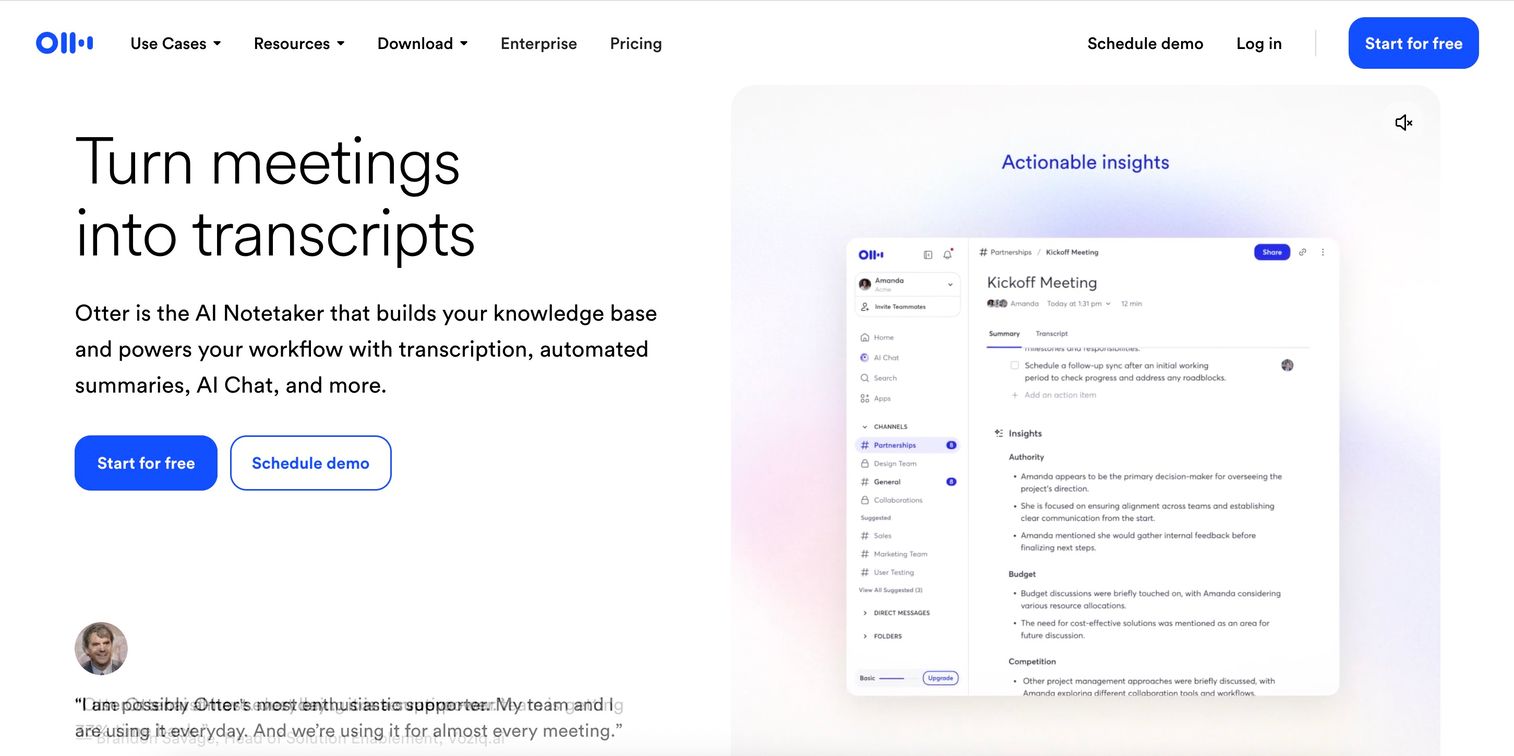
Otter.ai consistently ranks as the best overall AI meeting note taker. It provides live transcription during calls with real-time accuracy that improves as the AI learns your team's vocabulary and speaking patterns. The tool automatically captures slides and presentation materials during screen shares, indexing them alongside the transcript so you can search for specific charts or data points weeks after the meeting ended. Every conversation becomes a searchable archive you can query with AI chat, eliminating the need to skim through hour-long recordings.
The standout feature is OtterPilot, which joins your meetings as a visible bot and generates structured notes without manual intervention. After the call, you can ask conversational questions like "What did Sarah say about the timeline?" or "Which action items were assigned to the marketing team?" and get instant answers pulled directly from your transcript with timestamp references. This AI chat functionality works across your entire meeting history, making it easy to track how decisions evolved across multiple conversations.
Otter.ai also generates automatic summaries organized by topic, with action items clearly separated and assigned to specific participants based on context. The platform identifies key moments like decisions, questions, and commitments, then surfaces them in a scannable format that takes seconds to review instead of requiring you to read the full transcript.
Key strengths
Live transcription with automatic speaker identification that labels who said what, even in multi-person calls with overlapping voices
Slide capture and indexing during presentations that makes visual content searchable alongside spoken words
AI chat to query past meetings with natural language questions that return timestamped answers
Native integrations with Zoom, Google Meet, and Microsoft Teams that automatically join scheduled meetings
Automated summary generation organized by topic with action items, decisions, and key moments highlighted
Vocabulary learning that improves accuracy over time by adapting to your team's terminology and industry jargon
Otter.ai pricing
Free tier includes 300 monthly transcription minutes with basic AI summaries and limited integrations. Pro plans start at $16.99/month per user for 1,200 monthly minutes, advanced AI features, custom vocabulary, and priority support. Business plans at $30/month per user add team analytics, centralized billing, and admin controls.
2. Fireflies.ai
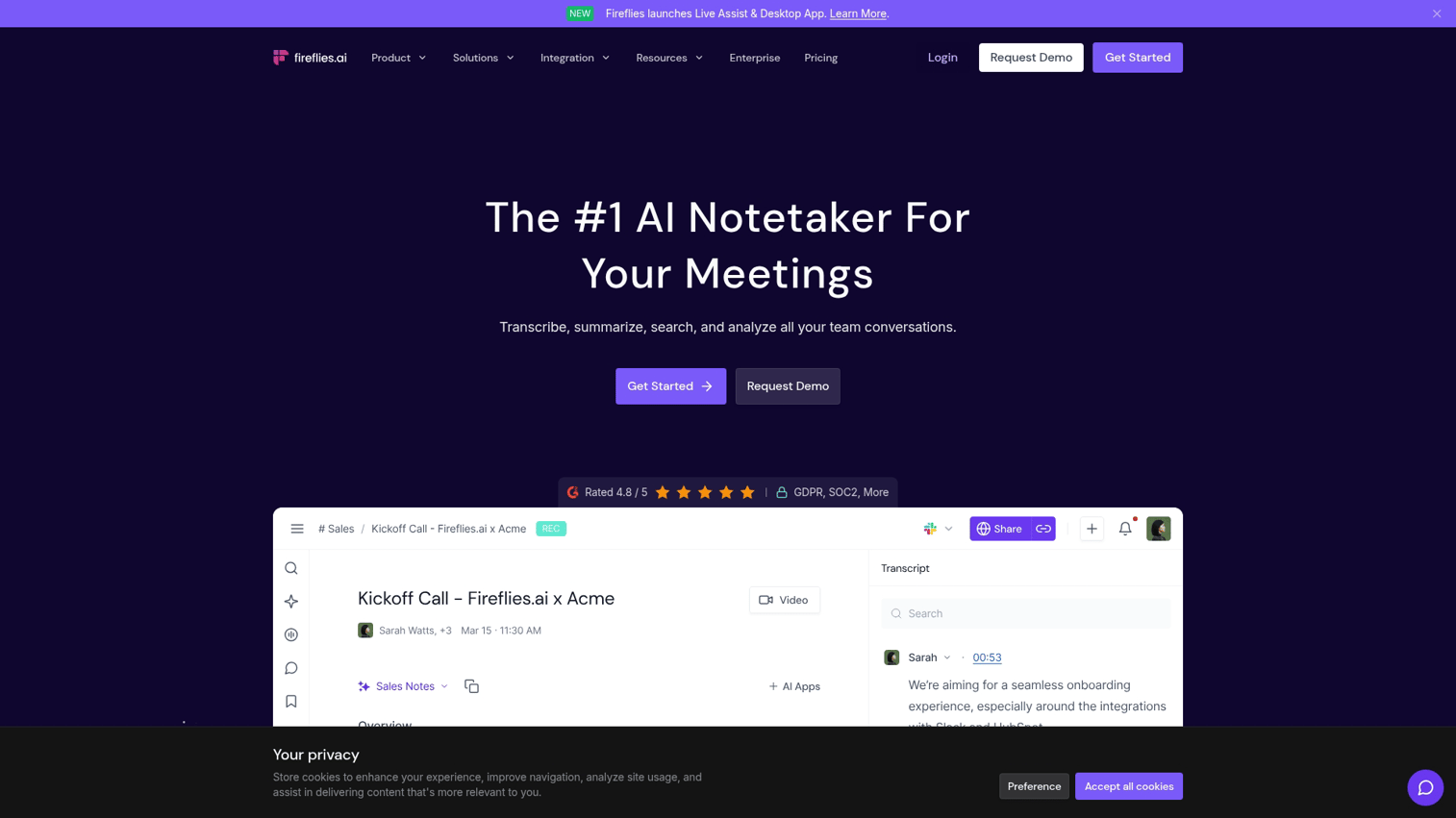
Fireflies.ai focuses on conversation intelligence and team-wide analytics, going beyond basic transcription to analyze talk patterns, sentiment, and engagement metrics across your organization's meetings. The platform tracks who's speaking most, identifies moments of high engagement or concern, and surfaces patterns like frequently mentioned competitors, objections, or feature requests that emerge across multiple calls.
The tool shines for teams that want to build a searchable library of every conversation with powerful filtering capabilities. You can search across all meetings by keyword, speaker, topic, or date range, then create shareable video clips of specific moments to send to teammates who missed the call. Fireflies also generates topic-based summaries that group related discussion points together, making it easy to see how a particular issue evolved across multiple meetings.
For revenue teams, Fireflies tracks deal-specific metrics like talk-to-listen ratios, question frequency, and next-step clarity. The platform automatically logs call summaries, action items, and key insights directly to your CRM records, eliminating manual data entry after every customer conversation. Team leaders can review call analytics dashboards to identify coaching opportunities, spot common objections, and understand which messaging resonates most with prospects.
Key strengths
Conversation intelligence with sentiment analysis, talk-time tracking, and engagement scoring across all calls
Team-wide searchable meeting library with advanced filters by speaker, keyword, topic, date, and custom tags
Automatic CRM sync with Salesforce, HubSpot, Pipedrive, and other marketing automation tools that pushes summaries and action items to deal records
Custom vocabulary training for industry-specific terms, product names, and technical jargon to improve transcription accuracy
Team analytics dashboards that surface trends, common objections, and coaching opportunities across your organization's calls
Shareable soundbites and video clips that you can extract from any meeting and send via link or embed in Slack
Fireflies pricing
Free tier includes 800 minutes of transcription storage with basic AI summaries and limited integrations. Pro plans start at $10/user/month for unlimited transcription storage, conversation intelligence analytics, CRM integrations, and custom vocabulary. Business and Enterprise tiers add team analytics, advanced security controls, and dedicated support.
3. Fathom
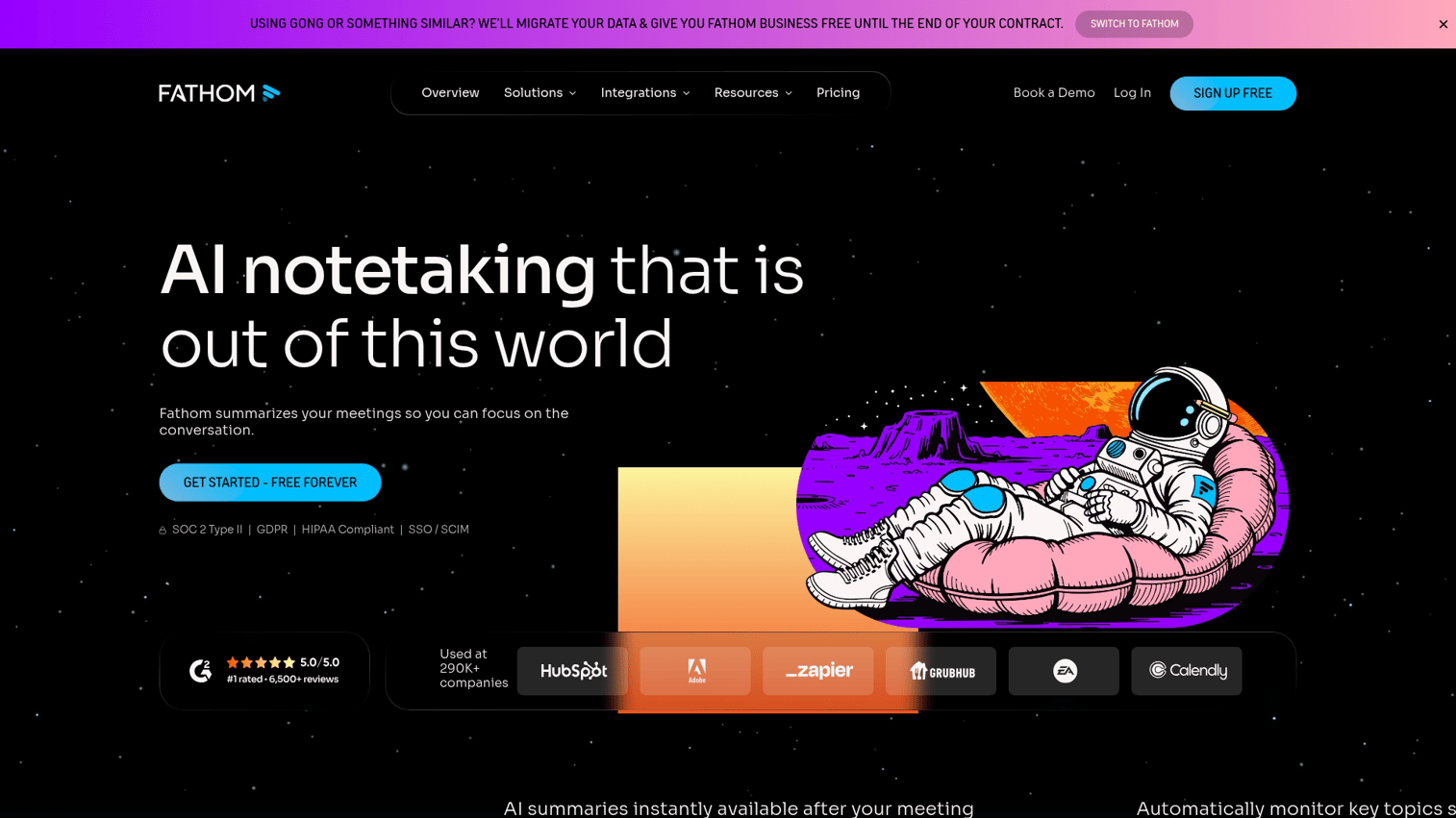
Fathom offers unlimited free recording and transcription with no monthly minute caps, making it the most generous free option available. Unlike competitors that limit free users to 300-600 minutes per month, Fathom lets you record every call without hitting a paywall. It's particularly strong for sales teams who want to create video highlights from calls and share key moments with prospects or managers without sending full hour-long recordings.
During meetings, you can click to highlight important moments in real-time - like when a prospect mentions budget, timeline, or a competitor. After the call, Fathom automatically generates a structured summary organized by topic, extracts action items with clear ownership, and creates shareable video clips from your highlighted timestamps. You can send these clips directly to prospects as follow-ups or share them in Slack channels so teammates can see exactly what was said without watching the entire recording.
The tool works seamlessly across Zoom, Google Meet, and Microsoft Teams, joining calls as a visible bot that records both video and audio. Fathom's transcript syncs with the video timeline, so clicking any sentence in the text jumps directly to that moment in the recording. This makes it easy to verify context, review objections, or find specific product questions during post-call analysis.
Key strengths
Unlimited free recording and transcription with no monthly minute limits or feature restrictions
One-click highlighting during live calls to mark key moments like objections, commitments, or questions
Automatic post-call summaries organized by topic with action item extraction and owner assignment
Video and transcript sync with clickable timestamps that jump directly to specific moments
Shareable video clips that you can send to prospects or post in team channels without sharing full recordings
Built for sales call analysis with talk-time tracking and question detection
Fathom pricing
The free tier includes unlimited recording, transcription, and AI summaries with no time limits. Paid plans start at $19/user/month and add team collaboration features, CRM integrations with Salesforce and HubSpot, custom vocabulary for industry terms, and advanced analytics across your team's calls.
4. Tl;dv
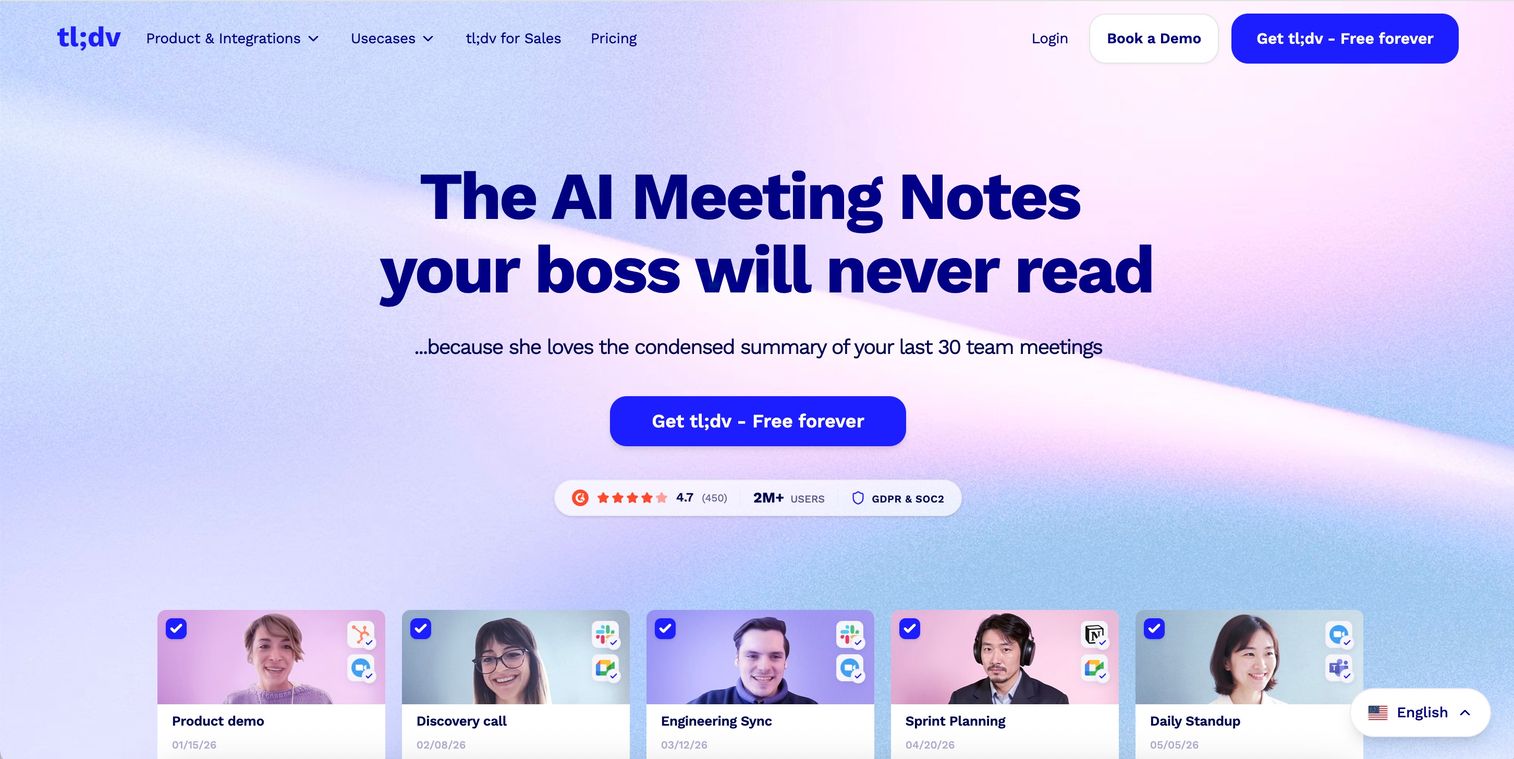
Tl;dv is the best choice for multilingual teams, supporting transcription and summaries in over 30 languages including Spanish, French, German, Portuguese, Japanese, and Mandarin. It works seamlessly with Zoom and Google Meet, automatically detecting the spoken language without manual configuration.
The tool automatically generates meeting summaries within seconds of calls ending, organizing key points by topic and extracting action items with owner assignments. You can create timestamp highlights during live calls or afterward by clicking specific moments in the transcript, then export those clips as standalone videos. These highlights and full meeting recordings sync directly to Slack channels or Notion pages, making it easy to share context with teammates who missed the call.
For distributed teams working across regions, tl;dv's language detection means a sales call in Tokyo and a product review in São Paulo both get accurate transcripts without switching settings. The tool also supports mixed-language meetings where participants switch between languages mid-conversation.
Key strengths
Transcription in 30+ languages with automatic language detection and support for mixed-language conversations
Automatic post-call summaries organized by topic with action item extraction and owner assignment
Timestamp highlights and shareable video clips that you can create during or after meetings
Native Slack and Notion integrations that push recordings, transcripts, and highlights to your workspace
Meeting library with advanced search across all past calls by keyword, speaker, or date range
Tl;dv pricing
Free plan includes unlimited recording and transcription with basic AI summaries. Pro plans start at $20/user/month for advanced AI features, more storage, CRM integrations, and team analytics.
5. Notion AI
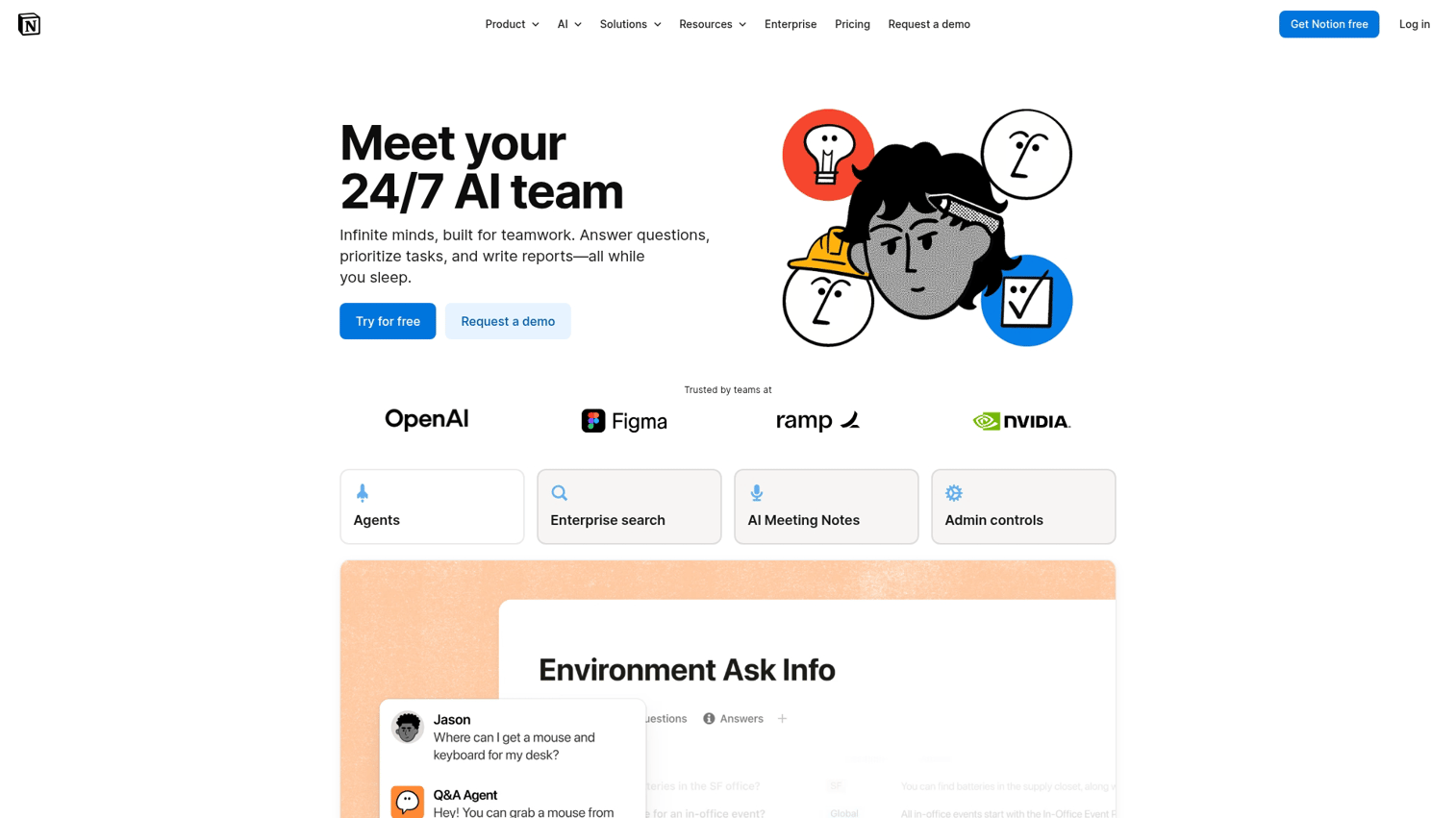
Notion AI works best for teams already using Notion as their workspace. It provides native AI capabilities for summarizing lengthy notes, rewriting content for clarity, and extracting action items from unstructured meeting documentation. Unlike standalone meeting tools that require separate logins and workflows, Notion AI operates directly within your existing workspace where your team already collaborates on projects, wikis, and databases.
The tool shines when you paste meeting notes into a Notion page and need quick summaries or action item extraction. Notion AI can also help draft follow-up emails, create meeting agendas from previous notes, and translate technical discussions into plain language for cross-functional teams. Because it works across your entire Notion workspace, you can use the same AI assistant to summarize project documentation, generate content outlines, or brainstorm ideas - not just process meeting notes.
For teams that already centralize their work in Notion, adding AI capabilities eliminates the need to copy notes between tools or maintain separate meeting transcription services. The AI understands context from your existing databases, so it can reference related projects, link to relevant pages, and maintain consistency with your team's documentation style.
Key strengths
Native AI built into the Notion workspace with no separate tool or login required
Summarize and extract action items from any notes, documents, or database entries
Works with existing databases and wikis to maintain context across your workspace
Flexible for meeting notes, project documentation, content creation, and knowledge management
Helps draft follow-ups, agendas, and summaries without leaving your workspace
Notion AI pricing
Notion AI is a paid add-on at $10/member/month to any Notion plan. Available for Free, Plus, Business, and Enterprise workspaces.
6. Microsoft Copilot in OneNote

Microsoft Copilot integrates AI directly into OneNote and across the entire Microsoft 365 suite, making it the natural choice for organizations already embedded in the Microsoft ecosystem. Beyond basic note-taking, Copilot acts as an intelligent assistant that can summarize lengthy meeting notes, rewrite content for clarity, generate action items from unstructured text, and pull relevant information from your emails, documents, and SharePoint sites without leaving OneNote.
The tool shines in enterprise environments where teams already use Outlook, Teams, Word, and Excel daily. Instead of adopting a separate meeting tool that requires new logins and workflows, Copilot works within the apps your team already knows. For enterprise teams already paying for Microsoft 365, Copilot is often the path of least resistance—no vendor evaluation, no procurement process, just an add-on to your existing subscription. It has surpassed 100 million monthly active users across its product family.
Copilot's strength lies in its ability to surface context from across your Microsoft workspace. When you're reviewing meeting notes in OneNote, Copilot can reference related emails, pull data from Excel spreadsheets, or summarize background from Word documents—all without manual searching. This cross-application intelligence makes it particularly valuable for complex projects where information lives in multiple places.
Key strengths
Deep Microsoft 365 integration across OneNote, Teams, Outlook, Word, and Excel
Summarize and rewrite notes with AI that understands context from your entire workspace
Research assistance that pulls information from web sources, emails, and internal documents
Cross-application intelligence that surfaces relevant content from SharePoint, OneDrive, and Teams chats
Enterprise security and compliance with data residency controls and audit logs
No separate login or tool adoption required for existing Microsoft 365 users
Microsoft Copilot pricing
Microsoft 365 Copilot is a paid add-on starting at $30/user/month for business and enterprise plans. Requires an existing Microsoft 365 Business Standard, Business Premium, or Enterprise E3/E5 subscription.
7. Google NotebookLM
Google NotebookLM stands out for being completely free with no paid tier. Unlike traditional meeting note takers, it's designed for research and document-based note-taking rather than live meeting transcription. You upload PDFs, Google Docs, web articles, or text files, and NotebookLM creates an AI-powered workspace where you can ask questions, generate summaries, and extract insights from your source material.
The unique audio overview feature generates podcast-style summaries of your uploaded documents, complete with two AI hosts discussing the key points in a conversational format. This is particularly useful for digesting long reports, research papers, or dense technical documentation when you need to absorb information while commuting or exercising. The AI hosts highlight main themes, debate different perspectives in your sources, and make complex topics more accessible through natural dialogue.
NotebookLM excels at synthesizing information across multiple documents. You can upload up to 50 sources per notebook, and the AI will identify connections, contradictions, and patterns across all your materials. When you ask questions, NotebookLM cites specific sources and passages, making it easy to verify claims and dive deeper into the original content.
Key strengths
Completely free with full features and no usage limits or paid upgrades
Upload up to 50 sources per notebook including PDFs, Google Docs, websites, and text files
Audio overview generates podcast-style summaries with two AI hosts discussing your content
Source citations for every AI response with direct links to original passages
Strong for research, study, and synthesizing information across multiple documents
Google NotebookLM pricing
100% free to use with no paid tier or feature limitations.
8. Jamie
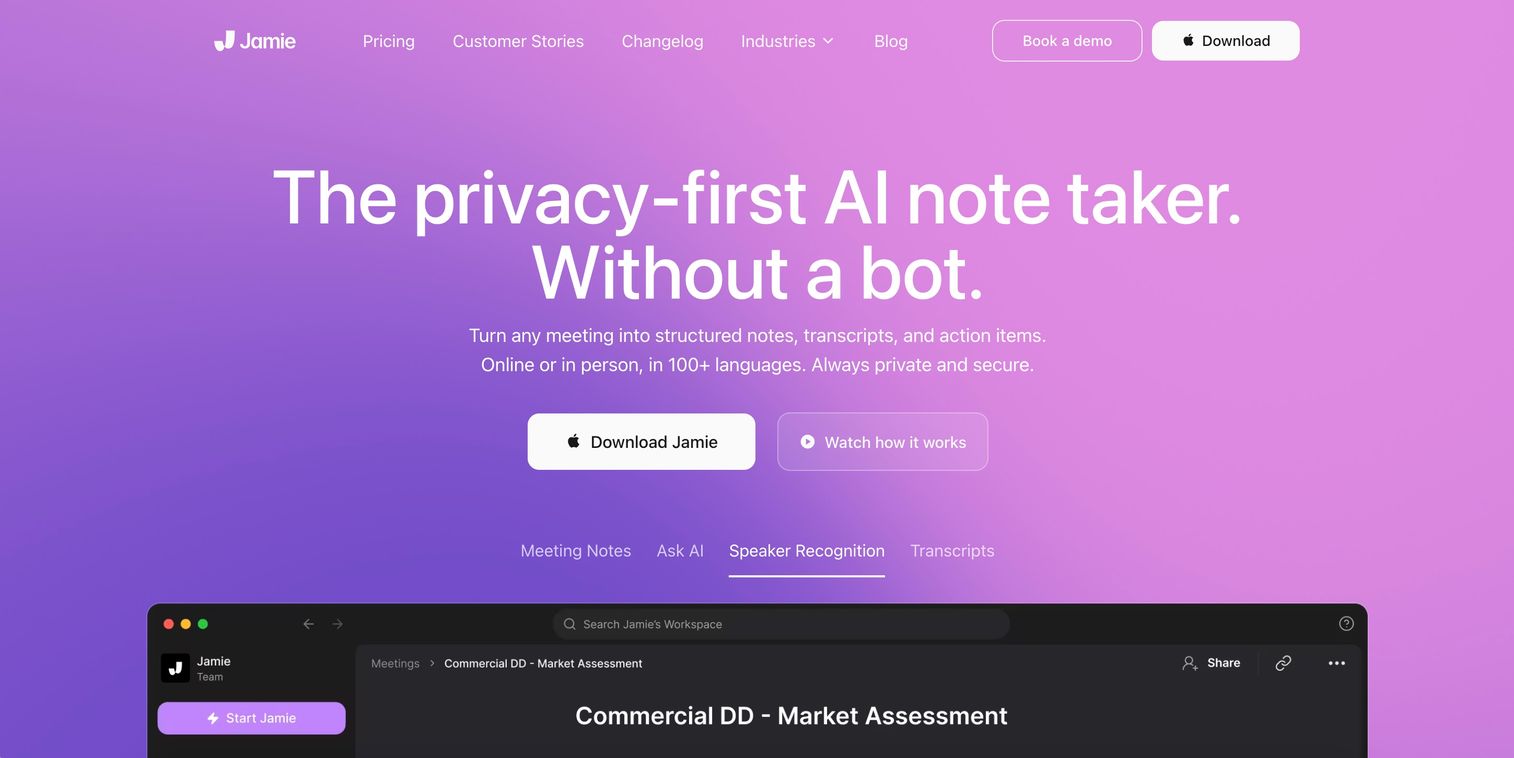
Jamie is the leading bot-free AI note taker that captures audio locally from your device without a visible bot joining the call. Unlike traditional meeting assistants that announce their presence with "Recording Bot has joined," Jamie runs silently in the background on your computer, making it ideal for sensitive client meetings, confidential discussions, or situations where a visible recording bot might create friction.
The tool works universally across Zoom, Teams, Google Meet, Webex, and even in-person meetings where you're using your laptop microphone. After each call, Jamie automatically generates executive summaries with action items, decisions, and key discussion points organized by topic. The summaries are concise and structured for quick review, designed for busy executives who need the highlights without reading full transcripts.
Key strengths
Bot-free operation with no visible meeting participant—audio captured locally on your device
Universal compatibility across all meeting platforms including Zoom, Teams, Meet, and Webex
In-person meeting support using your device's microphone for face-to-face conversations
Executive summary generation with automatic action item extraction and topic organization
Multi-language support for international teams and cross-border meetings
Jamie pricing
Free plan includes up to 5 meetings per month with basic summaries. Paid plans start at $19/month for unlimited meetings, custom summary templates, and priority support.
9. Krisp
Krisp combines AI noise cancellation with note-taking capabilities, making it the best choice for remote workers in noisy environments. The tool removes background noise in real-time - barking dogs, keyboard clicks, traffic sounds—so your recordings capture only your voice and meeting participants.
The transcription and summary features work locally on your device rather than uploading audio to the cloud. This means faster processing, no internet dependency during meetings, and complete privacy since your conversations never leave your computer. For teams handling sensitive client calls or confidential discussions, local processing eliminates the risk of cloud data breaches.
Krisp works as a virtual audio device that sits between your microphone and meeting platform. It processes audio before it reaches Zoom, Teams, or any other app, which means it works universally across all meeting software without platform-specific integrations.
Key strengths
AI-powered noise cancellation that removes background sounds in real-time during calls
Meeting transcription and AI-generated summaries with action item extraction
Local processing for complete privacy—audio never leaves your device
Universal compatibility across all meeting platforms and communication apps
Echo cancellation that prevents audio feedback in shared spaces
Krisp pricing
Free tier includes 60 minutes of noise cancellation and transcription per day. Pro plans start at $8/month for unlimited noise cancellation, transcription, and meeting summaries.
10. Mem
Mem goes beyond meeting notes to build an AI-powered knowledge management system. It automatically organizes and links related notes, creating a searchable "team memory" that surfaces relevant information when you need it. The tool uses AI to understand context and relationships between notes, so searching for a project name pulls up every related meeting, decision, and action item without manual tagging.
Unlike traditional note apps that require folders and tags, Mem's AI automatically connects related information across your entire workspace. When you're writing about a customer, Mem surfaces past conversations, decisions, and notes about that account without you searching for them.
Key strengths
AI-powered search that understands context and surfaces related notes automatically
Automatic organization and linking between related notes, meetings, and projects
Team collaboration with shared knowledge base and real-time editing
Smart suggestions that surface relevant past notes while you're writing
Cross-platform sync across desktop and mobile devices
Mem pricing
Pricing starts at $8.33/month for individuals with unlimited AI features. Team plans add collaboration features and shared workspaces, with pricing based on number of users.
11. Reflect
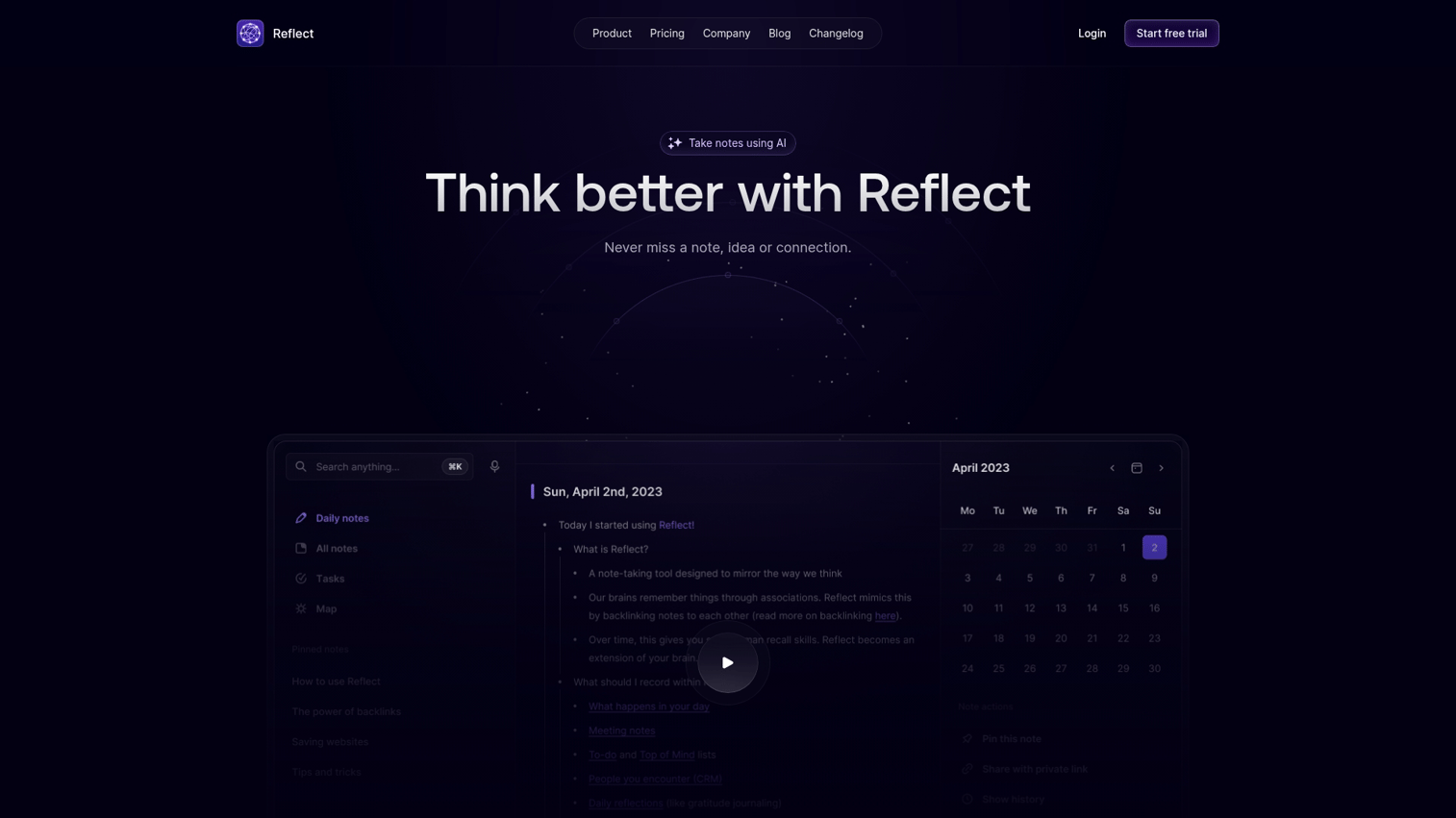
Reflect is designed for individual productivity with a focus on building a personal knowledge base over time. The tool uses networked note-taking with backlinks that automatically connect related ideas across your notes, creating a knowledge graph that surfaces connections you might otherwise miss. Unlike team-focused meeting tools, Reflect prioritizes privacy and personal workflow with end-to-end encryption that keeps your notes completely private.
The daily notes feature creates a new page each day where you can capture meeting notes, tasks, and thoughts in one place. Reflect's AI assistant helps organize these notes by suggesting tags, summarizing long entries, and identifying action items automatically. The tool syncs across devices and works offline, making it reliable for professionals who need access to their notes anywhere.
Key strengths
AI assistant that summarizes notes, suggests tags, and extracts action items automatically
Backlinks and knowledge graph that surface connections between related notes over time
End-to-end encryption with zero-knowledge architecture for complete privacy
Daily notes and journaling features with calendar integration
Offline support with cross-device sync across desktop and mobile
Reflect pricing
Subscription-based pricing at $10/month for individual users. No free tier, but a 14-day trial is available to test features before committing.
12. Tactiq
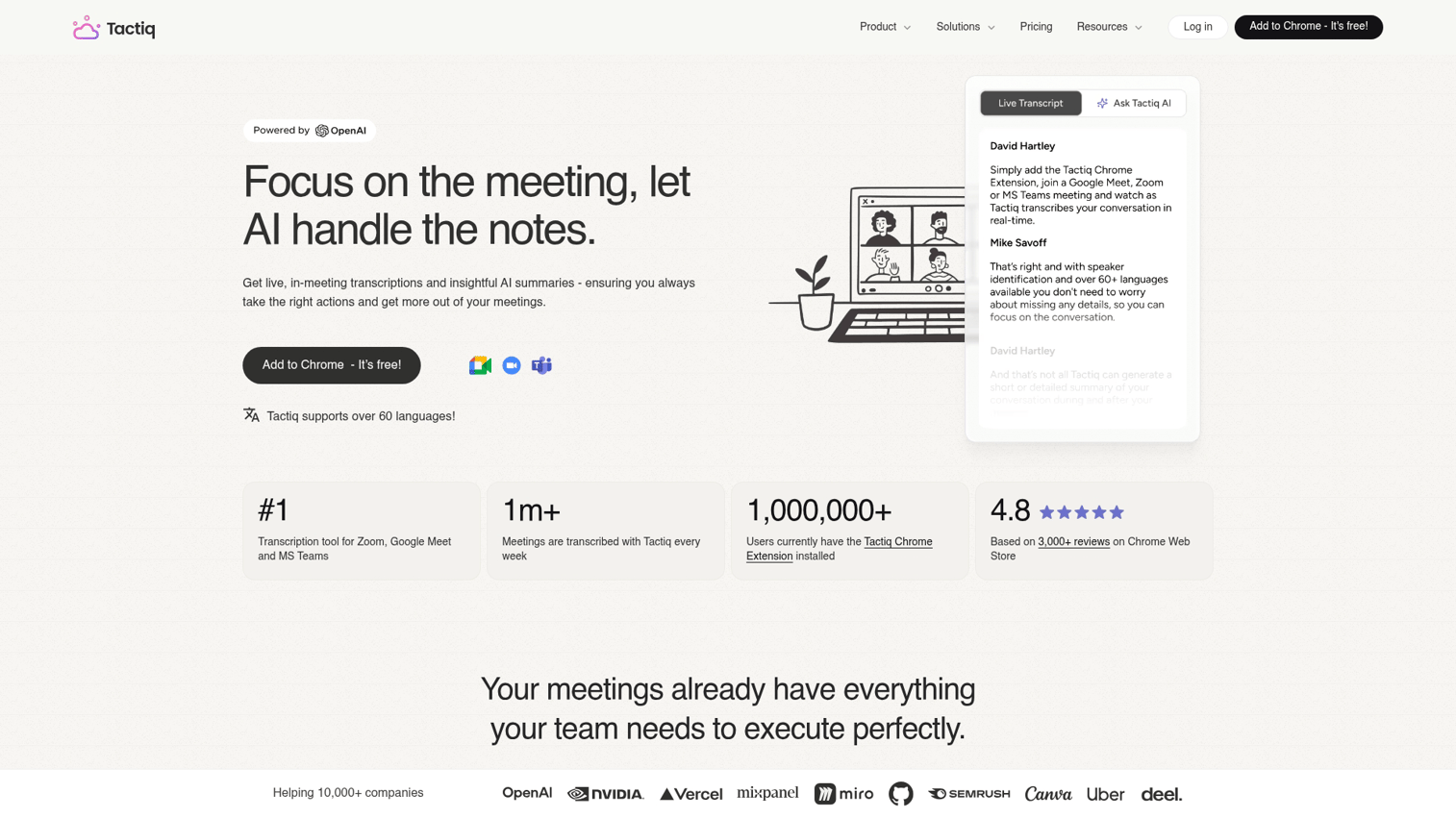
Tactiq provides real-time transcription through a lightweight Chrome extension that works across Google Meet, Zoom, and Microsoft Teams. Setup takes seconds—install the extension, grant permissions, and you're ready to capture your next meeting without any bot joining the call.
The tool generates instant meeting summaries with speaker identification as soon as your call ends. You can highlight key moments during the meeting with a single click, and Tactiq automatically organizes them into actionable summaries. The extension also lets you create custom AI prompts to extract specific insights like action items, decisions, or follow-up questions from your transcripts.
Key strengths
Real-time browser-based transcription that works without a visible meeting bot
One-click Chrome extension setup with no account creation required to start
Instant AI-generated meeting summaries with customizable prompts
Speaker identification that labels who said what in multi-person calls
Integration with Slack, Notion, Google Docs, and other productivity tools
Tactiq pricing
Free tier includes up to 10 transcripts per month with basic AI summaries. Paid plans start at $8/month for unlimited transcriptions, custom AI prompts, and advanced integrations.
13. Superpowered
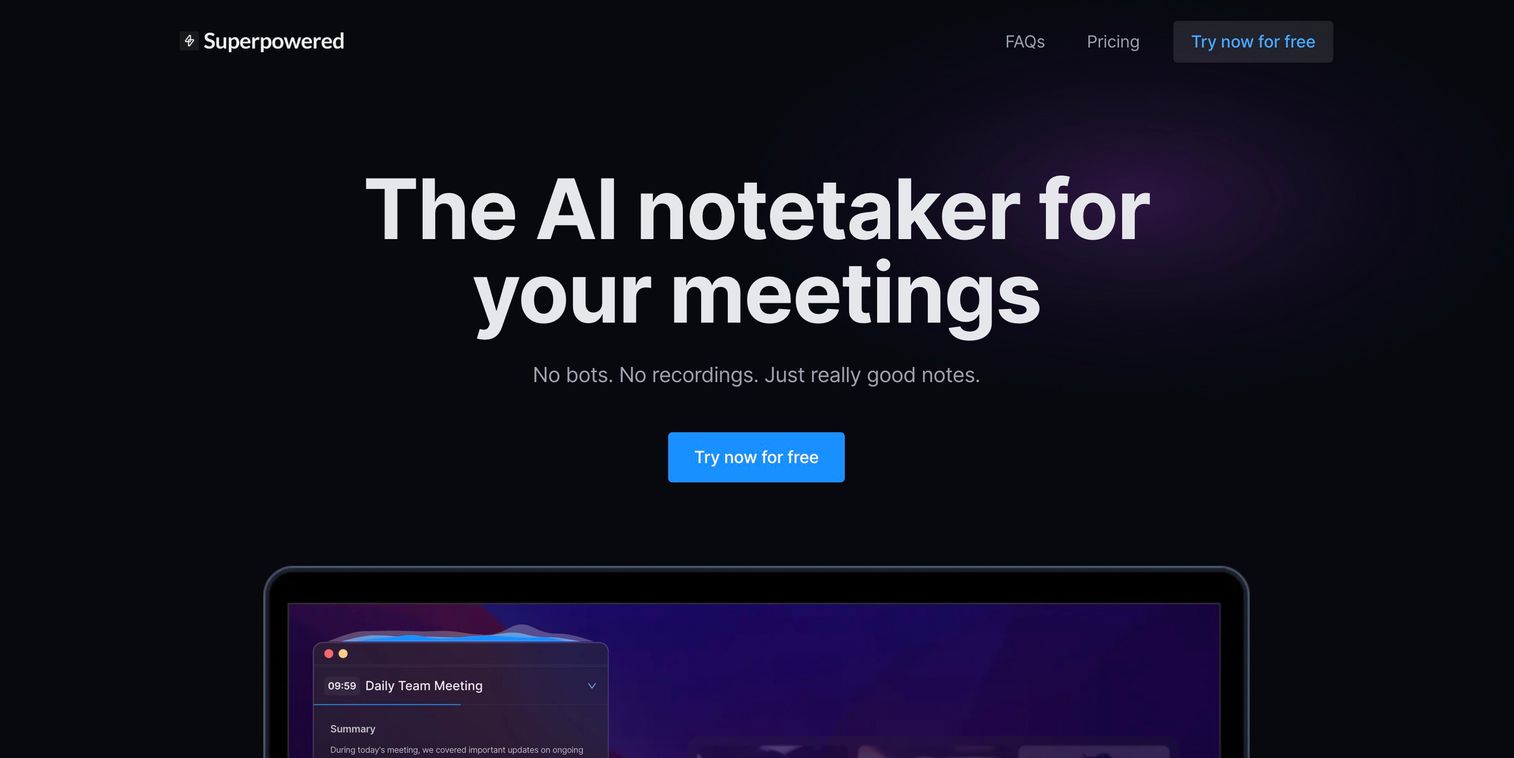
Superpowered targets users who need high-accuracy transcription, particularly for multilingual or specialized use cases. The tool uses custom AI models trained on industry-specific terminology, making it especially valuable for technical fields like legal, medical, or engineering where standard transcription tools often miss jargon.
Unlike general-purpose note takers, Superpowered processes audio locally on your device, which means faster transcription and better privacy. The tool works across all major meeting platforms and supports real-time transcription in multiple languages simultaneously.
Key strengths
High-accuracy multilingual transcription with support for technical vocabulary
Custom AI models trained for specific industries like legal, medical, and finance
Local processing for faster transcription and enhanced privacy
Searchable meeting archive with advanced filtering by speaker, topic, or keyword
API access for developers to build custom integrations
Superpowered pricing
Pricing starts with a free tier for basic transcription. Paid plans unlock custom AI models, unlimited transcription minutes, and API access, with pricing based on monthly usage volume.
14. Granola
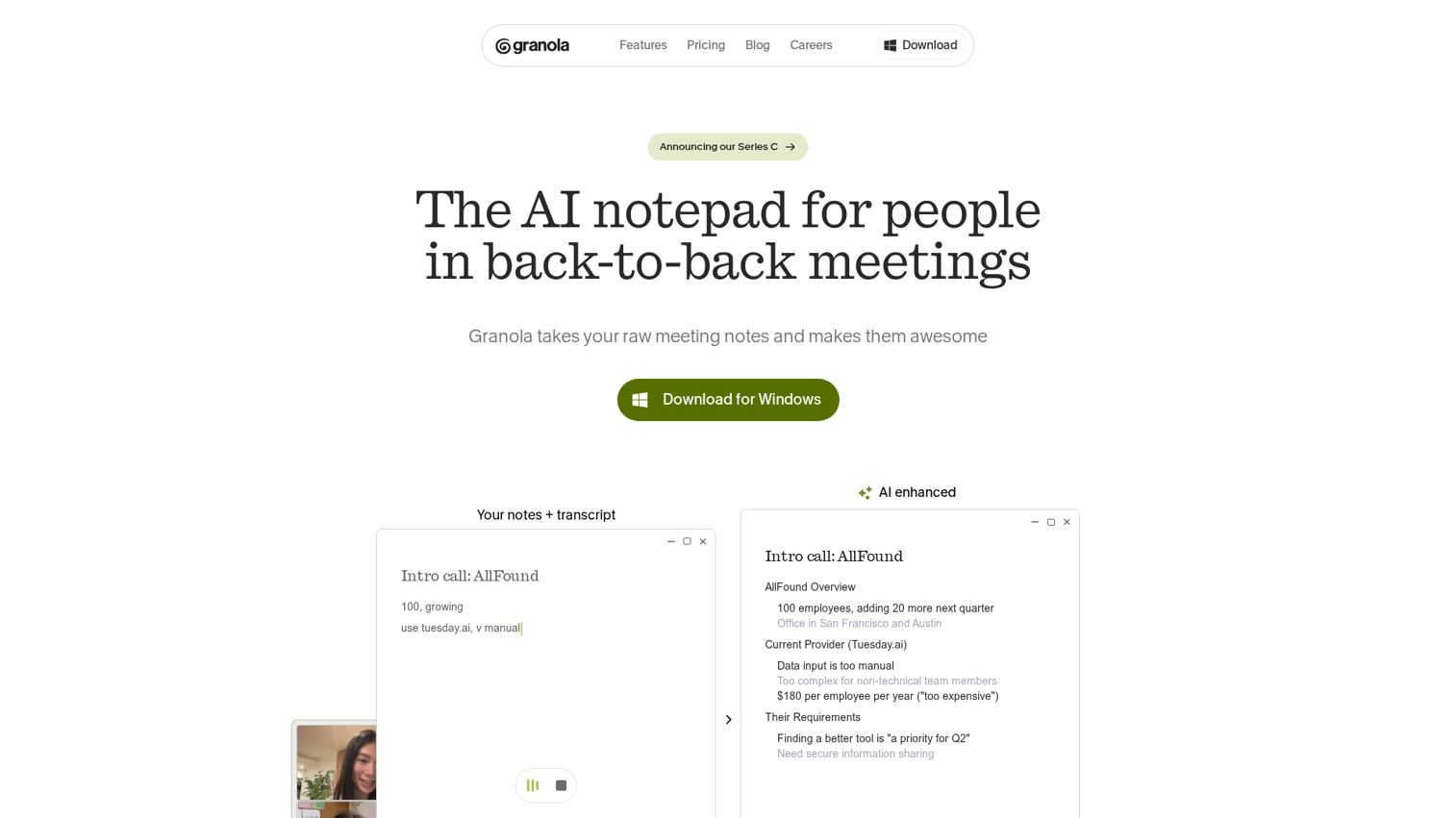
Granola takes a unique approach: you take rough notes during meetings, and AI cleans them up afterward using the transcript for context. Unlike tools that generate notes automatically, Granola enhances what you've already written by filling in gaps, fixing formatting, and adding details from the audio. It feels like Apple Notes with AI enhancement, designed for executives and professionals who prefer to stay engaged by jotting down key points rather than relying entirely on automation.
Key strengths
Combines manual notes with AI enhancement that preserves your voice and structure
Post-meeting cleanup automatically expands bullet points and corrects formatting
Simple, familiar interface with minimal learning curve
Works across all meeting platforms including Zoom, Teams, Meet, and in-person conversations
Captures context from audio to fill in details you didn't write down
Granola pricing
Free tier includes basic note enhancement. Paid plans unlock unlimited meetings and advanced AI features.
15. Avoma
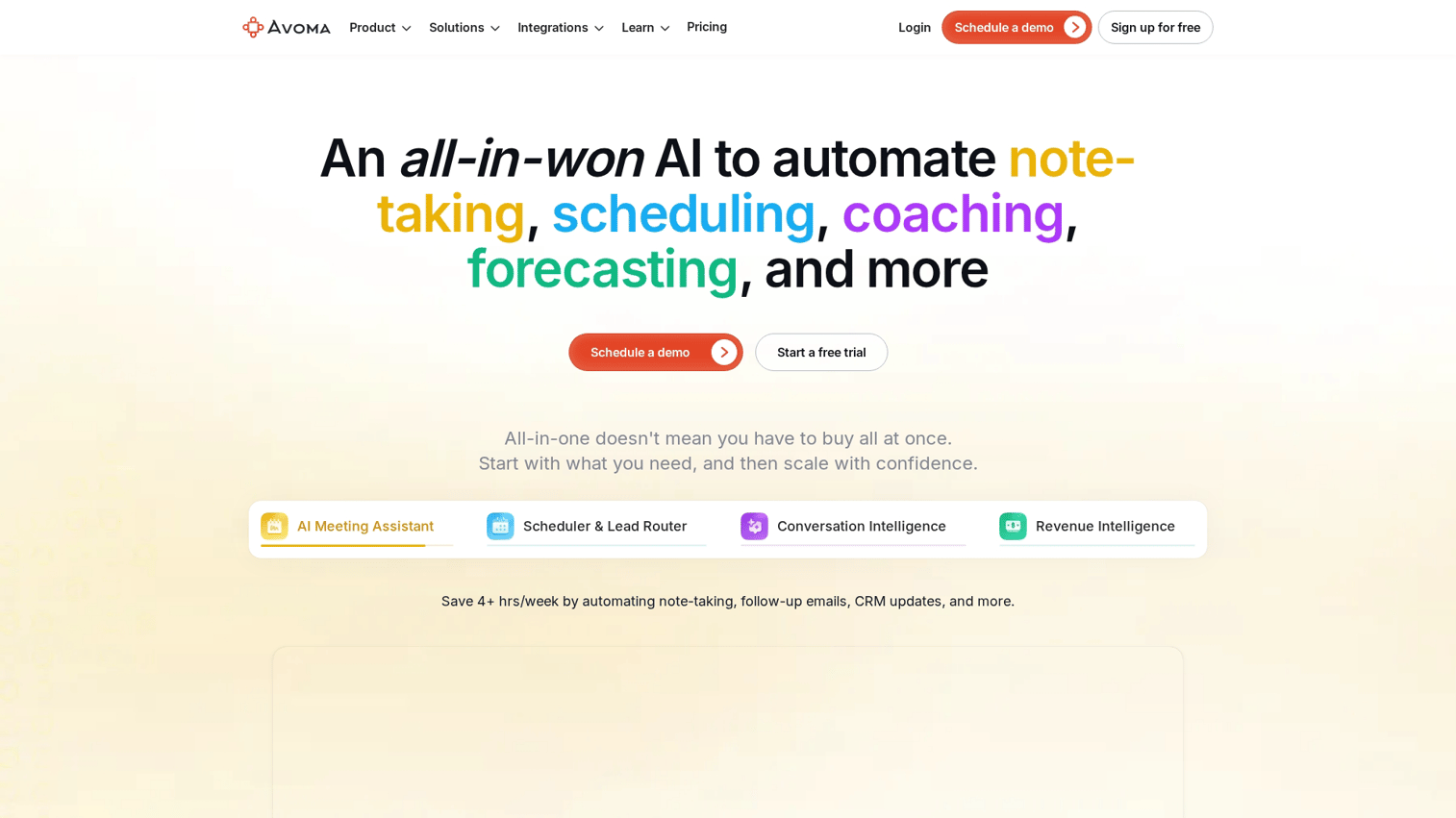
Avoma is built for revenue teams that need conversation intelligence with CRM integration. It automatically tracks deal progression, identifies coaching opportunities, and syncs meeting insights directly to your sales stack.
The tool analyzes talk-to-listen ratios, tracks competitor mentions, and flags when reps miss key discovery questions. After each call, Avoma pushes notes, action items, and deal updates to your CRM without manual data entry.
Key strengths
Conversation intelligence with sentiment analysis and keyword tracking
Automatic CRM updates to Salesforce, HubSpot, and Pipedrive
Coaching scorecards based on talk patterns and question quality
Built-in meeting scheduling and agenda templates
Deal intelligence that surfaces risk signals and next steps
Avoma pricing
Paid plans start at the team level with pricing based on number of users. Enterprise tier adds custom integrations and advanced analytics.
Free AI note taking tools worth trying
Several tools offer genuinely useful free tiers:
Fathom: Unlimited free recording and transcription
Google NotebookLM: Completely free with no paid tier
tl;dv: Generous free plan for multilingual teams
Otter.ai: 300 free transcription minutes monthly
Tactiq: Basic transcription with some limits
Free plans typically limit transcription minutes, advanced features like AI chat, and storage capacity. For occasional use, free tiers work fine. For daily meetings, you'll likely hit limits within a week or two.
Best AI meeting note taker by use case
Best for sales teams
Fathom, Fireflies, and Avoma are built for sales workflows. They offer call recording, CRM synchronization, coaching insights, and deal tracking. Sales teams using presales software tools benefit from searchable call libraries and the ability to share specific call clips with prospects or managers.
Best for product and customer success teams
Otter.ai and tl;dv work well for product teams and customer success teams who capture customer feedback and share meeting highlights. The ability to sync notes to Notion and search across meeting archives helps surface patterns in customer conversations.
Best for individual productivity
Reflect, Mem, and Granola focus on personal knowledge management rather than team features. They're designed for daily notes, journaling, and building a personal knowledge base over time.
How to choose the right AI note taking tools
Define your primary use case
Start by identifying your main goal. Are you capturing sales calls, internal team meetings, research sessions, or personal notes? Meeting-focused tools differ significantly from general-purpose note-taking apps.
Check integration compatibility
The best tool connects to your existing workflow. Verify integrations with:
Calendar: Google Calendar, Outlook
Video platforms: Zoom, Google Meet, Microsoft Teams
CRM: Salesforce, HubSpot
Workspace: Slack, Notion, Asana
Evaluate privacy and security requirements
Consider where your data is stored and processed. Is audio processed locally or in the cloud? Does the tool meet compliance standards like SOC 2 or GDPR?
Do you need bot-free options for sensitive meetings?
Compare free tiers against paid plans
When evaluating options, ask: What are the recording or transcription limits on the free plan? Which features are gated behind paid plans? Is the free tier sufficient for your meeting volume?
Turn meeting notes into product experiences
Capturing meeting notes is step one. The real value comes from acting on the insights you gather.
For teams building SaaS products, meeting notes often reveal what prospects and customers want to see to understand your product's value. Instead of explaining features repeatedly in calls, teams can create interactive demos that show product value on-demand.
Guideflow helps teams turn product knowledge into self-serve demo experiences that educate and convert. Start your journey with Guideflow today!
FAQs about AI note taking tools and apps
Otter.ai ranks as the best overall for meeting transcription due to its live capture, speaker identification, and searchable archive across Zoom, Google Meet, and Teams.
Google NotebookLM is completely free with no paid tier. Fathom offers unlimited free recording and transcription for meetings.
These AI note taking tools like Otter.ai, Fireflies, and tl;dv offer better transcription accuracy, integrations, and team features than general-purpose AI assistants.
Yes. Bot-free options like Jamie and Krisp capture audio locally from your device without a visible bot joining the meeting room.
Most tools achieve 90-98% accuracy for single speakers. Accuracy decreases when multiple people talk simultaneously or in noisy environments, typically dropping to 85-90%.
Some tools like Jamie and Krisp support in-person meetings and phone calls by capturing audio directly from your device rather than joining a video call.
Most bot-based AI notetakers like Otter.ai and Fireflies include speaker identification, labeling who said what in the final transcript.
A voice recorder with AI notes captures audio and automatically generates transcripts and summaries. Examples include Otter, Krisp, and Jamie, which function as smart voice recorders with AI processing.
Recording laws vary by location. Most require consent from all parties. Most AI note takers announce their presence or require hosts to notify participants before recording.