You spent two days building the launch deck. Sales found it three weeks later, copied the wrong version, and pitched a price that changed in the meantime. The brand colors drifted. The competitive slide was outdated. Nobody noticed until a prospect did.
That is the real problem presentation management software solves. Not slide design. Governance.
Most teams treat decks as files. They live in shared drives, email threads, and someone's desktop named "FINAL_v7_use_this_one.pptx." The result is predictable: six versions of the same slide, messaging that contradicts the website, and zero visibility into which deck actually closed the deal. For a product marketing manager who owns positioning, that drift is a daily tax.
The market reflects how serious this has become. The global presentation software market is projected to grow from USD 9.65B in 2026 to USD 16.62B by 2030, a 14.6% CAGR, according to Research and Markets (2024). Remote work tool adoption jumped 61% per Business Research Insights (2024), pushing cloud-based, collaborative presentation platforms into the center of go-to-market work.
This guide treats presentation management as a system: a slide library, version control for presentations, brand compliance, presentation governance, and analytics, all in one. If you are also building self-serve product stories, formats like the interactive demo and demo center extend that same managed, measurable distribution to clickable product experiences. We will cover where each tool fits, with verified pricing and G2 ratings, plus a buyer's checklist built for PMMs and enterprise presentation owners. If you also evaluate adjacent stacks, our roundups on marketing resource management and marketing analytics pair well with this one.
What presentation management software is
Presentation management software is a platform that centralizes, governs, and distributes a company's slides and decks, so every team works from one approved, version-controlled, on-brand source of truth.
It is not a slide editor. It is the layer that sits above your editor and your file storage. A presentation management platform handles the lifecycle of a deck: where slides live, who can edit them, which version is approved, how updates propagate, and what happens after the deck is sent.
The core capabilities most tools share:
- Slide library: a searchable, taggable repository of approved slides and full decks
- Version control for presentations: one canonical version, with updates that propagate to anyone using the slide
- Brand compliance: locked templates, approved logos, fonts, and colors that resist drift
- Presentation governance: permissions, ownership, approval workflows, and content expiration
- Presentation analytics: usage data on which slides get pulled, sent, and engaged with
- Integrations: native fit with PowerPoint, Microsoft 365, Google Slides, and cloud storage
For a deeper category reference on structured content reuse, the same logic that drives component content management systems applies here: manage the asset once, reuse it everywhere, govern it centrally.
How it differs from presentation creation tools
PowerPoint, Google Slides, and design-first apps build slides. Presentation management software manages them after they exist.
- Creation tools optimize for a single deck: layout, animation, visual polish.
- Management tools optimize for the system: reuse across hundreds of decks, version integrity, and brand control.
- A creation tool answers "how do I make this slide look good?" A management tool answers "which version is correct, who can use it, and did it work?"
You need both. The mistake is assuming a creation tool covers governance. It does not.
How it differs from shared drives and file storage
A folder holds files. It does not enforce anything.
| Capability | Shared drive | Presentation management platform |
|---|---|---|
| Find a specific slide | Manual folder hunting | Slide-level search and tags |
| Version control | "FINAL_v7" chaos | One approved source of truth |
| Brand compliance | None | Locked templates and assets |
| Update propagation | Manual re-sending | Automatic across decks |
| Analytics | None | Usage and engagement tracking |
| Ownership and approvals | Unclear | Defined governance |
Storage answers "where is the file?" Management answers "is this the right file, and what happened after I shared it?"
Who presentation management software is for
- Product marketing managers who own messaging and need it consistent across every deck, channel, and rep.
- Sales enablement teams building battlecards, pitch decks, and one-pagers that reps actually find and use.
- Enterprise marketing and brand teams enforcing visual and message standards at scale.
- Event and conference operations managing speaker uploads, schedules, and repeatable delivery.
- Executive and corporate communications producing board decks and investor materials under tight governance.
What to look for in presentation management software
Before you shortlist, get specific about the job. A tool that nails brand governance might be light on event workflows. One built for finance decks might not fit a launch-heavy PMM team. Score every option against the criteria below.
Slide library and content reuse
The library is the foundation. Without fast retrieval, nobody uses the system, and you are back to folder hunting.
- Slide-level search, not just deck-level, ideally with text and image search
- Auto-tagging and metadata so slides surface by topic, persona, or product line
- The ability to assemble new decks from approved slides in minutes
- A clean line between approved content and work-in-progress drafts
Collaboration, permissions, and version control
Presentation collaboration breaks down when nobody knows which version is live. Strong tools fix that.
- Review and approval cycles before a slide goes into the library
- Role-based permissions: who can edit, who can only use
- Update propagation, so fixing a stat once fixes it everywhere
- An audit trail of who changed what and when
Brand compliance and governance
Brand compliance presentations are the whole point for many PMM and brand teams.
- Locked templates that hold layout, fonts, and color
- Approved logo, image, and chart libraries
- Controlled editing, so reps personalize without breaking brand
- Content expiration for time-sensitive claims and pricing
Analytics and engagement tracking
If you cannot measure usage, you cannot prove impact or find gaps. Presentation analytics turn a black box into a feedback loop.
- Which slides and decks get pulled most often
- Where audiences engage or drop off when a deck is shared externally
- Content-gap analysis: what reps search for and do not find
- Presentation ROI signals tied to pipeline and deals
This is also where interactive formats shine. An interactive demo tracks session-level engagement, steps viewed, and drop-offs, giving PMMs the same depth of signal for product storytelling that good presentation analytics give for slides.
Integrations and interoperability
The tool has to fit where work already happens.
- Native PowerPoint presentation management and a PowerPoint add-in for in-workflow use
- Microsoft 365 presentation management across SharePoint and OneDrive
- Google Slides and PDF export support
- Cloud storage and CRM connections for distribution and tracking
Security and enterprise readiness
Enterprise presentation management software has to pass IT and procurement.
- SSO, role-based access, and secure presentation sharing
- Certified Microsoft and Google apps where relevant
- Compliance posture (SOC 2, GDPR) for regulated buyers
- Deployment that scales across regions and business units
If governance and oversight sit high on your list, the evaluation patterns in our audit management software and AI governance tools guides translate cleanly to deck governance.
When to use presentation management software
The category pays off fastest in three scenarios. If any of these sound like your week, you are past the point where folders work.
You need one approved source of truth for decks
If your team keeps rediscovering the same slide in six different versions, you have a source-of-truth problem. The fix is a single governed slide library where the approved version is the only version anyone can pull.
Checklist for this scenario:
- More than one team builds decks from the same content
- Reps frequently ask "which deck is current?"
- Pricing, claims, or competitive slides change often
You need brand consistency at scale
When ten people in five regions build decks, messaging drifts. Presentation management software keeps positioning and visuals aligned through locked templates and approved assets, so a deck built in one office matches the one built in another.
This is core PMM territory: positioning that stays consistent across every touchpoint, not just the website.
You need to track usage and prove impact
PMMs are asked to prove that messaging and enablement work. Without analytics, you are guessing. With usage data, you can show which decks drive engagement, retire what nobody opens, and tie content to pipeline.
A simple workflow: tag decks by launch and persona, track which slides get pulled and sent, then correlate the high-use decks against won deals. That is presentation ROI you can defend in a QBR. For the broader measurement playbook, see how analytics platforms drive ROI.
Comparison table
A fast scan of all 15 tools, their primary intent, key differentiation, pricing, and G2 rating. Pricing and ratings were verified against vendor pages and live G2 listings as of mid-2026.
| # | Product | Intent | Key differentiation | Pricing | G2 rating |
|---|---|---|---|---|---|
| 1 | Templafy | Enterprise document governance | On-brand creation across Microsoft 365 | Custom | 4.4/5 |
| 2 | UpSlide | Microsoft 365 document automation | Finance-grade PowerPoint and Excel workflows | Custom (min 5 licenses) | 4.6/5 |
| 3 | TeamSlide | Slide retrieval and library | PowerPoint search with version control | From $49/mo | Not listed |
| 4 | Pickit | Asset sourcing in Microsoft 365 | DAM plus brand governance | Custom | 4.5/5 |
| 5 | Macabacus | Finance productivity | Excel modeling and deck automation | From $200/yr/license | Not listed |
| 6 | Shufflrr | Slide library management | Office 365 slide governance and reuse | Free up to 4 users; from $10/user/mo | 4.1/5 |
| 7 | Showcase Workshop | Trackable sales presentations | Offline delivery and engagement tracking | From $10/user/mo | 4.6/5 |
| 8 | SlideCamp | In-PowerPoint slide library | Search and SlideSync inside PowerPoint | Not listed | 4.4/5 |
| 9 | SlideHub | Governed slide libraries | Microsoft 365-native, AI slide generation | From $400/mo | 4.9/5 |
| 10 | RELAYTO AI | Interactive content experiences | Turns PDFs and decks into digital experiences | Free; Enterprise custom | 4.7/5 |
| 11 | Prezi | Dynamic, non-linear presentations | Zoom-based, motion-led format | Free; from $7/mo | 4.2/5 |
| 12 | Canva | Design-led creation | Templates, stock, and brand kit | Free; Pro $144/yr | 4.7/5 |
| 13 | Beautiful.ai | Smart deck creation | Auto-formatting Smart Slides | From $12/mo | 4.7/5 |
| 14 | Pitch | Collaborative deck building | Real-time team workflows and analytics | Free; Plus $15/mo | Not listed |
| 15 | Zoho Show | Cloud presentations | Browser-based, Zoho ecosystem fit | Free; Professional paid | 4.4/5 |
Best presentation management software for 2026
Each tool below gets a full review: what it does, who it fits, key strengths, why you would choose it, and verified pricing. Guideflow leads because the category is shifting toward managed, measurable, self-serve experiences, not just static slide storage.
1. Templafy
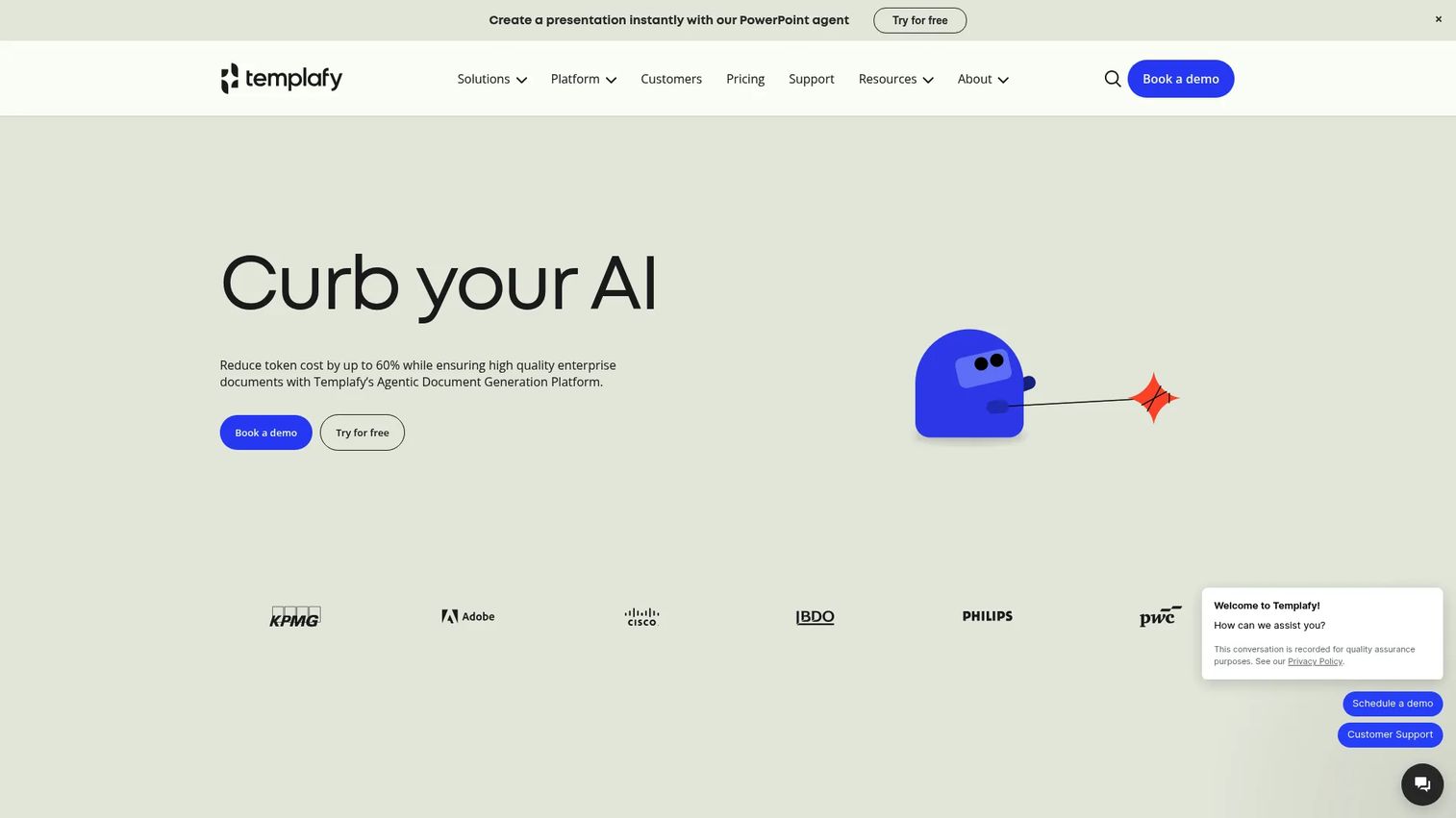
Templafy is an enterprise document generation and brand governance platform. It pushes on-brand templates and approved content directly into Microsoft 365, so every presentation, document, and email starts compliant. For large organizations where brand drift across thousands of users is a real risk, Templafy enforces consistency at the source.
Best for: Large enterprises that need controlled, on-brand document and presentation creation at scale.
Key strengths
- Brand governance: Centralized template and asset control that keeps presentations on-brand across the org.
- Microsoft 365 integration: AI-assisted creation inside the tools employees already use daily.
- Content libraries: Managed content, prompt, and template libraries with document automation.
Why choose Templafy: Templafy suits enterprises whose biggest pain is governance across many teams and document types, not just slides. If brand compliance presentations are one piece of a larger document consistency problem, it fits well.
Pricing: Templafy does not publish numeric pricing. Plans are customized based on solution and number of user licenses, and require a quote from their sales team. G2 rates it 4.4/5.
2. UpSlide
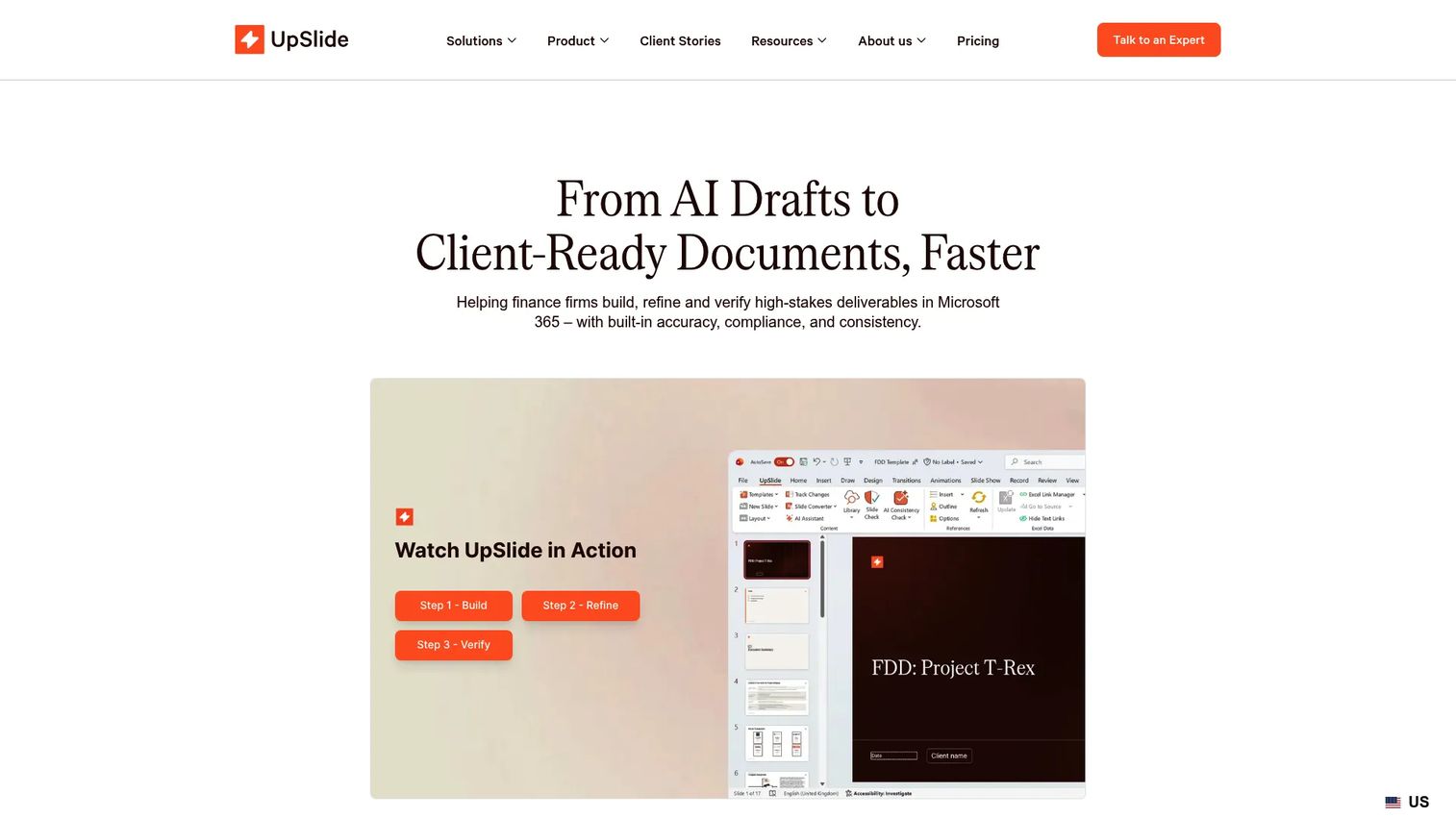
UpSlide is a document automation and productivity add-in for Microsoft 365, built with finance workflows in mind. It links Excel data to PowerPoint and Word, enforces brand standards, and speeds up the repetitive formatting that consumes analyst time. Its AI Consistency Check catches off-brand slides before they ship.
Best for: Enterprise finance teams needing branded Microsoft 365 document automation.
Key strengths
- Excel to PowerPoint linking: Keep numbers in decks synced to source models automatically.
- AI Consistency Check: Flag and fix off-brand formatting across a deck.
- Content Library and templates: Centralized, approved slides and template management.
Why choose UpSlide: UpSlide is the strong pick when PowerPoint and Excel are inseparable and accuracy matters as much as brand. Finance, banking, and consulting teams that rebuild data-heavy decks constantly get the most value.
Pricing: UpSlide does not list public prices. Pricing depends on licenses, options, and setup, with a minimum of 5 licenses, and requires a personalized quote. G2 rates it 4.6/5.
3. TeamSlide
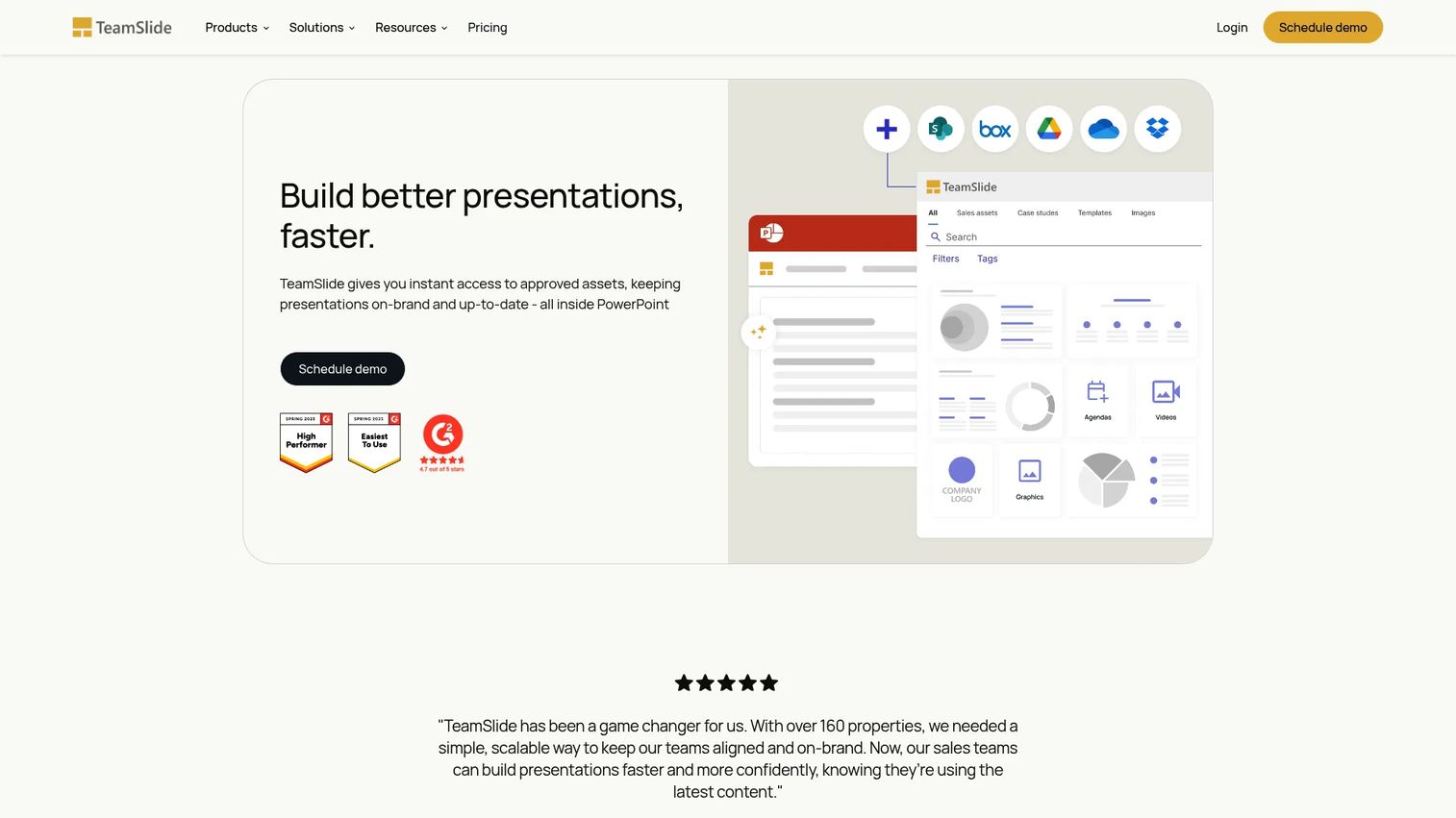
TeamSlide is a slide library and search platform that lives inside PowerPoint. It indexes slides with thumbnails and metadata so teams find approved content fast, then keeps it current with version control. An AI slide assistant helps generate and edit slides without leaving the deck.
Best for: Teams that need a PowerPoint slide library with search, compliance, and reuse workflows.
Key strengths
- PowerPoint search: Find slides by thumbnail and metadata directly in PowerPoint.
- Version control: Push approved slide updates so old versions get flagged.
- AI slide generation: Generate and edit slides inside the PowerPoint workflow.
Why choose TeamSlide: Choose TeamSlide when slide retrieval is the core bottleneck and you want a focused, in-PowerPoint library rather than a broad governance suite. It is practical and fast to adopt for enterprise presentation teams.
Pricing: TeamSlide's public plan, Slide Generation + Management, is $49/month. Enterprise pricing is custom and depends on team size, with a 3-user minimum on annual subscriptions.
4. Pickit
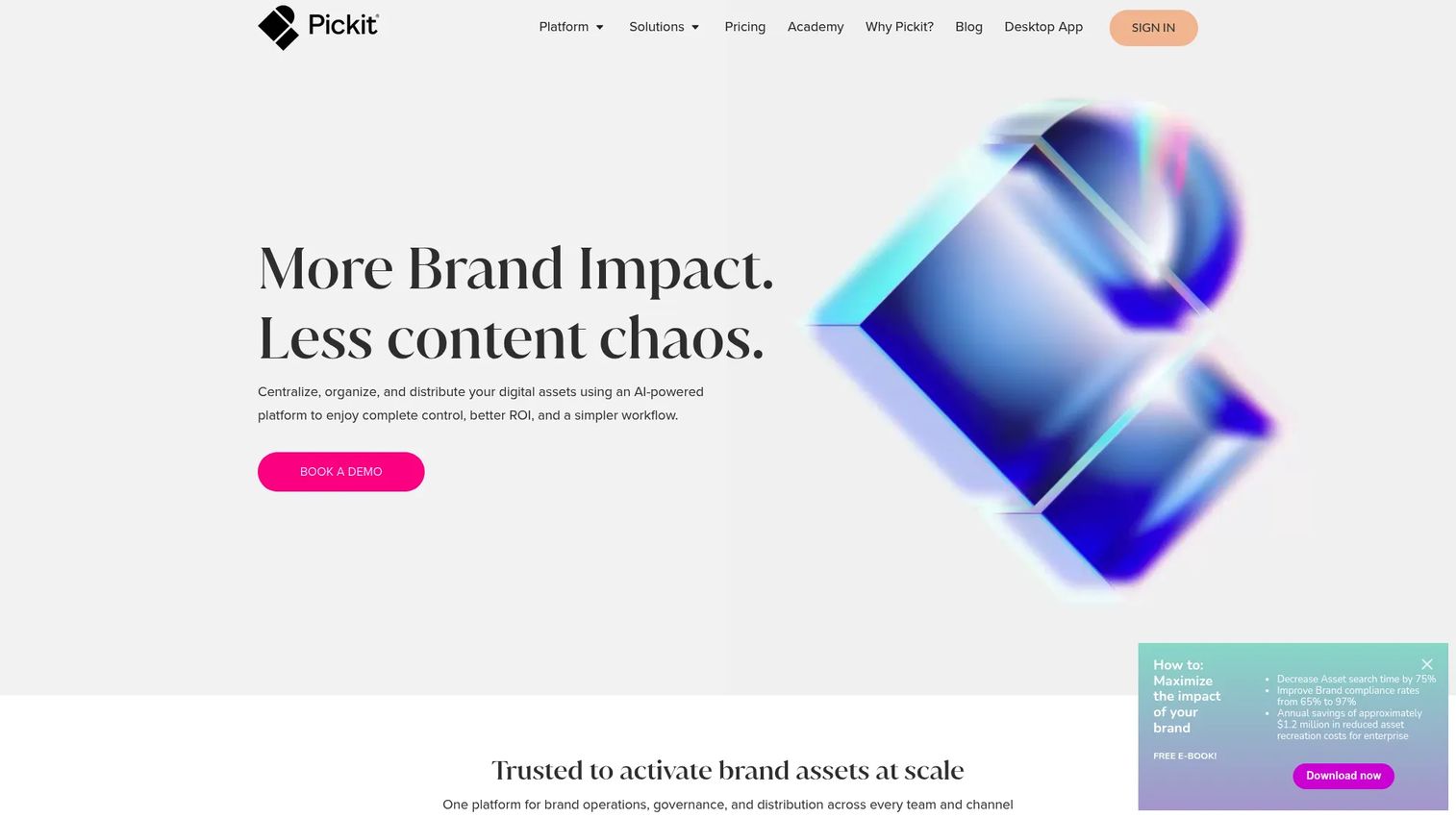
Pickit is an AI-powered digital asset management and brand enablement platform. It puts approved images, logos, icons, and documents one click away inside Microsoft 365 and Google Workspace, so people pull the right visual instead of an outdated or off-brand one. For slide asset management, it keeps the source of truth for visuals clean.
Best for: Teams that need DAM plus brand governance inside Microsoft 365 and Google Workspace.
Key strengths
- Digital asset management: A central, governed home for approved brand visuals.
- Brand governance: Brand guides and rules that keep assets on-brand.
- Microsoft 365 and Google Workspace integration: Pull approved assets directly into presentations.
Why choose Pickit: Pickit fits when the asset layer, not the slide layer, is where brand drift starts. If reps keep dropping wrong logos and stale images into decks, Pickit solves it at the source.
Pricing: Pickit lists Business, Business Plus, and Enterprise plans, with feature differences shown publicly but no numeric prices. Pricing requires contacting Pickit. G2 rates it 4.5/5.
5. Macabacus
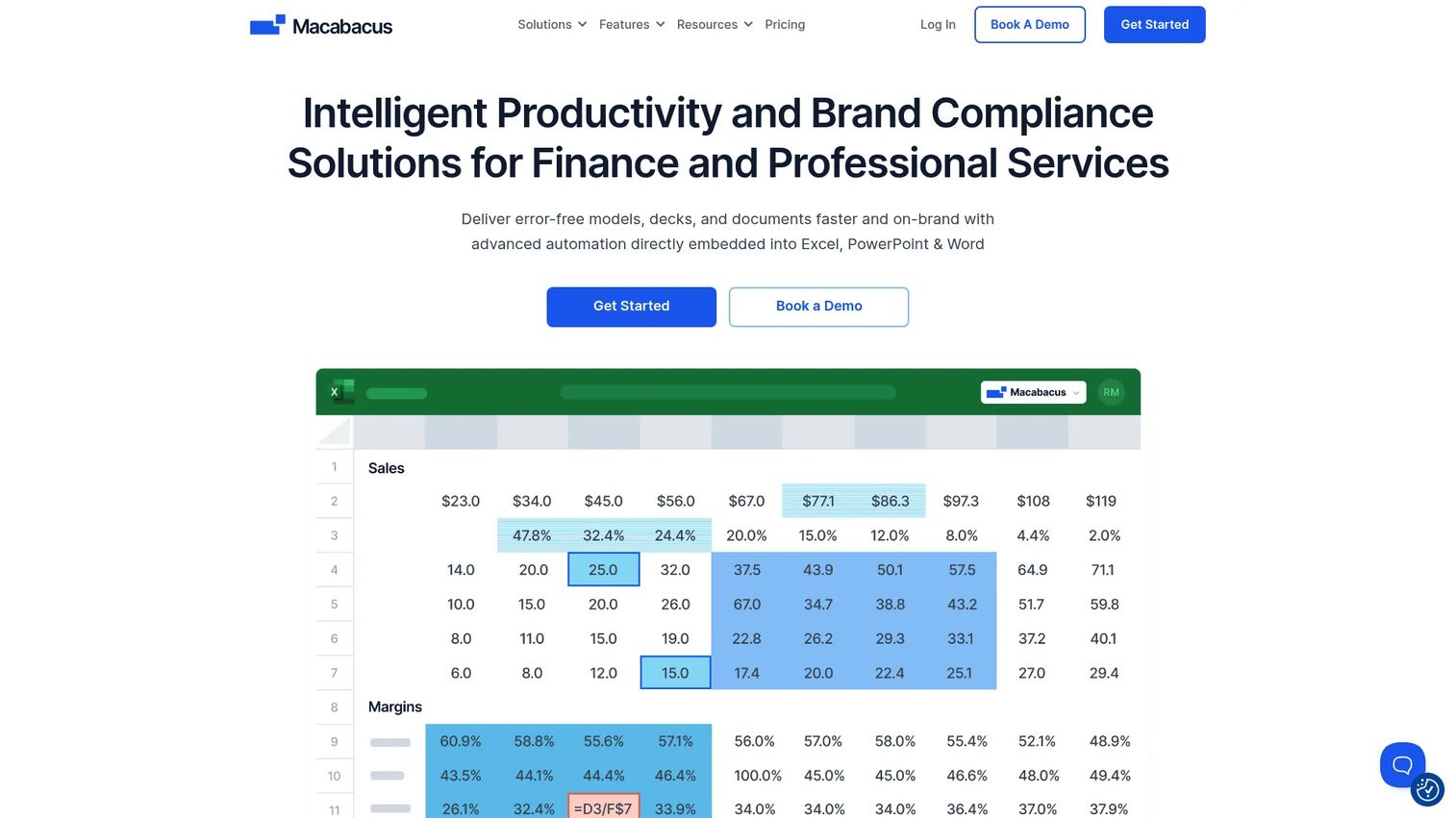
Macabacus is a productivity and brand-compliance suite for finance and professional services, built across Excel, PowerPoint, and Word. It speeds up modeling, links Excel to PowerPoint, audits formulas, and keeps documents brand-compliant. For deck-heavy finance teams, it removes hours of manual cleanup.
Best for: Finance teams that need Excel modeling, deck automation, and brand-compliant document workflows.
Key strengths
- Formula auditing: Trace and check Excel logic before it reaches a deck.
- Excel to PowerPoint linking: Keep presentation data tied to live models.
- AI Writing Assistant: Speed up document and slide drafting.
Why choose Macabacus: Macabacus is the choice for investment banking, private equity, and corporate finance teams whose decks are inseparable from spreadsheets. It pairs deep modeling tools with brand compliance in one add-in.
Pricing: Macabacus offers Basic at $200/year/license and Professional at $360/year/license. Enterprise pricing requires a quote. A 14-day free trial is available, but there is no free tier.
6. Shufflrr
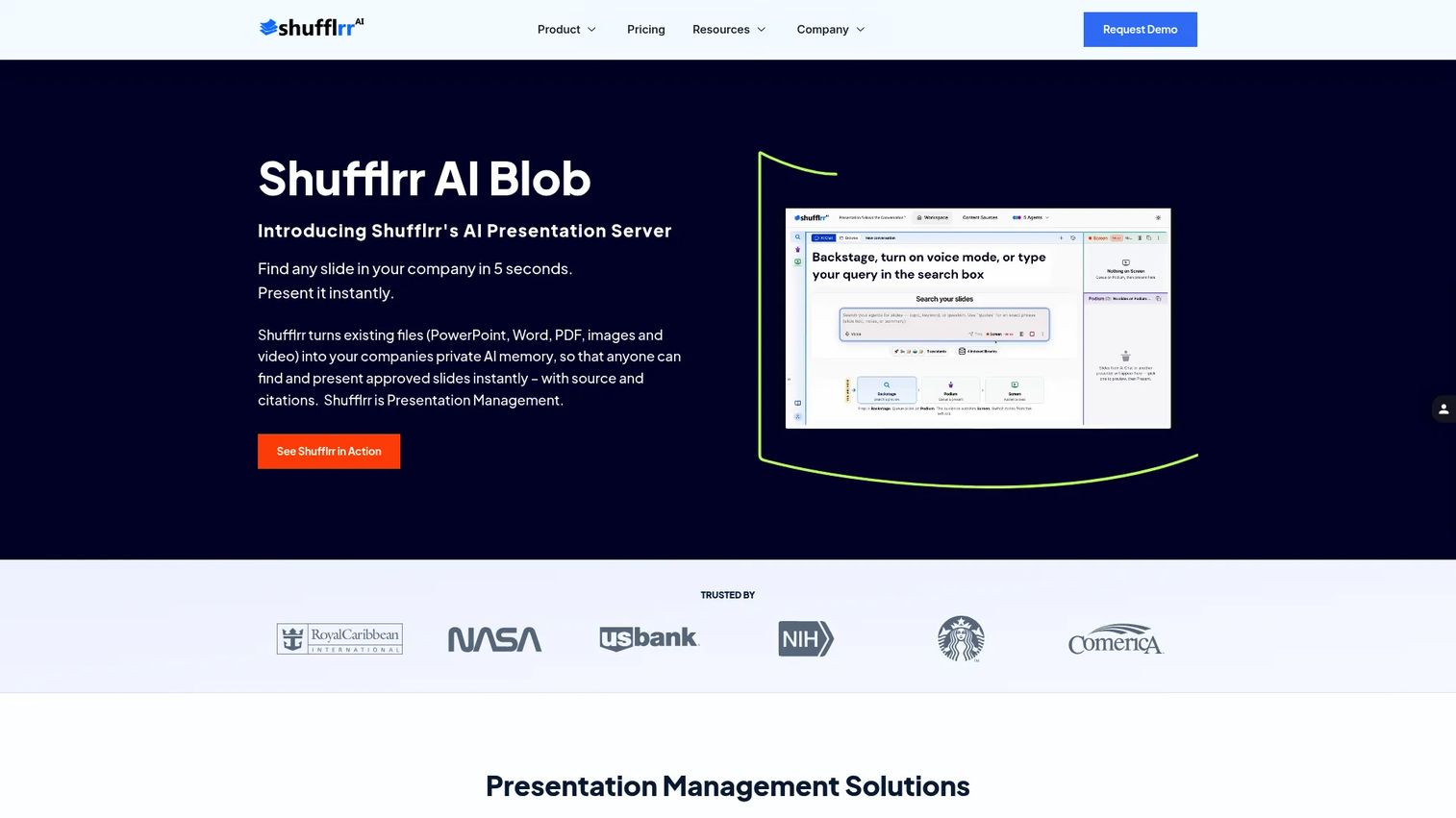
Shufflrr is presentation management software built around a central slide library and PowerPoint reuse. It connects to SharePoint and OneDrive, lets teams search and assemble decks from approved slides, and enforces brand control through permissions and governance. Update a master slide and the change flows to every deck that uses it.
Best for: Enterprises that need centralized PowerPoint slide management, brand control, and slide reuse.
Key strengths
- PowerPoint add-in: Access SharePoint and OneDrive content from inside PowerPoint.
- AI slide search and building: Find and assemble slides with AI assistance.
- Brand control and governance: Permissions and content control across the library.
Why choose Shufflrr: Shufflrr suits enterprise presentation governance where slide reuse and update propagation are the priority. The free tier for up to four users makes it easy to test before scaling.
Pricing: Shufflrr offers a free Basic plan for up to 4 users, Pro at $10 per user/month for 5+ users, and a Shufflrr Presentation Management plan at $30 per user/month. G2 rates it 4.1/5.
7. Showcase Workshop
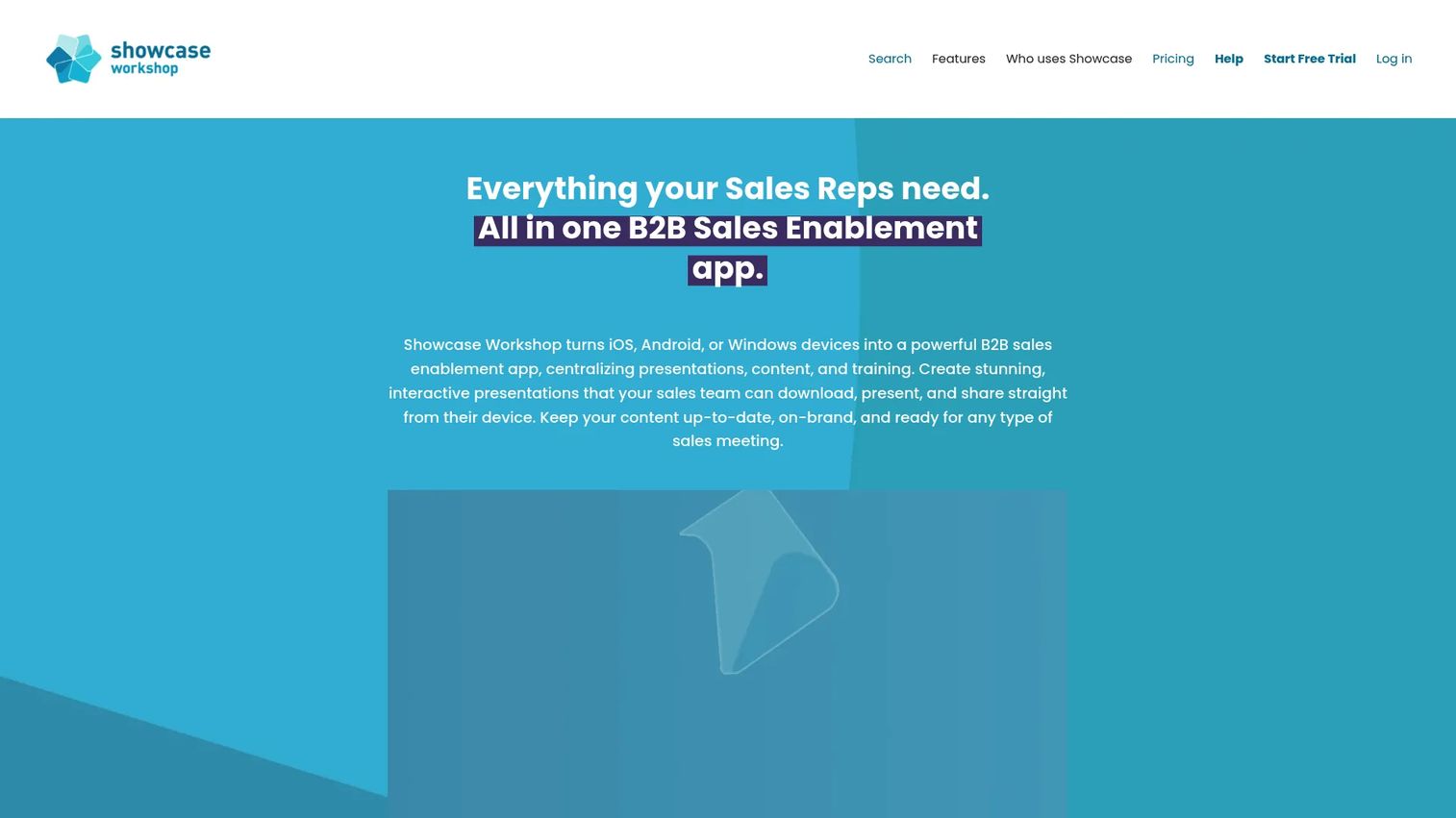
Showcase Workshop is a B2B sales enablement platform for building, sharing, and tracking interactive presentations. It supports multimedia decks, offline delivery for field teams, and customer behavior analytics so reps see what prospects actually viewed. For sales and enablement, the trackable sharing is the differentiator.
Best for: Teams that need branded, interactive sales presentations with offline sharing and engagement tracking.
Key strengths
- Multimedia presentations: Build interactive, branded decks beyond static slides.
- Offline delivery: Present without relying on conference wifi.
- Customer behavior analytics: Track what prospects view after you share.
Why choose Showcase Workshop: Showcase Workshop fits field sales and enablement teams that need decks to work offline and report back on engagement. The secure presentation sharing and tracking close the loop on what reps send.
Pricing: Showcase Workshop is priced per user per month, with Small Business at $29, Medium Business at $19, and Enterprise at $10, plus a 14-day free trial. G2 rates it 4.6/5.
8. SlideCamp
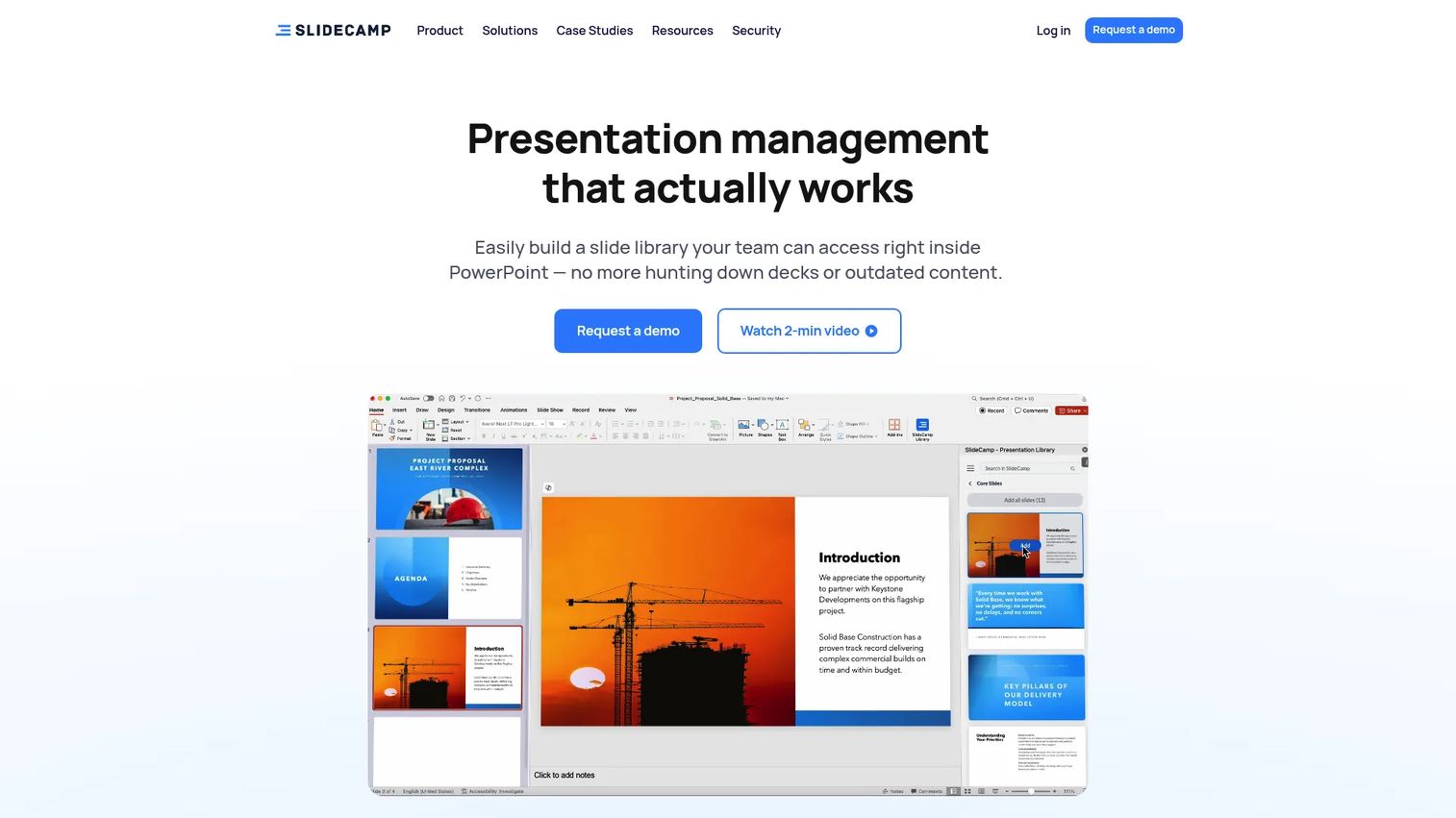
SlideCamp is presentation management and slide library software built inside PowerPoint. It lets teams search, insert, and update slides without leaving the deck, with auto-tagging and image-based search. Its SlideSync feature keeps slides updated across every version in use, so a fix lands everywhere.
Best for: Teams that need an in-PowerPoint slide library with version control and brand consistency.
Key strengths
- PowerPoint add-in: Search, insert, and update slides without leaving PowerPoint.
- Smart search: Find slides by text or image with auto-tagging.
- SlideSync: Keep decks current across versions automatically.
Why choose SlideCamp: SlideCamp is a strong fit for teams that want curated, branded deck assembly fast, turning long manual builds into quick pulls from approved content. It keeps the workflow inside PowerPoint where reps already work.
Pricing: SlideCamp does not display public pricing on its site. G2 rates it 4.4/5 based on a small number of reviews. Contact SlideCamp for a quote.
9. SlideHub
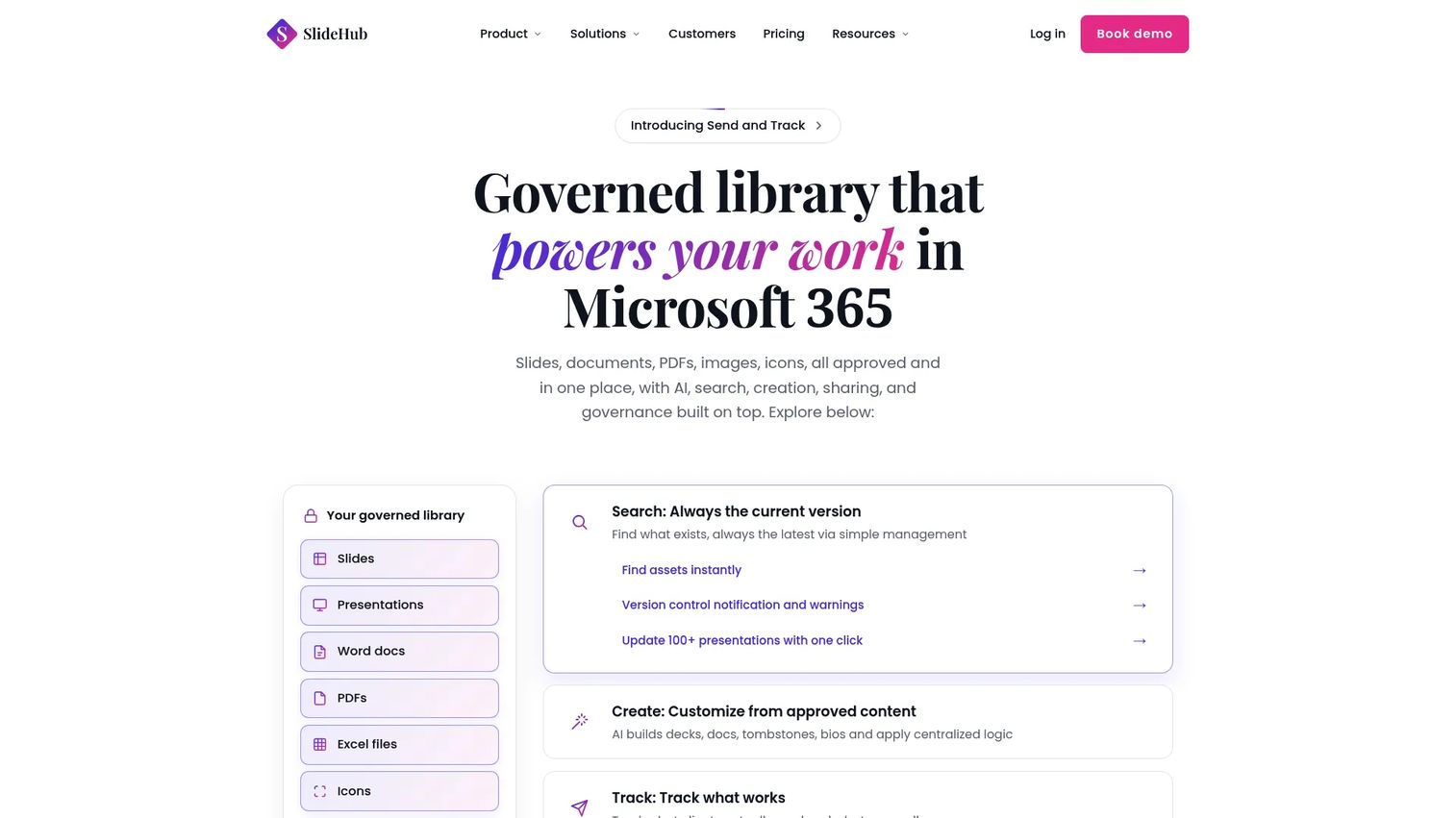
SlideHub is a Microsoft 365-native presentation management platform for storing, finding, creating, sharing, and governing on-brand slides. It combines metadata-based search, AI slide generation from approved templates, and centralized version control with slide locking. For governed slide libraries, it is purpose-built.
Best for: Teams that need a governed PowerPoint asset library with AI-assisted slide creation and Microsoft 365 integration.
Key strengths
- AI slide generation: Build slides from approved templates and content.
- Metadata search: Find assets instantly across the library.
- Version control and slide locking: Centralized content control that holds brand integrity.
Why choose SlideHub: SlideHub is the pick when governed slide libraries and version control sit at the top of your list. Its Microsoft 365-native build and strong G2 score make it credible for enterprise presentation management software buyers.
Pricing: SlideHub's SMB & Growth plan starts at $400/month and includes 20 seats. Enterprise starts at $1,400/month with 100 seats. SSO and Directory Sync add-ons are $900/year/tenant each, billed annually. G2 rates it 4.9/5.
10. RELAYTO AI
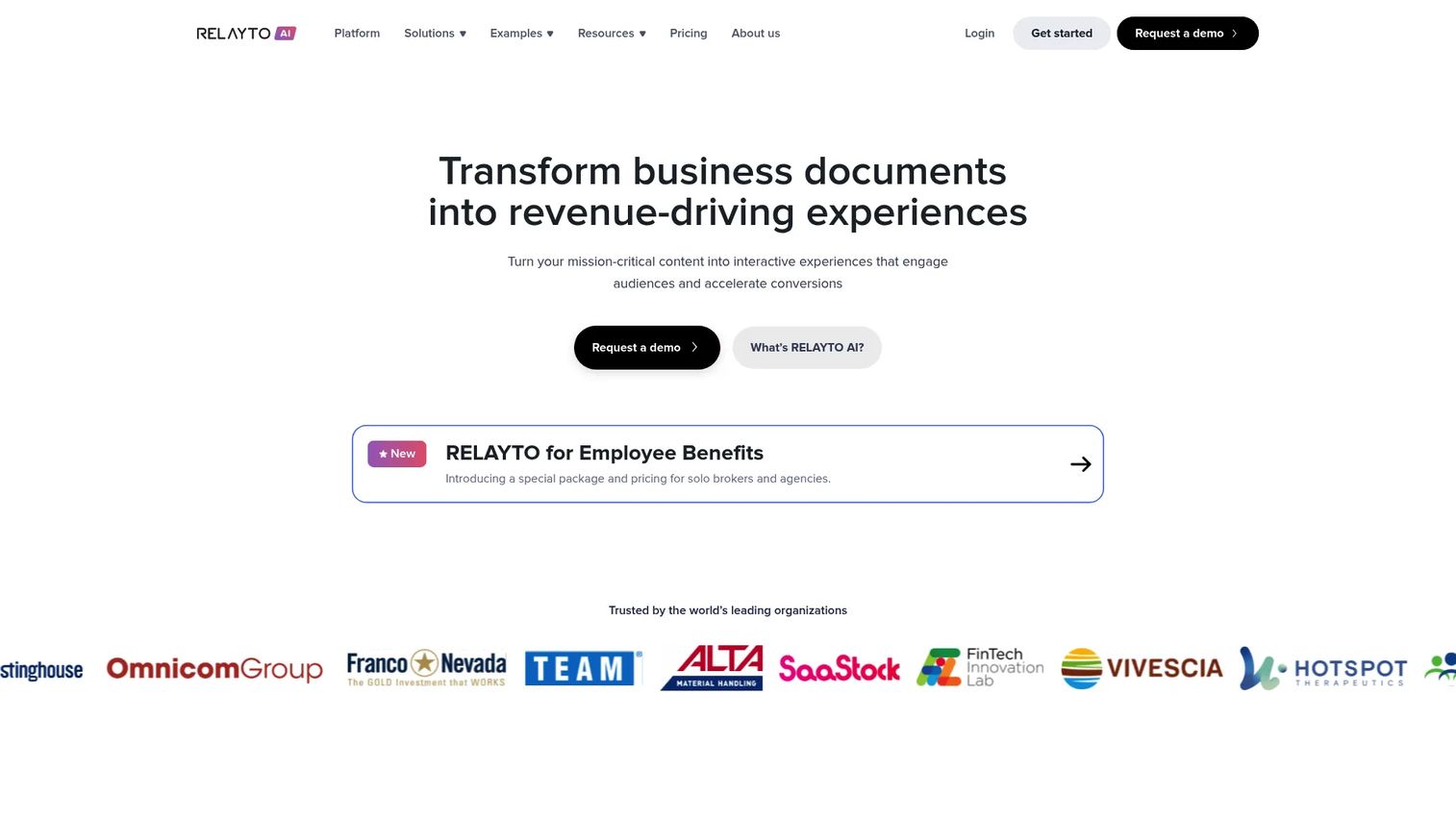
RELAYTO AI is an AI-powered interactive content platform that turns static PDFs and presentations into navigable digital experiences. It adds interactive hubs, navigation, CTAs, and analytics on top of existing files, so a deck becomes a trackable, self-serve experience. For PMMs distributing content externally, it bridges presentations and interactive content.
Best for: Teams creating interactive sales, marketing, or client-content experiences from PDFs and presentations.
Key strengths
- AI content configurator: Convert PDFs and decks into interactive experiences.
- Interactive content hubs: Add navigation and CTAs to static content.
- Analytics and access control: Track engagement with SSO and data residency options.
Why choose RELAYTO AI: RELAYTO AI fits when you want to extend existing decks into interactive, measurable experiences without rebuilding them. It works well for content-led marketing and client-facing distribution.
Pricing: RELAYTO AI shows free $0 plans for Personal, Pro, Team, and Business tiers, with Enterprise listed as contact us. Some add-ons and onboarding are paid. G2 rates it 4.7/5.
11. Prezi
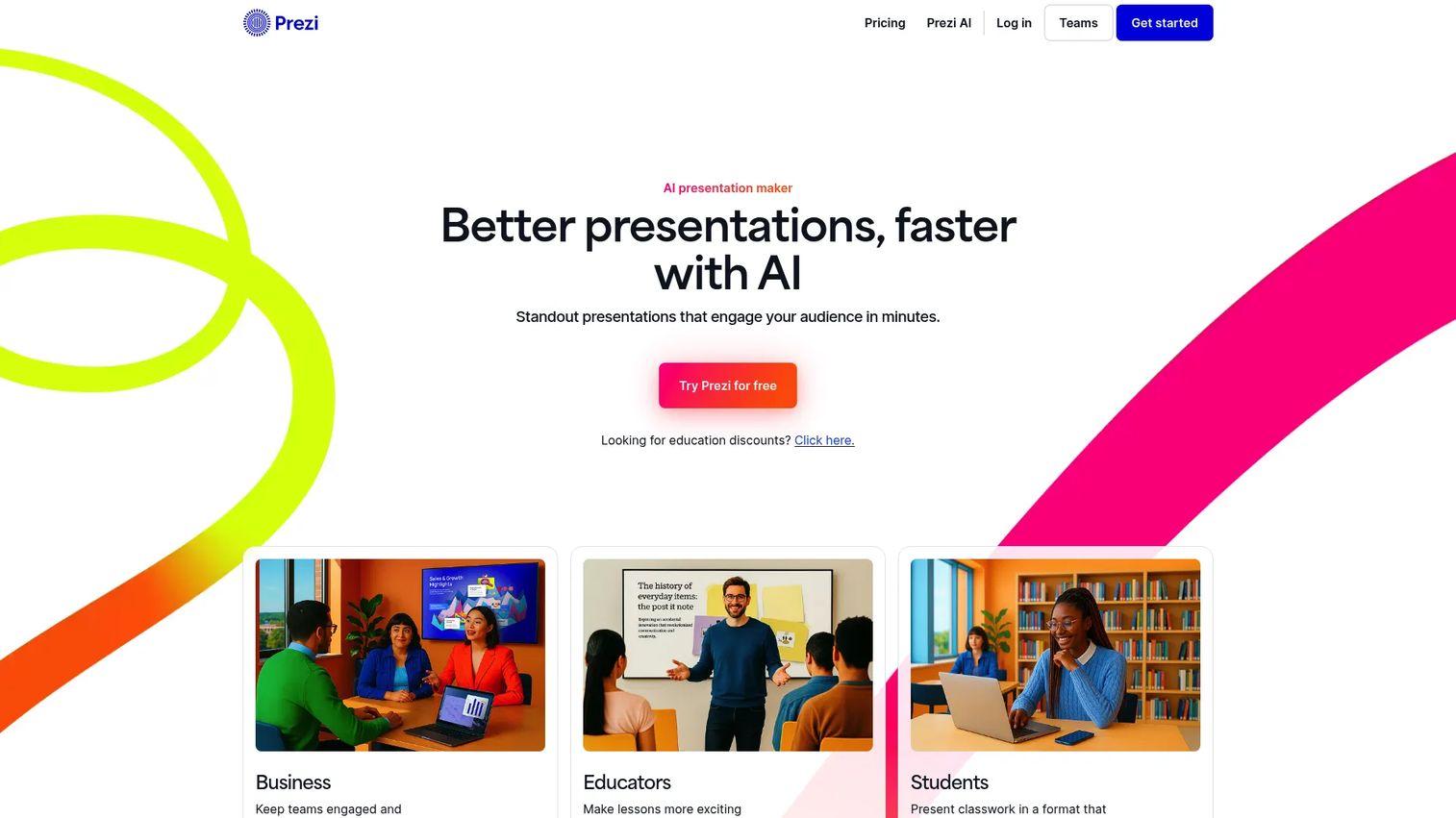
Prezi is presentation software known for its dynamic, non-linear, zoom-based format. Instead of moving slide to slide, presenters navigate a single canvas with motion, which suits storytelling-heavy decks. Prezi AI generates presentations from prompts or files, and it imports and exports PowerPoint.
Best for: Teams and individuals who want visually dynamic, AI-assisted presentations.
Key strengths
- Prezi AI: Generate presentations from prompts or existing files.
- Non-linear canvas: A motion-led format that breaks from slide-by-slide decks.
- PowerPoint import/export: Move content in and out of standard decks.
Why choose Prezi: Prezi is the choice when engagement and a different visual model matter more than library governance. Marketing and sales teams use it to stand out in presentations that would otherwise feel flat.
Pricing: Prezi's Basic plan is free. Standard starts at $7/month, Plus at $19/month, and Premium at $29/month, all billed annually. G2 rates it 4.2/5.
12. Canva
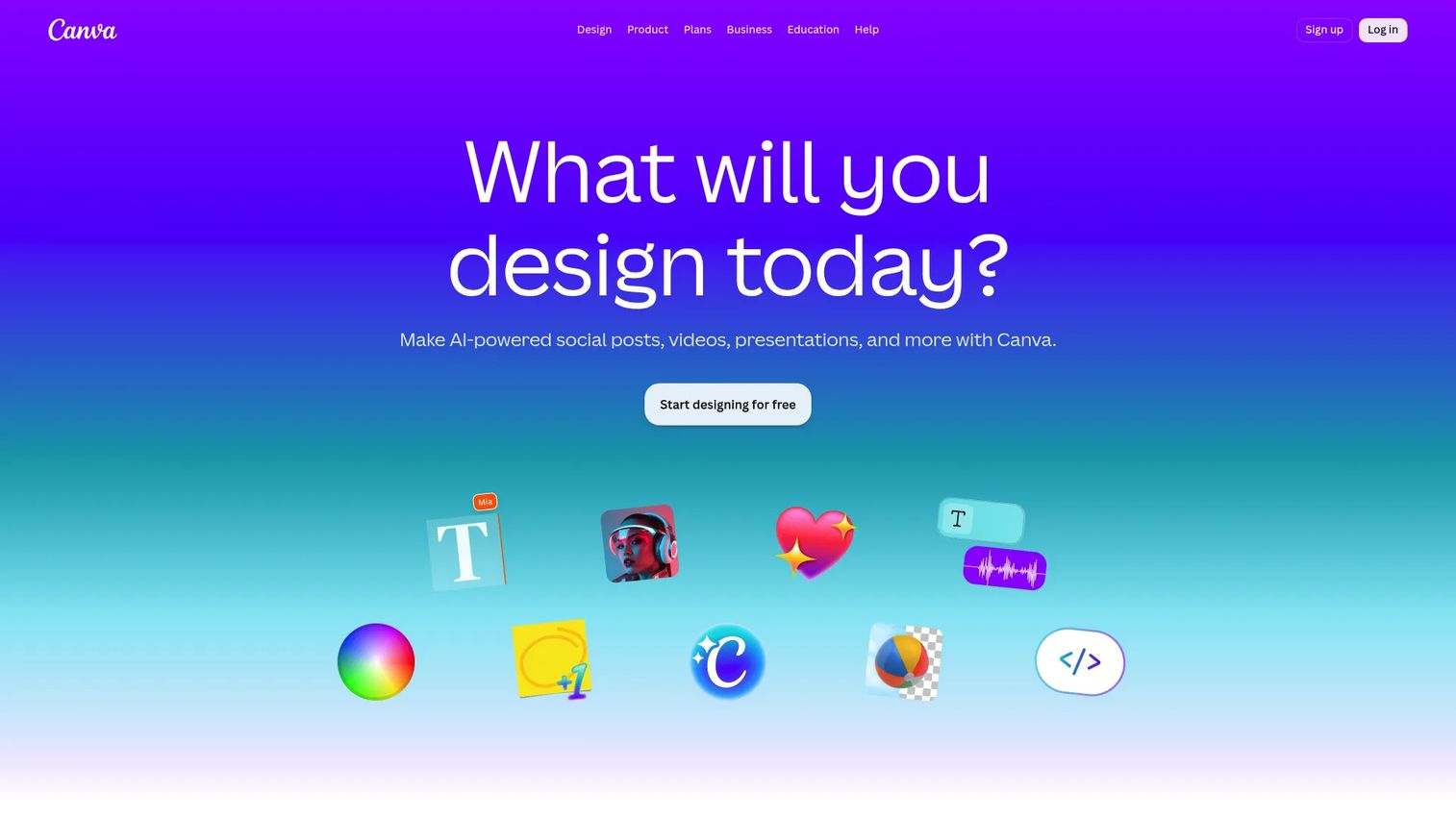
Canva is a visual design and collaboration platform with deep presentation capabilities. Its drag-and-drop editor, template library, stock media, and AI design tools make polished decks fast, even for non-designers. Brand kits and real-time collaboration give teams a shared, on-brand starting point.
Best for: Teams and individuals needing fast, template-driven visual content creation.
Key strengths
- Drag-and-drop editor: Build polished decks without design skills.
- Templates and stock media: Branded presentation templates and assets out of the box.
- Brand management: Brand kits and real-time collaboration across teams.
Why choose Canva: Canva is more creation-led than governance-led, so it suits teams that prioritize design speed and collaboration over a deep slide library and version control. For fast, on-brand decks at scale, it is hard to beat.
Pricing: Canva's Free plan is $0. Pro is US$144/year for one person, and Business is US$250/year per person. Enterprise pricing is not public. G2 rates it 4.7/5.
13. Beautiful.ai
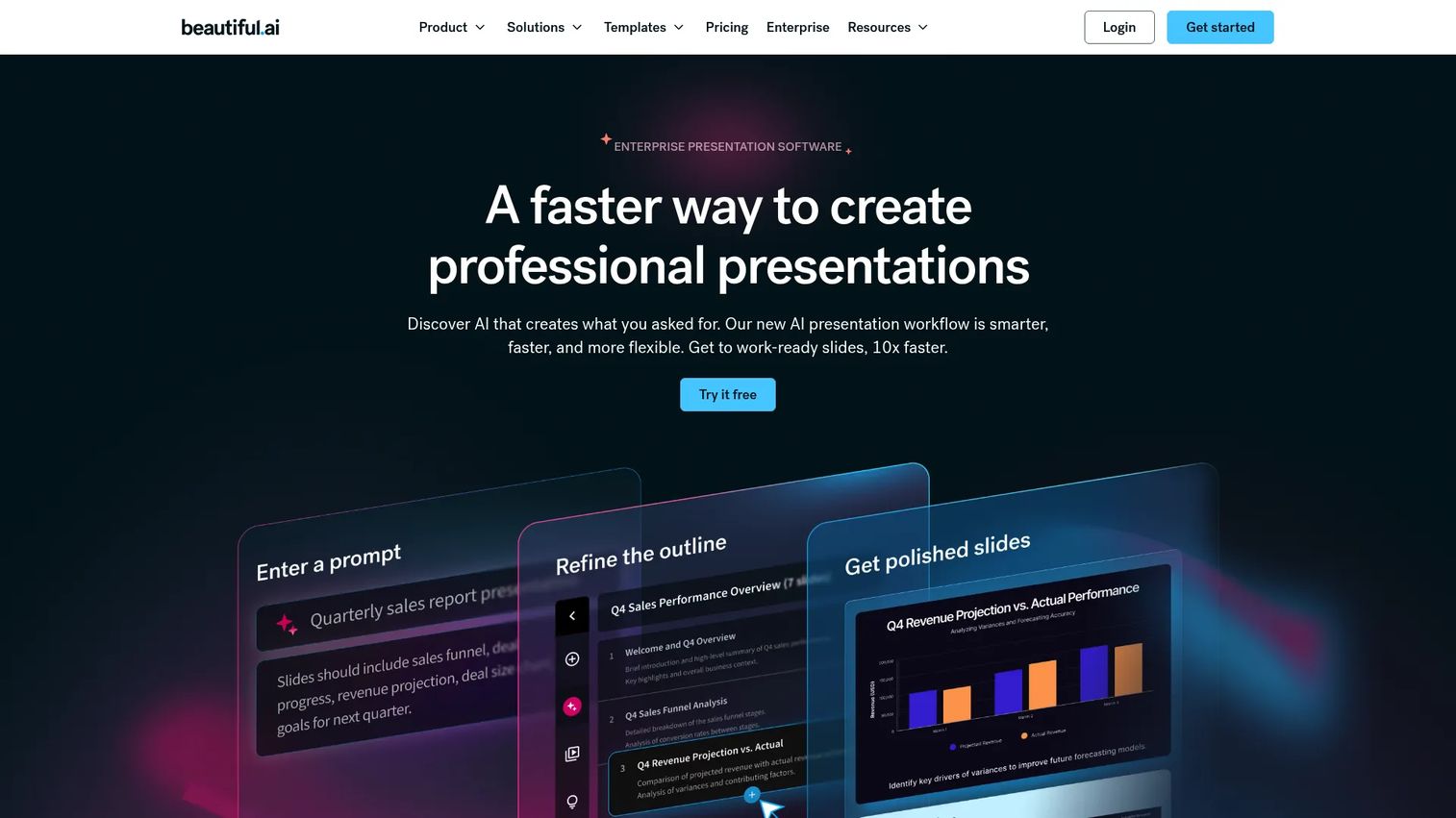
Beautiful.ai is AI-powered presentation software that auto-formats slides as you build. Its Smart Slides adjust layout automatically, so decks stay clean and consistent without manual alignment. AI content generation and viewer analytics round it out for teams short on design time.
Best for: Teams and individuals needing fast, brand-consistent presentation creation.
Key strengths
- Smart Slides: Layouts that auto-format as you add content.
- AI content generation: Draft slides quickly from prompts.
- Viewer analytics: See how shared decks get engaged with.
Why choose Beautiful.ai: Beautiful.ai fits teams that want professional-looking decks without spending hours on layout. Its auto-formatting keeps presentation quality high when design bandwidth is low.
Pricing: Beautiful.ai offers Pro at $12/month and Team at $40/user/month, both billed annually, plus a custom Enterprise tier and a one-time $45 single-presentation option. A 14-day free trial is available, with no forever-free tier. G2 rates it 4.7/5.
14. Pitch
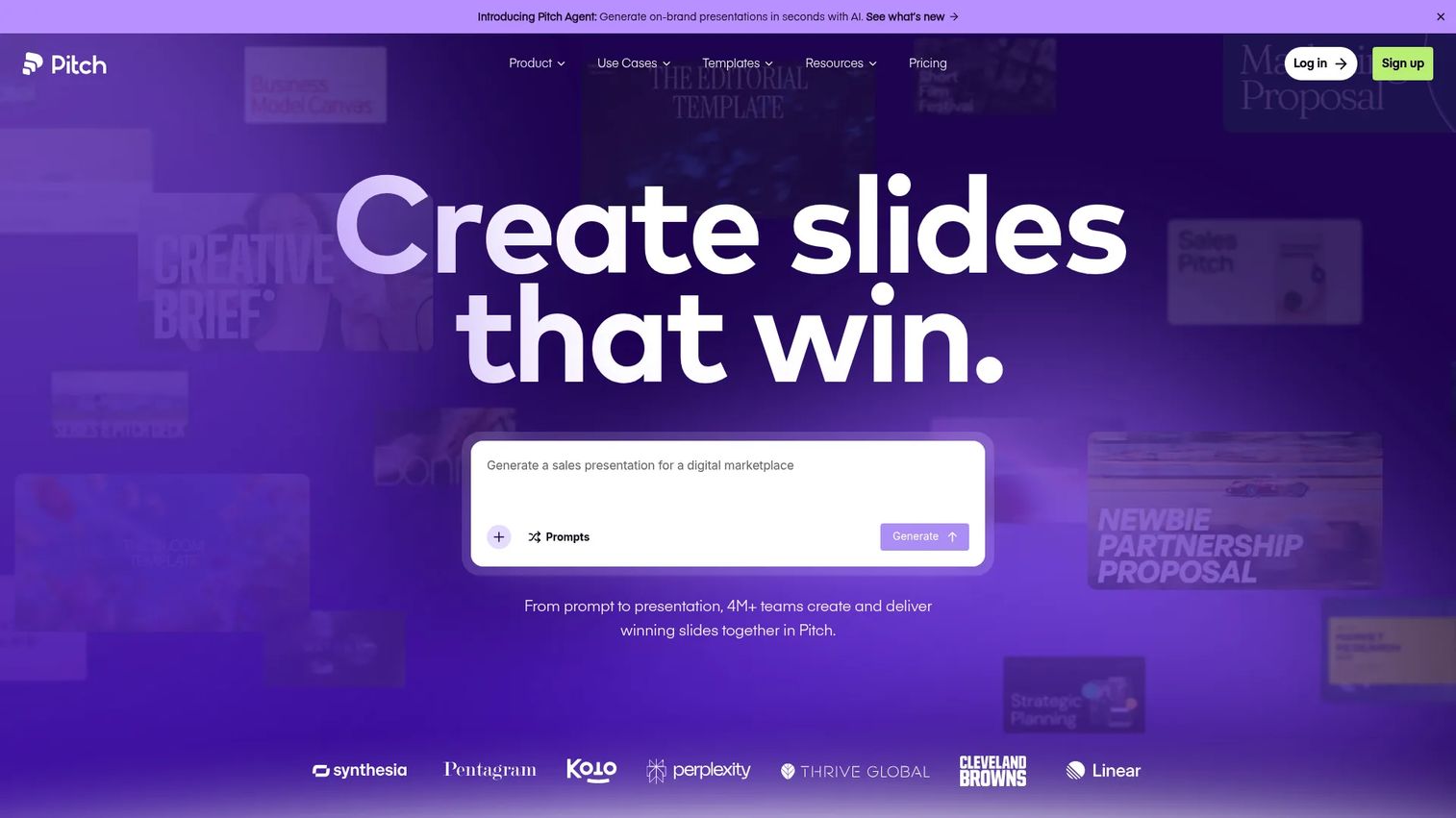
Pitch is presentation software built for collaborative team workflows. It supports real-time co-editing, AI-generated presentations, and presentation links that always show the latest version, plus engagement analytics on shared decks. For distributed teams building decks together, it modernizes the workflow.
Best for: Teams that need branded, collaborative presentations with analytics.
Key strengths
- Real-time collaboration: Co-edit decks with the team live.
- AI presentations: Generate decks with Pitch Agent.
- Sharing and analytics: Live presentation links with engagement tracking.
Why choose Pitch: Pitch is a strong fit for modern, distributed teams that value collaboration and always-current sharing over heavy enterprise governance. It keeps the latest version visible to everyone with a single link.
Pricing: Pitch's Free plan is $0 forever. Plus is $15/month and Team is $23/seat/month, with discounted yearly billing. Enterprise is custom. Pitch builds branded, collaborative decks with analytics.
15. Zoho Show
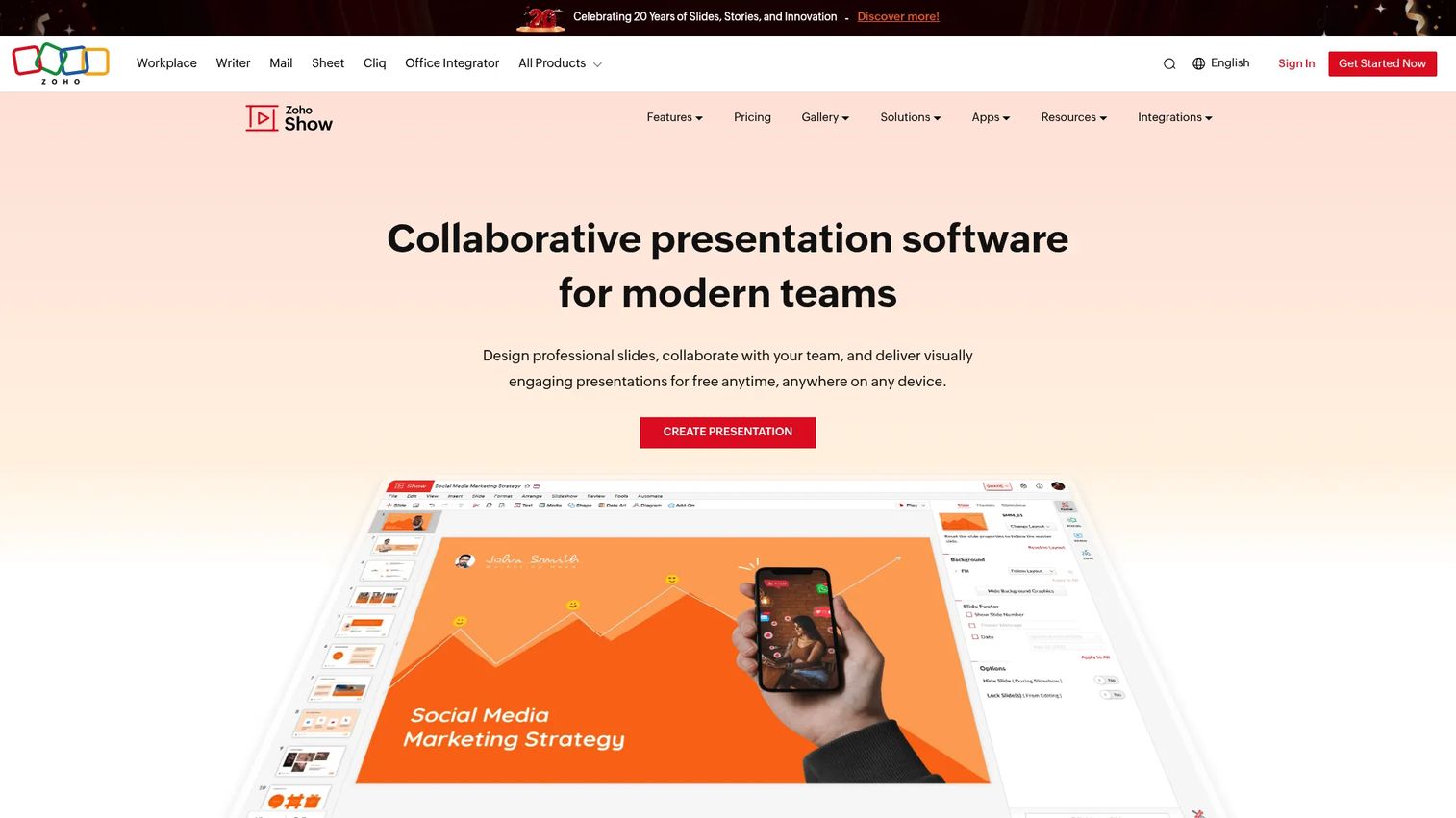
Zoho Show is cloud-based presentation software for creating, collaborating on, and delivering slides in the browser. It supports real-time collaboration, commenting, and multiple delivery modes including broadcast and presenter views. For teams already in the Zoho ecosystem, it slots in naturally.
Best for: Teams that need a browser-based presentation tool with collaboration and live delivery.
Key strengths
- Cloud slide creation: Build and edit decks fully in the browser.
- Real-time collaboration: Co-edit and comment with the team.
- Flexible delivery: Broadcast, presenter, TV, and mobile modes.
Why choose Zoho Show: Zoho Show is the practical pick for teams already standardized on Zoho who want presentation collaboration without adding a separate vendor. It keeps creation and delivery in one connected ecosystem.
Pricing: Zoho Show offers a free plan for individuals and a Professional plan for teams, priced per user/month billed annually, with no public numeric amount shown. G2 rates it 4.4/5.
How to choose the right presentation management software
The right tool depends on your dominant pain. Match your situation to the scenarios below.
If your team lives in PowerPoint and Microsoft 365
Prioritize native Office fit and in-workflow adoption. A PowerPoint add-in that works where reps already build decks gets used; a separate portal often does not.
- Look at SlideHub, Shufflrr, TeamSlide, and SlideCamp for in-PowerPoint libraries
- UpSlide and Macabacus suit data-heavy finance decks
- Confirm SharePoint and OneDrive connections for Microsoft 365 presentation management
If your biggest issue is brand governance
Prioritize locked templates, permissions, and governed content libraries. The goal is consistency that holds even when many people build decks.
- Templafy and Pickit lead on enterprise brand governance
- SlideHub and Shufflrr enforce brand control at the slide level
- Verify content expiration and approval workflows for time-sensitive claims
If you need analytics and proof of usage
Prioritize usage reporting, engagement tracking, and content-gap insights. You want to retire dead decks and tie content to pipeline.
- Showcase Workshop and RELAYTO AI track external engagement
- Look for slide-pull data and content-gap reporting
- For product storytelling, Guideflow adds session-level demo analytics
If presentations are part of sales or launch workflows
Prioritize distribution, tracking, and collaboration across GTM teams. Launch decks, pitch decks, and product stories need to move fast and report back.
- Guideflow fits PMM-owned launches with interactive, measurable product experiences
- Pitch and Showcase Workshop support collaborative, trackable sharing
- Tie demo and deck engagement back to CRM for pipeline visibility
Start your journey with Guideflow today!
Common mistakes to avoid
The wrong rollout undermines even the best tool. Here are the patterns that derail presentation management projects, and what works instead.
Choosing a creation tool when you need governance
The mistake: buying a design-first tool to solve a library-first problem. Polished slides do not fix version chaos or brand drift across teams.
What works instead: separate the job. Use a creation tool for design and a presentation management platform for the library, version control, and governance. Score tools against your real pain, not their demo polish.
Rolling out without ownership rules
The mistake: launching a slide library with no owner. Without someone accountable for approvals and updates, the library drifts back into the same mess it replaced.
What works instead: assign clear ownership before launch. Define who approves new slides, who can edit, and how often content is reviewed and expired. Governance is a process, not just a feature toggle.
Ignoring analytics until after launch
The mistake: treating engagement as a black box and setting up measurement only after rollout. You lose months of adoption and usage signal you cannot recover.
What works instead: define what you will measure upfront, which decks get pulled, what gets sent, where audiences engage, and wire it in from day one. Early data tells you what to fix while it still matters.
Conclusion
Presentation management is a governance, collaboration, and measurement system, not a design tool. The right pick depends on your dominant need.
For enterprise brand governance across documents and slides, Templafy and Pickit lead. For Microsoft 365 and PowerPoint-native slide libraries with version control, SlideHub, Shufflrr, TeamSlide, and SlideCamp are strong. For finance-grade decks tied to data, UpSlide and Macabacus fit. For trackable, interactive sales presentations, Showcase Workshop and RELAYTO AI deliver. For fast, on-brand creation, Canva, Beautiful.ai, Prezi, Pitch, and Zoho Show cover the spectrum.
For PMMs and GTM teams, the bigger shift is toward managed, measurable, self-serve experiences. Guideflow is the strongest fit when your product is easier to show than to tell, giving you interactive demos and demo centers that centralize product storytelling, support launches, and track engagement, the same governance discipline you apply to slides, applied to clickable product experiences.
If you own messaging and want proof your stories land, start there.
Start your journey with Guideflow today!
FAQs
Presentation management software is a platform that centralizes, governs, and distributes a company's slides and decks from one approved, version-controlled source of truth. It is different from presentation creation tools like PowerPoint, which build slides; management tools handle the library, version control, brand compliance, and analytics that sit above creation.
Product marketing managers, sales enablement teams, enterprise marketing and brand teams, and event operations are the main users. PMMs use it to keep messaging consistent, enablement teams to give reps findable content, brand teams to enforce standards, and event teams to manage speaker uploads and repeatable delivery.
PowerPoint creates slides. Presentation management software governs them after they exist, adding slide libraries, version control, brand compliance, and analytics. PowerPoint answers "how do I make this slide?" while a management platform answers "which version is correct, who can use it, and did it work?"
The core features are a searchable slide library, role-based permissions, version control for presentations, brand compliance through locked templates, and presentation analytics. Integrations with PowerPoint, Microsoft 365, and Google Slides matter too, since adoption depends on fitting the workflow teams already use.
Yes. Many tools are built specifically for Microsoft 365 presentation management, with native PowerPoint add-ins and connections to SharePoint and OneDrive. SlideHub, Shufflrr, TeamSlide, Templafy, and UpSlide all work directly inside the Microsoft stack, so slides stay governed where reps already build them.
It enforces brand consistency through locked templates, approved logo and asset libraries, and controlled editing that lets reps personalize without breaking brand. Version propagation means fixing a stat or claim once updates every deck that uses that slide, so messaging stays aligned across teams and regions.
Yes. Event teams use it for controlled speaker uploads, schedule management, validation, and repeatable on-site delivery. Offline-capable tools and demo centers also help field and conference teams present without relying on venue wifi, keeping the experience consistent across every booth and session.
Measure time saved on deck assembly, improved slide reuse, fewer version errors, and engagement tracking on what gets sent and viewed. Tie high-use decks and demos back to pipeline and won deals to quantify presentation ROI, then retire content nobody opens to keep the library lean.