Your supplier data lives in five places. Procurement has one list. Finance has another. Compliance keeps a spreadsheet of certificates that expire on dates nobody tracks. Operations knows which vendors actually deliver, but that knowledge lives in someone's head. When a supplier's insurance lapses or a new vendor needs onboarding fast, the whole thing turns into a scramble across teams that never agreed on a single source of truth.
That fragmentation is expensive. It shows up as duplicate supplier records, delayed onboarding, missed compliance renewals, and risk exposure nobody catches until it becomes a problem. The category built to fix this is growing accordingly. The global supplier management market was valued at USD 670.19 million in 2025 and is projected to reach USD 1.55 billion by 2034, growing at a 9.80% CAGR, according to Polaris Market Research (2026). The broader vendor management software market sits even higher, at USD 12.93 billion in 2026 per Fortune Business Insights (2026).
The point of a supplier management platform is to collapse those scattered sources into one governed system: onboarding, information, performance, risk, and approvals in a place every team can see. For a product manager or ops lead weighing tools, the real question is not which platform has the longest feature list. It is which one fits your integration stack, your governance requirements, and the workflow maturity you actually have today. This guide walks through four platforms that each solve a different slice of that problem, plus where each fits and where it does not.
What's inside
This guide covers supplier management software across the full supplier lifecycle: onboarding, supplier information management, performance monitoring, compliance and risk, and workflow automation. It is written for product managers, procurement leads, and operations teams comparing platforms before shortlisting.
We selected tools based on four criteria: workflow depth (how much of the lifecycle the tool actually owns), integration fit (ERP, accounting, identity, and reporting connections), governance and auditability (approval paths, role-based access, audit trails), and buyer relevance across company sizes. The shortlist deliberately spans different operating models: an enterprise suite, a portal-driven platform, a finance-led automation tool, and a peer-review research resource.
TL;DR
- Best enterprise suite for end-to-end supplier governance: SAP Ariba Supplier Management, for large procurement teams that need lifecycle, performance, and risk in one governed system tied to SAP.
- Best for Microsoft 365 and SharePoint-centric teams: Beyond Intranet, for organizations that want a supplier portal with self-registration and document handling inside their existing Microsoft stack.
- Best for finance-led supplier and invoice workflows: Payhawk, for mid-market finance teams that want supplier data tied directly to spend, approvals, and payments.
- Best for broad market comparison and alternatives research: Gartner Peer Insights, for buyers who want verified peer reviews to widen a shortlist before committing.
What is supplier management software?
Supplier management software is a platform that centralizes how a business onboards, evaluates, monitors, and governs its suppliers across the full relationship lifecycle. It replaces scattered spreadsheets and disconnected records with one system where procurement, finance, compliance, and operations work from the same supplier data.
It is worth separating three terms that get used interchangeably. Supplier relationship management (SRM) is relationship-focused: it concentrates on collaboration, strategic value, and long-term partnership with key suppliers. Vendor management software often skews toward contract terms, spend, and performance tracking for a broader set of vendors, including software and service providers. Supplier management is the broadest and most operationally structured of the three, covering the end-to-end lifecycle from qualification through offboarding.
A supplier management system typically handles:
- Supplier onboarding: self-registration, qualification questionnaires, document collection, and approval workflows that get new suppliers into the system without manual data entry.
- Supplier information management: a single record for each supplier holding contacts, certificates, banking details, tax forms, and category data.
- Performance monitoring: scorecards, KPIs, and reporting that track delivery, quality, and service across vendors and categories.
- Compliance and risk: audit trails, expiration alerts, regulatory tracking, and issue workflows that keep suppliers within policy.
- Workflow automation and approvals: routing, role-based sign-offs, and status visibility that remove email chains from the process.
These capabilities are what distinguish a real supplier management platform from a shared drive full of vendor folders. If you are also evaluating adjacent governance tooling, it is worth looking at contract lifecycle management software and audit management software, which frequently sit alongside supplier systems in a procurement stack.
When to use supplier management software
Standardize supplier onboarding
Fragmented onboarding is where most supplier problems start. When each team collects supplier data its own way, you get duplicate records, missing tax forms, and vendors that sit in limbo for weeks waiting on an approval nobody owns. A supplier onboarding platform fixes this with self-registration portals where suppliers enter their own data, qualification questionnaires that gate incomplete submissions, and approval workflows that route to the right approver automatically. The result is a clean record from day one instead of cleanup later.
Improve supplier performance visibility
When you manage more than a handful of suppliers, performance becomes invisible without structure. Supplier performance management gives you scorecards and KPIs across vendors and categories, so you can see which suppliers consistently miss delivery windows or quality thresholds before those failures reach production. The value here is catching a weakening supplier early, when you still have time to remediate or shift volume, rather than after a stockout or a compliance incident forces the issue.
Tighten risk and compliance controls
Regulated and enterprise environments need more than a supplier list. They need audit trails that show who approved what and when, expiration alerts that flag lapsing certificates and insurance, regulatory tracking tied to specific supplier categories, and issue workflows that turn a compliance flag into an assigned, tracked action. This is where supplier compliance management software earns its cost: it turns governance from a periodic scramble into a continuous, auditable process that legal, finance, and procurement can all trust. If compliance workflows dominate your requirements, pair this with dedicated contract management tooling for the paperwork side.
Comparison table
Here is how the four platforms compare at a glance. Pricing and ratings reflect verified public sources where available; several vendors gate pricing behind a sales conversation.
| # | Product | Intent | Key use case | Pricing | G2 rating |
|---|---|---|---|---|---|
| 1 | SAP Ariba Supplier Management | Enterprise supplier lifecycle, performance, and risk | Centralized supplier governance for large SAP-connected procurement teams | Custom / not publicly listed | 4.1/5 |
| 2 | Beyond Intranet | Microsoft 365 and SharePoint supplier portal | Supplier portal with self-registration and document handling for Microsoft-centric teams | Custom / quote-based | 4.5/5 |
| 3 | Payhawk | Finance-led supplier and spend workflows | Supplier data tied to invoices, approvals, and payments for mid-market finance | Growth from £149/mo; modules from $299/mo | 4.5/5 |
| 4 | Gartner Peer Insights | Peer-review research and alternatives scan | Broad market comparison before shortlisting | Free summary access | Not applicable |
1. SAP Ariba Supplier Management
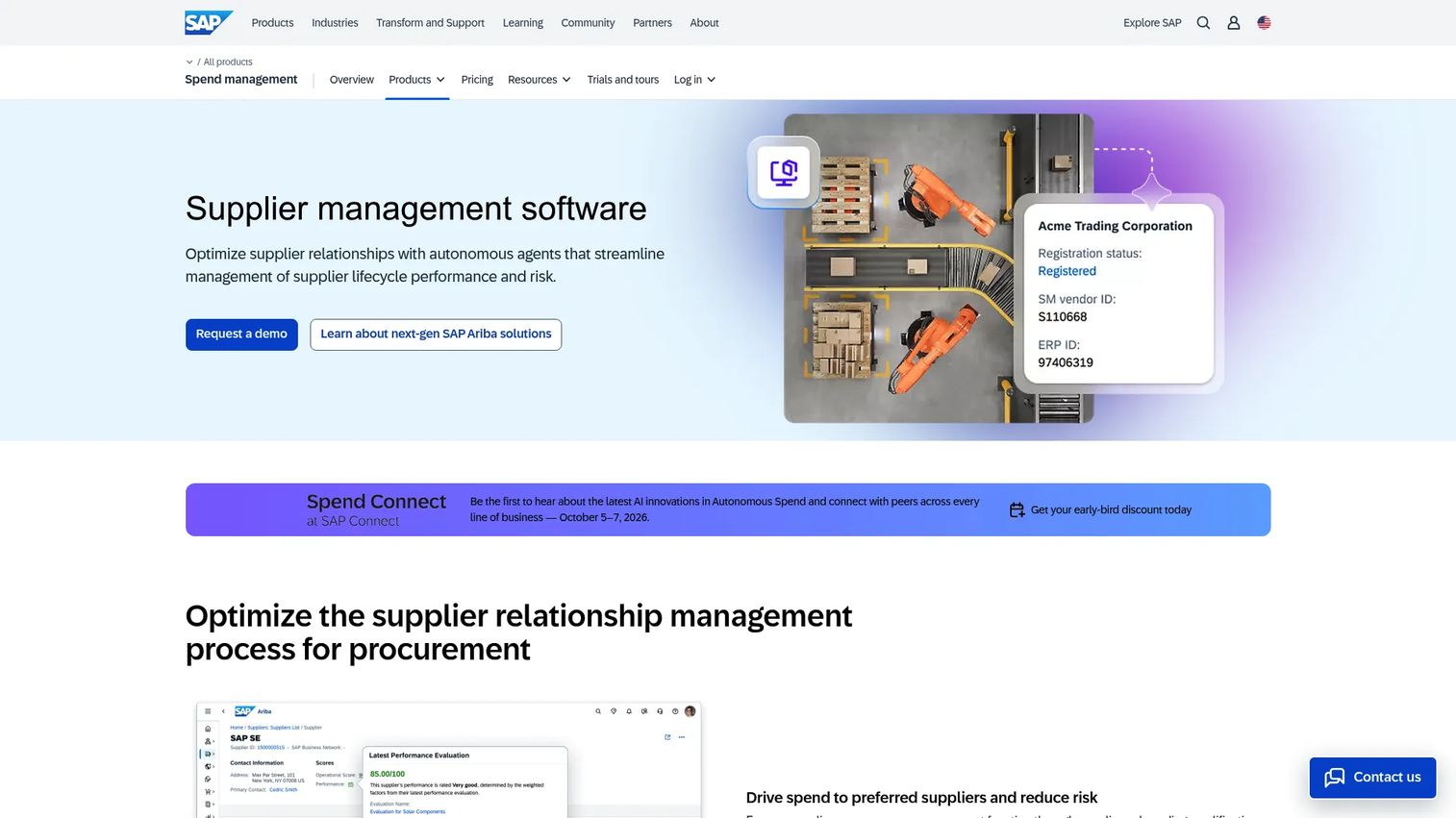
SAP Ariba Supplier Management is SAP's suite for managing the supplier lifecycle, performance, and risk in one governed system. It splits into SAP Ariba Supplier Lifecycle and Performance and SAP Ariba Supplier Risk, which together cover qualification, onboarding, segmentation, performance evaluation, and continuous risk monitoring. This is a supplier management platform built for scale, where thousands of suppliers, multiple business units, and strict governance requirements are the norm rather than the exception.
The pitch is a single source of truth. Instead of supplier data scattered across procurement, finance, and compliance, SAP Ariba consolidates it into records that flow through the wider SAP ecosystem. For a large enterprise already running SAP ERP, that connectivity is the whole argument: supplier master data, spend, and risk signals reference the same underlying system rather than syncing across integrations that drift out of alignment.
Best for: Large procurement teams that need centralized supplier lifecycle and risk management tied to an existing SAP environment.
Key strengths
- Supplier lifecycle management: handles qualification, onboarding, segmentation, and offboarding as one continuous, governed process.
- Supplier risk management: continuous monitoring, risk scoring, and alerts that surface exposure across the supplier base before it becomes an incident.
- Supplier performance evaluations: structured scorecards and KPIs that make supplier performance monitoring auditable and comparable across categories.
Why choose SAP Ariba Supplier Management: If you are already inside the SAP ecosystem and need enterprise-grade governance, the case is straightforward. The lifecycle and risk depth, combined with native connectivity to SAP ERP, means procurement, finance, and compliance can operate from shared supplier data without a fragile web of point integrations. This is a fit for organizations where supplier governance is a board-level concern, not a departmental one.
SAP Ariba Supplier Management pricing: SAP does not publicly list pricing on its supplier management pages, which direct buyers to contact sales for a quote. Expect enterprise packaging tied to your broader SAP spend management footprint. The product carries a 4.1/5 rating on G2. Confirm scope and pricing directly with SAP, since packaging typically depends on modules, supplier volume, and your existing SAP contract.
2. Beyond Intranet
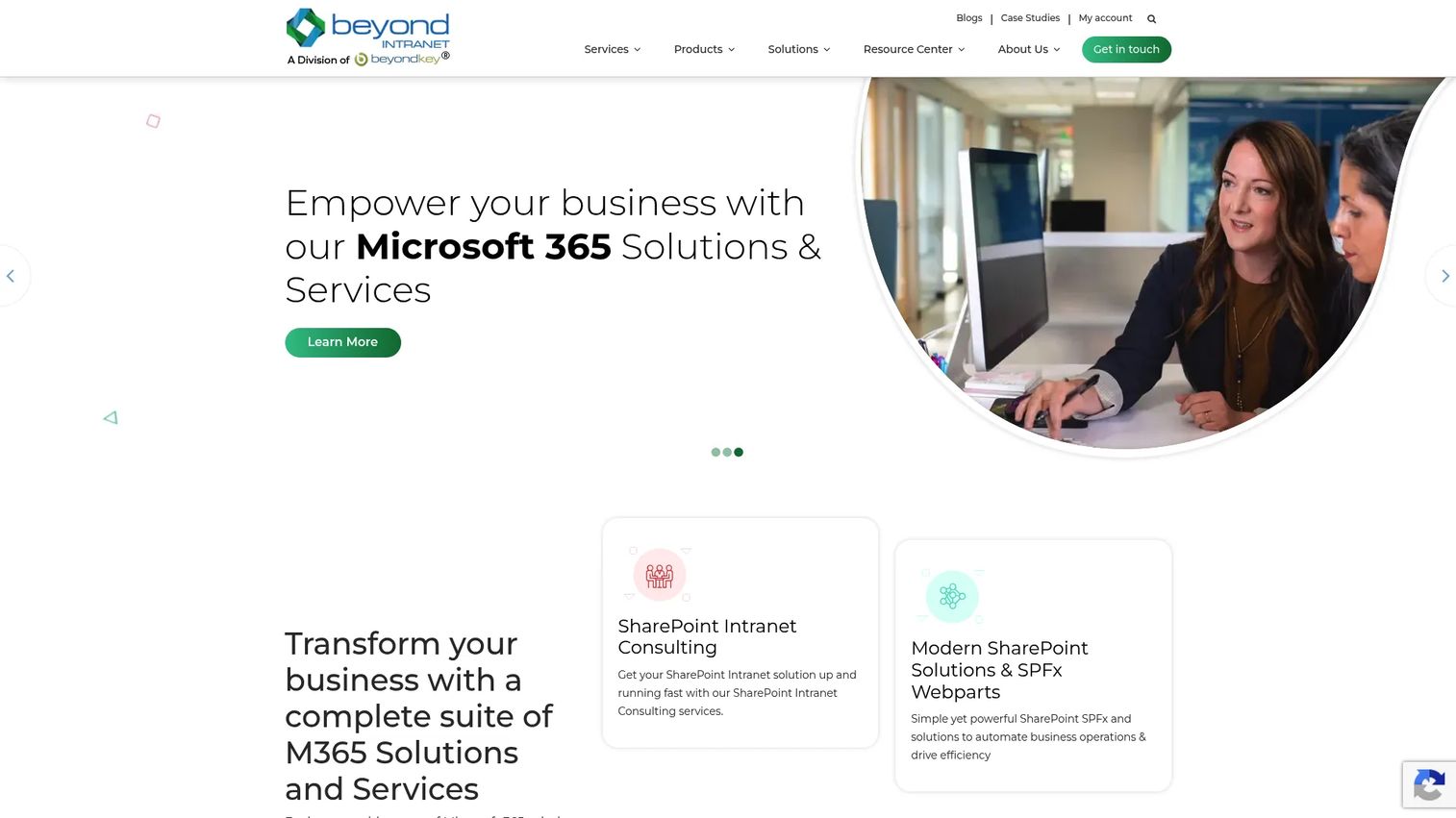
Beyond Intranet builds supplier and procurement portal workflows on top of Microsoft 365 and SharePoint. For organizations already standardized on that stack, the appeal is architectural: the supplier portal software lives inside the same environment your teams already use for documents, collaboration, and identity, rather than introducing a separate silo with its own login and its own data store. That means supplier records, uploaded documents, and approval flows sit where your governance and access controls already apply.
The platform centers on portal-based supplier onboarding, with self-registration, document collection, and status visibility handled through familiar SharePoint interfaces. Beyond Intranet also offers customizable dashboards, AI-powered search, and department hubs, which extend the portal beyond supplier management into broader digital workplace territory. That breadth is useful if you want one Microsoft-native system covering several internal workflows at once.
Best for: Microsoft-centric operations teams that want a supplier portal with self-registration and document handling inside their existing Microsoft 365 and SharePoint environment.
Key strengths
- Customizable dashboards: configurable views that surface supplier status, pending approvals, and document state without leaving the Microsoft environment.
- AI-powered search and assistant: faster retrieval of supplier records, documents, and portal content across the workspace.
- Department hubs and portal structure: organizes supplier onboarding, HR, and other workflows into structured hubs teams already know how to navigate.
Why choose Beyond Intranet: The decision usually comes down to your existing stack. If your organization runs on Microsoft 365 and SharePoint and wants supplier onboarding and document handling to live inside that world rather than in a standalone system, this is a natural fit. It reduces the integration and identity overhead of adding another disconnected tool, and it keeps supplier information management under your existing Microsoft governance model.
Beyond Intranet pricing: Beyond Intranet does not publish public pricing; its product pages request a quote or demo instead. Pricing is quote-based and typically scoped to your Microsoft 365 environment, user count, and the modules you need. The platform holds a 4.5/5 rating on G2. Request a tailored quote to understand cost against your specific SharePoint deployment.
3. Payhawk
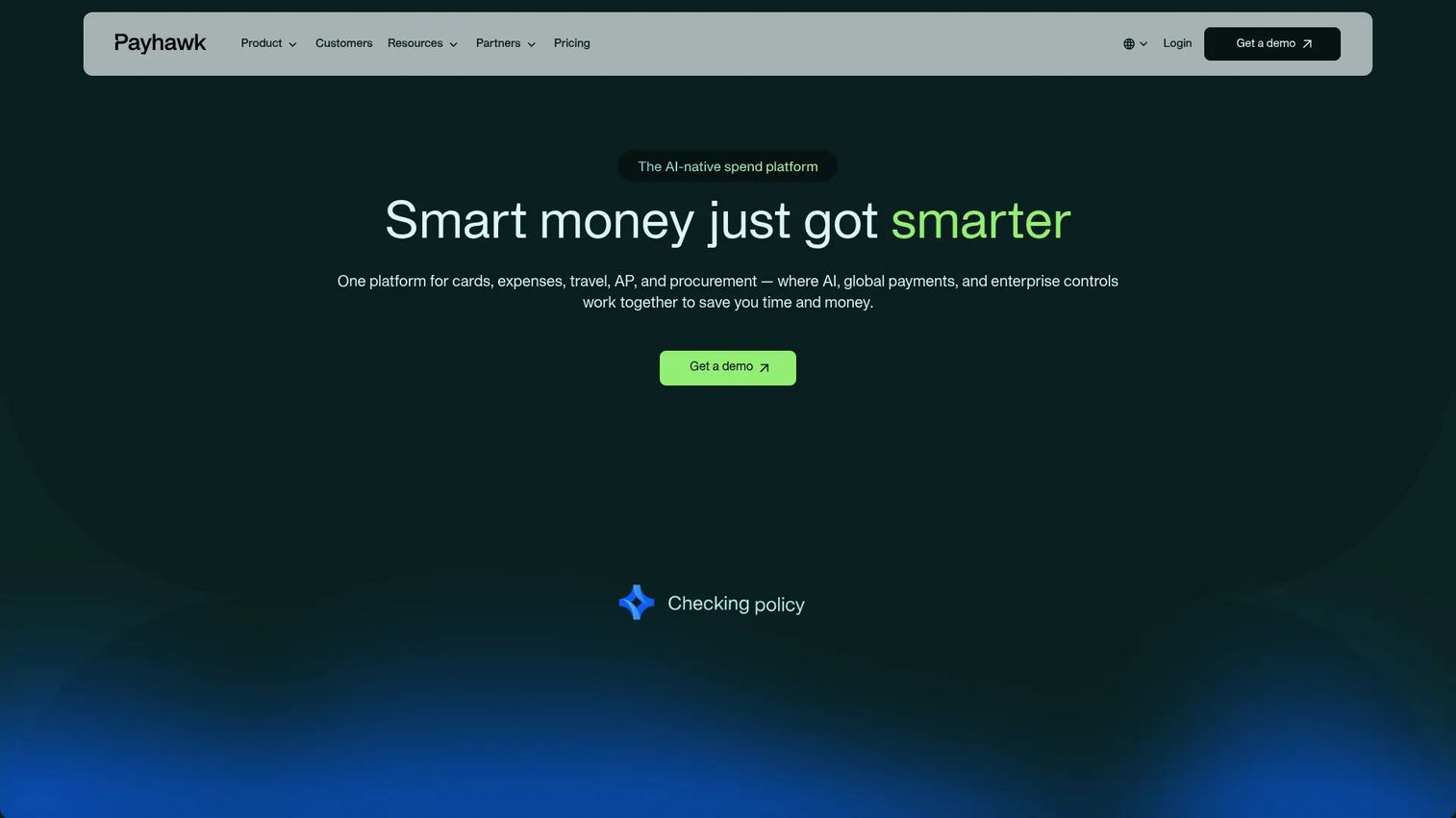
Payhawk approaches supplier management from the finance side. It is an AI-native spend management platform covering cards, expenses, bills, travel, and procurement, and it ties supplier data directly to how you pay. For finance-led teams, that framing matters: instead of treating supplier records as a static directory, Payhawk connects each supplier to invoices, approval workflows, and payments, so the supplier relationship and the money moving through it live in one place.
The procurement and accounts payable modules bring supplier onboarding, purchase requests, three-way matching, and approval routing into a single flow. Multi-entity support makes it a fit for companies operating across several legal entities or regions, and the platform's audit trails and reporting give finance the governance it needs for month-end and audit. This is not a pure supplier lifecycle tool in the enterprise-suite sense, but for organizations where the supplier question is really a spend and control question, that is exactly the point.
Best for: Mid-market finance teams that want supplier data tied to spend controls, invoice matching, and payments across cards, expenses, AP, and procurement.
Key strengths
- Cards and expense automation: connects supplier spend to corporate cards and automated expense capture, reducing manual reconciliation.
- Bill payments and procurement workflows: supplier onboarding, purchase requests, three-way matching, and approval routing in one AP-connected system.
- Travel booking and management: extends spend control across travel, keeping supplier and vendor spend under one governed roof.
Why choose Payhawk: If your supplier management need is really about tightening the link between procurement and accounts payable, Payhawk belongs on the shortlist. Finance teams get supplier records that connect to real spend, approval workflows that enforce controls, and audit trails that hold up at close. It is the right pick when you care about procurement plus AP as one motion rather than supplier lifecycle depth in isolation. Teams evaluating this angle often also review dedicated contract management software for the agreement side of supplier relationships.
Payhawk pricing: Payhawk publishes modular pricing. The small-business Growth offer starts at £149/mo (over a 24-month term), while individual modules start at Travel $299/mo, Accounts Payable $349/mo, Cards & Expenses $449/mo, and Procurement $499/mo, all billed monthly. There is no free tier listed. Payhawk holds a 4.5/5 rating on G2. Confirm current module pricing and bundle options directly, since packaging combines multiple modules.
4. Gartner Peer Insights
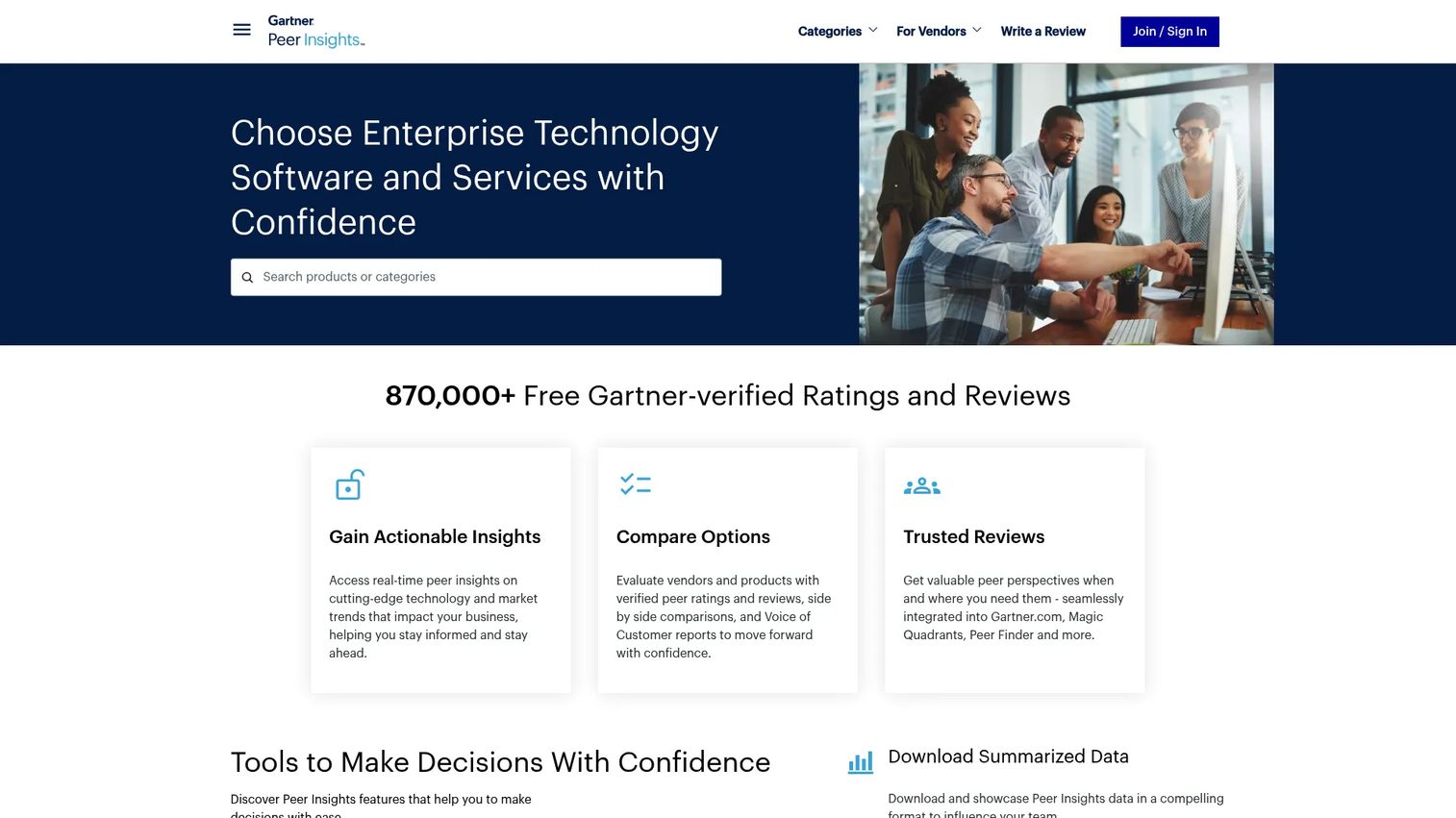
Gartner Peer Insights is not supplier management software. It is Gartner's peer-review platform for enterprise technology and services, and it earns a spot on this shortlist as a research resource rather than a tool you deploy. When you are comparing supplier and vendor management platforms and the category definitions start to blur, verified peer reviews are one of the fastest ways to widen or sanity-check a shortlist before you commit to demos.
The value here is the alternatives workflow. Every reviewed product page surfaces comparable products, verified peer ratings, review counts, and excerpts from buyers who share your context. Gartner's Voice of the Customer reports aggregate that sentiment into a broader market view. For a product manager or procurement lead trying to distinguish a suite-centric platform from a portal-centric one, or a supplier tool from a broader vendor management system, this is a useful map of the landscape.
Best for: Buyers who want a broad, verified market scan across adjacent supplier and vendor management tools before narrowing a shortlist.
Key strengths
- Verified peer ratings and reviews: ratings from buyers whose identities Gartner verifies, which filters out the noise of anonymous review sites.
- Product comparisons: side-by-side alternatives pages that surface tools you might not have found through vendor marketing alone.
- Voice of the Customer reports: aggregated sentiment that shows how a whole segment of buyers rates a category, not just one product.
Why choose Gartner Peer Insights: Use it as a research aid, not a purchase decision. It is strongest early in the process, when you are still mapping the market and want peer signal on which platforms deliver in real deployments. Summary-level access is free and public, so it costs nothing to widen your view before you invest time in demos. Treat the reviews as directional input that complements hands-on evaluation, not a substitute for it.
Gartner Peer Insights pricing: Summary-level access is free and available to the public, with fuller review access behind a simple registration. There is no software purchase involved, which is precisely why it belongs in the research phase rather than the buying phase. Because it is a review platform rather than a product, a standard product rating does not apply.
Considerations
Before you shortlist, work through this checklist against your own environment.
Integration depth
Evaluate how the platform connects to your ERP, accounting system, identity provider, and reporting stack. This is the criterion that quietly determines success. When integrations are shallow or brittle, you end up with duplicate supplier records across systems and a standing manual cleanup burden that never goes away. Confirm which specific systems are supported natively versus through middleware, and how supplier master data stays in sync.
Governance and auditability
Check for approval paths, role-based access control, and complete audit logs. For regulated or enterprise environments, this is not optional. You need to prove who approved a supplier, when a certificate was verified, and what changed in a record. Ask whether the audit trail is exportable and whether approval workflows can model your actual sign-off hierarchy.
Supplier experience
Review how easily suppliers can register, upload documents, and respond to requests. This is often overlooked and it directly affects onboarding speed. A confusing supplier portal means suppliers submit incomplete data, delay responses, and generate support tickets. Test the self-registration flow from the supplier's point of view before you buy.
Reporting and performance tracking
Assess whether the tool supports scorecards, dashboards, and risk alerts out of the box. The goal is making supplier performance actionable, not merely visible. A dashboard nobody can configure to their category or KPI is decoration. Confirm you can build the specific scorecards and alerts your team will actually use.
Scalability across teams
Consider whether procurement, finance, legal, and operations can all work in one system with appropriate access. The hidden cost of a tool that solves only one department's problem is a second tool for the next department and the same fragmentation you started with. Favor platforms that can serve cross-functional ownership even if you start with one team.
Conclusion
There is no single best supplier management software, only the best fit for your workflow maturity, integration stack, and governance needs. The four platforms here each own a different slice of the problem.
Choose SAP Ariba Supplier Management if you are a large enterprise inside the SAP ecosystem that needs end-to-end lifecycle, performance, and risk governance in one system. Choose Beyond Intranet if your organization runs on Microsoft 365 and SharePoint and wants a supplier portal that lives natively in that stack. Choose Payhawk if your supplier need is really a finance need, and you want supplier data tied directly to spend, invoice matching, and payments. And use Gartner Peer Insights early, as a research resource to widen your shortlist and pressure-test your options with verified peer reviews before you commit.
The practical next step is to match your starting point to your current reality rather than your aspirational one. Map your existing integration stack, your governance requirements, and which team owns the supplier problem today. Then start with the platform that fits that picture. You can always expand scope later, but a tool that fights your stack on day one rarely recovers.
FAQs
Supplier management software is a platform that centralizes supplier onboarding, information, performance monitoring, compliance, risk, and approval workflows into one system. In practice, it replaces scattered spreadsheets and disconnected records so procurement, finance, and compliance work from shared supplier data. The operational outcomes are faster onboarding, fewer duplicate records, and continuous compliance visibility.
Supplier relationship management (SRM) is relationship-focused. It concentrates on collaboration, strategic value, and long-term partnership with key suppliers. Supplier management is broader and more operationally structured, covering the full lifecycle from qualification and onboarding through performance monitoring, risk, and offboarding. SRM is a strategic subset; supplier management is the operational whole.
The core features are supplier onboarding, supplier information management, performance monitoring, compliance and risk controls, approval workflows, reporting, and integrations. Onboarding and integration usually matter most in practice, because they determine data quality and how well the tool fits your existing stack. Audit trails and compliance alerts become critical the moment you operate in a regulated environment.
ERP integration is one of the most important buying criteria, since supplier master data, spend, and payments often live in the ERP. Verify whether the platform integrates natively with your specific ERP or only through middleware, and how supplier records stay synchronized. Shallow ERP integration is the most common cause of duplicate supplier records and manual cleanup.
A supplier portal lets suppliers self-register, enter their own information, and upload required documents such as certificates and tax forms directly. Qualification questionnaires gate incomplete submissions, and status visibility shows both sides where a supplier sits in the approval process. The result is cleaner records from the start and far less back-and-forth email chasing missing information.
Regulated industries, large enterprises, and any organization managing a large or critical supplier base need supplier risk management most. These environments face regulatory exposure, expiring certifications, and concentration risk that a spreadsheet cannot track reliably. Continuous monitoring, expiration alerts, and audit trails turn risk from a periodic scramble into a governed, ongoing process.
No. While procurement often owns the tool, finance, legal, compliance, and operations all depend on the same supplier data. Finance needs it for payments and controls, legal for contract and regulatory tracking, compliance for audit readiness, and operations for performance. The strongest platforms support this cross-functional ownership rather than solving only one department's slice of the problem.