You open a new Java project. Now the questions start. Which IDE do you commit to? Do you standardize on Maven or Gradle? What happens when a teammate on a different editor pushes a build that fails on your machine but not theirs?
Picking Java development tools is rarely a single choice. Most teams end up with a primary IDE, a build tool, and a handful of supporting utilities that decide how fast code moves from your keyboard to production. Get the combination right and daily work feels smooth. Get it wrong and you spend afternoons fighting configuration instead of shipping features.
The stakes are not small. The Java development tools software market was valued at roughly USD 3.2 billion in 2024 and is projected to reach USD 5.8 billion by 2033 at a 7.8% CAGR, according to MarketResearchIntellect (2025). Java itself remains one of the top professional languages, with about 30% of professional developers reporting Java use in the past year in the Stack Overflow 2025 Developer Survey, cited by Keyhole Software (2026). That means tooling decisions you make now will shape team productivity for years.
This guide treats "Java development tools" as more than one editor. We cover primary IDEs, build automation, and the workflow tools that hold a Java development environment together. The goal is not to crown a single winner. It is to help you match tools to how your team actually works, from solo debugging sessions to large repositories with multiple contributors.
The best choice depends on workflow, not brand loyalty. A tool that suits a two-person startup may frustrate a 40-engineer platform team, and the reverse is just as true.
What's inside
This guide covers the Java tools developers actually use in 2026, not a museum of every editor ever released. We chose each item for real-world relevance, ecosystem support, ease of use, extensibility, and team fit.
The list mixes primary IDEs with essential Java workflow tools. You will find full IDEs like IntelliJ IDEA, Eclipse, and Apache NetBeans, a lighter editor in Visual Studio Code, a modern collaborative option in JetBrains Fleet, and the two build tools most Java teams run on, Maven and Gradle. Each entry explains who it fits, where it is strongest, and how it slots into a working Java development stack.
TL;DR
Short on time? Here is the shortlist by need.
- Best overall for most teams: IntelliJ IDEA, for its code intelligence, refactoring depth, and plugin ecosystem.
- Best free and open-source IDE: Eclipse IDE, backed by a huge plugin community.
- Best for Apache-centric workflows: Apache NetBeans, with tight Maven support and GUI tooling.
- Best for Oracle-heavy environments: Oracle JDeveloper, aligned with Oracle platforms and ADF.
- Best lightweight editor: Visual Studio Code, extensible and cross-language.
- Best for collaborative editing: JetBrains Fleet, built for remote and distributed work.
- Best for build automation: Maven, for standardized, reproducible builds.
- Best for build flexibility and performance: Gradle, for fast, customizable builds.
What are Java development tools?
Java development tools are the software programs developers use to write, test, debug, build, and manage Java applications across their lifecycle.
That definition covers three distinct tool types that people often blur together. An IDE (integrated development environment) is where you write and debug code. A build tool compiles that code, resolves dependencies, and produces a deployable artifact. Supporting workflow tools handle everything around those two, from version control integration to code reloading.
Understanding the difference matters because these categories are not interchangeable. An IDE for Java like IntelliJ IDEA will not replace a build tool like Maven, and Maven will never give you an editor. They cooperate.
Core capabilities across the Java tools category include:
- Code editing with syntax highlighting, autocomplete, and navigation
- Debugging through breakpoints, watches, and step execution
- Refactoring to rename, extract, and restructure code safely
- Version control integration with Git and similar systems
- Build and dependency management for reproducible artifacts
- Plugin support to extend the environment for frameworks and languages
Why do Java teams often run more than one tool? Because no single program does everything well. A developer might write in IntelliJ IDEA, build with Gradle, run continuous integration that also calls Gradle, and use Git for versioning. Each Java software tool owns a slice of the workflow, and the combination is what determines how quickly a team ships. Treating the whole set as a system, rather than picking one editor and hoping, is the difference between a smooth workflow and constant friction.
When to use each type of Java tool
Different Java programming tools solve different parts of the job. Here is how to think about which category you actually need in a given moment.
Choose a full IDE when speed matters
A rich IDE reduces setup time and context switching. When you are deep in a large codebase, features like intelligent code completion, one-click refactoring, integrated debugging, and fast project navigation save real hours. You get inline error detection, quick fixes, and a single window that ties editing, running, and version control together. For developers who spend most of their day in Java, a full IDE like IntelliJ IDEA or Eclipse pays for itself in reduced friction.
Choose a lightweight editor when flexibility matters
A lighter setup helps teams that work across several languages or in remote environments. If you jump between Java, TypeScript, Python, and shell scripts in a single afternoon, a lightweight editor keeps one consistent interface across all of them. It also starts fast and stays responsive on modest hardware. Visual Studio Code fits this pattern well, especially for developers who want a single editor across a polyglot stack rather than a dedicated Java IDE.
Choose build tools when consistency matters
Maven and Gradle standardize how your code compiles, how dependencies resolve, and how continuous integration behaves. Without a build tool, every developer risks a slightly different build, and "works on my machine" becomes a recurring headache. Java build tools give you one authoritative definition of the project so the build runs the same way locally, in CI, and on a teammate's laptop. They are not optional for serious team development.
Comparison table
Different tools solve different parts of Java work, so read this table as a map of the stack, not a single ranking. IDEs and editors handle writing and debugging, while build tools handle compilation and dependencies.
| # | Product | Intent | Key use case | Pricing | G2 rating |
|---|---|---|---|---|---|
| 1 | IntelliJ IDEA | Primary IDE | All-around Java and Kotlin development | Free core; Ultimate from $100 first year | 4.6/5 |
| 2 | Eclipse IDE | Primary IDE | Free, extensible Java development | Free, open source | 4.3/5 |
| 3 | Apache NetBeans | Primary IDE | Java application work with GUI tooling | Free, open source | Not listed |
| 4 | Oracle JDeveloper | Specialized IDE | Oracle platform and ADF development | Free | 4.1/5 |
| 5 | Visual Studio Code | Lightweight editor | Cross-language editing with Java extensions | Free, open source | 4.7/5 |
| 6 | JetBrains Fleet | Collaborative editor | Remote and distributed team editing | Not publicly listed | Not listed |
| 7 | Maven | Build tool | Standardized, reproducible builds | Free, open source | 4.3/5 |
| 8 | Gradle | Build tool | Fast, flexible, customizable builds | Free core | 4.4/5 |
1. IntelliJ IDEA
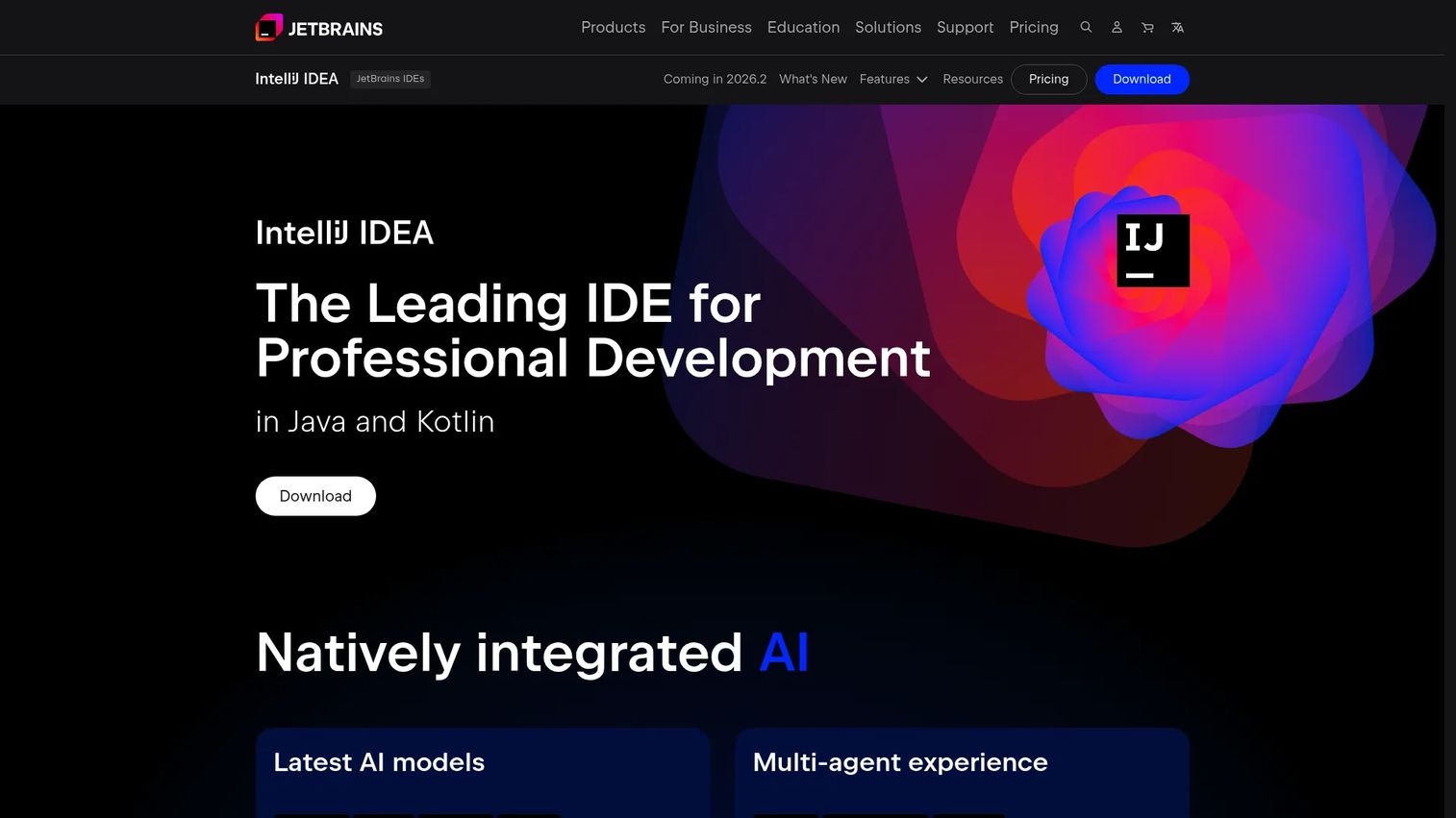
IntelliJ IDEA is JetBrains' IDE for Java and Kotlin development, and for many teams it defines what the best Java IDE looks like. It reads your code in context, offering completions, warnings, and quick fixes that feel closer to a pair programmer than a text editor. The refactoring engine handles renames, extractions, and structural changes across an entire project without breaking references, which is where a lot of daily time is either lost or saved.
Beyond the core editing experience, IntelliJ IDEA brings a mature debugger, deep version control integration, and access to the JetBrains Marketplace plugin library. That plugin ecosystem lets teams extend the IDE for Spring, Kubernetes, database work, and dozens of frameworks without leaving the window. Its enterprise adoption is broad, which means good documentation, community answers, and predictable behavior on large codebases.
Best for: Java and Kotlin teams that want a powerful IDE with an optional paid advanced feature set.
Key strengths
- Code intelligence: Context-aware completion, inline analysis, and quick fixes reduce lookups and bugs.
- Refactoring depth: Project-wide renames and extractions run safely across the whole codebase.
- Plugin ecosystem: JetBrains Marketplace extends the IDE for frameworks, databases, and infrastructure.
Why choose IntelliJ IDEA: If your team spends most of its day writing Java or Kotlin and wants the least friction between idea and working code, this is the safe default. The free core covers a lot of ground, and the Ultimate subscription adds professional tooling for those who need it. Developers who work mainly in other languages may not need its full depth, but Java-first teams rarely regret it.
IntelliJ IDEA pricing: Core IntelliJ IDEA functionality is free. IntelliJ IDEA Ultimate is a paid subscription with a 30-day trial. For an individual, Ultimate is $100.00 for the first year, $199.00 the second year, and $159.00 the third year onward, or $719.00 per user per year in the standard listing. The All Products Pack starts at $299.00 the first year. Student, teacher, open-source, and nonprofit programs are also available, and yearly subscriptions include a perpetual fallback license.
2. Eclipse IDE
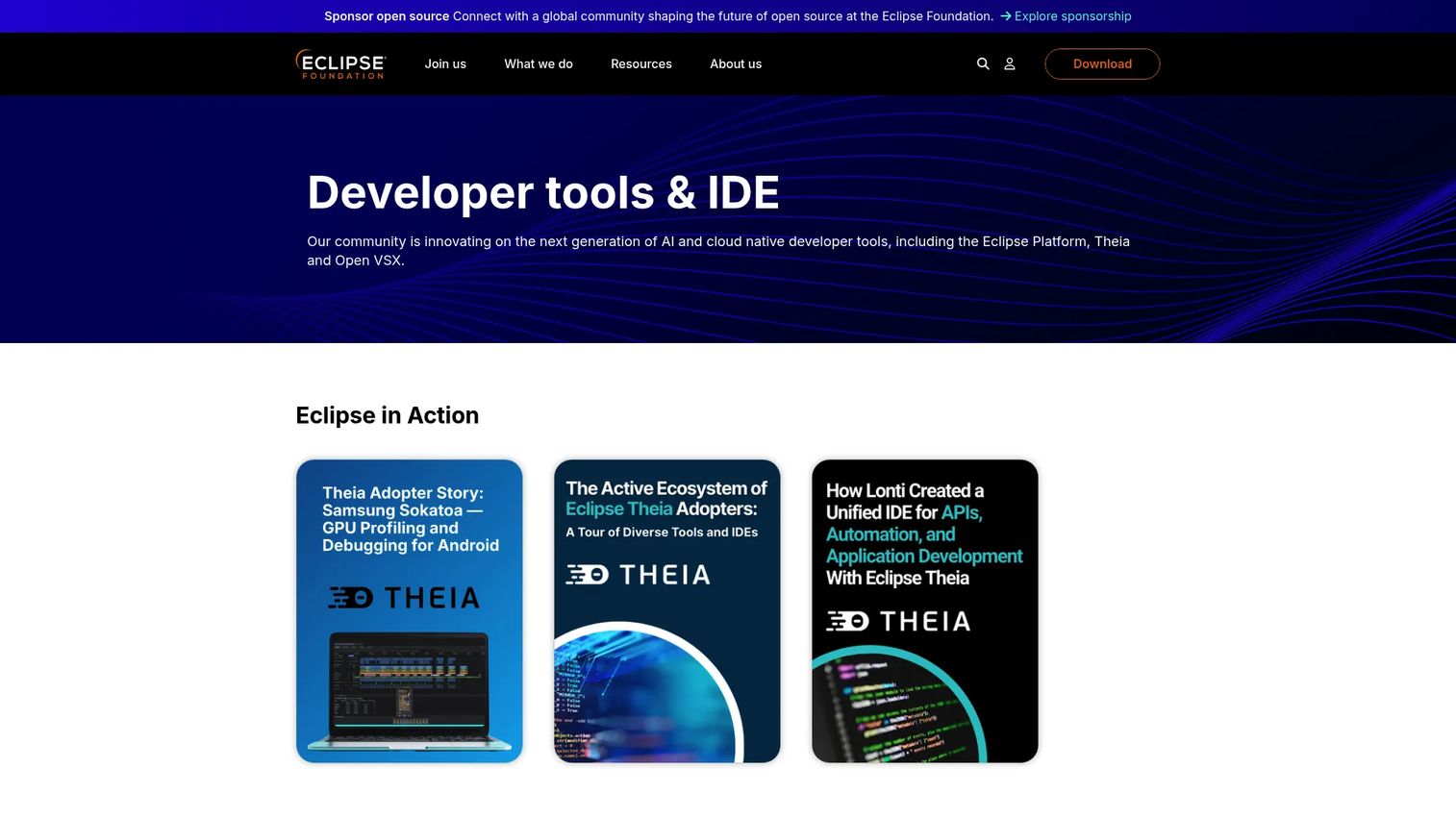
Eclipse IDE is the open-source, cross-platform integrated development environment from the Eclipse Foundation, and it remains a foundational choice in the Java world. It ships with strong Java tooling, integrated debugging, and version control, and it has spent decades earning trust in enterprise environments where longevity and independence matter.
The reason Eclipse still matters comes down to its extensibility and community. Its plugin system is enormous, covering Maven and Gradle support, application servers, testing frameworks, and language add-ons. Teams that want a free tool they can shape to their exact workflow, without a vendor deciding the roadmap, keep returning to Eclipse for exactly that flexibility.
Best for: Developers who want a free, extensible IDE for Java and other languages.
Key strengths
- Extensible plugin system: A large marketplace covers frameworks, build tools, and languages.
- Multi-language support: Java-first, but capable across many languages through plugins.
- Integrated debugging and version control: Built-in tooling for stepping through code and managing Git.
Why choose Eclipse IDE: Choose Eclipse when open-source governance and no licensing cost are priorities, or when you are working in an enterprise that has standardized on it. The trade-off is that its interface feels more traditional than newer IDEs, which some developers prefer and others adapt to. For teams that value control and community over polish, it is a durable pick.
Eclipse IDE pricing: Eclipse is an open-source project. Download packages are available for free, and there is no paid tier on the Eclipse site. That makes it a natural fit for teams that need a capable Java development environment without a per-seat cost.
3. Apache NetBeans
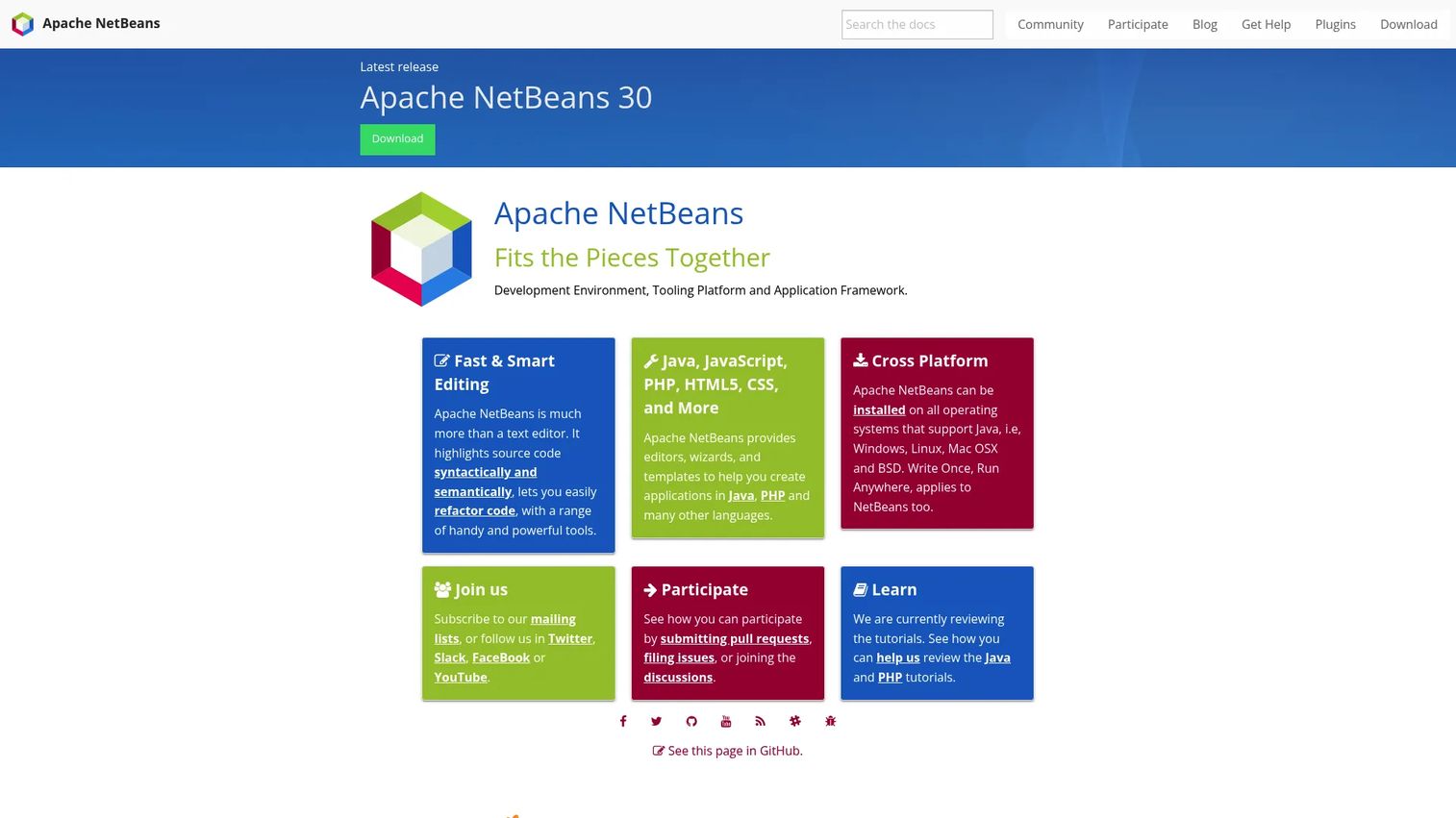
Apache NetBeans is an open-source, cross-platform IDE and application platform for Java and other languages, governed by the Apache Software Foundation. It offers integrated Java support out of the box, with syntax and semantic highlighting, refactoring tools, and editors, wizards, and templates that make starting a project straightforward.
NetBeans has a reputation for working well without much configuration, which is a real advantage for teams that want to open the tool and write code rather than tune settings. Its Maven friendliness and GUI tooling make it a comfortable home for straightforward Java application development. Apache governance also means a transparent, community-driven roadmap.
Best for: Developers who want a free, open-source IDE for Java-centric application development.
Key strengths
- Syntax and semantic highlighting: Clear code visualization that helps catch issues early.
- Refactoring tools: Built-in support for restructuring code cleanly.
- Editors, wizards, and templates: Guided starting points for Java and PHP projects.
Why choose Apache NetBeans: Reach for NetBeans when you want a free, ready-to-use IDE for Apache-centric or standard Java work, and you value a tool that runs well with minimal setup. It suits teams and individual developers building conventional Java applications who prefer an Apache-governed project. Developers deep in niche framework ecosystems may find a more specialized IDE better tuned, but for mainstream Java work NetBeans delivers.
Apache NetBeans pricing: Apache NetBeans is free and open source, with no public paid pricing. Like Eclipse, that makes it easy to standardize across a team without licensing overhead, and it is fully cross-platform.
4. Oracle JDeveloper
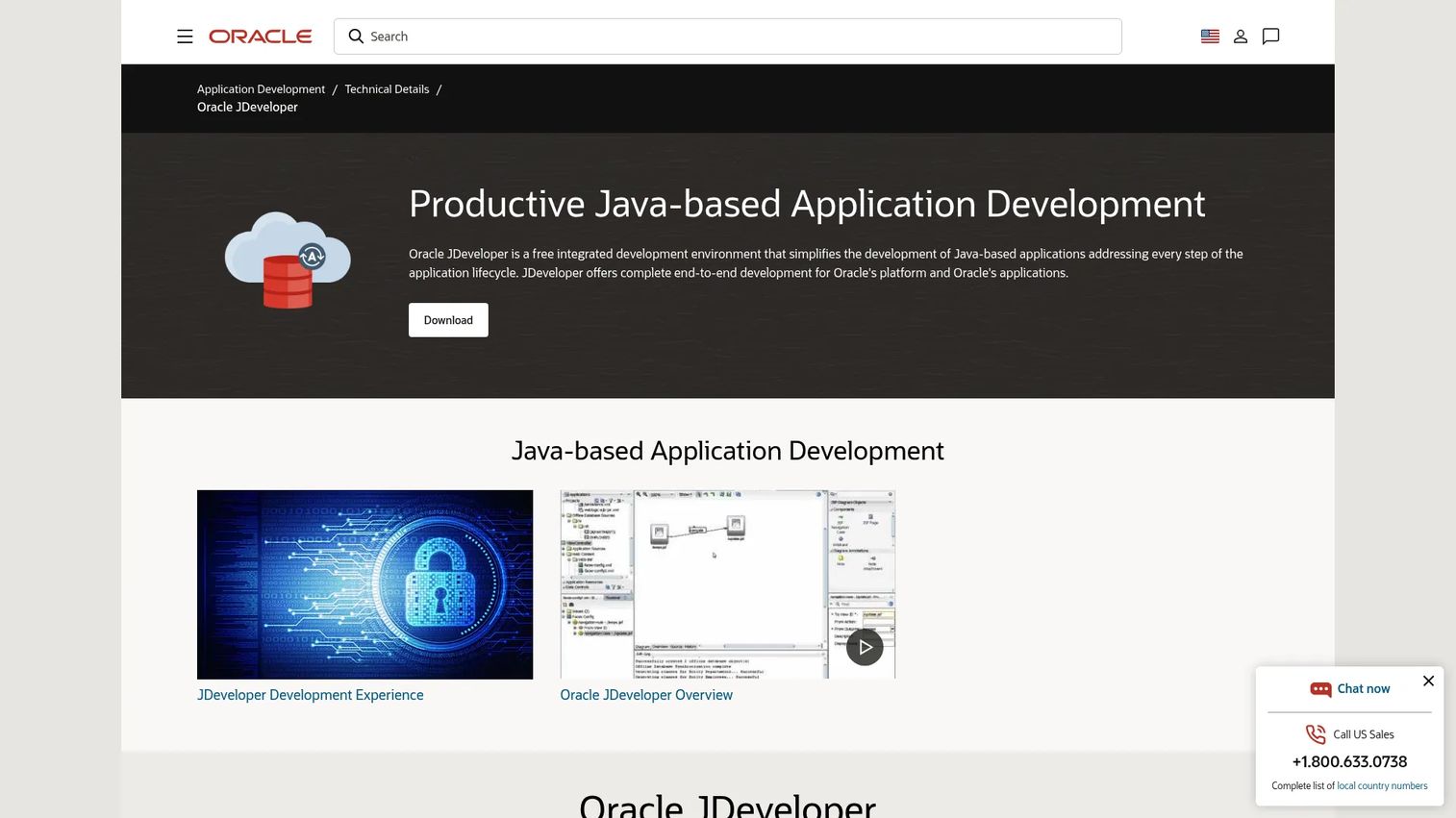
Oracle JDeveloper is a free integrated development environment for Java-based applications, with particular strength in Oracle-centric development. It provides end-to-end development for the Oracle platform and applications, along with current release documentation and tutorials for JDeveloper and Application Development Framework (ADF).
Its value is concentrated in a specific context. If your organization builds on Oracle databases, middleware, and ADF, JDeveloper's tighter integration with those technologies reduces friction that a general-purpose IDE would introduce. It is a specialized choice rather than a universal default, and that specialization is exactly the point for the teams that need it.
Best for: Teams building Oracle-based Java applications and ADF solutions.
Key strengths
- Java-based application development: A complete environment for writing and running Java apps.
- Oracle platform integration: End-to-end development aligned with Oracle technologies.
- Current documentation and tutorials: Maintained resources for JDeveloper and ADF.
Why choose Oracle JDeveloper: Choose JDeveloper when your work is anchored in the Oracle ecosystem and you want an IDE built to align with it. For teams outside that world, a broader IDE like IntelliJ IDEA or Eclipse is usually the more natural fit. But inside Oracle-heavy environments, JDeveloper's alignment is a genuine advantage that general tools cannot match.
Oracle JDeveloper pricing: Oracle describes JDeveloper as free on its official product page. No paid pricing tiers are publicly listed for the tool itself, which makes it approachable for teams already committed to the Oracle stack.
5. Visual Studio Code
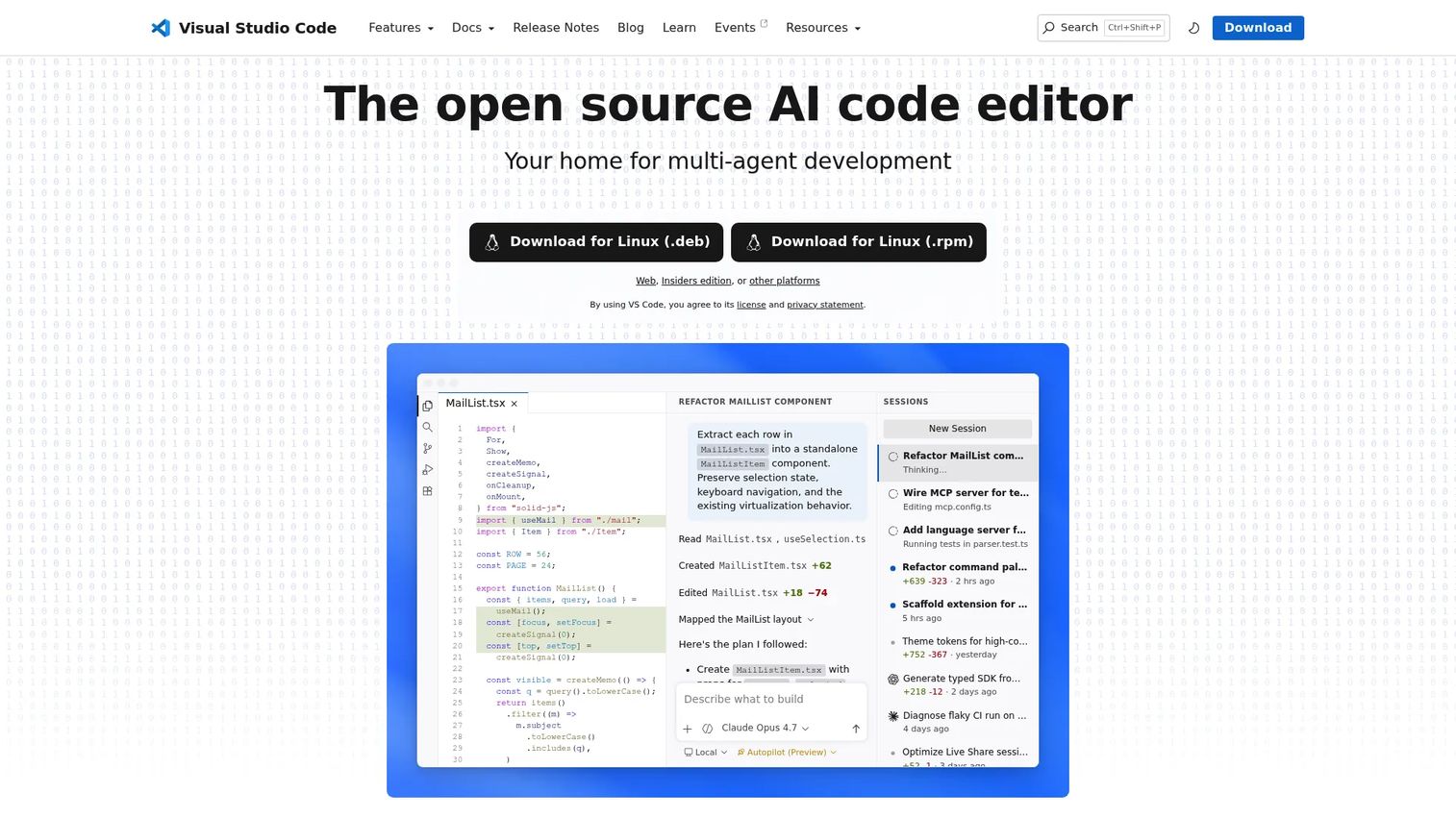
Visual Studio Code is Microsoft's free, open-source code editor with built-in editing, debugging, source control, extensions, and AI-assisted workflows. With the Java extension pack installed, it becomes a capable Java editor that many developers keep open all day, particularly those who move between languages.
VS Code is not a full IDE in the way IntelliJ IDEA or Eclipse are, and that is by design. It is a lightweight editor that scales up through extensions. For Java specifically, it handles editing, debugging, and testing well, while staying fast and cross-language. Many Java developers use it as a secondary tool for quick edits, scripts, and multi-language projects, then switch to a dedicated IDE for heavy Java work.
Best for: Developers who want a free, highly extensible code editor for day-to-day coding and debugging.
Key strengths
- Built-in IntelliSense and debugging: Smart completion, refactoring, and testing support out of the box.
- Integrated Git and terminal: Source control and a terminal live inside the editor.
- Extensions marketplace: Settings sync, profiles, and web and remote support extend the editor widely.
Why choose Visual Studio Code: Choose VS Code when you want one editor across a polyglot stack, or when you work remotely and value a fast, lightweight environment. It is strongest as a versatile editor and less suited as a full replacement for a dedicated Java IDE on very large Java-only codebases. For mixed workloads, though, it is hard to beat.
Visual Studio Code pricing: Visual Studio Code is free and open source. There is no paid VS Code plan or public software price on the official site, so teams can adopt it across every developer at no licensing cost.
6. JetBrains Fleet
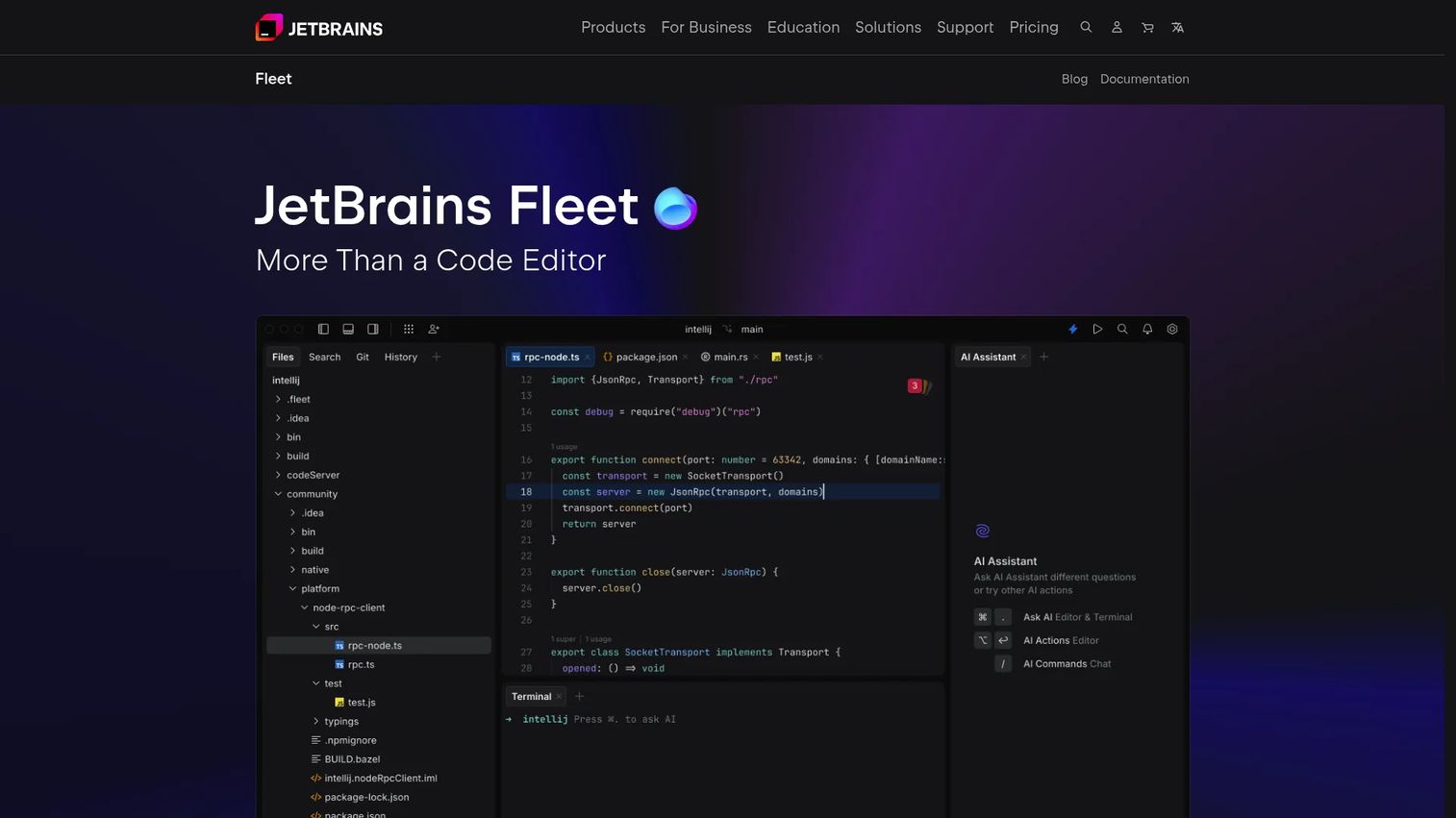
JetBrains Fleet is a JetBrains code editor focused on simplicity, AI assistance, remote development, and real-time collaboration. It represents a more modern, lighter take on the JetBrains experience, aimed at developers who want fast startup and multi-language support alongside collaborative features.
Fleet's differentiator is collaboration and remote work. AI-powered code completion, chat, and documentation help sit alongside polyglot support for major languages and built-in remote development. For distributed teams that pair-program or review together across time zones, that combination is compelling. It is a modern option for specific team contexts rather than a drop-in replacement for a full IDE.
Best for: Developers who want a lightweight editor with AI and remote-collaboration features.
Key strengths
- AI-powered assistance: Code completion, chat, and documentation help built into the editor.
- Polyglot support: Handles major languages, useful for mixed-language teams.
- Remote development and collaboration: Real-time collaboration and remote workflows for distributed teams.
Why choose JetBrains Fleet: Choose Fleet when your team is distributed, collaborates in real time, and wants a lighter JetBrains experience with AI built in. It fits teams that prioritize collaboration and modern UX. Teams needing the deepest possible Java-specific tooling may still lean on IntelliJ IDEA, while Fleet shines for cross-language, collaborative work.
JetBrains Fleet pricing: Public pricing for Fleet was not clearly listed as a numeric figure at the time of writing. Teams evaluating it should check the JetBrains site directly for the current plan details before committing, and treat pricing as a field to confirm during evaluation.
7. Maven
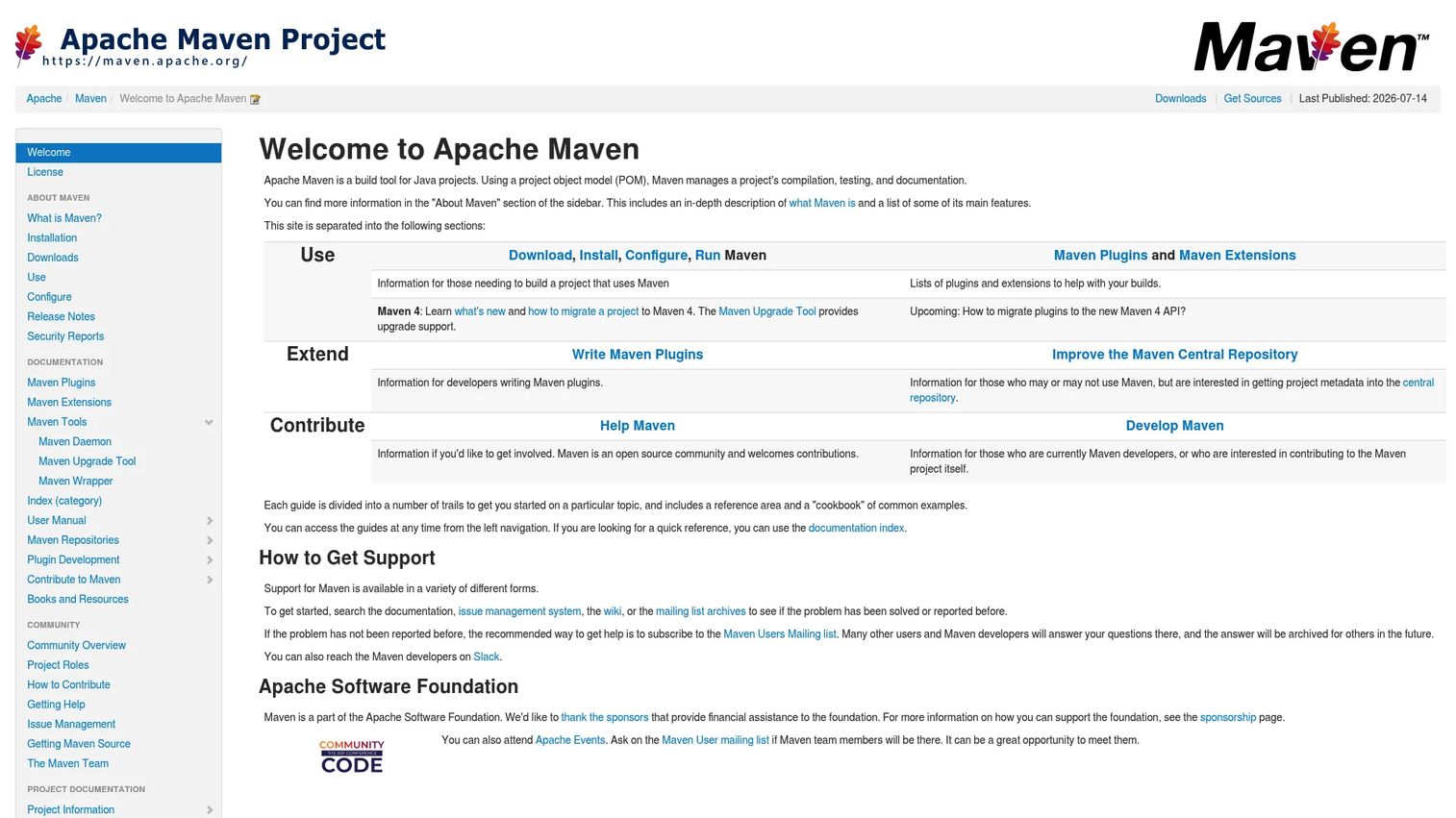
Maven is Apache's build automation and project management tool for Java-based projects. It is not an IDE, but it is one of the most important Java build tools in the ecosystem, and most Java teams run it or Gradle underneath their editor of choice.
Maven's strength is convention. It defines a standard build lifecycle, manages dependencies including transitive ones, and produces reproducible builds that behave the same locally and in continuous integration. Its plugin system extends builds for testing, packaging, and deployment. Because so much of the Java world uses Maven, dependency resolution and project structure are widely understood, which lowers onboarding cost for new team members.
Best for: Teams building and managing Java projects with standardized builds and dependency management.
Key strengths
- Simple project setup: Convention over configuration gets projects building quickly.
- Dependency management: Handles transitive dependencies so you declare less and get more.
- Plugin-extensible builds: A wide plugin ecosystem covers testing, packaging, and deployment.
Why choose Maven: Choose Maven when your priority is predictable, reproducible builds and a structure any Java developer will recognize. It fits into IDE toolchains cleanly, since IntelliJ IDEA, Eclipse, and NetBeans all read Maven projects directly. Teams that want a standardized build with minimal customization tend to prefer Maven over more flexible alternatives.
Maven pricing: Apache Maven is distributed as a free, open-source tool. There is no public pricing page or paid tier, so it fits any Java development stack without licensing cost.
8. Gradle
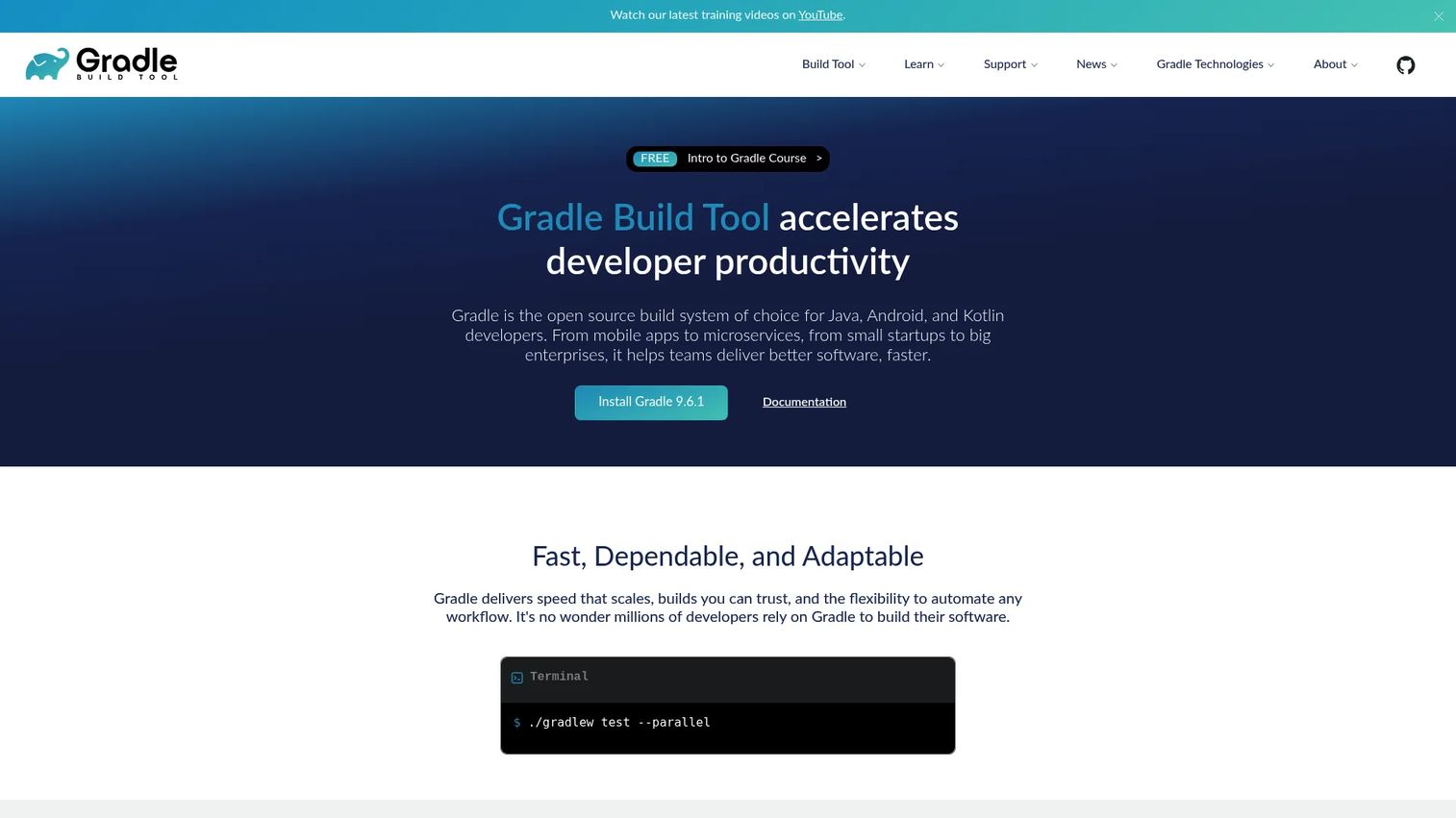
Gradle is an open-source build automation tool for Java, Android, Kotlin, and other JVM and native projects. Where Maven emphasizes convention, Gradle emphasizes flexibility and speed, which is why it has become the default in Android development and a growing choice for modern Java projects.
Gradle uses Kotlin and Groovy DSLs to define builds as code, which gives teams fine-grained control over their build logic. Incremental builds and a build cache mean it only rebuilds what changed, which meaningfully speeds up large projects. Its dependency management and plugin ecosystem are mature, and it complements IDEs the same way Maven does, running underneath your editor and in CI.
Best for: Teams building JVM and Android software that need fast, reproducible builds and flexible build logic.
Key strengths
- Kotlin and Groovy DSLs: Builds are expressed as code, giving precise control over logic.
- Incremental builds and build cache: Rebuilds only what changed, cutting build times on large projects.
- Dependency management and plugins: A mature ecosystem covers dependencies and extensibility.
Why choose Gradle: Choose Gradle when build performance and customization matter, when you work in Android-adjacent projects, or when your build logic is complex enough that convention alone is not enough. Teams that prefer flexibility and speed over strict convention tend to pick Gradle over Maven. The core Gradle Build Tool is open source, and enterprise support is available through a Develocity subscription for teams that want it.
Gradle pricing: The core Gradle Build Tool is open source and free. Gradle offers enterprise support alongside a Develocity subscription, though no public price is shown for it, so factor that into planning only if you need commercial support.
What to evaluate before you commit
Choosing Java developer tools is a stack decision, not a single purchase. Run through this checklist before you standardize.
Workflow fit
Does the tool match how your team actually works day to day? A brilliant IDE that fights your existing conventions creates more friction than it removes. Try it on a real project, not a hello-world example, and see how it handles your codebase's size and structure.
Team standardization
Can the whole team adopt it without fragmenting? Mixed editors are fine, but mixed build tools are not. Standardize on one build tool, Maven or Gradle, so builds behave identically for everyone. Editor choice can stay personal as long as the build is shared.
Ecosystem and plugin support
Does the tool support the frameworks and libraries you rely on? Check for first-class Spring, testing, and CI integrations. A strong plugin ecosystem is what keeps an IDE useful as your stack evolves rather than forcing a migration later.
Cost and licensing
Free and open-source tools like Eclipse, NetBeans, VS Code, Maven, and Gradle carry no per-seat cost. Paid options like IntelliJ IDEA Ultimate add professional tooling for a subscription. Match the spend to the value your team gets, and remember that developer time saved often outweighs license cost.
Conclusion
The best Java stack rarely comes down to one tool. It is usually an IDE paired with a build tool, plus whatever supporting utilities your workflow needs.
For most teams, IntelliJ IDEA is the safest default IDE, with deep code intelligence and refactoring that pay off daily. If open-source governance or zero licensing cost is the priority, Eclipse IDE and Apache NetBeans are both strong and free. Oracle JDeveloper is the specialized pick for Oracle-heavy environments, and Visual Studio Code is the flexible editor for polyglot and remote work. JetBrains Fleet suits distributed teams that collaborate in real time.
On the build side, Maven wins for standardized, reproducible builds, while Gradle wins for flexibility and speed, especially in Android-adjacent projects.
The practical next step is simple: pick one primary IDE and one build tool, then run them together on a real project for a sprint. That short trial tells you more about fit than any comparison table, and it gives you a Java development stack your whole team can build on.
FAQs
For a beginner IDE, IntelliJ IDEA's free core or Apache NetBeans are strong starting points because both handle setup gracefully and offer clear guidance. Beginners should separate the IDE (where you write code) from build tools like Maven, which you can add once the basics feel comfortable. Start with one editor, get comfortable, then layer in a build tool.
It depends on what you value. IntelliJ IDEA is known for faster workflows, deeper code intelligence, and polished refactoring, while Eclipse offers open-source governance, no licensing cost, and a huge plugin ecosystem. Many teams prefer IntelliJ IDEA for daily speed, but Eclipse remains a strong, free choice, especially in enterprises already standardized on it.
Yes. Apache NetBeans still fits teams that want a free, Apache-governed IDE that runs well with minimal configuration. It is a comfortable home for straightforward Java application development and pairs cleanly with Maven, which keeps it relevant for developers who prefer a ready-to-use environment over one they need to tune.
Visual Studio Code works well for Java when paired with the Java extension pack, particularly for developers who move across multiple languages or work remotely. It handles editing, debugging, and testing while staying fast and lightweight. For very large Java-only codebases, a dedicated IDE like IntelliJ IDEA often provides deeper Java-specific tooling.
Maven and Gradle are the two Java build tools most teams rely on. Maven emphasizes convention and reproducible, standardized builds, while Gradle emphasizes flexibility, speed, and build-as-code control. Both matter because they standardize dependencies and make builds behave the same locally and in continuous integration.
Enterprise teams usually combine a capable IDE with a standardized build tool and clear governance. IntelliJ IDEA is a common IDE choice for its depth, though Eclipse suits enterprises that prefer open-source tooling. The bigger enterprise decision is standardizing on one build tool, Maven or Gradle, so builds stay consistent across a large team.
In practice, yes. Most teams pair an IDE for writing and debugging with a build tool for compilation and dependencies, plus supporting utilities like Git integration. No single tool covers the entire Java development environment, so the combination is what determines how quickly and reliably your team ships.