You collect rent through one tool, chase maintenance tickets through email, run screening on a separate site, and reconcile everything in a spreadsheet at month end. Every handoff between those steps is where something slips: a late payment nobody flagged, a lease renewal that quietly lapsed, an owner statement that took three days to assemble.
That fragmentation is exactly why buyers compare property management software so carefully in 2026. The category is growing fast. The global property management software market is projected to reach USD 29.19 billion in 2026 and hit USD 61.41 billion by 2034, a 9.7% CAGR, according to Fortune Business Insights (2026). North America alone accounts for roughly 35.1% of that spend, reaching USD 10.13 billion in 2026. Cloud deployments now make up over 72% of global revenue, per Mordor Intelligence (2026). The market is moving to the cloud, and buyers want fewer manual steps across rent collection, leasing, maintenance, screening, and accounting.
The catch is that no single platform wins for every operator. A landlord with eight units and a national multifamily operator with 40,000 doors need fundamentally different property management systems. Picking well means matching the tool to your portfolio size, property type, and the specific workflows eating your week. This guide does that matching for you, and if you evaluate other operational stacks the same way, our roundups of event management software and contract lifecycle management software follow the same portfolio-fit logic.
What's inside
This guide is for landlords, property managers, and operators comparing platforms for day-to-day operations: rent collection, lease management, maintenance requests, tenant and owner portals, accounting, screening, and listing syndication. We picked these seven property management programs on four criteria: feature depth across core workflows, fit by portfolio size and property type, pricing transparency, and G2 reputation. Each item section covers what the tool does well, who it fits, and how pricing works, so you can build a shortlist without opening 20 vendor tabs. If your team also evaluates adjacent tools, our guides on community management software and contract management software tools use the same buyer-first structure.
TL;DR
- Best overall: AppFolio, for operators who want an all-in-one platform that scales across residential and investment portfolios.
- Best for small landlords: DoorLoop, for modern workflows and usability at a lower entry point.
- Best for growing portfolios: Buildium, for broad adoption and straightforward core operations.
- Best free option: Innago, for independent landlords who want rent collection, screening, and leases at no monthly cost.
- Best for commercial portfolios: Yardi Breeze, for residential and commercial property management software with solid accounting depth.
- Best for large operators: RealPage, for enterprise multifamily portfolios that need AI-driven, portfolio-scale operations.
- Best for finance and reporting depth: Propertyware, for single-family teams that need deep configuration and accounting flexibility.
What is property management software?
Property management software is a cloud based platform that helps landlords, owners, and property managers run rental operations from one place, covering rent collection, leasing, maintenance, accounting, tenant and owner communication, and reporting.
Also called a property management system or real estate management software, these property management systems replace the patchwork of spreadsheets, email threads, and standalone apps that most operators start with. The core functions across nearly every platform include:
- Rent collection: online payments, autopay, late fee automation, and payment tracking.
- Lease management: online leases, e-signatures, renewals, and document storage.
- Maintenance requests: tenant-submitted tickets, vendor assignment, and work order tracking.
- Tenant portal and owner portal: self-serve access for payments, requests, statements, and documents.
- Accounting and reporting: general ledger, bank reconciliation, cash flow tracking, and owner statements.
- Tenant screening and listings: applications, background and credit checks, and listing syndication to rental sites.
- Integrations and automation: connections to accounting, payments, screening, and marketing tools, plus AI automation for routine tasks.
What buyers usually care about when comparing tools comes down to a short list:
- Portfolio size: how many units the platform is built to handle.
- Property type: single-family, multifamily, commercial, HOA, student housing, or affordable housing.
- Pricing model: per-unit, flat monthly, or quote-based.
- Security and compliance: data access controls, audit trails, and regulatory fit.
- Mobile workflows: whether a property management app supports on-the-go payments, requests, and approvals.
Modern platforms are mobile first and increasingly lean on AI automation to handle repetitive tasks like reminders, categorization, and follow-ups, which is where much of the 2026 differentiation lives.
When to use property management software
Manage rent, leases, and maintenance in one place
When rent lives in one app, leases in a folder, and maintenance in your inbox, every task needs manual follow-up. You chase payments, re-key data between tools, and hope nothing falls through. A single platform ties rent collection, lease management, and maintenance requests together, so an approved application flows into a signed lease, which flows into a rent schedule, without you copying anything by hand. That cuts the admin overhead that grows with every new unit.
Standardize owner and tenant communication
A tenant portal and owner portal move communication out of scattered email threads and into a shared, trackable space. Tenants submit requests, pay rent, and pull documents themselves. Owners log in to see statements, occupancy, and cash flow tracking instead of waiting for you to compile a report. Fewer threads, better visibility, and a clear record of who saw what and when.
Scale across property types and portfolio sizes
Commercial, multifamily, HOA, single-family, student housing, and affordable housing each carry different accounting, compliance, and leasing needs. A commercial property management software workflow handles CAM reconciliations and percentage rent that a basic residential tool never touches. Some platforms fit smaller operators cleanly, while others are built for enterprise portfolios with thousands of doors. Matching the tool to your portfolio type and size keeps you from overbuying or outgrowing your stack too fast.
Comparison table
The table below sorts the seven tools by overall relevance for most operators. Pricing and G2 ratings shift over time, so confirm current figures on each vendor's site before you commit. Property management software pricing ranges widely here, from free to per-unit to quote-based enterprise plans.
| # | Product | Intent | Key use case | Pricing | G2 rating |
|---|---|---|---|---|---|
| 1 | AppFolio | Best overall | All-in-one platform for residential and investment portfolios | Quote-based (Core, Plus, Max) | 4.6/5 |
| 2 | Buildium | Growing portfolios | Broad-adoption leasing, accounting, and payments | From $62/month | 4.4/5 |
| 3 | DoorLoop | Small to mid-sized teams | Modern rental operations and usability | From $69/month | 4.8/5 |
| 4 | Innago | Independent landlords | Free rent collection, screening, and leases | Free | 4.8/5 |
| 5 | Yardi Breeze | Commercial and small-mid operators | Residential and commercial with accounting depth | From $1/unit/month | 4.0/5 |
| 6 | Propertyware | Single-family managers | Customizable operations and accounting | From $1/unit/month | 3.7/5 |
| 7 | RealPage | Enterprise multifamily | AI-driven, portfolio-scale operations | Custom pricing | 3.8/5 |
1. AppFolio
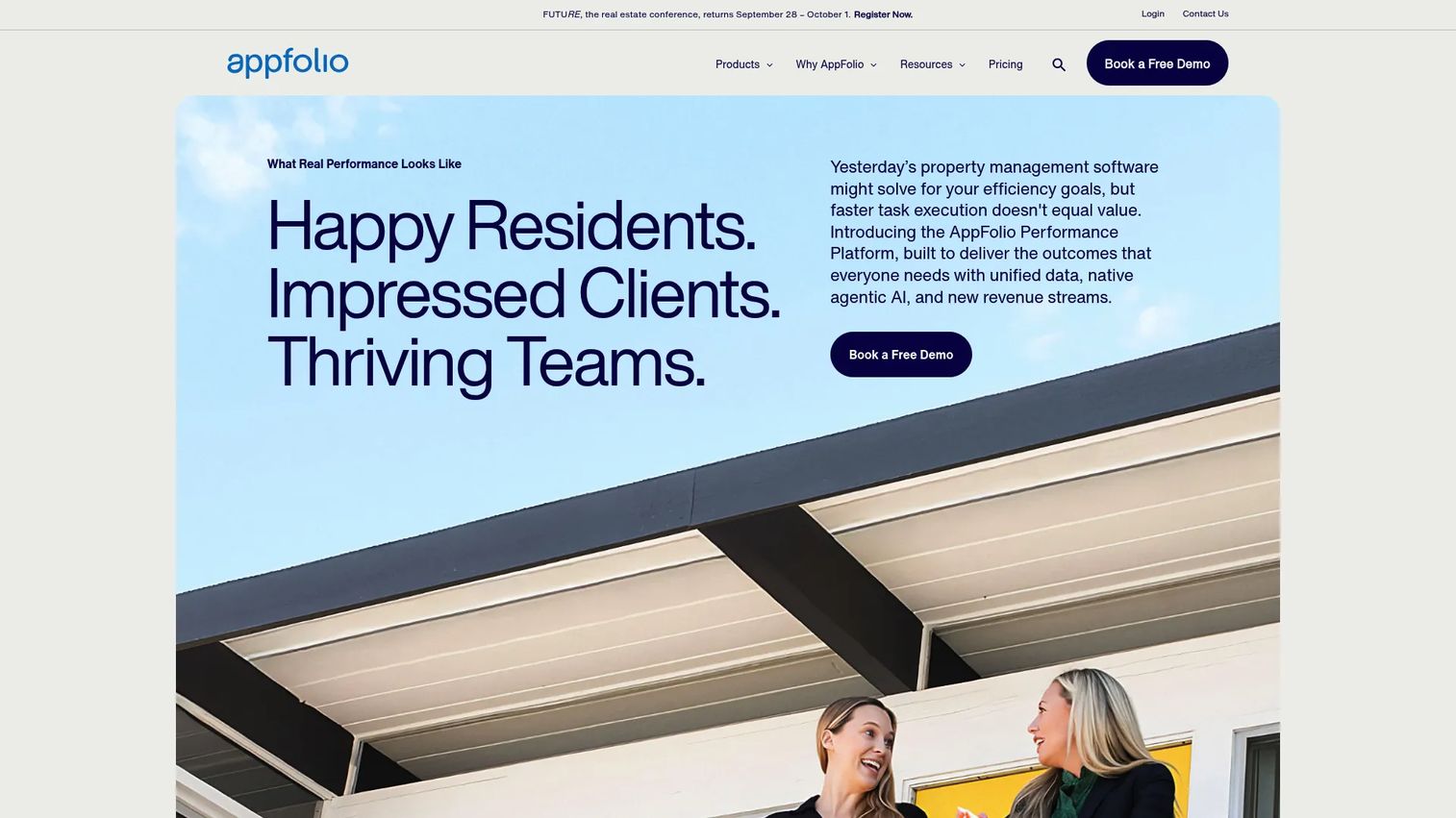
AppFolio is a cloud-based real estate management software and performance platform built for operators who want their entire operation in one system. It pulls accounting, reporting, marketing, leasing, and maintenance into a single workflow, and layers AI on top with its Realm-X Assistant, Messages, and Flows features to automate routine tasks. The platform supports a wide spread of property types, which is why it lands as the strongest all-around pick for larger or growing portfolios.
Best for: Real estate operators who need an all-in-one platform that scales across residential and investment portfolios.
Key strengths
- Unified operations: Accounting, leasing, maintenance, and marketing run in one platform, so data does not fragment across tools.
- AI automation: Realm-X Assistant, Messages, and Flows handle repetitive tasks like communication and workflow routing.
- Broad portfolio coverage: Supports multifamily, single-family, affordable housing, student housing, community associations, commercial, and investment management.
Why choose AppFolio: If you are scaling and tired of stitching point tools together, AppFolio consolidates the whole operation into one system with reporting and portals that hold up as you add doors. It fits operators who value breadth and automation over the lowest possible price, and who want a platform that grows with the portfolio rather than one they outgrow.
AppFolio pricing: AppFolio uses quote-based pricing across three plans: Core, Plus, and Max. Public dollar figures are not listed on the pricing page, and minimum spend or unit requirements apply to some plans. You request a quote based on your portfolio size and needs. AppFolio holds a 4.6/5 rating on G2, among the higher scores in this category.
2. Buildium
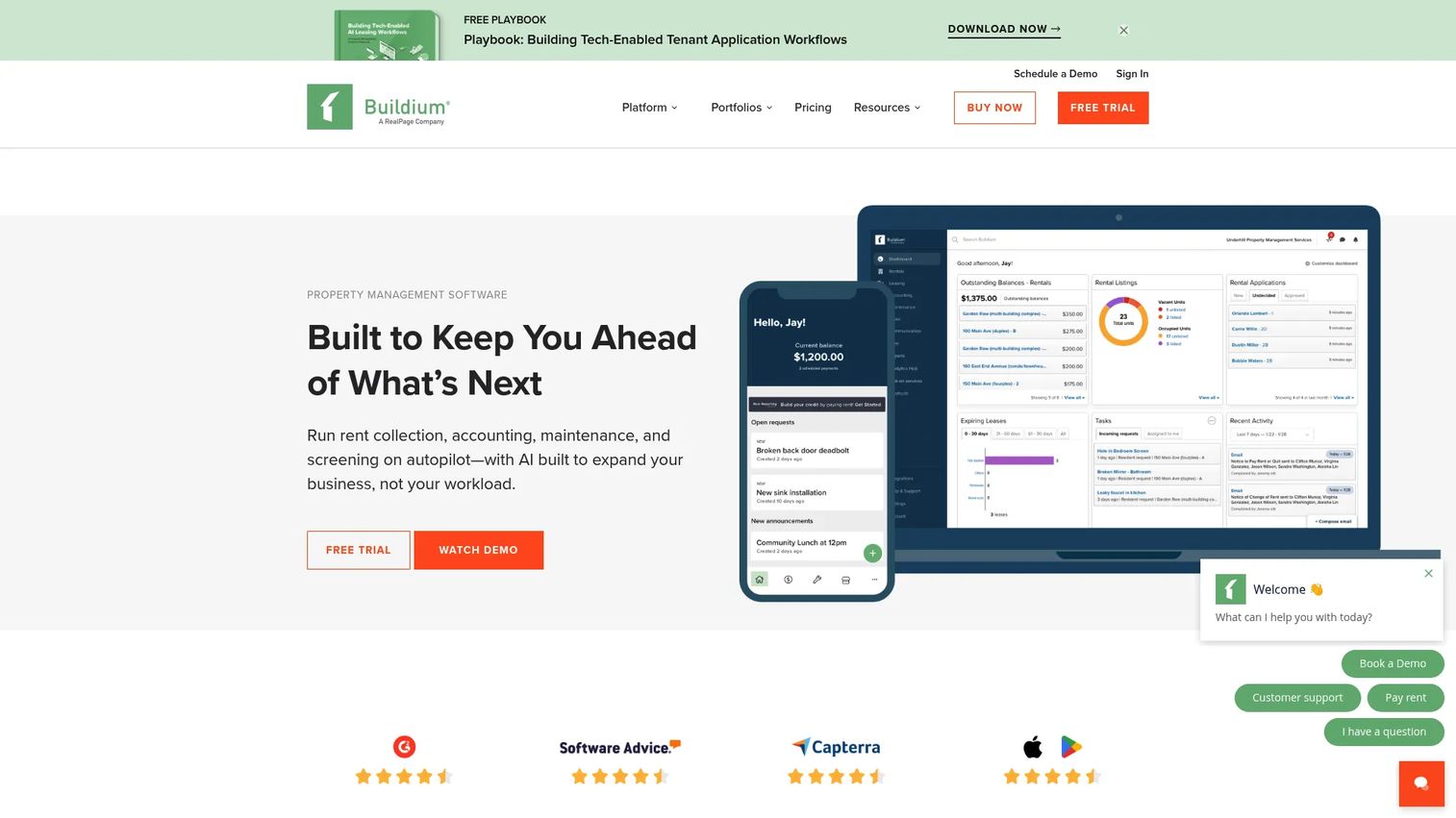
Buildium is a cloud-based property management system built for real estate professionals who want straightforward, wide-adoption functionality. It covers rental listings and leasing, tenant screening, rent collection, and property accounting in one place, with tenant and owner portals that keep communication and payments organized. It is a common first serious platform for operators graduating from spreadsheets.
Best for: Property managers needing an all-in-one platform for leasing, accounting, payments, and maintenance.
Key strengths
- Core accounting and operations: General ledger, rent collection, and property accounting cover day-to-day finances.
- Tenant and owner portals: Self-serve access for payments, requests, and statements reduces manual back-and-forth.
- Leasing and screening: Rental listings, tenant screening, and lease workflows sit in the same system.
Why choose Buildium: Buildium fits operators who want proven, no-drama functionality with wide adoption behind it. It is a strong match for growing portfolios that need dependable core operations without enterprise complexity or a lengthy implementation.
Buildium pricing: Buildium publishes three plans: Essential at $62/month, Growth at $192/month, and Premium at $400/month, all billed monthly. There is no free tier, but the site offers a free 14-day trial. Higher tiers unlock more units and advanced features. Buildium holds a 4.4/5 rating on G2.
3. DoorLoop
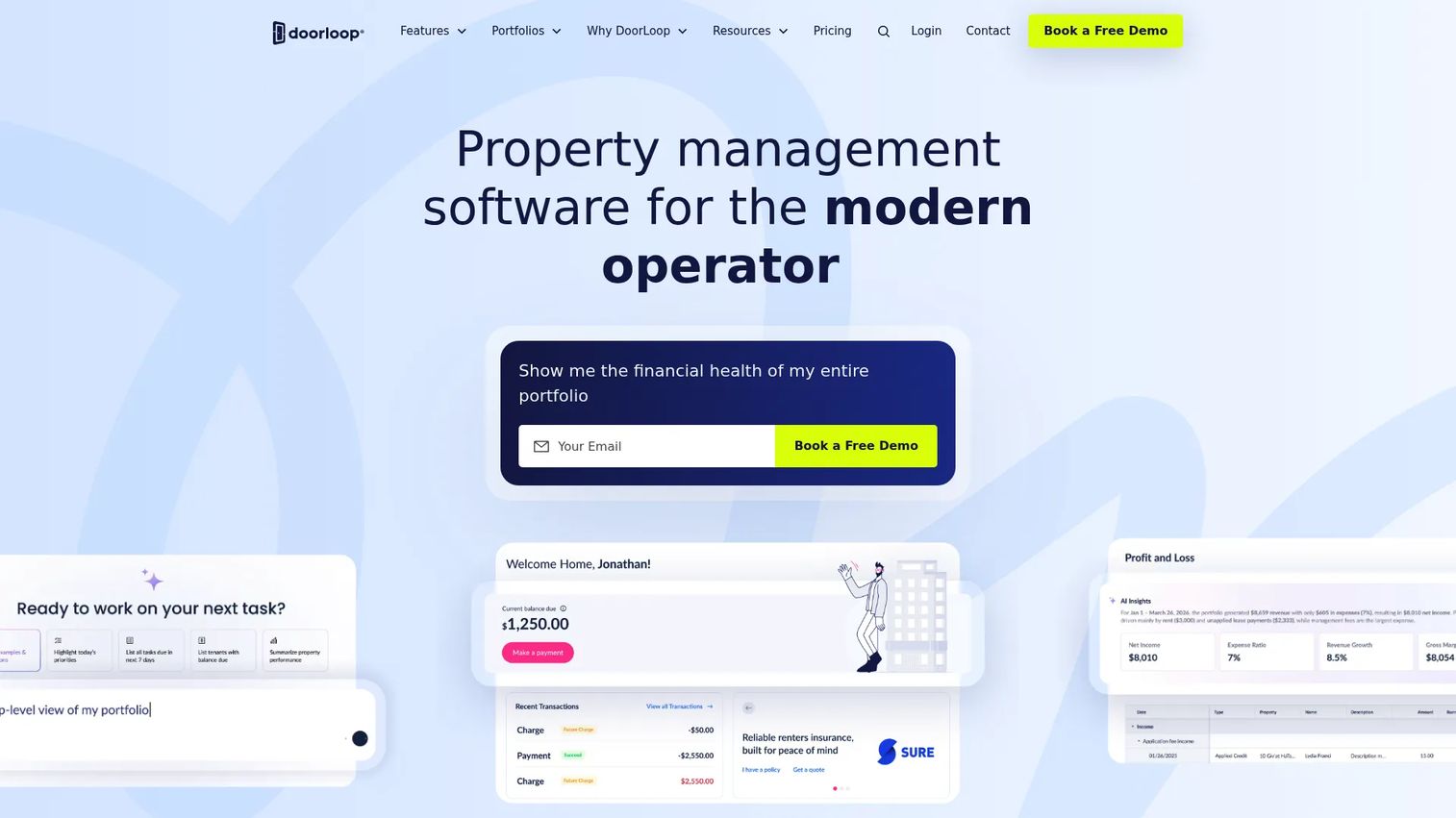
DoorLoop is a cloud-based property management platform for landlords, property managers, and investors who want modern workflows without a steep learning curve. It combines accounting and bookkeeping, leasing with e-signatures and listings, screening, a tenant portal, an owner portal, a mobile app, and built-in automations. The usability and support experience are what most reviewers call out first.
Best for: Small to mid-sized property managers needing an all-in-one rental operations platform.
Key strengths
- Ease of use: A clean interface and quick setup make it approachable for smaller teams and solo managers.
- Leasing and screening: Online leases, e-signatures, listings, and screening run in one flow.
- Mobile and automation: A mobile app plus CRM and workflow automations keep rent collection and maintenance moving.
Why choose DoorLoop: DoorLoop suits smaller teams and growth-minded managers who want a modern, mobile-first experience without paying enterprise prices. The strong support reputation and clean workflows make it a comfortable step up from manual processes.
DoorLoop pricing: DoorLoop starts at $69/month for the Starter plan, covering the first 10 units, billed yearly. The Pro plan runs $149/month billed yearly, and a Premium plan sits above it with feature and support differentiation. There is no free tier. DoorLoop holds a 4.8/5 rating on G2, the highest in this roundup.
4. Innago
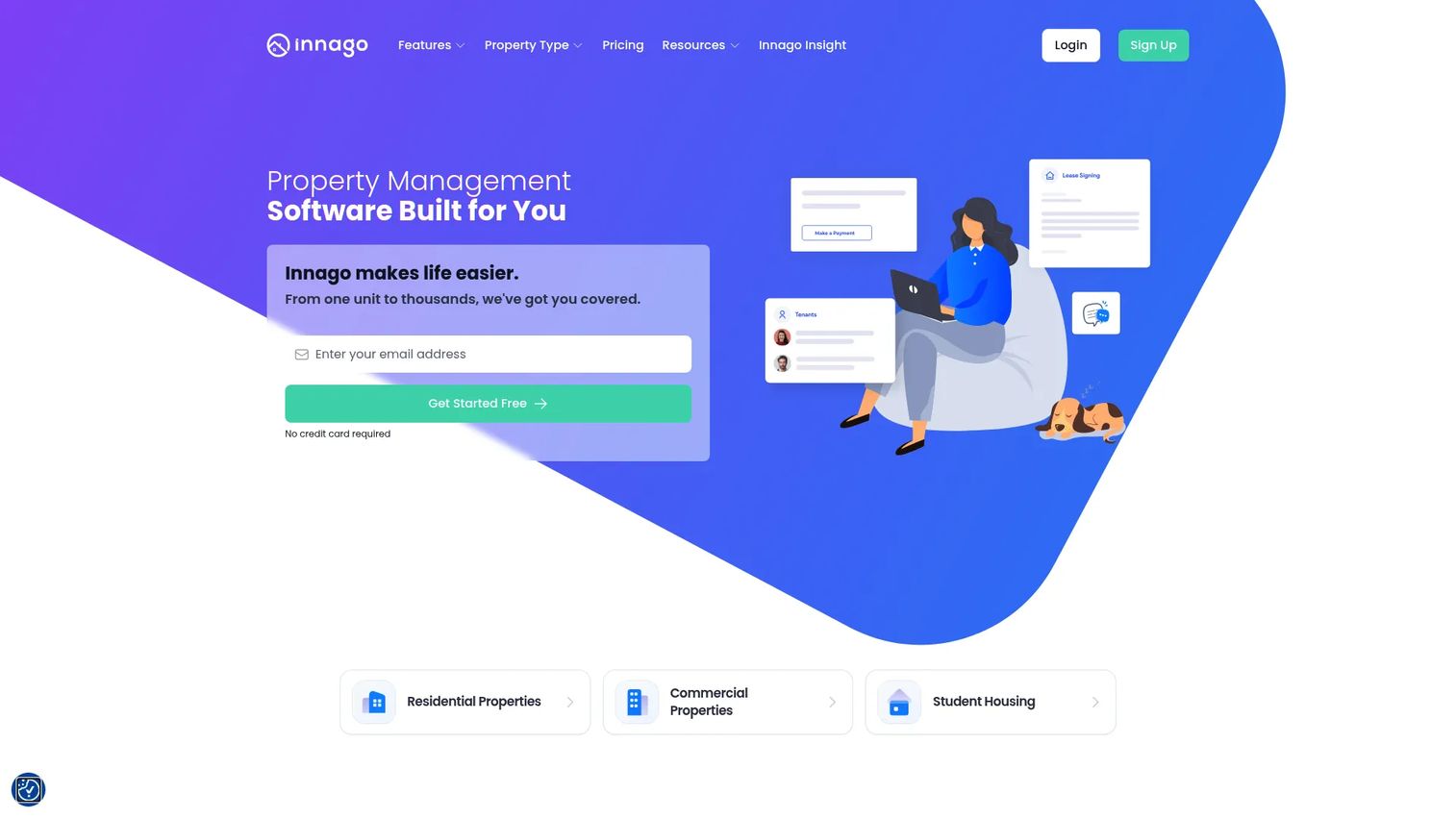
Innago is free property management software for landlords and property managers who want to cover the essentials without a monthly bill. It handles online rent collection, tenant screening, maintenance management, digital lease signing, and tenant communication. Setup is simple, which makes it a strong starting point for independent landlords testing whether software beats their current spreadsheet.
Best for: Independent landlords and property managers seeking a free all-in-one rental management tool.
Key strengths
- Free to use: No monthly fee, no setup fee, and no contract, with all features included.
- Rent and applications: Online rent collection, applications, screening, and digital leases cover the core rental cycle.
- Maintenance and communication: Maintenance requests and tenant chat keep day-to-day operations in one place.
Why choose Innago: Innago is the best low-cost entry point for budget-conscious landlords. It carries lighter portfolio-level depth than enterprise platforms, which is exactly the point: independent landlords get the core workflows they need without paying for features built for thousands of doors. As your portfolio grows, you can reassess.
Innago pricing: Innago is free. The company states there is no monthly fee, no setup fee, and no contract, and all features are included at no cost. Innago holds a 4.8/5 rating on G2, matching the top of this list.
5. Yardi Breeze
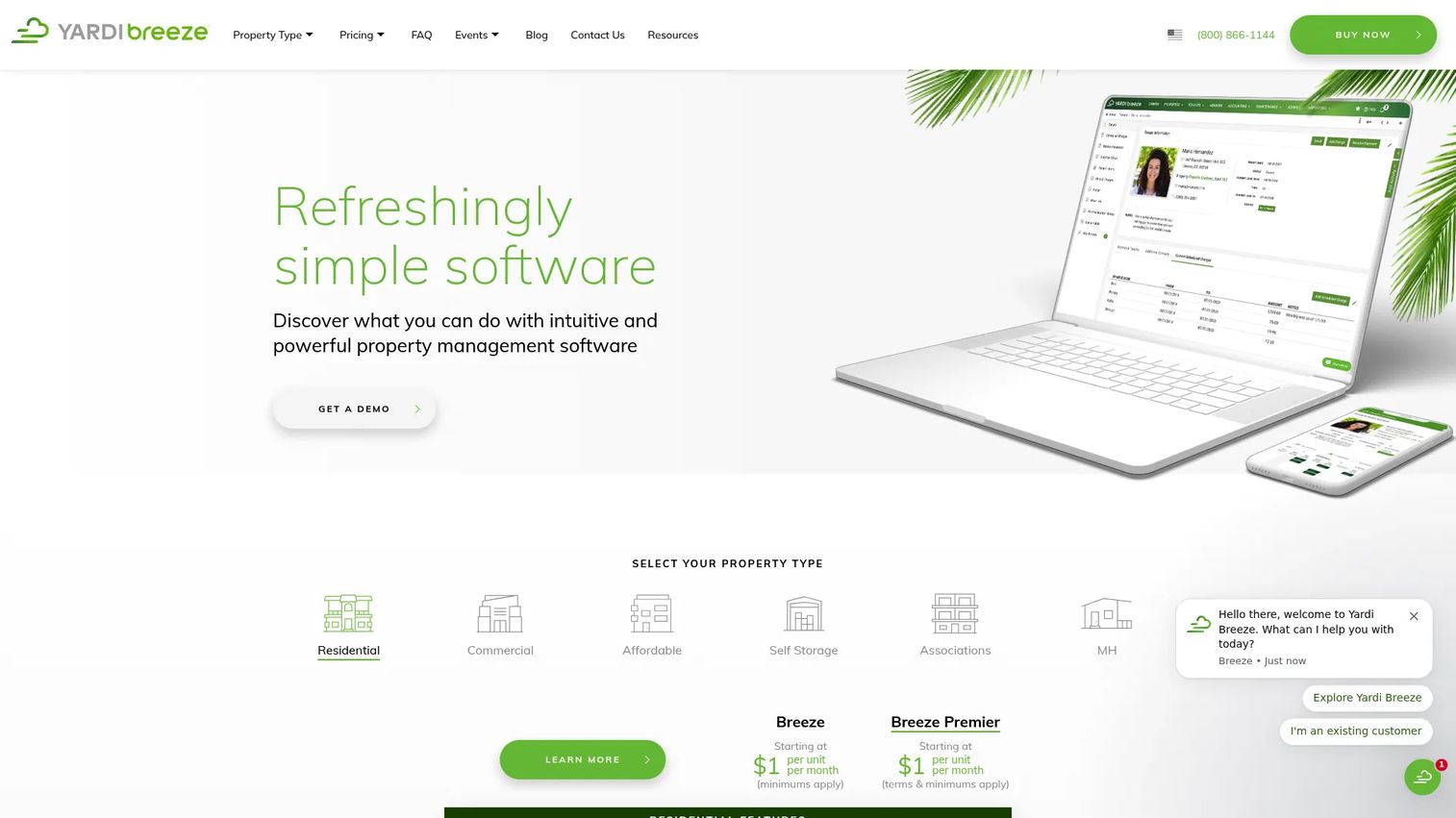
Yardi Breeze is cloud-based property management software for both residential and commercial portfolios, built for small to mid-sized operators who want solid accounting without heavy complexity. It covers property accounting, online payments, and maintenance tracking, and its residential-plus-commercial coverage makes it one of the more flexible commercial property management software options at this price point.
Best for: Small to mid-sized property managers needing an all-in-one cloud platform.
Key strengths
- Residential and commercial coverage: One platform handles both portfolio types, including commercial workflows.
- Accounting depth: Property accounting, online payments, and reporting cover finance needs cleanly.
- Simplicity: A streamlined setup keeps smaller operators productive without a long onboarding.
Why choose Yardi Breeze: Yardi Breeze fits operators who want dependable accounting and both residential and commercial support without enterprise overhead. The per-unit model keeps entry costs low, and the Breeze Premier tier adds depth as you need it.
Yardi Breeze pricing: Residential Breeze and Breeze Premier both start at $1/unit/month, with minimums applying. Commercial Breeze starts at $2/unit/month, and commercial Breeze Premier requires a custom quote. There is no free tier. Yardi has cited a G2 average rating around 4.0/5.
6. Propertyware
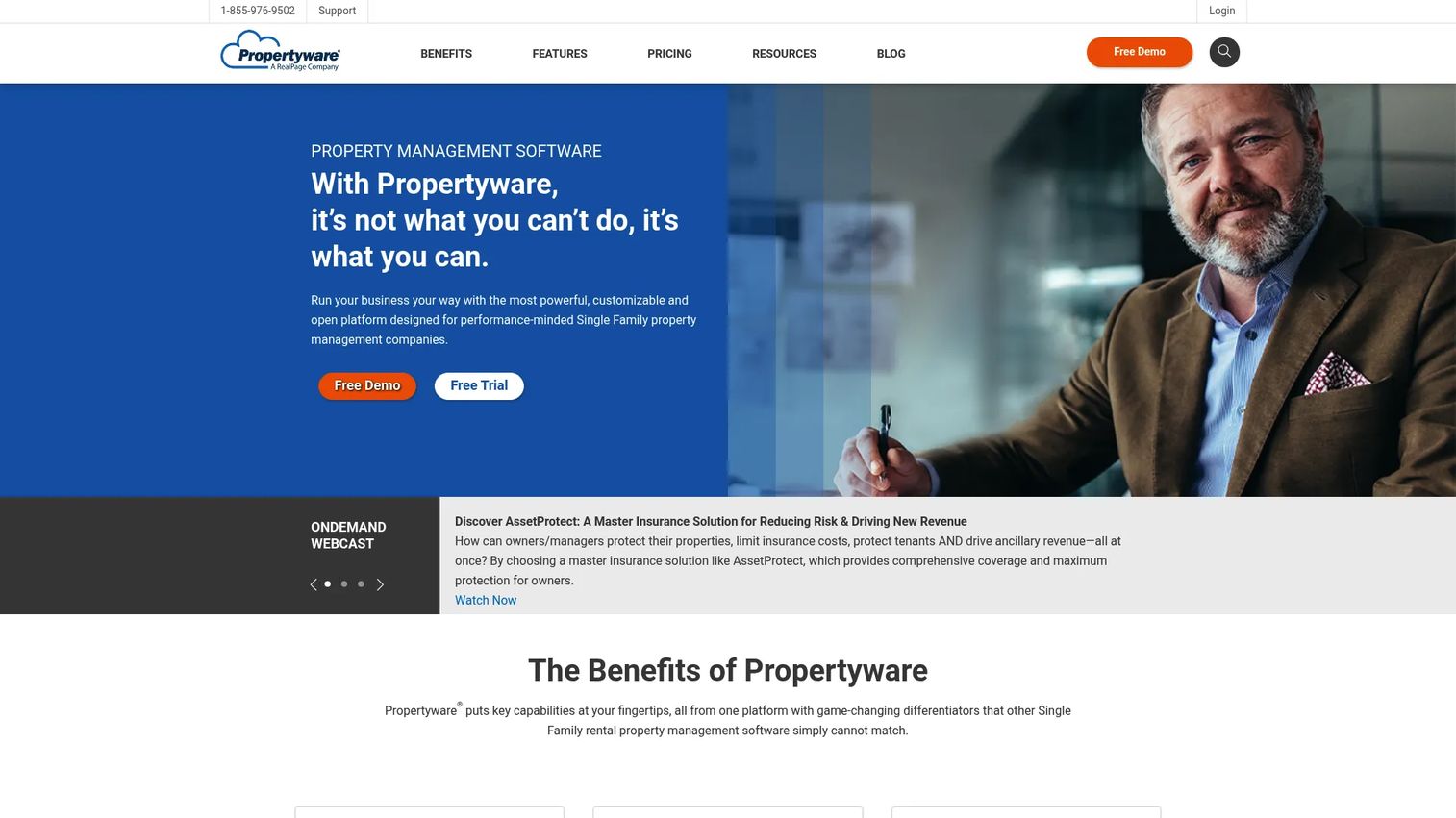
Propertyware is cloud-based property management software for residential property managers, with a particular strength in single-family portfolios that need deep configuration. It includes owner and tenant portals, accounting and reporting, tenant screening, and online payments, and its flexibility appeals to teams that want to shape the system around their own processes.
Best for: Single-family residential property managers needing customizable operations, accounting, and portals.
Key strengths
- Customization: Configurable workflows and reporting let teams tailor the system to their operation.
- Single-family focus: Built with single-family portfolio operations in mind.
- Accounting and portals: Accounting, reporting, owner and tenant portals, screening, and payments cover core needs.
Why choose Propertyware: Propertyware suits single-family teams that need flexibility and deeper configuration than out-of-the-box tools offer. The tradeoff is a heavier setup, so weigh the customization against the onboarding effort and any implementation fees.
Propertyware pricing: Propertyware bills per unit per month across three plans: Basic at $1, Plus at $1.50, and Premium at $2. Monthly minimums and implementation fees apply, so factor the startup cost into your total. There is no free tier. Propertyware holds a 3.7/5 rating on G2.
7. RealPage
RealPage is a property management software and AI-driven operations platform built for large multifamily operators and enterprise portfolios. It unifies leasing, maintenance, accounting, and portfolio performance, layers in AI automation and Lumina AI assistance, and supports multiple asset types including multifamily, student, affordable, military, and senior living. It is the option built for scale rather than simplicity.
Best for: Multifamily operators needing an enterprise property management platform.
Key strengths
- Enterprise multifamily scale: Built to run large, complex portfolios across many asset types.
- AI-driven workflows: AI automation and Lumina AI assistance streamline leasing, maintenance, and accounting.
- Portfolio performance: Unified operations and reporting give enterprise operators portfolio-wide visibility.
Why choose RealPage: RealPage is the strongest fit for large operators who need enterprise-grade automation, security, and portfolio-scale operations. Smaller operators will likely find it heavier than they need, but at enterprise scale, that depth is the point.
RealPage pricing: RealPage uses custom pricing for its OneSite platform, tailored to each portfolio. There is no public starting price; you contact sales for a quote based on your asset types and unit count. RealPage holds a 3.8/5 rating on G2.
Considerations before you buy
Portfolio size
Match platform complexity to portfolio maturity. A landlord with a handful of units does not need enterprise infrastructure, and paying for it slows you down. Conversely, a fast-growing operator who buys too light will hit a wall and face a painful migration. Buy for where you will be in 18 months, not five years, so you avoid overbuying enterprise tools too early.
Property type
Single-family, multifamily, commercial, HOA, student housing, and affordable housing each carry distinct accounting and compliance requirements. Commercial workflows need CAM reconciliation; affordable housing needs compliance reporting; student housing needs by-the-bed leasing. Vertical fit matters because a tool built for the wrong property type forces workarounds that erase the efficiency you bought it for.
Pricing model
Compare per-unit, flat monthly, and quote-based approaches against your unit count. Per-unit pricing scales cleanly for small portfolios but can climb fast at volume. Flat monthly plans reward density. Quote-based enterprise pricing often bundles onboarding and support. Always ask about implementation fees and monthly minimums, which change the real total more than the headline number suggests.
Accounting depth
Finance teams care about cash flow tracking, reconciliation, and reporting, not just basic bookkeeping. Distinguish tools that log transactions from tools that run a full general ledger with owner statements and bank reconciliation. If your accounting is portfolio-level, verify the platform handles trust accounting and the reports your owners and auditors expect.
Integrations and automation
The stack matters as much as the interface. Check for connections to accounting, screening, payments, marketing, and data syncs so information moves without manual re-entry. AI automation for reminders, categorization, and follow-ups is increasingly standard and worth weighing. A clean integration layer often saves more time than any single feature. Our guide to marketing resource management software covers the same integration-first thinking.
Security and compliance
Data access controls, audit trails, and compliance expectations matter more as your team grows. Verify who can see what, whether the platform logs changes, and how it handles sensitive tenant and financial data. For larger operators, trust signals like certifications and clear data-handling policies carry real weight. Teams that scrutinize this closely often apply the same rigor covered in our roundups of audit management software and AI security posture management tools.
Conclusion
The best property management software depends on your portfolio, not a leaderboard. Here is the short version:
- AppFolio for all-around scale and an all-in-one platform.
- Buildium for broad adoption and dependable core operations.
- DoorLoop for usability and modern, mobile-first workflows.
- Innago for budget-conscious independent landlords.
- Yardi Breeze for commercial and smaller operators who want accounting depth.
- Propertyware for single-family teams that need customization.
- RealPage for enterprise multifamily complexity.
Start by pinning down two things: how many units you manage and what property types you run. Then map your biggest workflow pain, whether that is rent collection, accounting, or maintenance, to the tools above. Shortlist two or three, run your actual workflows through a trial or demo, and confirm current pricing before you sign. The right property management systems pay for themselves in the manual hours they remove. If you want to see how operators evaluate adjacent operational categories with the same discipline, our guides to loyalty management software and component content management systems are worth a read.
FAQs
Property management software is a platform that helps landlords, owners, and property managers run rental operations from one place. It typically covers rent collection, lease management, maintenance requests, accounting, and tenant and owner communication, replacing the mix of spreadsheets and standalone apps most operators start with.
Pricing ranges from free to per-unit monthly to custom enterprise pricing. Some platforms are free for independent landlords, others charge per unit or a flat monthly fee, and enterprise tools use quote-based pricing. Implementation fees, monthly minimums, and add-on charges can change the total cost more than the headline price, so factor them in.
Focus on rent collection, tenant and owner portals, maintenance requests, accounting and reporting, tenant screening, listing syndication, and integrations. The right mix depends on your property type and portfolio size. A single-family manager and a commercial operator weigh these features differently, so prioritize the ones tied to your actual workflows.
There is no single best tool; it depends on portfolio size and complexity. A simple framework: independent landlords lean toward free or low-cost options like Innago, growing portfolios fit Buildium or DoorLoop, commercial operators fit Yardi Breeze, and enterprise multifamily fits RealPage or AppFolio. Match the platform to your units and property types first.
For most small landlords, yes. Automation saves real time on rent collection, screening, and maintenance requests, which adds up even across a handful of units. Free or low-cost options can be enough for smaller portfolios, so you can capture the time savings without a meaningful monthly cost.
Some platforms handle commercial properties well, while others are built mainly for residential portfolios. Commercial workflows like CAM reconciliation and percentage rent need specific accounting support. Verify that a platform handles commercial lease and accounting workflows before you commit, rather than assuming residential features cover it.
Build a checklist covering portals, tenant screening, maintenance requests, accounting, integrations, and mobile access, then score each tool against it. Weight the criteria by what matters most for your portfolio. The most reliable step is testing your actual workflows in a trial or demo, not just reading feature lists, since real use surfaces gaps a spec sheet hides.
Cloud based property management software runs in the browser, updates automatically, and needs no local servers to maintain. On-prem software installs on your own hardware and requires manual upkeep. Most modern buyers prefer cloud-based platforms for the lower maintenance and anywhere access, which is why cloud deployments now make up the majority of the market.