Your queue is full of the same five questions. "How do I reset my password?" "Where do I change my billing?" "How do I export my data?" Your agents answer them again, and again, and again. The docs that should deflect these tickets sit unread because nobody wants to scroll through a wall of text and stale screenshots.
This is the quiet tax on most support teams. Reactive loops eat the hours you wanted to spend on hard problems, and ticket volume climbs as your user base grows.
The numbers back up the pressure. According to Salesforce, 30% of service cases were resolved by AI in 2025, and 88% of service leaders say conversational AI accelerates resolution times. That shift is changing what good customer service software looks like. The platform you pick now decides whether you scale support with headcount or with automation.
Self-service is no longer optional either. Roughly 72% of customers have already used self-service portals, per a 2026 customer service benchmark roundup from AnswerConnect. The tools below were built to meet that expectation, deflecting routine questions before they reach a human and routing the rest faster. Many teams pair these platforms with interactive demos to give customers a clickable path through common tasks.
The right customer service software lowers ticket volume, shortens time-to-resolution, and gives agents room to breathe. The wrong one adds a tab and a per-seat bill without moving a single metric. This guide is about telling the two apart.
What's inside
This guide is written for SaaS support leaders and ops: Heads of Support, Customer Support Managers, Support Team Leads, and Support Operations who own the queue, the help center, and the macros.
We evaluated each customer support software tool through four lenses that matter to support teams specifically:
- Deflection capability: self-service, knowledge base, and chatbot depth.
- Ticketing and routing: workflow fit, automation, and AI assist.
- Integrations: CRM, ecommerce, Slack, and analytics connectivity.
- Pricing transparency: verified entry tiers, free plans, and trials.
Every pricing figure and G2 rating was checked against live vendor pages in June 2026.
TL;DR
Short on time? Here are the fast picks from the list below.
- Best overall for scaling SaaS support teams: Zendesk, for omnichannel AI and depth.
- Best feature-to-price ratio: Freshdesk, with strong automation at mid-market pricing.
- Best free tier: Help Scout, with a genuinely usable free plan for small teams.
- Best for ecommerce support: Gorgias, built around Shopify order data.
- Best for AI-first deflection: Intercom, with the Fin AI agent resolving routine tickets.
- Best for enterprise on Salesforce: Salesforce Service Cloud, now Agentforce Service.
- Best for shared-inbox collaboration: Front, for email-heavy, cross-team queues.
What is customer service software?
Customer service software is a platform that centralizes, tracks, and resolves customer inquiries across channels, combining ticketing, omnichannel messaging, self-service, automation, and analytics in one system.
Sometimes called a customer service platform, help desk, or customer care software, it gives support teams one workspace instead of scattered inboxes and spreadsheets. A modern customer service management software tool covers the full lifecycle of a request: capture, route, resolve, and measure.
Most platforms today are cloud-based customer service software, so there is nothing to host and updates ship automatically. That matters because support volume rarely stays flat, and a cloud customer service system scales seats and storage without an IT project.
Here are the core features support teams should expect from any customer service platform:
- Omnichannel support: email, live chat, phone, social, and messaging in one inbox.
- Ticketing and case management: every request tracked from open to resolved.
- Routing and escalation: rules, skills-based assignment, and SLAs that move work to the right agent.
- Self-service: knowledge base, help center, customer portal, and FAQs.
- AI and automation: AI agents, copilots, macros, and triggered workflows.
- Reporting and analytics: CSAT, first-contact resolution, handle time, and deflection rate.
- Integrations and CRM connectivity: links to your CRM, ecommerce, Slack, and analytics stack.
The strongest customer service systems treat these as one connected workflow, not a stack of disconnected modules. That connection is what turns a busy queue into a measured, improvable operation, and it is why customer service tracking software has become a core part of the support stack rather than a nice-to-have. The same logic applies to your knowledge base software, where self-service content lives.
When to use customer service software
Not every team needs a full customer support platform on day one. Here is how to know it is time.
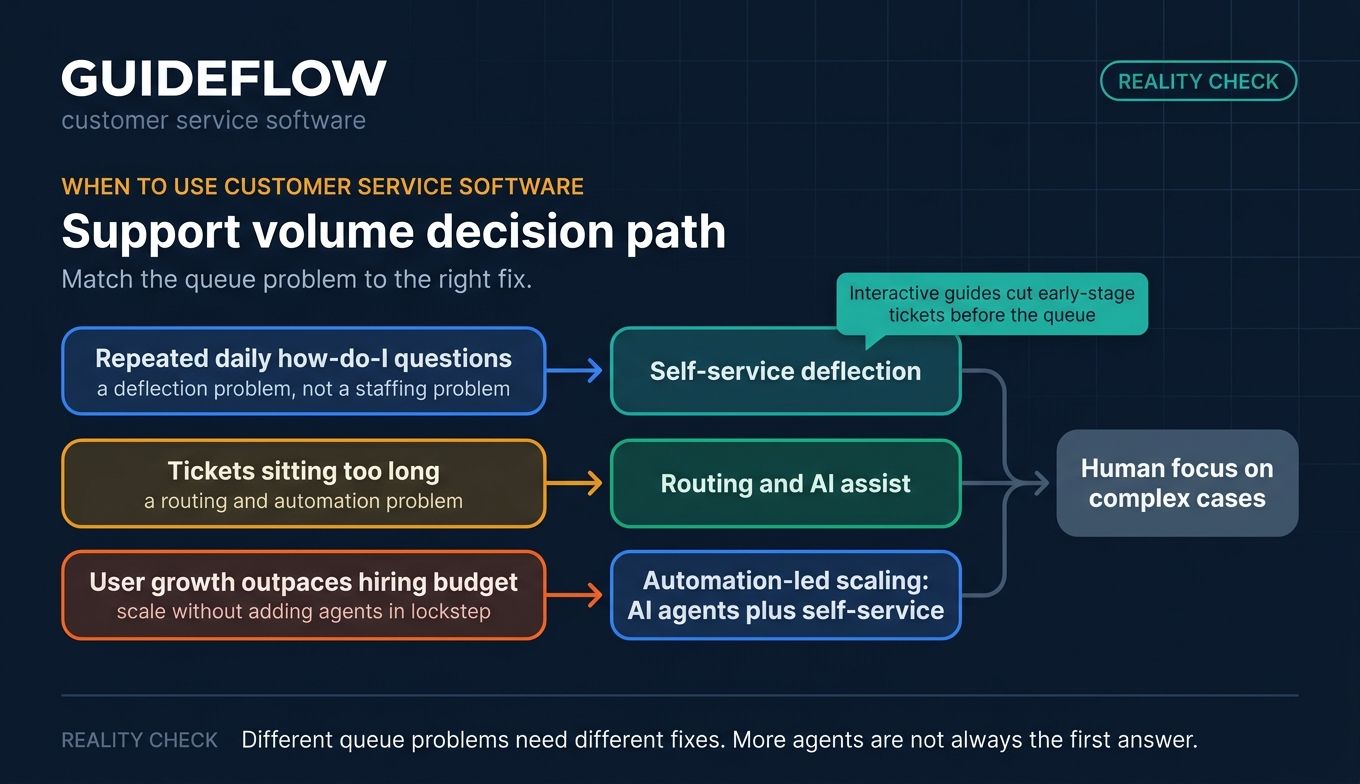
Deflect repetitive tickets before they reach the queue
When the same "how do I" questions repeat daily, you have a deflection problem, not a staffing problem. A strong help center, chatbot, and self-service portal answer those questions without an agent. Text-heavy docs only deflect when customers actually read them, which is where interactive guides work best: embedded in help center articles and ticket replies, they let a customer follow a clickable walkthrough of the exact steps instead of parsing a paragraph. Paired with your help desk's knowledge base, these guided walkthroughs give visual learners a self-serve path and complement the articles and chatbot flows you already run.
Shorten time-to-resolution on incoming tickets
When tickets that do reach an agent sit too long, routing and automation are the fix. Skills-based assignment puts the right ticket in front of the right person. Macros, saved replies, and an AI copilot draft answers so agents stop retyping the same response. Digital customer service software earns its cost here, by cutting average handle time on the tickets you cannot deflect.
Scale support without scaling headcount
When your user base grows faster than your hiring budget, automation carries the load. AI agents resolve routine cases end to end, self-service absorbs the easy questions, and your humans focus on the hard ones. This is the point where a cloud-based customer service platform pays for itself, because you add users without adding agents in lockstep. A strong user onboarding flow can also reduce the volume of early-stage tickets before they ever hit the queue.
Customer service software comparison
Here is a side-by-side view of the ten tools below, sorted by relevance to SaaS support teams. Pricing and G2 ratings were verified against live vendor pages in June 2026. All prices are per agent or seat per month unless noted.
| # | Product | Intent | Key use case | Pricing | G2 rating |
|---|---|---|---|---|---|
| 1 | Zendesk | Scaling SaaS support teams | Omnichannel AI service at depth | From $19/agent/mo (yearly); no free tier | 4.3/5 |
| 2 | Freshdesk | Mid-market support teams | Strong automation at fair pricing | From $19/agent/mo (yearly); free program | 4.4/5 |
| 3 | Zoho Desk | Budget-conscious / Zoho users | Configurable help desk with AI | Tiered (region-priced); free edition | 4.4/5 |
| 4 | Help Scout | Small-to-mid SaaS teams | Simple shared inbox plus docs | From $25/user/mo; free plan | 4.4/5 |
| 5 | HubSpot Service Hub | Teams already on HubSpot | CRM-native ticketing | Free; paid from $15/seat/mo | 4.4/5 |
| 6 | Front | Collaborative, email-heavy teams | Shared inbox plus collaboration | From $25/seat/mo; no free tier | 4.7/5 |
| 7 | Gorgias | Ecommerce / DTC support | Shopify-integrated support | From $10/mo (ticket-based); no free tier | 4.6/5 |
| 8 | Intercom | AI-first SaaS support | Messaging plus Fin AI deflection | From $29/seat/mo + Fin usage | 4.5/5 |
| 9 | Salesforce Service Cloud | Enterprise on Salesforce | CRM-integrated AI service | From $25/user/mo; no free tier | 4.4/5 |
| 10 | LiveAgent | SMB all-in-one channels | Multichannel help desk | From $15/agent/mo (yearly); no free tier | 4.5/5 |
1. Zendesk
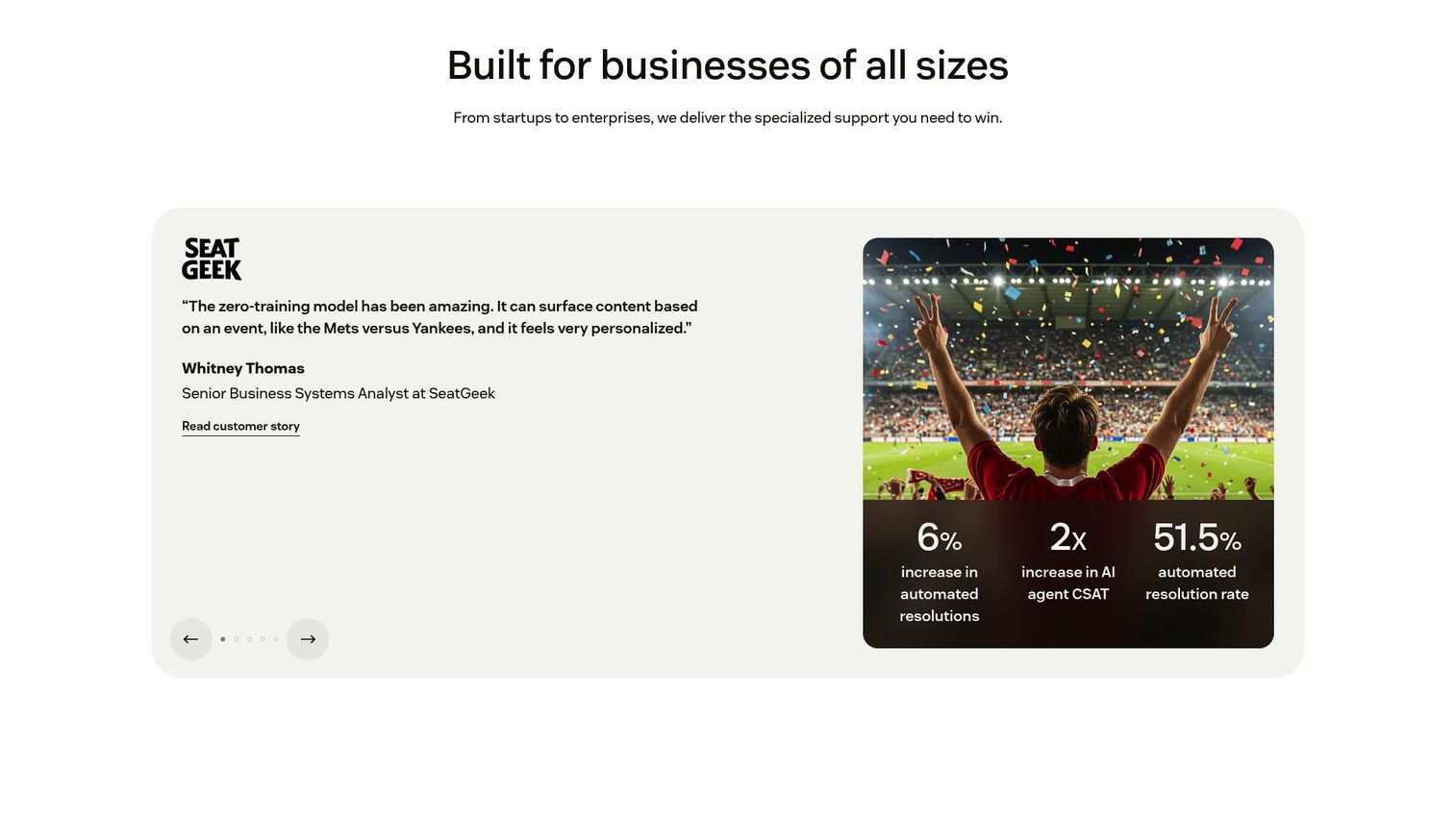
Zendesk is an AI-powered customer service platform for managing support across email, messaging, phone, social, and more in a single workspace. It pairs ticketing with a knowledge base, AI agents, agent copilot, omnichannel routing, and analytics. For support teams that have outgrown a shared inbox, Zendesk is the default scale-up choice. You can explore a Zendesk product walkthrough to see how it presents support workflows.
Best for: Customer support teams that need scalable, AI-assisted omnichannel service operations with ticketing, knowledge, automation, and reporting.
Key strengths
- Omnichannel ticketing: every channel lands in one workspace, so context follows the customer.
- AI agents and copilot: automate routine resolutions and draft replies for agents in real time.
- Knowledge and self-service: a built-in knowledge base that serves agents, AI, and customers.
Why choose Zendesk: Pick Zendesk when ticket volume and channel sprawl have outpaced a lightweight tool. Its depth in routing, reporting, and AI is built for teams measuring deflection rate and first-contact resolution at scale. Smaller teams may find it more platform than they need, but growing support orgs grow into it.
Zendesk pricing: Plans start with Support Team at $19 per agent per month paid yearly for email and ticketing essentials. Suite Team is $55 per agent per month and adds AI agents, knowledge base, omnichannel routing, messaging, and telephony. Suite Professional is $115 per agent per month, and Suite Enterprise plus Copilot is sales-priced. There is a 14-day free trial but no ongoing free tier.
2. Freshdesk
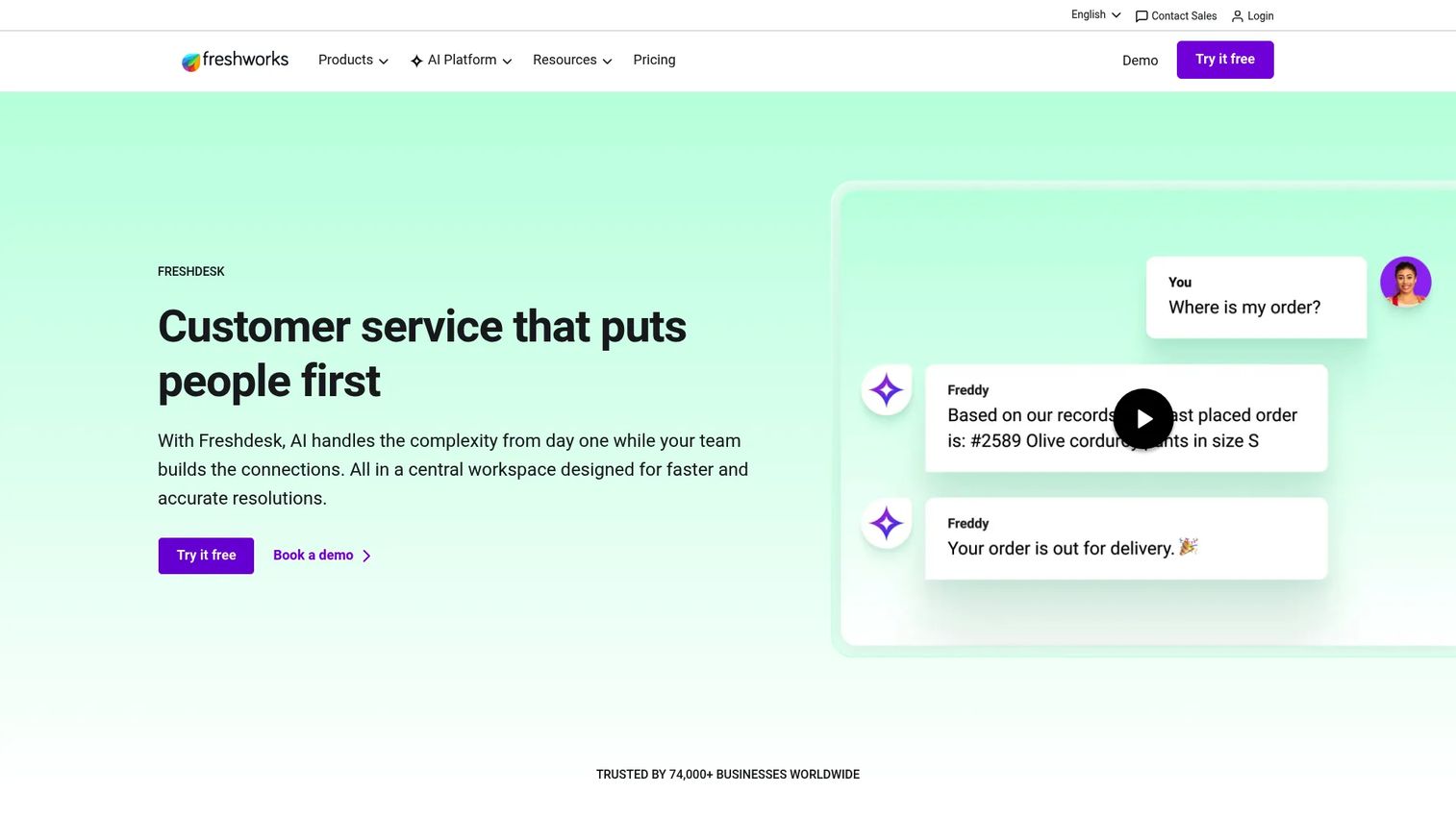
Freshdesk is an AI-powered customer service platform that centralizes support conversations, ticketing, customer insights, and automation in one workspace. Its Command Center gives agents a single view, while Freddy AI handles summaries, suggested replies, and self-service. It hits a sweet spot for teams that want serious features without enterprise pricing.
Best for: Customer support teams that need AI-assisted ticketing, self-service, automation, and centralized customer service workflows.
Key strengths
- Advanced ticketing: routing, prioritization, SLAs, and skills-based assignment in one flow.
- Freddy AI: an AI agent, copilot, and insights layer that drafts and deflects.
- Self-service portal: a knowledge base and customer portal to absorb routine questions.
Why choose Freshdesk: Freshdesk fits mid-market support teams that want strong automation and self-service without paying top-tier rates. The workflow tooling for routing and SLAs is genuinely deep at the Pro tier. Teams already in the Freshworks ecosystem get extra leverage from shared data.
Freshdesk pricing: The Growth plan starts at $19 per agent per month billed annually and includes ticketing, a customer portal, and reporting. Pro is $55 per agent per month and adds custom objects, advanced ticketing, and routing. Enterprise is $89 per agent per month. Freshworks also displays a free program of $0 for 1 to 2 agents for 6 months.
3. Zoho Desk
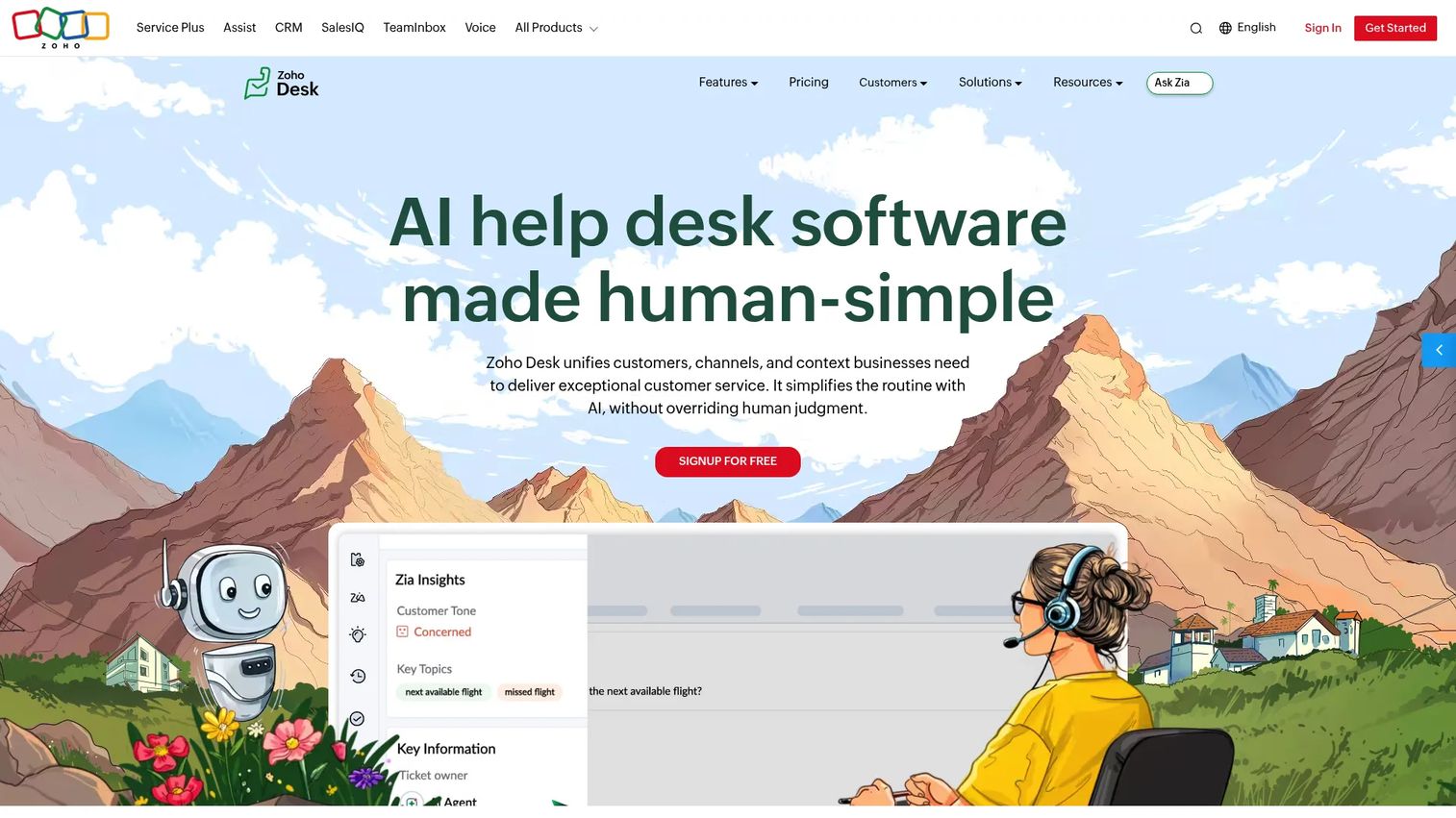
Zoho Desk is a customer service help desk platform for managing omnichannel support, self-service, automation, AI assistance, and reporting. It covers email, social, live chat, telephony, and web forms, with Blueprint workflows to enforce process. For teams watching budget or already in the Zoho ecosystem, it is a strong, configurable fit.
Best for: Support teams that need a configurable, fairly priced help desk with omnichannel ticketing, self-service, automation, AI, and Zoho ecosystem integrations.
Key strengths
- Omnichannel ticketing: email, social, instant messaging, live chat, telephony, and web forms.
- Blueprint automation: workflows, round-robin assignment, escalations, and webhooks.
- Self-service: a knowledge base plus the ASAP widget for in-context help.
Why choose Zoho Desk: Zoho Desk suits budget-conscious teams that still want process depth like blueprints and multi-department routing. The value gets stronger if you already run other Zoho apps, since data and context carry across. The interface rewards teams willing to configure it to their workflow.
Zoho Desk pricing: Zoho Desk offers tiered plans from Express through Enterprise, with higher tiers adding telephony, blueprints, multi-department routing, an AI support assistant, and live chat. Enterprise also includes the Answer Bot, skill-based assignment, and a sandbox. A free edition is available, and exact pricing varies by region, so confirm the figures for your currency on the Zoho Desk pricing page.
4. Help Scout
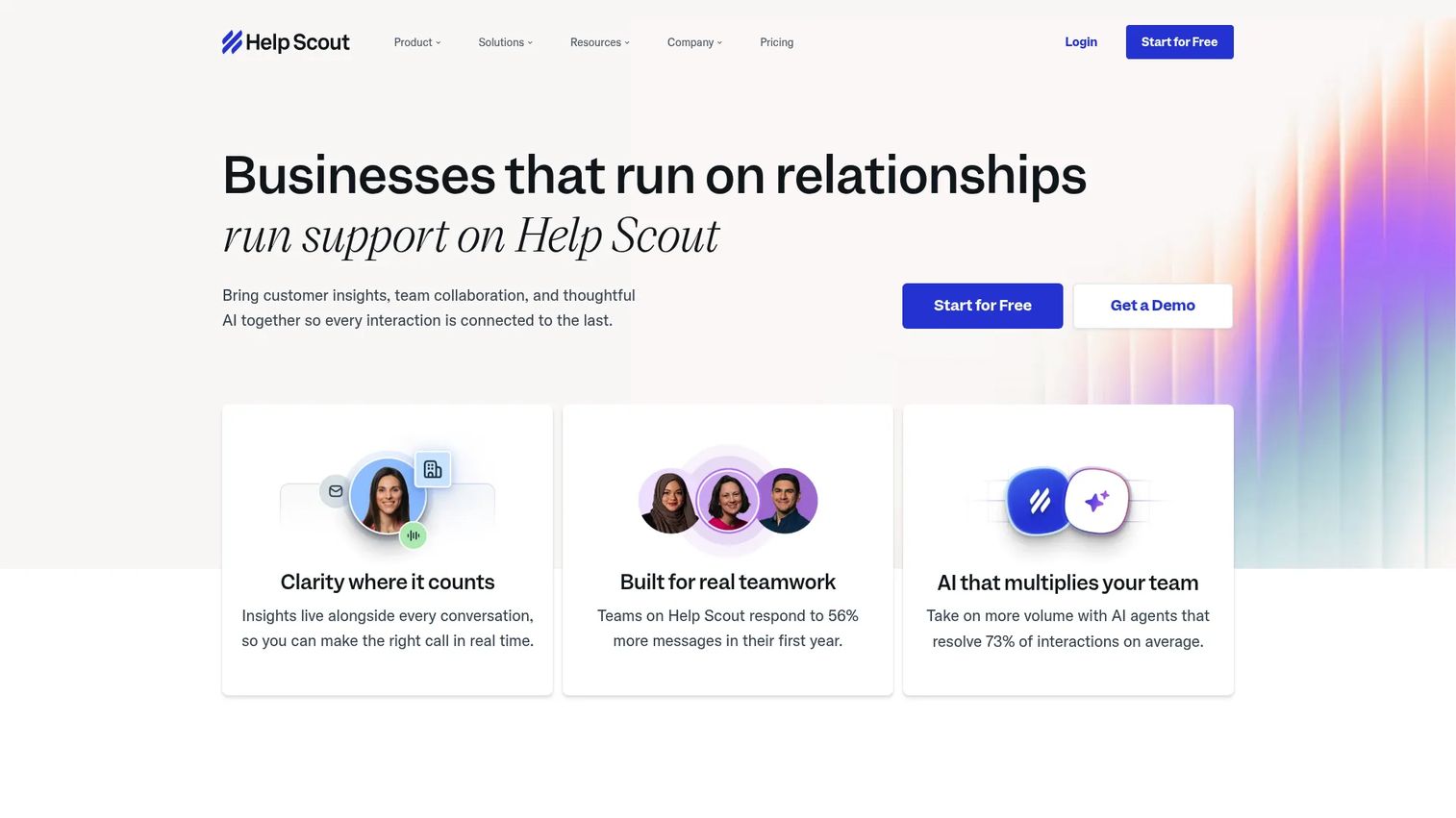
Help Scout is customer service software for managing support conversations across email, live chat, social channels, self-service, and AI-assisted support. Its shared inbox feels like email, which keeps the learning curve low. Docs and the Beacon widget round out a clean, conversational support stack.
Best for: Growing support teams that want an easy-to-use shared inbox, live chat, knowledge base, and AI self-service in one platform.
Key strengths
- Shared inbox: team collaboration on conversations without the formality of heavy ticketing.
- Beacon widget: live chat, Docs help, AI Answers, and proactive messages in-app.
- Docs knowledge base: customer-facing self-service that deflects routine questions.
Why choose Help Scout: Help Scout fits small-to-mid SaaS support teams that value simplicity over configurability. New agents are productive fast because the inbox works like email they already know. It is the tool to pick when you want help desk fundamentals without the platform overhead.
Help Scout pricing: The Standard plan starts at $25 per user per month, Plus is $45 per user per month, and Pro is $75 per user per month. A free plan is available with 5 users, 1 inbox, and 1 Docs site, which makes it one of the better free tiers on this list. AI Answers is a monthly add-on priced at $0.75 per resolution.
5. HubSpot Service Hub
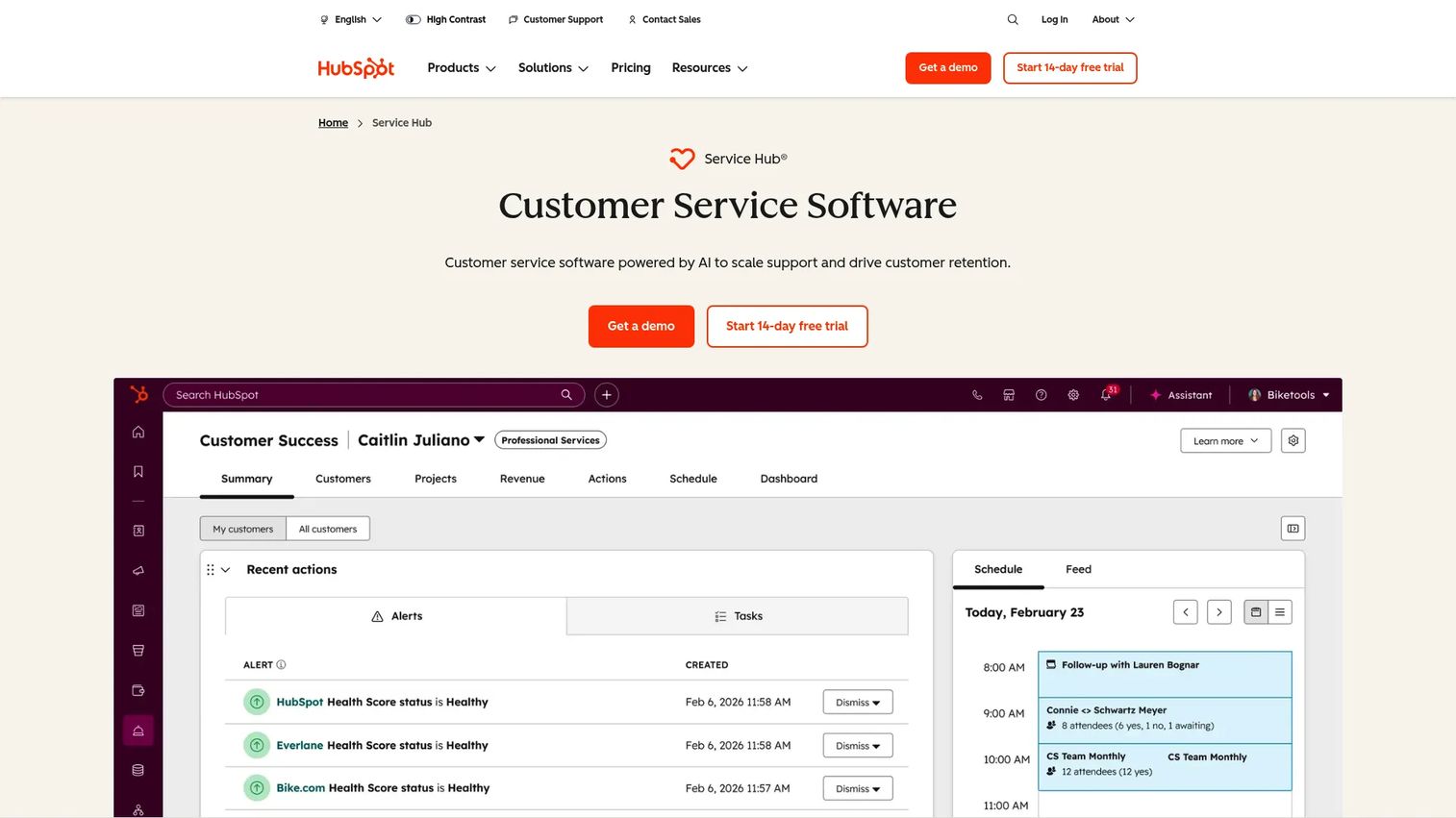
HubSpot Service Hub is customer service software for managing support, self-service, and customer success within HubSpot's customer platform. Because it sits on the HubSpot CRM, every ticket carries full customer context. For teams already running HubSpot for sales or marketing, it removes a data silo. If you are still evaluating your CRM layer, our roundup of the best CRM software can help.
Best for: Growing service teams that want CRM-connected ticketing, omnichannel support, self-service, and AI-assisted customer service in one platform.
Key strengths
- CRM-native ticketing: support tickets tied to the same record as sales and marketing.
- Knowledge base and portal: a customer portal where users track tickets and find answers.
- Feedback surveys: built-in NPS, CSAT, and CES to close the loop on quality.
Why choose HubSpot Service Hub: Choose Service Hub when your company already lives in HubSpot. The shared customer record means support sees the full relationship, not just the ticket. Teams without HubSpot elsewhere get less of this advantage, since the CRM tie-in is the main draw.
HubSpot Service Hub pricing: A free plan includes contact management, ticketing, and team email. Starter is $15 per seat per month and adds ticket automation and live chat. Professional is $100 per seat per month and adds the help desk workspace, Breeze customer agent, and knowledge base. Enterprise is $150 per seat per month and adds skill-based routing, conditional SLAs, and customer journey analytics.
6. Front
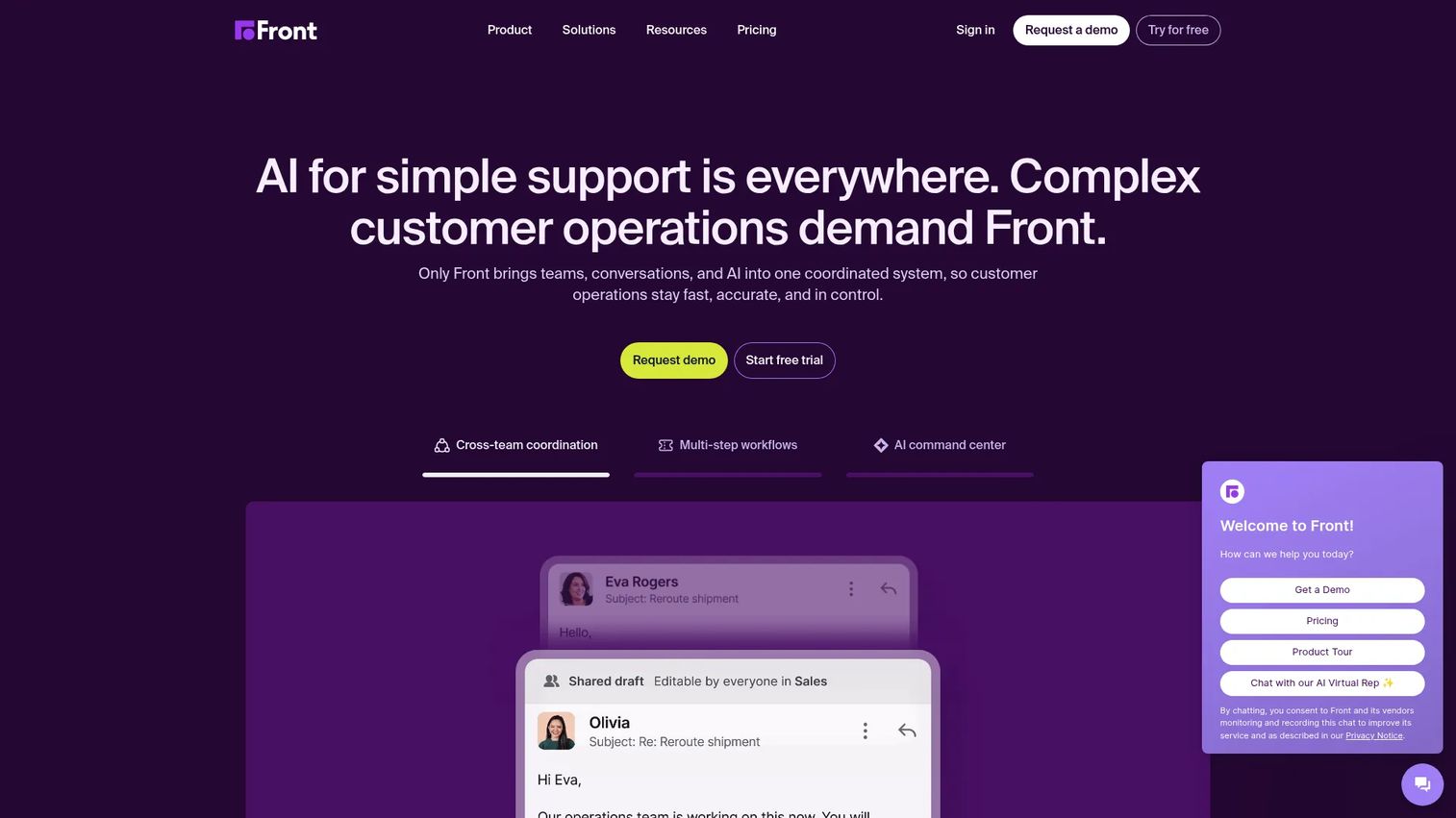
Front is an AI customer operations platform that brings teams, customer conversations, and workflows into one coordinated system. Its shared inbox model is built for collaboration, with internal comments and assignments alongside email, SMS, social, and WhatsApp. It suits teams whose support work crosses departments.
Best for: B2B customer support and operations teams managing complex, cross-team customer conversations across multiple channels.
Key strengths
- Shared inbox and ticketing: collaborate on conversations with comments and assignments.
- Omnichannel communication: email, SMS, social, WhatsApp, and more in one place.
- Workflow automation: rules, macros, analytics, and a knowledge base with AI add-ons.
Why choose Front: Front fits collaborative, email-heavy support teams that route conversations across people and departments. The internal-comment model means fewer forwarded emails and cleaner handoffs. It earns the highest G2 rating on this list, a 4.7/5, largely on usability and team collaboration.
Front pricing: The Starter plan is $25 per seat per month billed annually for up to 10 seats and includes the shared inbox, ticketing, and a public knowledge base. Professional is $65 per seat per month for up to 50 seats and adds omnichannel support, macros, and advanced analytics. Enterprise is $105 per seat per month and adds smart rules, AI Copilot, QA, and CSAT. There is no free tier.
7. Gorgias
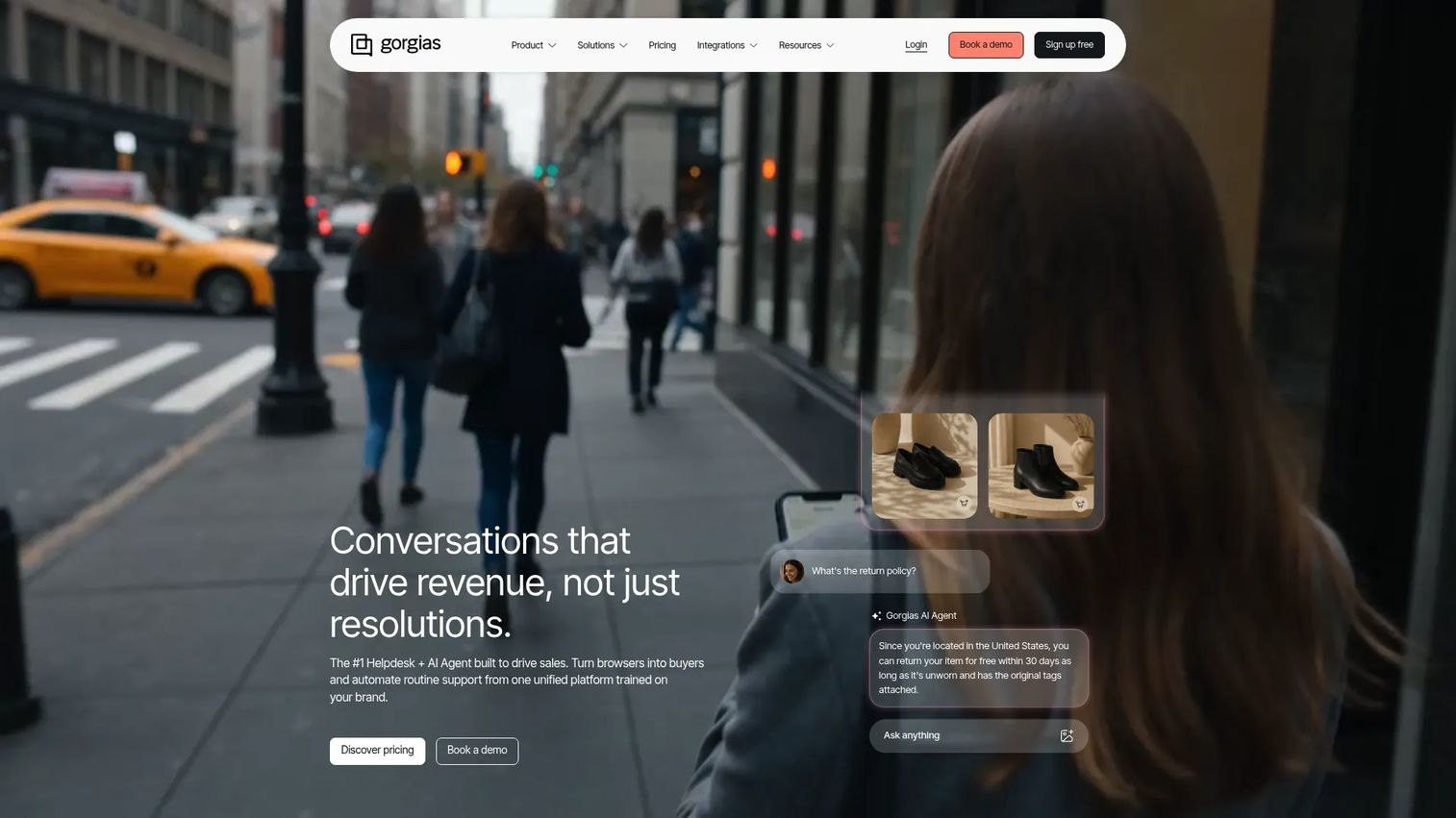
Gorgias is a conversational AI and helpdesk platform built for ecommerce customer support and sales. It pulls order, return, and customer data directly into tickets, so agents resolve "where is my order" without leaving the inbox. For DTC and ecommerce teams, that integration depth is the whole point. See how Gorgias uses Guideflow to onboard and support its own customers.
Best for: Ecommerce brands that need AI-powered omnichannel support tightly integrated with Shopify and other commerce tools.
Key strengths
- Ecommerce-native inbox: order data, timelines, and customer sidebar inside every ticket.
- AI Agent: automates order tracking, returns, FAQs, and even recommendations and upsells.
- Omnichannel support: email, live chat, social, SMS, and voice in one centralized inbox.
Why choose Gorgias: Gorgias is the clear pick for ecommerce and DTC support teams on Shopify, BigCommerce, or Magento. Order context in the ticket cuts handle time on the most common ecommerce questions. Non-ecommerce teams will not use most of what makes it valuable, so the fit is specific.
Gorgias pricing: Gorgias uses ticket-based pricing rather than per-seat. Monthly plans start at Starter for $10 covering 50 tickets, Basic at $60 for 300 tickets, Pro at $360 for 2,000 tickets, and Advanced at $900 for 5,000 tickets. Yearly billing lowers the per-ticket rate, with Basic at $50 and Pro at $300. There is a free trial but no permanent free tier.
8. Intercom
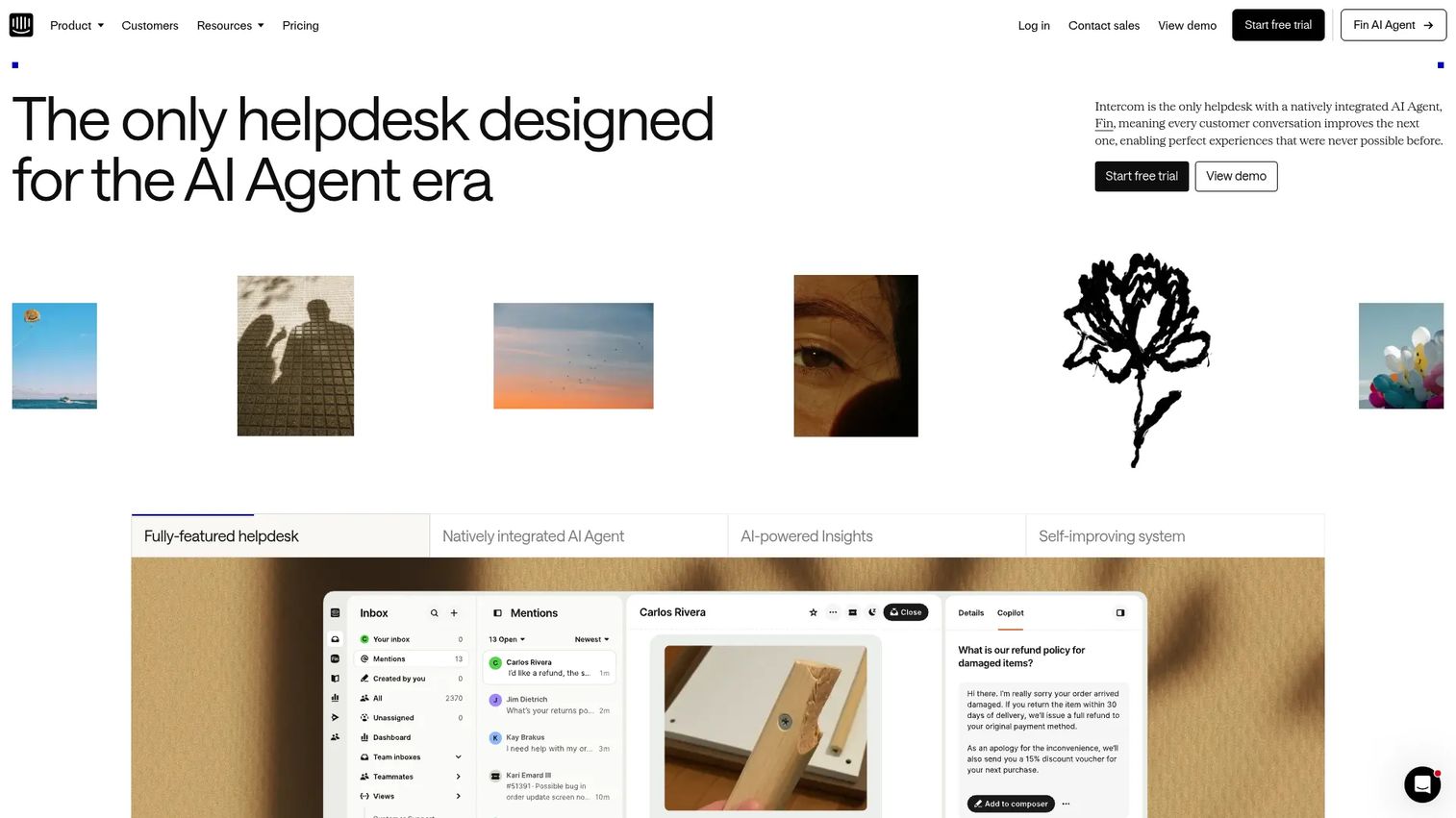
Intercom is an AI-first customer service platform that combines the Fin AI agent with inbox, ticketing, messenger, help center, automation, and reporting. It is messaging-first, which makes it a natural fit for in-product support. Fin resolves routine questions end to end, billed per resolution rather than per seat.
Best for: Customer support teams that want an AI-first helpdesk with automated resolutions, live agent workflows, omnichannel support, and help center content in one platform.
Key strengths
- Fin AI Agent: automated resolutions across service, sales, and ecommerce conversations.
- Messenger and ticketing: a shared inbox plus in-product messaging in one system.
- Help Center: public, private, and multilingual self-service to support deflection.
Why choose Intercom: Intercom fits SaaS teams that prioritize in-product messaging and AI deflection. The Fin usage model means you pay for outcomes, which can scale efficiently if Fin resolves a meaningful share of your volume. Teams should model Fin outcome costs against their ticket mix before committing.
Intercom pricing: Seat plans are Essential at $29 per seat per month, Advanced at $85, and Expert at $132, each including Fin AI Agent. Fin is priced from $0.99 per resolution outcome on top of seats. A standalone Fin AI Agent option works with an existing help desk at the same per-outcome rate. There is a 14-day free trial but no free tier.
9. Salesforce Service Cloud
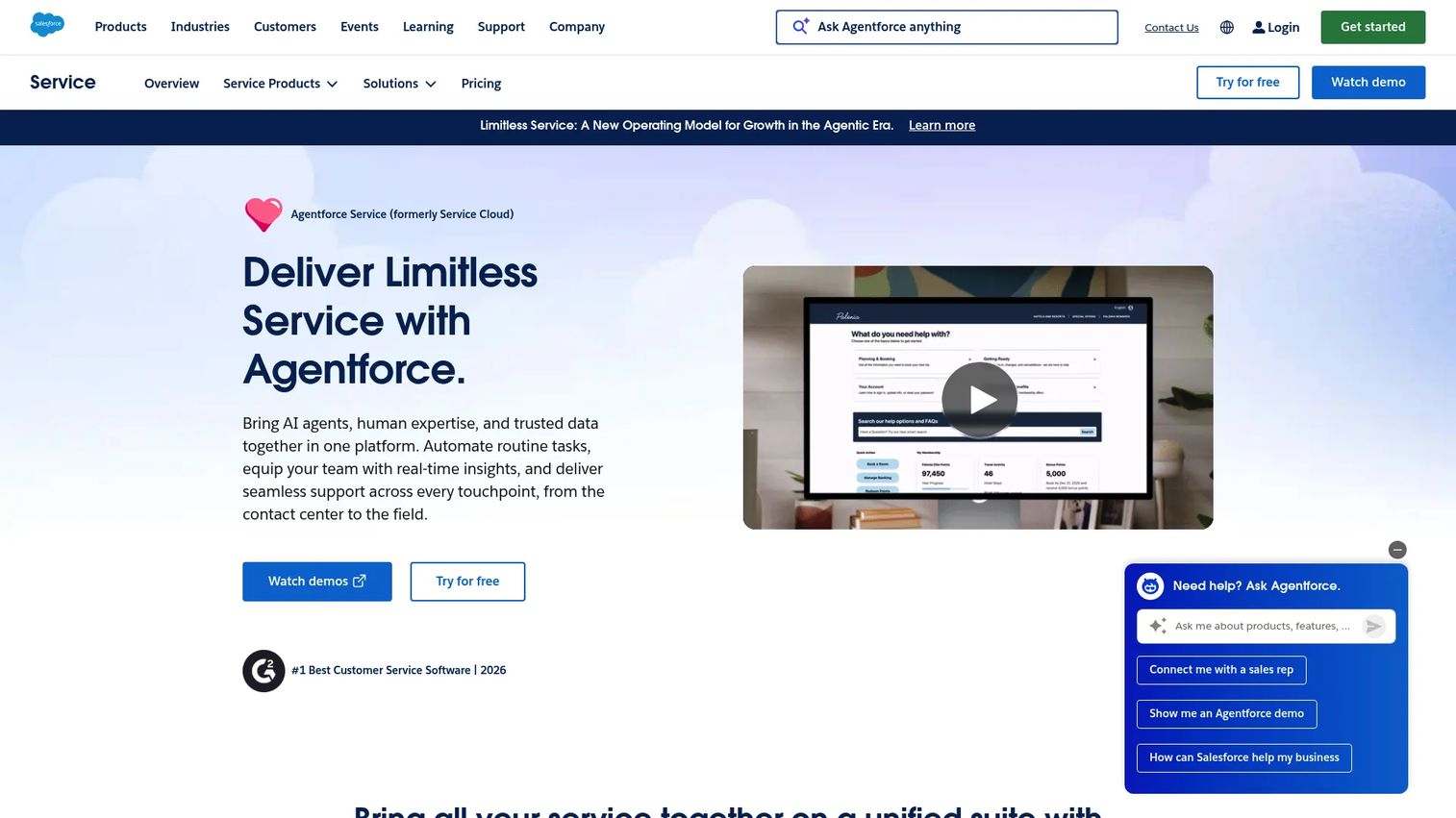
Salesforce Service Cloud, now listed on G2 as Agentforce Service, is a customer service platform for managing and resolving inquiries with case management, knowledge base, omni-channel support, automation, and analytics. Its strength is deep integration with the Salesforce CRM. For enterprise teams already on Salesforce, it keeps service and the rest of the business on one platform.
Best for: Businesses of all sizes that need a Salesforce-native platform for customer service and support operations.
Key strengths
- Case management: a full agent console for tracking and resolving customer cases.
- Knowledge and self-service: a knowledge base and self-service help center for deflection.
- Omni-channel and AI: workflow automation and AI agents through Agentforce.
Why choose Salesforce Service Cloud: Choose Service Cloud when your company runs Salesforce and needs service to share the same data model as sales and operations. The Agentforce AI layer brings automated agents into that connected stack. The trade-off is complexity and cost, so it pays off most for enterprise teams with the resources to configure it.
Salesforce Service Cloud pricing: Editions run from Starter Suite at $25 per user per month through Pro Suite at $100, Enterprise at $175, Unlimited at $350, and Agentforce 1 Service at $550 per user per month. Higher tiers add more service CRM, Salesforce Knowledge, sandbox, AI, and Agentforce usage. There is a 30-day free trial but no free tier.
10. LiveAgent
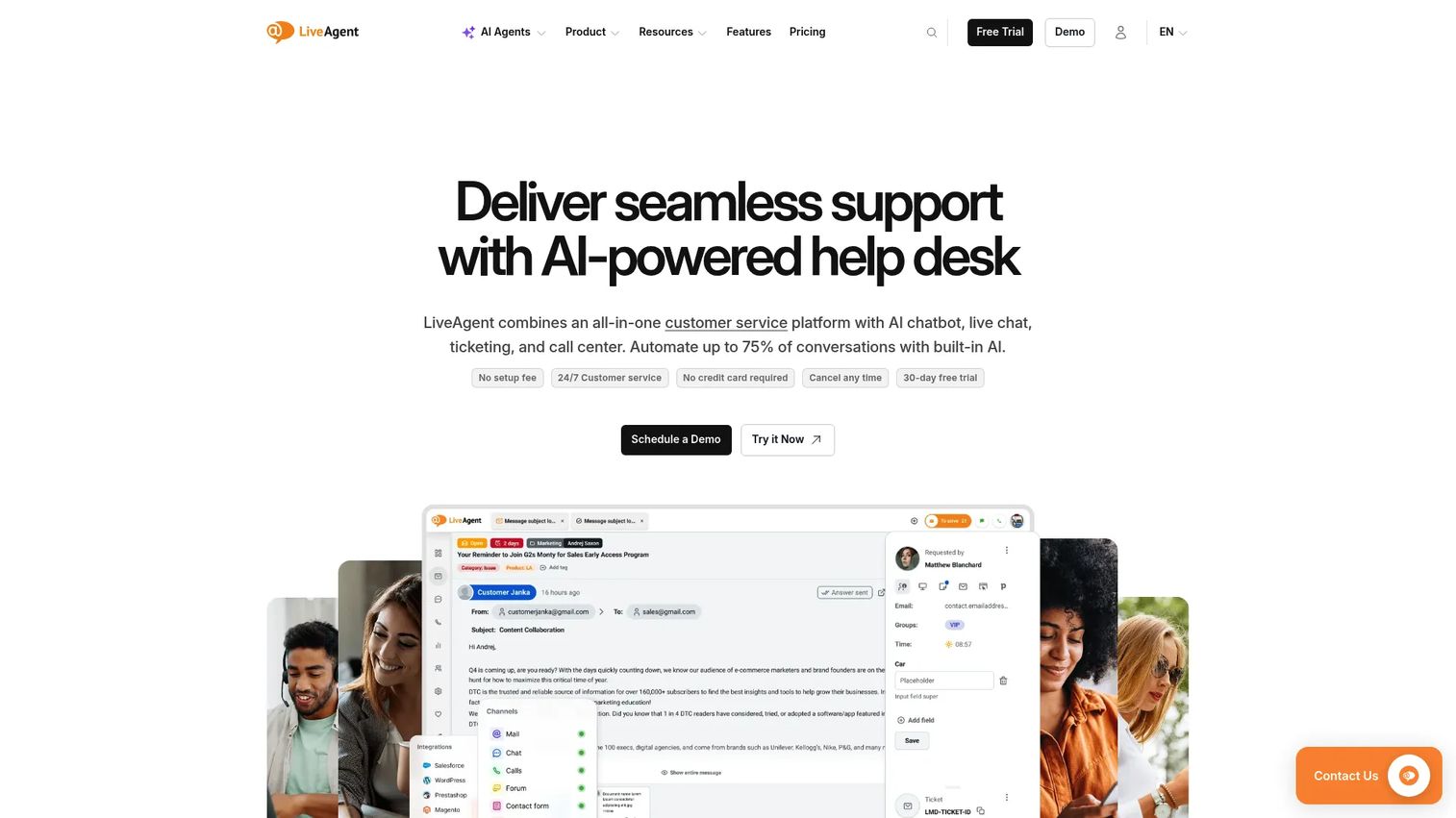
LiveAgent is an AI-powered omnichannel help desk that combines ticketing, live chat, knowledge base, customer portal, call center, social channels, reporting, and automation. It packs a lot of channels into an affordable entry price. For SMB support teams that want every channel without an enterprise contract, it is a practical all-in-one.
Best for: Support teams that need an all-in-one help desk with ticketing, live chat, call center, knowledge base, automation, and social-channel support.
Key strengths
- Universal inbox: ticketing with automation rules, canned messages, departments, and SLAs.
- Live chat: proactive invitations, visitor tracking, and real-time typing view.
- Call center and portal: built-in IVR plus a customer portal and knowledge base.
Why choose LiveAgent: LiveAgent fits SMB teams that want many channels, including a call center, at a low per-agent price. The all-in-one approach means fewer separate tools to manage and pay for. Larger teams may eventually want deeper analytics, but for breadth at the entry tier it is hard to match.
LiveAgent pricing: Annual plans start at Small business for $15 per agent per month, Medium business at $29, Large business at $49, and Enterprise at $69 per agent per month. Monthly billing runs higher at $19, $35, $59, and $85 respectively. There is a 30-day free trial with no credit card required, but no permanent free tier.
How to choose customer service software
Once you have a shortlist, evaluate each tool against the criteria that actually move support metrics. Here is the buyer's checklist.
Deflection and self-service depth
Ask how much volume the tool can remove from the queue before a human touches it. Look at knowledge base quality, customer portal, chatbot, and AI agent capability. Strong self-service is the single biggest lever on ticket volume, and interactive guides embedded in your help center work best alongside that knowledge base, giving customers a clickable path through multi-step tasks that pairs with the articles and bots your help desk already runs. Pairing these with a digital adoption platform can further lift in-product self-service.
Ticketing, routing, and automation
For the tickets you cannot deflect, evaluate how the platform routes and assists. Check skills-based routing, SLA management, macros, and AI copilot quality. The goal is faster time-to-resolution without forcing agents to retype the same answers all day.
Integrations and CRM connectivity
Your help desk should plug into the rest of your stack, not become an island. Confirm native connections to your CRM, ecommerce platform, Slack, and analytics tools. Tight CRM connectivity means agents see full customer context instead of guessing.
Pricing and scalability
Model per-seat or per-ticket cost as your volume grows, not just at today's size. Watch for features gated behind enterprise tiers and whether a free plan or trial lets you validate first. The right pricing model scales with your team rather than punishing growth.
Reporting and analytics
You cannot improve what you cannot see. Confirm the tool surfaces CSAT, first-contact resolution, average handle time, and deflection rate clearly. Good reporting turns a busy queue into a measurable operation you can tune over time.
Conclusion
The best customer service software is the one that matches your team's size, channel mix, and growth stage. For scaling SaaS support teams that need omnichannel depth and AI, Zendesk is the strongest all-rounder. Freshdesk gives you most of that capability at a friendlier mid-market price.
If you run ecommerce, Gorgias and its Shopify-native context win on the questions you field most. For small teams that want simplicity and a real free tier, Help Scout is the easy starting point. Enterprises already on Salesforce should look hard at Service Cloud, now Agentforce Service, for a fully connected stack.
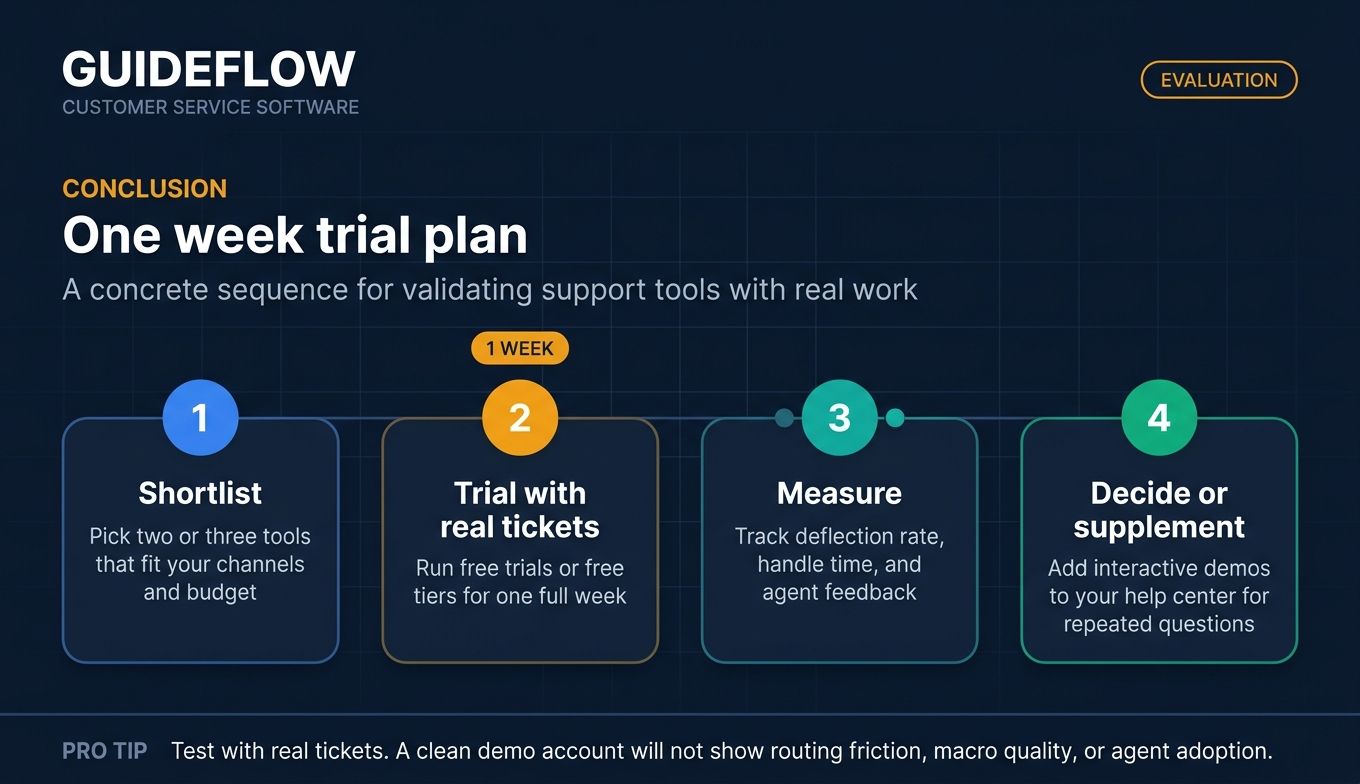
Your next step is simple. Shortlist two or three tools that fit your channels and budget, then run their free trials or free tiers with real tickets for a week. Watch deflection rate, handle time, and agent feedback, not just feature lists. While you are at it, consider how interactive demos can supplement your help center to deflect the same five questions for good.
Get those right and the outcome follows: lower ticket volume, faster resolution, and a support team that spends its hours on hard problems instead of the same five questions.
FAQs
Customer service software is a platform that centralizes, tracks, and resolves customer inquiries across channels like email, chat, phone, and social. It combines ticketing, self-service, automation, and analytics in one system. The goal is to deflect routine questions, route the rest efficiently, and measure quality with metrics like CSAT and resolution time.
Prioritize omnichannel support, ticketing and routing, a self-service knowledge base, AI automation, reporting, and integrations. Self-service and AI deflection reduce volume, while routing and macros shorten handle time. CRM connectivity matters too, so agents see full customer context on every ticket.
AI agents now resolve routine tickets end to end, and copilots draft replies for human agents. According to Salesforce, 30% of service cases were resolved by AI in 2025, and 88% of service leaders say conversational AI accelerates resolution times. The practical effect is that support teams scale with automation rather than headcount alone.
Customer service software focuses on reactive resolution and deflection: tickets, channels, self-service, and SLAs. A CRM tracks the full customer relationship and sales pipeline over time. They overlap when service tools sit on a CRM, like HubSpot Service Hub or Salesforce Service Cloud, giving agents relationship context inside the ticket.
Pricing ranges from free tiers to roughly $15 to $150 or more per agent per month, depending on tier and features. Entry plans like LiveAgent and Zendesk Support Team start around $15 to $19 per agent per month. Enterprise plans with advanced AI and routing can exceed $150 per agent, and some tools like Gorgias price by ticket volume instead of seats.
Deflect repetitive questions before they reach the queue using a strong knowledge base, chatbots, and self-service portals. Interactive guides and proactive messaging help visual learners self-serve multi-step tasks. Track your deflection rate over time so you can see which content and workflows actually remove tickets.
Small teams usually do best with simpler, shared-inbox tools that ramp fast. Help Scout offers a usable free plan and an email-like inbox, while Freshdesk and Zoho Desk add more automation at low entry prices. The right pick depends on whether you value simplicity or configurability more.
Track deflection rate, first-contact resolution, average handle time, CSAT, and total ticket volume before and after rollout. Falling volume and handle time at steady or rising CSAT signal real return. Tie those gains to agent hours saved to translate the impact into cost.