Your skills data lives in seventeen spreadsheets. One per site. Each owned by a different manager who updates it when they remember. When an auditor asks who is certified to run a specific machine, you spend two days reconciling tabs that contradict each other.
That is the real cost of tracking workforce skills in Excel. Not the formatting. The fact that nobody trusts the numbers when a staffing or compliance decision actually depends on them.
The category that solves this is growing fast. The global skills management software market was valued at USD362.2M in 2022 and is projected to grow at a 13.2% CAGR through the next decade, according to Polaris Market Research (2023). Skills-based hiring and digital HR transformation are pushing more teams to replace manual tracking with a system of record for competencies.
If you run ramp, certification, or readiness programs, this category overlaps with how you think about enablement. Skills tracking software answers the same question a sales enablement team asks: who is ready, who has the gap, and what closes it. It is not a sales enablement platform, and we will be honest about that throughout. But the logic of competency mapping and audit-ready records carries across both worlds, the same way structured contract lifecycle management or event management workflows trade chaos for governance.
This guide compares seven tools by what they actually do best, so you can match the software to your workforce model instead of buying the most-marketed option.
What's inside
This is a buyer's guide for anyone replacing spreadsheets with real skills management software: HR and L&D leads, operations managers, and enablement teams who need defensible competency data.
We selected tools across the full spread of the category, from pure skills matrix software to development-focused platforms and operational workforce planning suites. Each tool was evaluated on four criteria:
- Core use case fit (matrix, development, scheduling, or compliance)
- Integration depth with HRIS, LMS, and performance systems
- Reporting and skills gap analysis
- Audit readiness and certification tracking
We note pricing and ratings only where a source confirmed them, and write around the rest.
TL;DR
- Best for spreadsheet replacement: AG5 turns scattered Excel tabs into a centralized, audit-ready skills matrix with expiry alerts.
- Best for skills gap analysis and development: SkillPanel maps competencies and ties them to growth paths at roughly $1 per employee per month.
- Best for enterprise internal mobility: 365Talents pairs AI skills mapping with a talent marketplace and 100-plus HR integrations.
- Best for technical upskilling: Pluralsight develops cloud, data, security, and AI skills with assessments and hands-on labs.
- Best for shift-based workforces: Indeavor and Workforce.com tie skills and qualifications directly to scheduling and labor planning.
- Best for a full talent suite: Cornerstone connects skills to learning, performance, and compliance in one platform.
What is skills management software?
Skills management software is a system that records, maps, and reports the skills, competencies, and certifications of a workforce so teams can make staffing, training, and compliance decisions from a single source of truth.
At the center of most tools sits a skills matrix: a grid that maps people against the skills a role requires, scored by proficiency level. From that matrix, the software derives everything else.
Core capabilities to expect:
- Skill mapping and competency mapping: define the skills each role needs, then rate each person against them.
- Skills gap analysis: surface where required skills outpace available ones, by team, site, or individual.
- Reporting and dashboards: answer real questions like "who can cover this shift" or "who is due for recertification," not just list skills.
- Certification tracking: log qualifications, expiry dates, and automatic alerts before they lapse.
- Integrations: sync with HRIS for people data and LMS for training completions, so the matrix updates itself.
The category splits into three practical types. Development-focused tools center on growth, internal mobility, and learning. Operations-focused tools tie skills to scheduling and labor qualification. Compliance-focused tools prioritize audit-ready records and certification tracking. Some platforms cover two or three. Knowing which type you need is the whole game, and it is what separates a confident purchase from buyer's regret.
This is also where the category overlaps with broader talent management. A skills library inside an HR suite serves a different job than a standalone training matrix software built for a factory floor. Both call themselves "skills management." They solve different problems.
When to use skills management software
Replace Excel with a centralized skills matrix
Manual tracking breaks the moment you have more than one site or more than a handful of changing certifications. Spreadsheets drift. A skill expires in one tab and stays green in another. When the data feeds a real decision, nobody trusts it.
Skills matrix software centralizes the grid, enforces one version, and flags expiries before they bite. This is the entry point for most buyers and the clearest case for spreadsheet replacement.
Plan staffing and scheduling by capability
In shift-based workforces, the question is not just who is available but who is qualified. A schedule that ignores skills creates coverage gaps, compliance risk, and rework.
When skills data lives next to the schedule, the system can match people to shifts by capability, union rules, and qualification, then build coverage that actually holds. This is the operations case, and it is where scheduling-native tools earn their place.
Build development and compliance visibility
Teams also use skills management software to prioritize training, plan recertification, and survive audits without a two-day spreadsheet scramble. Skills gap analysis shows where to invest in employee development. Certification tracking proves compliance and audit readiness on demand.
If your driver is talent growth, internal mobility, or compliance, prioritize tools that report depth over tools that only display a grid.
Comparison table
Read this table by intent first, then key use case. The "intent" column tells you which of the three jobs each tool was built for: development, operations, or compliance. Pricing is largely quote-based across this category, so a "request pricing" note reflects the vendor's published model, not a gap in research.
| # | Product | Intent | Key use case | Pricing | G2 rating |
|---|---|---|---|---|---|
| 1 | AG5 | Compliance, matrix | Spreadsheet replacement and audit-ready skills matrices | Quote-based (Core, Accelerate, Enterprise) | Not listed |
| 2 | SkillPanel | Development | Skills gap analysis and internal mobility | From ~$1 per employee/month | 4.6/5 |
| 3 | 365Talents | Development, enterprise | AI skills mapping and talent marketplace | Quote-based | 4.8/5 |
| 4 | Pluralsight | Development, technical | Tech skill assessment and learning paths | Free trial; team pricing on request | 4.6/5 |
| 5 | Indeavor | Operations | Competency-based shift scheduling | Quote-based | 4.1/5 |
| 6 | Workforce.com | Operations | Shift-based skills and labor planning | Quote-based, per user | 4.5/5 |
| 7 | Cornerstone | Talent suite | Skills tied to learning and performance | Quote-based | 4.1/5 |
Use the table to shortlist two or three tools, then read the sections below for the detail that decides it.
1. AG5
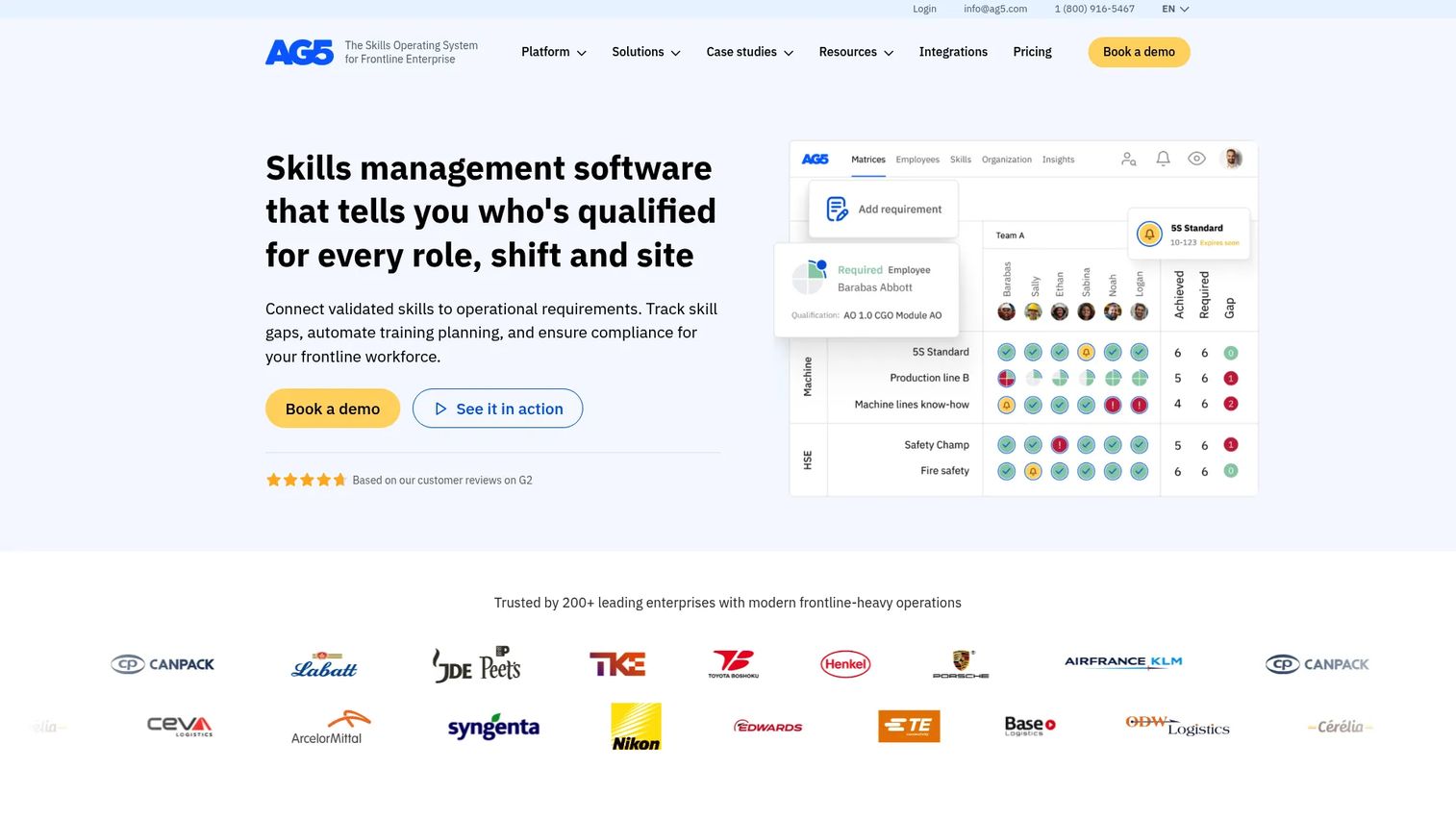
AG5 is skills matrix and training matrix software built for frontline-heavy operations like manufacturing. It exists to replace Excel as the system of record for who is qualified to do what, and to keep that record audit-ready. If your skills data lives in spreadsheets and an auditor could ask about it tomorrow, AG5 is the most direct fit on this list.
The product centers on the skills matrix itself: map skills to roles, score proficiency, and see gaps at a glance across sites. It layers on workflow automation, custom fields, and the governance features that spreadsheets cannot offer, including audit trails and version control.
Best for: Manufacturers and other frontline organizations that need a centralized skills matrix plus compliance and certification tracking.
Key strengths
- Skills matrix and training requirements: map required skills to roles and track training needs in one centralized grid.
- Workflows and governance: automations, custom fields, SSO, and API support keep the matrix consistent across sites.
- Compliance and audit readiness: audit trails, analytics, and multilingual support make records defensible on demand.
Why choose AG5: Choose AG5 when spreadsheet replacement and audit readiness are the priority, not learning content or scheduling. It is purpose-built for the matrix, so it does that job with less clutter than a broad talent suite. Teams that need certification expiry alerts and clean records for inspectors will find it well-targeted.
AG5 pricing: AG5 lists three plans on its pricing page: Core, Accelerate, and Enterprise, all billed annually. The page does not publish numeric prices and instead directs visitors to schedule a demo, so the entry cost depends on your scope and seat count. There is no published free tier.
2. SkillPanel
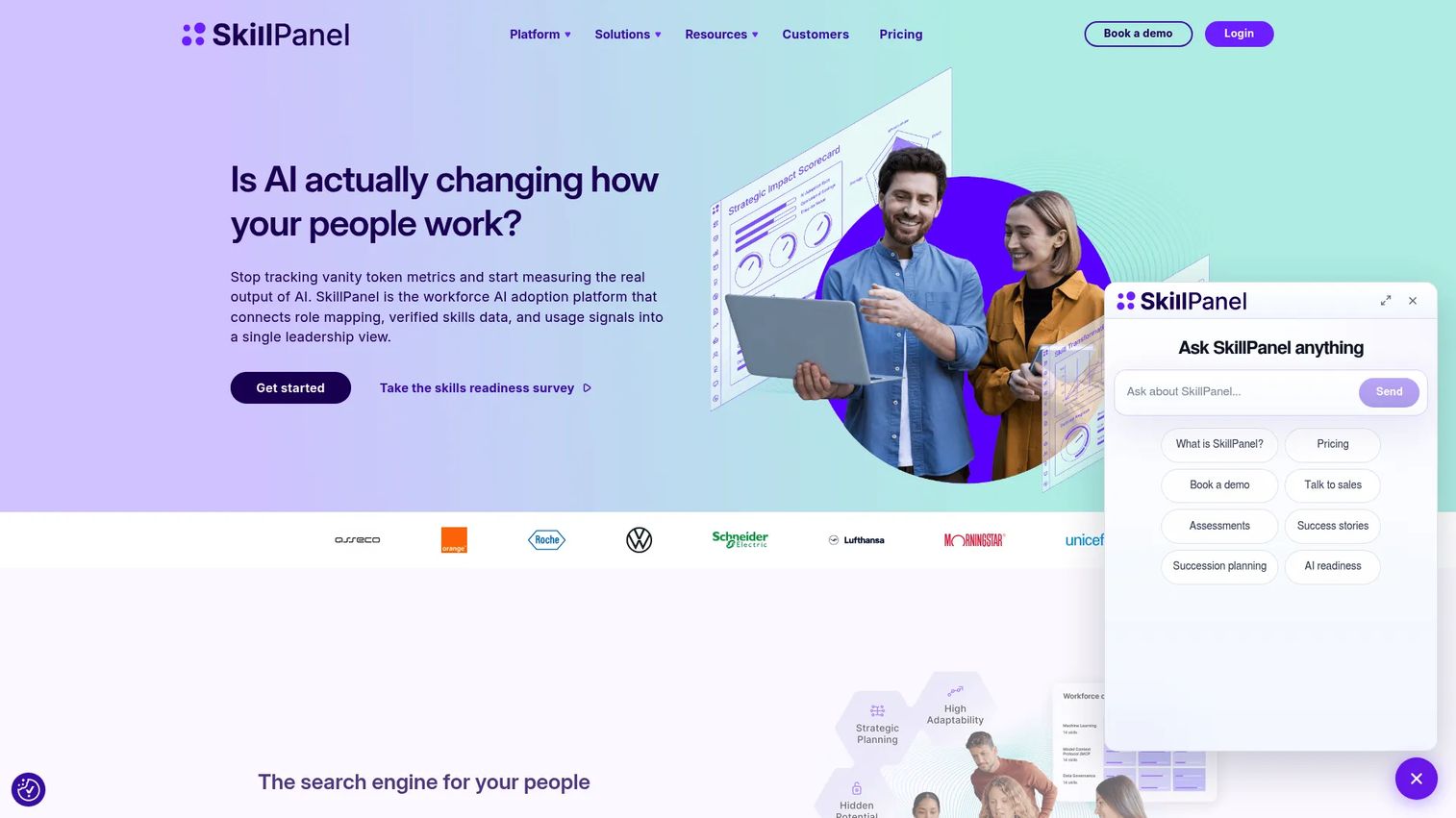
SkillPanel is a skills intelligence platform for mapping, measuring, and developing workforce skills. Where AG5 leans compliance, SkillPanel leans development. It builds a searchable map of skills, certifications, and experience, then uses that map to surface gaps and support internal mobility.
The platform pulls from multiple assessment sources, including self, peer, manager, and technical ratings, so the skills data reflects more than one opinion. That makes the resulting skills gap analysis more credible when it feeds a development plan.
Best for: Teams that want a skills map to identify gaps, guide development, and improve internal mobility.
Key strengths
- Real-time skills intelligence: live gap analytics show where required skills outpace available ones.
- Multi-source assessments: self, peer, manager, and technical inputs build a verified skills picture.
- HR integrations and mobility: connects to HR systems and supports internal mobility from the skills map.
Why choose SkillPanel: Choose SkillPanel when the goal is employee development and internal mobility rather than shift scheduling. The multi-source assessment model gives you defensible skills data without relying on a single manager's guess. Reviewers on G2 point to ease of use and clear skill mapping, and it holds a 4.6/5 rating.
SkillPanel pricing: SkillPanel keeps pricing simple with one plan starting from roughly $1 per employee per month, billed on a per-employee basis. Onboarding guidance is included, along with a three-month money-back guarantee. That low entry point makes it one of the more accessible options for teams testing skills tracking software before a wider rollout.
3. 365Talents
365Talents is an AI-powered skills intelligence and talent management platform built for enterprise workforce planning and internal mobility. It is the heavyweight on this list for large organizations that need to map skills across thousands of employees and connect that map to real opportunities.
The platform uses AI to map and analyze skills, then matches people to internal jobs, projects, and training. On top of that sits workforce analytics for skill gaps, trends, and planning, which is what large enterprises use to make headcount and reskilling decisions with evidence.
Best for: Large enterprises needing skills intelligence, internal mobility, and workforce planning at scale.
Key strengths
- AI skills mapping: automatically maps and analyzes skills across a large, distributed workforce.
- Internal opportunity matching: connects people to jobs, projects, and training based on their skills.
- Workforce analytics: surfaces skill gaps, trends, and planning signals for talent strategy.
Why choose 365Talents: Choose 365Talents when scale and internal mobility matter more than a lightweight matrix. With more than 100 HR tool integrations spanning HRIS, LMS, and ATS systems, it fits into an existing enterprise stack rather than replacing it. It carries a strong 4.8/5 G2 rating, reflecting how well it serves large, multi-country workforces.
365Talents pricing: 365Talents uses quote-based, module-based pricing. Its packages include a skills and job architecture module, an internal talent marketplace, and a workforce intelligence module, each presented as "contact us" rather than a public price. There is no free tier, which fits its enterprise positioning.
4. Pluralsight
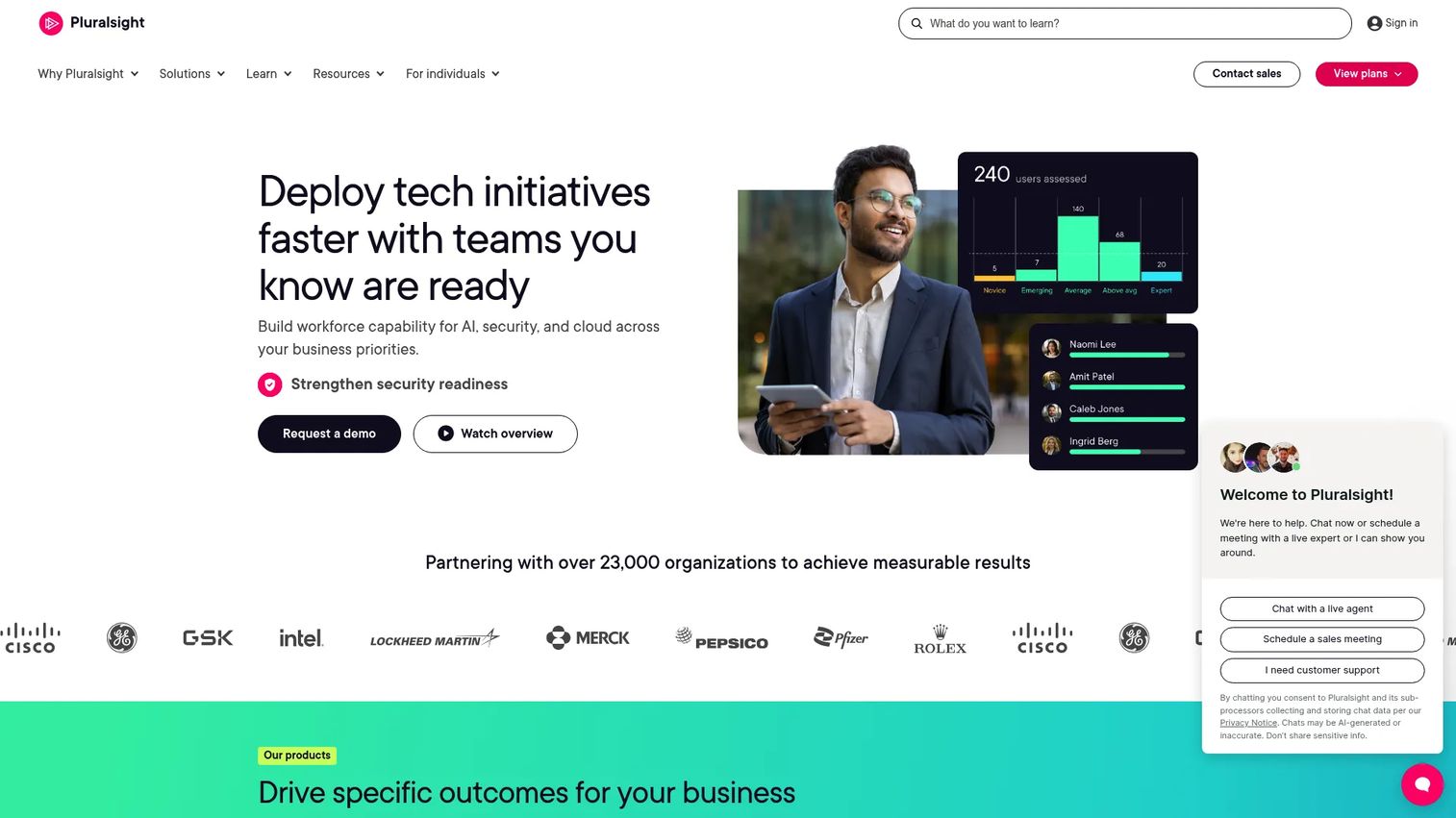
Pluralsight is a technology skills development platform for individuals and teams. It belongs on this list, but it solves a narrower problem than the others: it develops technical skills rather than tracking competencies for scheduling or compliance. If your skills challenge is upskilling engineers in cloud, data, security, or AI, this is the right tool.
The platform combines expert-led courses and learning paths with skill validation through assessments. Its Skill IQ assessment measures proficiency in specific technologies, which gives managers a baseline before and after training. Hands-on labs and sandboxes let learners practice in a real environment.
Best for: Teams and individuals upskilling in software, cloud, data, security, and AI.
Key strengths
- Expert-led learning paths: structured courses build technical skills in a defined sequence.
- Skill validation: assessments and Skill IQ measure proficiency before and after development.
- Hands-on labs and sandboxes: learners practice real workflows with an AI assistant on hand.
Why choose Pluralsight: Choose Pluralsight when technical skill development is the priority, not operational scheduling or audit records. It excels at building and validating tech skills, and pairs naturally with a matrix tool that tracks the resulting competencies. For pure development in technology domains, it is hard to beat, and it holds a 4.6/5 G2 rating.
Pluralsight pricing: Pluralsight offers individual plans, including Core Tech, AI+, Cloud+, Security+, Data+, and Complete, with a free trial entry point. Numeric prices were not visible on the get-started page reviewed, and team pricing is presented separately through sales contact. A free trial is available to test the platform before committing.
5. Indeavor
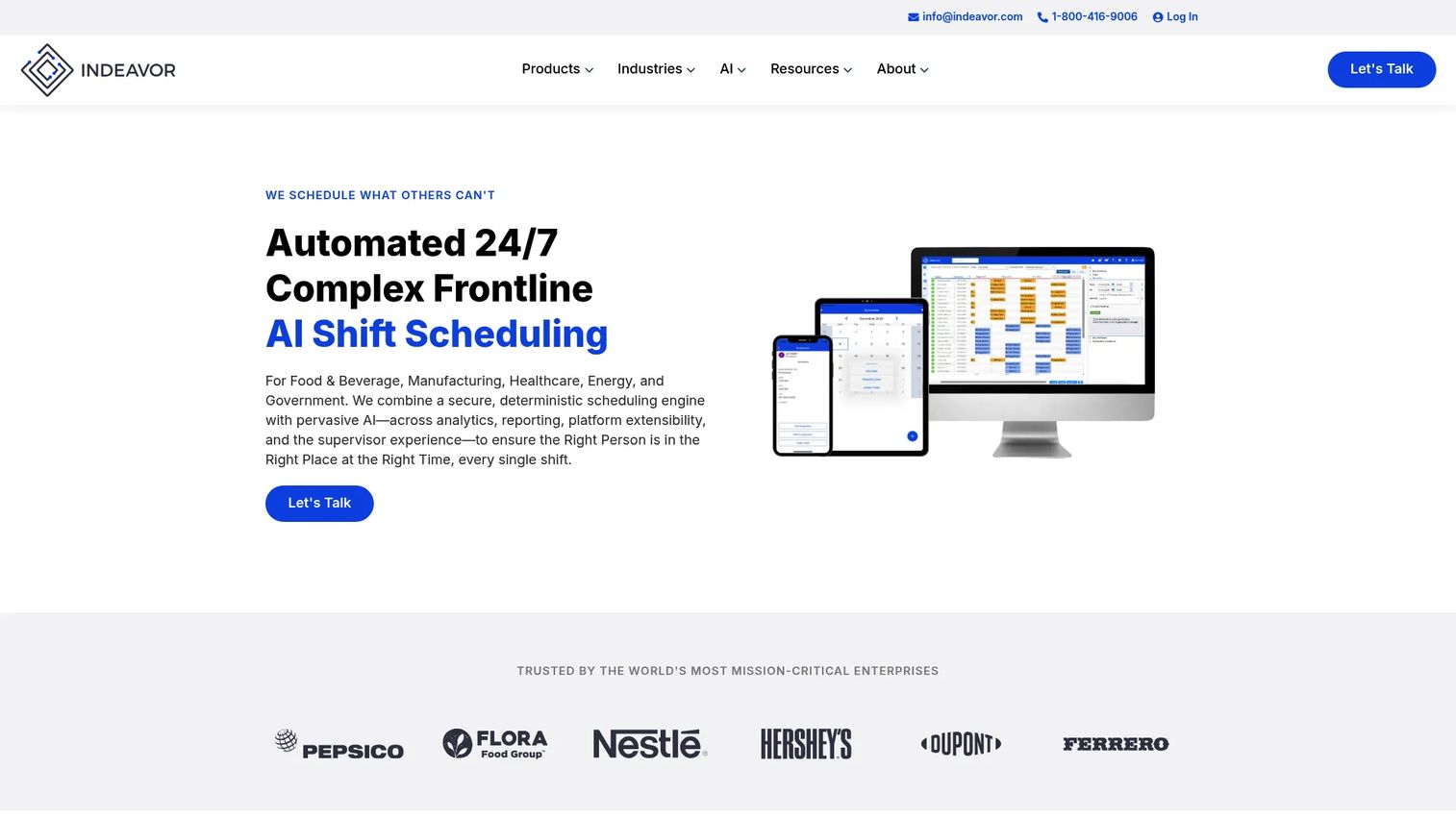
Indeavor is workforce management software for complex frontline shift scheduling and labor optimization. It approaches skills from the operations side: skills and qualifications are inputs to the schedule, not just a development record. For mid-to-large industrial organizations running 24/7 operations, that distinction matters.
The platform auto-generates compliant schedules that account for skills, qualifications, availability, eligibility, union rules, and fatigue limits. That means a shift only gets staffed by someone qualified to work it, which protects both coverage and compliance. Absence management and self-service scheduling round out the workforce planning toolkit.
Best for: Mid-to-large industrial organizations with complex 24/7 frontline scheduling needs.
Key strengths
- Automated shift scheduling: generates compliant schedules that account for skills and qualifications.
- Absence and leave management: handles availability and coverage gaps without manual reshuffling.
- Self-service scheduling: lets frontline staff manage shifts within qualification rules.
Why choose Indeavor: Choose Indeavor when skills exist to qualify labor for shifts, not to plan careers. It ties competency rules directly to scheduling, which is exactly what a shift-based workforce in manufacturing or utilities needs for audit-ready records. It carries a 4.1/5 G2 rating and pairs well with HR and LMS systems that feed it qualification data.
Indeavor pricing: Indeavor uses contact-sales pricing with no public numeric figure. G2 lists two contact-us options: a core shift scheduling solution and a core mobile scheduling app. Pricing scales with your operation's complexity and seat count, which fits its mid-to-large industrial focus.
6. Workforce.com
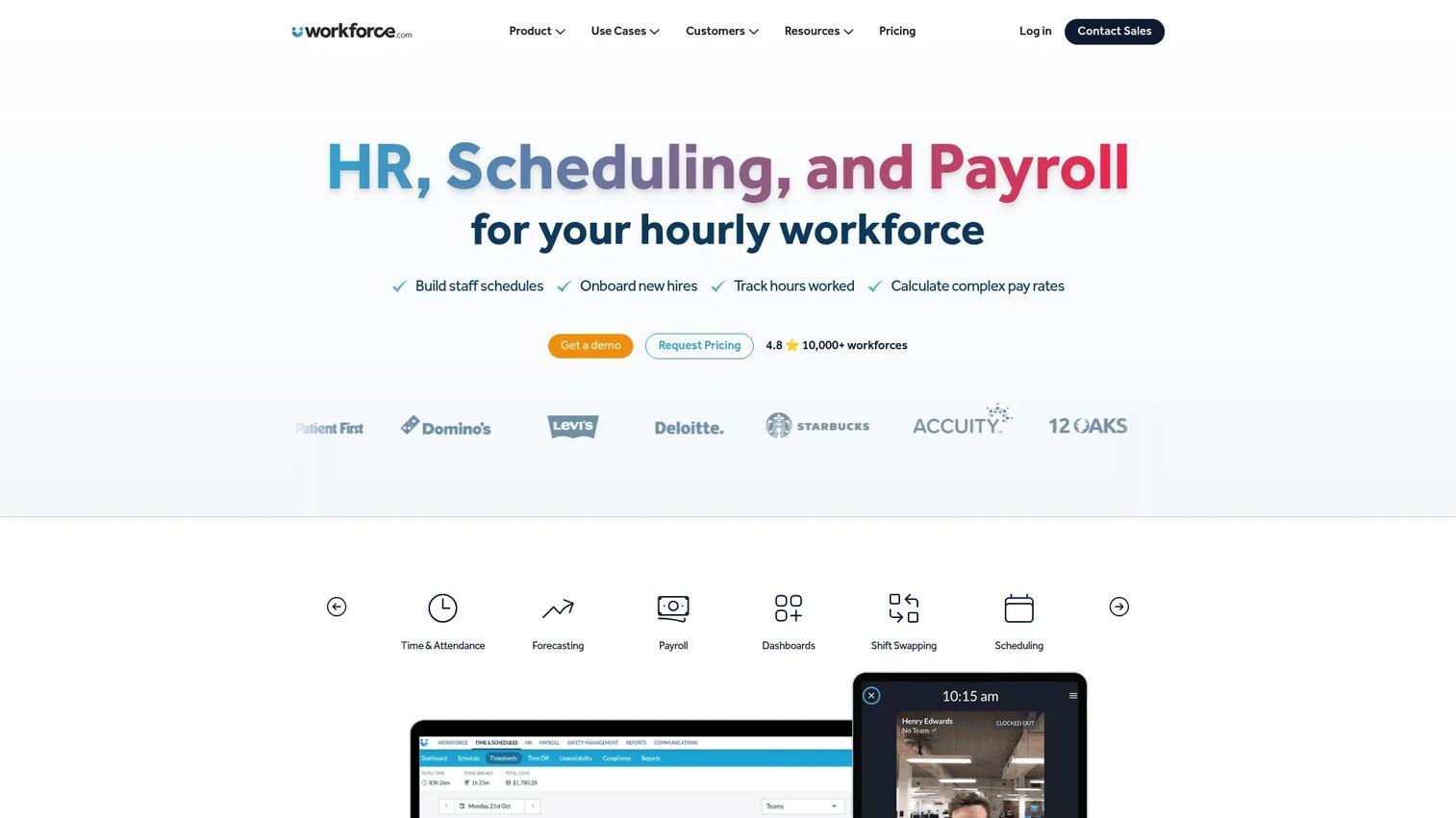
Workforce.com is all-in-one workforce management software for hourly and shift-based teams. Like Indeavor, it treats skills as a scheduling input, but it bundles scheduling with HRIS, payroll, and time-and-attendance in a single platform. For frontline and distributed workforces, that consolidation is the appeal.
The platform scores competencies and uses them to optimize scheduling, so coverage reflects who is actually qualified. Built-in HRIS and employee self-service keep people data current, and reporting gives managers visibility into skills and labor across locations.
Best for: Hourly and shift-based businesses needing unified scheduling, HR, and payroll.
Key strengths
- Scheduling with competency scoring: matches qualified staff to shifts and optimizes coverage.
- HRIS and self-service: keeps employee and skills data current through built-in HR tools.
- Payroll and time tracking: unifies labor planning with payroll and attendance in one system.
Why choose Workforce.com: Choose Workforce.com when you want skills, scheduling, HR, and payroll under one roof rather than stitching point tools together. It suits frontline operations that value consolidation and workforce visibility across sites. Reviewers credit it with streamlining work for employees, managers, and administrators alike, and it holds a 4.5/5 G2 rating.
Workforce.com pricing: Workforce.com prices on a per-user basis with customized quotes. The site offers all-in-one, scheduling, payroll, and HR packages, each marked "request pricing." Total cost varies by modules selected, staff count, and implementation needs, so a quote reflects your specific setup.
7. Cornerstone
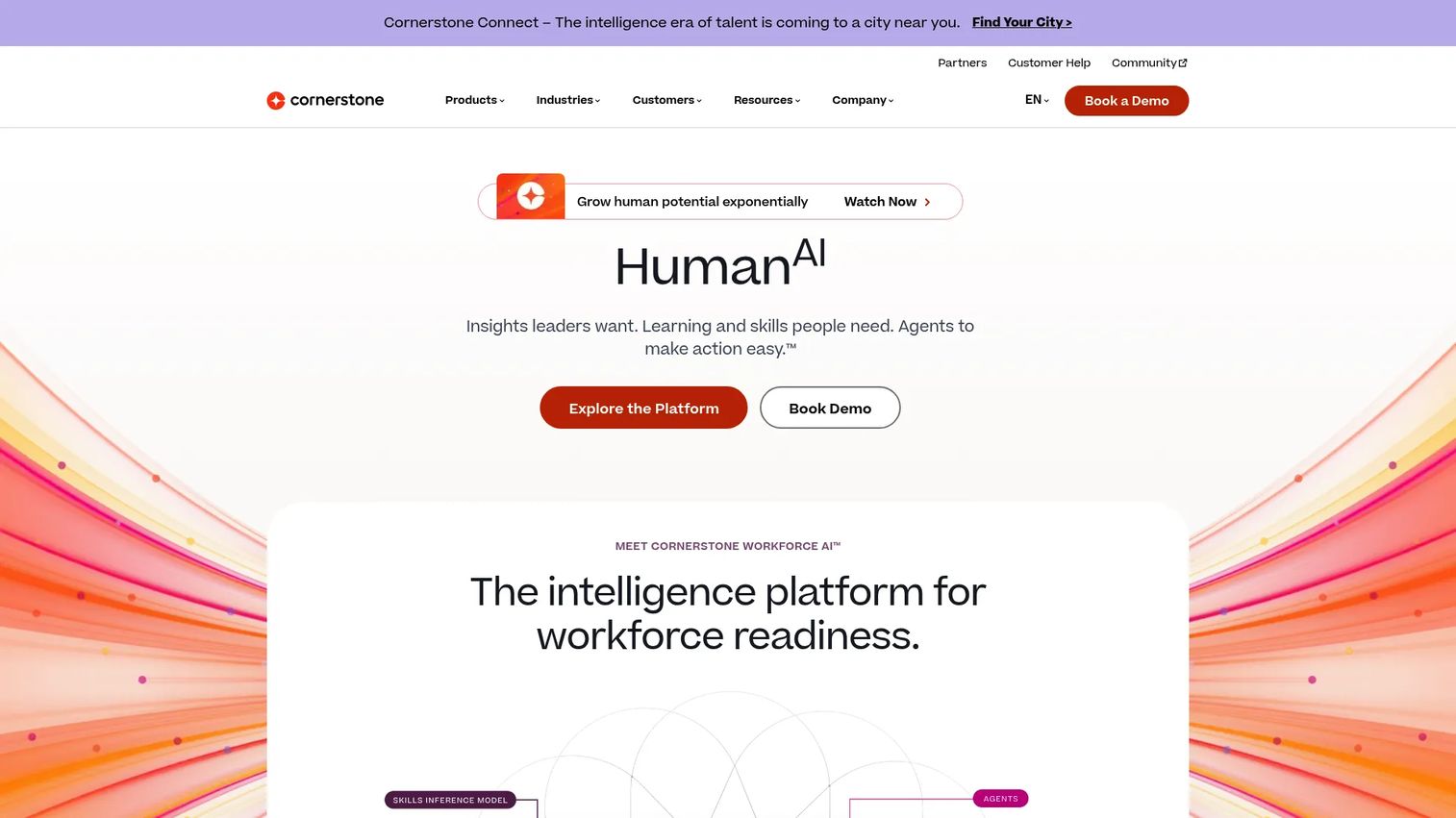
Cornerstone is an AI-powered workforce readiness platform spanning learning, skills, performance, recruiting, and compliance. It is the broadest suite on this list. Rather than a point solution for the skills matrix, Cornerstone connects skills data to training and performance systems across the talent lifecycle.
Cornerstone Learning handles compliance and role-ready training, while a Talent Marketplace supports internal mobility from skills data. Content subscriptions and a content studio give teams curated learning, and labor market intelligence keeps the skills strategy current against external signals.
Best for: Mid-to-large organizations needing an enterprise workforce readiness suite.
Key strengths
- Learning for compliance and readiness: delivers role-ready and compliance training at scale.
- Talent Marketplace: powers internal mobility using skills data across the organization.
- Content and market intelligence: curated content plus labor market signals keep skills strategy current.
Why choose Cornerstone: Choose Cornerstone when you want skills connected to learning, performance, and compliance in one platform rather than a standalone matrix. It fits organizations already committed to a full talent management suite. It carries a 4.1/5 G2 rating for Cornerstone Learning and suits buyers who value breadth over a focused point tool.
Cornerstone pricing: Cornerstone uses flexible, quote-based pricing without a public numeric figure. The site describes packages tailored by need and directs buyers to book a demo or contact sales. As an enterprise suite, cost scales with modules, headcount, and the breadth of talent functions you adopt.
Considerations
Before you commit, run every shortlisted tool through these five checks.
Integration requirements
Confirm the tool connects to your HRIS for people data and your LMS for training completions, plus any performance or identity systems you rely on. Strong HRIS integration and LMS integration keep the skills matrix current without manual entry. A tool that cannot sync becomes another spreadsheet with a nicer interface.
Data governance
Check who owns the data, how changes get approved, and whether the system keeps version control and an audit trail. For compliance-heavy teams, audit-ready records are non-negotiable. Ask how the tool handles expiry alerts and certification tracking, because lapsed qualifications are where audits fail.
Use case fit
Decide whether your priority is development, staffing, compliance, or all three. Development-focused tools like SkillPanel and Pluralsight optimize for growth. Operations tools like Indeavor and Workforce.com optimize for scheduling. AG5 optimizes for the matrix and audit readiness. Buying the wrong type is the most expensive mistake in this category.
Reporting depth
Verify the dashboards answer business questions, not just display a grid. "Who can cover this shift" and "who is due for recertification" are real questions. Skills gap analysis should drive a decision, not just produce a colorful chart nobody acts on.
Change management
Assess how easily managers and employees will keep the data current. The best skills management software fails if nobody updates it. Multi-source assessments, self-service, and automatic syncs reduce the manual burden that kills adoption.
Conclusion
The right skills management software depends entirely on your workforce model, so match the tool to the job rather than the marketing.
For spreadsheet replacement and audit readiness, AG5 is the most direct fit. For skills gap analysis and employee development, SkillPanel offers credible, low-cost mapping, while 365Talents serves enterprise internal mobility at scale. For technical upskilling, Pluralsight builds and validates real skills. For shift-based workforces, Indeavor and Workforce.com tie qualifications to scheduling. And for skills connected to a full talent suite, Cornerstone covers learning, performance, and compliance in one place.
Your next step is simple: name your primary driver, development, staffing, or compliance, then shortlist the two tools built for that job. Run them against the five considerations above, and let your real workforce data, not a sales deck, decide. A short pilot on one site or team will tell you more than any feature list.
FAQs
Skills management software is a system that records, maps, and reports workforce skills, competencies, and certifications so teams can make staffing, training, and compliance decisions from one source of truth. It replaces scattered spreadsheets with a centralized skills matrix. Most tools add gap analysis, reporting, and integrations with HR and learning systems.
Skills matrix software maps people against the skills each role requires, scored by proficiency level, in a single grid. Managers or multi-source assessments rate each person, and the system flags gaps, expiring certifications, and coverage risks. Integrations with HRIS and LMS platforms keep the matrix current as people and training data change.
The terms overlap heavily and are often used interchangeably. Skills management software tends to focus on specific, trackable abilities and certifications, while competency management software often frames skills within broader behavioral and role-based competencies. In practice, most modern tools cover both, so judge them by their reporting depth and use-case fit rather than the label.
Yes, most do, and you should treat it as a requirement. HRIS integration keeps people data current, and LMS integration pulls in training completions automatically so the skills matrix updates itself. 365Talents, for example, connects to more than 100 HR tools. Always confirm your specific systems are supported before buying.
For shift-based workforces, Indeavor and Workforce.com are the strongest fits because they tie skills and qualifications directly to scheduling. Indeavor auto-generates compliant schedules that account for skills, union rules, and fatigue limits. Workforce.com bundles competency-based scheduling with HRIS and payroll for hourly and distributed teams.
Skills gap analysis compares the skills a role or team requires against the skills people actually have, then surfaces the shortfalls. For staffing, it shows where coverage is at risk. For development, it points to exactly which training to prioritize, so employee development spending targets real gaps instead of guesswork.
Look for version control, audit trails, and certification tracking with automatic expiry alerts. Audit-ready records mean an inspector can see who is qualified, when their certification lapses, and the history of changes. AG5 and Indeavor are built with this compliance and audit readiness in mind, which matters most in regulated, frontline industries.
Yes, and that is the most common reason teams buy it. A spreadsheet drifts the moment you have multiple sites or changing certifications, and nobody trusts the numbers when a decision depends on them. Skill management software centralizes the matrix, enforces one version, and adds alerts and audit trails that Excel cannot offer.