You spent three weeks on quarterly planning. The leadership offsite ran long, the goal doc went through eleven revisions, and by week four nobody on the team can recite their own key results without opening Notion. By week eight, the doc is stale. By week twelve, the board asks how the quarter is pacing and someone spends a day rebuilding a dashboard from screenshots.
This is the friction that pushes Series B SaaS companies toward OKR software. Not the concept. Not the methodology. The execution gap between "we wrote OKRs" and "the team is operating against them."
Research summarized in Harvard Business Review has long pegged strategy execution failure rates between 60% and 90%. Mooncamp's 2026 roundup of OKR statistics found that organizations with the most successful OKR programs run 28% more communication intensity than peers, more check-ins, more channels, more cadence. The pattern is clear. The tool you buy matters less than whether your team will open it on a Friday afternoon without being chased.
That's the real criterion behind any shortlist. Not features. Adoption. The best OKR software is the one your team uses in week three, not the one that wins the demo. This guide ranks 15 OKR tools by that test.
What's inside
This guide is for founders and operators at funded SaaS companies, roughly 30 to 150 people, either replacing spreadsheets or rolling out OKRs for the first time. We grouped tools across three categories: dedicated OKR platforms, HR suites with strong OKR modules, and work management tools with native OKR features.
We selected based on four criteria that matter for Series B teams: adoption-friendly UX, integration depth with your existing GTM and work stack, pricing transparency, and time-to-first-check-in. Pricing and ratings were verified against vendor pricing pages and G2 listings at time of writing.
TL;DR
- Best for dedicated OKR rollouts at Series A to B: Mooncamp
- Best for teams already on Microsoft 365 (Viva Goals replacement): Quantive
- Best free option for early-stage teams: Notion
- Best for enterprise strategy execution: Workboard
- Best HR suite with OKRs built in: Lattice
- Best for engineering-heavy teams living in Jira: Atlassian Goals
These okr tools cover most Series B scenarios. The full ranking and per-tool detail follows.
What OKR software actually is
OKR software is a goal management platform that lets teams set objectives, define measurable key results, track progress in real time, and align work across the organization. The OKR methodology originated at Intel and was popularized by John Doerr. It replaces the spreadsheet-and-Slack workflow most teams use before they hit 50 people.
Core capabilities you'll find in any okr management software worth shortlisting:
- Objective and key result authoring with templates and methodology guardrails
- Hierarchical alignment from company to team to individual
- Check-in workflows and weekly or biweekly progress updates
- Dashboards and reporting, often with board-ready exports
- Integrations with work tools (Slack, Microsoft Teams, Jira, Salesforce, CRMs, BI)
- AI-assisted goal drafting, alignment suggestions, and progress summaries (newer in 2026)
Three distinctions worth keeping clear when you're evaluating an okr management platform:
vs. spreadsheets: No enforcement, no real-time visibility, no audit trail. Fine for one quarter, painful by the second.
vs. HR suites: Lattice, 15Five, and Leapsome treat OKRs as one module inside performance management. Strong if HR owns the rollout.
vs. work management tools: Asana, Atlassian, and ClickUp track work and bolt goals on top. Strong if your team already lives there.
The okr tracking layer is the same across categories. The difference is what sits next to it.
When OKR software earns its place in your stack
Replace spreadsheets that no one updates after week two
You're past 50 people. The quarterly OKR doc goes stale by week three. Three teams are still updating, the rest stopped. Nobody can answer "are we on track?" without a meeting. This is when okr tracking software stops being optional.
Give a new VP goal infrastructure on day one
You just hired a VP of Sales or Product. Before they can plan, they need to see what's already committed across the org. A shared system beats a Loom and a Notion page. The faster they see the surface area, the faster they ramp.
Build board reporting that doesn't require rebuilding dashboards every quarter
The board asks how Q3 is pacing. The answer should take 30 seconds, not three days of pulling numbers from five tools. Board-ready views are where okr management tool buyers stop comparing features and start comparing time saved.
What to look for in OKR software
Before you shortlist, write down what would make the tool stick in your specific org. Here's the founder lens on okr software features.
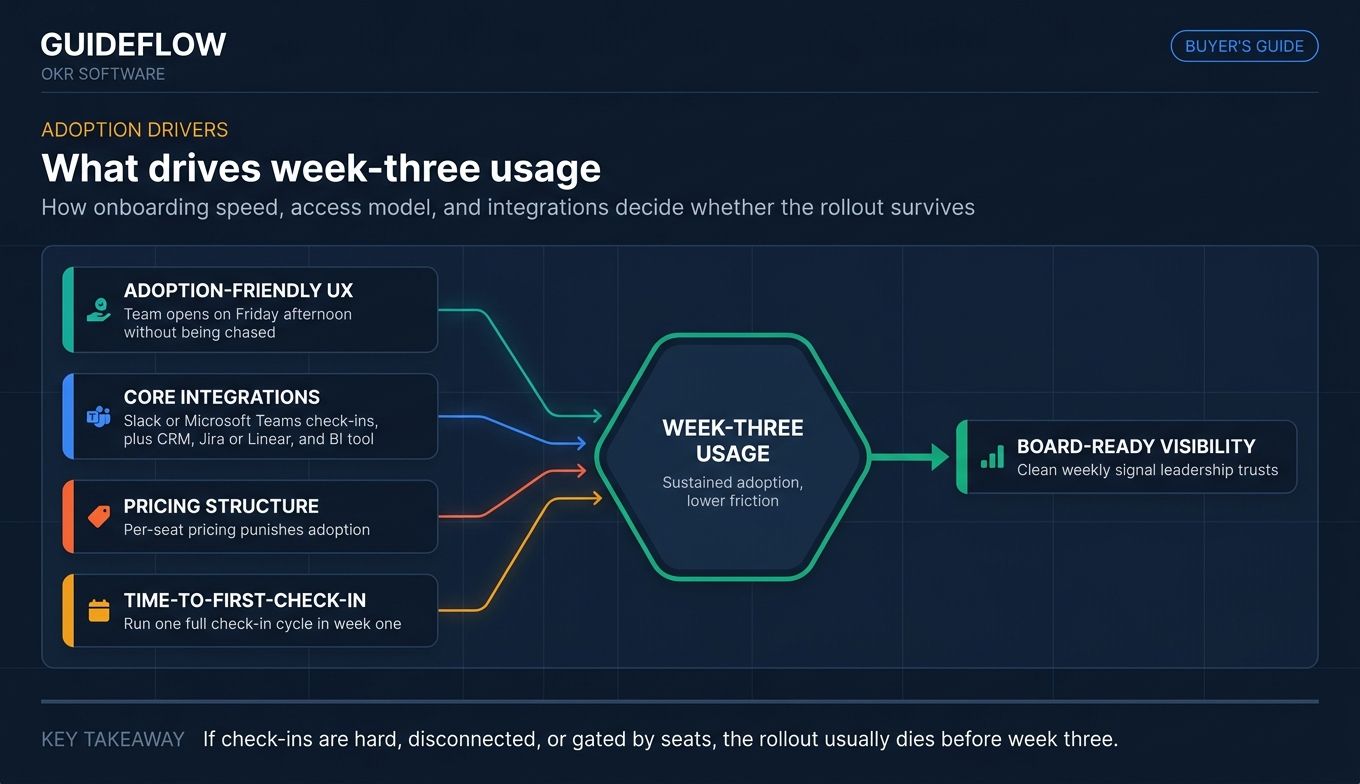
Adoption-friendly UX
The tool that wins is the one the team opens on Friday afternoon without being chased. Evaluate check-in friction (is it a one-click button in Slack, or a five-step web flow?), mobile experience, and notification quality. Good notifications nudge. Bad notifications get muted within a week. Tools that ship with strong digital adoption platforms thinking baked in tend to win this test.
Integration depth with your existing stack
Vendors list dozens of integrations. Three of them matter for you. Probably Slack or Microsoft Teams for check-ins, your CRM for revenue-linked key results, Jira or Linear for product key results, and a BI tool for dashboards. List the three before you take any demos.
Pricing structure that scales with team size
Per-seat pricing punishes adoption. Every new hire adds cost, which creates pressure to gate access, which kills the visibility OKRs are supposed to create. Look for transparent pricing, generous bands, or flat-rate options. Free tiers matter for pilot programs.
Time-to-first-check-in
Can the team run one full check-in cycle in week one? If onboarding takes a month, the rollout will stall before it starts. Ask vendors how long their fastest comparable customer took to run a check-in cycle, not how long setup "typically" takes. This is where an interactive demo of the actual check-in flow tells you more than a sales pitch ever will.
## Comparison table
Below is a side-by-side view of the 15 okr tools in this guide, sorted by relevance to Series B SaaS teams. Pricing reflects entry tier and billing terms verified at time of writing. G2 ratings reflect current public listings. Where vendors quote custom pricing only, we note that explicitly rather than guessing.
| # | Product | Intent | Key differentiation | Pricing | G2 rating |
|---|---|---|---|---|---|
| 1 | Mooncamp | Dedicated OKR + strategy execution | Flexible hierarchies, strong dashboards | €7/user/mo (Essential, annual) | 4.8/5 |
| 2 | Profit.co | OKR + performance + PPM | AI-driven strategy execution suite | From $9/user/mo | 4.7/5 |
| 3 | Lattice | HR suite with OKRs | OKRs tied to performance reviews | $8/seat/mo (Goals & OKRs) | 4.7/5 |
| 4 | 15Five | HR suite with OKRs + engagement | Weekly check-ins + engagement data | $11/user/mo (Perform, annual) | 4.6/5 |
| 5 | Betterworks | Enterprise performance + goals | Scales to large orgs | Custom quote | 4.3/5 |
| 6 | Workboard | Enterprise strategy execution | AI-assisted alignment + MBR prep | Custom quote | 4.5/5 |
| 7 | Perdoo | Dedicated OKR + strategy maps | Methodology-led with free tier | $9/user/mo (Premium, annual) | 4.4/5 |
| 8 | Weekdone | Lightweight OKR + weekly planning | Free for up to 3 users | Free tier; paid plans available | 4.5/5 |
| 9 | Tability | Modern OKR tracking | AI-assisted goal drafting | $6/user/mo (Basic, annual) | 4.6/5 |
| 10 | Leapsome | All-in-one people enablement | OKRs + reviews + learning | Modular quote-based | 4.8/5 |
| 11 | Quantive | Enterprise strategy execution | KR automation + BI integration | Custom quote | 4.7/5 |
| 12 | Asana Goals | Work management with goals | Native work-to-goal linking | $10.99/user/mo (Starter, annual) | 4.4/5 |
| 13 | Atlassian Goals | Goals inside Jira | Engineering-native | $13.08/user/mo (Standard) | 4.4/5 |
| 14 | ClickUp | Work management with Goals | Goals on paid tiers | $7/user/mo (Unlimited, annual) | 4.7/5 |
| 15 | Notion | Flexible workspace with templates | Database-driven OKR tracking | Free; $10/member/mo (Plus, annual) | 4.6/5 |
Best OKR software for 2026
1. Mooncamp
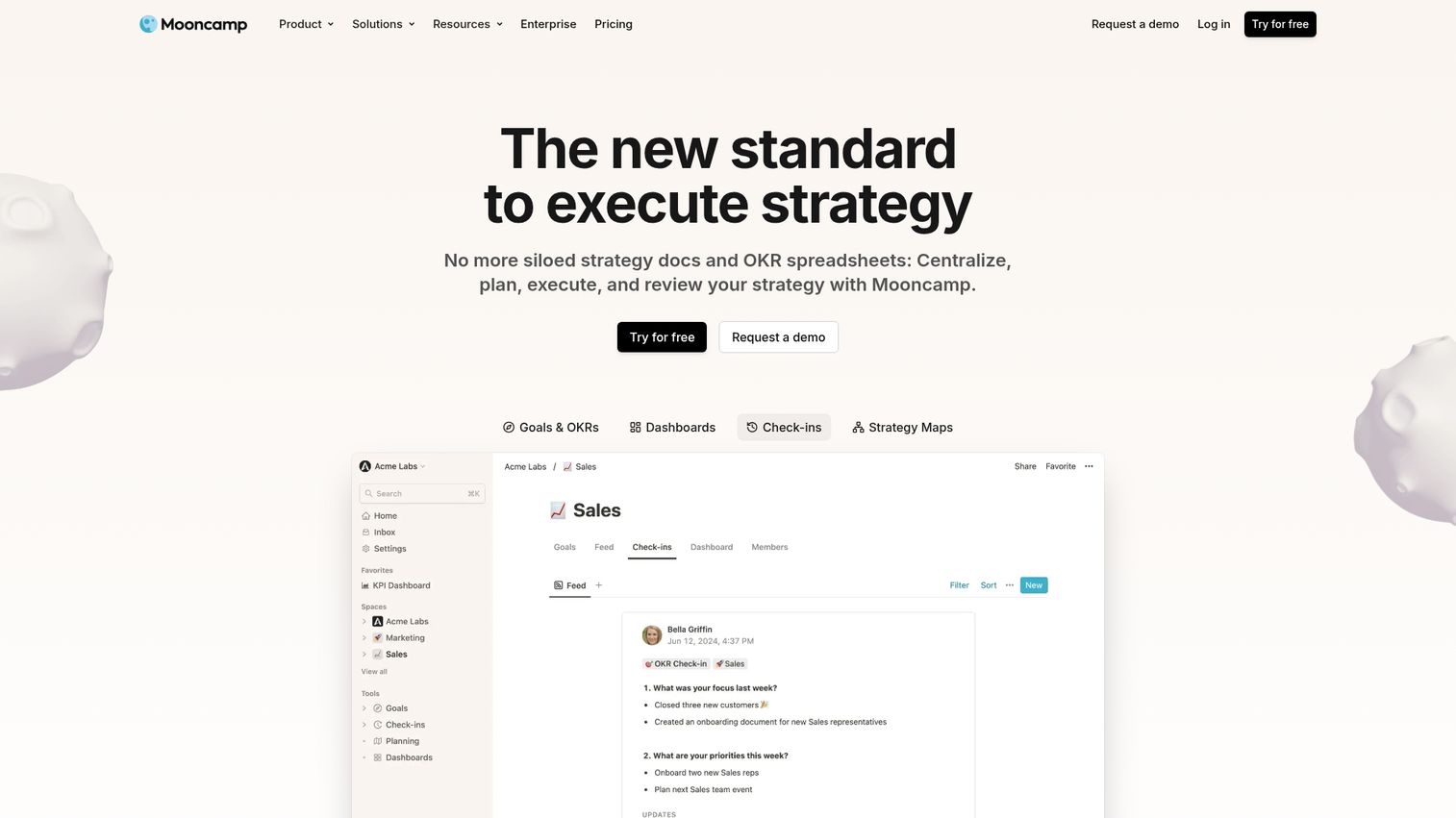
Mooncamp is a dedicated strategy execution and OKR platform built around three core capabilities: a strategy and goals planner, dashboards and reporting, and structured check-ins. It's positioned for mid-market SaaS companies running their first formal OKR program or migrating off Viva Goals.
Best for: Series B SaaS companies running their first structured OKR rollout.
Key strengths
- Flexible goal hierarchies: Map company, team, and individual OKRs without forcing one rigid structure.
- Strong dashboards and reporting: Build views by team, by quarter, or by initiative without exporting to a separate BI tool.
- Native check-ins: Weekly or biweekly check-in workflows that connect directly to the goal record.
Why choose Mooncamp: It earns its place when you want a dedicated OKR tool that isn't bundled with performance reviews you don't need yet. The UX is clean enough that adoption holds past week two, which is the real test. Strategy planning, goal tracking, and check-ins live in one workspace.
Mooncamp pricing: Essential starts at €7 per user/month billed annually. Professional is €10 per user/month billed annually. Enterprise is custom ("Talk to us"). A 14-day free trial is available; there is no permanent free tier. Pricing is listed in EUR.
2. Profit.co
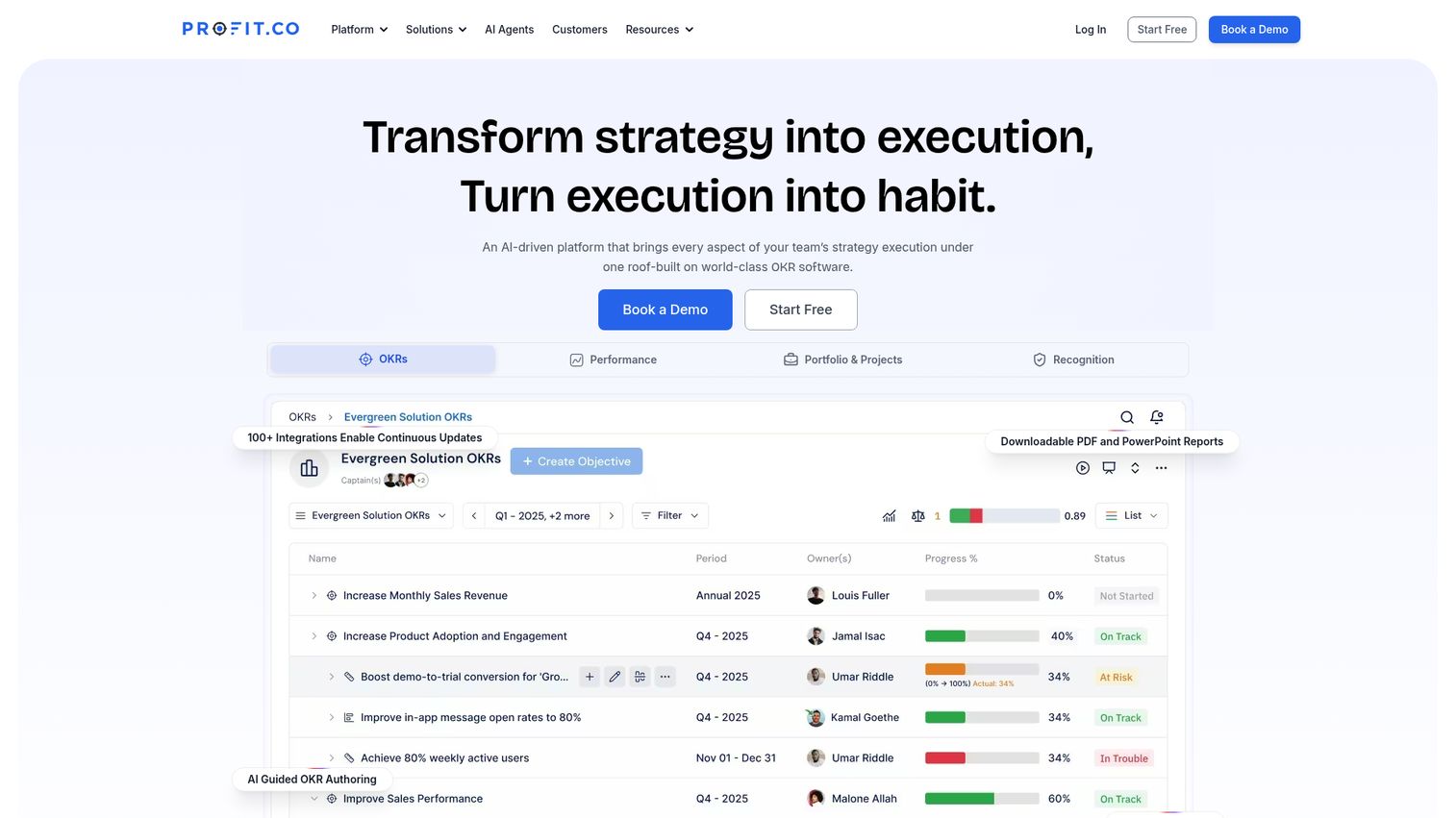
Profit.co is an AI-driven strategy execution platform that combines OKRs, performance management, project portfolio management, and employee recognition. It targets companies that want to consolidate goals, reviews, and project tracking under one vendor.
Best for: Companies consolidating OKRs with performance management and project portfolio work.
Key strengths
- OKR management at depth: Alignment, cascading, progress tracking, and 300+ inbuilt KPIs.
- Performance management built in: 360-degree evaluations, custom competency frameworks, and individual development plans.
- Project portfolio management: Resource management, timesheets, budget planning, and earned value tracking.
Why choose Profit.co: Strong choice when you're trying to reduce tool count and bring OKRs, performance reviews, and project tracking under one roof. The breadth is real, which means setup takes longer than a pure OKR tool but pays back when you'd otherwise be running three platforms.
Profit.co pricing: Per-user pricing starts at $9/user/month, with custom quotes for larger deployments based on selected modules and user count. Core modules include OKRs & Task Management, Performance Management & Goals, Project Portfolio Management, and Balanced Scorecard. Add-ons include Strategy Roadmaps, 1-on-1 & Team Meetings, Rewards & Recognition, and Employee Engagement. A free tier is available for up to 5 users.
3. Lattice
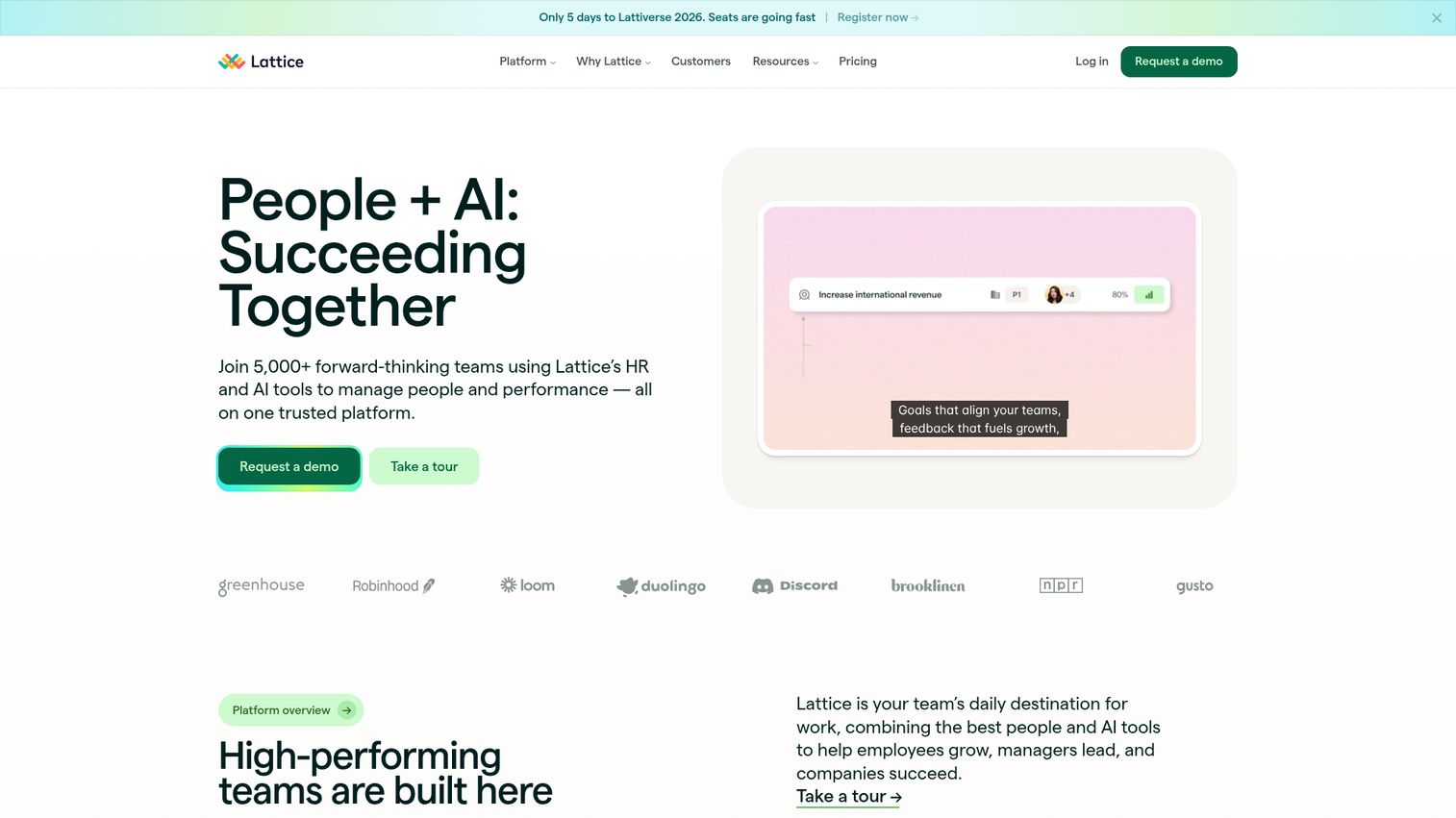
Lattice is an HR and AI platform that brings performance management, goals, and engagement onto one system. The Goals & OKRs module is mature and tightly integrated with performance reviews, which makes it a strong pick when HR owns the rollout.
Best for: People-ops-led OKR rollouts where goals and performance reviews need to be coupled.
Key strengths
- Performance reviews tied to goals: Reviews pull directly from OKR progress, not from memory.
- Engagement surveys: Pulse and lifecycle surveys live next to goal data.
- AI Agent and Analytics: Included with all base products for reporting and insights.
Why choose Lattice: Best fit when OKRs are part of a broader HR transformation, not a standalone goal-tracking project. If your Head of People is driving the rollout and wants reviews, goals, and engagement on one platform, Lattice covers that span cleanly.
Lattice pricing: Sold as custom packages with three base products and two add-ons. Engagement starts at $4/seat/month. Performance is $8/seat/month. Goals & OKRs is $8/seat/month. Compensation is +$6/seat/month and Grow is +$4/seat/month as add-ons. Contracts are billed annually with a $4,000 minimum annual agreement. No free tier.
4. 15Five
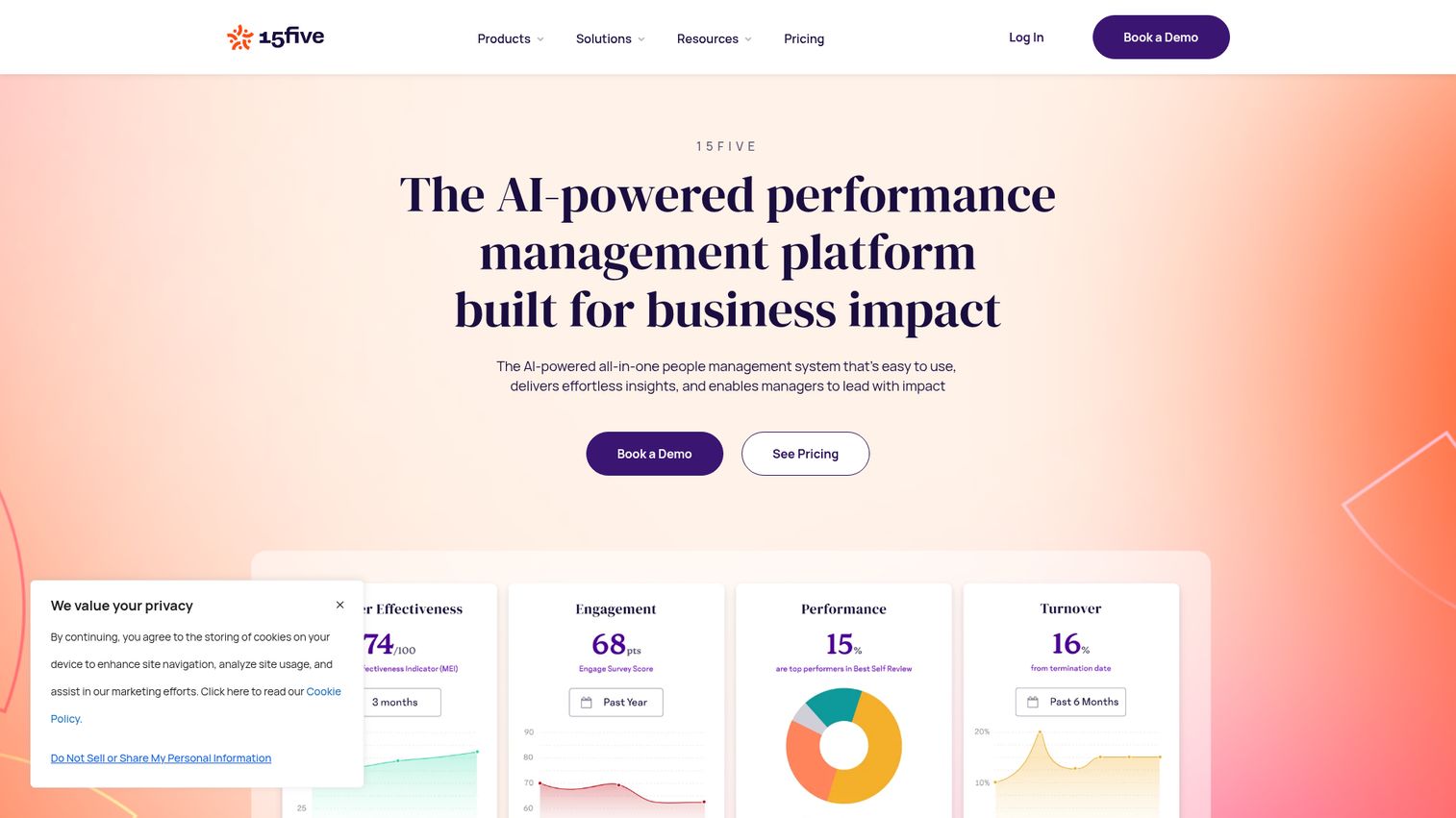
15Five is an AI-powered performance management platform combining reviews, engagement surveys, OKRs, and manager coaching microlearning. The weekly check-in cadence is built into the product, which is what makes it click for teams that want OKRs paired with engagement signal. You can see how the product presents itself in this 15Five interactive demo.
Best for: Teams that want OKRs paired with weekly check-ins and engagement data.
Key strengths
- Weekly check-ins built in: Goal progress, priorities, and engagement signal in one form.
- Engagement surveys: Pulse and lifecycle data alongside performance.
- AI-powered insights: Synthesizes review, engagement, and goal data into manager-ready summaries.
Why choose 15Five: Picks up where Lattice leaves off when engagement data matters as much as goal data. Strong for managers who run weekly 1:1s and want one input flow that feeds OKRs, reviews, and engagement scoring at the same time.
15Five pricing: Engage is $4 per user/month billed annually. Perform is $11 per user/month billed annually. Total Platform (Engage + Perform + manager training) is $16 per user/month billed annually. Free tier status is not explicitly published.
5. Betterworks
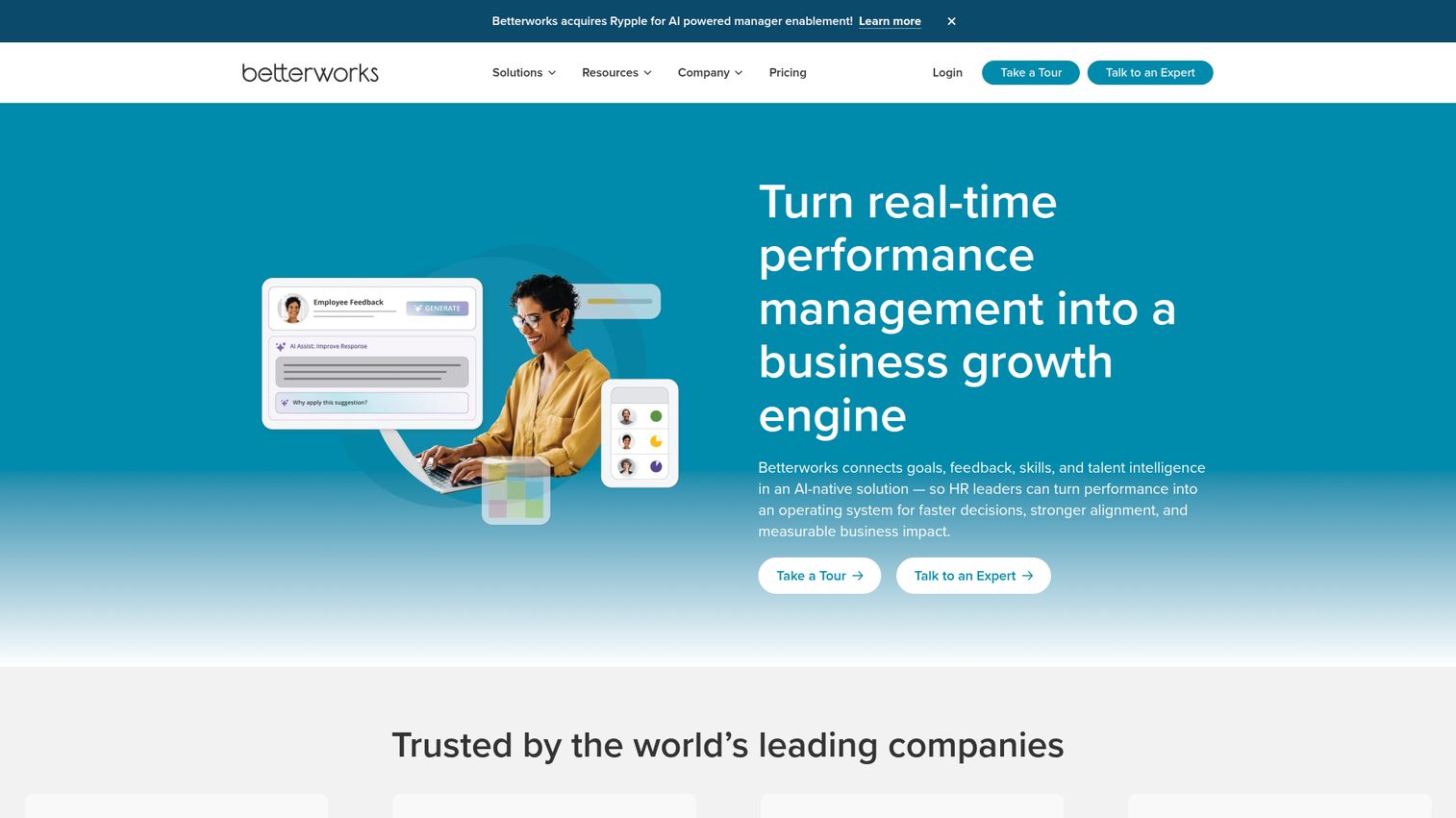
Betterworks is an AI-native performance management platform that connects goals, feedback, skills, and talent intelligence. It's built for enterprise scale, with a goals and OKR module that handles complex org structures.
Best for: Enterprise SaaS and post-IPO companies with complex org structures and HR governance needs.
Key strengths
- Goals & OKRs at enterprise scale: Built to handle deep hierarchies and cross-functional alignment.
- Feedback & recognition: Continuous feedback and recognition workflows integrated with goal data.
- Talent intelligence: Skills, performance, and goal data tied to talent decisions.
Why choose Betterworks: Earns its place at enterprise scale. If you're running 1,500+ employees and HR wants one platform for goals, performance, and talent, this is the category Betterworks targets. Lighter teams will find it more than they need.
Betterworks pricing: Custom quote with two published plan tracks: Enterprise (starting at 2,500 employees) and Mid-Market (starting at 500 employees). No public dollar pricing or billing cadence on the plans page.
6. Workboard
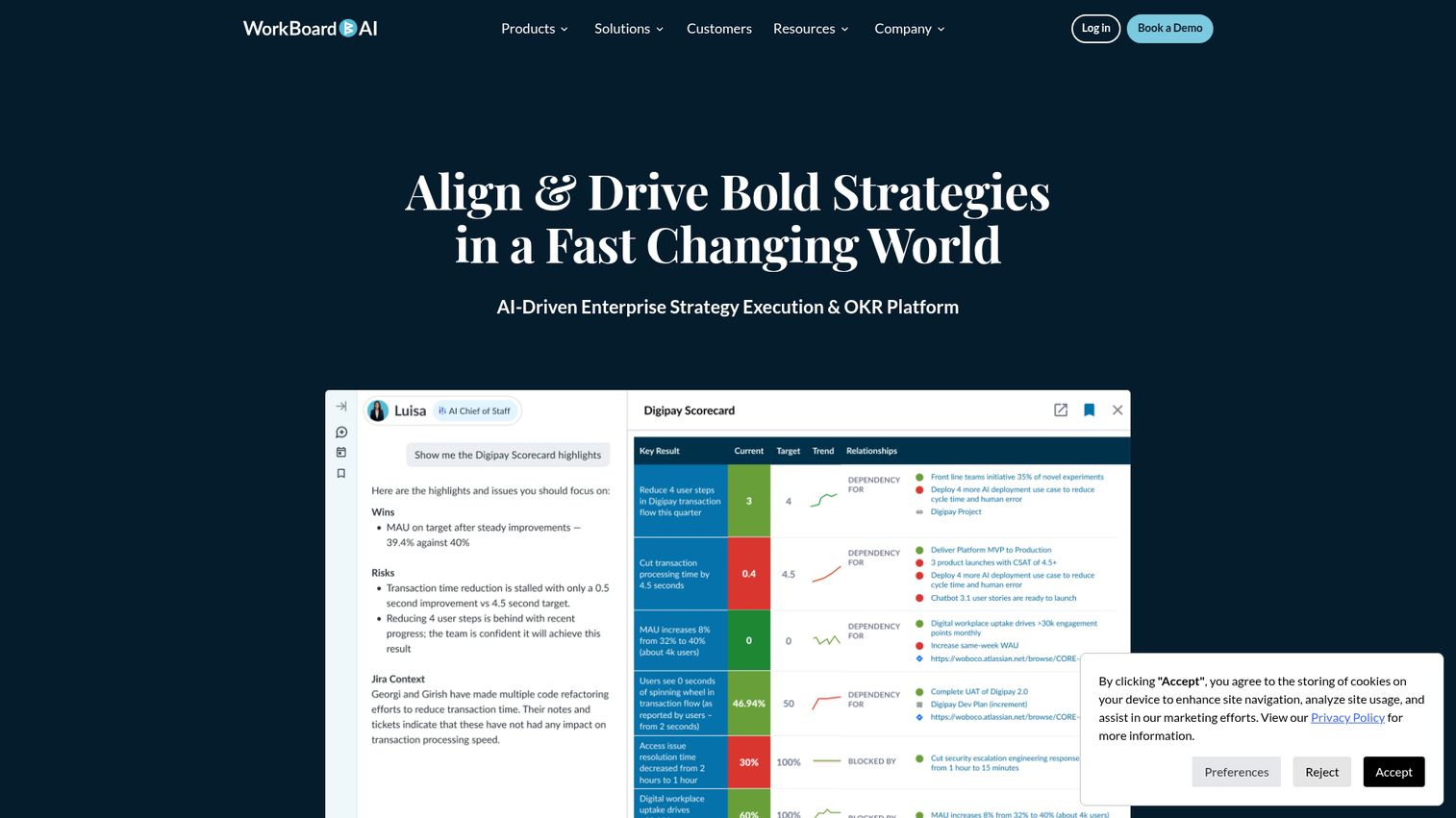
Workboard is an AI-driven enterprise strategy execution and OKR platform. Beyond OKR tracking, it focuses on the operating cadence around strategy: status reports, monthly business review prep, and meeting workflows that connect to goals.
Best for: Enterprise companies running quarterly business reviews where the CEO and board want a live view of strategy execution.
Key strengths
- OKR creation & alignment: Structured authoring with cascading and dependencies.
- Status reports & MBR prep: Automated business review materials, not slide-by-slide rebuilds.
- Easy integration: Connects to the work tools that feed your goal data.
Why choose Workboard: Strong choice for companies where strategy execution is a CEO-level conversation every month. Also a common destination for teams migrating off Microsoft Viva Goals because the enterprise governance model is familiar.
Workboard pricing: Public pricing is not displayed; the pricing URL routes to a demo request. Custom quote only.
7. Perdoo
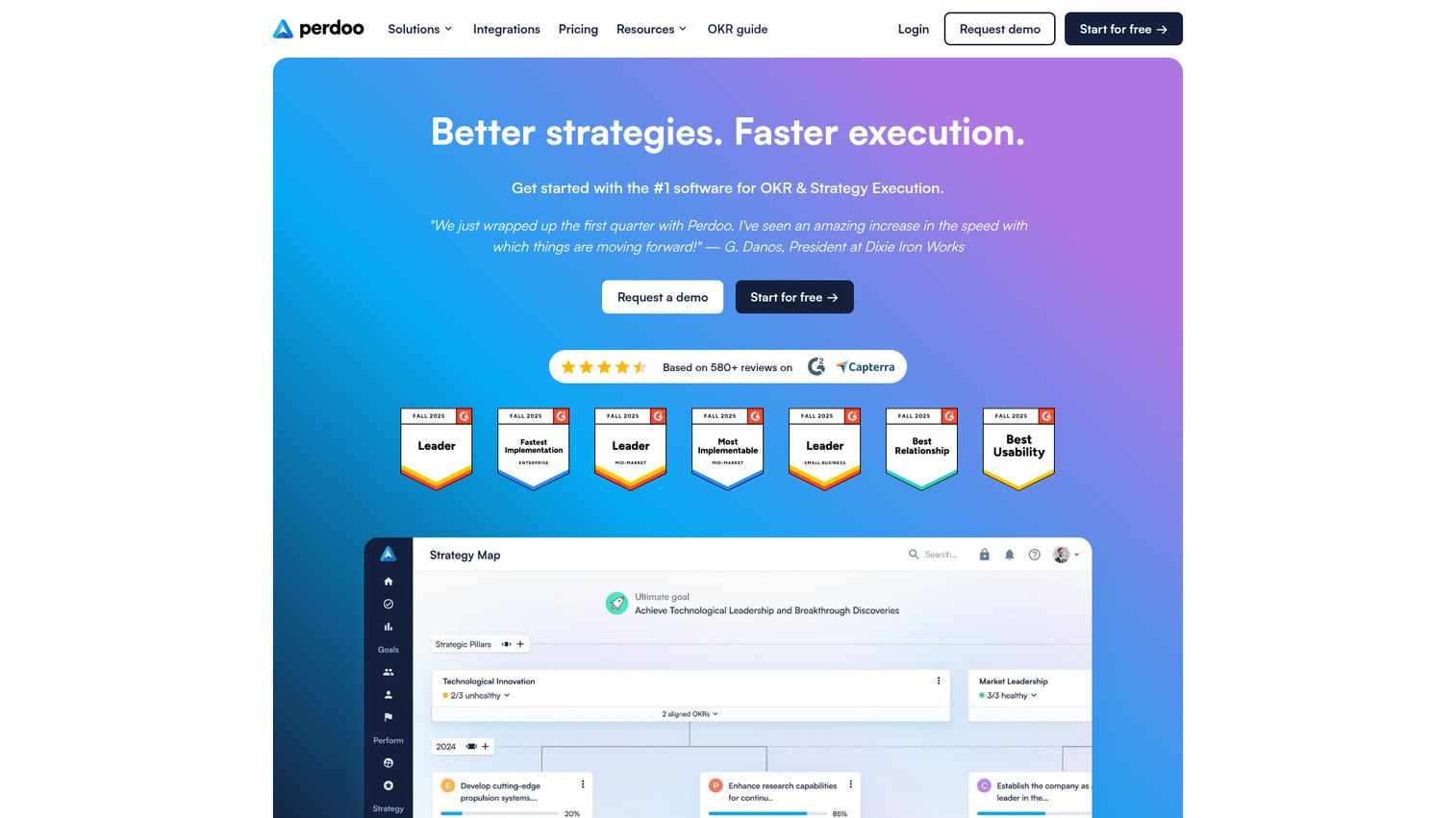
Perdoo is strategy execution and OKR software with a strong methodology layer. The product pairs OKRs and KPIs with strategy maps, which gives teams a structured way to connect quarterly goals to the longer-term vision.
Best for: Teams new to OKRs that want methodology guidance built into the tool.
Key strengths
- Strategy maps: Connect vision, strategic pillars, and OKRs in one view.
- OKR and KPI tracking: Separate but connected systems for outcomes and operational metrics.
- Performance workflows: Check-ins, reviews, 1:1s, pulse, and kudos in one place.
Why choose Perdoo: Best fit for first-time OKR rollouts where the team needs guardrails on writing good objectives. The strategy map view also helps when leadership needs to keep quarterly OKRs anchored to the longer plan.
Perdoo pricing: Free for up to 5 users. Premium is $9 per user/month and Supreme is $11 per user/month (both annual, USD list; €8 and €10 respectively). Paid plans require a minimum of 5 user licenses and are subject to volume discounts. Pricing shows in EUR by default with USD available.
8. Weekdone
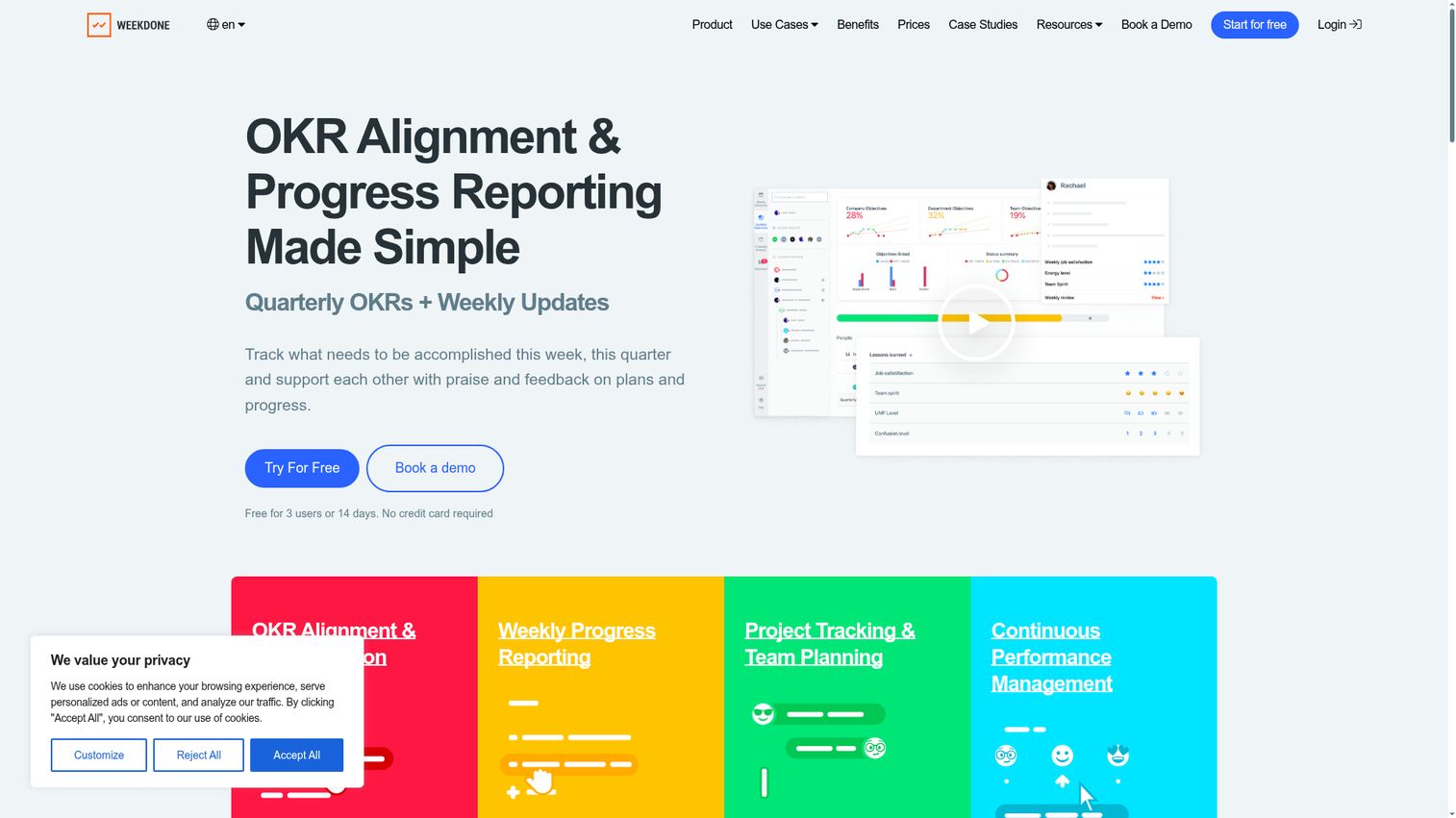
Weekdone is OKR software focused on goal tracking, weekly status reporting, and team alignment. It sits at the lightweight end of the dedicated OKR category, which is exactly why it works for smaller teams.
Best for: Small teams and startups running quarterly OKRs with weekly status updates.
Key strengths
- Quarterly and annual OKRs: Hierarchy tree with company-wide alignment.
- Weekly PPP reporting: Plans, progress, and problems collected via employee check-ins.
- Dashboards and reports: Automated email reports and custom views.
Why choose Weekdone: Right pick when you want low overhead and don't need enterprise governance. The weekly PPP cadence is a strong forcing function for teams that haven't run structured check-ins before.
Weekdone pricing: Free for up to 3 users. For 4 or more users, a 14-day free trial is available. Per-user pricing decreases with team size and annual billing saves 20%; exact paid tier amounts are not publicly listed on the pricing page.
9. Tability
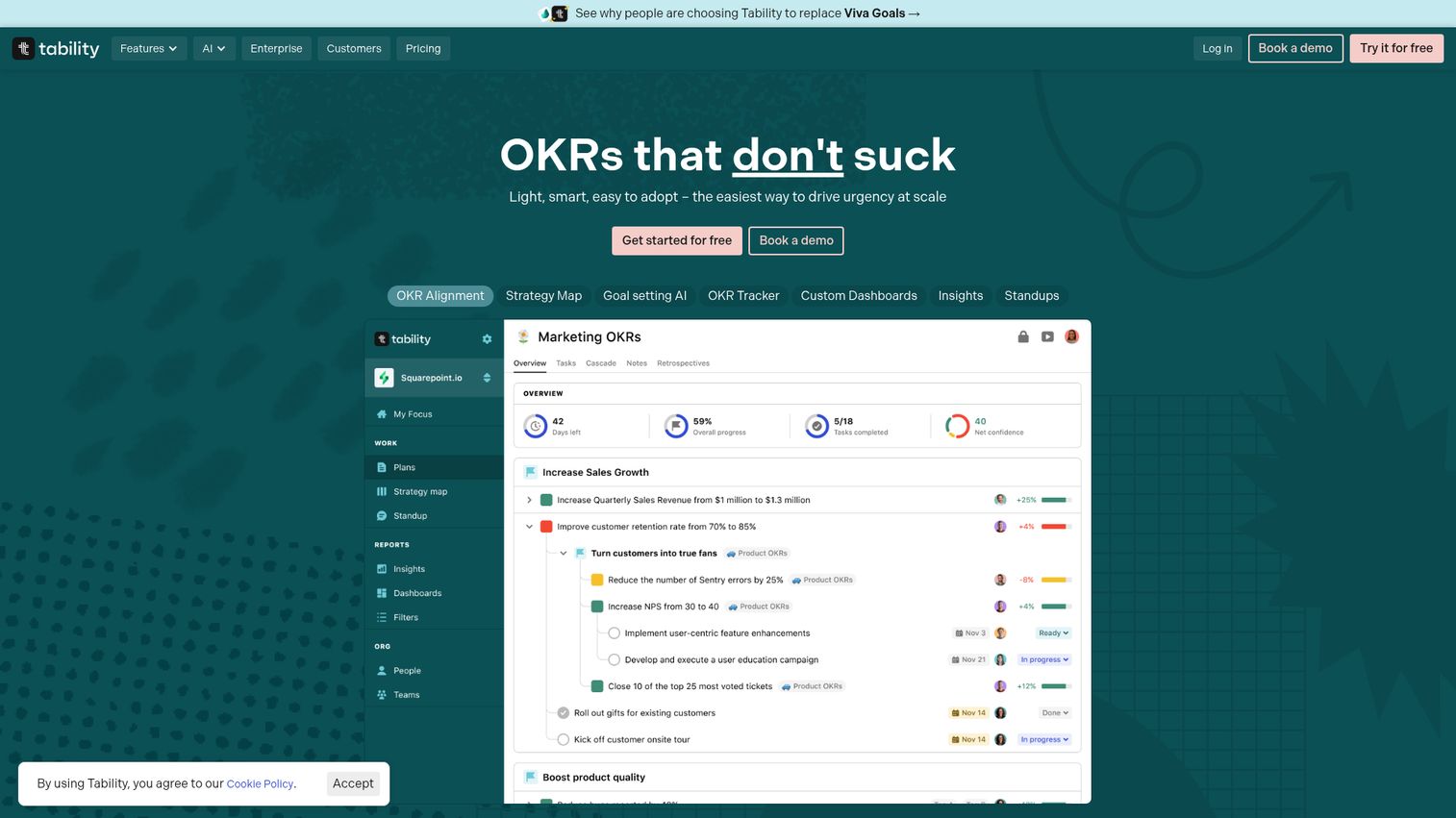
Tability is AI-powered goal tracking software for aligning teams around OKRs, KPIs, and SMART goals. The tool leans modern, with AI-assisted drafting, presentation mode, and automated check-in reminders.
Best for: Series A to B SaaS teams that want a lightweight, AI-forward OKR tool.
Key strengths
- AI-assisted goal setting: Drafts objectives and key results from short prompts.
- Weekly check-ins: Reminder-driven check-in workflow that keeps goals current.
- Custom dashboards and presentation mode: AI-generated reports for board and team reviews.
Why choose Tability: Strong for teams that want OKR software to feel like a modern SaaS product, not enterprise software. The AI features genuinely cut authoring time, which matters when the founder is still in the room for goal-setting.
Tability pricing: Basic is $6 per user/month and Premium is $10 per user/month, both billed yearly ($7 and $12 respectively on monthly billing). A new Agentic tier is $20 per user/month (yearly) for AI-agent workflows, and Enterprise is custom quote. All prices are in USD with a 14-day free trial; there is no permanent free tier, and there are no user minimums.
10. Leapsome
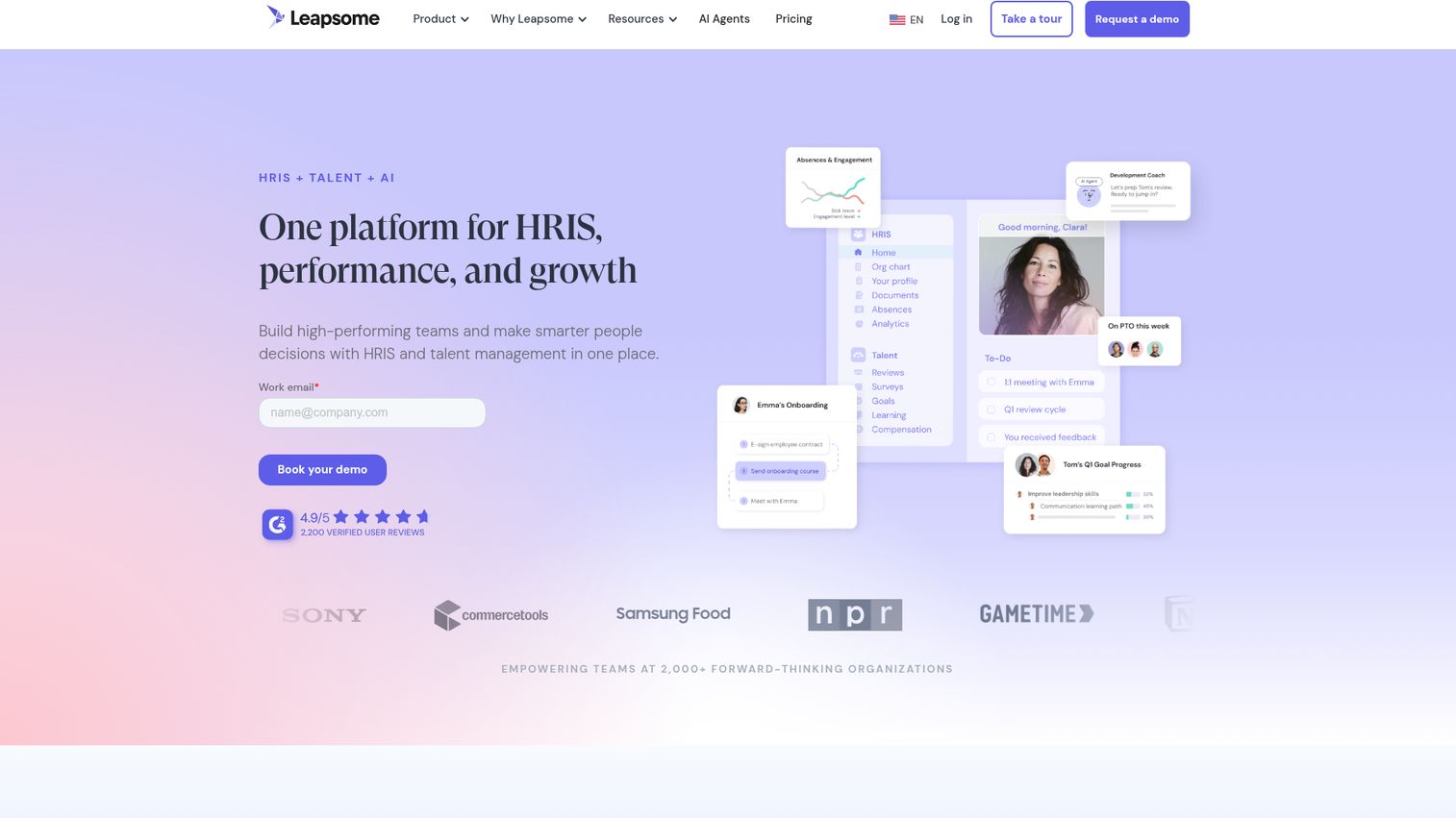
Leapsome is an AI-powered HR software and people platform that combines HRIS, performance, and growth tools in one modular system. OKRs sit alongside reviews, surveys, learning, and AI agents for HR workflows.
Best for: Mid-market companies consolidating their people-ops stack.
Key strengths
- Centralized HRIS: Employee data, workflows, absences, documents, and payroll prep in one system.
- Connected performance tools: Goals, feedback, reviews, surveys, and learning paths share the same data layer.
- AI agents: Manager coaching, employee policy answers, and HR admin automation.
Why choose Leapsome: Earns its place when you're trying to reduce tools, not add them. The modular pricing means you can start with goals and reviews and add learning, engagement, or HRIS later without changing vendors.
Leapsome pricing: Modular quote-based pricing. Modules can be purchased individually or combined, with multi-module discounts. Pricing depends on employee count, contract length, and selected modules. Minimum contract term is 1 year. A 14-day free trial is available; permanent free tier is not confirmed.
11. Quantive
Quantive (formerly Gtmhub) is strategy execution and OKR software with deep automation. Key results can update automatically from 170+ connected data sources, which removes the weekly "go update your numbers" friction that kills most rollouts.
When you're shortlisting any platform at this depth, ask the vendor for an interactive demo of the check-in and KR update workflow specifically, not just the dashboard. The check-in is where adoption lives or dies.
Best for: Enterprise teams with data-driven KRs that should auto-update from source systems.
Key strengths
- Cross-functional goal alignment: Structured OKR tracking with deep hierarchy support.
- AI-guided planning: Executive summaries, whiteboards, and AI-supported planning workflows.
- Automated tracking: Dashboards and reporting fed by 170+ data source integrations.
Why choose Quantive: Best when you want KRs to update automatically rather than manually each week. Also a frequent landing spot for teams replacing Microsoft Viva Goals because the enterprise feature set is comparable.
Quantive pricing: Three plans (Teams, Business, Enterprise), all custom quote. Teams targets team-level goal alignment. Business adds automation and data connections for mid-sized orgs. Enterprise adds customization, API access, advanced user provisioning, and dedicated support.
12. Asana Goals
Asana is a work and project management platform with a built-in Goals module. The advantage is direct: OKRs link to the actual projects and tasks driving them, with no separate vendor and no separate sync. The Asana product walkthrough gives a fast look at how Goals sits inside the work view.
Best for: Teams already deep in Asana that want OKRs without adding another tool.
Key strengths
- Native work-to-goal linking: Goals connect directly to the projects, portfolios, and tasks that move them.
- Project views at every angle: List, calendar, timeline, Gantt, and Kanban for the work driving each KR.
- Forms and rules: Workflow automation that keeps goal updates tied to actual work activity.
Why choose Asana: Right call when consolidation outweighs dedicated OKR features. If your operating team already lives in Asana, the friction of adding a separate OKR vendor often outweighs the feature delta.
Asana pricing: Personal is free forever. Starter is $10.99 per user/month billed annually ($13.49 billed monthly). Advanced is $24.99 per user/month billed annually ($30.49 billed monthly). Enterprise and Enterprise+ require contacting sales. Goals are typically available on higher tiers.
13. Atlassian Goals
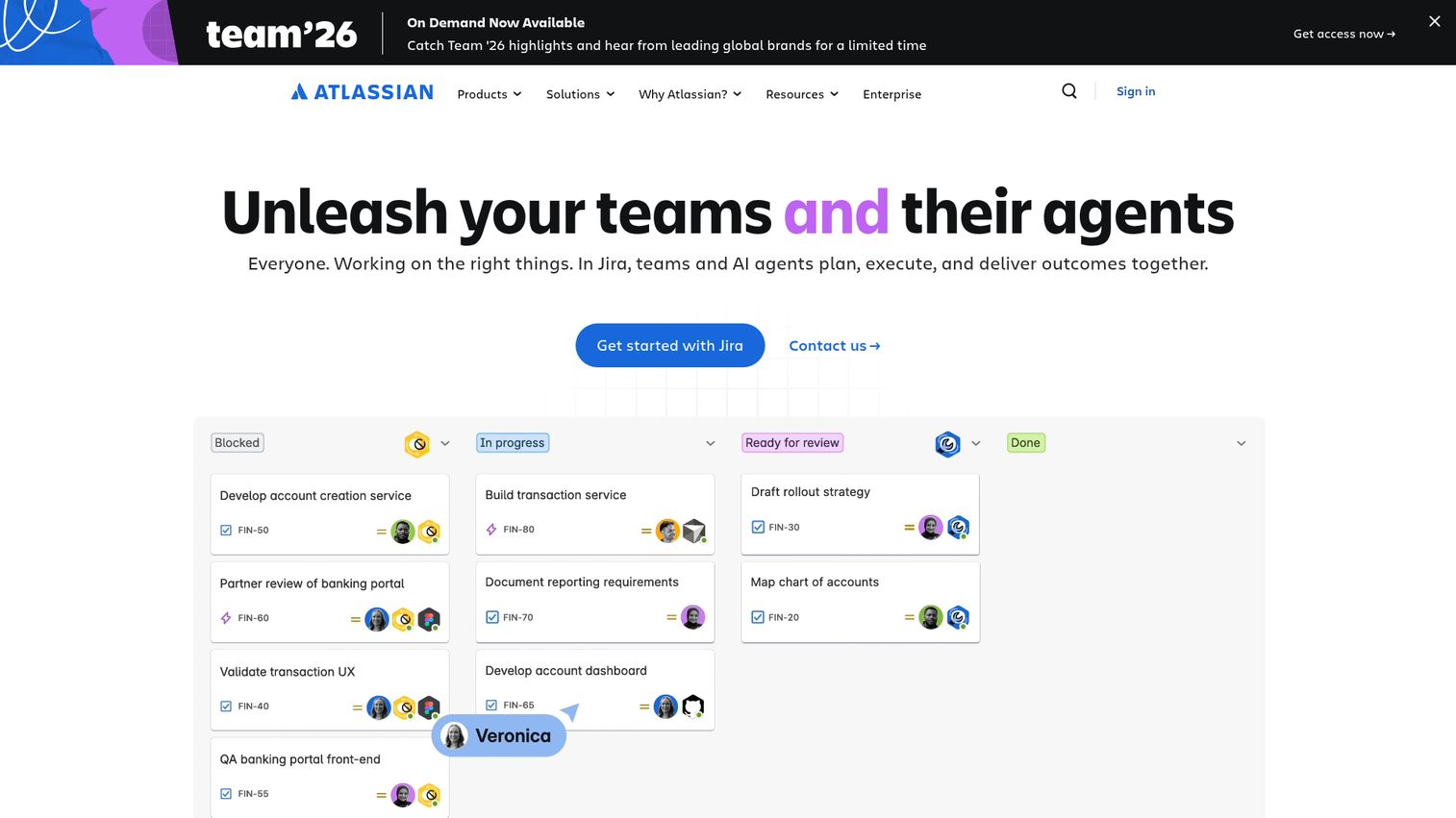
Atlassian offers goal tracking inside the Atlassian suite, linking OKRs to Jira work items directly. For engineering-led companies, this removes the "OKRs say one thing, Jira says another" mismatch that plagues most cross-tool setups. The Jira interactive demo shows how the goal-to-work link surfaces inside the issue view.
Best for: Engineering-heavy SaaS companies running on Jira and Confluence.
Key strengths
- Rovo AI agents: Integrated AI search, chat, and agents across the work stack.
- Cross-team planning: Dependency management between teams and goals.
- Unlimited Whiteboards: Visual planning that connects to the goals and the work.
Why choose Atlassian: Best fit when product and engineering teams are the primary OKR users. Goals tied directly to Jira epics and stories means the link between strategy and shipped work is observable, not narrated.
Atlassian pricing (Teamwork Collection): Free for up to 10 users. Standard is $13.08 per user/month. Premium is $28.08 per user/month. Enterprise is annual billing with custom pricing. The Teamwork Collection includes Jira, Confluence, and Loom.
14. ClickUp
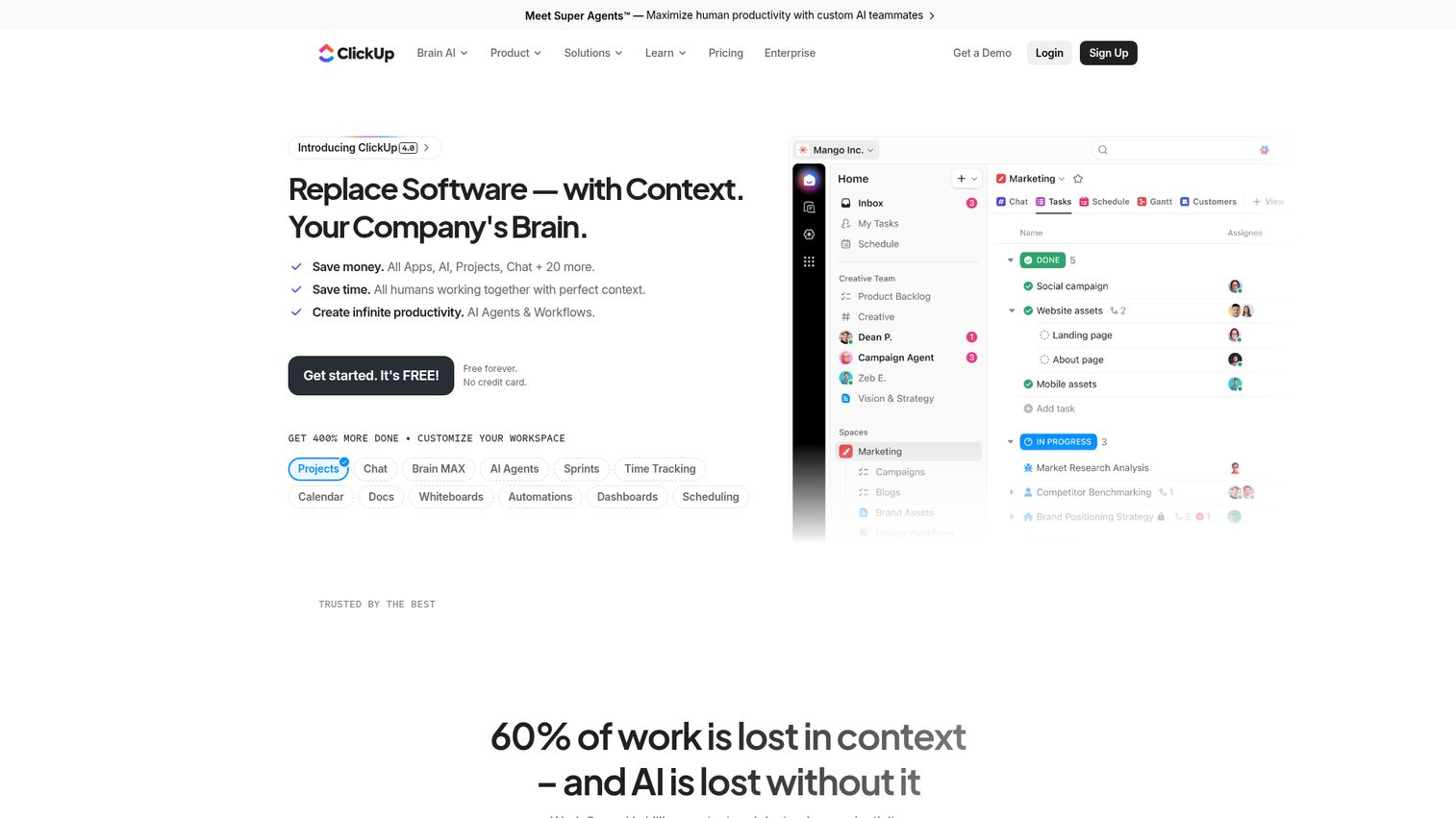
ClickUp is an all-in-one work app combining projects, knowledge, conversations, and AI. The Goals feature ties OKRs directly to tasks, docs, and whiteboards in the same workspace. The ClickUp interactive demo is a quick way to see whether the Goals view matches how your team plans.
Best for: Teams already running everything in ClickUp.
Key strengths
- Tasks and Goals connected: OKRs link to the actual tasks driving them, with no separate system.
- Docs and Whiteboards: Strategy documentation and visual planning live next to the goal record.
- Generous free tier: Free Forever plan covers basic use cases for small teams.
Why choose ClickUp: Right pick if you want one tool for work and goals, not two. The free tier makes piloting low-risk, and the breadth of features means you rarely need to bolt anything else on for general work management.
ClickUp pricing: Free Forever is free. Unlimited is $7 per user/month billed yearly. Business is $12 per user/month billed yearly. Enterprise requires contacting sales. AI add-ons are priced separately.
15. Notion
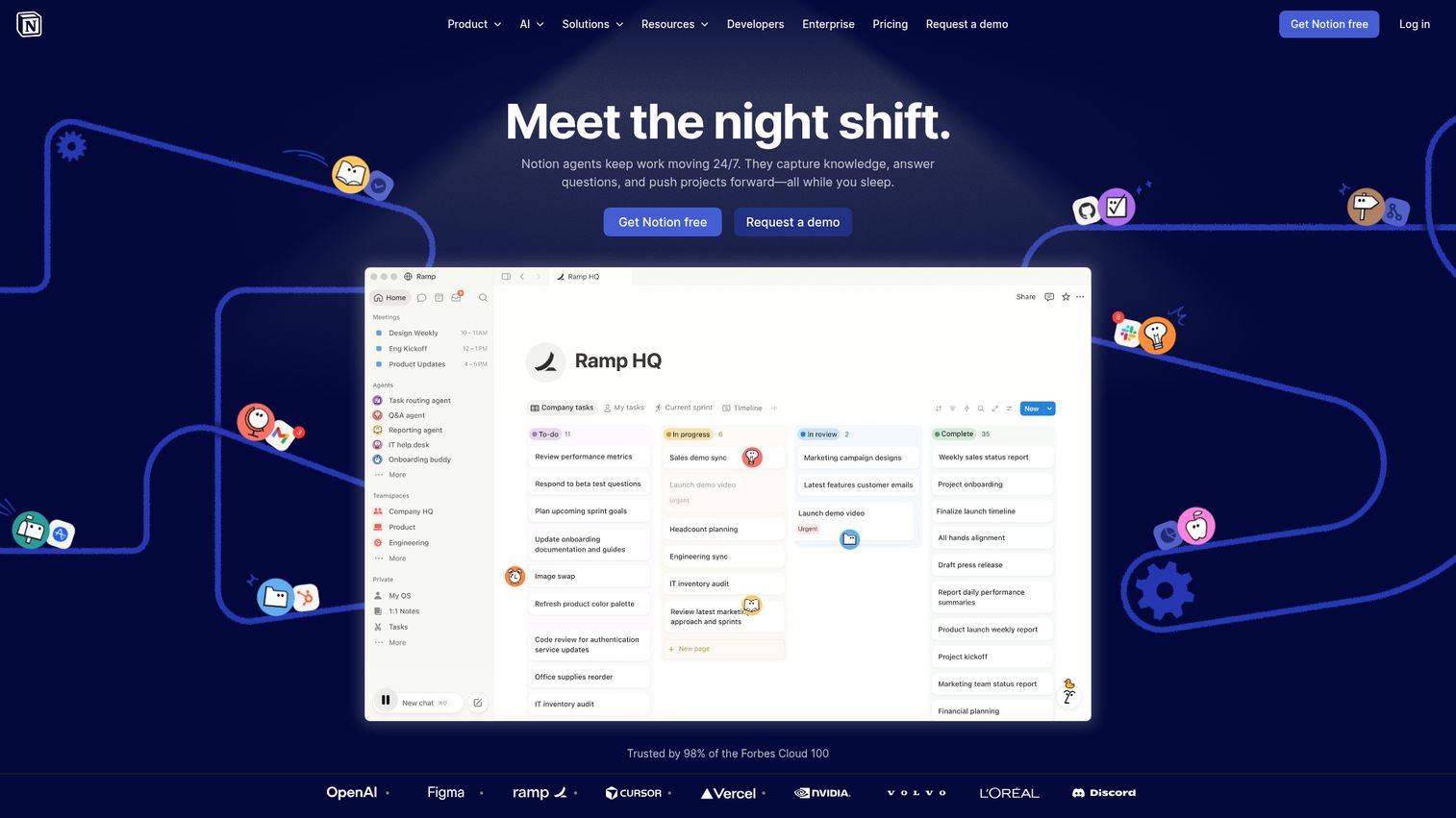
Notion is a connected workspace that brings docs, wikis, projects, and databases together. OKRs in Notion are built with database templates rather than a dedicated module, which trades polish for flexibility.
Best for: Early-stage teams that prefer building their own lightweight system.
Key strengths
- Database flexibility: Build OKR structures that match how your team actually thinks.
- Notion AI and custom agents: Automate updates, summaries, and repetitive workflows.
- Enterprise Search and AI Meeting Notes: Connect goals to the discussions and docs around them.
Why choose Notion: Best when you want maximum flexibility and your team already lives in Notion. Also the most common free okr software starting point for teams under 30, with the option to migrate to a dedicated tool when the cracks show.
Notion pricing: Free is $0 per member/month. On annual billing, Plus is $10 per member/month and Business is $15 per member/month (these rise to $12 and $18-20 respectively on monthly billing). Enterprise is custom. Notion AI is now bundled into Business and Enterprise tiers. Prices are in USD with a monthly/yearly toggle on the pricing page.
Integration depth, not integration count
Vendors list dozens of integrations. Three of them matter for your team. Map the integrations before the shortlist: which CRM, which work tool, which BI tool, which chat. If a vendor's CRM integration is read-only when you need bidirectional sync, the logo wall doesn't help.
Pricing transparency
Hidden enterprise pricing means longer procurement cycles. Series B founders should weight transparent pricing heavily, especially when piloting two tools side by side. Custom quotes are fine for enterprise but a friction tax at your stage.
Adoption signals from existing customers
Ask vendors for weekly active user data from comparable customers, not logo walls. "We're used by [logo]" is not the same as "75% of [logo]'s users check in weekly." The latter is the only number that predicts your rollout. This is the same logic behind investing in product tour software - adoption beats features every time.
Time-to-first-value
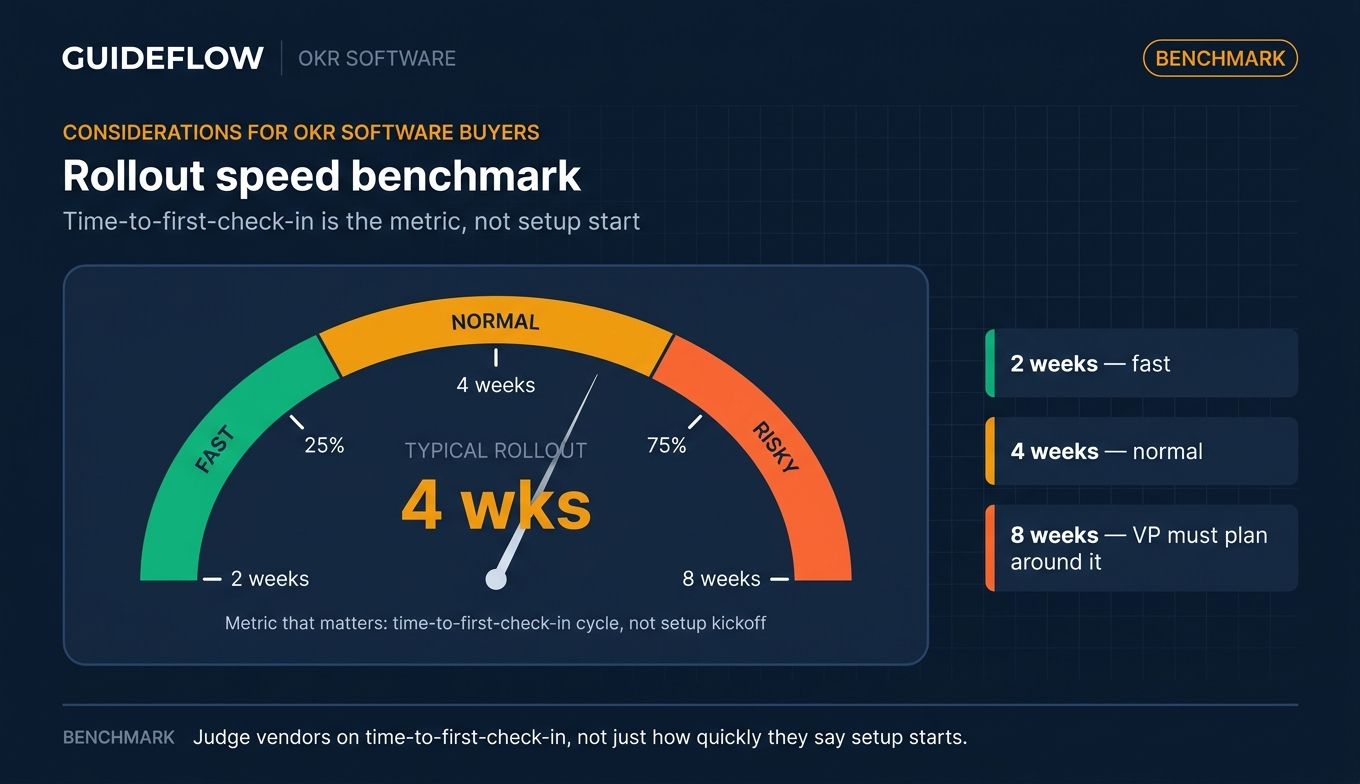
A platform that takes a quarter to set up will miss the quarter it was bought for. Ask vendors how long their fastest comparable customer took to run a full check-in cycle. Two weeks is fast. Four weeks is normal. Eight weeks means your VP needs to plan around it. Strong user onboarding tooling inside the product is often the difference between a two-week and an eight-week rollout.
#### What it replaces
If the new tool doesn't kill at least one existing tool or process, it's adding complexity, not removing it. Be specific: this replaces the OKR spreadsheet, the planning doc template, and the weekly status Slack. If you can't name what dies, the rollout will stall.
How to choose the right OKR software for your team
The right pick depends less on category and more on context. A few scenarios that map cleanly:
- If you're a 30 to 80 person SaaS company rolling out OKRs for the first time: Start with a dedicated platform that has strong methodology guidance. Perdoo, Mooncamp, and Tability are the strongest okr software for startups in this range.
- If you're already on Microsoft 365 and need a Viva Goals replacement: Workboard, Quantive, and Mooncamp are the common migration paths. All three handle enterprise governance and integrate with Microsoft Teams.
- If your team lives inside Jira or Asana: Use the native Goals feature before adding a vendor. Atlassian Goals or Asana Goals will get you 80% of the value with zero integration work.
- If OKRs are part of a broader HR transformation: Lattice, 15Five, or Leapsome. The OKR module isn't best-in-class against dedicated tools, but the bundled performance and engagement data is worth the trade.
- If you need board-ready strategy execution at enterprise scale: Workboard, Quantive, or Betterworks. All three are built for the operating cadence around strategy, not just goal tracking.
- If you want to pilot OKRs with minimal commitment: Notion templates or ClickUp's free tier. Both let you run a quarter before committing to a paid vendor.
Conclusion
The 15 tools above cover most Series B scenarios. The shortlist depends on your stack, your VP layer, and how much HR governance the rollout needs. A reasonable starting pattern:
- Dedicated OKR rollout, first time: Mooncamp, Perdoo, Tability
- HR-led rollout: Lattice, 15Five, Leapsome
- Enterprise strategy execution: Workboard, Quantive, Betterworks
- Already on a work tool: Asana Goals, Atlassian Goals, ClickUp
The real buying criterion isn't the demo. It's whether the team opens the tool in week three. Pilot two tools side by side for one full check-in cycle, not a discovery call, before committing seats. A quarter of real data beats four demos every time.
Start with a pilot of Mooncamp and one HR-suite alternative (Lattice or 15Five) this quarter if you're a Series B SaaS company under 100 people. You'll know within six weeks which side of the dedicated-vs-bundled question fits your team. If you're evaluating vendors and want to see workflows side by side without booking three demos, browse the demo showcase library for live product walkthroughs.
FAQs about OKR software tools
OKR software is a goal management platform that lets teams set objectives, define measurable key results, track progress in real time, and align work across the organization. It replaces the spreadsheet, Notion doc, and Slack thread combination most teams use before they hit 50 people. The category overlaps with sales management software and work management, but the core job is keeping company, team, and individual goals visible and current.
Three free okr software options cover most use cases. Notion's free tier works well for teams under 10 with a database-driven setup. ClickUp's Free Forever plan supports basic Goals usage. Perdoo offers a free tier for up to 5 users on its dedicated OKR platform. Weekdone is free for up to 3 users. Free works for one or two quarters; after that, visibility and check-in friction usually force a paid move.
For dedicated mid-market okr tools, expect roughly $7 to $15 per user/month on annual plans (Mooncamp Essential at €7, Perdoo Premium at $9, Lattice Goals & OKRs at $8, 15Five Perform at $11). Enterprise suites like Betterworks, Workboard, and Quantive are custom quote only, typically billed annually with multi-year minimums. Work management tools that include Goals (Asana, ClickUp, Atlassian) sit in the $7 to $13 per user/month range on their core paid tiers.
OKR software tracks outcomes. Project management software tracks work. PM tools answer "what's getting done this week," OKR tools answer "is the work moving the strategy." Most companies need both. The newer wave (Asana Goals, Atlassian Goals, ClickUp) bundles the two; dedicated OKR platforms (Mooncamp, Perdoo, Tability) keep them separate but integrate.
For the first quarter or two, yes. After that, version control breaks, check-in friction kills updates, and nobody trusts the numbers. The honest answer: spreadsheets work until your team passes roughly 30 people or your second quarter of OKRs, whichever comes first. Then the visibility cost of staying in sheets exceeds the migration cost of moving to dedicated okr management software.
Lightweight, low-cost, fast to set up. Tability and Weekdone are the strongest dedicated picks for early-stage teams. Notion works if your team already lives there. Mooncamp's Essential tier and Perdoo's free or Premium tier are strong if you want a dedicated okr app from day one. Avoid enterprise suites at this stage; the setup time and minimum contracts don't pay back.
Microsoft announced the retirement of Viva Goals, and customers have been migrating throughout the past year. Common destinations: Quantive and Workboard for enterprise governance, Mooncamp for mid-market, Lattice if HR owns the rollout, or Asana Goals / Atlassian Goals if the team wants to consolidate into an existing work tool. Verify Microsoft's current lifecycle notice before planning a migration timeline.
Realistic ranges: 1 to 2 weeks for lightweight dedicated tools (Weekdone, Tability, Notion templates), 2 to 4 weeks for mid-market platforms with integrations (Mooncamp, Perdoo, Lattice), 4 to 8 weeks for enterprise suites with HR system integrations (Betterworks, Workboard, Quantive). The number that actually matters isn't setup; it's time-to-first-check-in. Ask vendors how long their fastest comparable customer took to run a full cycle.