Writing code line by line feels slow when AI can generate entire functions from a sentence. The tools that do this well have become the difference between shipping in days versus weeks.
This guide covers 12 AI code generation tools across three categories: AI-first editors, IDE extensions, and cloud-based generators. You'll learn how each one works, what it costs, and which fits your skill level and workflow.
What's inside
This guide covers AI code generation tools that help you ship faster. You'll learn how the tools work, which category fits your workflow, and how to pick the right one for your skill level.
We reviewed 12 tools across three categories: AI-first code editors, IDE extensions, and cloud-based generators. Each section includes honest pros, cons, and pricing so you can make a decision without scheduling a sales call.
TL;DR
- Best for professional developers: Cursor offers full codebase awareness and agent mode for complex projects
- Best free ai code generator: Replit provides a generous free tier with built-in hosting and collaboration
- Best for non-coders building apps: Lovable generates full-stack applications from plain English descriptions
- Best IDE extension: GitHub Copilot works inside your existing editor without changing your workflow
- Best for enterprise teams: Amazon Q Developer includes security scanning and AWS-optimized suggestions
What are AI code generation tools
AI code generation tools are systems that use machine learning to understand natural language prompts and write source code. Think of them as pair programmers that never sleep. They automate repetitive tasks, catch bugs before you do, and translate plain English into working code.
You'll encounter three main types:
- AI-first code editors: Dedicated IDEs (often VS Code forks) with native AI model integration baked into every feature
- IDE extensions and assistants: Plugins that add AI capabilities to your existing editor like VS Code, JetBrains, or Xcode
- Cloud and no-code generators: Browser-based platforms where you describe what you want and get working code without prior programming knowledge
How AI code generation works
The process starts when you provide a prompt. This could be a comment describing what you want, a question in a chat interface, or simply the context of your current file.
The AI model (trained on millions of code repositories) interprets your intent and generates a response. Modern tools read your entire project for context, not just the line you're editing. Suggestions account for your existing functions, variable names, and coding patterns.
Some tools stop at suggestions. Others execute multi-step tasks autonomously, like "add authentication to this app" or "refactor this module to use async/await." This AI-powered automation approach extends beyond code generation to other technical workflows.
Core capabilities of AI tools for code generation
Most tools in this category share a common feature set:
- Code completion: Predicts and suggests the next lines as you type
- Code generation from prompts: Writes entire functions or files from a natural language description
- Refactoring: Restructures existing code for readability or performance
- Debugging: Identifies errors and suggests fixes
- Multi-file editing: Makes coordinated changes across an entire codebase
- Explanation: Describes what a block of code does in plain English
The difference between tools comes down to how well they execute and how deeply they integrate into your workflow.
When to use AI code generation tools for your projects
AI code generators solve different problems depending on where you are in the development process.
Accelerate prototyping and MVP development
Founders and product teams use AI code generators to go from idea to working prototype in hours instead of weeks. Once built, these teams often leverage product marketing software tools to effectively showcase and distribute their new capabilities. You describe the app, the tool generates the scaffolding, and you iterate from there.
This approach works especially well when validating concepts before investing in full engineering resources. Similarly, interactive demos help training and enablement teams validate product understanding before full deployment. The code might not be production-ready, but it's enough to test assumptions with real users.
Automate repetitive boilerplate code
Developers spend a surprising amount of time on setup tasks: config files, CRUD operations, test scaffolding, API integrations. Pairing AI tools with team collaboration software can further streamline your workflow. AI tools handle this tedium and cut 30 to 75% of time spent on coding work so you can focus on the logic that actually matters.
Enable non-developers to build working apps
The "vibe coding" trend has made it possible for non-technical founders, designers, and marketers to describe what they want and get functional code. Tools like Lovable and Bolt.new specialize in this use case.
A word of caution: cloud generators work best for simple apps, landing pages, and internal tools. Complex applications still benefit from developer oversight, especially when debugging issues or customizing output.
AI code generation tools comparison table
# | Tool | Category | Best for | Starting price | G2 rating |
|---|---|---|---|---|---|
1 | Cursor | AI-first editor | Professional developers on complex projects | $20/mo | 4.7/5 |
2 | Claude Code | CLI tool | Terminal-native developers delegating complex tasks | Usage-based | 4.6/5 |
3 | Windsurf | AI-first editor | Teams wanting traditional IDE feel with AI power | Free tier available | 4.5/5 |
4 | GitHub Copilot | IDE extension | Developers enhancing existing editors | $10/mo | 4.5/5 |
5 | Lovable | Cloud generator | Non-coders building full-stack apps | Free tier available | 4.4/5 |
6 | Bolt.new | Cloud generator | Quick experiments with zero local setup | Free tier available | 4.3/5 |
7 | Replit | Cloud generator | Learners and collaborative teams | Free tier available | 4.4/5 |
8 | v0 by Vercel | Cloud generator | Frontend developers generating UI components | Free tier available | 4.3/5 |
9 | Amazon Q Developer | IDE extension | Teams building on AWS infrastructure | Free tier available | 4.2/5 |
10 | Firebase Studio | Cloud generator | Developers using Firebase and Google Cloud | Free tier available | 4.1/5 |
11 | Zed | AI-first editor | Developers prioritizing speed and collaboration | Free | 4.4/5 |
12 | Sourcegraph Amp | IDE extension | Enterprise teams with large codebases | Custom pricing | 4.3/5 |
1. Cursor
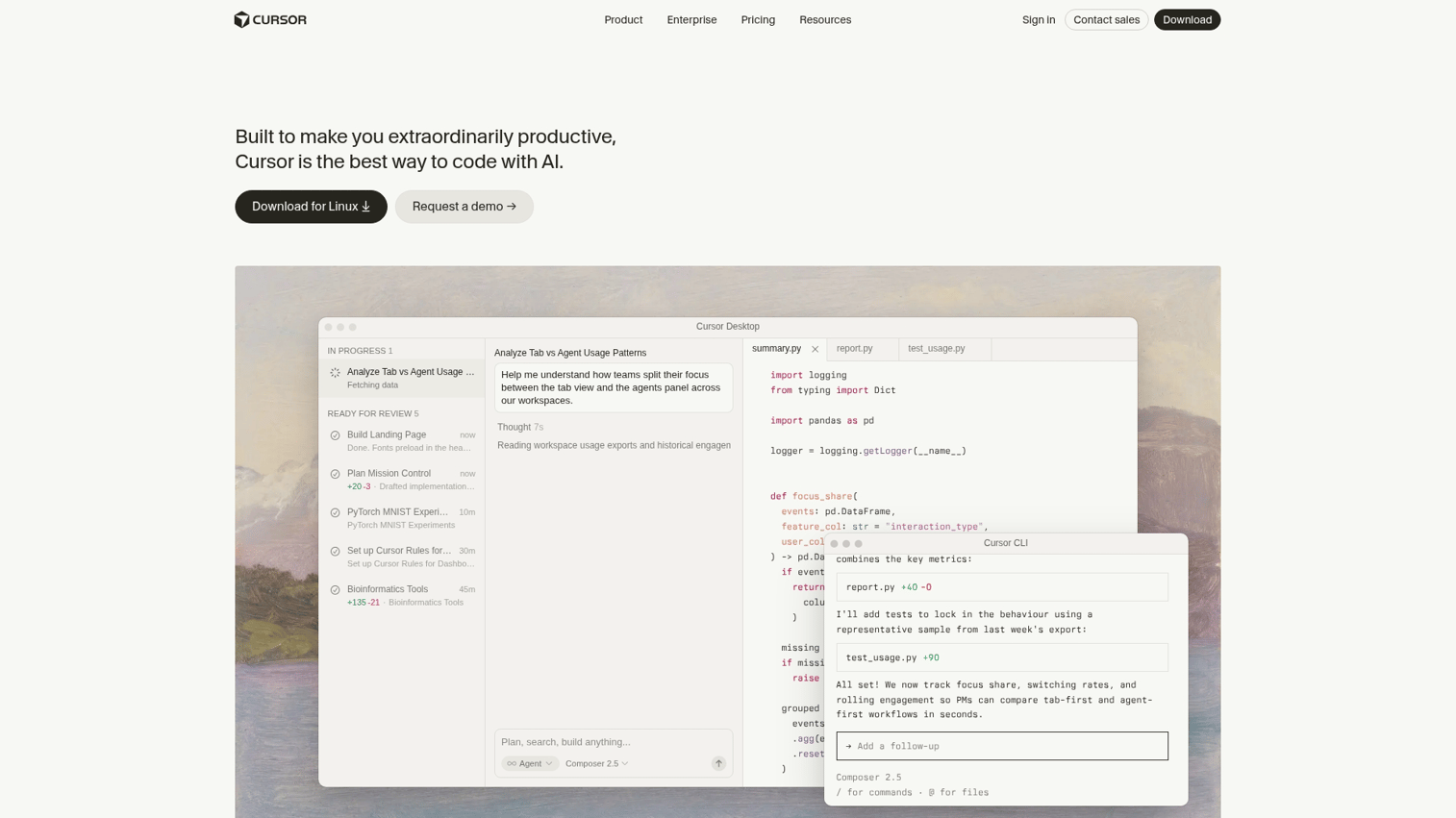
Cursor has become the most talked-about AI code editor in the developer community and 50,000 engineering teams use it. It's a fork of VS Code with deep, native AI integration that goes far beyond autocomplete.
The dedicated "agent" tab sets Cursor apart. You can ask it to make small edits, refactor entire modules, or perform line-by-line assessments of your project. The AI reads your full codebase for context, so suggestions actually fit your existing code patterns.
Best for: Professional developers who want AI embedded in their primary editor without switching tools or learning a new interface.
Key strengths
- Full codebase awareness: Reads your entire project for context-aware suggestions that match your coding style
- Agent mode: Executes multi-step tasks like refactoring or adding features across multiple files
- VS Code compatibility: Familiar interface for existing VS Code users, with support for your favorite extensions
Why choose Cursor
Pick Cursor when you're working on complex, multi-file projects where context matters. The tool shines when you need AI that understands your entire codebase, not just the file you're editing.
If you're exploring other AI productivity tools, see our guide to agentic AI tools for sales teams. It's less useful for quick scripts or one-off experiments where simpler tools work fine.
Cursor pricing
Cursor offers a free tier with limited AI requests. The Pro plan costs $20/month and includes unlimited AI completions and 500 fast premium requests. Business plans start at $40/user/month with team features.
2. Claude Code

Claude Code from Anthropic takes a different approach. It's a command-line tool, not a GUI editor. You run it in your terminal, and it reads your project files to execute complex multi-step coding tasks from natural language prompts.
This agentic approach means you can say "add user authentication with email verification" and Claude Code will plan the implementation, create the necessary files, and make coordinated changes across your codebase.
Best for: Developers comfortable in the terminal who want to delegate complex, multi-file tasks without switching to a different editor.
Key strengths
- Agentic task execution: Handles multi-step workflows autonomously, from planning to implementation
- Deep project understanding: Reads and reasons across your entire codebase before making changes
- Terminal-native: Integrates into existing CLI workflows without changing your editor setup
Why choose Claude Code
Choose Claude Code when you need an AI that can plan and execute, not just suggest. This execution-focused approach mirrors how sandbox demos enable hands-on product exploration rather than passive viewing.
It's particularly powerful for large refactoring tasks or adding new features that touch multiple files. The terminal-based interface won't suit everyone, but developers who live in the command line will feel right at home.
Claude Code pricing
Claude Code uses usage-based pricing through Anthropic's API. Costs depend on the complexity and length of your requests.
3. Windsurf
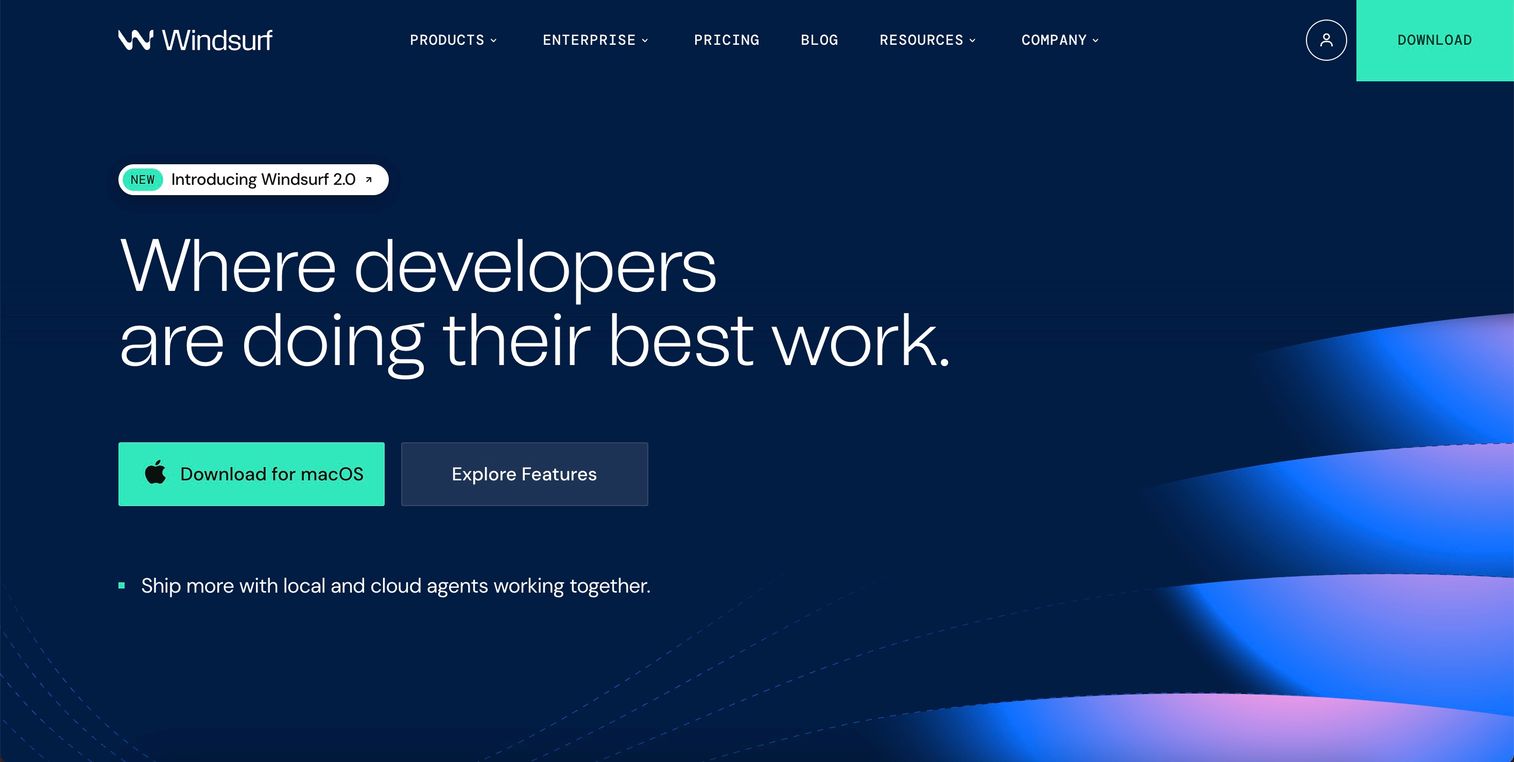
Windsurf comes from Codeium, the team behind one of the most popular free AI coding assistants. It's a multi-platform IDE that acts as a coding agent handling the full build, test, and debug loop.
What makes Windsurf interesting is the balance it strikes. You get powerful AI capabilities wrapped in a traditional workspace layout. It doesn't feel like a radical departure from the IDEs you already know.
Best for: Developers who want agentic AI capabilities without abandoning a traditional IDE experience.
Key strengths
- Full development loop: Handles build, test, and debug in one environment without context switching
- Multi-platform support: Works across operating systems without vendor lock-in
- Traditional IDE feel: Familiar layout for developers who prefer conventional workspaces
Why choose Windsurf
Windsurf fits teams standardizing on one cross-platform tool. The learning curve is gentler than more experimental AI-first editors, which matters when onboarding new team members.
Windsurf pricing
Windsurf offers a free tier with basic AI features. Pro plans start at $15/month with enhanced AI capabilities and priority access to new features.
4. GitHub Copilot
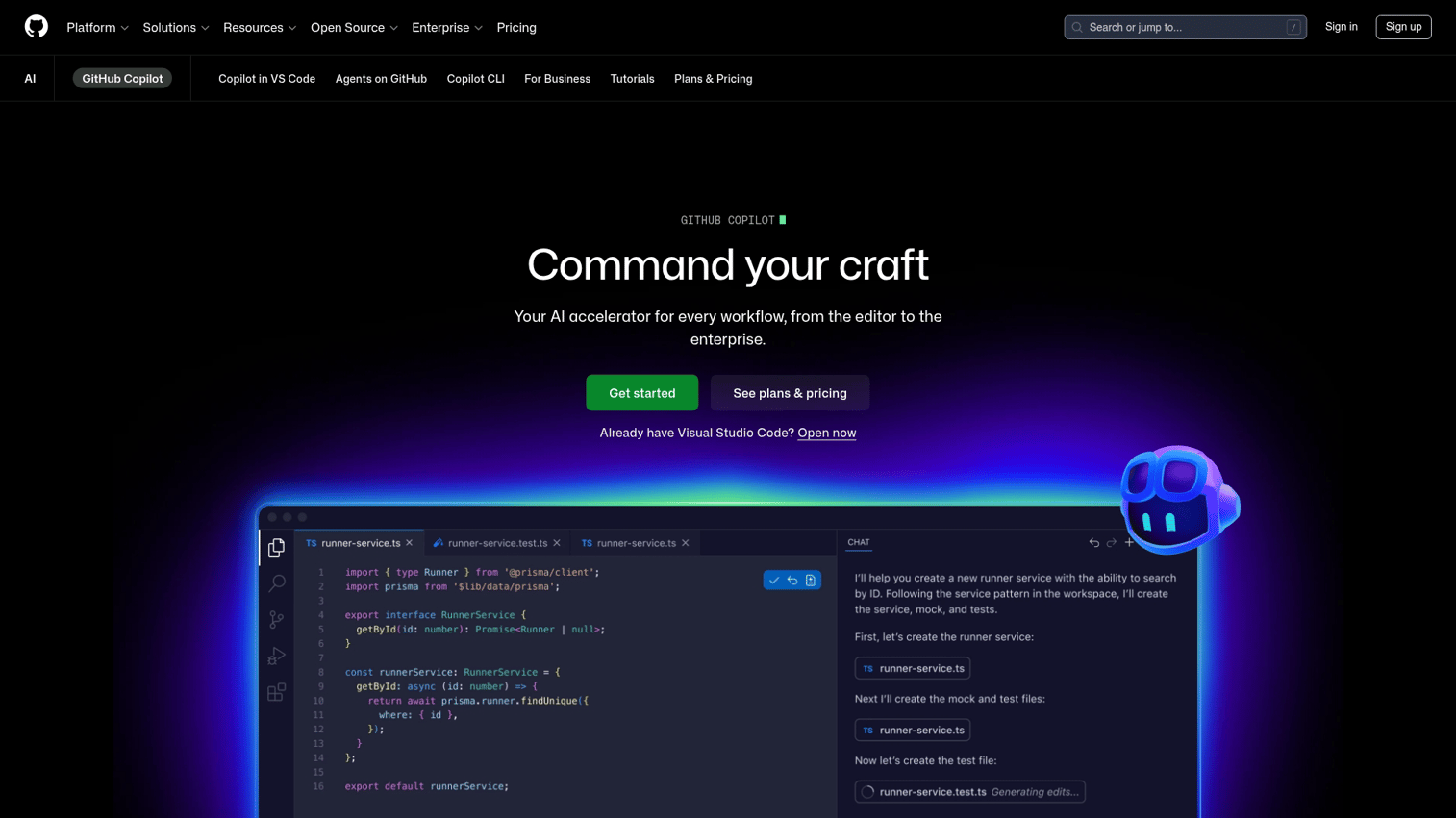
GitHub Copilot remains the industry standard for contextual code completions and 90% of Fortune 100 companies use it. It works as an extension inside VS Code, JetBrains, Neovim, and other popular editors.
The tool offers real-time multi-line suggestions as you type. It's trained on public code repositories and understands common patterns across dozens of programming languages. For many developers, Copilot was their first experience with AI-assisted coding.
Best for: Developers who want to enhance their existing editor without switching tools or changing their workflow.
Key strengths
- Broad IDE support: Installs in VS Code, JetBrains, Neovim, and more with consistent behavior
- Real-time suggestions: Offers multi-line completions as you type, not just after you ask
- Enterprise adoption: Widely used with organizational admin controls and audit logs
Why choose GitHub Copilot
GitHub Copilot makes sense when you're already in the GitHub ecosystem and want AI assistance without disruption. It's the safe choice for enterprise teams that need proven reliability and compliance features. The trade-off is less agentic capability compared to newer tools.
GitHub Copilot pricing
Individual plans cost $10/month or $100/year. Business plans run $19/user/month with additional admin features.
5. Lovable
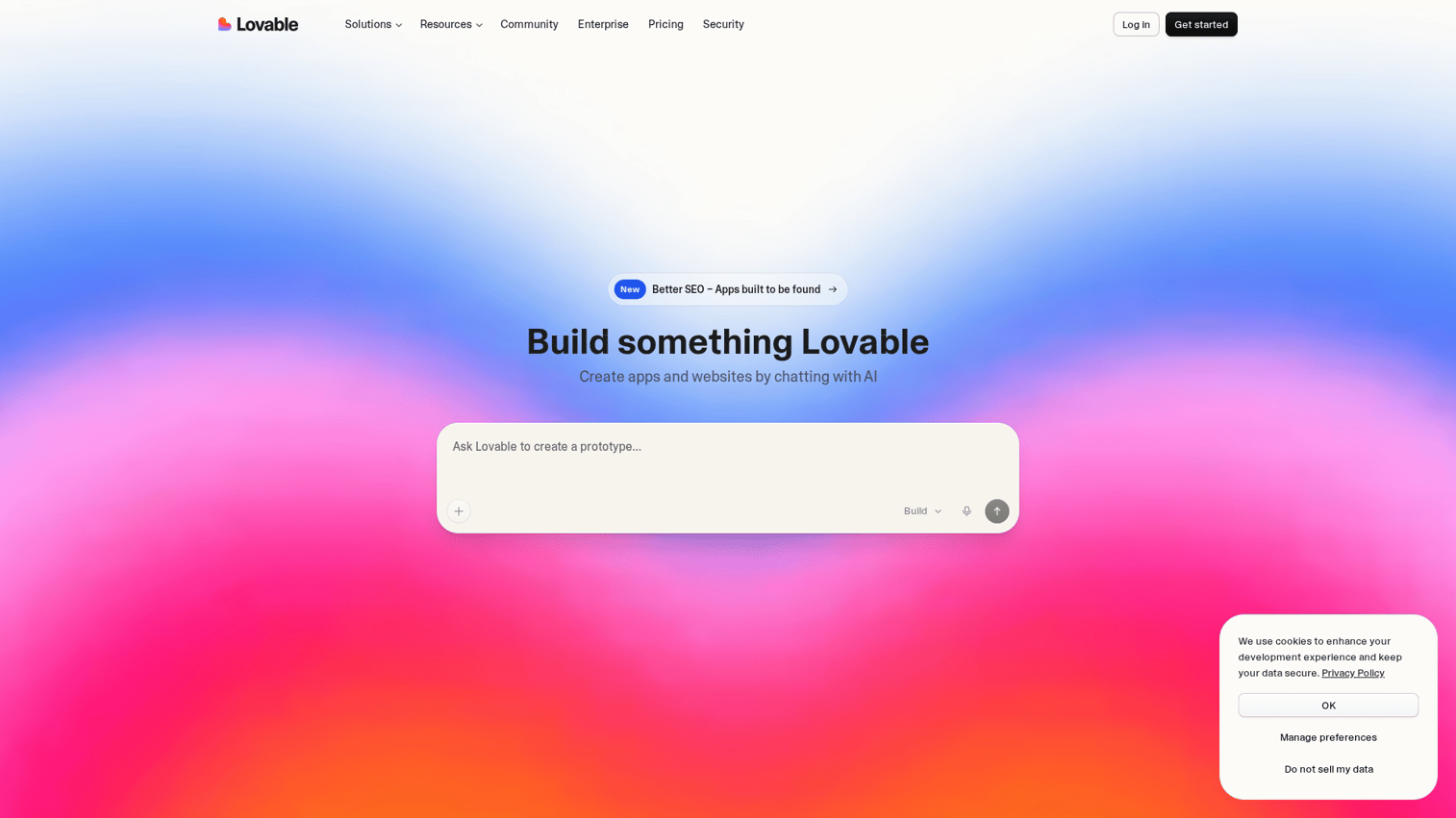
Lovable represents the prompt-to-app category. You describe what you want in plain English, and Lovable generates a fully responsive frontend and backend in seconds.
This isn't autocomplete. You're building complete applications from text descriptions. The tool handles routing, database setup, authentication, and deployment without requiring you to write traditional code.
Best for: Non-technical founders, designers, and marketers who want to build MVPs or internal tools without writing code.
Key strengths
- Prompt-to-app generation: Describe what you want in natural language and get a working application
- Full-stack output: Generates both frontend and backend code with database integration
- Speed: Goes from idea to deployed prototype in minutes, not days
Why choose Lovable
Lovable excels when you need to validate an idea quickly or build an internal tool without engineering resources. The generated code is readable and editable, so you're not locked into a black box.
Lovable pricing
Lovable offers a free tier for experimentation. Paid plans start at $20/month with increased generation limits.
6. Bolt.new

Bolt.new from StackBlitz runs entirely in your browser. You describe an app, and it generates and runs full-stack code without any local setup. No installation, no configuration, no waiting.
The instant preview feature shows your generated app running immediately. You can iterate on the design, add features, and share a working URL with stakeholders in the same session.
Best for: Quick experiments, hackathons, or situations where you can't install local development tools.
Key strengths
- Zero local setup: Runs entirely in the browser with no installation required
- Instant preview: See your generated app running immediately after each change
- Full-stack generation: Handles frontend, backend, and database scaffolding in one prompt
Why choose Bolt.new
Bolt.new shines when you need to share a working prototype via URL. It's perfect for client demos, hackathons, or testing ideas on a machine where you can't install development tools.
Bolt.new pricing
Bolt.new offers a free tier with limited generations. Pro plans provide additional credits for regular users.
7. Replit
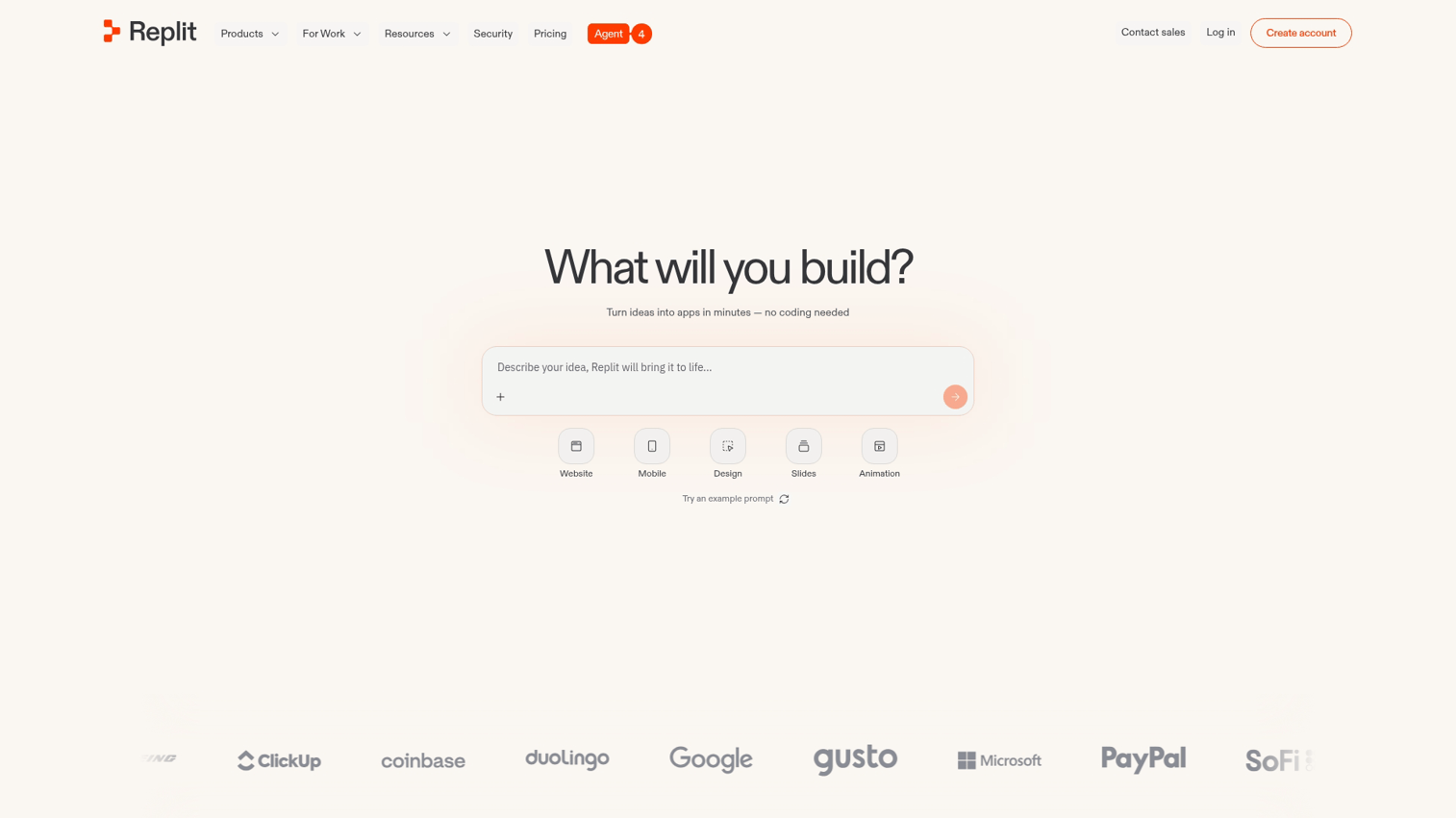
Replit combines a browser-based coding environment with built-in AI assistance. Multiple users can code together in real time, and the AI handles completion, bug detection, and fix suggestions.
The platform also includes hosting. You can deploy apps directly from Replit without configuring servers or managing infrastructure.
Best for: Learners, educators, and teams who want collaboration and deployment in one place.
Key strengths
- Collaborative environment: Multiple users can edit the same file simultaneously with real-time sync
- Built-in hosting: Deploy apps directly from the platform without external infrastructure
- AI assistant: Auto-completes code, finds bugs, and recommends fixes as you work
Why choose Replit
Replit works well for onboarding new developers or running coding workshops. The all-in-one approach removes friction that would otherwise slow down beginners.
Replit pricing
Replit offers a generous free tier. The Hacker plan costs $7/month with additional compute and AI features. Teams plans start at $20/user/month.
8. v0 by Vercel
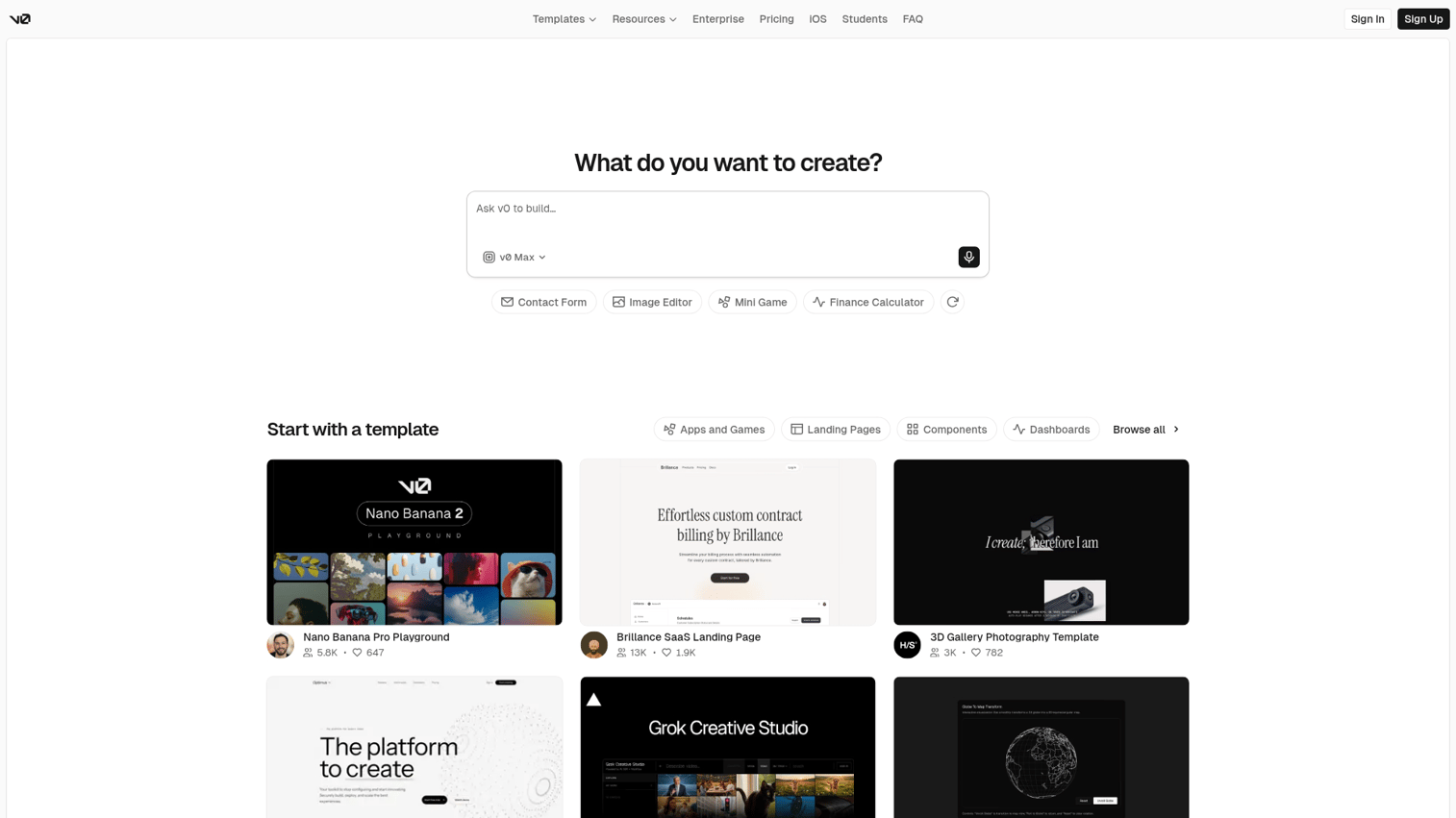
v0 from Vercel focuses specifically on UI generation. You describe a component or layout, and v0 generates React/Next.js code ready to drop into your project.
The iterative refinement feature lets you chat with the AI to adjust generated components. You might say "make the header sticky" or "add a dark mode toggle" and watch the code update in real time.
Best for: Frontend developers and designers who want to generate UI components quickly within the Vercel/Next.js ecosystem.
Key strengths
- UI-focused generation: Specializes in frontend components and layouts rather than full applications
- Next.js integration: Output is ready to drop into Vercel projects without modification
- Iterative refinement: Chat with the AI to adjust generated components until they match your vision
Why choose v0
v0 makes sense when you're already building with Next.js and want to accelerate UI development. The tool is less helpful if you're working outside the React ecosystem.
v0 pricing
v0 offers a free tier with limited generations. Premium plans provide additional credits and priority access.
9. Amazon Q Developer
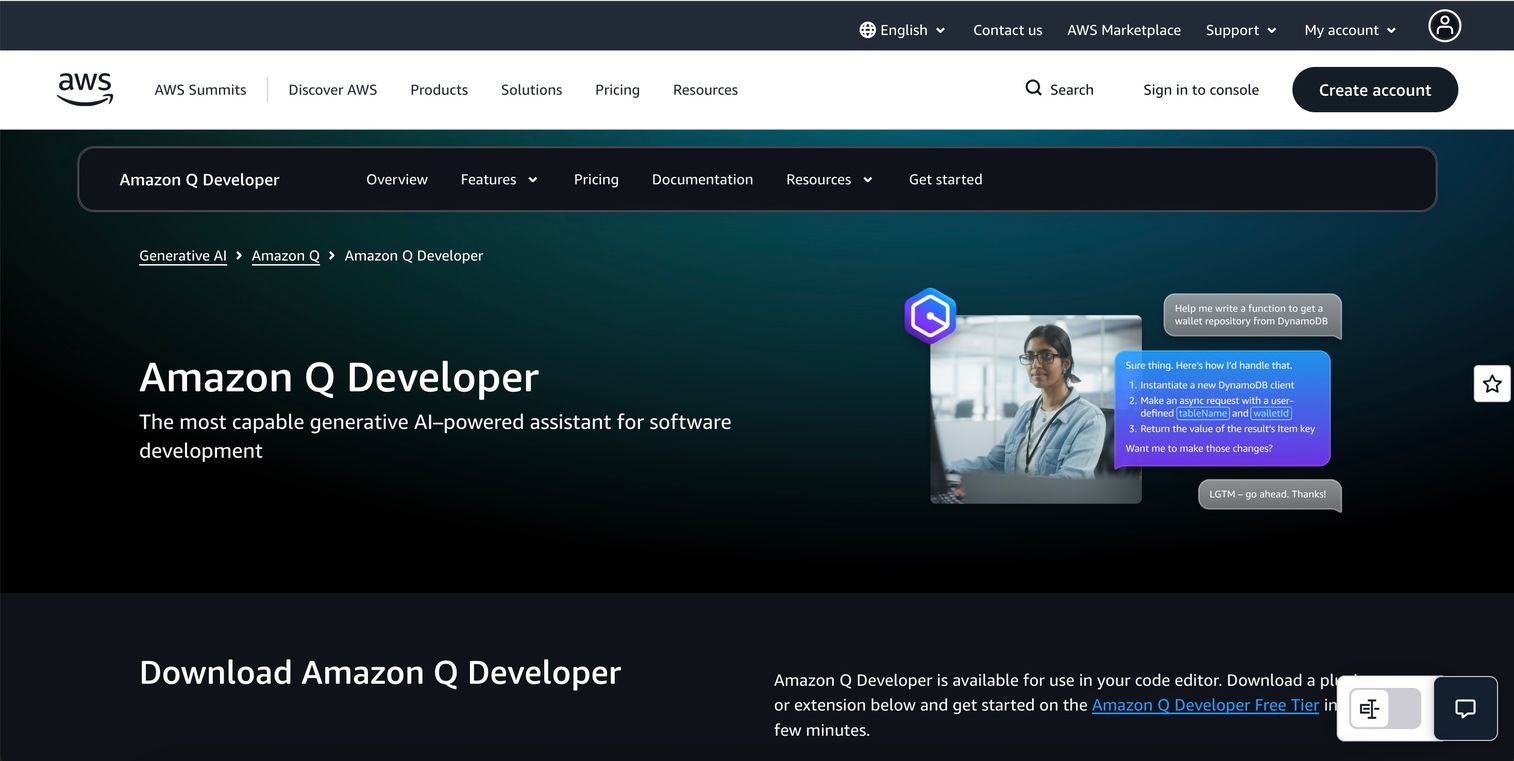
Amazon Q Developer (formerly CodeWhisperer) is AWS's AI coding assistant. It integrates with popular IDEs and provides suggestions optimized for AWS services.
The security scanning feature sets it apart. Amazon Q flags potential vulnerabilities in generated code before you ship it. For teams building on AWS infrastructure, the suggestions align with AWS best practices and SDK patterns.
Best for: Teams building on AWS who want suggestions that align with AWS best practices and include security scanning.
Key strengths
- AWS optimization: Suggestions are tailored for AWS SDKs, services, and architectural patterns
- Security scanning: Flags potential vulnerabilities in generated code before deployment
- Broad IDE support: Works in VS Code, JetBrains, and AWS Cloud9
Why choose Amazon Q Developer
Amazon Q Developer fits teams with existing AWS infrastructure who want AI assistance that understands their stack. It's less useful if you're not building on AWS.
Amazon Q Developer pricing
The free tier includes basic code suggestions. The Pro tier costs $19/user/month with additional features.
10. Firebase Studio
Firebase Studio is Google's AI-powered development environment for building full-stack apps with Firebase backend. It generates code and handles deployment to Google Cloud.
The tight Firebase integration means generated code works with Firestore, Authentication, Cloud Functions, and other Firebase services out of the box.
Best for: Developers already using Firebase or Google Cloud who want AI assistance tightly integrated with their backend.
Key strengths
- Firebase integration: Code generation optimized for Firebase backend services and patterns
- Full-stack scaffolding: Generates frontend, backend, and database configuration together
- Google Cloud deployment: Direct path to production on Google infrastructure
Why choose Firebase Studio
Firebase Studio makes sense when you're committed to the Firebase ecosystem. It's particularly strong for mobile app development where Firebase is already a common choice.
Firebase Studio pricing
Firebase Studio is available within Firebase's existing pricing tiers. Usage costs depend on Firebase service consumption.
11. Zed
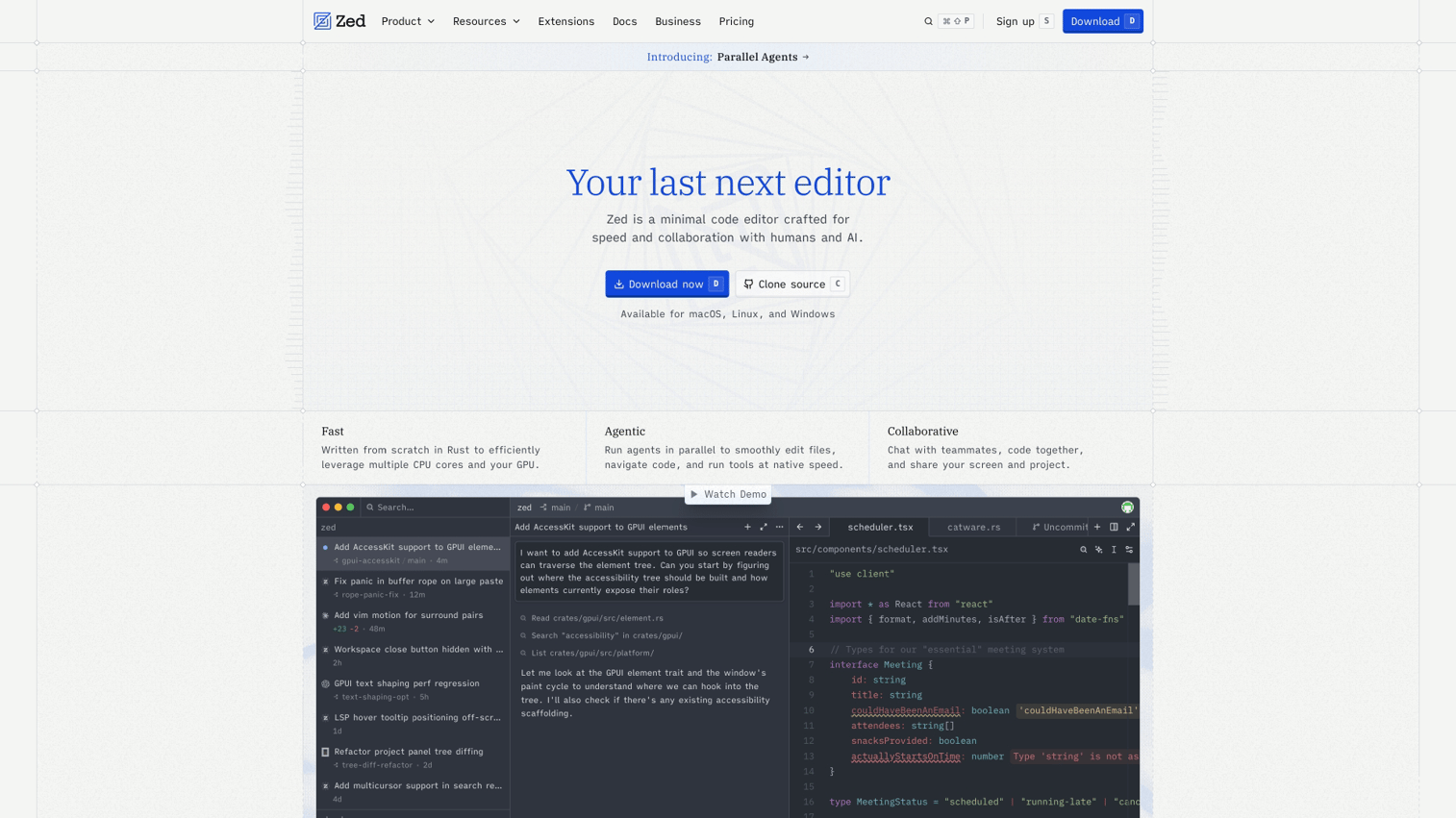
Zed is a high-performance code editor built from scratch in Rust. AI features are native, not bolted on via extensions. The focus is speed and real-time collaboration.
The performance difference is noticeable. Zed handles large codebases smoothly where other editors start to lag. Multiple developers can edit the same file simultaneously, making it useful for pair programming sessions.
Best for: Developers who prioritize editor speed and want AI without the overhead of extensions.
Key strengths
- Performance: Built in Rust for speed, handles large codebases without lag
- Native AI: AI features are built-in, not added through extensions that slow things down
- Real-time collaboration: Multiple developers can edit the same file simultaneously
Why choose Zed
Zed appeals to developers frustrated by slow editors. If you've watched VS Code struggle with a large monorepo, Zed's performance will feel refreshing. The trade-off is a smaller extension ecosystem compared to more established editors.
Zed pricing
Zed is free for individual use. Team features and enhanced AI capabilities are available in paid tiers.
12. Sourcegraph Amp
Sourcegraph Amp focuses on large codebases and enterprise search. The AI helps developers understand, navigate, and modify code across multiple repositories.
For enterprise teams, the codebase search capability is the killer feature. You can find and understand code across massive repositories, then use AI to make changes with full context of how everything connects.
Best for: Enterprise teams working across multiple repositories who need AI that understands their entire codebase.
Key strengths
- Codebase search: Find and understand code across massive repositories instantly
- Enterprise scale: Built for organizations with large, complex codebases and multiple teams
- Context-aware assistance: AI understands your entire codebase, not just the current file
Why choose Sourcegraph Amp
Sourcegraph Amp solves problems that only appear at scale. If you're onboarding developers to unfamiliar code or making changes that touch multiple repositories, the codebase-wide context is invaluable.
Sourcegraph Amp pricing
Custom pricing based on organization size and repository count.
How to find the best AI code generator for your workflow
The right AI code generation tools depend on your situation. Here's how to narrow down the options.
Match the tool to your technical skill level
Your coding experience determines which category makes sense:
- Non-coders: Start with cloud generators like Lovable, Bolt.new, or Replit. The tools translate plain English into working apps.
- Junior developers: IDE extensions like GitHub Copilot add assistance without changing your workflow. You learn while the AI helps.
- Senior developers: AI-first editors like Cursor or CLI tools like Claude Code offer more control and handle complex multi-file tasks.
Evaluate language and framework support
Not all tools support all languages equally. Python, JavaScript, and TypeScript have the best coverage across every tool in this list. If you're working with Go, Rust, or niche frameworks, check specific tool documentation before committing.
Some tools specialize. v0 focuses on React/Next.js. Amazon Q Developer excels with AWS SDKs. Firebase Studio works best with Firebase services.
Compare pricing against expected output
Free tiers often come with limits: restricted completions, slower models, or missing features. For production use, factor in usage limits, seat costs, and model access. Premium models often require paid plans.
Assess privacy and security policies
AI tools typically send code to external servers for processing. For proprietary or sensitive code, verify data retention policies, training opt-out options, and compliance certifications.
GitHub Copilot for Business, Amazon Q Developer, and Sourcegraph Amp all offer enterprise-grade privacy controls. Free tiers typically have fewer guarantees.
Ship faster then show what you built
AI code generators help you build faster. Once you have a working product, you still face the challenge of communicating what you built to stakeholders, prospects, and users. Tools like product launch software can help you ship and convert more effectively.
Interactive demos fill that gap. Instead of scheduling live demos that require real-time coordination or recording videos that go unwatched, you can capture your product in clicks and turn it into a shareable, self-serve experience.
Prospects explore on their own time. Stakeholders see the product without waiting for a meeting.
Start your journey with Guideflow today!
FAQs about AI code generation tools
AI-generated code requires human review before production use. AI tools can introduce bugs, security vulnerabilities, or inefficient patterns that a developer catches during code review. Treat AI output as a first draft, not a final product.
Most AI code generators require an internet connection because they send prompts to cloud-based models. A few tools offer limited offline modes with smaller local models, but full functionality typically requires connectivity.
Advanced tools like Cursor and Claude Code read and modify code across an entire codebase. They understand how files connect and make coordinated changes. Simpler tools may only have context for the current file.
Python, JavaScript, TypeScript, and popular web frameworks have the strongest support across all tools. Coverage for niche or legacy languages varies significantly.
AI code generators augment developers rather than replace them. They handle repetitive tasks and speed up prototyping, but human judgment remains essential even if 90% of enterprise software engineers will use AI coding assistants by 2028.
Most tools send code to external servers, which raises confidentiality concerns for some organizations. Check each tool's data retention and privacy policy. Enterprise plans typically offer stricter controls, including options to prevent code from being used for model training.
Code completion predicts and suggests the next few lines as you type, similar to autocomplete on your phone. Code generation creates entire functions, files, or applications from a natural language prompt.
Cloud-based tools like Lovable and Bolt.new are designed for non-coders building simple apps. You describe what you want, and the tool generates working code. However, debugging issues and customizing output still benefits from basic programming knowledge.