Your team is spread across four tools, three time zones, and two Slack workspaces nobody fully owns.
Projects stall. Context gets lost. Someone always misses the update that was "definitely shared." The problem isn't that your team doesn't work hard - it's that your collaboration stack isn't built for how you actually work.
We evaluated 15 of the most widely used collaboration platforms in 2026, scoring each on core features, ease of use, AI capabilities, integration depth, pricing, and security. The result is an honest, independent guide - no sponsored placements, no soft cons.
What's inside
This guide covers the 15 best team collaboration software tools for 2026, organized by primary use case so you can jump to what's relevant. You'll find a quick comparison table, individual reviews with real trade-offs, a decision framework by team size and work style, and a structured breakdown of async versus synchronous tool stacks. Tools were selected based on market adoption, feature depth, and how well they serve the teams most likely to be reading this.
TL;DR
- Best for messaging: Slack - deep integration library, strong async features, excellent search
- Best for Microsoft shops: Microsoft Teams - 300M+ monthly active users, deep Microsoft 365 integration, enterprise-grade compliance
- Best all-in-one: ClickUp or Notion - replaces multiple tools, strong AI features
- Best for project management: Asana or monday.com - visual workflows, automation, cross-functional project tracking
- Best for async video: Loom - replaces status meetings, AI summaries, dead simple to use
- Best for design teams: Figma - real-time collaborative design, excellent developer handoff
What is team collaboration software?
Team collaboration software is a category of digital tools that helps people communicate, share files, manage tasks, and work together regardless of physical location. It's the infrastructure layer that replaces fragmented email chains and disconnected spreadsheets with a connected workspace.
The category spans several capability types:
- Real-time messaging - persistent chat channels, threads, and direct messages (Slack, Microsoft Teams)
- Video conferencing - synchronous meetings, webinars, and async video clips (Zoom, Loom)
- Project and task management - structured workflows, assignments, and deadlines (Asana, monday.com, ClickUp)
- Document collaboration - real-time co-editing and shared knowledge bases (Google Workspace, Notion, Coda)
- File sharing and cloud storage - centralized asset management (Google Drive, OneDrive)
- Visual collaboration - whiteboards, diagramming, and design (Miro, Figma)
According to McKinsey research on knowledge worker productivity, knowledge workers spend roughly 28% of their workweek managing email and another 14% searching for information. The best collaboration platforms in 2026 address both problems by combining multiple categories or integrating tightly with specialized tools. Most teams don't rely on a single platform - they build a stack of two or three tools that cover different collaboration modes.
How we evaluated these team collaboration tools
Each tool in this guide was assessed across eight criteria. Here's what we looked at and why it matters.
Core collaboration features
We evaluated whether each tool delivers on its primary promise - messaging quality for chat tools, task management depth for PM tools, document co-editing for workspace tools. A tool that does its core job well scores higher than one with a wide but shallow feature set.
Ease of use and onboarding
How long does it take a new team member to get productive? We looked at UI clarity, onboarding flows, and the learning curve for non-technical users. Tools that require extensive configuration before they're useful score lower here. For SaaS products looking to streamline their own onboarding experience, interactive demos and product tours can dramatically reduce time-to-value for new users.
Integration ecosystem
Collaboration tools don't live in isolation. We assessed the breadth and depth of native integrations - particularly with CRMs, communication tools, and project management platforms - plus support for Zapier and Make as connectors.
AI and automation capabilities
In 2026, AI features have moved from differentiator to baseline expectation. We evaluated meeting summaries, writing assistance, smart search, automated workflows, and AI-generated content across each platform. This is a criterion most competitor reviews skip - we didn't.
Pricing and value for money
We compared free tier generosity, per-user pricing at scale, and which features are locked behind higher tiers. A tool that's affordable for a 10-person team can become expensive at 100 people.
Scalability by team size
Some tools work brilliantly for small teams and fall apart at scale. Others require enterprise contracts before they're worth using. We flagged both.
Security and compliance
Enterprise buyers need SOC 2 Type II, HIPAA, GDPR, SSO/SAML, and data residency options. We noted which tools have the strongest compliance posture - a factor most editorial reviews ignore.
Mobile experience
Distributed teams work from phones. We assessed whether the mobile app is a genuine productivity tool or just a stripped-down companion.
Quick comparison table: 15 best team collaboration software at a glance
Here's a snapshot of every tool we reviewed - scroll down for the full breakdown of each.
| # | Product | Best for | Key use case | Starting price (per user/mo) | Free plan? | G2 rating |
|---|---|---|---|---|---|---|
| 1 | Slack | Real-time messaging | Channel-based team communication | $8.75 | Yes | 4.5/5 |
| 2 | Microsoft Teams | Microsoft 365 orgs | Unified comms + Office integration | $6.00 | Yes | 4.3/5 |
| 3 | monday.com | Visual project tracking | Workflow automation + dashboards | $12.00 | Yes (2 seats) | 4.7/5 |
| 4 | Asana | Cross-functional PM | Task hierarchies + strategic goals | $13.49 | Yes | 4.4/5 |
| 5 | Notion | All-in-one workspace | Docs + wikis + lightweight PM | $10.00 | Yes | 4.7/5 |
| 6 | Google Workspace | Document collaboration | Real-time co-editing + cloud storage | $7.00 | No | 4.6/5 |
| 7 | ClickUp | Tool consolidation | Tasks + docs + chat + whiteboards | $10.00 | Yes | 4.7/5 |
| 8 | Zoom Workplace | Video-first teams | Meetings + async clips + AI summaries | $13.33 | Yes | 4.5/5 |
| 9 | Trello | Simple task management | Kanban boards + lightweight automation | $6.00 | Yes | 4.4/5 |
| 10 | Airtable | Structured data workflows | Spreadsheet-database hybrid | $24.00 | Yes | 4.6/5 |
| 11 | Miro | Visual brainstorming | Infinite canvas + workshop templates | $10.00 | Yes | 4.8/5 |
| 12 | Coda | Custom operational docs | Docs that work like apps | $12.00 | Yes | 4.7/5 |
| 13 | Smartsheet | Enterprise PMOs | Spreadsheet-style project governance | $12.00 | No | 4.4/5 |
| 14 | Loom | Async video communication | Screen recording + AI summaries | $15.00 | Yes | 4.7/5 |
| 15 | Figma | Design team collaboration | Real-time co-design + prototyping | $15.00 | Yes | 4.7/5 |
The 15 best team collaboration software tools in 2026
The tools below are organized by primary collaboration category - messaging-first, project management-first, all-in-one, and specialized - so you can jump to the section most relevant to your team's needs.
1. Slack - best for real-time team messaging and channel-based communication
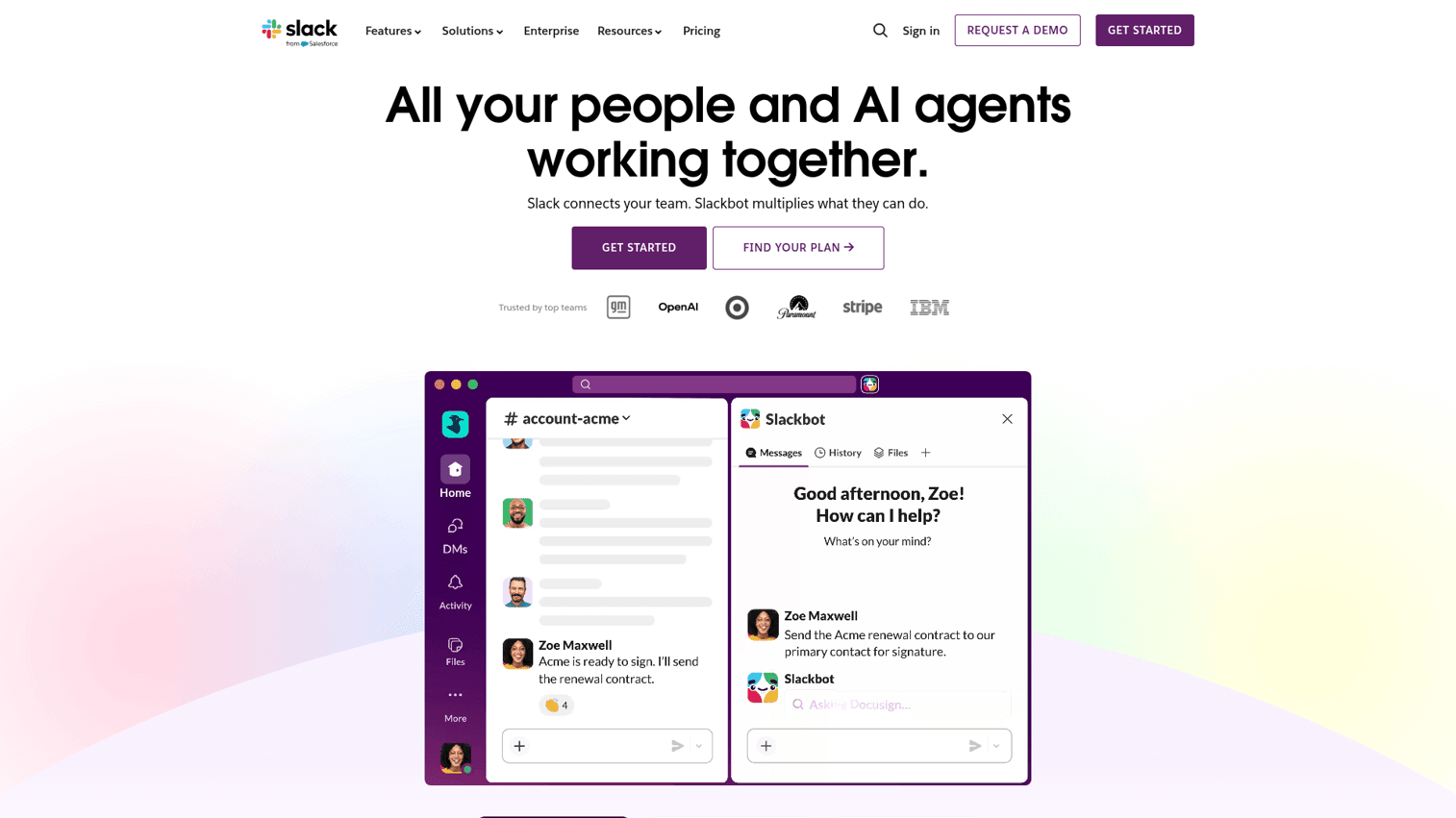
Slack is the most widely adopted team messaging platform for a reason: it gets channel-based communication right and connects to nearly everything else in your stack. It's the closest thing to a universal communication hub for non-Microsoft organizations.
Where Slack genuinely earns its reputation is in the combination of real-time messaging, async features, and a 2,600+ app integration library. Slack AI adds meeting summaries, channel recaps, and intelligent search that surfaces answers from across your workspace history - a meaningful time-saver for teams with years of institutional knowledge buried in threads.
Best for: Teams of all sizes that prioritize real-time messaging and need a central hub connecting other tools.
Key strengths
- Channel-based messaging with threads, reactions, and rich formatting
- Huddles for lightweight audio and video without scheduling a meeting
- Slack Canvas for persistent, collaborative documents inside channels
- Workflow Builder for no-code automation across connected apps
- Slack AI for search summarization, channel recaps, and thread digests
Pricing: Free plan available. Pro at $8.75/user/mo, Business+ at $12.50/user/mo, Enterprise Grid at custom pricing.
The honest trade-offs: Slack gets noisy at scale. Teams with 50+ people often find notification management becomes a part-time job. The free plan caps message history at 90 days, which is a real limitation for teams that rely on search. And at Business+ pricing for a 100-person team, you're looking at $15,000/year before any add-ons.
2. Microsoft Teams - best for organizations already in the Microsoft 365 ecosystem
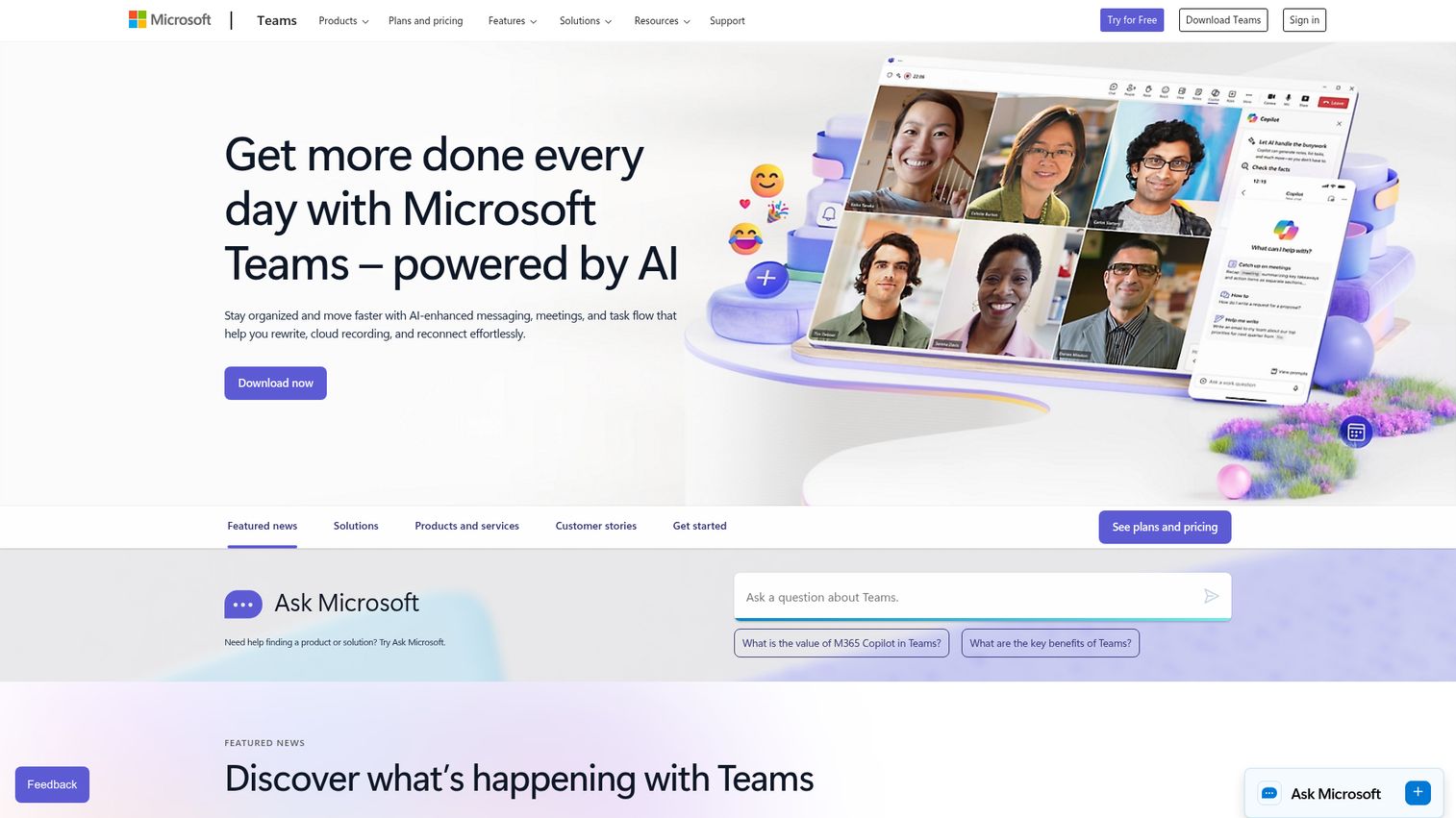
Microsoft Teams is the collaboration platform most enterprise buyers are already paying for and underusing. With 300 million monthly active users, it's the dominant platform in mid-market and enterprise - and it's conspicuously absent from most editorial comparison lists.
Teams earns its place not because it's the most intuitive messaging tool, but because of what it connects to. Deep integration with Word, Excel, PowerPoint, SharePoint, and OneDrive means your documents, meetings, and chats live in one governed environment. Microsoft Copilot AI adds meeting transcription, action item extraction, and intelligent drafting across the entire Microsoft 365 suite. For organizations already paying for M365 Business Standard at $12.50/user/mo, Teams is essentially included - making the cost-per-feature calculation hard to beat.
Best for: Mid-market and enterprise organizations already invested in the Microsoft ecosystem.
Key strengths
- Persistent chat channels alongside full video conferencing with breakout rooms
- Loop components for async, live-updating content across chats and documents
- Microsoft Copilot AI for meeting summaries, draft generation, and intelligent search
- Enterprise-grade compliance: SOC 2 Type II, HIPAA, GDPR, data residency options
- Power Automate integration for complex, cross-app workflow automation
Pricing: Free version available. Included with Microsoft 365 Business Basic at $6/user/mo, Business Standard at $12.50/user/mo, Enterprise plans at custom pricing.
The trade-offs: Teams can feel bloated compared to Slack for pure messaging. Performance degrades with heavy use on older hardware. The learning curve for advanced features - channels versus chats, SharePoint permissions, Power Automate - is steeper than most teams expect. If your organization isn't already on Microsoft 365, there's little reason to choose Teams over Slack or Google Workspace.
3. monday.com - best for visual project collaboration and workflow automation
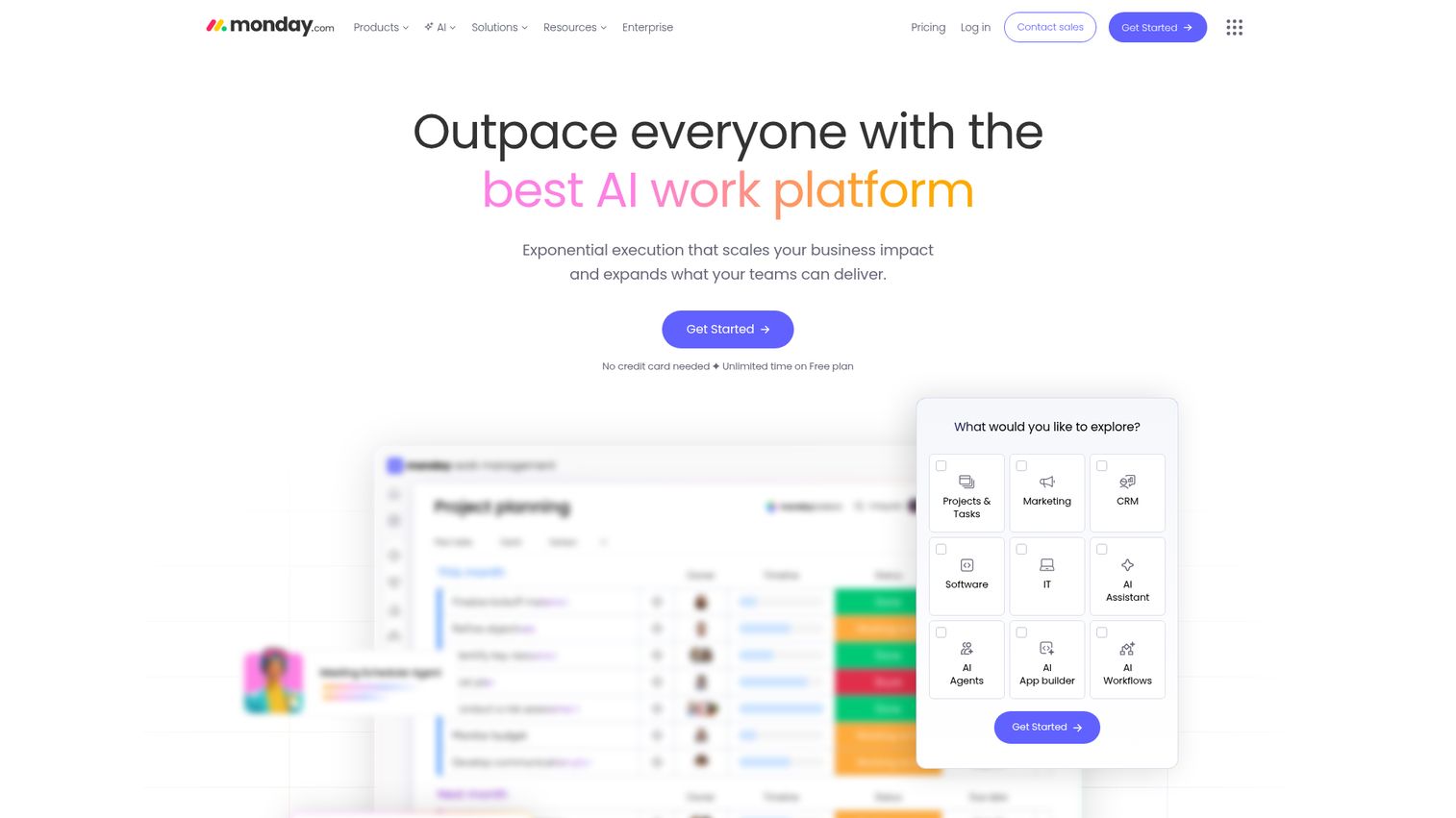
monday.com is the project collaboration tool that non-technical teams tend to love because it makes complex workflows feel manageable. The visual board interface, combined with no-code automation recipes, means you can build a functioning project tracker in an afternoon without writing a single line of code. You can explore the platform hands-on through this interactive monday.com demo.
The platform's strength is flexibility. You can view the same data as a Kanban board, Gantt chart, timeline, or calendar - and switch between them without losing anything. monday WorkDocs brings document collaboration directly into your boards, and the automation recipe library covers most common if/then workflows out of the box. The 200+ template library means most teams can start from something close to what they need rather than building from scratch.
Best for: Teams that need visual project tracking with built-in automation and don't want to hire a developer to configure it.
Key strengths
- Highly customizable boards with Kanban, Gantt, timeline, and calendar views
- Automation recipes for if/then workflows without coding
- monday WorkDocs for document collaboration embedded in project boards
- Dashboards that aggregate data across multiple boards for reporting
- Strong mobile app with full board access and notification management
Pricing: Free plan for up to 2 seats. Basic at $12/seat/mo, Standard at $14/seat/mo, Pro at $27/seat/mo, Enterprise at custom pricing.
The trade-offs: Per-seat pricing compounds quickly. A 50-person team on the Pro plan runs $1,350/month. Some genuinely useful features - timeline view, automations above 250/month, time tracking - are locked behind Standard or Pro tiers. For simple to-do list management, monday.com is overkill.
4. Asana - best for cross-functional project and task management
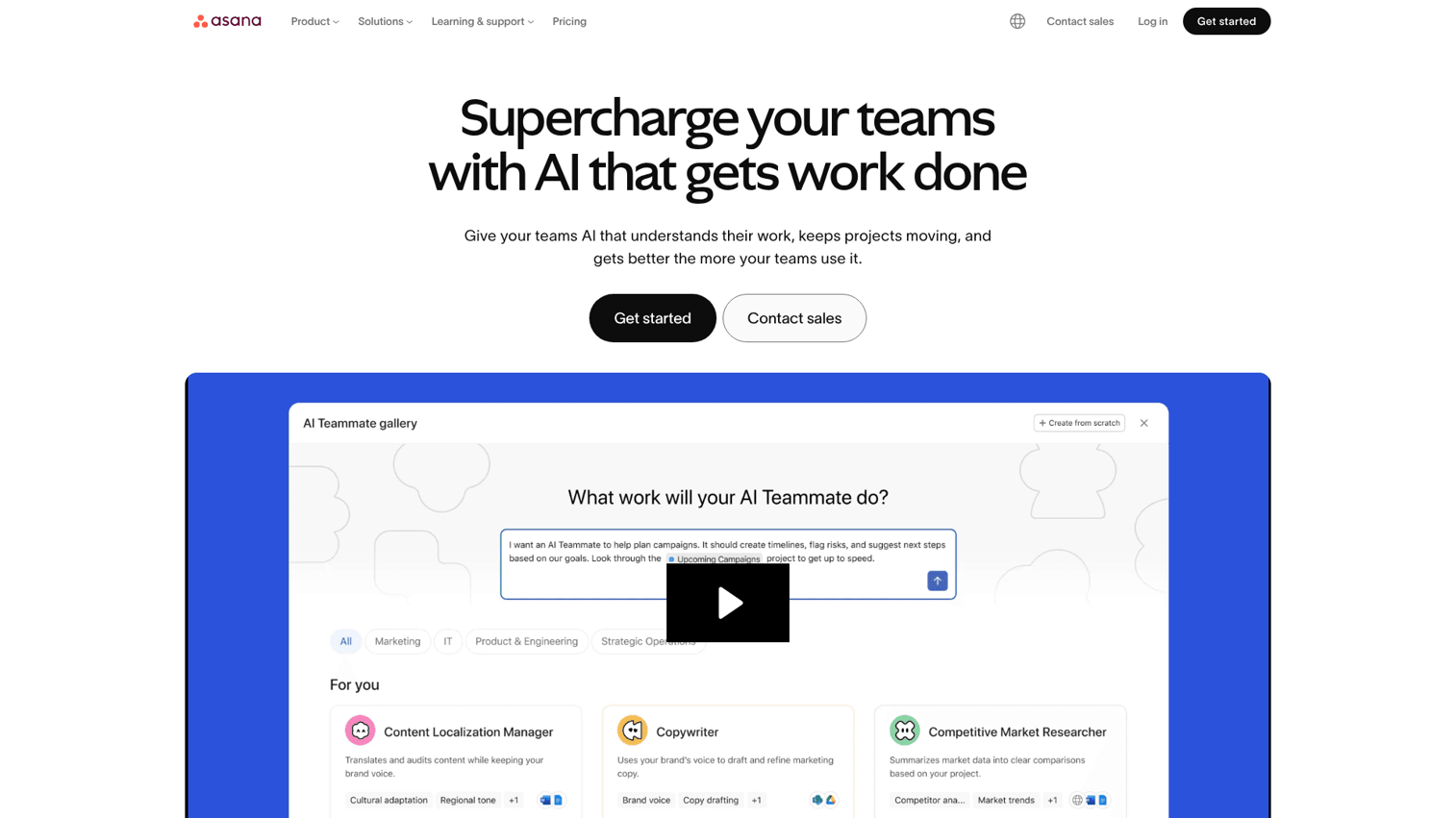
Asana is the go-to project collaboration software for teams managing complex, multi-stakeholder work that needs to connect to strategic goals. It's not the flashiest tool in this list, but it's the one that tends to stick once teams adopt it. See how the platform works with this interactive Asana demo.
The differentiator is the Goals and Portfolios feature combination. Goals lets you define company and team objectives, then link specific projects directly to those objectives - so everyone can see how their daily tasks connect to what the organization is trying to achieve. Portfolios gives managers a single view across multiple projects without digging into individual boards. Asana Intelligence (the platform's AI layer) adds automated status updates, smart task suggestions, and workflow recommendations based on your team's patterns.
Best for: Project-driven teams that need to connect daily task execution to strategic goals across multiple departments.
Key strengths
- Tasks and subtasks with dependencies, custom fields, and multiple assignees
- Goals and Portfolios for connecting work to strategy and managing across projects
- Multiple project views: list, board, timeline, and calendar
- Rules automation for recurring workflows and status updates
- 200+ integrations including Slack, Google Workspace, Salesforce, and Jira
Pricing: Personal plan free. Starter at $13.49/user/mo, Advanced at $30.49/user/mo, Enterprise at custom pricing.
The trade-offs: Asana has no built-in chat or video. Time tracking requires a third-party integration. The jump from Starter to Advanced pricing is significant - $13.49 to $30.49 per user - and several features that feel essential (like advanced reporting and Portfolios) live behind the Advanced tier.
5. Notion - best all-in-one workspace for docs, wikis, and project management
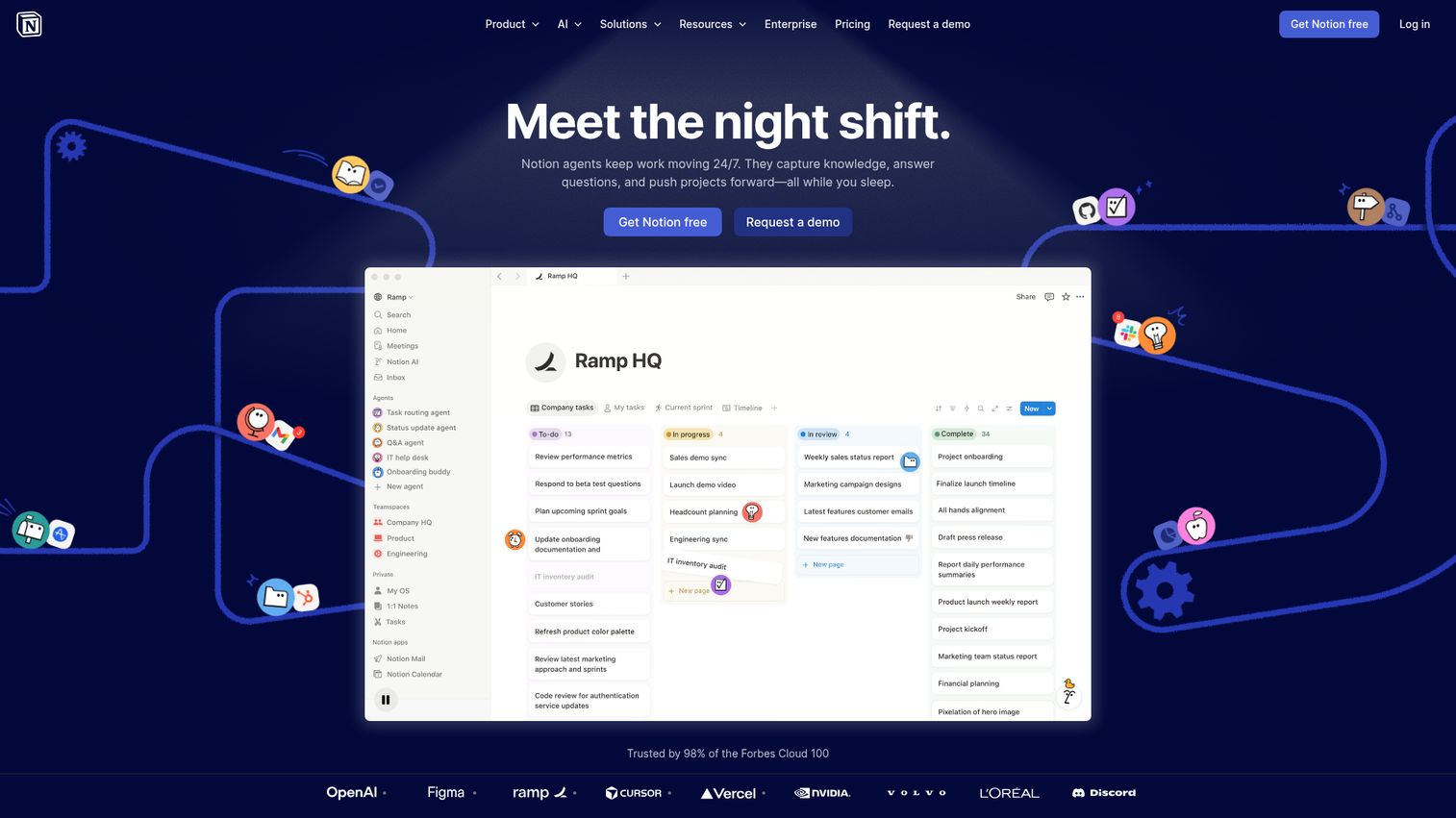
Here's something worth noting: Notion doesn't appear in any of the four top-ranking competitor articles for this keyword. That's a significant gap, given that Notion is one of the most widely adopted collaboration tools among startups and mid-size teams in 2026.
Notion's core proposition is a single workspace that replaces your wiki, your project tracker, and your document library. Pages nest inside pages, databases connect to each other relationally, and you can view the same data as a table, board, timeline, calendar, or gallery depending on what you need. Notion AI adds writing assistance, database autofill, Q&A against your workspace content, and meeting note summarization. The template community has produced 10,000+ templates covering everything from engineering sprint planning to personal OKR tracking. Teams looking to build a knowledge base often start with Notion for this reason.
Best for: Teams wanting a single workspace for documentation, knowledge management, and lightweight project management - without paying for three separate tools.
Key strengths
- Pages and nested subpages for flexible knowledge base and wiki structures
- Databases with relational linking, multiple views, and custom properties
- Notion AI for writing, summarization, Q&A, and database autofill
- Teamspaces for organizing content by department or function
- Strong API and integrations with Slack, GitHub, Jira, and Google Drive
Pricing: Free plan available. Plus at $10/user/mo, Business at $18/user/mo, Enterprise at custom pricing.
The trade-offs: Notion's flexibility is also its biggest liability. New users often spend more time designing their workspace than doing actual work. Large databases with thousands of records can load slowly. There's no built-in video or chat. Offline functionality is limited. If your team needs a dedicated project management tool with resource management and advanced reporting, Asana or monday.com will serve you better.
6. Google Workspace - best for cloud-native document collaboration
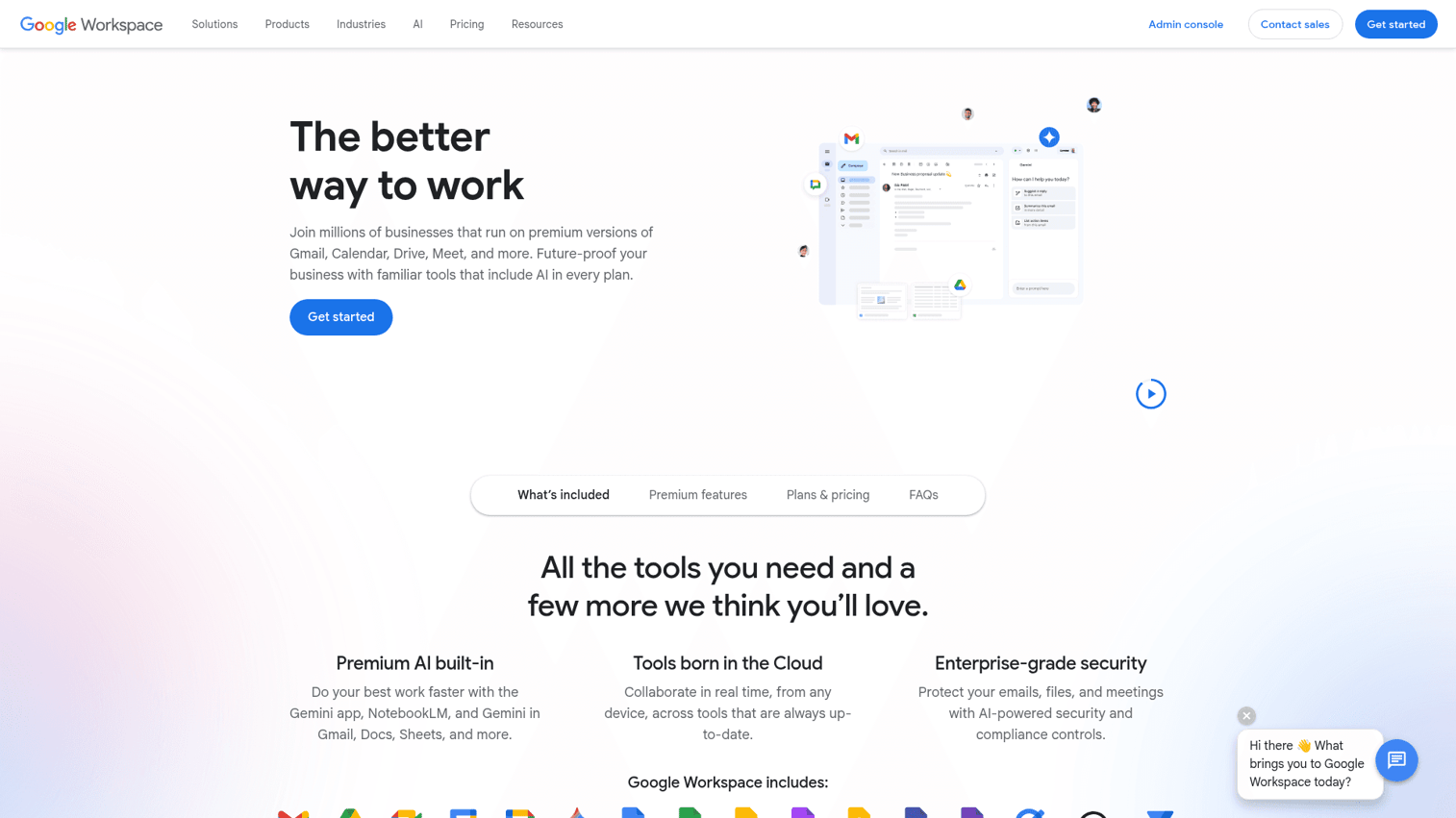
Google Workspace is the default collaboration suite for cloud-native organizations, startups, and teams that prioritize document co-editing above everything else. If your team lives in Docs, Sheets, and Slides, you're already using it.
The real-time co-editing in Google Docs remains the benchmark for document collaboration tools. Multiple people editing simultaneously, with named cursors, inline comments, and full version history, is something Microsoft Office still doesn't match in the browser. Gemini AI is now embedded across all Workspace apps - generating drafts in Docs, writing formulas in Sheets, summarizing email threads in Gmail, and creating presentation outlines in Slides. Google Meet handles video, and Google Chat with Spaces covers team messaging, though both lag behind Zoom and Slack respectively.
Best for: Teams that prioritize document collaboration and want an affordable, familiar suite with strong AI integration.
Key strengths
- Real-time multi-user co-editing across Docs, Sheets, and Slides
- Gemini AI embedded across all apps for drafting, summarization, and analysis
- Google Meet for video conferencing with live captions and recording
- Google Drive with shared drives, granular permissions, and 2TB+ storage
- Admin console with strong security controls and audit logging
Pricing: Business Starter at $7/user/mo, Business Standard at $14/user/mo, Business Plus at $22/user/mo, Enterprise at custom pricing. No standalone free business plan.
The trade-offs: Google Workspace is not a project management tool. Google Chat and Spaces are functional but feel underdeveloped compared to Slack. Some industries have privacy concerns about Google's data practices. Offline access works but requires setup and has limitations. If you need complex task management or a structured knowledge base, you'll need to pair Workspace with Notion, Asana, or ClickUp.
7. ClickUp - best for replacing multiple tools with a single platform
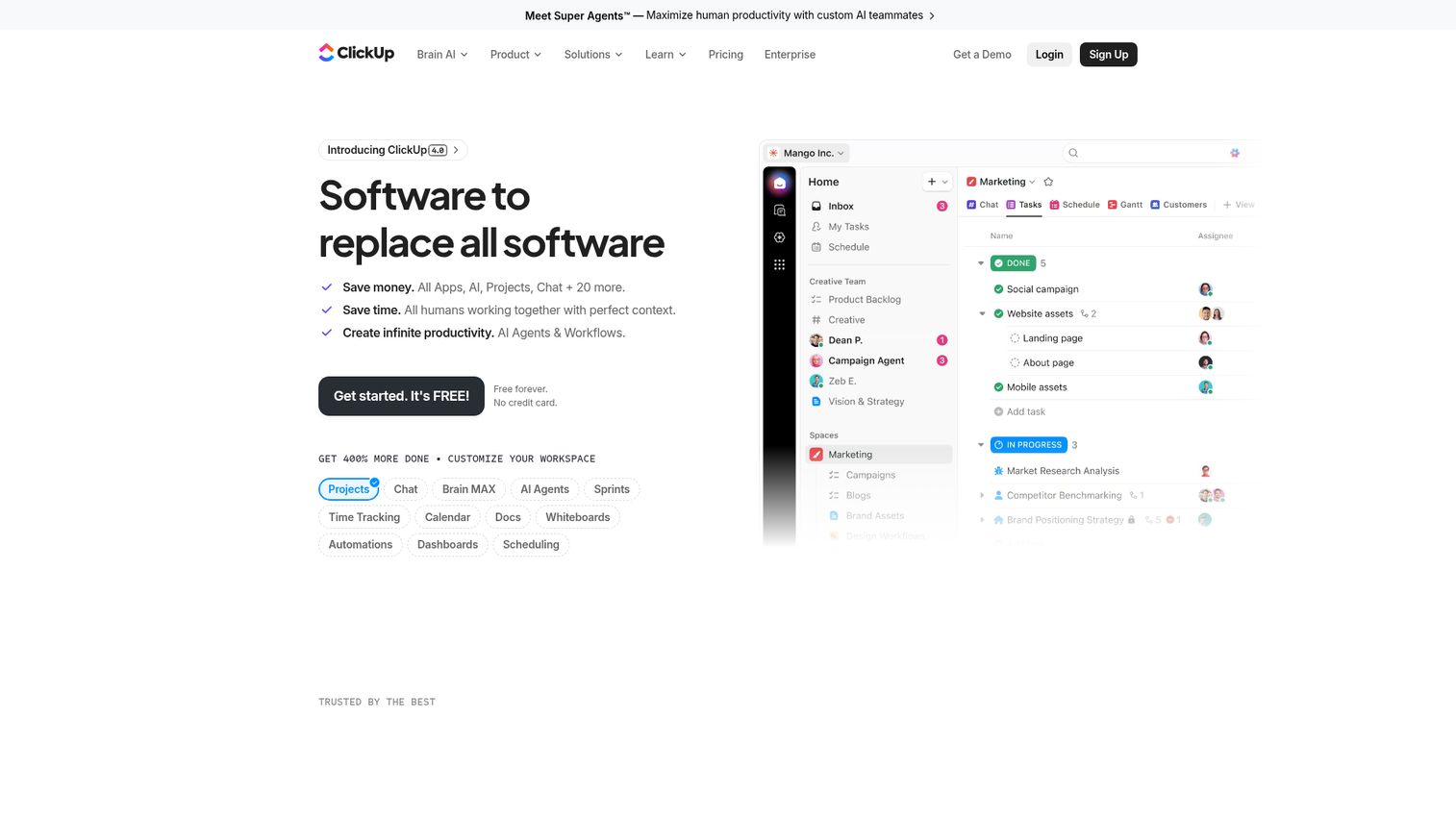
ClickUp makes a specific, aggressive claim: one app to replace them all. Tasks, docs, chat, goals, whiteboards, time tracking, and dashboards - all in one platform. For teams suffering from tool fatigue and subscription sprawl, that's a compelling pitch. Try the platform yourself with this interactive ClickUp demo.
ClickUp Brain is the platform's AI layer, and it's one of the more comprehensive AI implementations in the collaboration space. It can generate task descriptions, summarize documents, write project updates, answer questions about your workspace content, and automate recurring workflows. The Free Forever plan is genuinely generous - unlimited tasks, unlimited members, and 100MB storage - making it one of the strongest free options for small teams. The 1,000+ integrations mean you can connect ClickUp to whatever you're not ready to replace yet.
Best for: Teams wanting to consolidate their entire tool stack - tasks, docs, chat, and whiteboards - into one platform.
Key strengths
- Tasks with custom fields, subtasks, dependencies, and multiple views
- ClickUp Docs for collaborative documentation embedded in your workspace
- ClickUp Brain AI for task generation, summaries, and workflow automation
- Whiteboards, Goals, Time Tracking, and Dashboards all native to the platform
- Sprints and Agile features for engineering and product teams
Pricing: Free Forever plan available. Unlimited at $10/user/mo, Business at $19/user/mo, Enterprise at custom pricing.
The trade-offs: Feature density is ClickUp's strength and its biggest problem for new users. The onboarding experience can feel overwhelming. The mobile app is less polished than the desktop version. Some users report occasional performance issues with large workspaces. If your team needs best-in-class messaging (not just functional chat), Slack still wins that specific comparison.
8. Zoom Workplace - best for video-first collaboration
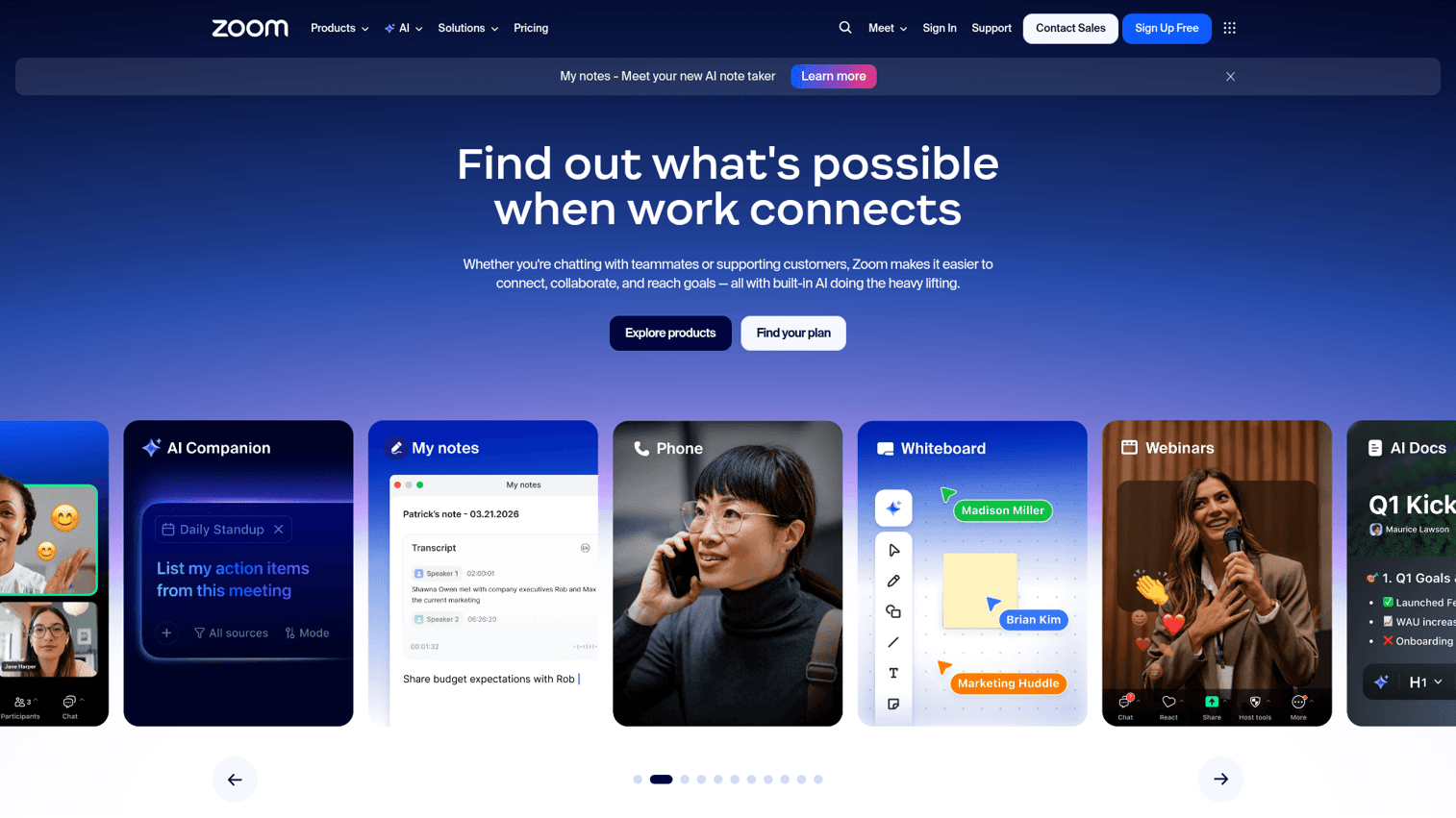
Zoom has spent the past two years expanding from "the video meeting tool" into a broader collaboration platform. Zoom Workplace now includes Team Chat, Whiteboard, Clips for async video, Notes, and AI Companion - all built around the video infrastructure that made Zoom the default for remote meetings. Explore the interface through this interactive Zoom demo.
AI Companion is included at no extra cost on paid plans, which is a meaningful differentiator. It generates meeting summaries, identifies action items, composes chat messages, and creates smart recordings with searchable transcripts. Zoom's video quality and reliability remain the benchmark - particularly for large meetings, webinars, and events where Teams or Google Meet occasionally struggle. Zoom Clips (async video) lets you record and share short video messages with AI-generated summaries, reducing the need for synchronous check-ins. For teams hosting large-scale events, it's also worth comparing the best webinar platforms and best virtual event platforms available.
Best for: Teams where video meetings are the primary collaboration mode and who want AI meeting intelligence included in their base plan.
Key strengths
- Best-in-class video quality and reliability for meetings and webinars
- AI Companion included on paid plans for summaries, action items, and chat compose
- Zoom Clips for async video messages with AI-generated summaries
- Team Chat with channels, threads, and file sharing
- Zoom Whiteboard for visual collaboration during and between meetings
Pricing: Basic plan free (40-minute meeting limit). Pro at $13.33/user/mo, Business at $21.99/user/mo, Enterprise at custom pricing.
The trade-offs: Zoom's chat and project features are still maturing relative to Slack and Teams. The collaboration features feel like additions to a video platform rather than a native unified experience. Zoom fatigue is a real phenomenon that affects how teams engage with video-heavy workflows. If messaging is your primary collaboration mode, Slack or Teams will serve you better.
9. Trello - best for simple, visual task management with Kanban boards
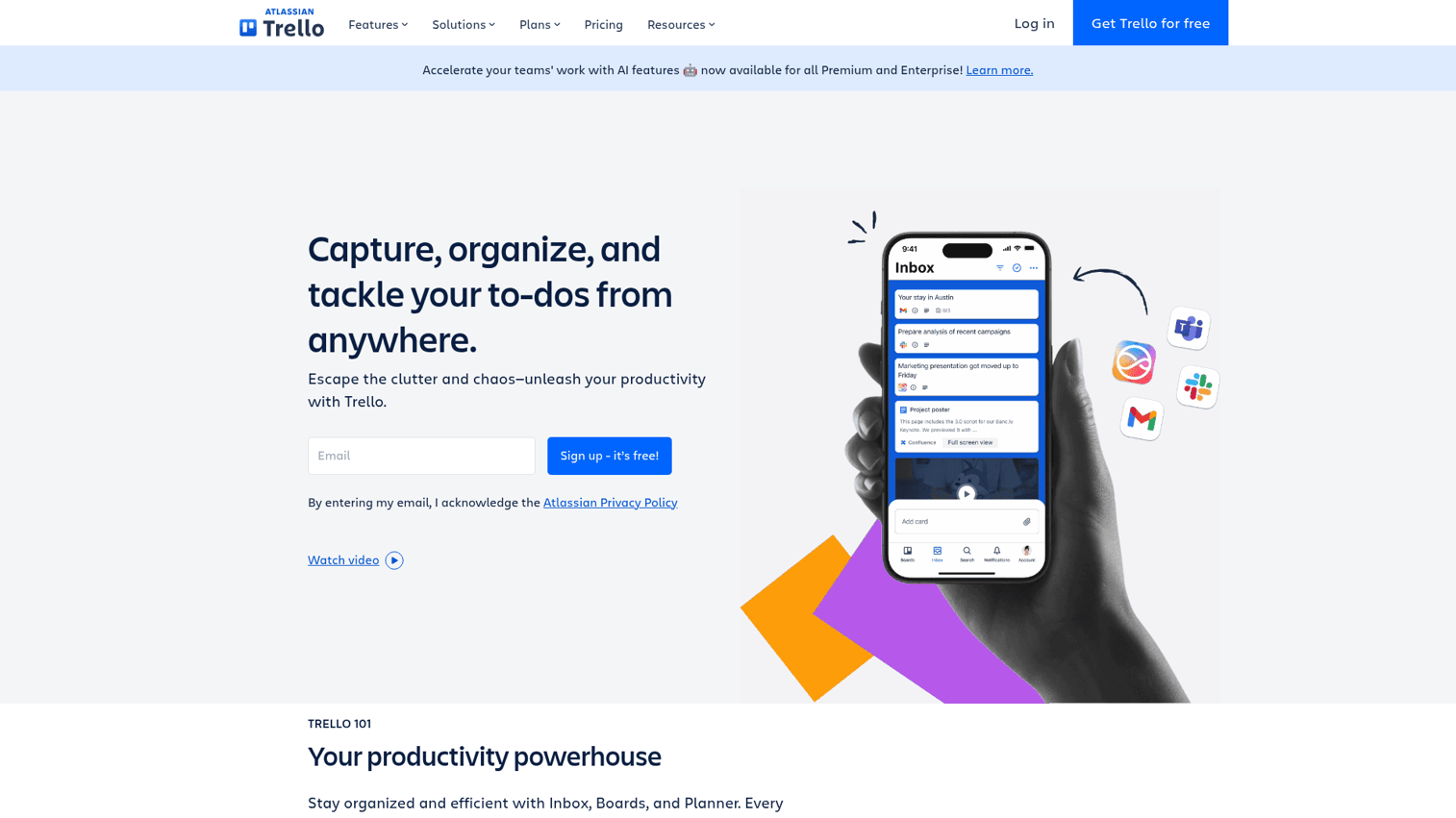
Trello is the simplest tool in this list. That's not a criticism - it's the point. For small teams and individuals who need visual task management without a configuration project, Trello gets you productive in under an hour. See the board interface in action with this interactive Trello demo.
The Kanban board interface is intuitive enough that you can explain it to a non-technical stakeholder in two minutes. Cards carry checklists, due dates, attachments, and labels. Butler (Trello's automation engine) handles common if/then workflows without coding. Power-Ups extend functionality with integrations to Slack, Google Drive, Jira, and 200+ other tools. The free plan is genuinely useful - unlimited cards, unlimited Power-Ups, and up to 10 boards per workspace.
Best for: Small teams or individuals needing lightweight, visual task management with fast onboarding and a generous free tier.
Key strengths
- Intuitive Kanban boards with cards, checklists, labels, and due dates
- Butler automation for no-code if/then workflow rules
- Power-Ups for integrations with Slack, Google Drive, Jira, and more
- Timeline, Calendar, and Dashboard views on paid plans
- Large template library for common workflows
Pricing: Free plan available. Standard at $6/user/mo, Premium at $12.50/user/mo, Enterprise at custom pricing.
The trade-offs: Trello is not built for complex projects. There's no native time tracking, no resource management, and no built-in reporting beyond the Dashboard view (which requires Premium). Advanced views are locked behind paid plans. If your team manages multi-stakeholder projects with dependencies and strategic goals, you'll outgrow Trello quickly - Asana or monday.com will serve you better.
10. Airtable - best for data-driven teams needing a spreadsheet-database hybrid
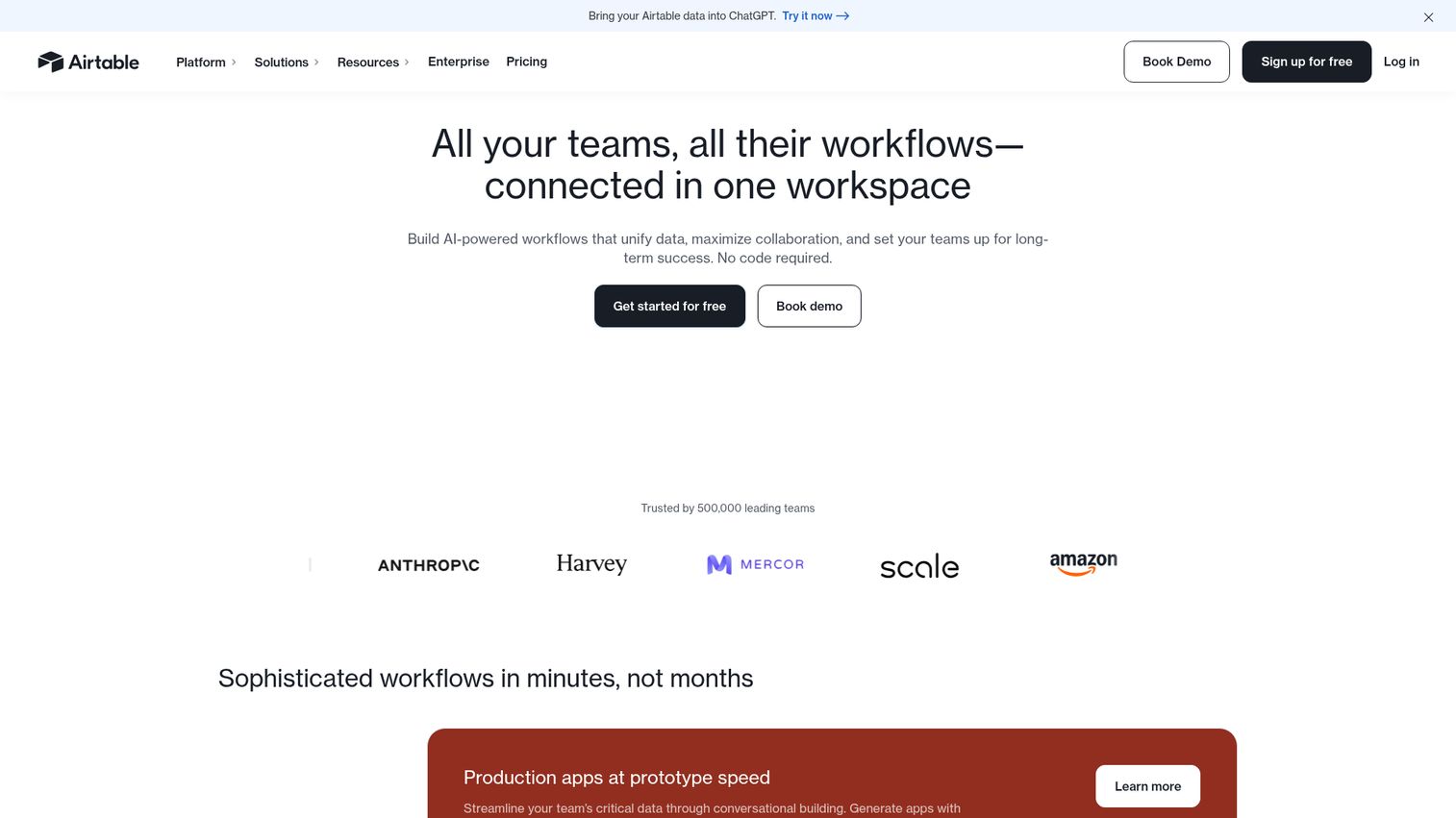
Airtable occupies a unique position: it looks like a spreadsheet, works like a relational database, and lets non-engineering teams build custom operational workflows without writing code. Marketing teams use it for content calendars. Operations teams use it for vendor management. Product teams use it for roadmaps and feature tracking. Explore the interface with this interactive Airtable demo.
Interface Designer is Airtable's most powerful feature for teams that want to build custom internal tools. You can create purpose-built views and forms on top of your data that hide complexity from end users - essentially building a lightweight app without a developer. Automations handle recurring tasks. The AI field type lets you generate, classify, or summarize data directly within your tables. The API is robust enough that technical teams can build sophisticated integrations on top of it.
Best for: Marketing, operations, and product teams managing structured data and custom workflows that don't fit neatly into standard project management tools.
Key strengths
- Grid, Kanban, calendar, gallery, and Gantt views on the same underlying data
- Interface Designer for building custom no-code apps on top of your data
- Automations for recurring workflows triggered by field changes or schedules
- AI field type for generating, classifying, and summarizing data in tables
- Strong API for custom integrations and data pipelines
Pricing: Free plan available. Team at $24/user/mo, Business at $54/user/mo, Enterprise Scale at custom pricing.
The trade-offs: Airtable gets expensive quickly at scale. The Team plan at $24/user/mo for a 30-person team is $720/month. Lower-tier plans have record limits that you'll hit faster than expected. The relational database model has a learning curve for users who've only worked with flat spreadsheets. It's not a messaging or video tool - you'll need Slack or Teams alongside it.
11. Miro - best for visual brainstorming and whiteboarding
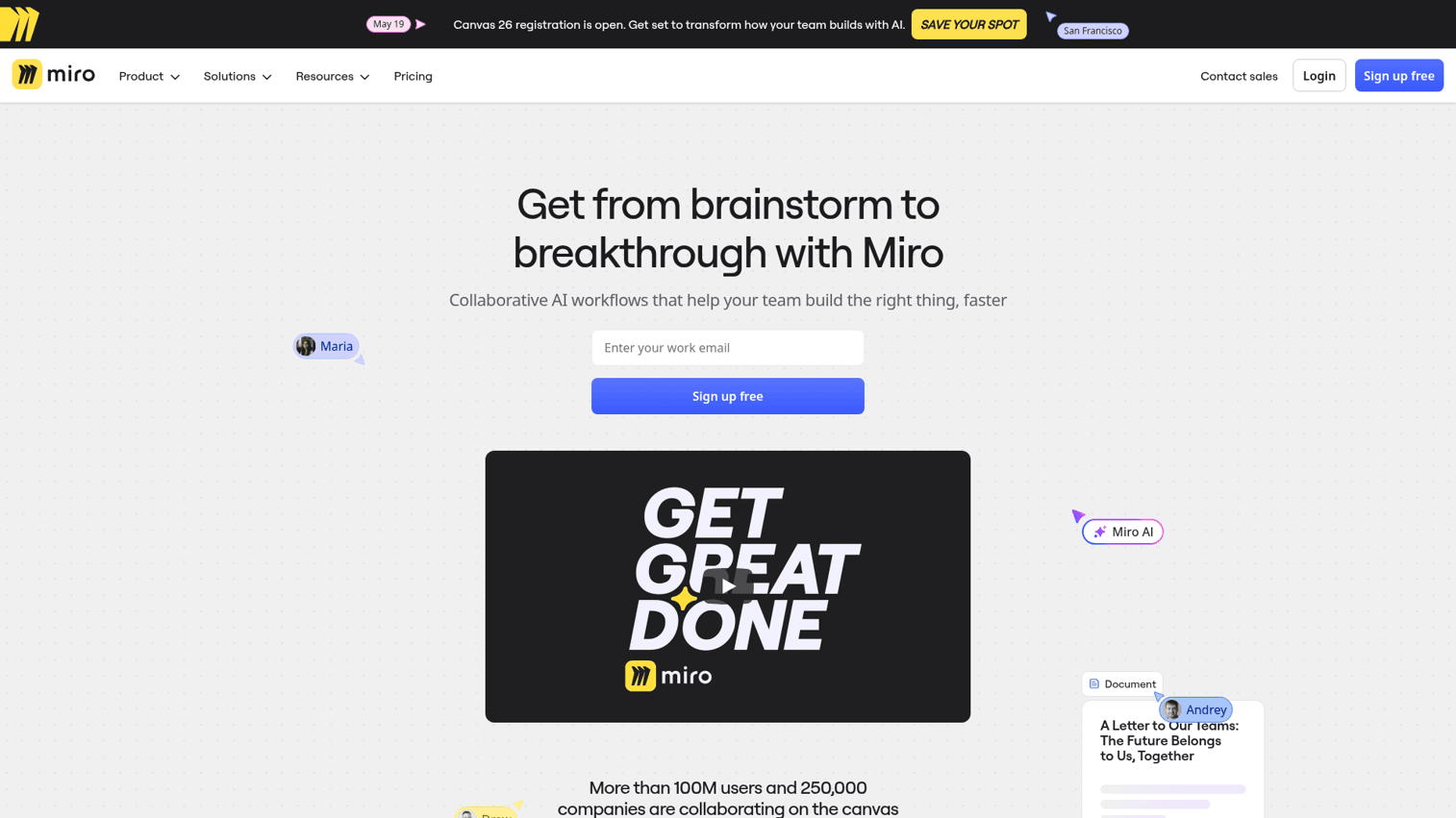
Miro is the digital whiteboard that design, product, and strategy teams reach for when they need to think visually together. The infinite canvas, combined with 2,500+ templates and real-time multi-user editing, makes it the standard for remote workshops, design sprints, and retrospectives. Try the canvas yourself with this interactive Miro demo.
Miro AI adds idea generation, content summarization, and automatic clustering of sticky notes - useful for large brainstorming sessions where you end up with 200 sticky notes and need to find the patterns. Talktrack lets you record an async walkthrough of a board with narration, which is a practical way to share workshop outputs with stakeholders who weren't in the session. The integration library connects Miro boards to Jira, Asana, Slack, and most major project management tools, so insights from workshops can flow directly into execution.
Best for: Design, product, and strategy teams that rely on visual thinking, remote workshops, and collaborative diagramming.
Key strengths
- Infinite canvas with real-time multi-user editing and named cursors
- 2,500+ templates for workshops, retrospectives, diagramming, and planning
- Miro AI for idea generation, summarization, and sticky note clustering
- Talktrack for async video walkthroughs of boards
- Integrations with Jira, Asana, Slack, Figma, and Microsoft Teams
Pricing: Free plan available (3 editable boards). Starter at $10/user/mo, Business at $20/user/mo, Enterprise at custom pricing.
The trade-offs: Large boards with hundreds of elements can lag, particularly in the browser. Miro is not a project management tool - it's a visual thinking tool that complements PM platforms rather than replacing them. For teams that only need basic whiteboarding, the free plan's 3-board limit is restrictive. Pricing adds up for large teams that need full editing access.
12. Coda - best for creating custom team documents that work like apps
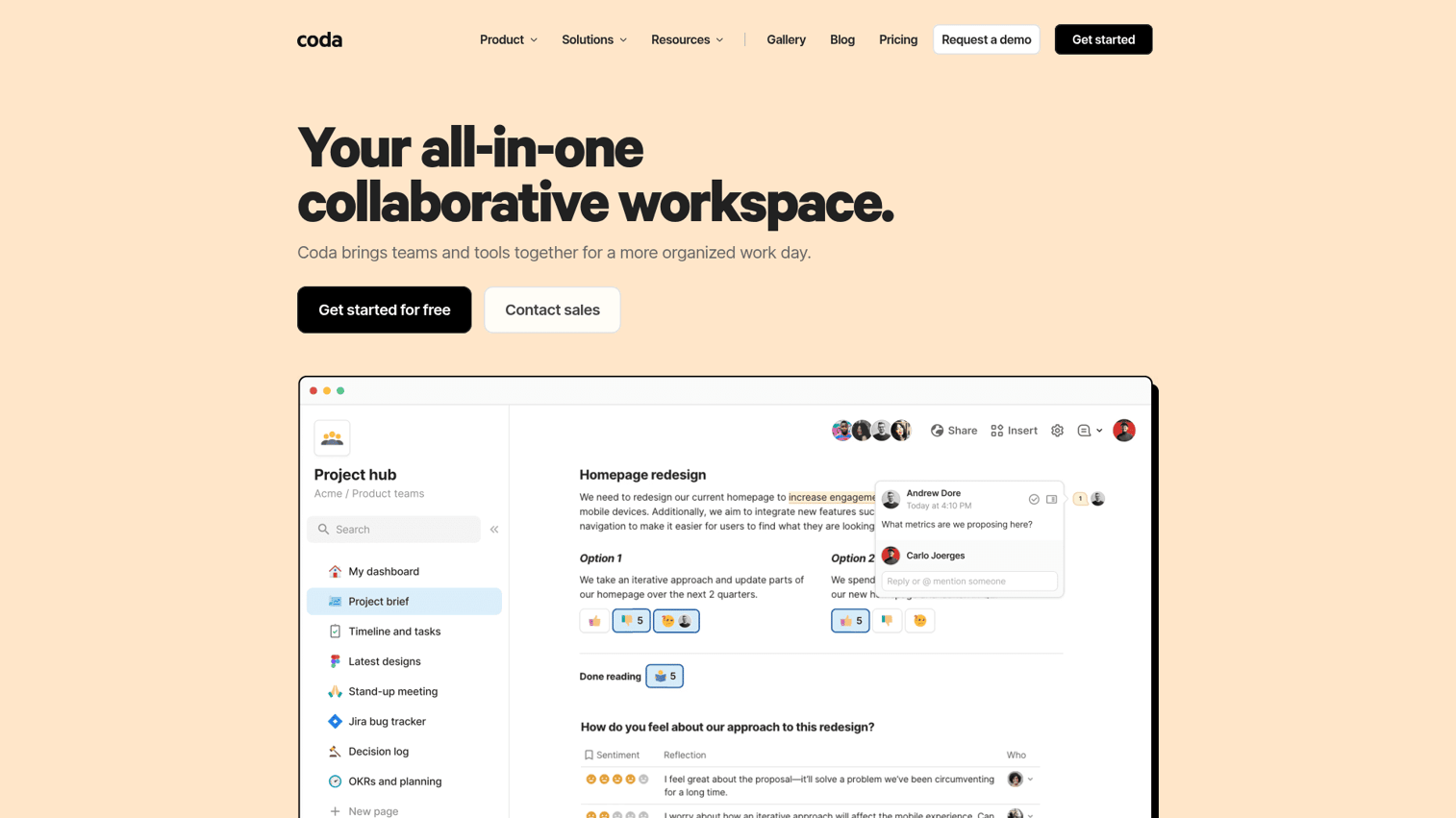
Coda is the tool that teams reach for when they've outgrown Notion's flexibility but don't want to build a custom internal tool from scratch. The core concept: documents that contain databases, buttons, automations, and live data from other apps - essentially custom operational software built in a familiar doc interface.
Packs are Coda's integration layer, and they're what make it genuinely powerful. You can pull live data from Jira, GitHub, Slack, Salesforce, and 600+ other sources directly into a Coda doc, then build views, automations, and buttons on top of that data. Coda AI handles writing, summarization, and formula generation. The "doc maker" pricing model means you only pay for the people actively building docs, not every viewer - which can make it significantly cheaper than per-seat tools for large teams with many read-only users.
Best for: Teams that want to build custom operational tools - CRMs, project trackers, content pipelines - without hiring a developer.
Key strengths
- Docs with embedded tables, formulas, buttons, and automations
- Packs for pulling live data from Jira, GitHub, Slack, Salesforce, and 600+ apps
- Coda AI for writing assistance, summarization, and formula generation
- Cross-doc syncing for sharing data between separate Coda documents
- "Doc maker" pricing that doesn't charge per viewer
Pricing: Free plan available. Pro at $12/doc maker/mo, Team at $36/doc maker/mo, Enterprise at custom pricing.
The trade-offs: Coda has a steeper learning curve than Notion. The "doc maker" pricing model is confusing for teams used to per-seat pricing - you need to understand the distinction between makers and viewers before you can accurately estimate cost. The community and template library are smaller than Notion's. If you need a simple wiki or basic project tracking, Notion is more approachable.
13. Smartsheet - best for enterprise teams needing spreadsheet-style project collaboration
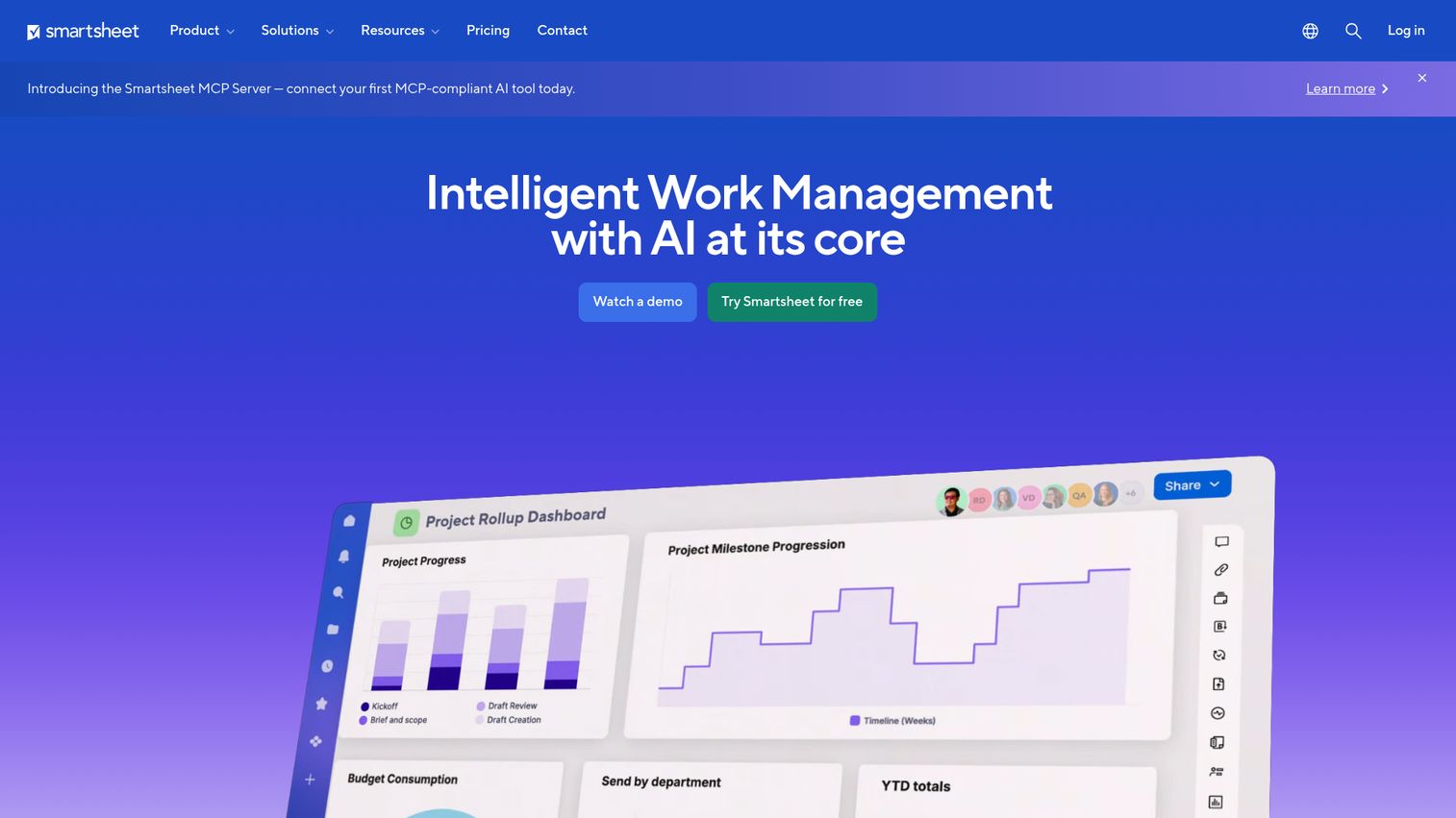
Smartsheet is the enterprise alternative to Airtable - more structured, more governance-focused, and built for PMOs managing complex, multi-stakeholder projects. If your organization runs on spreadsheets but needs the structure of a project management platform, Smartsheet bridges that gap. Explore the interface with this interactive Smartsheet demo.
The spreadsheet-style interface means that users who've spent years in Excel can be productive in Smartsheet within a day. Gantt charts, resource management, automated approval workflows, and proofing tools are all native. Control Center handles portfolio-level project management for PMOs managing dozens of concurrent projects. The compliance posture is strong - SOC 2 Type II, HIPAA, GDPR - making it a viable option for healthcare, financial services, and government organizations.
Best for: Enterprise PMOs and operations teams managing complex, multi-stakeholder projects with strong governance requirements.
Key strengths
- Spreadsheet-style project management with Gantt charts and resource management
- Automated approval workflows and proofing for document review cycles
- Control Center for portfolio-level project management and standardization
- Strong compliance posture: SOC 2 Type II, HIPAA, GDPR
- Brandfolder integration for digital asset management alongside project work
Pricing: No free plan. Pro at $12/user/mo, Business at $24/user/mo, Enterprise at custom pricing.
The trade-offs: Smartsheet has no free plan, which makes it harder to trial at scale. The UI feels dated compared to monday.com or Asana. It's not a real-time communication tool - you'll need Teams or Slack alongside it. For teams that don't need enterprise governance features, the price-to-value ratio is harder to justify against more modern alternatives.
14. Loom - best for asynchronous video communication
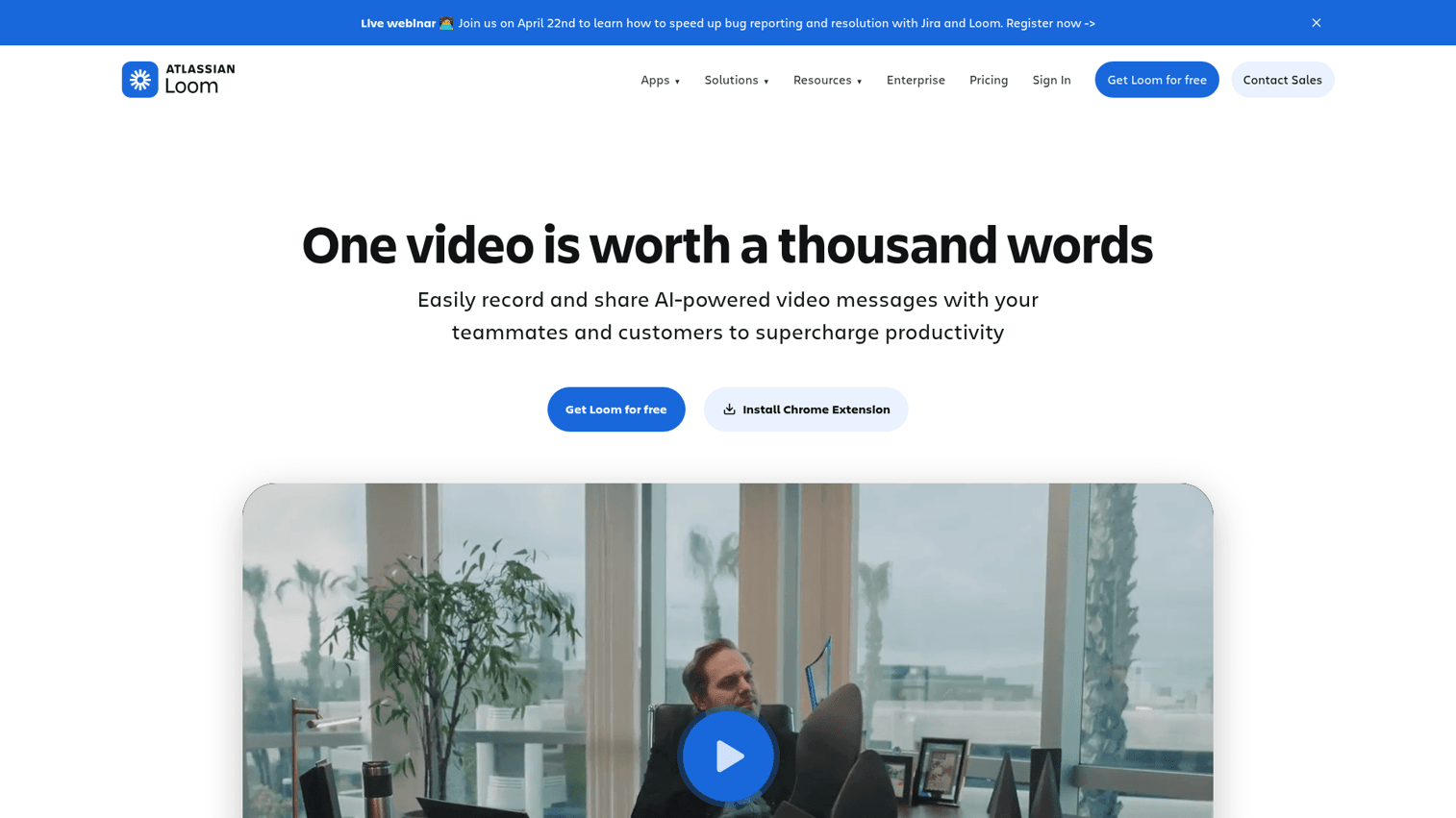
Loom is not a full collaboration platform. It's the async communication layer that sits on top of your existing stack and quietly eliminates a category of meetings that didn't need to happen.
The workflow is simple: record your screen and camera, share a link, and the recipient watches on their own time. AI generates a summary, chapter markers, and a searchable transcript automatically. Viewers can leave timestamped comments, react with emoji, and respond with their own Loom - creating an async conversation thread that's more expressive than text and more respectful of schedules than a meeting. Loom integrates with Slack, Notion, Jira, Asana, and most tools in this list, so videos can live where the work happens rather than in a separate library.
Best for: Remote and async-first teams wanting to replace status meetings, walkthroughs, and feedback sessions with video updates.
Key strengths
- Screen and camera recording with instant shareable links
- AI-generated summaries, chapter markers, and searchable transcripts
- Timestamped comments and emoji reactions for async conversation
- Engagement analytics showing who watched, when, and how far
- Integrations with Slack, Notion, Jira, Asana, and Linear
Pricing: Starter plan free (limited to 25 videos). Business at $15/creator/mo, Enterprise at custom pricing.
The trade-offs: Loom is a complementary tool, not a standalone collaboration platform. The free plan's 25-video limit is restrictive for teams that want to adopt it seriously. Viewer engagement can be passive - there's no guarantee someone watches a Loom the way there's social pressure to respond to a Slack message. Adopting async video requires a genuine culture shift, and some teams find that harder than expected.
15. Figma - best for design team collaboration and real-time co-design
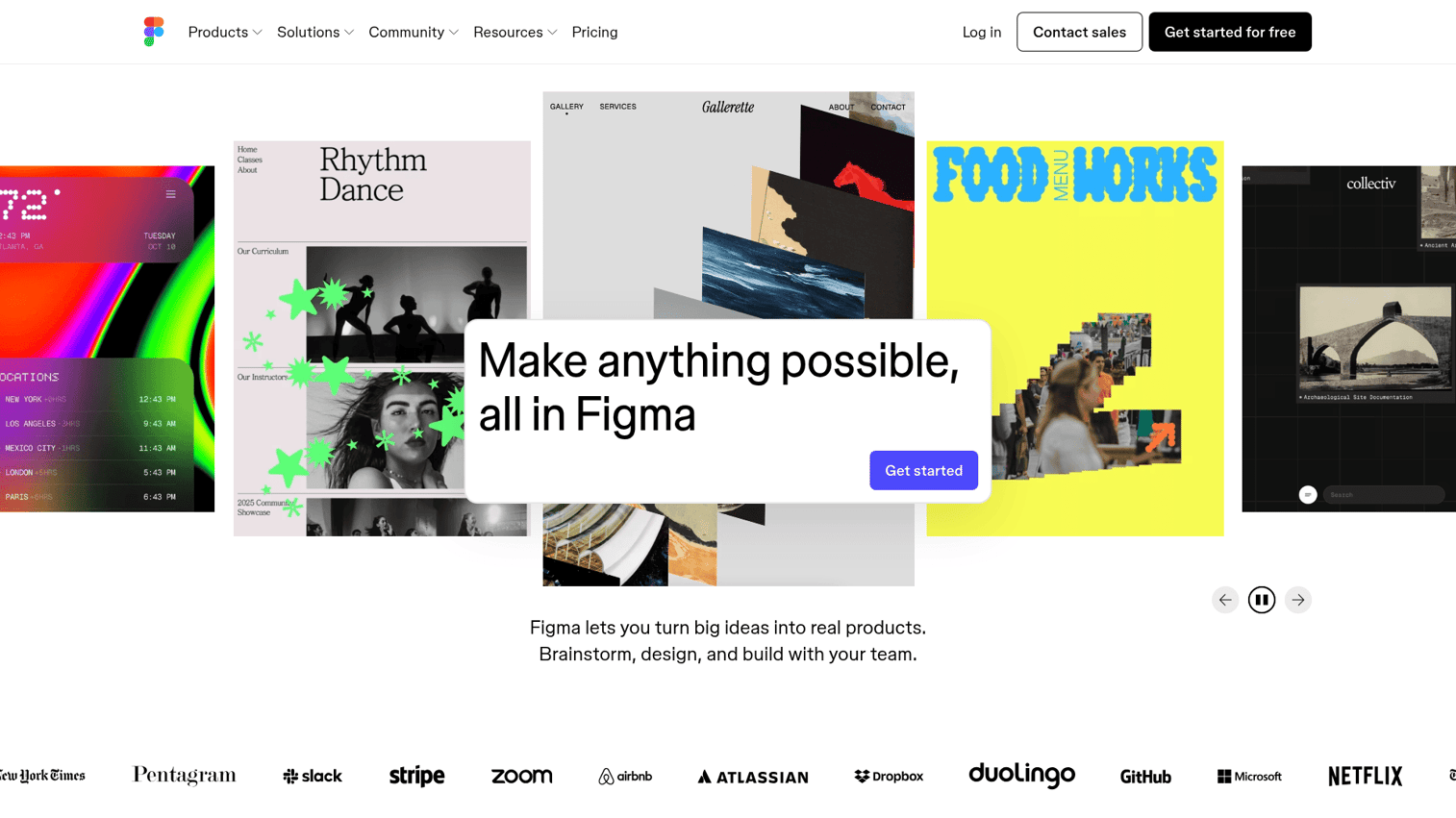
Figma is the collaboration tool for design teams specifically. It's not a general project management platform or a messaging tool - it's the place where product design happens, and it does that job better than any alternative. See the design environment with this interactive Figma demo.
Real-time multi-user editing means designers, product managers, and engineers can work in the same file simultaneously, with named cursors and live updates. FigJam (Figma's whiteboarding product) handles brainstorming and workshops. Dev Mode gives engineers a direct view of design specifications, CSS values, and assets without needing to ask a designer - reducing the back-and-forth that slows down design-to-development handoffs. Figma's AI features handle background removal, content generation, and design suggestions. The browser-based architecture means no install required and no version conflicts.
Best for: Design and product teams needing real-time collaborative design, prototyping, and developer handoff in a single tool.
Key strengths
- Real-time multi-user design editing with named cursors and live updates
- FigJam for brainstorming, diagramming, and workshop facilitation
- Dev Mode for design-to-code handoff with CSS specs and asset export
- Prototyping with interactive flows and animation for user testing
- Design systems and shared component libraries for consistency at scale
Pricing: Starter plan free (limited drafts and projects). Professional at $15/editor/mo, Organization at $45/editor/mo, Enterprise at $75/editor/mo.
The trade-offs: Figma is only relevant for design workflows. If your team doesn't do UI/UX design, there's no reason to evaluate it. The Organization and Enterprise tiers are expensive - $45 to $75 per editor per month adds up quickly for large design teams. Figma can be resource-intensive in the browser with complex files. It's not a replacement for a general collaboration platform.
How to choose the right team collaboration software for your team
The right collaboration tool depends on four factors: how your team primarily works, how big you are, what you're already using, and how seriously you take security. Here's a practical framework.
Start with your team's primary collaboration mode
Most teams have a dominant collaboration pattern. Identify yours before evaluating tools.
If your team is messaging-first - most coordination happens in real-time chat - start with Slack or Microsoft Teams. If you're video-first, Zoom Workplace is the natural anchor. If you're project and task-first, Asana, monday.com, or ClickUp will serve you better than a messaging tool. If you're document-first, Google Workspace, Notion, or Coda are the right starting points. If you're design-first, Figma and Miro belong at the center of your stack.
Trying to force a messaging tool to do project management, or a PM tool to replace chat, creates friction that compounds over time.
Consider your team size and growth trajectory
Tool choice at 10 people looks different than at 200.
Small teams (1–20 people): Trello, Notion, and Slack's free tier cover most needs without a budget. ClickUp's Free Forever plan is worth evaluating if you want everything in one place.
Mid-size teams (20–200 people): monday.com, Asana, and ClickUp are built for this range. Google Workspace or Microsoft 365 as the document and communication backbone, with a dedicated PM tool alongside, is a common and effective combination.
Enterprise teams (200+ people): Microsoft Teams, Smartsheet, and Asana Enterprise have the governance, compliance, and admin controls that large organizations require. Security reviews, SSO, and data residency become non-negotiable at this scale.
Evaluate your existing tool ecosystem
The best collaboration tool is often the one that integrates cleanly with what you already use.
- Already on Microsoft 365? Teams is the natural choice - you're likely already paying for it.
- Running a Google-native organization? Google Workspace plus a dedicated PM tool covers most ground.
- In the Atlassian stack (Jira, Confluence)? Trello integrates natively, and Loom connects directly to Jira for async video updates.
- Trying to consolidate a fragmented stack? ClickUp and Notion both make strong cases for replacing three or four separate tools.
Don't evaluate tools in isolation. Map your current stack first, identify the biggest friction points, and choose tools that reduce those friction points without adding new ones.
Prioritize AI and automation capabilities
AI features have moved from premium add-on to baseline expectation in 2026. The tools with the strongest AI implementations are worth noting.
- Notion AI handles writing, Q&A against your workspace, and database autofill.
- Slack AI provides channel recaps, thread summaries, and intelligent search.
- Microsoft Copilot is the most comprehensive AI layer in this list - meeting summaries, document drafting, and email composition across the entire M365 suite.
- ClickUp Brain covers task generation, project summaries, and workflow automation. Zoom AI Companion generates meeting summaries and action items at no extra cost on paid plans.
If you're evaluating an AI-powered collaboration platform, ask specifically whether AI features are included in your target pricing tier or locked behind an add-on. Several vendors charge separately for AI capabilities.
Don't overlook security and compliance
For enterprise buyers, security isn't a feature - it's a gate. The tools with the strongest compliance posture in this list are Microsoft Teams (SOC 2, HIPAA, GDPR, FedRAMP for government), Smartsheet (SOC 2 Type II, HIPAA, GDPR), Google Workspace Enterprise (SOC 2, HIPAA, ISO 27001), and Asana Enterprise (SOC 2 Type II, GDPR, SSO/SAML).
If your organization operates in healthcare, financial services, or the public sector, verify specific compliance certifications directly with vendors before committing. Certifications change, and "we're working toward HIPAA compliance" is not the same as "we are HIPAA compliant."
Async vs. synchronous collaboration: building the right tool stack
Most teams don't need to choose between async and synchronous collaboration. They need both - in the right ratio for how they actually work.
- Synchronous collaboration happens in real time: Slack huddles, Zoom meetings, Figma co-design sessions, Miro workshops. It's high-bandwidth and high-context, but it requires everyone to be available at the same time. For distributed teams across multiple time zones, synchronous-heavy workflows create scheduling overhead that compounds daily.
- Async collaboration happens on each person's schedule: Loom video updates, comments in Asana tasks, Notion documents, Coda operational docs. It's lower bandwidth but more inclusive - everyone can contribute regardless of time zone, and the output is documented by default.
The question isn't which mode is better. It's what ratio fits your team's structure.
Here are three example stacks based on common team configurations:
- Notion (documentation and project tracking) + Loom (async video updates) + Slack (async channels, minimal huddles) + Zoom (weekly syncs only). This stack minimizes required real-time availability while keeping communication rich and documented.
- Microsoft Teams (chat, meetings, and document collaboration) + Smartsheet (project governance) + Miro (visual workshops). This stack assumes high availability and prioritizes real-time coordination and governance.
- Slack (messaging hub) + Asana (project management) + Google Workspace (document collaboration) + Loom (async video for updates and walkthroughs). This is the most common stack pattern for mid-size teams in 2026 - it covers all collaboration modes without significant overlap.
The key principle: pick tools that complement each other's gaps rather than duplicate each other's strengths. Two messaging tools or two project management tools in the same stack creates confusion about where work lives.
Finding the right team collaboration software in 2026
There's no single best tool. The right team collaboration software depends on your primary work mode, your team size, your existing stack, and your security requirements. Start with the decision framework above, identify your two or three biggest collaboration friction points, and trial the tools that address those specifically.
AI has moved from premium add-on to standard feature across every category in this list - not a differentiator. What separates the best platforms is how deeply AI is integrated into the workflows your team already uses, not whether it exists.
Start your journey with Guideflow today
FAQs about team collaboration software
```html
Team collaboration software is a category of digital tools that helps teams communicate, share files, manage tasks, and work together regardless of location. It spans several capability types including real-time messaging, video conferencing, project management, document co-editing, and visual collaboration. Most teams use two or three tools from this category rather than relying on a single platform for everything.
The most widely adopted collaboration tools in 2026 by market share and active user count are Microsoft Teams (300 million monthly active users), Slack, Google Workspace, Zoom, Asana, monday.com, and Notion. The "best" tool depends on your team's primary collaboration mode, size, and existing tool ecosystem - there's no universal answer.
Start by identifying your team's primary collaboration mode: messaging-first, video-first, project-first, or document-first. Then consider your team size (small teams under 20 people have different needs than enterprise teams), your existing tool ecosystem (Microsoft 365 vs. Google-native), and your integration requirements. Trial two or three finalists with your actual team before committing - adoption matters as much as features.
Yes - most modern collaboration platforms offer extensive integration libraries. Slack connects to 2,600+ apps. ClickUp offers 1,000+ integrations. Most tools also support Zapier and Make as connectors for apps without native integrations. Integration depth often varies by pricing tier, so verify that the integrations you need are available on your target plan before purchasing.
For teams under 15 people, free tiers are often sufficient to start. The strongest free options are ClickUp (Free Forever with unlimited tasks and members), Trello (unlimited cards, up to 10 boards), Notion (unlimited pages and blocks for individuals), Slack (90-day message history, unlimited integrations), and Miro (3 editable boards). The main limitations are storage caps, user limits, missing advanced features, and - in Slack's case - restricted message history. Expect to upgrade as your team grows.
AI has moved from premium add-on to standard feature across the collaboration software category. Meeting summaries and action item extraction are now table stakes in Zoom, Microsoft Teams, and Google Meet. Writing assistance and Q&A against workspace content are core features in Notion AI, Coda AI, and Slack AI. Microsoft Copilot is the most comprehensive implementation, covering drafting, summarization, and intelligent search across the entire M365 suite. The practical implication: when evaluating an AI-powered collaboration platform, the question is no longer whether AI exists but whether it's included in your pricing tier and integrated into the workflows your team actually uses.
``` Only change from your text: `&` escaped as `&` in the last answer.