
Running a webinar sounds simple until you realize your platform caps out at 100 attendees, drops video quality mid-presentation, or loses half your registrant data before it reaches your CRM. The wrong choice costs you leads, credibility, and hours of troubleshooting during live events.
This guide compares 10+ webinar platforms across pricing, features, integrations, and real-world reliability so you can pick the right tool for marketing, sales, training, or automated sessions.
What's inside
This guide covers 10+ webinar platforms for marketing, sales, training, and automation. We evaluated each tool based on features, pricing, integrations, and G2 ratings. The focus here is on platforms that scale reliably, perform well during live events, and connect to your existing CRM and marketing stack without creating new problems.
TL;DR
Best overall browser-based: Livestorm offers no-download access and unlimited team members
Best for marketing teams: Demio delivers registration forms, in-event CTAs, and lead scoring
Best for large audiences: Zoom Webinars scales to tens of thousands of attendees
Best for automation: eWebinar and BigMarker turn recordings into evergreen sessions
Best free options: YouTube Live, Zoom Basic, and Livestorm Free work for smaller events
Webinars capture attention, but converting attendees into pipeline often requires letting them experience your product afterward through interactive demos
What is a webinar platform
Top webinar platforms in 2026 include Livestorm for browser-based simplicity, Zoom for large audiences, Demio for marketing teams, and BigMarker for automation. Pricing typically starts around $79 per month for paid plans.
A webinar platform is software that hosts live or pre-recorded video sessions for audiences ranging from dozens to thousands. Unlike video conferencing tools designed for collaborative meetings, webinar software focuses on one-to-many broadcasts with audience controls, registration, and engagement tracking.
Core capabilities include:
Live streaming: Broadcast to large audiences in real time with HD video
Interactive tools: Polls, Q&A, chat, handouts, and reactions keep attendees engaged
Registration and lead capture: Collect attendee information before events and route leads to your CRM
Recording and on-demand playback: Repurpose content after the live session ends
Analytics: Track attendance, engagement, drop-off points, and conversion
When to use webinar software
For marketing and lead generation webinars
Webinars work well as top-of-funnel demand generation tools. Registration captures leads, and integrations with your CRM and marketing automation let you nurture attendees automatically. Demio, Livestorm, and BigMarker excel here.
For live product demos and sales presentations
Sales teams use webinars to present to multiple prospects at once. Screen sharing and presenter controls make it easy to walk through features. Combining webinars with interactive demos afterward lets prospects explore on their own time, whether through sandbox environments or guided experiences.
For training, onboarding, and internal events
Employee training, partner enablement, and customer onboarding all benefit from webinar formats. Recording capabilities mean attendees who miss the live session can catch up later. Zoom, Webex, and Adobe Connect handle training use cases well.
For customer education and community building
Ongoing webinar series build thought leadership and community engagement. Crowdcast and Airmeet support recurring events with networking features that keep audiences coming back.
Best webinar platforms compared
# | Product | Best for | Key differentiator | Pricing | G2 rating |
|---|---|---|---|---|---|
1 | Livestorm | Overall, browser-based | No downloads, unlimited team members | From $79/month | 4.4/5 |
2 | Zoom Webinars | Large audiences | Scales to 50,000+ attendees | From $79/month | 4.5/5 |
3 | GoTo Webinar | Enterprise events | Robust webinar management | From $49/month | 4.2/5 |
4 | Demio | Marketing teams | Custom forms, in-event CTAs | From $59/month | 4.4/5 |
5 | BigMarker | Automation | Evergreen and pre-recorded sessions | From $79/month | 4.4/5 |
6 | Crowdcast | Creators, multi-streaming | Simulcast to social platforms | From $49/month | 4.3/5 |
7 | eWebinar | Automated webinars | Turns recordings into interactive sessions | From $99/month | 4.9/5 |
8 | ON24 | Enterprise global events | Multi-language, content hubs | Custom pricing | 4.3/5 |
9 | Webex Webinars | Large enterprises | Security, compliance, Cisco ecosystem | From $68/month | 4.2/5 |
10 | Vimeo Events | Video quality | Professional streaming and branding | From $79/month | 4.2/5 |
10 best webinar platforms and software
1. Livestorm
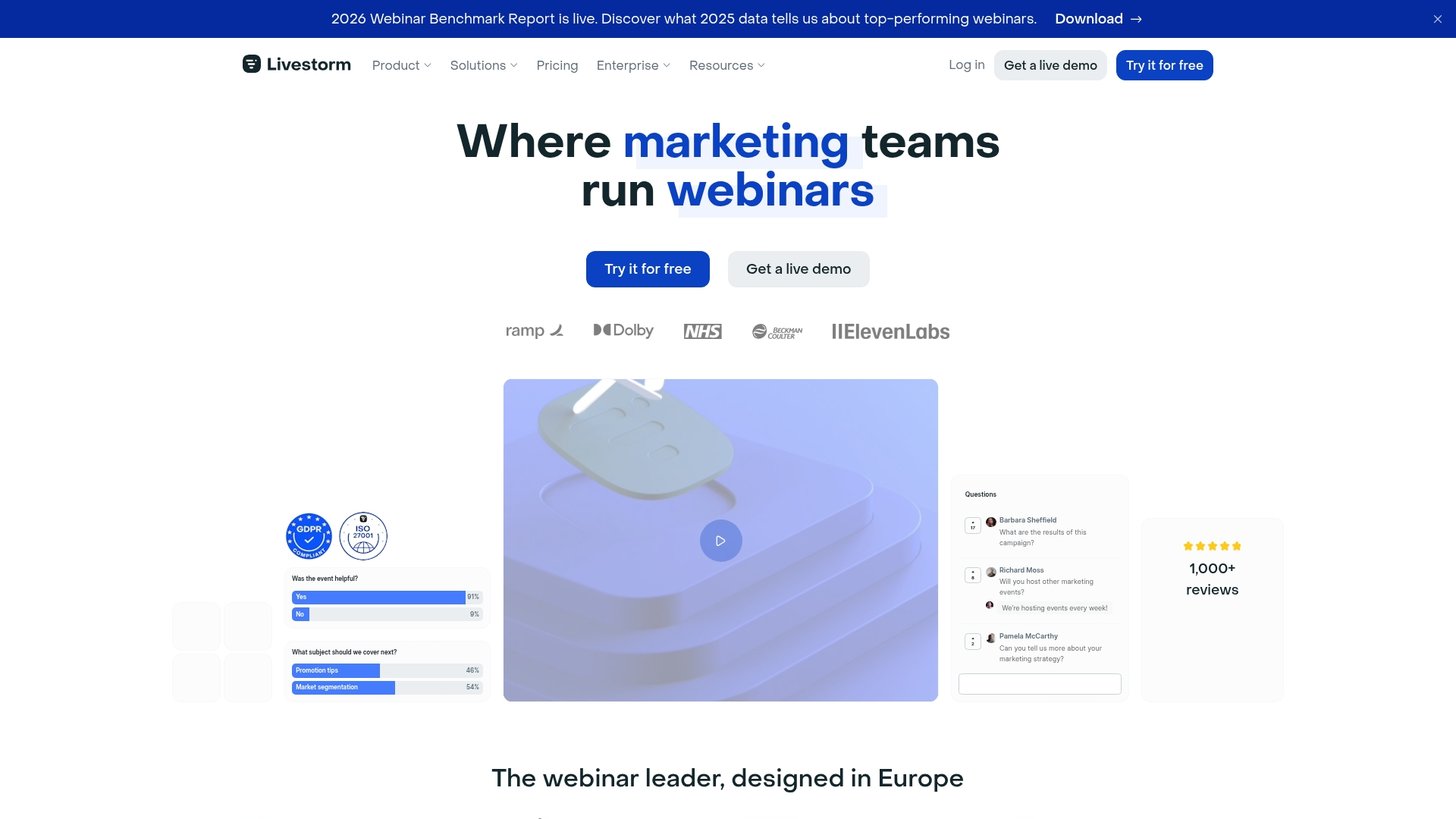
Livestorm is a browser-based webinar platform that eliminates download friction for attendees. You get unlimited team members on all plans, built-in registration pages, email sequences, and robust analytics. The platform integrates natively with HubSpot, Salesforce, and other CRM tools.
Best for: Marketing teams running lead generation webinars who want minimal attendee friction.
Key strengths
Browser-based access: No attendee downloads required
Unlimited team members: Available on all paid plans
Built-in registration: Email reminder sequences included
Robust analytics: Engagement tracking and reporting
Native CRM integrations: HubSpot, Salesforce, and marketing automation connections
Pricing: Free plan available with limits. Paid plans start at $79 per month.
2. Zoom Webinars
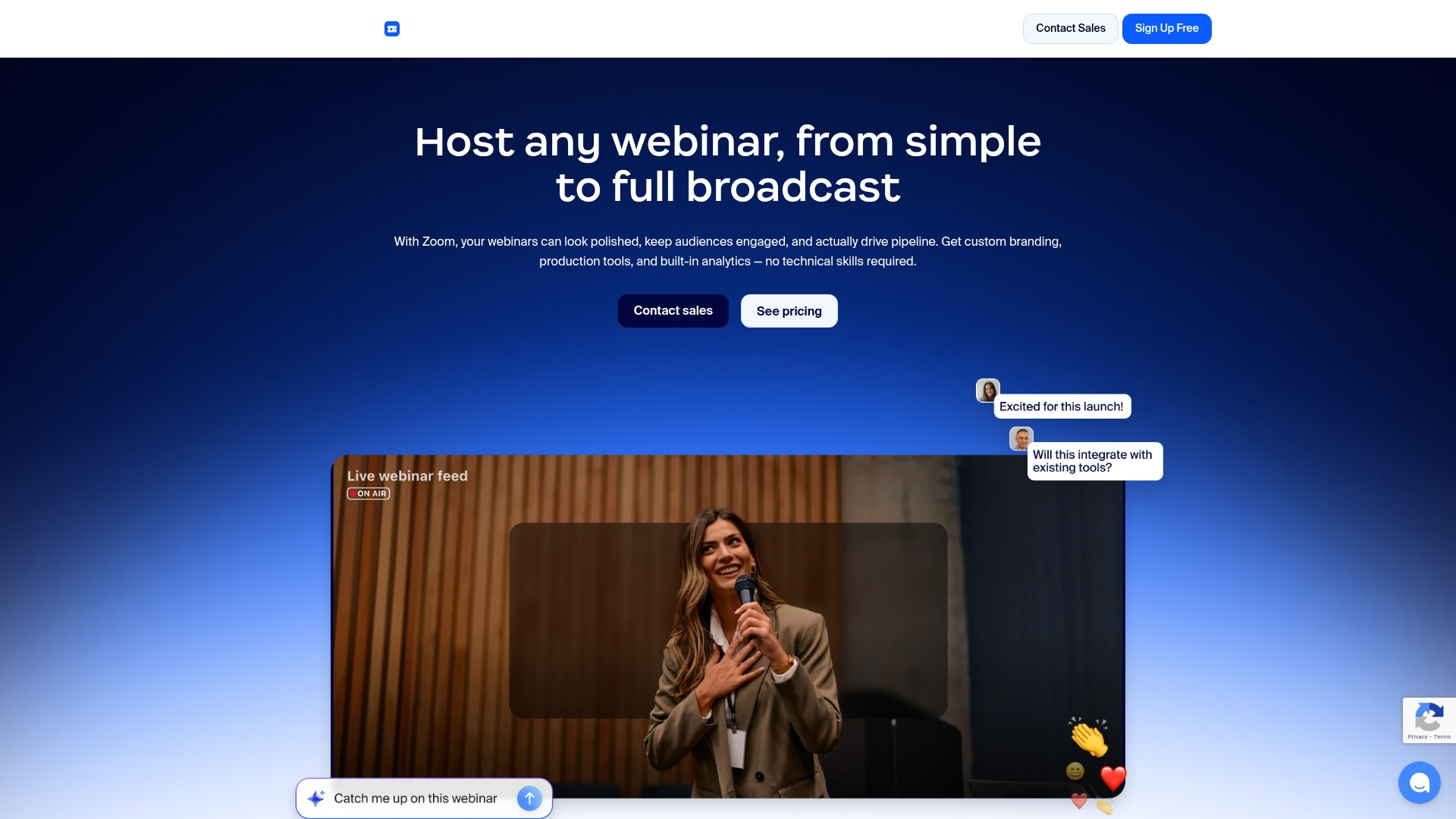
Zoom Webinars builds on the familiar Zoom interface to support large-scale events. You can host up to 50,000 attendees with the right plan, and most people already know how to use it. Breakout rooms, Q&A, and polling keep audiences engaged.
Best for: Organizations hosting large events who want a familiar interface and reliable streaming.
Key strengths
Familiar interface: Reduces learning curve for hosts and attendees
Massive scale: Supports tens of thousands of attendees
HD video: Reliable streaming quality
Extensive integrations: Third-party app connections
Breakout rooms: Q&A and polling functionality
Pricing: Webinar add-on starts at $79 per month for 500 attendees.
3. GoTo Webinar
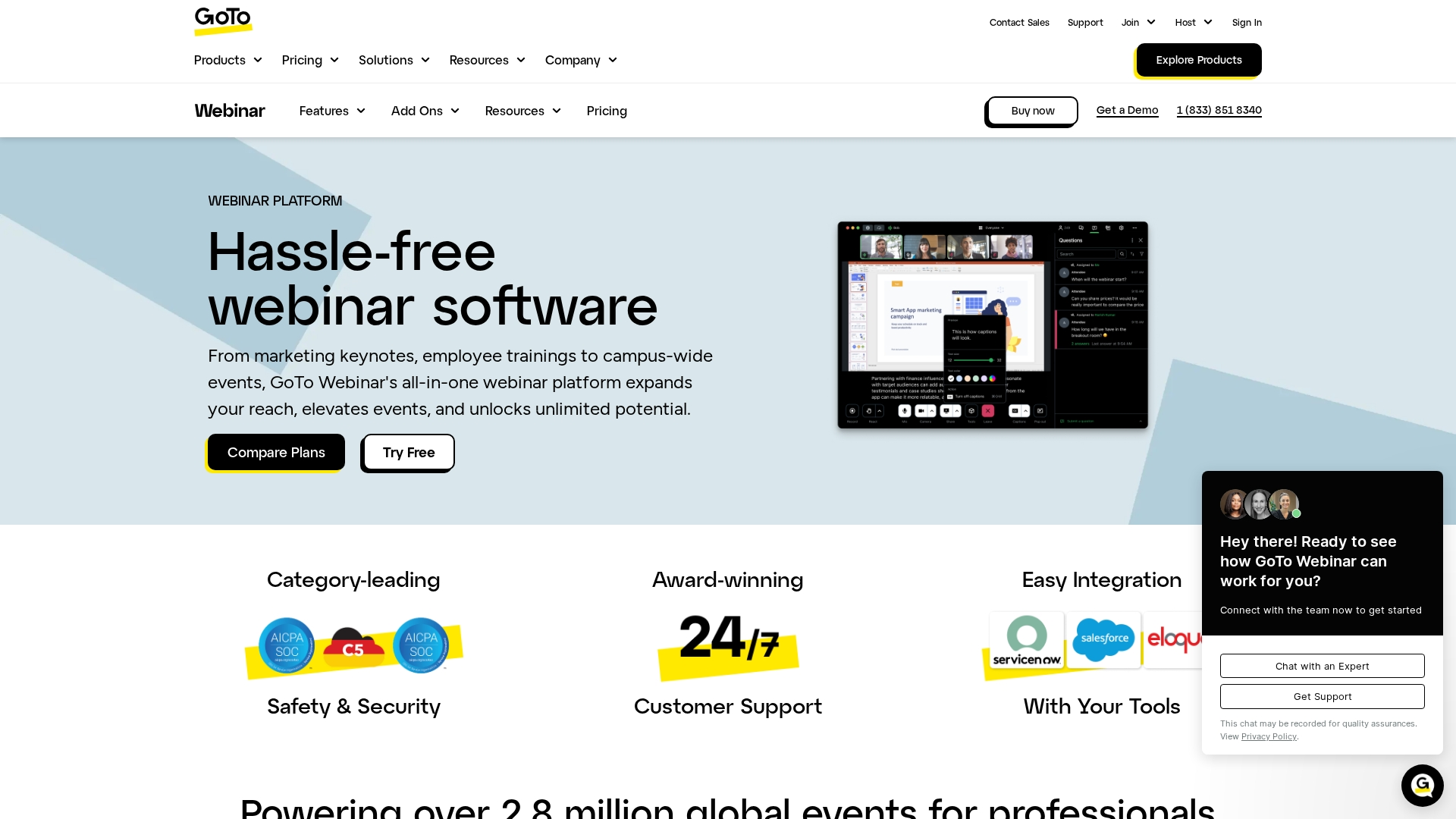
GoTo Webinar has been around for years and offers robust webinar management features. You get detailed analytics, custom registration, and integrations with major marketing platforms.
Best for: Established businesses running regular webinar programs who want proven reliability.
Key strengths
Mature platform: Years of refinement
Detailed analytics: Comprehensive reporting
Custom registration: Branding options included
Marketing integrations: HubSpot, Salesforce, and Marketo connections
Reliable streaming: Performs well at scale
Pricing: Plans start at $49 per month.
4. Demio
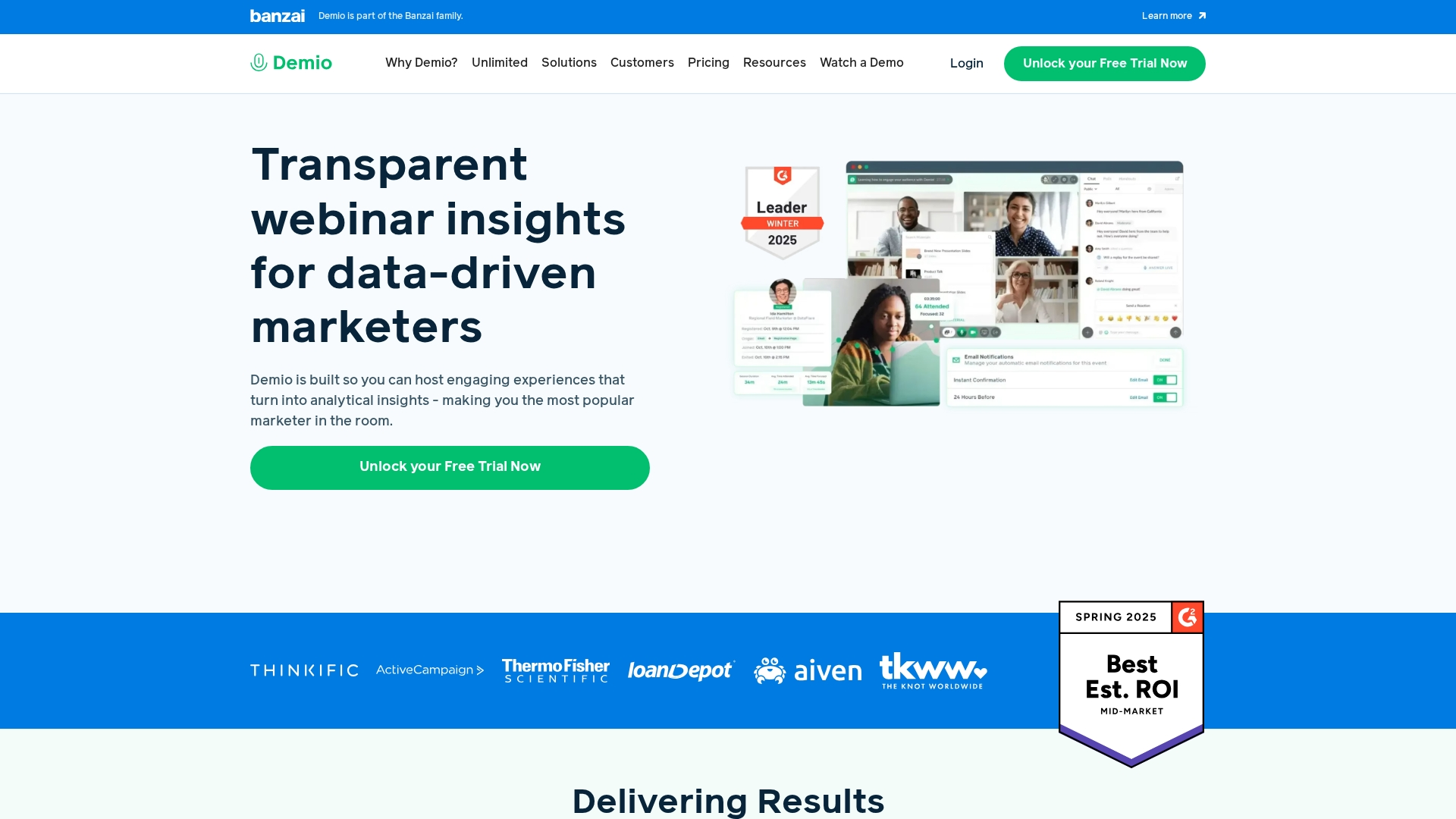
Demio focuses specifically on marketing teams. You get custom registration forms, in-event CTAs, and lead scoring built in. The platform tracks engagement at the individual level so you can prioritize follow-up based on actual interest.
Best for: Marketing teams running webinars as part of demand generation campaigns.
Key strengths
Custom registration forms: Flexible fields
In-event CTAs: Handouts and calls-to-action
Individual tracking: Attendee engagement data
Lead scoring: Based on webinar behavior
Clean interface: Modern design
Pricing: Plans start at $59 per month.
5. BigMarker
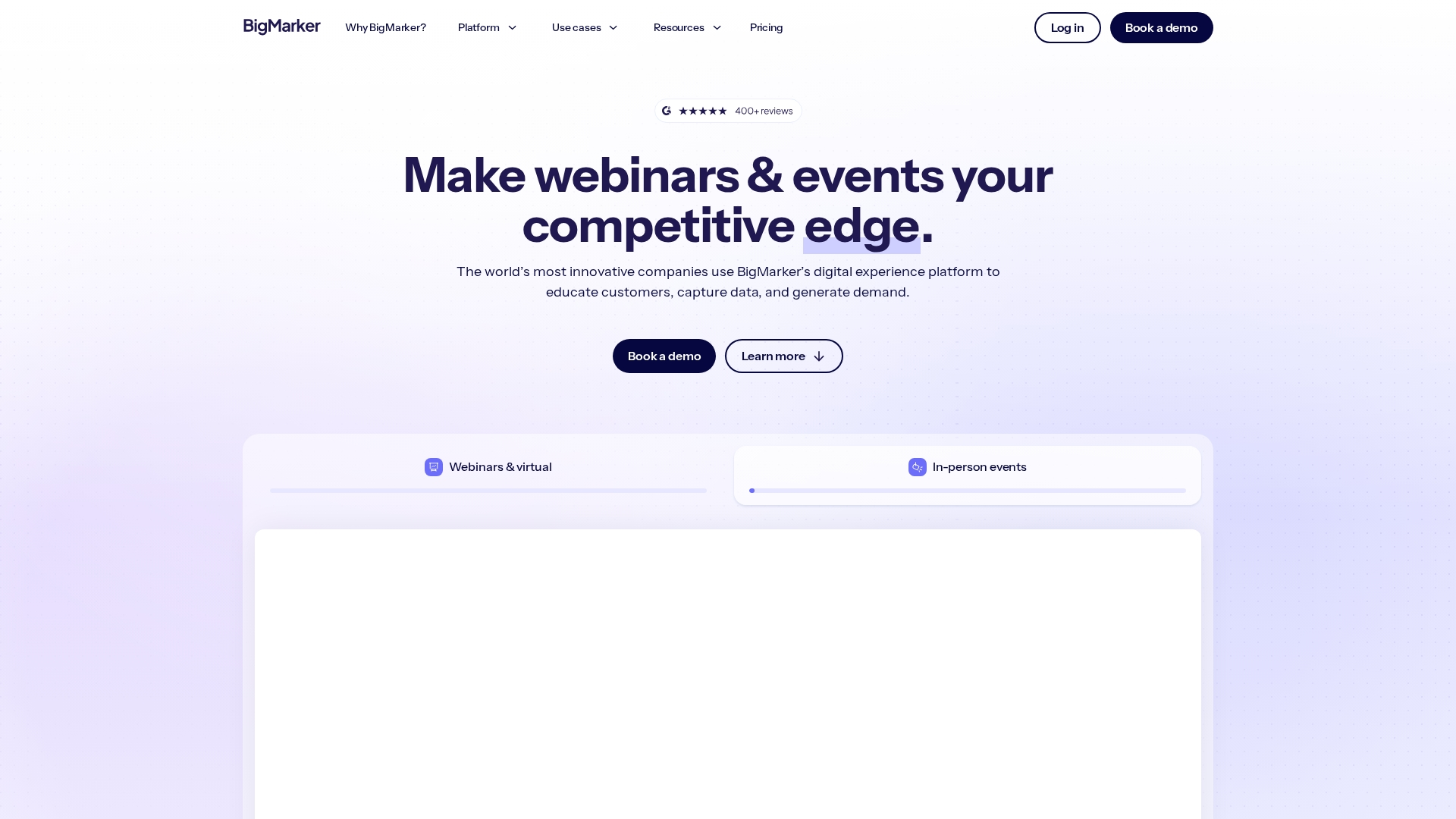
BigMarker specializes in automation and large virtual events. You can run live, pre-recorded, or evergreen webinars from the same platform. The automation features let you scale content without scaling headcount.
Best for: Teams who want to turn webinar content into always-on lead generation.
Key strengths
Multiple formats: Live, pre-recorded, and evergreen webinars
Automation: Scales content delivery
Large capacity: Virtual conference support
Customizable landing pages: Registration options
Detailed analytics: Reporting included
Pricing: Plans start at $79 per month.
6. Crowdcast
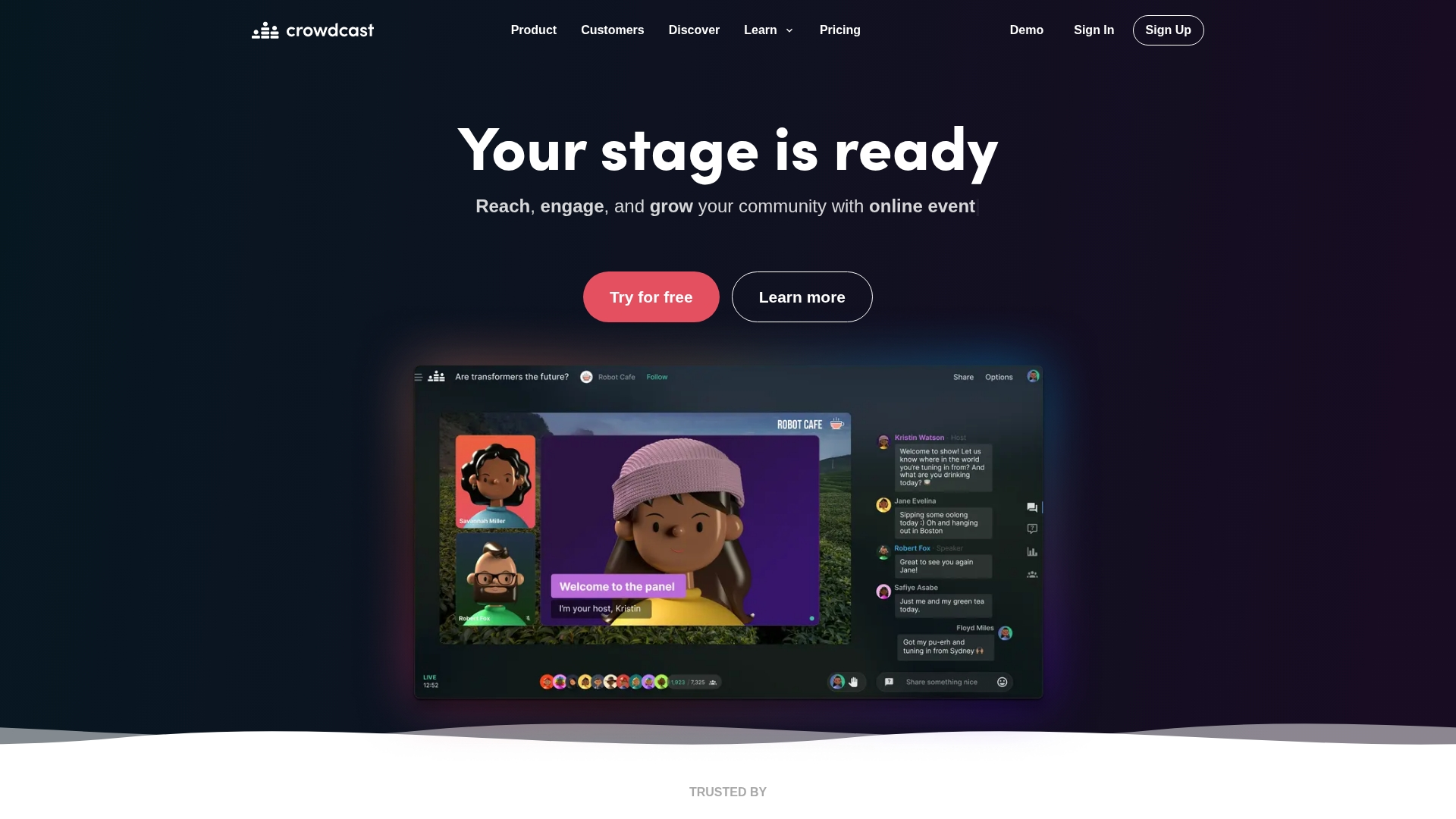
Crowdcast lets you simulcast to YouTube, Facebook, and LinkedIn while hosting an interactive session. The platform works well for creators and thought leaders building audiences across multiple channels.
Best for: Creators and marketers who want to reach audiences on social platforms simultaneously.
Key strengths
Simulcast: Stream to multiple social platforms
Interactive Q&A: Polling included
Series support: Recurring event functionality
Engagement features: Audience interaction tools
Simple interface: Clean design
Pricing: Plans start at $49 per month.
7. eWebinar
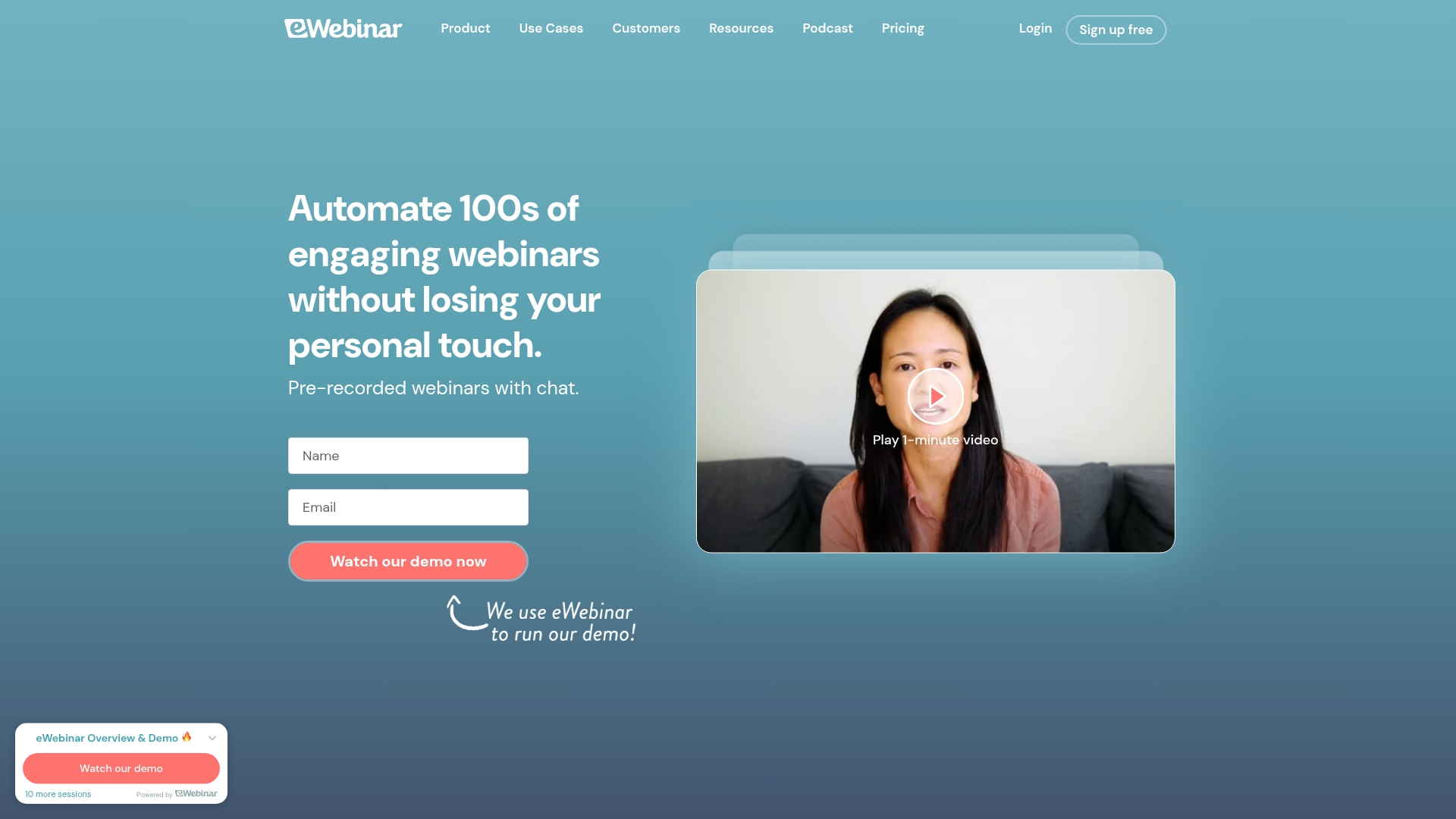
eWebinar turns your recorded webinars into interactive, automated sessions. Attendees can join at convenient times while still experiencing polls, Q&A, and chat.
Best for: Teams who want to scale webinar delivery without hosting live sessions repeatedly.
Key strengths
Recording conversion: Turns recordings into interactive sessions
Flexible scheduling: Attendee convenience
Live chat: Q&A even in automated sessions
High engagement: Interactive elements preserved
Easy setup: Works with existing recordings
Pricing: Plans start at $99 per month.
8. ON24
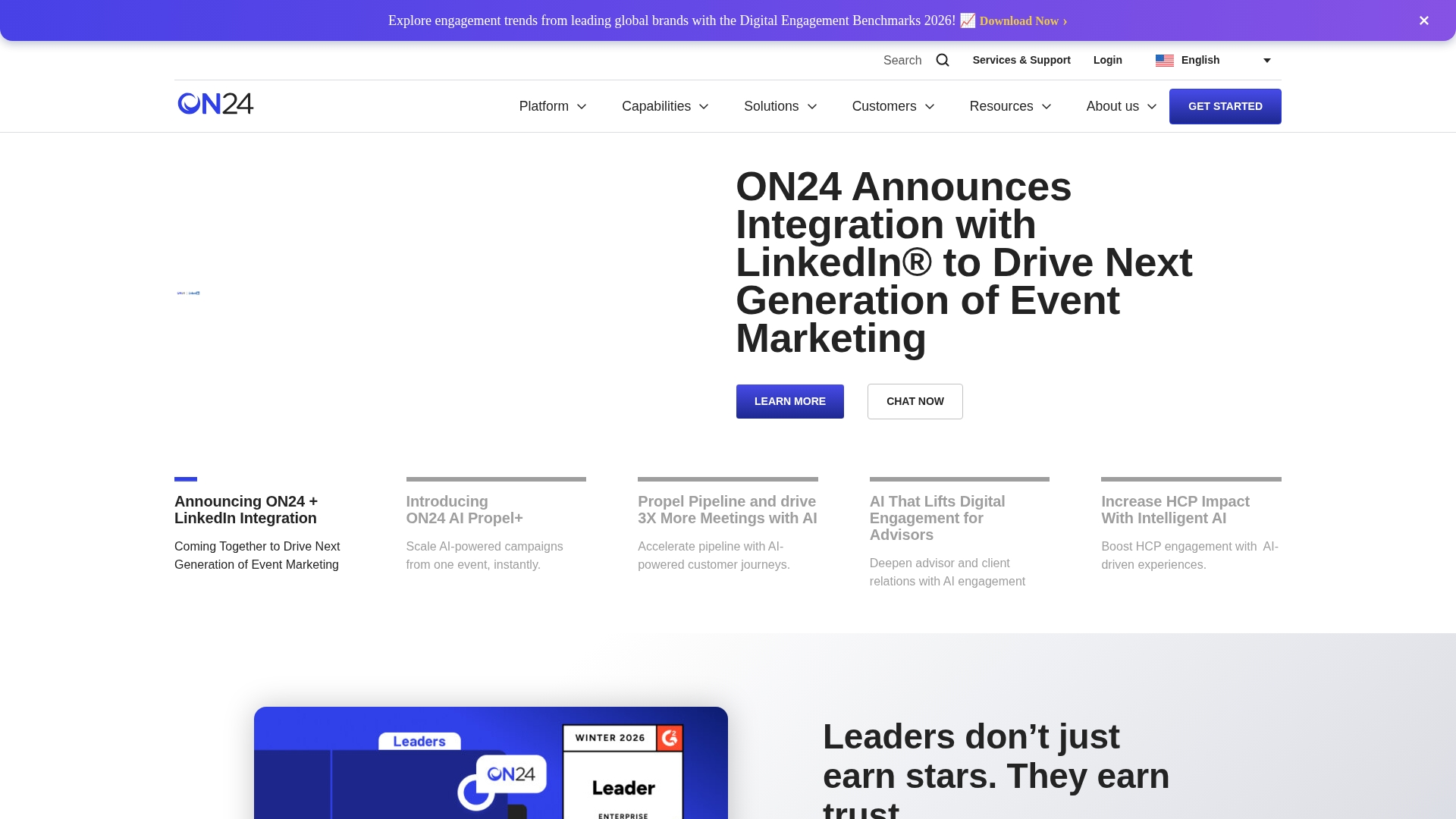
ON24 serves enterprise teams running global webinar programs. You get multi-language support, content hubs, and advanced analytics.
Best for: Enterprise organizations with global audiences and complex compliance requirements.
Key strengths
Multi-language support: Global event capability
Content hubs: On-demand access
Advanced analytics: Engagement scoring
Enterprise security: Compliance features
Marketing integrations: Major platform connections
Pricing: Custom pricing based on requirements.
9. Webex Webinars
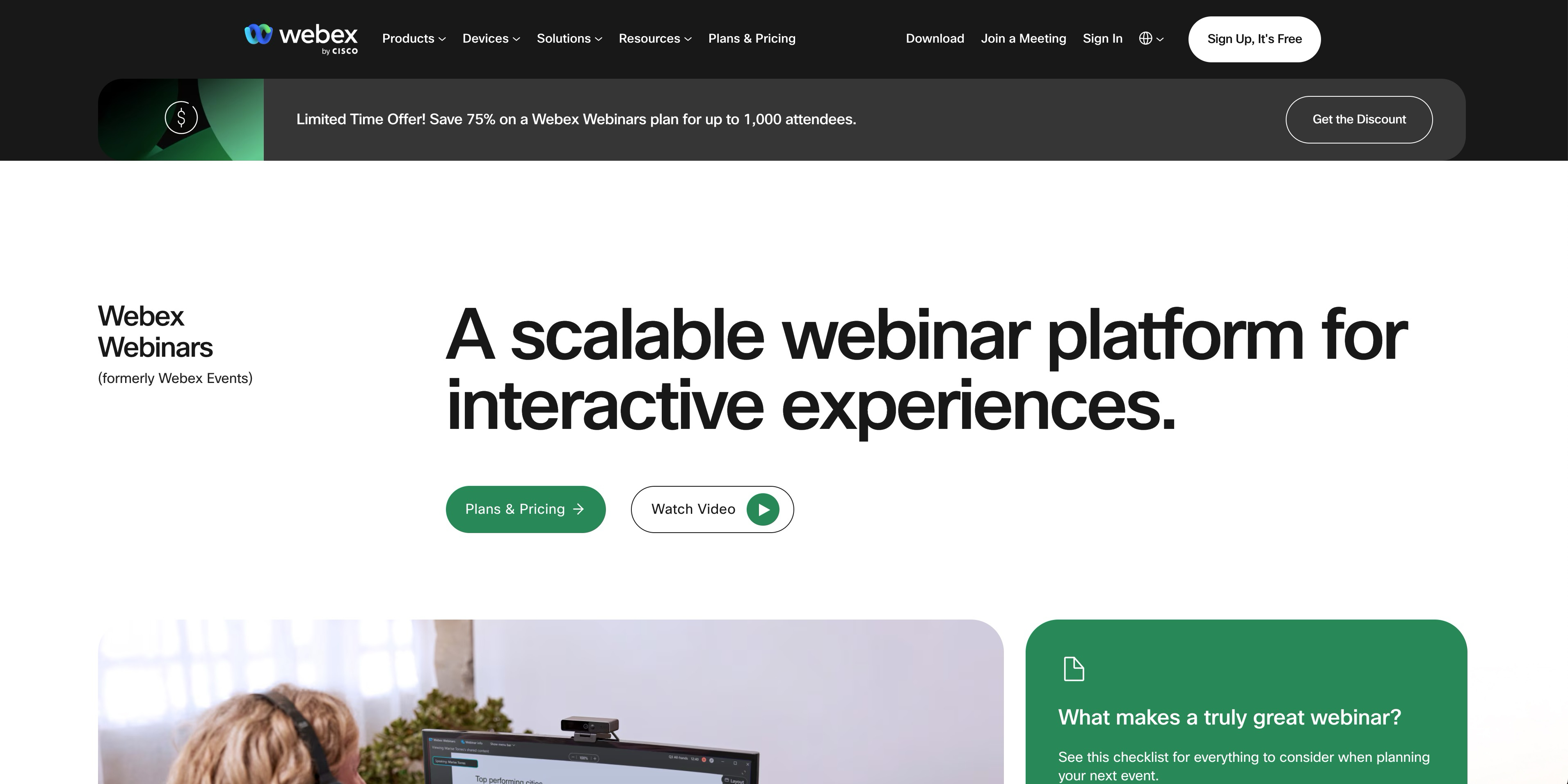
Webex Webinars fits organizations already using Cisco products. You get strong security, compliance features, and large capacity. The platform supports up to 100,000 attendees on enterprise plans and includes end-to-end encryption, SSO, and detailed audit logs. Webex integrates with Cisco's broader collaboration suite, making it a natural choice for enterprises standardized on Cisco infrastructure.
Best for: Enterprises in regulated industries who prioritize security and compliance.
Key strengths
Enterprise security: Compliance features
Large capacity: Attendee support
Cisco integration: Ecosystem connection
Reliable streaming: Quality performance
Advanced moderation: Controls included
Pricing: Plans start at $68 per month.
10. Vimeo Events
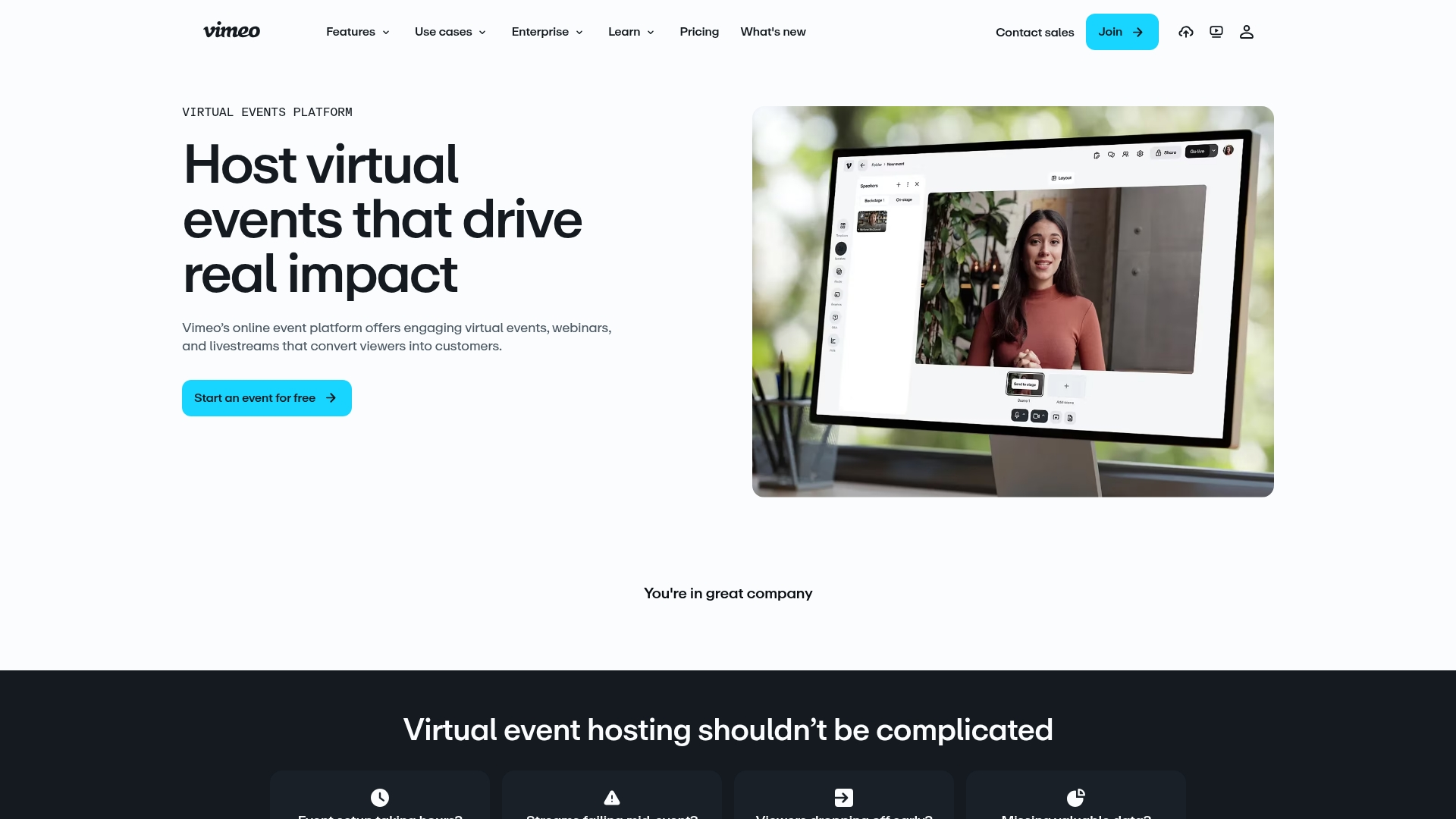
Vimeo Events delivers professional video quality and branding options. You can host webinars that look polished and on-brand, then repurpose the recordings through Vimeo's video platform.
Best for: Organizations that prioritize video quality and professional production value.
Key strengths
Professional streaming: Quality video
Strong branding: Customization options
Seamless recording: Repurposing capability
Vimeo integration: Platform connection
Clean viewer experience: Modern design
Pricing: Plans start at $79 per month.
How to choose the right webinar hosting platform
Define your webinar goals and format
Start by asking what you want webinars to accomplish. Lead generation requires different features than employee training. Live events call for different tools than automated evergreen content.
Match features to your primary use case
Marketing teams benefit from registration forms, CRM integrations, and lead scoring. Training teams prioritize recording and on-demand access. Sales teams want screen sharing and interactive elements.
Evaluate integrations with your marketing stack
Check for native connections to your CRM, marketing automation software, and analytics tools. Broken integrations create manual work and lost data - only 1 in 5 enterprises have fully integrated their event technology with their marketing stack.
Plan for scalability and future growth
Consider attendee limits, pricing tiers, and feature expansion. According to CMI's annual B2B report, 32% of B2B marketers plan to increase webinar investment, so start with current requirements but choose a platform that grows with you.
What to look for in webinar software
Interactive engagement features
Polls, Q&A, chat, handouts, and reactions keep attendees engaged. Higher engagement correlates with better lead quality and conversion.
Recording and on-demand playback
Repurposing webinar content extends its value. Check for automatic recording, cloud storage, and easy sharing options.
Analytics and attendee tracking
Measure registration versus attendance, engagement levels, drop-off points, and poll responses. Look for CRM sync to connect engagement data to leads.
Registration and lead capture tools
Custom forms, email confirmations, reminder sequences, and lead routing turn webinars into pipeline. The registration experience affects attendance rates.
Branding and customization
Custom registration pages, branded players, logo placement, and color schemes build trust and recognition.
Browser-based access and streaming quality
Browser-based platforms lower friction for attendees. Check HD video support and streaming reliability before committing.
Common mistakes when choosing webinar services
1. Selecting based on price without testing
Free trials exist for a reason. Test the actual user experience with your team before committing to annual contracts.
2. Ignoring CRM and marketing automation integrations
Webinars generate leads that flow into your sales process. Broken integrations waste pipeline and create manual work.
3. Underestimating attendee capacity requirements
Plan for growth. Hitting limits during a live event damages your brand and frustrates attendees.
4. Overlooking post-webinar engagement and follow-up
The webinar ends but the buyer journey continues. Consider how you will nurture attendees afterward with content, demos, and personalized outreach.
How interactive demos complement webinar platforms
Webinars capture attention, but attendees watch passively. They cannot click through your product, explore features, or experience the value firsthand. That gap between watching and doing often stalls deals.
Interactive demos let prospects click through your product on their own time. You can embed them in follow-up emails, landing pages, or your demo center so attendees who showed interest can explore deeper.
Use cases include:
Post-webinar follow-up: Send an interactive demo instead of a static recording
Landing page conversion: Let visitors explore your product before registering
Sales enablement: Pre-sales teams share personalized demos after live presentations
On-demand education: Replace passive content with hands-on experiences
Turn webinar attendees into qualified pipeline
The right webinar platform captures attention and generates leads - 73% of B2B marketers rate webinars as their top source of high-quality leads. Converting that interest into pipeline requires showing your product in action. Combining webinar software with interactive demos moves prospects from passive viewers to engaged buyers who understand your value before the sales call.
Start your journey with Guideflow today!
FAQs about webinar platforms
How much does webinar platform software typically cost?
Most paid webinar platforms start between $50 and $100 per month, with enterprise plans scaling higher based on attendee capacity and features. Free tiers exist but come with significant limitations.
Are there free webinar platforms suitable for business use?
Yes, platforms like YouTube Live, Livestorm Free, and Zoom Basic offer free tiers. They come with attendee limits, time restrictions, or reduced features that may not work for professional use cases.
What is the difference between webinar software and video conferencing tools?
Webinar software focuses on one-to-many broadcasts with registration, audience controls, and analytics. Video conferencing tools like Zoom Meetings support collaborative many-to-many sessions where everyone can participate equally.
How many attendees can typical webinar platforms support?
Entry-level plans often support 100 to 500 attendees. Enterprise webinar platforms can scale to tens of thousands for large virtual events.
Can webinar platforms run automated sessions without a live presenter?
Yes, platforms like eWebinar and BigMarker specialize in evergreen or pre-recorded webinars that run on autopilot with interactive elements like polls and chat.
Do webinar platforms integrate with CRM and marketing automation tools?
Most webinar software offers native integrations with CRM platforms like Salesforce and HubSpot, plus marketing automation tools for lead nurturing workflows.
What is the best webinar platform for small businesses?
Small businesses often start with affordable options like Zoho Webinar, Demio, or free tiers from Livestorm and Zoom before scaling to enterprise tools.
Can webinar platforms process payments for paid events?
Yes, several webinar services including ClickMeeting and WebinarJam offer built-in payment processing for ticketed or monetized webinars.