Picking the wrong CMS costs you months.
A content management system is software that lets you create, organize, and publish digital content without writing code for every page. You'll also see it called content management software or CMS software - same idea, different label.
2026 is a pivotal year for CMS tools. AI is now embedded natively into platforms, not bolted on as a plugin. Composable and MACH architecture has gone mainstream. And the line between "traditional" and "headless" has blurred with hybrid approaches that support both modes.
This guide covers 18 CMS platforms spanning every category, evaluated through hands-on testing. Here's a quick glossary before we dive in:
| Factor | Traditional CMS | Headless CMS | Hybrid / Composable CMS |
|---|---|---|---|
| Architecture | Coupled front-end and back-end | API-only back-end, no built-in front-end | Supports both coupled and decoupled delivery |
| Primary user | Marketers and content editors | Developers building custom front-ends | Mixed dev + marketing teams |
| Content delivery | Single website | Any channel — web, mobile, IoT, AI | Multiple channels with visual editing |
| Example | WordPress, Drupal | Strapi, Contentful, Sanity | Storyblok, Magnolia |
68.7% of all websites run on a CMS in 2026, and the global CMS market has reached $33.28 billion - projected to hit $48.17 billion by 2031 (Mordor Intelligence, DivFlash).
In this guide, we cover traditional CMS platforms, headless CMS tools, hybrid and composable CMS, enterprise digital experience platforms (DXPs), and lightweight open-source options. Whether you're building interactive demos to showcase your product or managing a full content operation, the right CMS is foundational.
What's inside
We started with 30+ content management systems and narrowed to 18 based on consistent evaluation criteria. Each tool was tested hands-on - installed, configured, and used to build a sample project. You'll find honest pricing, real trade-offs, and a decision framework that maps tools to your specific use case, budget, and team.
TL;DR
- Best overall website CMS: WordPress - 43.6% of all websites, largest plugin and developer pool
- Best open source headless CMS: Strapi - MIT license, full code ownership, 60,000+ GitHub stars
- Best enterprise DXP: Adobe Experience Manager - unmatched Adobe integration, used by 50%+ of Fortune 100
- Best for publishers: Ghost - built-in newsletters, memberships, and monetization with zero bloat
- Best visual editor (headless): Storyblok - real-time visual editing without sacrificing API-first delivery
- Best for developers: Payload CMS - TypeScript-native, Next.js integration, rising fast in 2026
What is a CMS software
A content management system (CMS) is software that lets you create, organize, and publish digital content without writing code for every update. When a marketing manager needs to publish a blog post, update a product page, or launch a landing page for a campaign, the CMS provides the editing interface and publishing workflow that makes it happen.
CMS tools handle everything from content authoring and media management to version control and multi-channel delivery. The category spans traditional platforms like WordPress (where content and presentation live together) and headless platforms like Strapi or Contentful (where content is delivered via API to any front-end).
Why CMS choice matters for B2B SaaS
Your CMS is the engine behind every digital experience - product pages, documentation, blog content, landing pages, and partner portals all run through it. According to Mordor Intelligence, the global CMS market has reached $33.28 billion in 2026 and is projected to hit $48.17 billion by 2031, reflecting how central content infrastructure has become to business growth.
For B2B SaaS companies specifically, the CMS directly impacts content velocity (how fast you can ship pages), SEO performance (structured content and page speed), and developer productivity (time spent on content requests vs. product work). Picking the wrong CMS creates a bottleneck that slows every go-to-market motion.
When to use CMS tools
CMS tools serve three primary functions, and most teams rely on at least one daily.
Build and manage websites without constant developer involvement
A CMS gives content editors the autonomy to publish pages, update copy, and manage media without filing engineering tickets for every change. This matters most for marketing teams running campaigns, launching landing pages, and iterating on messaging - where a two-week developer queue kills conversion momentum.
Deliver content across multiple channels from a single source
Headless and hybrid CMS platforms let you author content once and deliver it to websites, mobile apps, in-product experiences, email templates, and even AI platforms via API. Without multi-channel delivery, teams duplicate content across systems, creating version control nightmares and inconsistent messaging.
Scale content operations across teams, markets, and brands
Enterprise CMS platforms provide workflows, permissions, localization, and governance features that let large organizations manage content at scale. Without these, global teams end up with fragmented content processes, brand inconsistencies, and compliance risks.
How we evaluated and ranked these 18 CMS tools
We evaluated 30+ CMS platforms and narrowed to 18 that consistently performed across these 10 criteria:
- Ease of use - How quickly can a non-technical editor publish their first page?
- Developer experience - Quality of APIs, SDKs, CLI tools, documentation, and local dev workflow
- Content editor experience - Visual editing, preview, collaboration, and content modeling flexibility
- Scalability - Performance under load, multi-site support, CDN integration, and infrastructure flexibility
- Pricing & value - Transparent pricing, free tier generosity, cost at scale, and hidden fees
- Integrations - Plugin/extension marketplace, third-party integrations, and framework compatibility
- Community & support - Community size, forum activity, GitHub stars, official support quality
- AI capabilities - Native AI features for content generation, translation, personalization, or workflow automation
- Performance - Page load speed, API response times, TTFB benchmarks
- Security - Track record, compliance certifications, update frequency, and vulnerability history
Rankings reflect overall quality across all criteria - not a single weighted score. The best CMS depends on your context. This CMS comparison is designed to help you find the right fit, not crown a universal winner.
Quick comparison table - all 18 CMS tools at a glance
This table gives you a scannable overview before the deep dives. Click any CMS name to jump to its detailed section. Pricing reflects the lowest paid tier (or "Free" for open-source self-hosted options) as of mid-2026.
| # | CMS | Type | Best For | Starting Price | Open Source | AI Features |
|---|---|---|---|---|---|---|
| 1 | WordPress | Traditional | Most websites | Free (self-hosted) | Yes | Via plugins |
| 2 | Contentful | Headless | Enterprise content at scale | $300/mo | No | Yes |
| 3 | Strapi | Headless | Developer-led teams | Free (self-hosted) | Yes | Limited |
| 4 | Adobe Experience Manager (AEM) | DXP | Large enterprises | ~$250K+/yr | No | Yes (Sensei) |
| 5 | Drupal | Traditional/Hybrid | Complex custom sites | Free (self-hosted) | Yes | Via modules |
| 6 | Storyblok | Headless | Visual editing + headless | €99/mo | No | Limited |
| 7 | Sanity | Headless | Structured content + collab | Free / $15/user/mo | Partial | Yes (AI Assist) |
| 8 | Optimizely | DXP | Personalization-driven enterprises | ~$40K+/yr | No | Yes |
| 9 | Ghost | Traditional/Headless | Publishing + newsletters | Free / $9/mo | Yes | Limited |
| 10 | Payload | Headless | Full-stack TypeScript devs | Free (self-hosted) | Yes | Limited |
| 11 | Hygraph | Headless | GraphQL-first projects | Free / €399/mo | No | Limited |
| 12 | DatoCMS | Headless | Image-heavy + Jamstack | Free / €149/mo | No | Limited |
| 13 | Directus | Headless | Wrapping existing databases | Free (self-hosted) | Yes | Limited |
| 14 | Sitecore | DXP | A/B testing + experimentation | ~$50K+/yr | No | Yes |
| 15 | Magnolia | Hybrid | Enterprise flexibility | Free (Community) | Partial | Limited |
| 16 | Builder.io | Visual/Headless | Design-to-code workflows | Free / $49/mo | No | Yes |
| 17 | Decap CMS | Git-based | Static/Jamstack sites | Free | Yes | No |
| 18 | Craft CMS | Traditional/Hybrid | Content-focused agencies | Free (Solo) / $35/mo | No | Limited |
1. WordPress - best all-around CMS for most websites
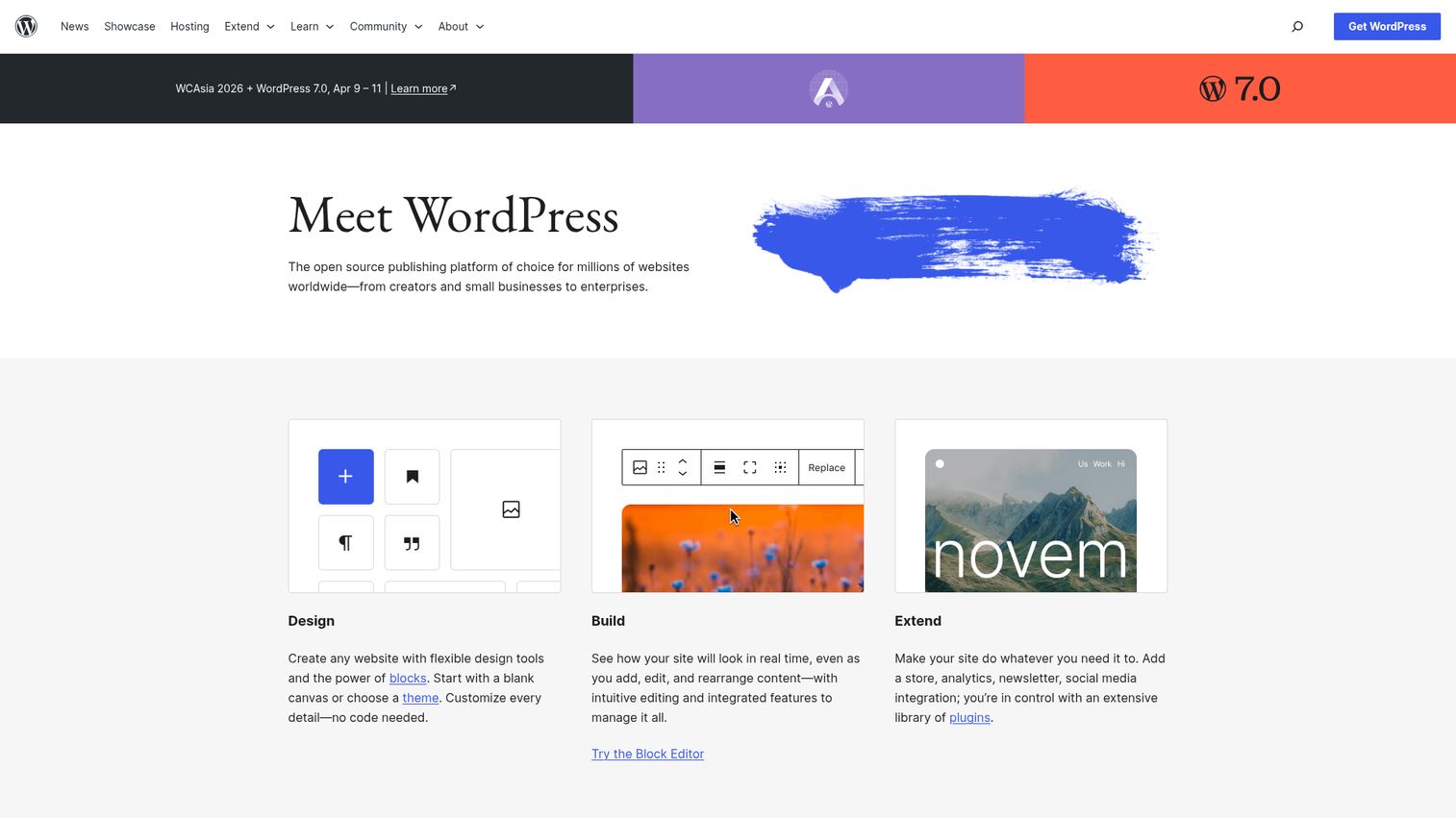
WordPress is the open-source content management system that powers 43.6% of all websites on the internet - more than the next 10 CMS platforms combined (Colorlib).
The Gutenberg block editor has matured significantly since its rocky launch, and the plugin library (60,000+) covers nearly any use case. One critical distinction: WordPress.org (self-hosted, full control) and WordPress.com (managed hosting, limited flexibility) are different products. WordPress also supports REST API and headless delivery for developer teams, with WordPress VIP serving the enterprise tier.
Best for: Blogs, small-to-mid business websites, content-heavy sites, agencies managing multiple client sites.
Key strengths
- Largest plugin and theme library of any CMS
- Easiest platform to hire developers for globally
- SEO-friendly with plugins like Yoast and Rank Math - see our roundup of the best SEO tools for more options
- Gutenberg block editor makes visual editing accessible
- REST API enables headless delivery when needed
Pricing: WordPress.org is free. Hosting runs $3–$50/mo (SiteGround, Kinsta, Cloudways). WordPress.com plans: $4–$59/mo. WordPress VIP: ~$2,000+/mo.
Honest trade-off: plugin conflicts and bloat degrade performance if you're not careful. Security requires vigilance - updates and quality plugins only. For API-first architectures, you'll find better options below.
2. Contentful - best enterprise headless CMS for content at scale
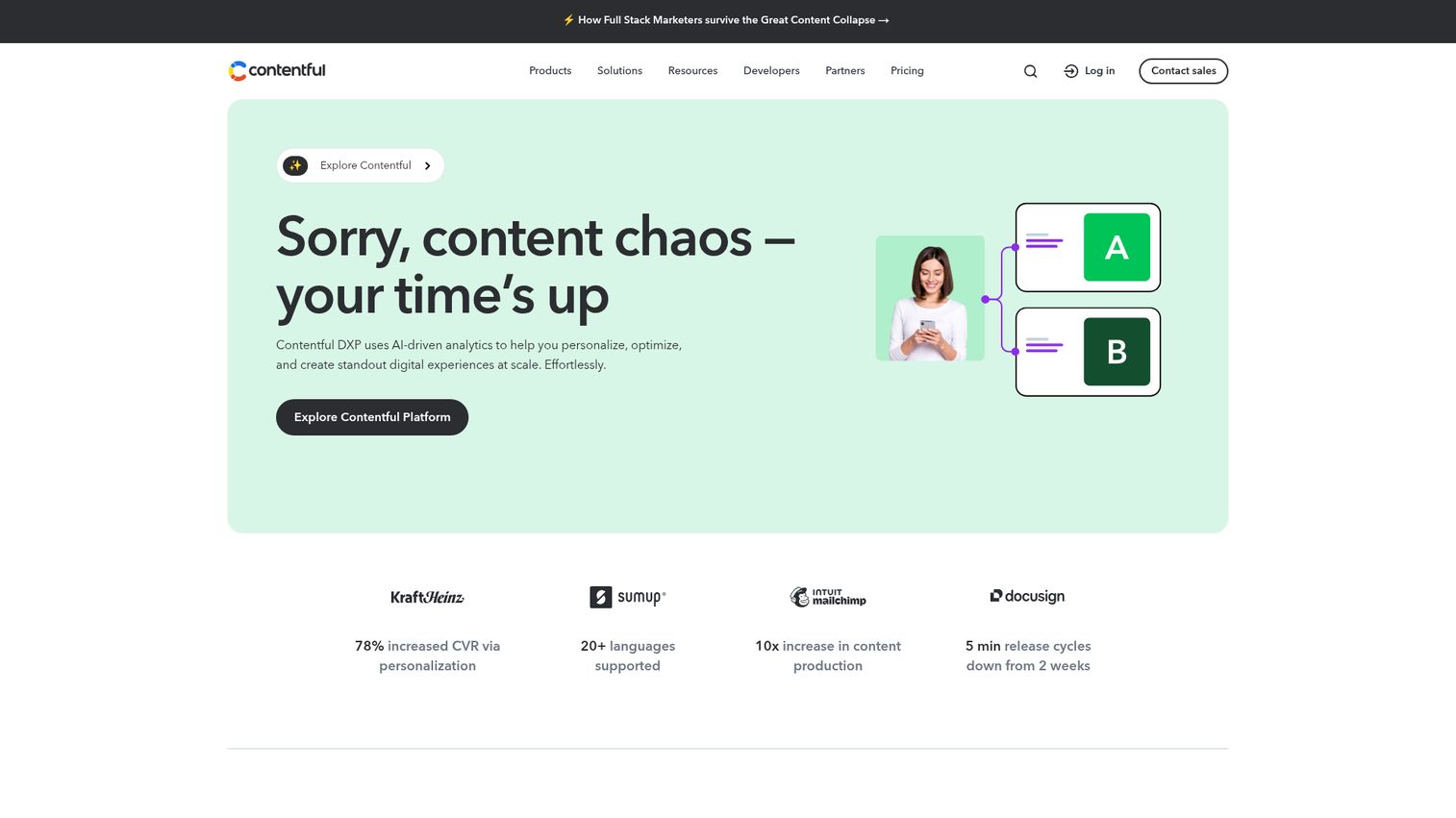
Contentful is the most mature enterprise headless CMS, built as an API-first content infrastructure used by Spotify, Vodafone, and hundreds of large content teams.
Content is structured, stored, and delivered via API to any front-end. Contentful Studio (the newer visual editing layer) addresses the classic "headless editors can't preview" complaint. SDKs cover React, Next.js, Vue, Angular, iOS, and Android. AI features include content generation and translation suggestions. This is the best headless CMS for teams delivering content across 3+ channels.
Best for: Large content teams delivering across web, mobile, IoT, and digital signage.
Key strengths
- API quality and documentation set the standard
- Structured content modeling with multi-environment support
- Contentful Studio adds visual editing to headless
- Native AI for content generation and translation
- SDKs for every major framework and platform
Pricing: Free tier (5 users, 25K records). Team: $300/mo. Enterprise: custom, typically $3,000–$10,000+/mo. Watch for API call overage charges at scale.
Honest trade-off: the pricing cliff from free to Team is steep. Migrating away from Contentful's proprietary content model is non-trivial - vendor lock-in is a real consideration.
3. Strapi - best open-source headless CMS for developers
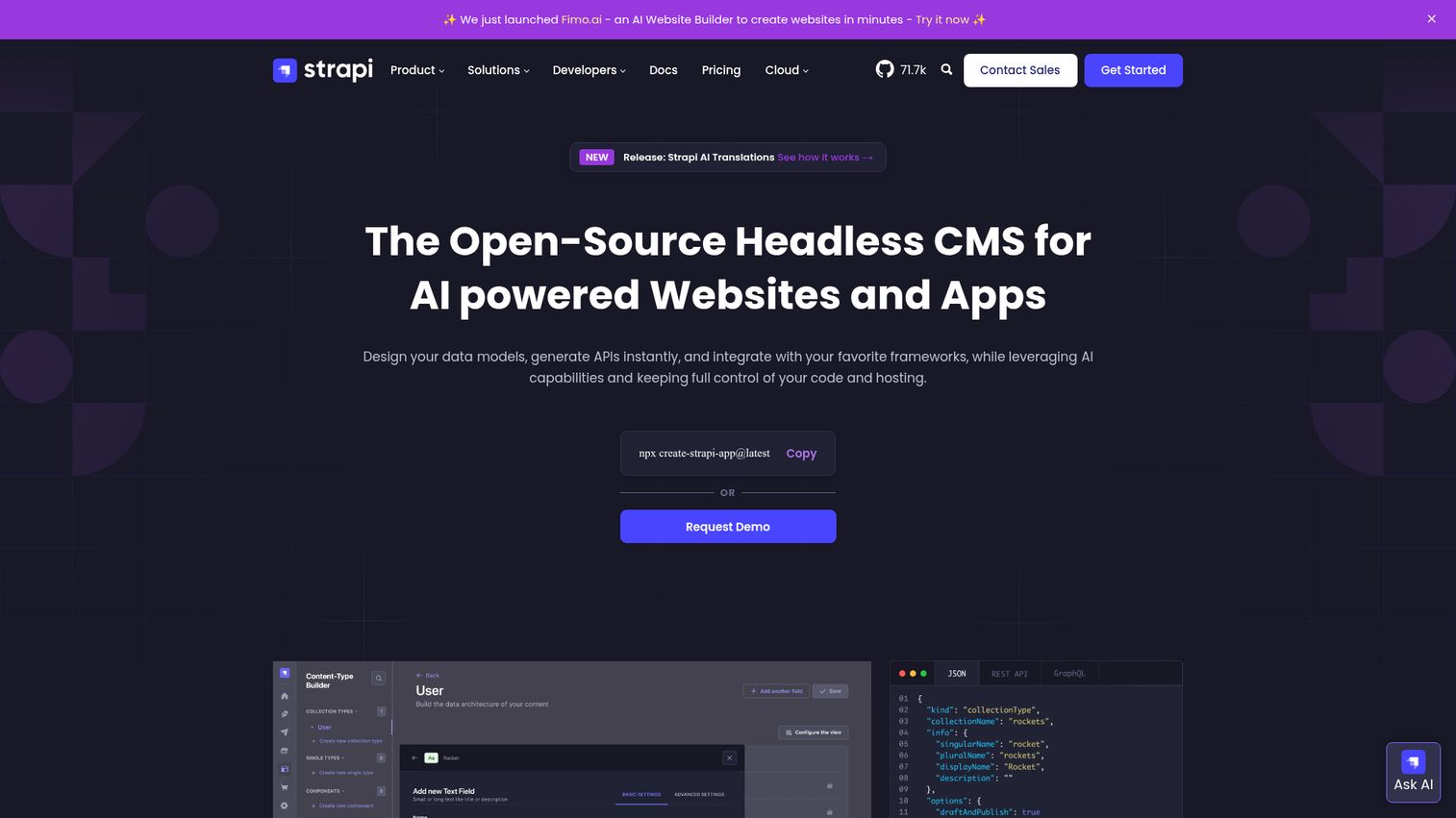
Strapi is the open source headless CMS developers choose when they want full control. MIT license, 100% free to self-host forever, 60,000+ GitHub stars.
Strapi v5 brings content history, improved draft/publish workflows, and an enhanced media library. Both REST and GraphQL APIs are available out of the box. Strapi Cloud offers managed hosting for teams that don't want to handle DevOps. This is the best CMS for developers building custom applications with Next.js or Nuxt.
Best for: Developer-led teams building custom applications, startups wanting full control over content infrastructure.
Key strengths
- Full code ownership with MIT open-source license
- REST and GraphQL APIs available simultaneously
- Customizable admin panel and plugin system
- Active community with 60,000+ GitHub stars
- Strapi Cloud removes DevOps burden when needed
Pricing: Free forever (self-hosted). Strapi Cloud: Pro $99/mo/project, Team $499/mo. Self-hosting costs: $10–$50/mo on Railway or Render, $50–$200/mo for production-grade with CI/CD.
Honest trade-off: self-hosting requires DevOps knowledge. A solo developer can deploy in 10 minutes, but production-grade deployment with backups and monitoring requires more expertise. Plugin library is smaller than WordPress.
4. Adobe Experience Manager (AEM) - best enterprise DXP for large organizations
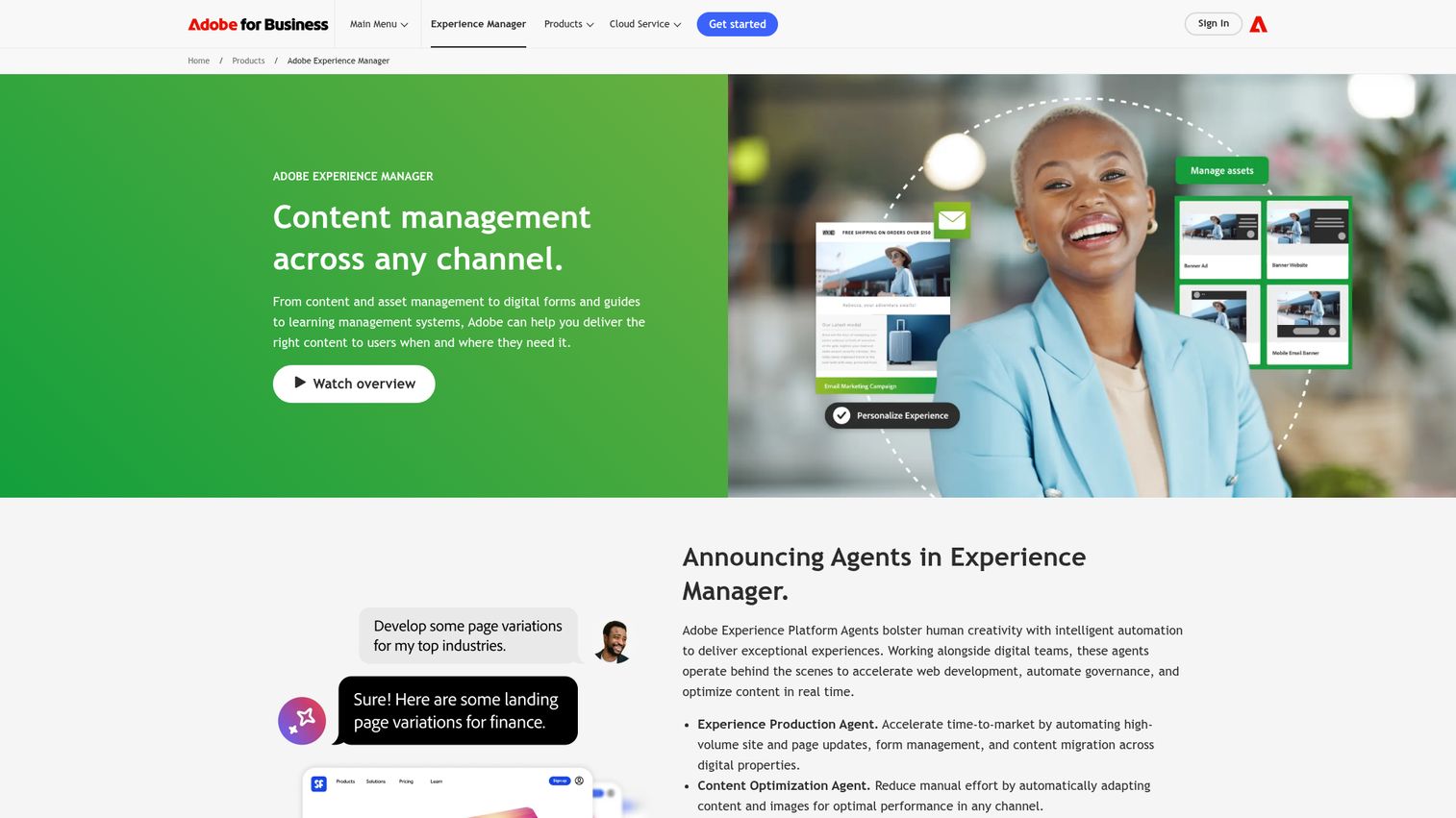
Adobe Experience Manager is the most powerful - and most complex - CMS on this list. It's part of Adobe Experience Cloud, integrating natively with Creative Cloud, Analytics, Target, and Campaign.
AEM is used by over 50% of Fortune 100 companies. It supports headless and traditional delivery, Adobe Sensei AI (auto-tagging, smart cropping, content recommendations), DAM integration, and multi-site management for global brands. This is a digital experience platform, not a tool you spin up in an afternoon.
Best for: Fortune 500 companies, large media organizations, and global brands with six-figure+ CMS budgets.
Key strengths
- Unmatched Adobe product integration across the stack
- Enterprise-grade scalability and multi-site management
- Adobe Sensei AI for personalization and asset management
- Cloud-native deployment with AEM as a Cloud Service
- Content and experience fragments for omnichannel delivery
Pricing: Enterprise-only, not publicly listed. Typical range: $250,000–$1M+/year. Implementation costs often equal or exceed licensing. Total cost of ownership in year one: $500K–$2M+.
Honest trade-off: extremely expensive, steep learning curve, requires specialized AEM developers (scarce and costly), and implementation timelines run 6–18 months. If you're a 10-person company, this is overkill.
5. Drupal - best open-source CMS for complex, custom websites
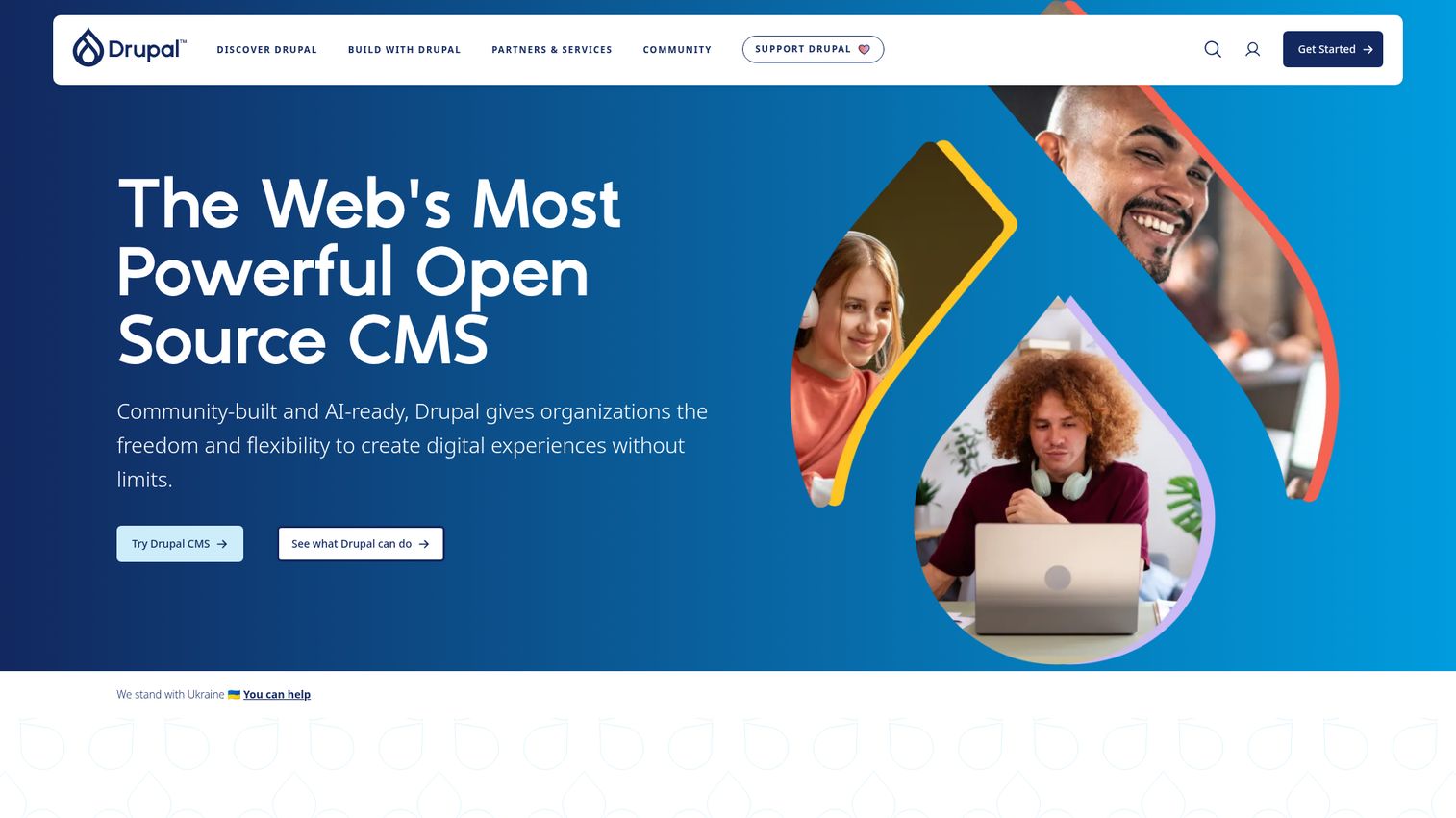
Drupal is the enterprise-grade open source CMS trusted by whitehouse.gov, Tesla, and major universities. It powers 13% of the top 10,000 websites globally.
Drupal 11 brings Layout Builder for visual page building, JSON:API and GraphQL support for headless delivery, and multilingual support for 100+ languages out of the box - no plugin needed. The dedicated security team gives it a strong track record in government and education.
Best for: Government websites, universities, large NGOs, and complex multi-site architectures needing enterprise-grade multilingual content management without enterprise licensing fees.
Key strengths
- Best multilingual support of any CMS (100+ languages native)
- Enterprise-ready without enterprise licensing costs
- Dedicated security team and government-level trust
- JSON:API and GraphQL for headless delivery
- Layout Builder for visual page composition
Pricing: Free (self-hosted, GPL). Hosting: $20–$100/mo mid-size, $200–$500+/mo enterprise. Specialized hosting: Acquia ($1,000+/mo), Pantheon ($50–$500+/mo).
Honest trade-off: steep learning curve even for experienced developers. Requires PHP developers. Admin UI is functional but less intuitive than WordPress or Craft. Slower time-to-launch than most competitors.
6. Storyblok - best visual editor for headless CMS
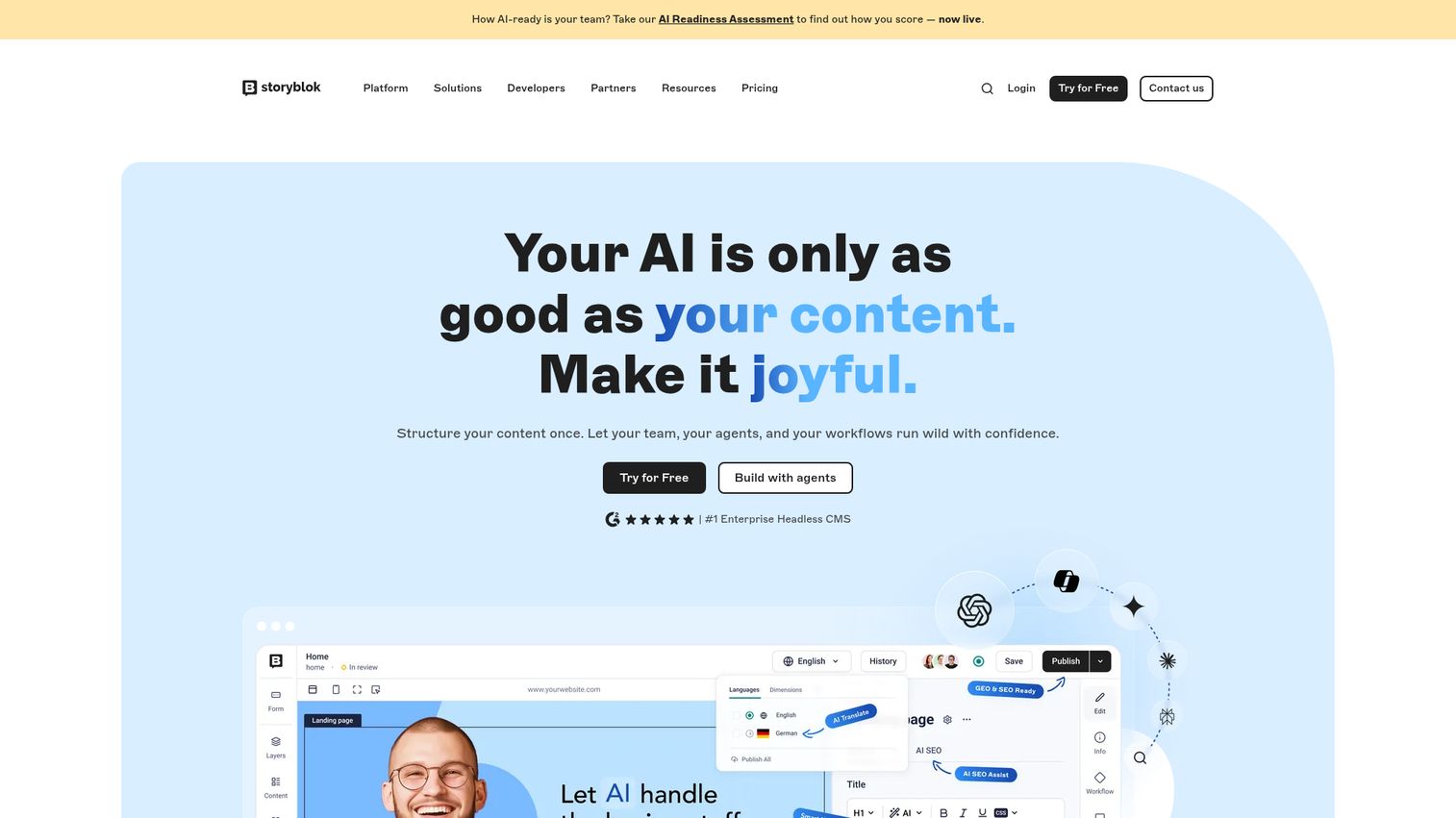
Storyblok is the only headless CMS with a truly excellent real-time visual editor. It's a hybrid headless CMS that lets marketing teams see exactly what they're building while developers keep full API-first control.
Content is built from reusable components, not pages - this scales beautifully across sites and channels. Framework compatibility covers Next.js, Nuxt, Gatsby, Astro, and SvelteKit.
Best for: Marketing teams wanting visual editing with headless flexibility, agencies building component-driven sites.
Key strengths
- Best visual editing experience in any headless CMS
- Component-based architecture scales across projects
- Multi-language support and asset management built in
- Compatible with all major front-end frameworks
- Collaboration features for content teams
Pricing: Free (1 user, 1 space). Starter: €99/mo. Business: €799/mo. Enterprise: custom.
Honest trade-off: pricing escalates quickly with users and spaces. Smaller community than Contentful or Strapi. Some features are locked to the enterprise tier.
7. Sanity - best CMS for structured content and real-time collaboration
Sanity has two standout features: the open-source React-based Sanity Studio (infinitely customizable) and real-time collaboration that works like Google Docs.
GROQ, Sanity's query language, is more intuitive than GraphQL for many use cases. Content Lake handles the hosted backend. Portable text renders structured rich text anywhere. Sanity AI Assist provides content generation directly in the editor.
Best for: Editorial teams with complex content structures, developers wanting maximum customization, real-time collaborative workflows.
Key strengths
- Real-time collaboration that matches Google Docs
- GROQ query language is intuitive and powerful
- Sanity Studio is open-source and fully customizable
- Generous free tier with 500K API requests/month
- Portable text renders structured content anywhere
Pricing: Free (3 users, 500K API requests/mo). Team: $15/user/mo. Business: $99/user/mo. Enterprise: custom.
Honest trade-off: GROQ has a learning curve if you're coming from GraphQL. Studio customization requires React knowledge. API usage costs can spike unexpectedly at scale.
8. Sitecore - best DXP for personalization-driven enterprises
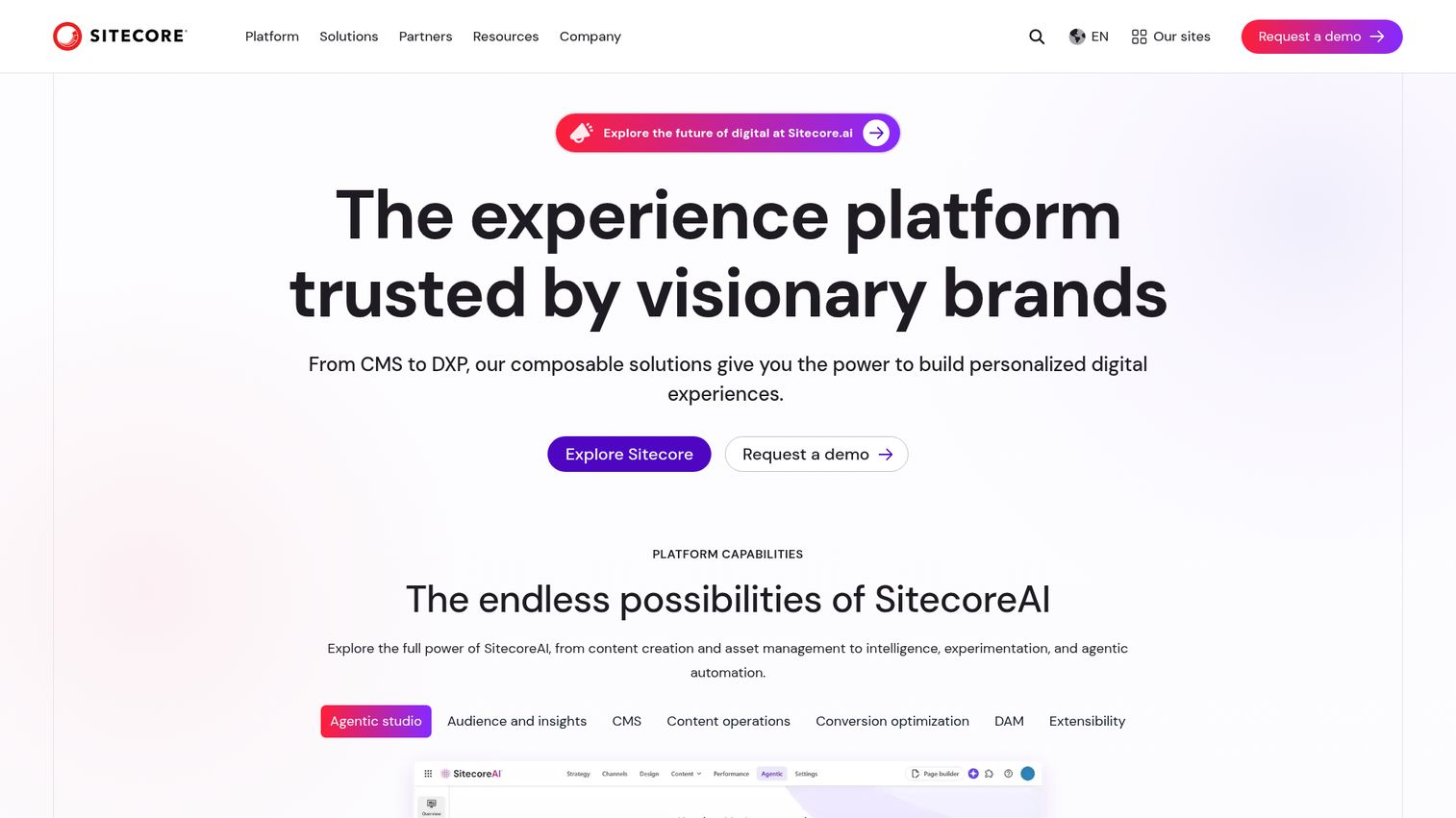
Sitecore is the personalization powerhouse among enterprise CMS platforms. Sitecore XM Cloud (the newer headless, composable offering) represents the company's shift toward composable DXP architecture.
The advanced personalization engine combines rule-based and ML-driven approaches. Marketing automation, A/B testing, and analytics integration are built into the platform. If you're evaluating personalization software more broadly, Sitecore's built-in engine is among the deepest available. Personalization in CMS is Sitecore's core strength - no other platform matches its depth here.
Best for: Mid-to-large enterprises prioritizing personalization, B2B companies with complex buyer journeys, organizations in the .NET stack.
Key strengths
- Deepest personalization engine of any CMS platform
- Composable architecture with XM Cloud offering
- Robust analytics and marketing automation built in
- Strong .NET developer community and tooling
- A/B testing native to the platform
Pricing: Enterprise-only, typically $40,000–$500,000+/year depending on modules. XM Cloud is more accessible than legacy XP.
Honest trade-off: very expensive, complex implementation, requires certified Sitecore developers (scarce and expensive), and long sales cycles. CMS for enterprises with serious budgets only.
9. Ghost - best CMS for professional publishing and newsletters
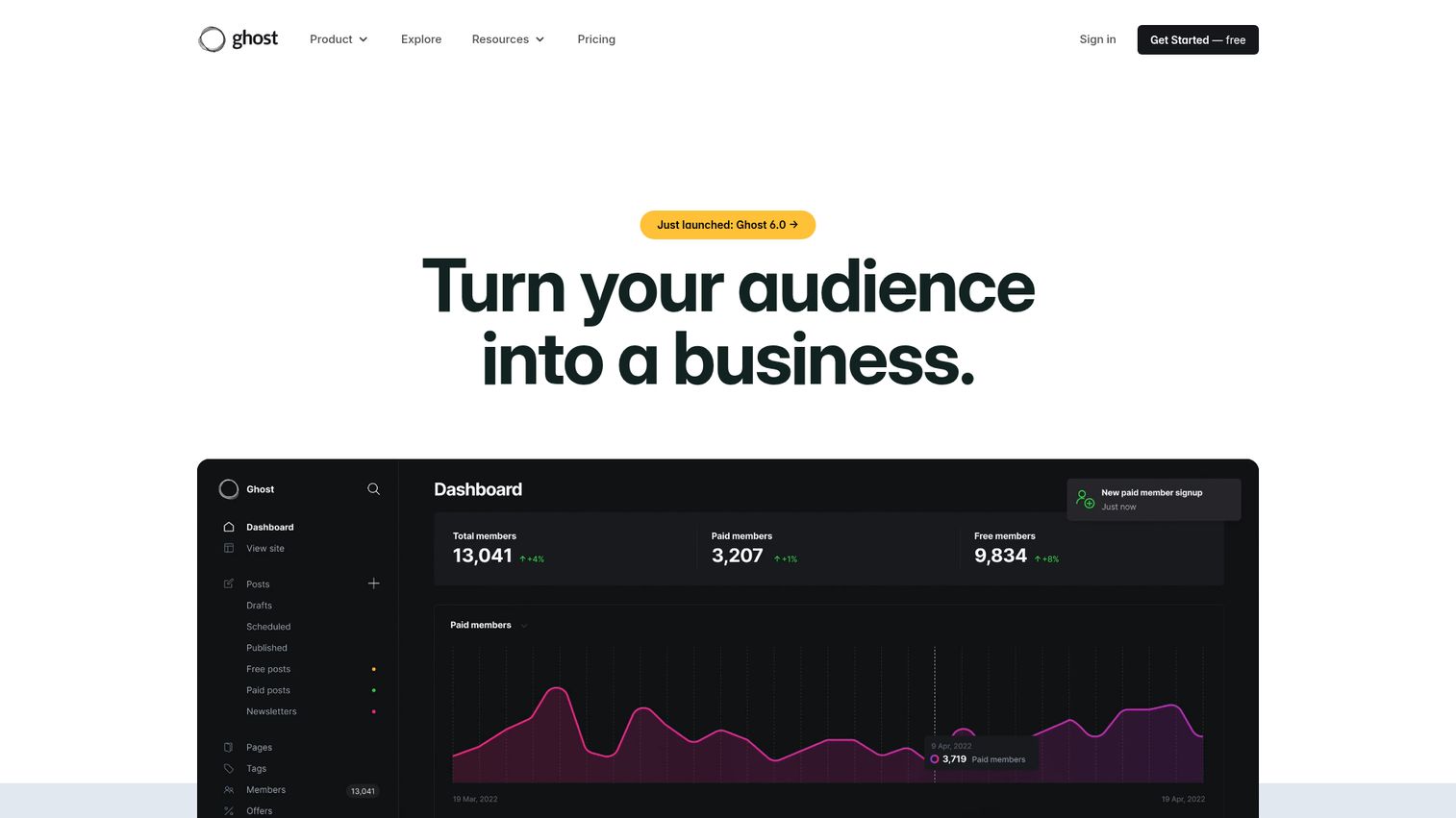
Ghost is the anti-WordPress for publishers - purpose-built, fast, and opinionated. Native newsletter/email functionality, membership and subscription management (Stripe integration), and built-in SEO come standard. No plugin bloat.
The Node.js architecture makes it blazing fast. The clean Markdown editor stays out of your way. A headless API is available for custom front-ends. If you're running email campaigns alongside your content, explore our list of the best email marketing software tools to complement Ghost's built-in newsletters.
Best for: Independent publishers, newsletter creators, content-first businesses, journalism outlets, and anyone monetizing content directly.
Key strengths
- Built-in newsletter and membership monetization
- Purpose-built for publishing with zero bloat
- Node.js architecture delivers fast page loads
- Clean Markdown editor focused on writing
- Headless API available for custom front-ends
Pricing: Free (self-hosted). Ghost(Pro): Starter $9/mo, Creator $25/mo, Team $50/mo, Business $199/mo.
Honest trade-off: limited for non-publishing use cases. Smaller theme library than WordPress. Less flexible for general-purpose websites. If you need an e-commerce store or complex application, look elsewhere.
10. Payload CMS - best code-first headless CMS for full-stack developers
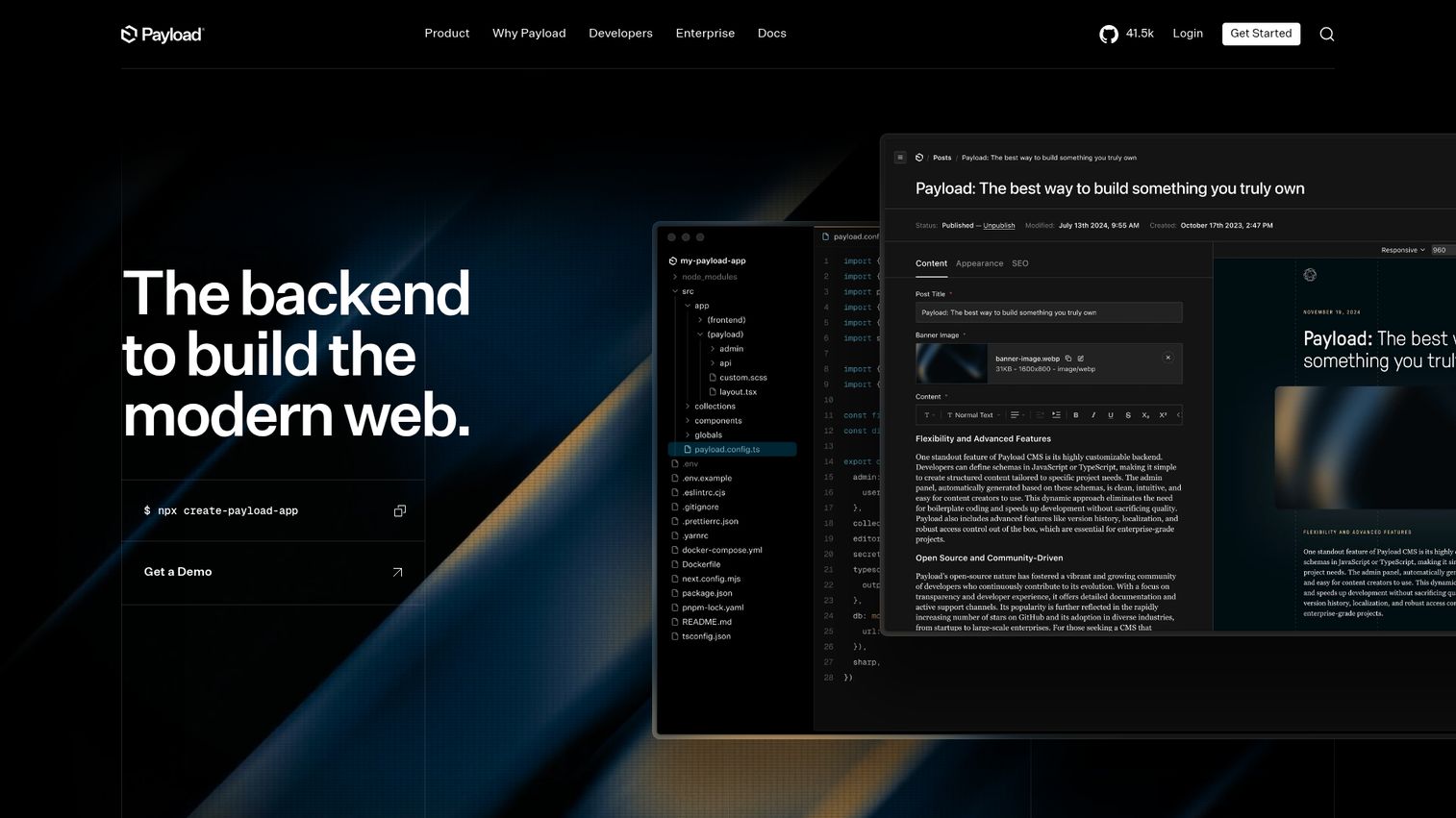
Payload CMS is the rising star developers are most excited about in 2026. TypeScript-native, config-as-code, and Payload 3.0's native Next.js integration means your CMS and app live in one repo.
The admin UI is auto-generated from your config. REST and GraphQL APIs, built-in auth, and access control come standard. This is the best CMS for developers who want a modern, open source headless CMS without compromises.
Best for: Full-stack TypeScript developers, Next.js projects, teams wanting CMS + application backend in a single codebase.
Key strengths
- TypeScript-native with config-as-code approach
- Native Next.js integration in a single repository
- Auto-generated admin UI from your configuration
- Built-in authentication and access control
- Self-hosted forever with no vendor lock-in
Pricing: Free (self-hosted forever). Payload Cloud: Standard $35/mo, Pro $199/mo, Enterprise custom.
Honest trade-off: younger project with a smaller plugin library than Strapi. Requires strong TypeScript knowledge. Documentation is still maturing in some advanced areas.
11. Hygraph - best GraphQL-native headless CMS
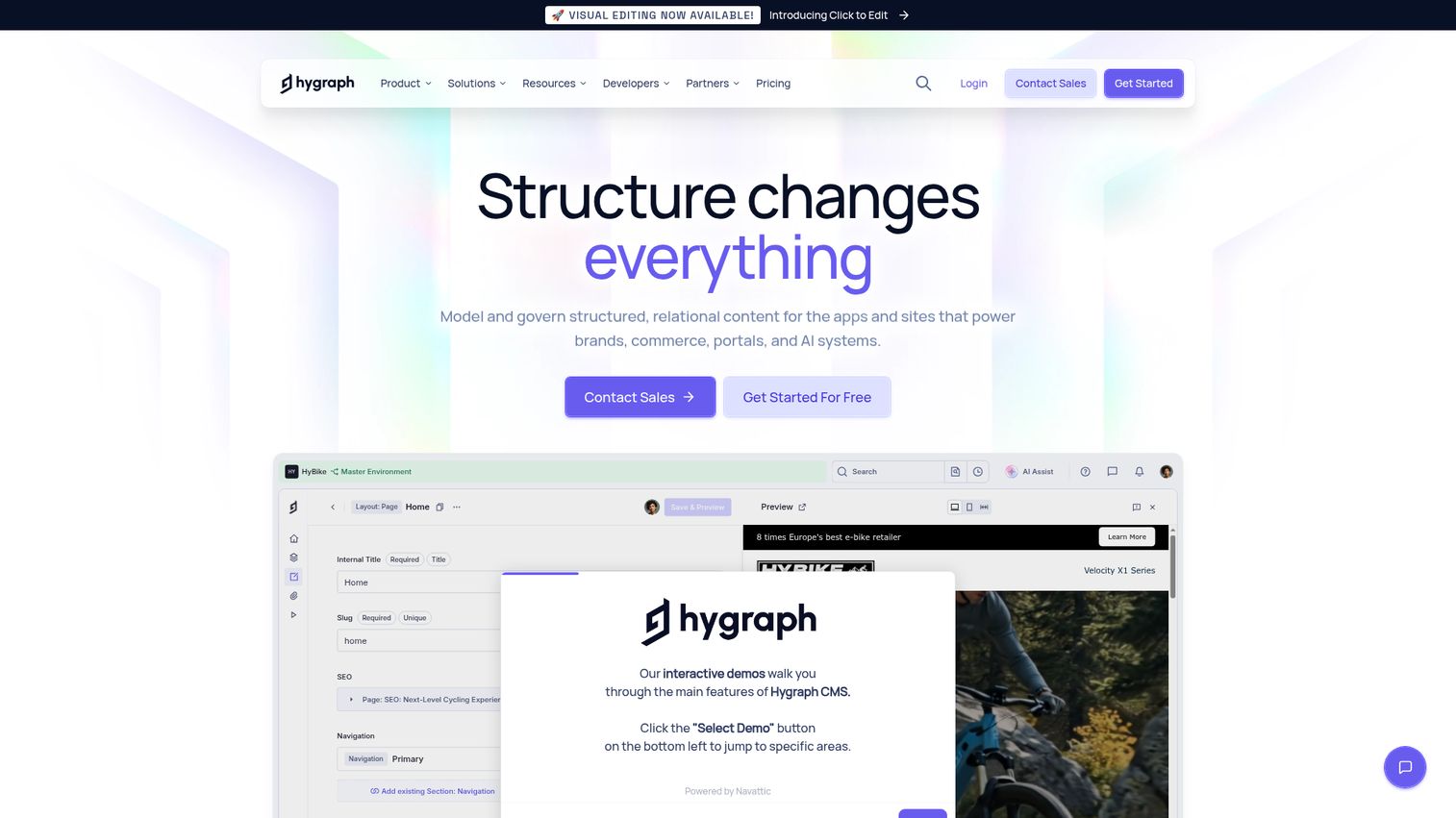
Hygraph (formerly GraphCMS) is the GraphQL-native headless CMS with a unique differentiator: content federation. This lets teams unify content from multiple sources - other CMS tools, databases, REST APIs - into a single GraphQL endpoint.
The visual schema builder, localization, scheduled publishing, and granular permissions round out a strong feature set for composable architectures.
Best for: Teams invested in GraphQL, projects needing content federation across multiple sources, composable architecture builds.
Key strengths
- Best GraphQL implementation of any headless CMS
- Content federation unifies multiple data sources
- Visual schema builder for content modeling
- Strong localization and scheduled publishing
- Granular role-based permissions
Pricing: Free (2 users). Professional: €399/mo. Scale and Enterprise: custom.
Honest trade-off: pricing jumps significantly from free to paid. GraphQL-only with no REST fallback. Smaller community than Contentful or Strapi.
12. DatoCMS - best headless CMS for image-heavy and Jamstack sites
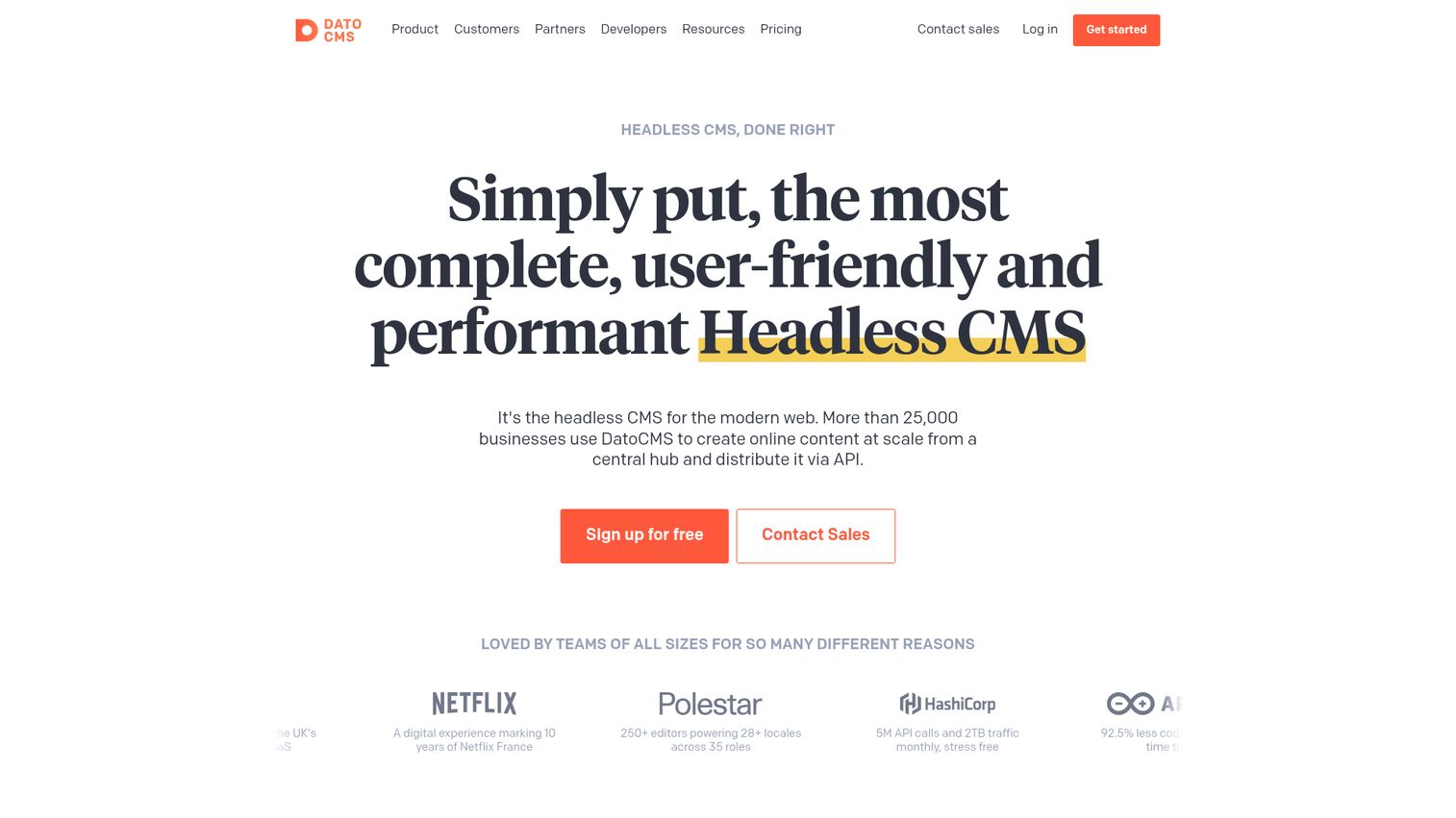
DatoCMS has the best image handling of any headless CMS, powered by imgix integration. Automatic responsive images, lazy loading, format conversion, cropping, and transformations via URL parameters - all without extra configuration.
The GraphQL API is fast. Structured text fields, real-time previews, multi-environment support, and built-in CDN make it a strong pick for Jamstack sites and CMS for static sites.
Best for: Media-rich websites, photography portfolios, e-commerce with heavy visual content, Jamstack projects prioritizing performance.
Key strengths
- Best image handling via imgix integration
- Fast GraphQL API with built-in CDN
- Structured text field for portable content
- Multi-environment support for staging workflows
- Compatible with Next.js, Nuxt, Gatsby, Astro, SvelteKit
Pricing: Free (300 records, 1 locale). Professional: €149/mo. Enterprise: €499+/mo.
Honest trade-off: record limits can be restrictive on lower tiers. Pricing jumps quickly. Less brand recognition than Contentful or Strapi.
13. Directus - best open-source CMS for wrapping existing databases
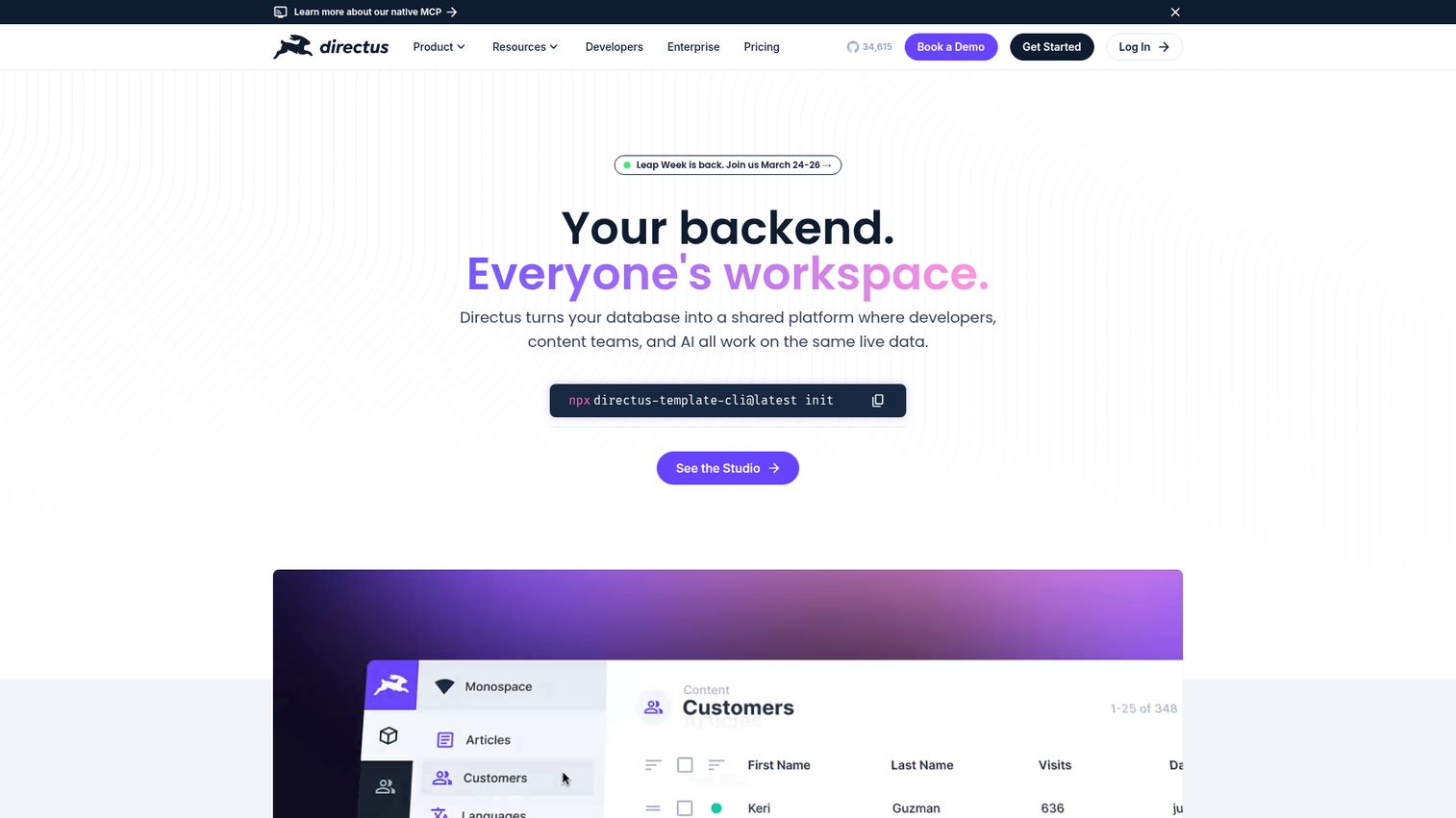
Directus has a unique value proposition: it wraps ANY existing SQL database (Postgres, MySQL, SQLite, MS SQL, MariaDB, CockroachDB) with an instant REST and GraphQL API and a no-code admin app. No data migration required.
This makes it fundamentally different from every other CMS on this list. Flows (the automation engine), granular permissions, and extensibility with custom modules round out the feature set.
Best for: Teams with existing databases needing a CMS layer, backend-heavy projects, internal tools and dashboards.
Key strengths
- Wraps any SQL database with instant API layer
- No data migration needed to get started
- REST and GraphQL APIs generated automatically
- Flows automation engine for custom workflows
- Extensible with custom modules and hooks
Pricing: Free (self-hosted forever). Directus Cloud Professional: $99/mo. Enterprise: custom.
Honest trade-off: it's more of a data platform with CMS features than a traditional CMS. Content editing UX is less polished than purpose-built tools. Documentation has gaps in some areas.
14. Optimizely - best for A/B testing and experimentation-driven content
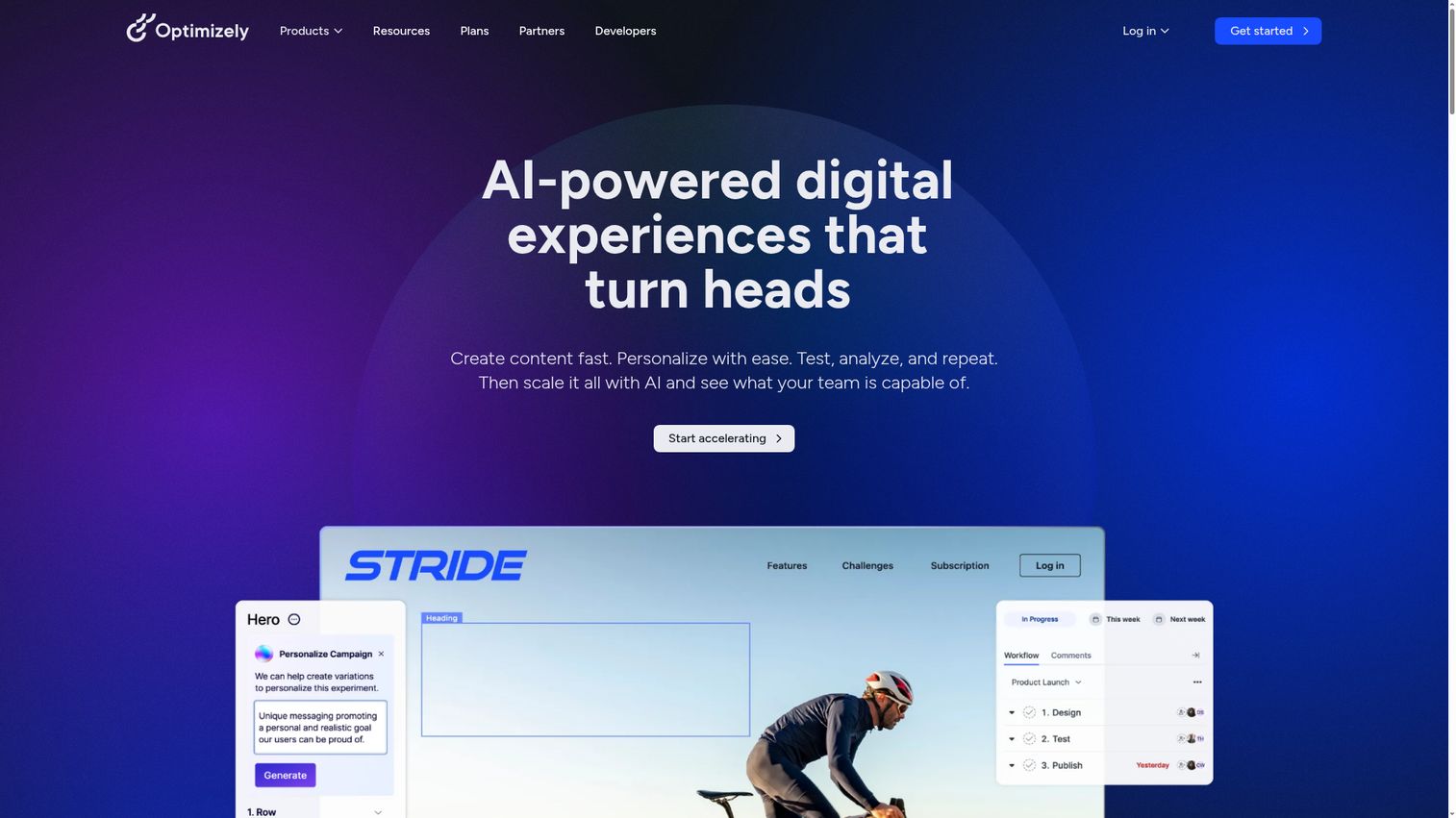
Optimizely is the CMS for teams obsessed with conversion optimization. Native A/B testing and experimentation aren't a plugin - they're core to the digital experience platform. For a broader look at experimentation tools beyond CMS-native options, see our guide to A/B testing tools.
Content recommendations, a personalization engine, SaaS-based CMS 12+, and headless capabilities integrate with Optimizely's analytics and commerce products. The .NET foundation is solid for teams already in that stack. Teams focused on improving conversion rates across their entire funnel may also want to explore dedicated CRO tools.
Best for: Data-driven marketing teams, e-commerce companies focused on conversion optimization, enterprises in the Optimizely stack.
Key strengths
- Native A/B testing and experimentation built in
- Personalization in CMS with content recommendations
- Unified DXP with analytics and commerce
- SaaS-based with headless delivery options
- Strong conversion optimization focus
Pricing: Enterprise-only, not publicly listed. Typically $50,000+/year with modular pricing.
Honest trade-off: expensive, .NET limits the developer pool, complex implementation, and less community content than open-source alternatives.
15. Magnolia - best hybrid CMS for enterprises needing flexibility
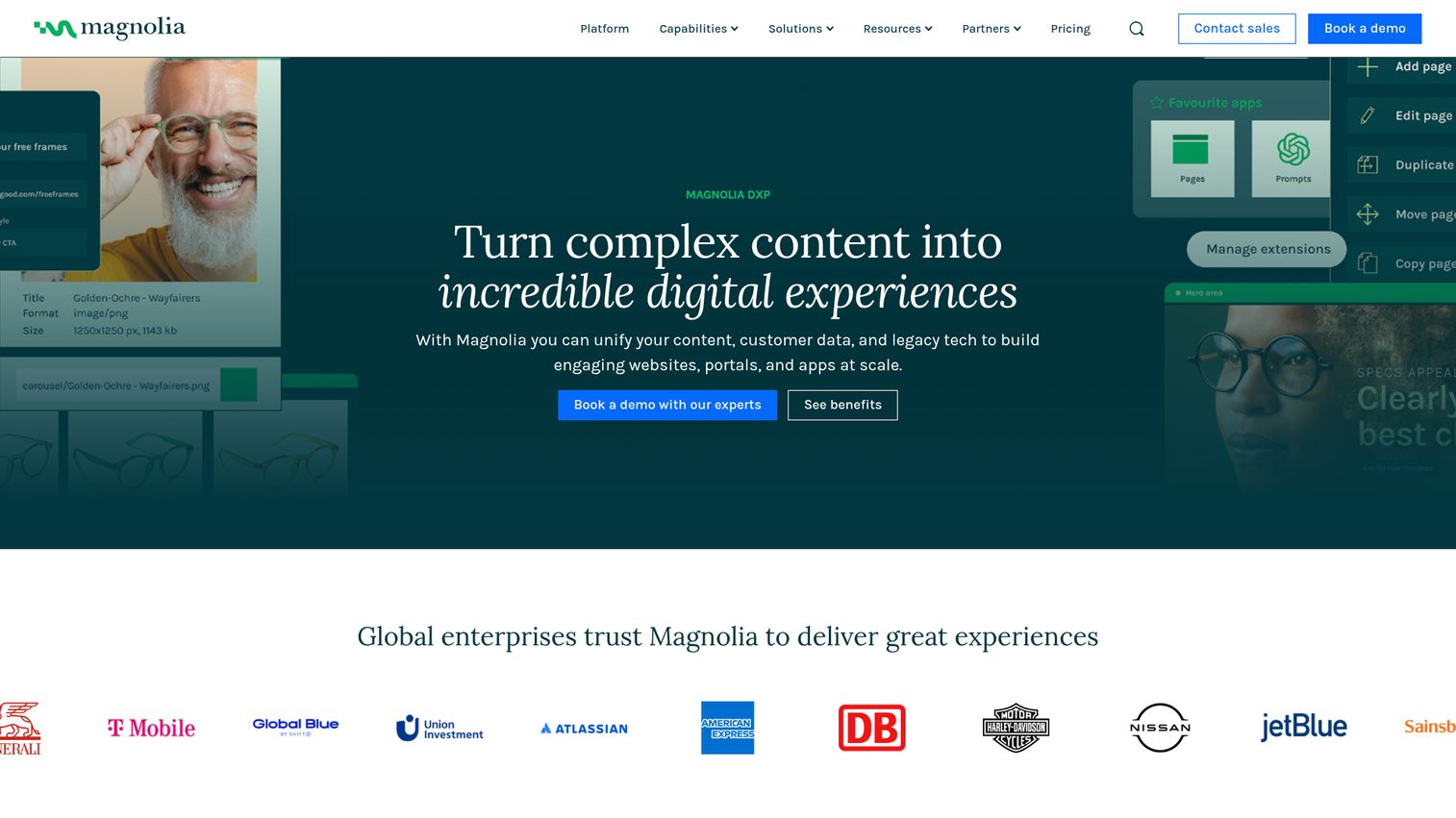
Magnolia is the true hybrid headless CMS - it supports both traditional server-rendered pages AND headless API delivery from the same platform.
The visual SPA editor lets you edit React, Angular, and Vue apps visually. The integration hub offers 200+ connectors. Multi-site and multi-language support are built in. Community Edition is free and open-source.
Best for: Enterprises wanting hybrid headless without sacrificing visual editing, companies with complex integration requirements, organizations transitioning from traditional to headless.
Key strengths
- True hybrid delivery from a single platform
- Visual SPA editor for React, Angular, and Vue
- Integration hub with 200+ connectors
- Free open-source Community Edition available
- Multi-site and multi-language support built in
Pricing: Community Edition: free (open-source). Enterprise Edition: custom, typically $50,000+/year.
Honest trade-off: enterprise pricing is opaque. Smaller community than WordPress or Drupal. Java-based, which narrows the developer pool.
16. Builder.io - best visual CMS for design-to-code workflows
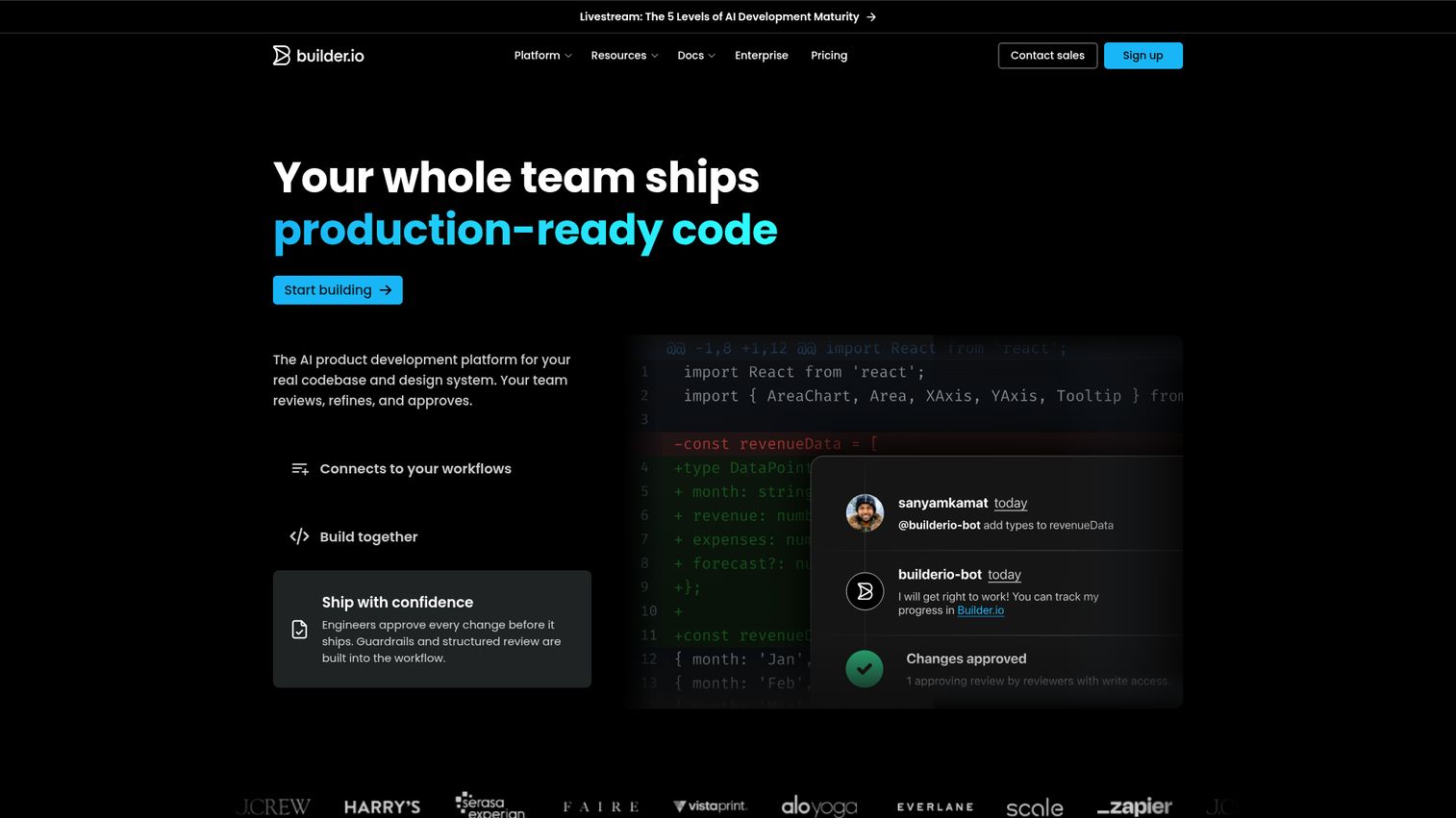
Builder.io bridges the gap between design and development. The visual drag-and-drop page builder sits on top of a headless CMS backend, with AI-powered Figma-to-code generation.
Framework compatibility covers React, Vue, Angular, Svelte, and Qwik. Built-in A/B testing and structured data models are included. It can integrate with existing CMS tools as an additional visual layer - not necessarily a replacement. This is a modern CMS approach to page building. If you're looking for more ways to build high-converting pages, check out our roundup of the best landing page builders.
Best for: Marketing teams wanting page-building autonomy, design-heavy organizations, teams using Figma-to-production workflows.
Key strengths
- AI-powered Figma-to-code generation
- Visual drag-and-drop with headless CMS backend
- Works alongside existing CMS as an overlay
- Built-in A/B testing for page variations
- Compatible with React, Vue, Angular, Svelte, Qwik
Pricing: Free tier (limited). Growth: $49/mo. Enterprise: custom.
Honest trade-off: adds complexity as an additional tool layer. Visual builder has limitations for complex layouts. Newer platform with features still evolving.
17. Decap CMS - best lightweight git-based CMS
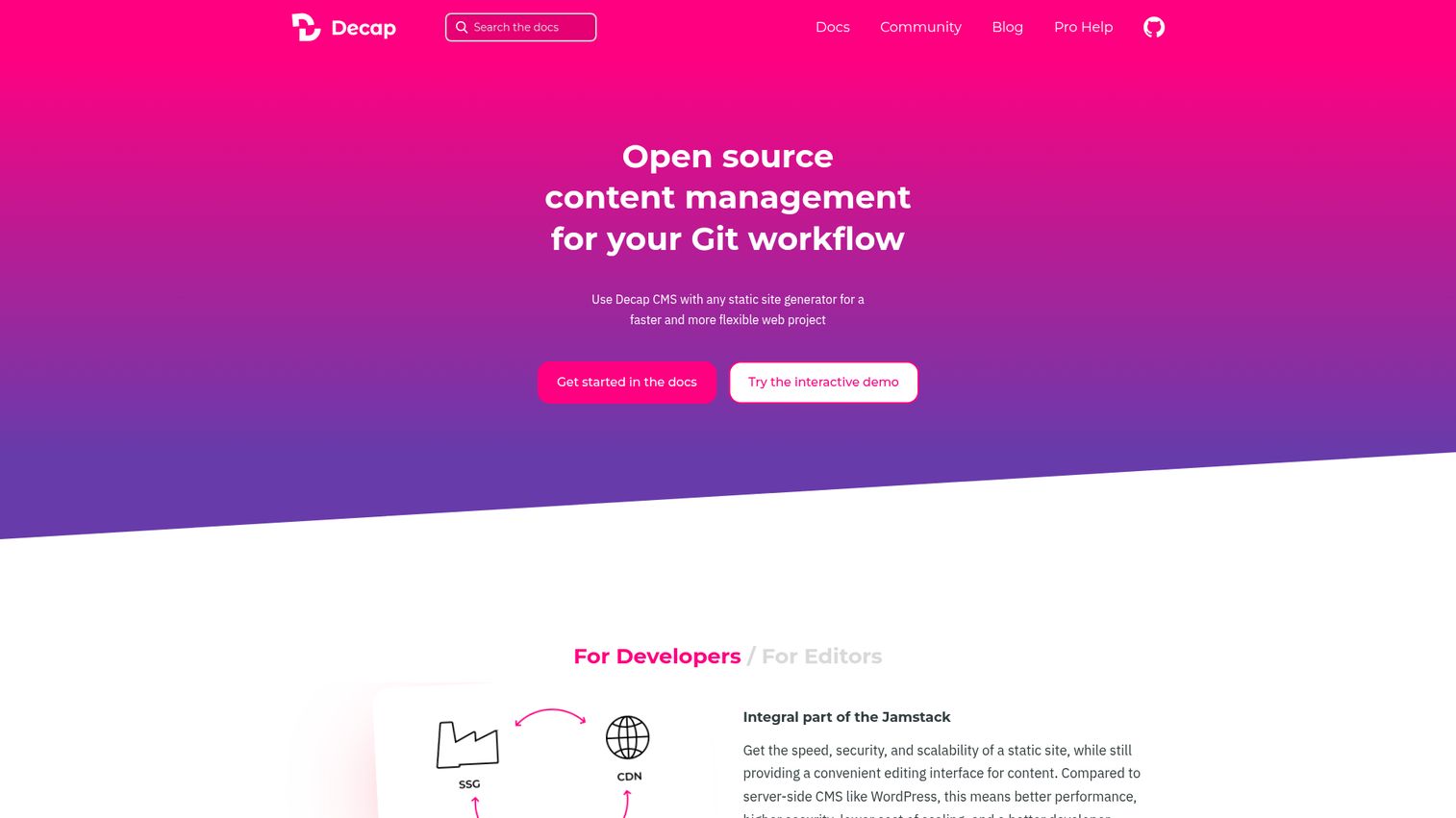
Decap CMS (formerly Netlify CMS) is the minimalist's CMS - zero cost, zero database, zero vendor lock-in. Content lives in your Git repo as Markdown, YAML, or JSON files.
The single-page React admin app works with any static site generator: Hugo, Jekyll, Gatsby, Eleventy, Astro. Editorial workflow with drafts and reviews is included. This is the best CMS for static sites when budget is zero.
Best for: Developers building static sites, open-source project documentation, personal blogs, anyone wanting a CMS with zero ongoing costs.
Key strengths
- Completely free with no paid tier or catch
- Git-native version control for all content
- Works with any static site generator
- Editorial workflow with drafts and reviews
- Extremely lightweight with minimal overhead
Pricing: Completely free and open-source. No hosted version, no paid tier.
Honest trade-off: limited to static sites. No real-time preview. Basic media management. UI is functional but not polished. No user roles beyond Git permissions.
18. Craft CMS - best premium CMS for content-focused agencies
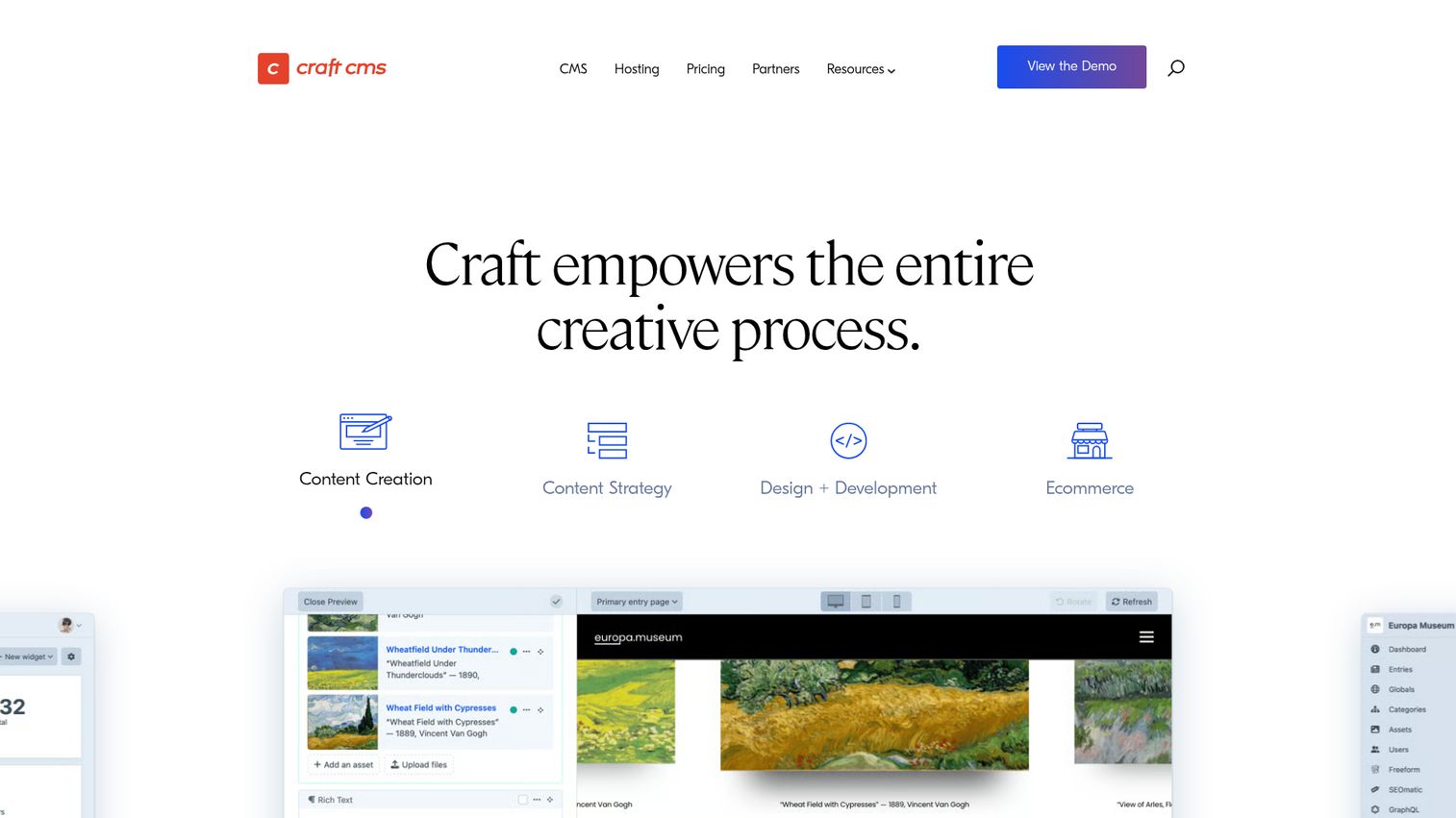
Craft CMS is the "designer's CMS" beloved by agencies for its beautiful admin UI and unmatched content modeling flexibility.
Matrix fields - nested, repeatable content blocks - are Craft's signature feature. The PHP-based architecture (Yii framework), custom fields system, live preview, multi-site support, and GraphQL API for headless delivery make it versatile. Craft Commerce adds first-party e-commerce.
Best for: Agencies building bespoke client websites, content-heavy editorial sites, brands wanting a premium authoring experience.
Key strengths
- Best content authoring experience in its class
- Matrix fields for nested, repeatable content blocks
- Clean, beautiful admin UI that editors love
- GraphQL API enables headless delivery
- Craft Commerce for first-party e-commerce
Pricing: Solo: free (1 user). Team: $35/mo. Pro: $119/mo. Enterprise: custom.
Honest trade-off: PHP narrows the developer pool compared to JS-based alternatives. Requires Craft-specific knowledge. Plugin library is smaller than WordPress. Less community content available online.
Bonus: Guideflow
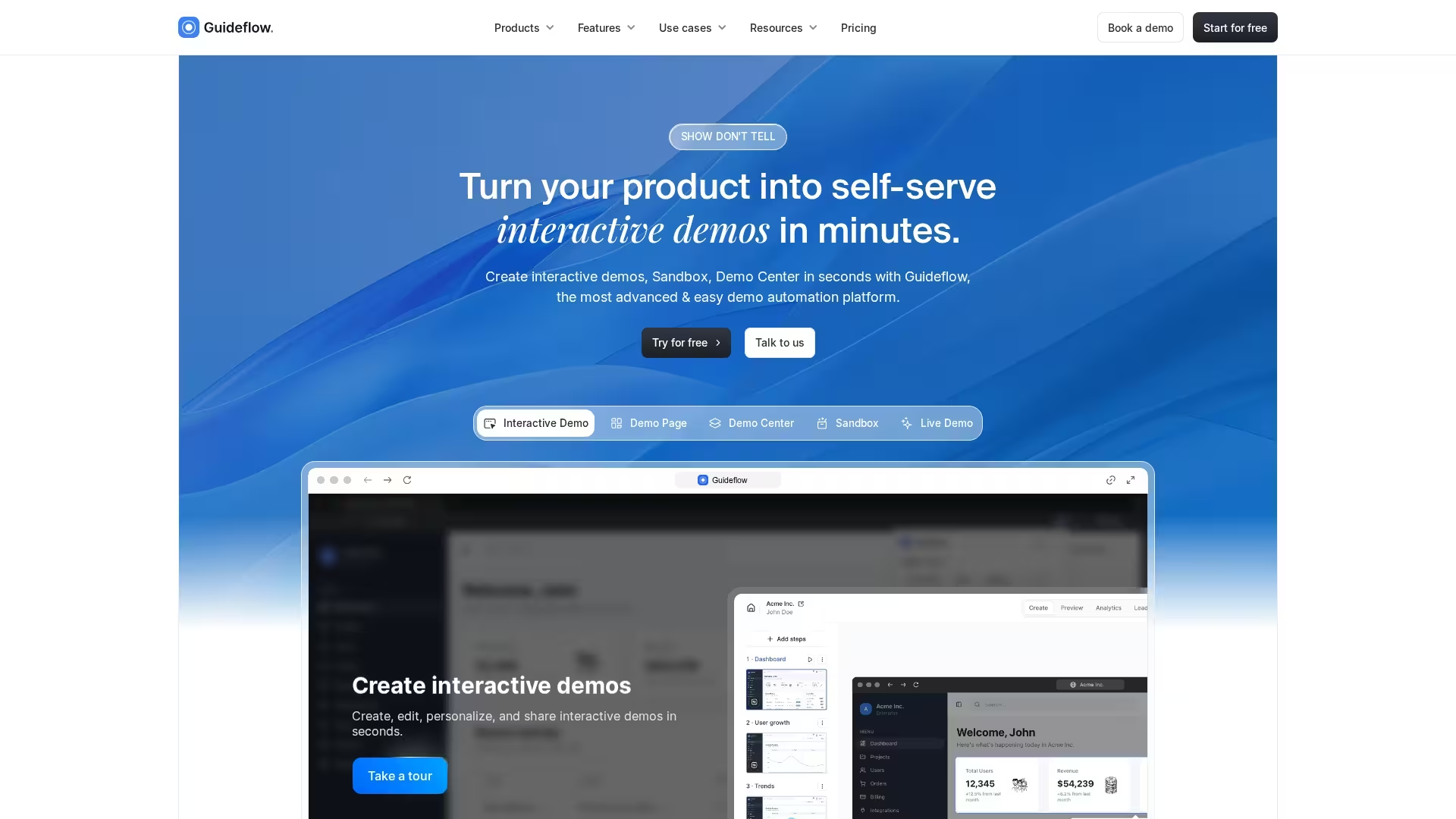
Guideflow isn't a CMS tool, but it's the perfect complement to your content management strategy. While CMS platforms help you publish content that attracts visitors, Guideflow converts that traffic into pipeline by letting prospects experience your product immediately after reading about it.
When a visitor lands on your blog post, product page, or documentation through organic search, interactive demos reduce friction between that content experience and actual product evaluation. The platform captures your product flows and turns them into clickable, step-by-step experiences you can embed directly into CMS-published pages - blog posts, landing pages, help centers, and partner portals. CMS-driven traffic often arrives with high intent but limited product context. An interactive demo fills that gap without requiring a sales call, similar to how sandbox demos accelerate deals by letting prospects explore before committing.
Best for: SaaS teams optimizing post-content conversion who want prospects to try the product immediately after discovering it through CMS-published content.
Key strengths
- Capture product flows: Record your application directly from the browser and generate interactive walkthroughs automatically
- Personalize for personas: Tailor demos with dynamic variables, custom text, and role-specific content
- Track engagement analytics: Monitor impressions, completion rates, and conversion to understand which flows drive pipeline
- Embed anywhere: Share via public links, embed on your site, or distribute through email and social - works seamlessly with WordPress, Webflow, HubSpot, or any HTML-based CMS
Why choose Guideflow
Pick Guideflow when your CMS strategy generates content-driven traffic but you're losing prospects between the blog post and the sign-up page. Interactive demos scale a core sales action: showing, not telling.
Guideflow pricing
- Free: $0/month (5 guideflows, unlimited viewers, 7-day analytics)
- Solo: $40/month (unlimited guideflows, advanced analytics, lead forms)
- Growth: $499/month
- Enterprise: From $2,999/month
Honorable mentions - more CMS tools worth exploring
These tools didn't make the top 18 but deserve attention for specific niches.
Joomla: Open-source traditional CMS, a solid middle ground between WordPress and Drupal. Best for community portals and membership sites.
Wagtail: Django-based open-source CMS with an excellent admin interface. Best for organizations with Python development teams.
Kontent.ai: Enterprise headless CMS with strong AI content governance. Best for enterprises focused on content operations and brand compliance.
TinaCMS: Open-source, Git-backed CMS with visual editing for Markdown. Best for Next.js developers wanting visual editing on Markdown content.
Keystone: Open-source, Node.js-based headless CMS built on Prisma. Best for developers wanting a flexible, code-first GraphQL CMS.
Pimcore: Open-source platform combining CMS, PIM, DAM, and e-commerce. Best for enterprises needing product information management alongside content.
Bloomreach: DXP with headless CMS, search, and merchandising. Best for e-commerce companies wanting unified content and commerce.
Contentstack: Enterprise headless CMS with strong composable DXP positioning. Best for large enterprises building composable digital experiences.
How to evaluate CMS tools and software
Use the criteria below to compare CMS platforms for your specific situation.
Content editing experience
When evaluating the editor, look for real-time preview (can editors see what they're building?), collaborative editing support (can multiple people work simultaneously?), and the learning curve for non-technical team members. The gap between visual editors and form-based editors is significant for team adoption.
Developer experience and API flexibility
The best CMS platforms for developers provide clean APIs (REST and/or GraphQL), strong SDKs, local development workflows, CLI tools, and thorough documentation. Evaluate whether the CMS supports your existing tech stack - JavaScript/TypeScript teams will prefer Strapi, Payload, or Sanity, while PHP teams may lean toward WordPress or Craft CMS.
Scalability and performance
Look for CDN integration, edge delivery, caching mechanisms, and database optimization. Enterprise CMS platforms should handle traffic spikes without manual intervention. Test how the admin panel performs at scale - some platforms slow down significantly with 10,000+ content entries.
Total cost of ownership
CMS pricing is rarely just the license fee. Factor in hosting, implementation, developer time for customization, plugin costs, and ongoing maintenance. Self-hosted open-source CMS tools (WordPress, Strapi, Payload) cost $0 in licensing but typically $200–$500/month in infrastructure plus DevOps time. SaaS platforms eliminate operational burden but scale costs with usage.
How to choose the best CMS tool for your team
Best CMS tools for startups and small teams
Start with WordPress or Ghost if you need to publish content quickly without engineering investment. For developer-led startups building custom applications, Strapi or Payload give you full control at zero licensing cost. Avoid enterprise DXPs - the implementation complexity and cost will outpace your team's capacity.
CMS platforms for agencies
Agencies benefit from CMS tools that support multiple client sites, offer clean content modeling, and don't require per-site licensing that erodes margins. Craft CMS and WordPress are popular agency choices - Craft for boutique projects where design quality matters, WordPress for volume work where the plugin ecosystem speeds delivery.
CMS tools for enterprise teams
Enterprise buyers should evaluate Adobe Experience Manager, Sitecore, and Contentful based on their existing tech stack and primary use case. AEM suits Adobe-invested organizations needing full DXP capabilities. Sitecore fits .NET teams with advanced personalization requirements. Contentful works for organizations building composable architectures with dedicated front-end teams.
Best CMS for content marketing teams
Content marketers prioritize speed to publish over architectural flexibility. HubSpot CMS delivers if you're already in the HubSpot ecosystem. Ghost is ideal for publisher-style content operations. Storyblok works when you want headless flexibility without sacrificing visual editing - marketers can build pages independently while developers maintain the front-end.
CMS trends shaping 2026 and beyond
AI-native content management
AI is no longer a plugin. Sanity AI Assist generates content within the editor. AEM's Adobe Sensei auto-tags and smart-crops assets. Contentful AI suggests translations. Builder.io converts Figma designs to code. The next frontier is AI content governance - ensuring brand voice and compliance. Kontent.ai is leading here. But AI features vary wildly in maturity across CMS tools. Evaluate them hands-on before making them a deciding factor.
Composable and MACH architecture
MACH stands for Microservices, API-first, Cloud-native, Headless. The shift from monolithic "all-in-one" platforms to composable "best-of-breed" stacks is accelerating. The CMS becomes one component alongside separate commerce, search, personalization, and analytics tools. This trend favors headless CMS tools (Contentful, Strapi, Sanity) and composable DXPs (Sitecore XM Cloud, Magnolia). Content orchestration across these components is the new challenge.
Visual editing renaissance in headless CMS
The biggest complaint about headless CMS has always been "content editors can't see what they're building." In 2026, that's being solved. Storyblok's real-time visual editor, Builder.io's drag-and-drop, Sanity's Presentation tool, Payload's Live Preview, and Contentful Studio all provide visual editing on top of headless architecture. This trend is making headless CMS accessible to non-technical teams for the first time.
Edge-first content delivery
Content delivery is moving to the edge. CDN-native and edge-rendered content is becoming a baseline expectation. Vercel/Next.js ISR (Incremental Static Regeneration), Cloudflare Workers, and built-in CDN support from DatoCMS and Contentful are making CMS performance benchmarks increasingly important. Cloud-based CMS already captures 63.5% of the market, growing at 20.2% CAGR through 2030 (Landbase).
Finding your perfect CMS in 2026
There's no single "best" CMS. The right choice depends on your team composition, budget, technical requirements, and content strategy.
CategoryOur PickWhyBest OverallWordPressLargest plugin library, most versatile, lowest barrier to entryBest Headless CMSStrapiOpen-source, full control, excellent DX, generous free tierBest Enterprise DXPAdobe Experience ManagerUnmatched integration across Adobe productsBest for PublishersGhostPurpose-built, fast, built-in monetization and newslettersBest Visual EditorStoryblokReal-time visual editing with headless flexibility
Start by testing 2–3 free tiers from your shortlist. WordPress, Strapi, Sanity, Ghost, Payload, and Decap CMS all offer generous free options - install them, build a sample project, and see which one clicks with your team. Once you've chosen your CMS, consider pairing it with content marketing tools and content creation software to maximize your content operation.
For B2B SaaS teams, complement your CMS content strategy with interactive product demos that convert organic traffic into qualified leads. When prospects discover your product through a blog post or landing page, a self-serve demo experience removes friction between content consumption and product evaluation.
FAQs about CMS software tools
A traditional CMS like WordPress couples the content back-end with front-end presentation — you manage content and how it's displayed in one system. A headless CMS like Strapi or Contentful provides content via API only, letting developers build custom front-ends with any framework. The trade-off is flexibility vs. out-of-the-box simplicity.
WordPress (self-hosted) is the best free CMS for general-purpose websites due to its unmatched plugin library and developer availability. Strapi is the top pick for headless/developer use cases with its MIT license and full API support. Ghost (self-hosted) wins for publishing and newsletters. “Free” means the software is free — hosting still costs $5–$50/mo typically. Decap CMS is the only truly zero-cost option, since it needs no hosting beyond your static site host.
WordPress is the default recommendation for most small businesses. The plugin library is massive, hosting runs $5–$20/mo, and finding help is straightforward. Ghost works well for content-first small businesses focused on blogs and newsletters. Craft CMS (Solo tier, free) is a strong pick for agencies building bespoke small business sites. If you have a developer available and want a modern stack, Storyblok and Builder.io are worth evaluating.
Three tiers. Free/open-source CMS tools (WordPress, Strapi, Drupal, Directus, Decap CMS) cost $0 for software plus $5–$100/mo for hosting. Mid-range SaaS CMS platforms (Sanity, Storyblok, DatoCMS, Ghost Pro, Craft CMS) run $50–$500/mo. Enterprise DXPs (AEM, Sitecore, Optimizely) cost $40,000–$1M+/year. Total cost of ownership includes hosting, development, plugins, and ongoing maintenance — not just licensing. A “free” CMS with $50K in custom development isn’t free.
Yes, but difficulty varies significantly. API-based headless CMS tools (Contentful, Strapi, Sanity) make migration easier because content is accessible via API and can be exported programmatically. Traditional CMS migrations (WordPress to Drupal, for example) require more planning — export/import tools exist but rarely handle custom fields, media, and URL structures perfectly. Three practices help: use structured content from the start, evaluate export capabilities before committing, and consider hiring a migration specialist for large sites.
Migration timelines depend on content volume, content structure complexity, and custom functionality. A small WordPress site might migrate to another platform in a few days. Enterprise migrations involving thousands of pages, custom fields, media assets, and URL structures typically take 2–6 months with professional support.
Yes — that’s the primary advantage of headless architecture. Content stored in a headless CMS is accessible via API, so the same product description, blog post, or help article can render on your website, mobile app, in-product experience, and even AI platforms from a single source of truth.
In most cases, no. Enterprise CMS platforms like Adobe Experience Manager and Sitecore require significant implementation investment, dedicated technical resources, and ongoing maintenance budgets. Small businesses get more value from WordPress, Ghost, or Webflow, which provide strong content management without enterprise complexity.
Most modern CMS tools provide SEO fundamentals: customizable URLs, meta tags, XML sitemaps, and mobile-responsive output. WordPress extends SEO through plugins like Yoast and Rank Math. Headless CMS platforms leave SEO implementation to the front-end framework but provide the structured content and fast API delivery that support good SEO practices.
Strapi, Sanity, and Payload CMS are the most popular among developers for new projects in 2026 — all three are JavaScript/TypeScript-based and API-first. WordPress remains dominant by install base but is less preferred for greenfield developer projects. Preference depends on language: JS/TS developers gravitate toward Strapi, Payload, and Sanity. PHP developers prefer WordPress and Craft CMS. Python developers prefer Wagtail. The best CMS for developers depends on your stack.
WordPress powers approximately 60% of all CMS-based websites and remains the most practical choice for many use cases. The headless CMS market is growing fast, but WordPress also supports headless delivery via REST API and WordPress VIP. For most content-focused websites, WordPress offers a faster path to publishing than headless alternatives.
Structured content with clear headings, direct answers to specific questions, schema markup, and comprehensive topic coverage tends to perform well in both traditional and AI search. CMS tools that enforce structured content models (headless platforms especially) make it easier to produce AI-friendly content consistently.
Integration approaches vary by CMS type. HubSpot CMS has native CRM integration. WordPress connects to marketing tools through plugins. Headless CMS platforms integrate via API or webhook — Contentful offers the broadest third-party connector ecosystem, while Strapi's plugin marketplace and Sanity's webhook system support custom connections to virtually any marketing stack.
A composable DXP (digital experience platform) is an approach where organizations assemble best-of-breed tools — CMS, commerce engine, search, personalization, analytics — via APIs rather than buying one monolithic platform. The CMS is typically the content hub within a composable DXP. This follows MACH Alliance principles: Microservices, API-first, Cloud-native, Headless. Headless CMS tools like Contentful, Strapi, and Sanity are designed to fit composable architectures natively. Traditional CMS platforms like WordPress and Drupal can participate but require more integration work. Content orchestration across these components is the key challenge.