Scheduling is still eating your team's selling hours.
Your VP of Sales just spent 20 minutes coordinating a demo time with a prospect who will probably reschedule anyway. Your AEs are CC'd on calendar threads instead of running discovery. And somewhere in Slack, someone is asking "what time works for everyone?" for the third time today.
The cost is specific. Companies using automated scheduling software report 20% to 40% fewer no-shows and measurably faster booking-to-meeting conversion. Yet most growing SaaS teams are still stitching together calendar links, manual follow-ups, and hope.
We tested and reviewed 15 scheduling software for business platforms across pricing, integrations, team features, and scalability to help you pick the right one and move on.
What's inside
This guide covers 15 business scheduling software tools for 2026, spanning three categories: meeting scheduling, appointment booking, and employee shift management. We evaluated each tool on these criteria:
- Pricing transparency and per-seat cost at scale (10 to 150+ users)
- Integration depth with common SaaS stacks (Salesforce, HubSpot, Google Workspace, Zoom)
- Team scheduling features: round-robin, routing, collective booking, admin controls
- Automation capabilities and analytics
- Scalability from a 10-person team to a 150-person org
TL;DR
- Calendly remains the default for most B2B SaaS teams, but Cal.com and SavvyCal are closing the gap on flexibility and pricing.
- Chili Piper is the pick for revenue teams that need inbound lead routing, not just calendar links.
- If your team is under 20 people, a free tier from Calendly, Cal.com, or Setmore covers the basics.
- Employee scheduling (shifts, time tracking) is a different category entirely. Connecteam and Homebase lead there.
- Interactive demos from Guideflow can reduce your scheduling volume by 30% to 40% by letting prospects self-qualify before booking a call.
What is business scheduling software
Business scheduling software is a category of tools that automate the process of booking, managing, and coordinating meetings, appointments, or employee shifts. Instead of back-and-forth emails or manual calendar checks, these platforms let people book time based on real-time availability, with automated confirmations and reminders.
Three distinct types fall under this umbrella:
- Appointment and meeting scheduling (Calendly, SavvyCal, Cal.com): Prospects and clients book time on your calendar via a shared link. The core use case for B2B SaaS sales teams.
- Revenue scheduling and lead routing (Chili Piper, HubSpot Meetings): Inbound leads are qualified and routed to the right rep automatically. Goes beyond a calendar link.
- Employee and shift scheduling (Connecteam, Homebase, Deputy): Managers build and manage staff work schedules, track time, and handle compliance. A different problem entirely.
The global appointment scheduling market is projected to exceed $633M by 2026, which tells you how many teams are still solving this manually.
Core features across all categories include:
- Calendar sync (Google, Outlook, iCloud)
- Automated email and SMS reminders
- Availability management and buffer times
- Integrations with CRM, video conferencing, and payment tools
- Booking analytics and reporting
One adjacent concept worth noting: interactive demos can complement scheduling by letting prospects experience your product before committing to a live call. This tends to reduce no-show rates and filter out low-intent meetings before they hit your calendar.
When to use business scheduling software
Booking prospect demos and sales calls
When your sales team grows past 3 AEs, manual calendar coordination starts eating pipeline velocity. The signal: your VP of Sales is still CC'd on scheduling threads, or reps are losing prospects to slow follow-up.
Client and customer meetings
When CS or account management teams need structured meeting workflows with reminders and follow-ups. If your CSMs are manually booking QBRs and onboarding calls, a scheduling app saves hours per week.
Internal team coordination
When cross-functional meetings (standups, pipeline reviews, QBRs) need structure beyond "find a time that works." This is where tools like Reclaim.ai and Doodle fit, especially for teams spread across time zones.
Employee shift and workforce scheduling
When you manage hourly or shift-based staff and need to replace spreadsheets with automated scheduling, time tracking, and compliance management. This is a different category from meeting scheduling. Don't evaluate staff scheduling software against calendar-link tools.
Best business scheduling software comparison table
Pricing and ratings verified as of April 2026. Check each vendor's site for current plans.
| # | Product | Intent | Key differentiation | Pricing | G2 rating |
|---|---|---|---|---|---|
| 1 | Calendly | Meeting scheduling | Largest integration library, enterprise trust | Free; from $10/seat/mo | 4.7/5 |
| 2 | Cal.com | Meeting scheduling | Open-source, full customization | Free; from $12/mo | 4.7/5 |
| 3 | Chili Piper | Revenue scheduling | Inbound lead routing and qualification | From $15/user/mo | 4.6/5 |
| 4 | SavvyCal | Meeting scheduling | Recipient-first UX, calendar overlay | From $12/user/mo | 4.7/5 |
| 5 | HubSpot Meetings | CRM-native scheduling | Built into HubSpot CRM | Free with HubSpot CRM | 4.4/5 |
| 6 | Acuity Scheduling | Appointment booking | Payment collection, client management | From $16/mo | 4.7/5 |
| 7 | Square Appointments | Appointment booking | Free tier with payment processing | Free; from $29/mo | 4.3/5 |
| 8 | Zoho Bookings | Appointment booking | Deep Zoho suite integration | From $6/staff/mo | 4.3/5 |
| 9 | SimplyBook.me | Appointment booking | Industry-specific booking pages | Free; from $8.25/mo | 4.4/5 |
| 10 | Setmore | Appointment booking | Generous free tier, video meetings | Free; from $5/user/mo | 4.5/5 |
| 11 | Doodle | Group scheduling | Poll-based group availability | Free; from $6.95/user/mo | 4.4/5 |
| 12 | Reclaim.ai | Smart calendar management | AI-driven time blocking and scheduling | Free; from $8/user/mo | 4.8/5 |
| 13 | Connecteam | Employee scheduling | All-in-one workforce management | Free; from $29/mo | 4.7/5 |
| 14 | Homebase | Employee scheduling | Free scheduling with time tracking | Free; from $20/location/mo | 4.2/5 |
| 15 | Deputy | Employee scheduling | Compliance-focused shift management | From $4.50/user/mo | 4.6/5 |
1. Calendly
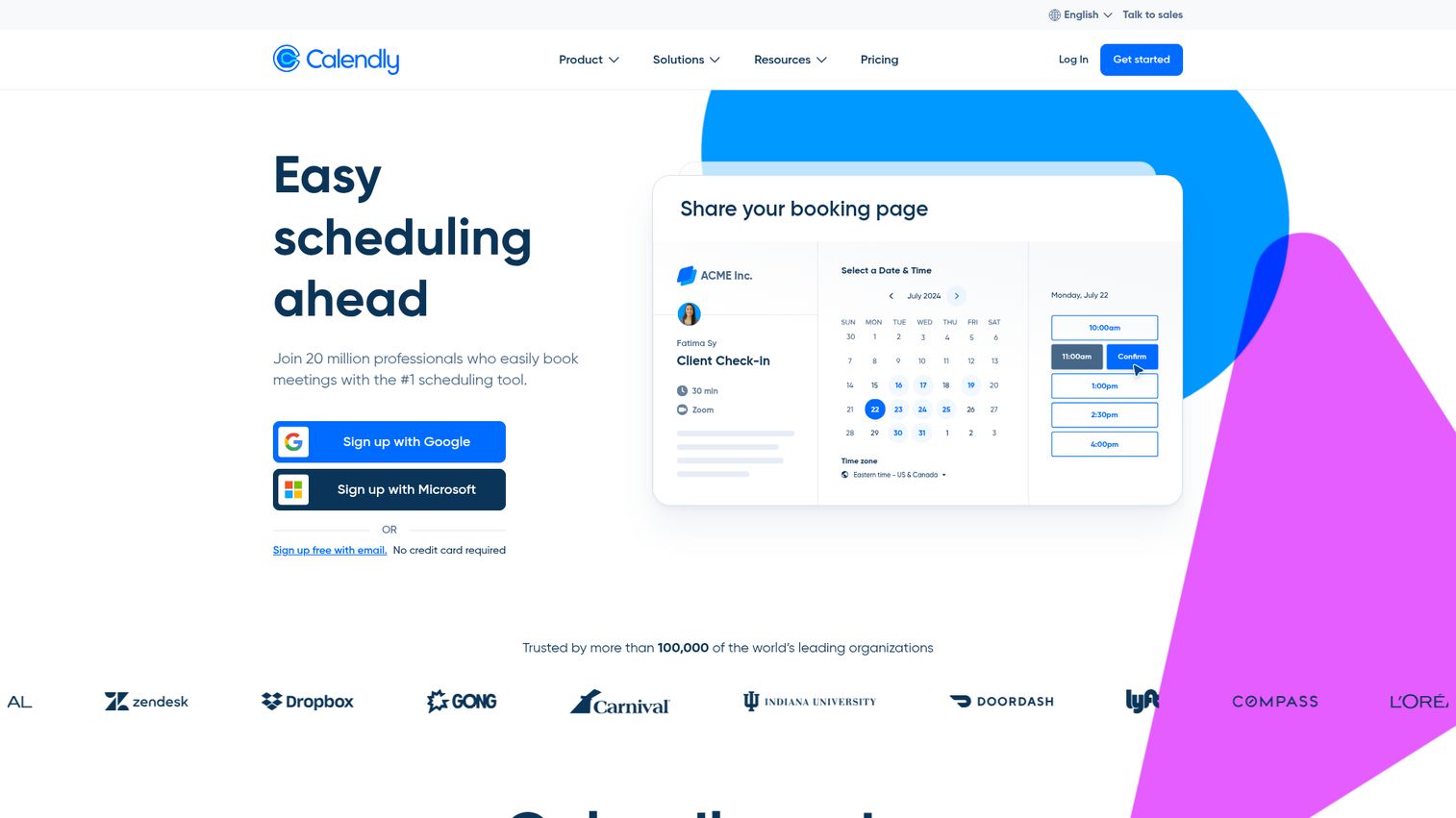
Calendly is the default scheduling tool for B2B SaaS teams, used by over 10 million users across 100,000+ organizations. It's the tool your new VP of Sales already knows.
The integration depth is what sets it apart. Over 100 native integrations, including Salesforce, HubSpot, Zoom, Slack, and most major CRM and conferencing platforms. Team features like round-robin assignment, collective scheduling, and routing forms for inbound leads make it scale from a solo founder to a 150-person sales org without switching tools.
Best for: SaaS teams that need a proven, scalable scheduling tool with broad integrations and zero onboarding friction.
Key strengths
- Round-robin and collective scheduling for teams
- Routing forms to qualify and direct inbound leads
- 100+ native integrations across CRM, conferencing, and payment tools
- Analytics dashboard tracking scheduling patterns and conversion
- Free tier for individual users
The trade-off is pricing at scale. At $10 to $16 per seat per month, a 50-person team is spending $500 to $800 monthly. That's reasonable for the feature set, but worth modeling before you commit. The free tier also lacks team features, so it's only useful for individual contributors.
Pricing: Free for basic use. Standard from $10/seat/month. Teams from $16/seat/month.
2. Cal.com
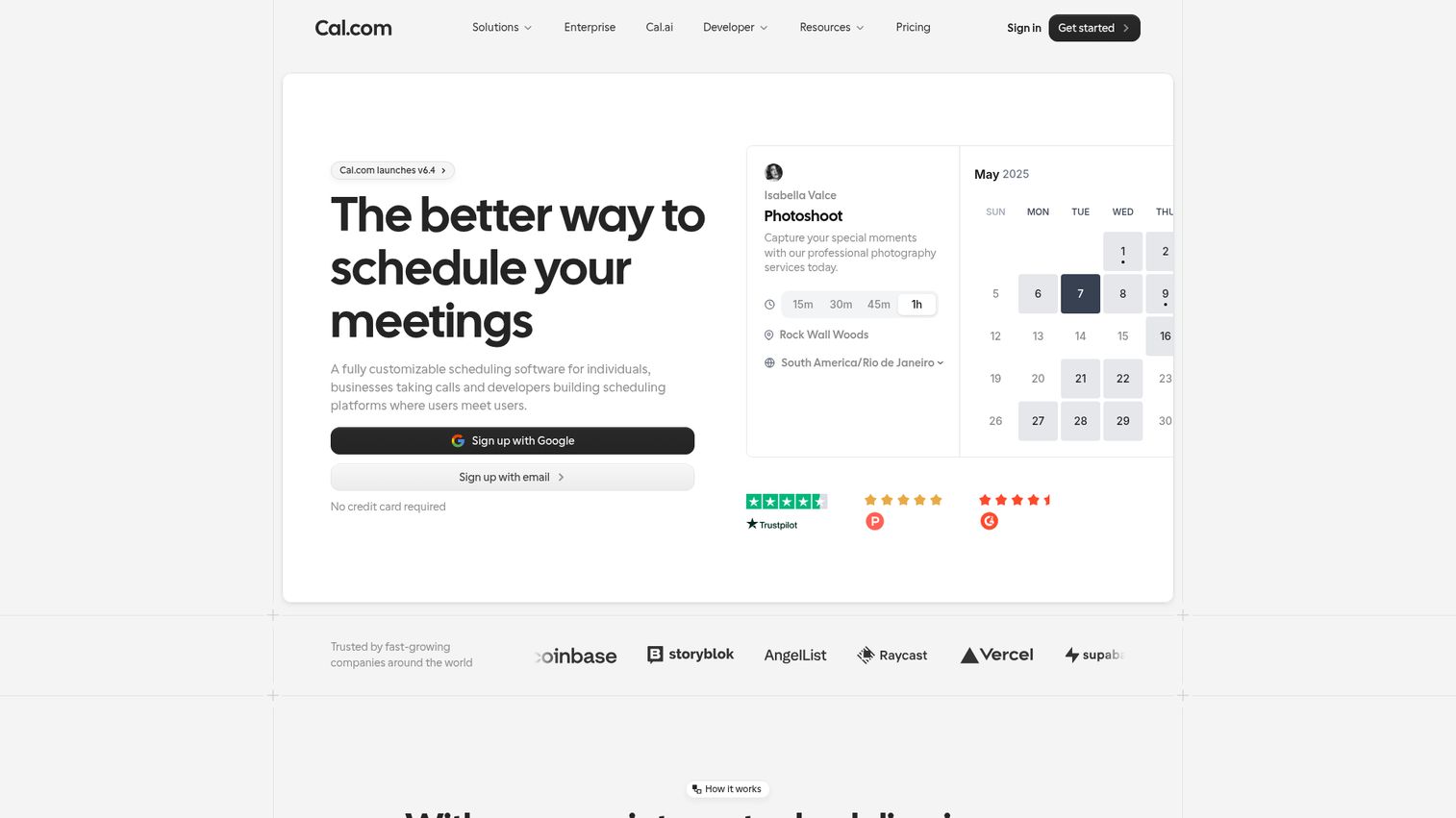
Cal.com is the open-source alternative to Calendly, built for technical teams that want full control over their scheduling infrastructure. You can self-host it, customize it deeply, and avoid vendor lock-in entirely.
It supports team scheduling, round-robin, and collective events. The API-first architecture means your engineering team can build custom workflows on top of it. The community is active and development moves fast.
Best for: Technical teams that want full control, self-hosting options, and deep customization without sacrificing core scheduling features.
Key strengths
- Open-source with self-hosting option for full data control
- API-first design for custom integrations and workflows
- Team scheduling with round-robin and collective events
- White-label capability for branded booking experiences
- Active community and rapid feature development
The honest limitation: if your team doesn't have engineering resources to customize or self-host, you won't use Cal.com's biggest advantages. The hosted version works fine, but at that point you're comparing it feature-for-feature with Calendly, where Cal.com's integration library is smaller.
Pricing: Free for individuals. Teams from $12/month.
3. Chili Piper
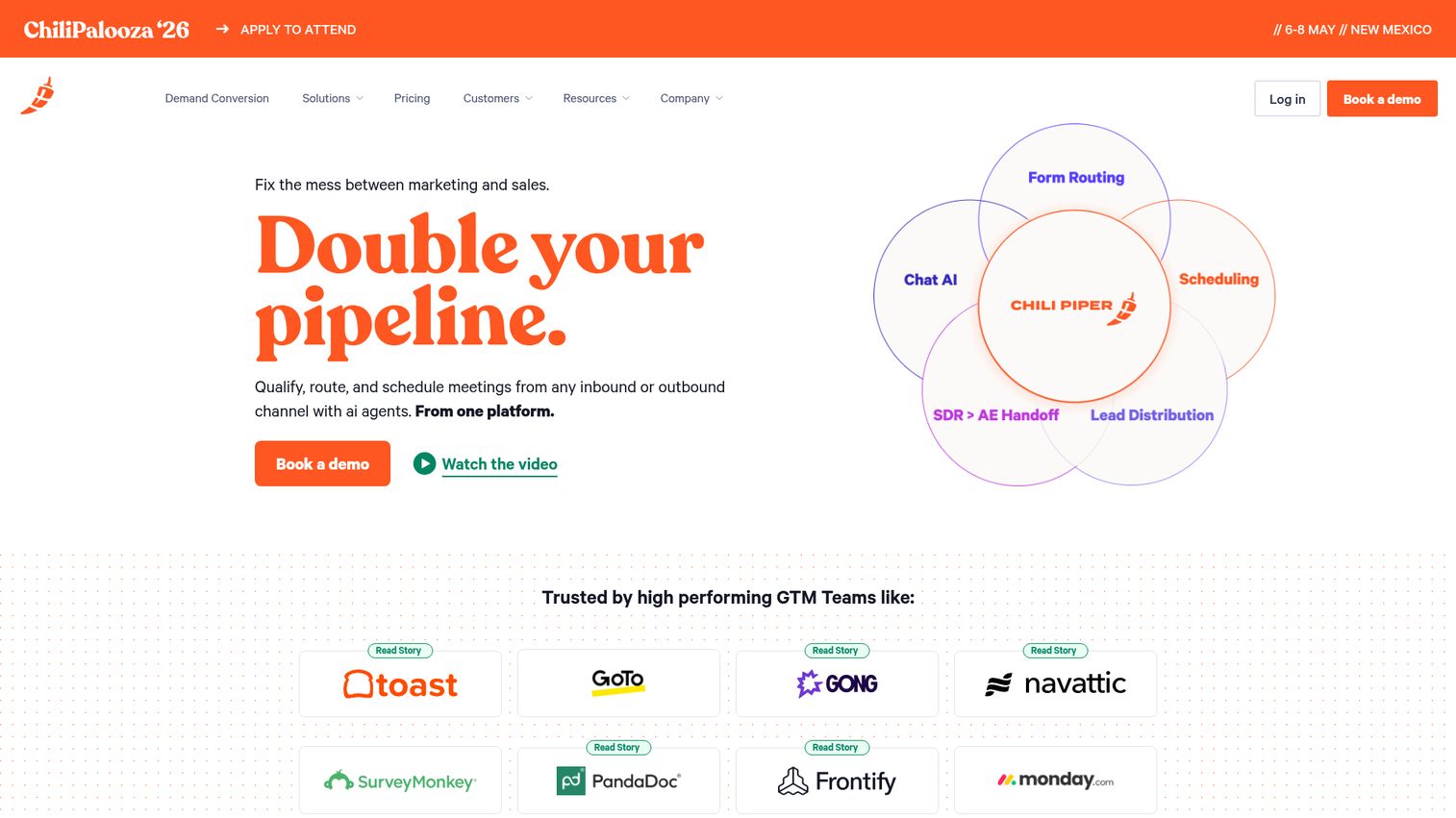
Chili Piper is not a generic scheduling link. It's built for revenue teams that need inbound lead routing, instant booking from web forms, and handoff scheduling between SDRs and AEs. Companies like Intuit, Spotify, and Airbnb use it for exactly this.
The "Concierge" product qualifies and routes leads in real time, directly from your website forms. No redirect to a separate booking page. The lead fills out a form, gets qualified by your rules, and sees available times for the right rep immediately.
Best for: B2B SaaS revenue teams with inbound lead flow that needs automated qualification and routing to the right rep.
Key strengths
- Instant booking from web forms with no redirect
- Lead qualification and routing rules based on territory, segment, or round-robin
- Salesforce-native with deep CRM integration
- Handoff scheduling between SDRs and AEs
- Analytics on booking conversion rates and routing performance
If your pipeline problem is not "people can't book a meeting" but "the right rep doesn't get the right lead fast enough," Chili Piper solves the routing layer that generic scheduling tools ignore. It's more expensive than Calendly, but for teams with meaningful inbound volume, the conversion lift on form-to-meeting rates tends to justify the cost. Teams focused on optimizing this funnel may also want to explore revenue intelligence platforms that complement routing with deal analytics.
Pricing: From $15/user/month (Instant Booker). Concierge pricing on request.
4. SavvyCal
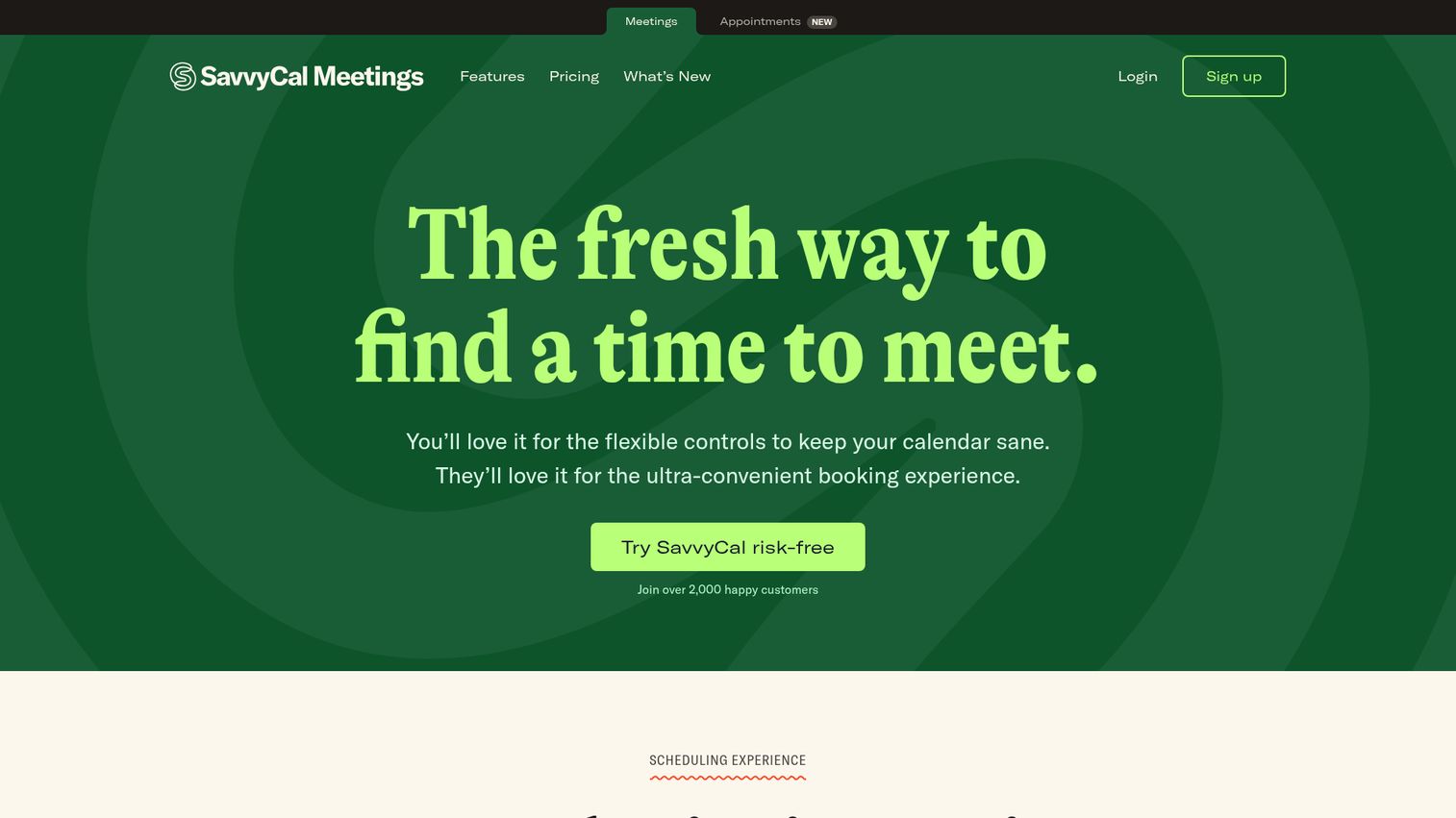
SavvyCal takes a recipient-first approach to scheduling. Instead of showing your availability and asking the other person to pick a slot, SavvyCal overlays the recipient's calendar so they can find mutual availability instantly.
This matters when the booking experience is part of your brand. Founder-led sales, investor meetings, and relationship-driven deals all benefit from scheduling that feels collaborative rather than transactional.
Best for: Founder-led sales and relationship-driven scheduling where the booking experience itself matters.
Key strengths
- Calendar overlay lets recipients see mutual availability instantly
- Prioritized availability windows for high-value meetings
- Team scheduling with round-robin support
- Clean, polished UX that reflects well on your brand
- Integrations with Zoom, Google Meet, and major calendar platforms
The trade-off: SavvyCal's integration library is smaller than Calendly's. If you need deep Salesforce or HubSpot integration, check the specifics before committing. For the core scheduling experience, though, it's hard to beat.
Pricing: From $12/user/month.
5. HubSpot Meetings
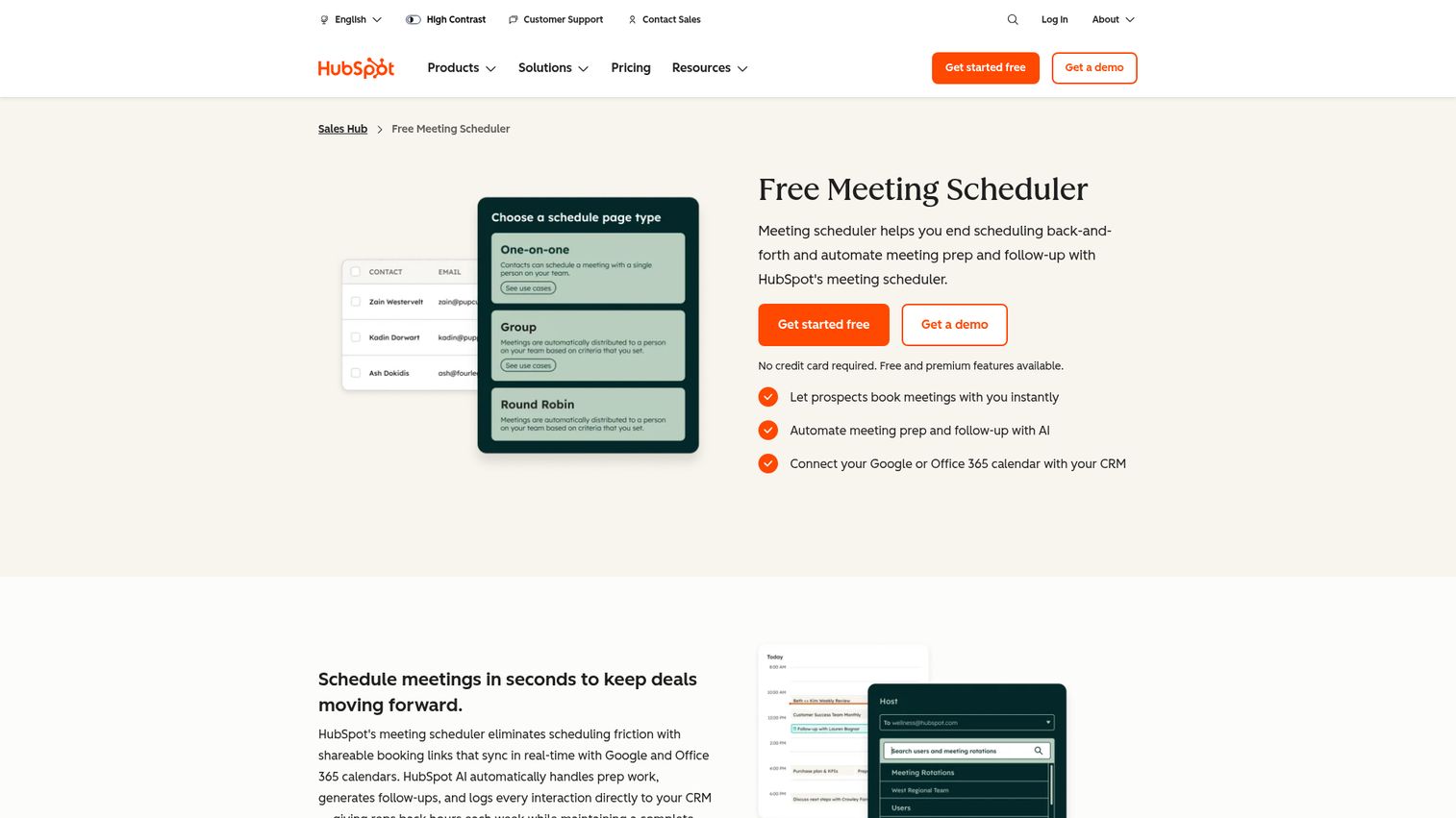
HubSpot Meetings is a free online booking software tool built directly into HubSpot CRM. Every meeting booked creates or updates a CRM contact record automatically. No separate tool, no data sync issues, no extra login.
It supports round-robin and group scheduling. If your stack is HubSpot-centric, adding a separate scheduling tool creates a data silo that your VP of Sales will eventually have to reconcile.
Best for: Teams already using HubSpot CRM who want zero-friction scheduling with automatic CRM logging.
Key strengths
- Native CRM integration with automatic contact and deal updates
- Free with any HubSpot CRM plan
- Round-robin scheduling for sales teams
- Embeddable booking pages for websites and emails
- Automated follow-up workflows triggered by meeting events
The limitation is feature depth. HubSpot Meetings handles the basics well, but it lacks the advanced routing, collective scheduling, and analytics that Calendly or Chili Piper offer. For teams under 10 reps with straightforward scheduling needs, it's the right starting point. You'll know when you've outgrown it.
Pricing: Free with HubSpot CRM. Advanced features in Sales Hub Starter from $15/seat/month.
6. Acuity Scheduling
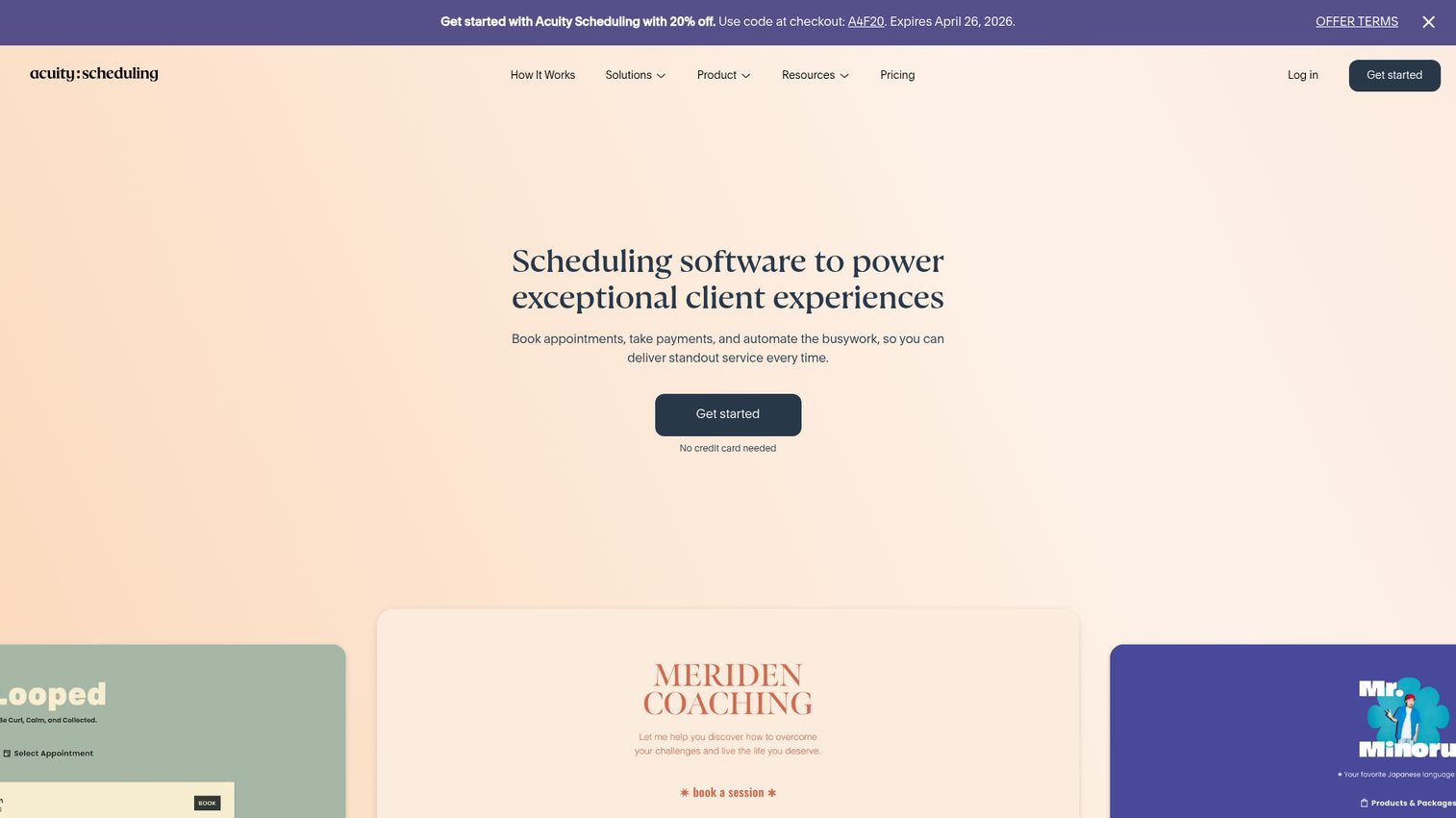
Acuity Scheduling, owned by Squarespace, is appointment scheduling software built for service-based businesses that need payment collection at booking. Paid consultations, onboarding sessions, coaching calls: if money changes hands when someone books, Acuity handles both scheduling and payment in one flow.
It supports multiple calendars, time zones, and appointment types with customizable intake forms that collect the information you need before the meeting starts.
Best for: Service-oriented businesses that need payment processing (Stripe, Square, PayPal) integrated directly with scheduling.
Key strengths
- Payment collection at booking through Stripe, Square, and PayPal
- Customizable intake forms for pre-meeting data collection
- Client self-scheduling with automated reminders
- Multi-location and multi-staff support
- Automated email and SMS reminder sequences
If you don't collect payment at booking, Acuity's core advantage doesn't apply to you. Calendly or Cal.com will serve you better for pure meeting scheduling. But for paid appointments, Acuity is purpose-built.
Pricing: From $16/month (Emerging). Growing from $27/month.
7. Square Appointments
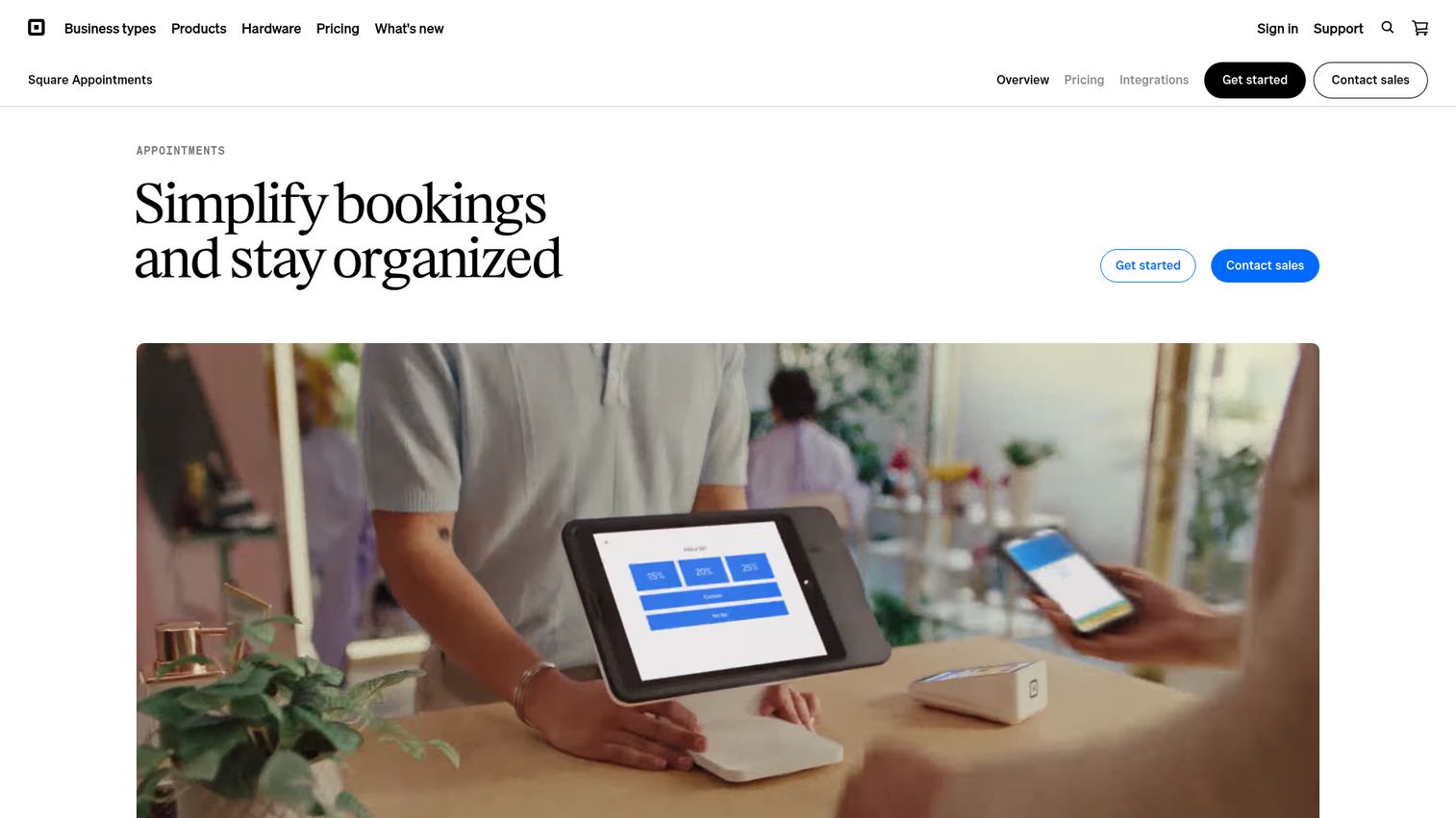
Square Appointments offers free scheduling software for small business with integrated payment processing. The free tier is genuinely usable for solo operators, which is rare in this category.
It includes a client directory, automated reminders, and a booking website. For businesses that combine scheduling with point-of-sale, Square keeps both in one system.
Best for: Small businesses that need free scheduling with built-in payment processing and don't want to pay for two separate tools.
Key strengths
- Free tier for single users with core scheduling features
- Integrated payment processing through Square
- Client management and appointment history
- Automated email and SMS reminders
- Booking website builder included
The free tier doesn't include team features. Once you add staff, pricing jumps to $29/month. And the scheduling features are less sophisticated than dedicated tools like Calendly or Acuity. Square Appointments works best when payment processing is the primary need and scheduling is secondary.
Pricing: Free for individuals. Plus from $29/month.
8. Zoho Bookings
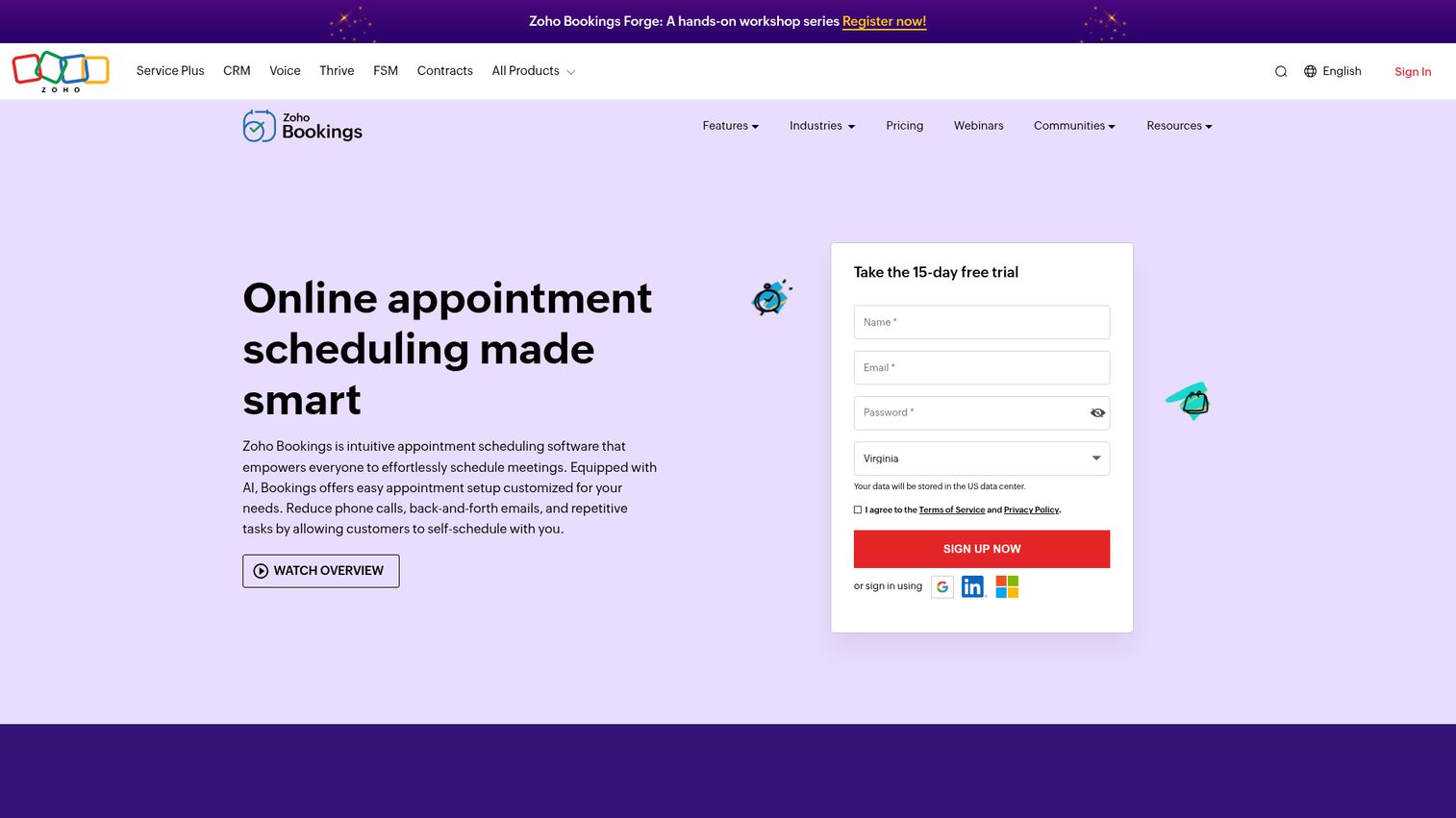
Zoho Bookings is the scheduling tool within the Zoho suite. If your company runs on Zoho CRM, Zoho Meeting, and other Zoho products, adding an external scheduling tool means maintaining another integration and another potential data gap.
It supports multiple staff calendars, service-based booking, and custom booking pages with two-way calendar sync.
Best for: Teams already using Zoho products who want scheduling data inside the same system they use for CRM, email, and meetings.
Key strengths
- Native Zoho CRM and Zoho Meeting integration
- Multi-staff scheduling with individual availability settings
- Custom booking pages with branding options
- Two-way calendar sync with Google and Outlook
- Automated email and SMS notifications
If you're not in the Zoho stack, there's no compelling reason to choose Zoho Bookings over Calendly or Cal.com. The feature set is solid but not differentiated outside its native context.
Pricing: From $6/staff member/month.
9. SimplyBook.me
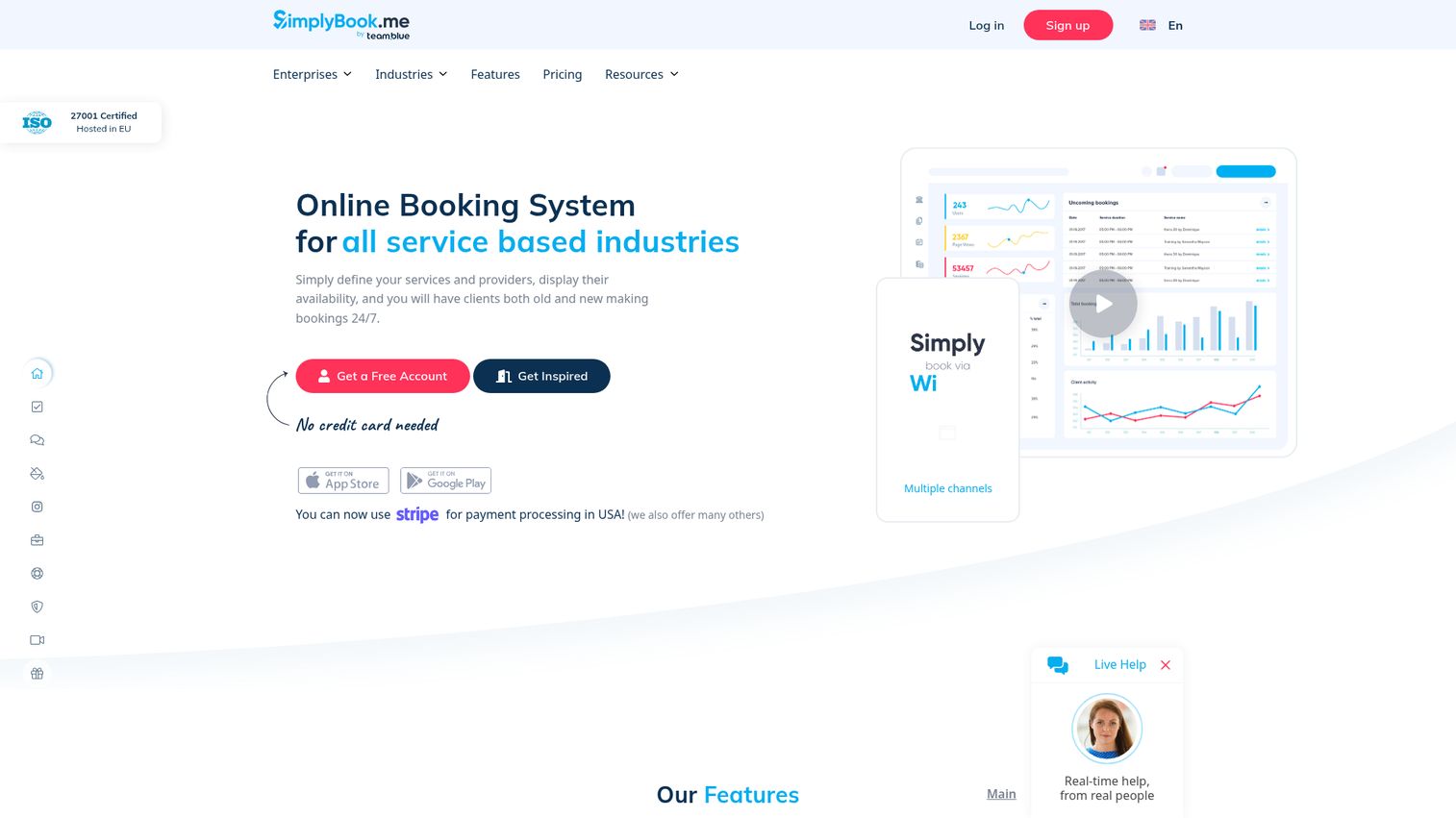
SimplyBook.me is an online booking software platform with 70+ custom features you can toggle on or off. It's built for businesses that need industry-specific booking workflows: healthcare, fitness, education, professional services.
The modular approach means you build exactly the booking experience you need without paying for features you don't use.
Best for: Service businesses that need industry-specific booking features, HIPAA compliance, or a branded booking page with complex workflows.
Key strengths
- 70+ toggleable features for modular customization
- Industry-specific templates for healthcare, fitness, and education
- Payment integration with multiple processors
- HIPAA compliance option for healthcare providers
- Multi-location support with separate booking pages
If your scheduling needs are "book a 30-minute call," SimplyBook.me is overkill. It shines when you need intake forms, compliance workflows, or industry-specific booking logic that generic tools can't handle.
Pricing: Free for up to 50 bookings/month. Basic from $8.25/month.
10. Setmore
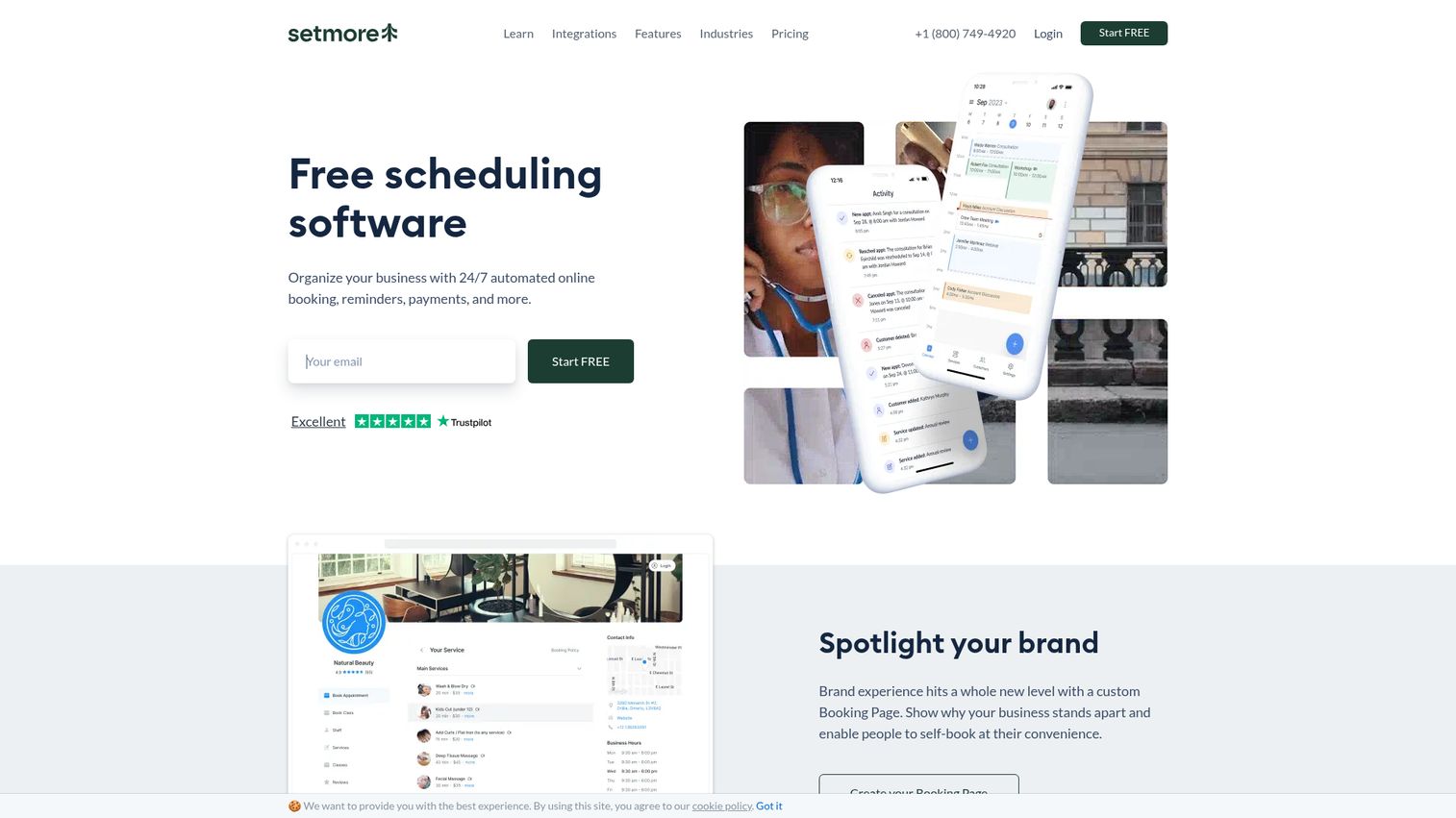
Setmore offers one of the most generous free tiers in the scheduling app category: up to 4 users with a booking page, calendar sync, automated reminders, and built-in video meetings via Teleport.
For early-stage or pre-revenue teams, this is the best scheduling app for small business that doesn't want to add a line item to the budget.
Best for: Small teams (under 5 people) that want a full-featured online scheduling app without per-user costs.
Key strengths
- Free for up to 4 users with core features included
- Built-in video meetings via Teleport (no Zoom needed)
- Booking page with custom branding
- Two-way calendar sync with Google and Outlook
- Square and Stripe payment integration on paid plans
The limitation is scale. Once you grow past 4 users or need team features like round-robin, you'll outgrow the free tier. But as a starting point, Setmore is hard to beat on value.
Pricing: Free for up to 4 users. Pro from $5/user/month.
11. Doodle
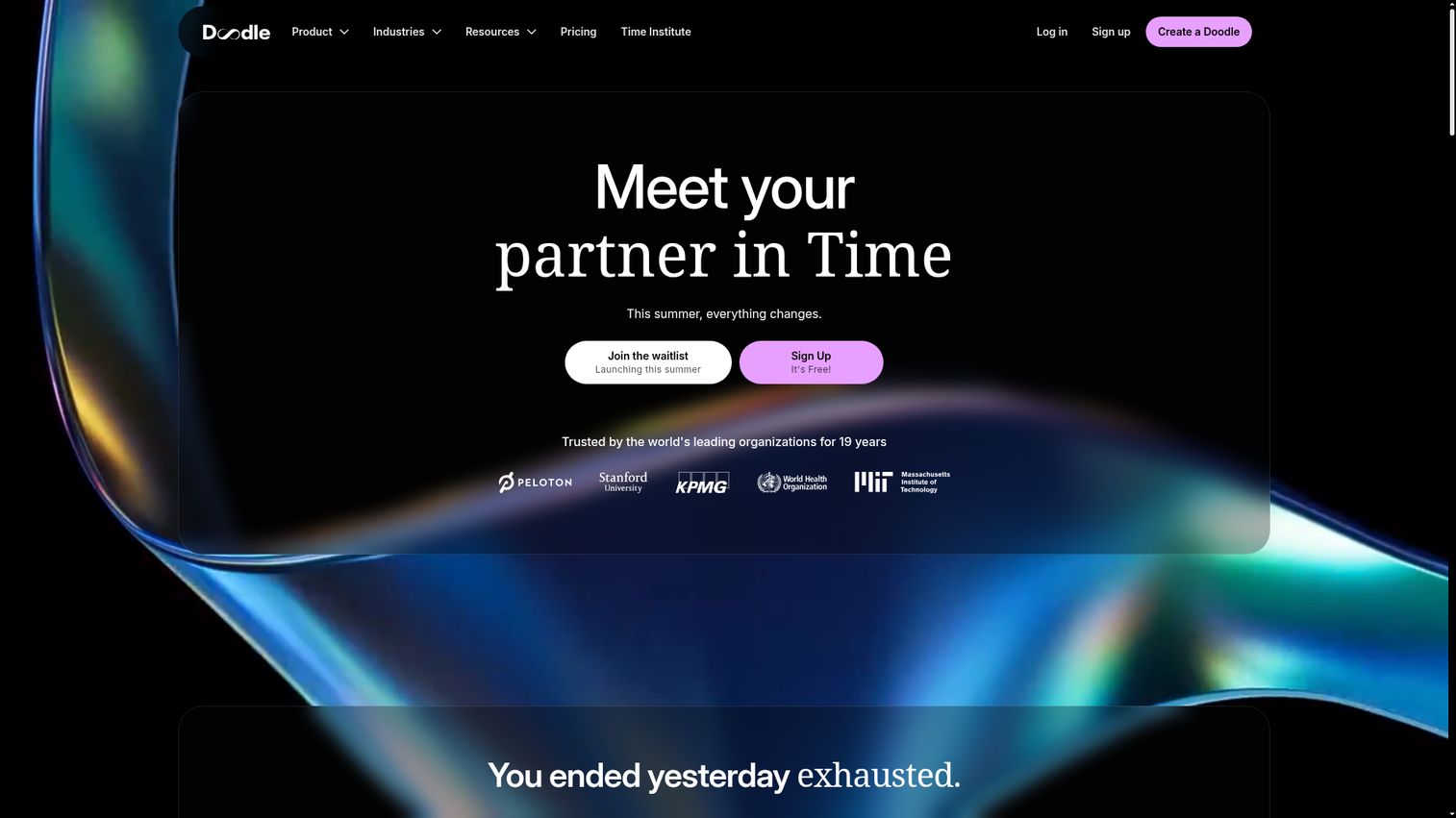
Doodle takes a different approach. Instead of sharing a calendar link, you propose times and have participants vote on availability. No account required for participants.
This solves a problem that calendar-link tools don't address: coordinating 5+ people across different organizations who don't share a calendar system. Board meetings, multi-stakeholder demos, partner calls, and cross-company coordination are Doodle's sweet spot.
Best for: Scheduling meetings with multiple external participants who don't share a calendar system.
Key strengths
- Poll-based group scheduling for multi-party coordination
- No account required for participants to vote
- Booking pages for standard 1:1 scheduling
- Calendar integrations with Google, Outlook, and iCal
- Admin dashboard for team management
Doodle is not a replacement for Calendly or Chili Piper. It's a complement. Use it for the meetings that involve 5+ external participants, and use a dedicated scheduling tool for your standard sales and client meetings.
Pricing: Free for basic polls. Pro from $6.95/user/month.
12. Reclaim.ai
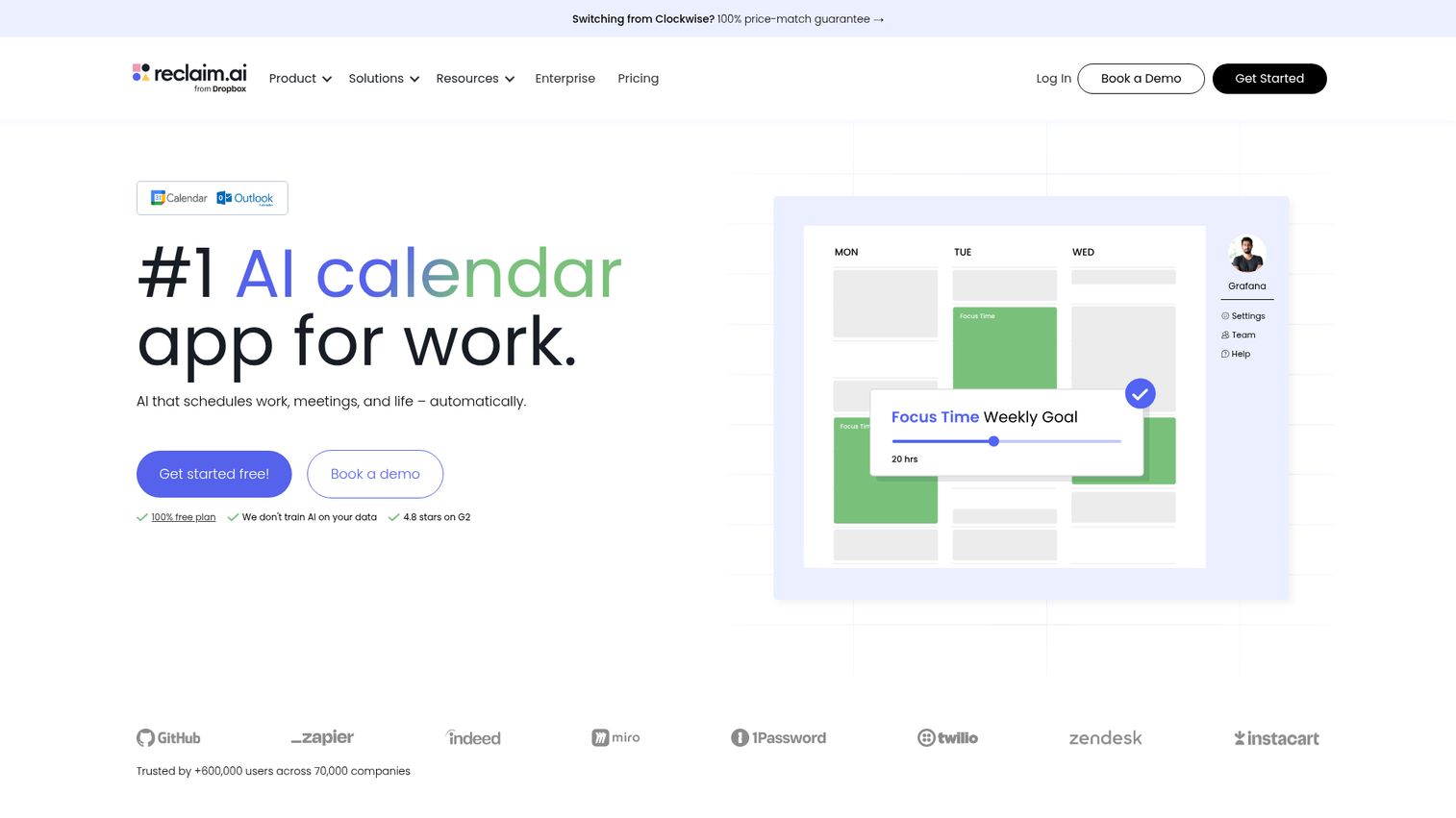
Reclaim.ai goes beyond scheduling links. It's AI-powered automated scheduling software that manages your entire calendar: finding time for meetings, protecting focus blocks, scheduling tasks from project management tools, and syncing your Slack status automatically.
If your problem isn't just "people can't book meetings" but "my team's calendars are a mess and nobody has time for deep work," Reclaim.ai addresses the systemic calendar management problem. Teams exploring AI-driven productivity may also want to review AI sales tools that automate other parts of the revenue workflow.
Best for: Teams that want AI-driven calendar optimization, not just meeting booking.
Key strengths
- AI-powered scheduling and time blocking across calendars
- Smart 1:1 scheduling that finds optimal times automatically
- Task scheduling from Asana, Todoist, and other project tools
- Meeting analytics showing time allocation patterns
- Slack status sync and buffer time management
The trade-off: Reclaim.ai is a calendar management tool, not a prospect-facing booking tool. It doesn't replace Calendly for external scheduling. It works alongside it to make your internal calendar functional enough that external bookings actually land on productive days.
Pricing: Free for individuals. Starter from $8/user/month.
13. Connecteam
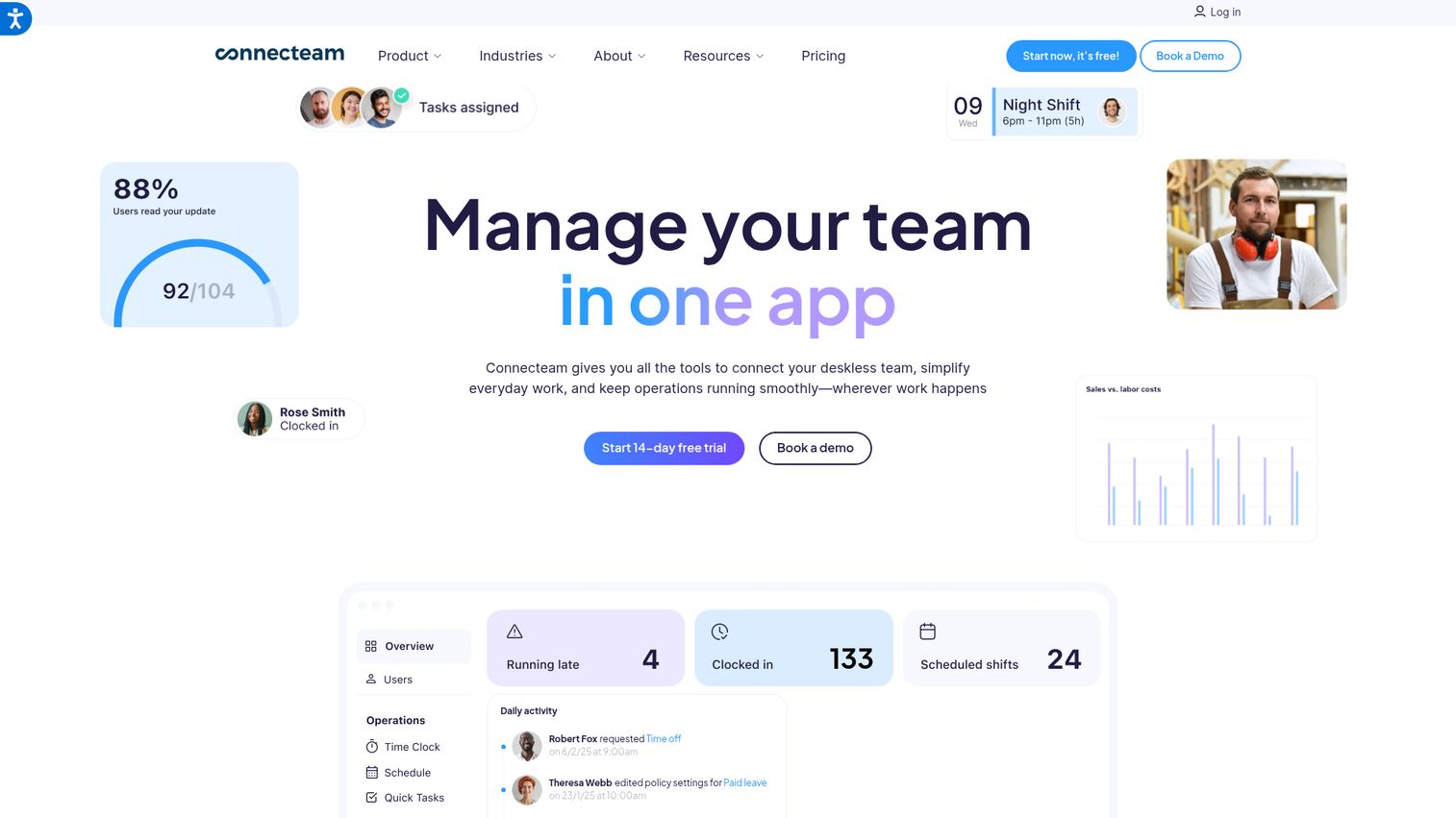
Connecteam is an all-in-one workforce management software platform with staff scheduling software, time tracking, communication, and task management. It's built for deskless and field teams, not for booking sales calls.
The drag-and-drop shift scheduling includes conflict detection and compliance tracking. It replaces multiple tools (scheduling, communication, task management) with one platform, which matters when you're trying to consolidate your stack.
Best for: Companies with hourly, shift-based, or field employees who need shift scheduling software plus workforce management in one platform.
Key strengths
- Drag-and-drop shift scheduling with conflict detection
- Time clock with GPS tracking for field teams
- In-app communication and team messaging
- Task management and checklists
- Compliance and labor law tracking
If your scheduling need is meeting booking, Connecteam is the wrong category. But if you manage hourly employees and want scheduling, communication, and task management without maintaining three separate tools, it's a strong pick.
Pricing: Free for up to 10 users. Basic from $29/month.
14. Homebase
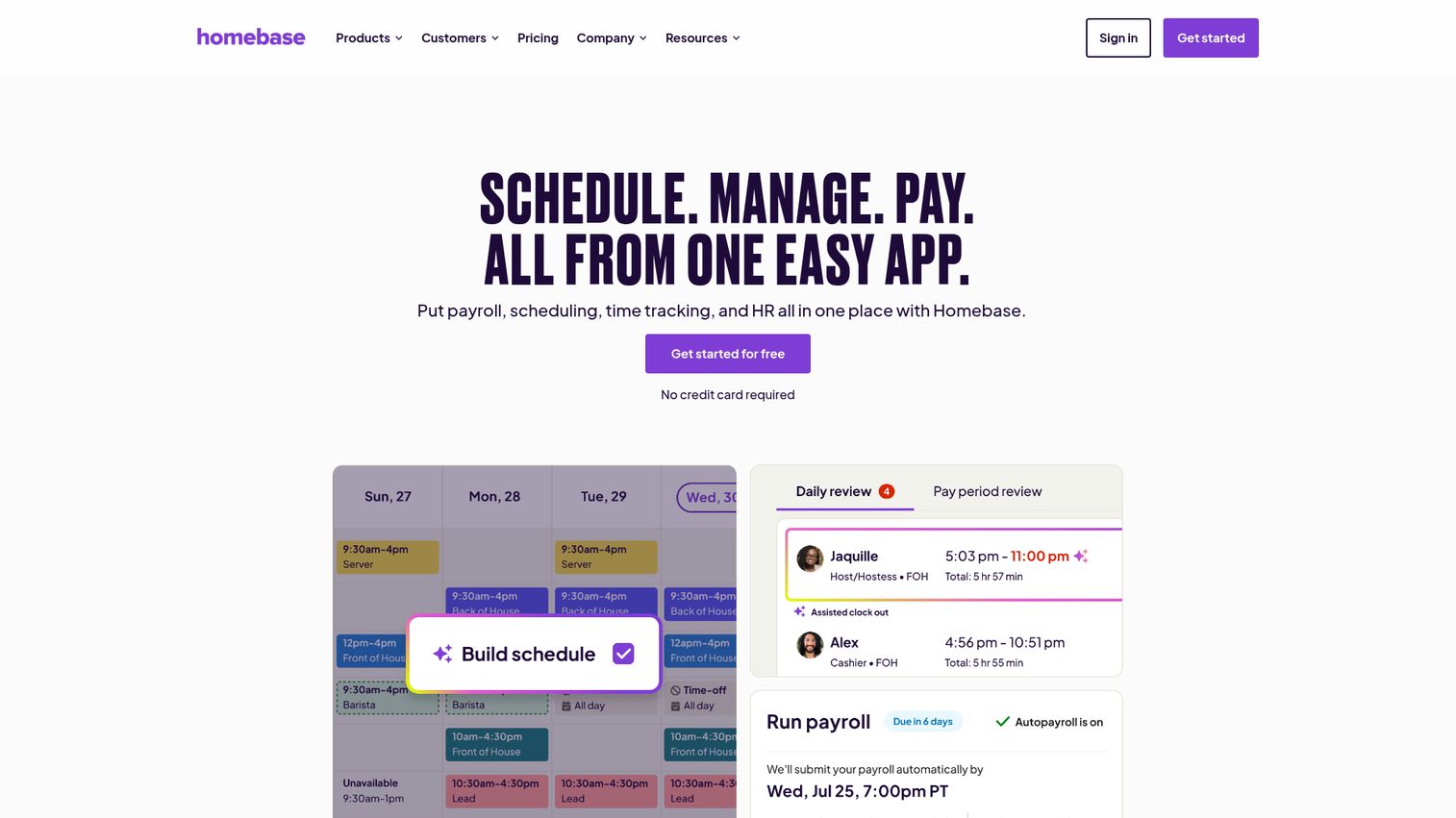
Homebase offers free scheduling software for small business with hourly employees. The free tier covers one location and includes scheduling, a time clock, and team messaging. No credit card required.
It also includes hiring tools and basic HR features, which makes it a useful starting point for small businesses that need employee scheduling without a large upfront investment.
Best for: Small businesses with hourly staff who need free employee scheduling and time tracking without a paid subscription.
Key strengths
- Free scheduling for one location with unlimited employees
- Time clock with break tracking and overtime alerts
- Team messaging for shift-related communication
- Hiring and onboarding tools built in
- Labor cost forecasting on paid plans
The free tier is limited to one location. Multi-location businesses will need the Essentials plan at $20/location/month. The feature set is also less deep than Connecteam or Deputy for complex compliance needs.
Pricing: Free for one location. Essentials from $20/location/month.
15. Deputy
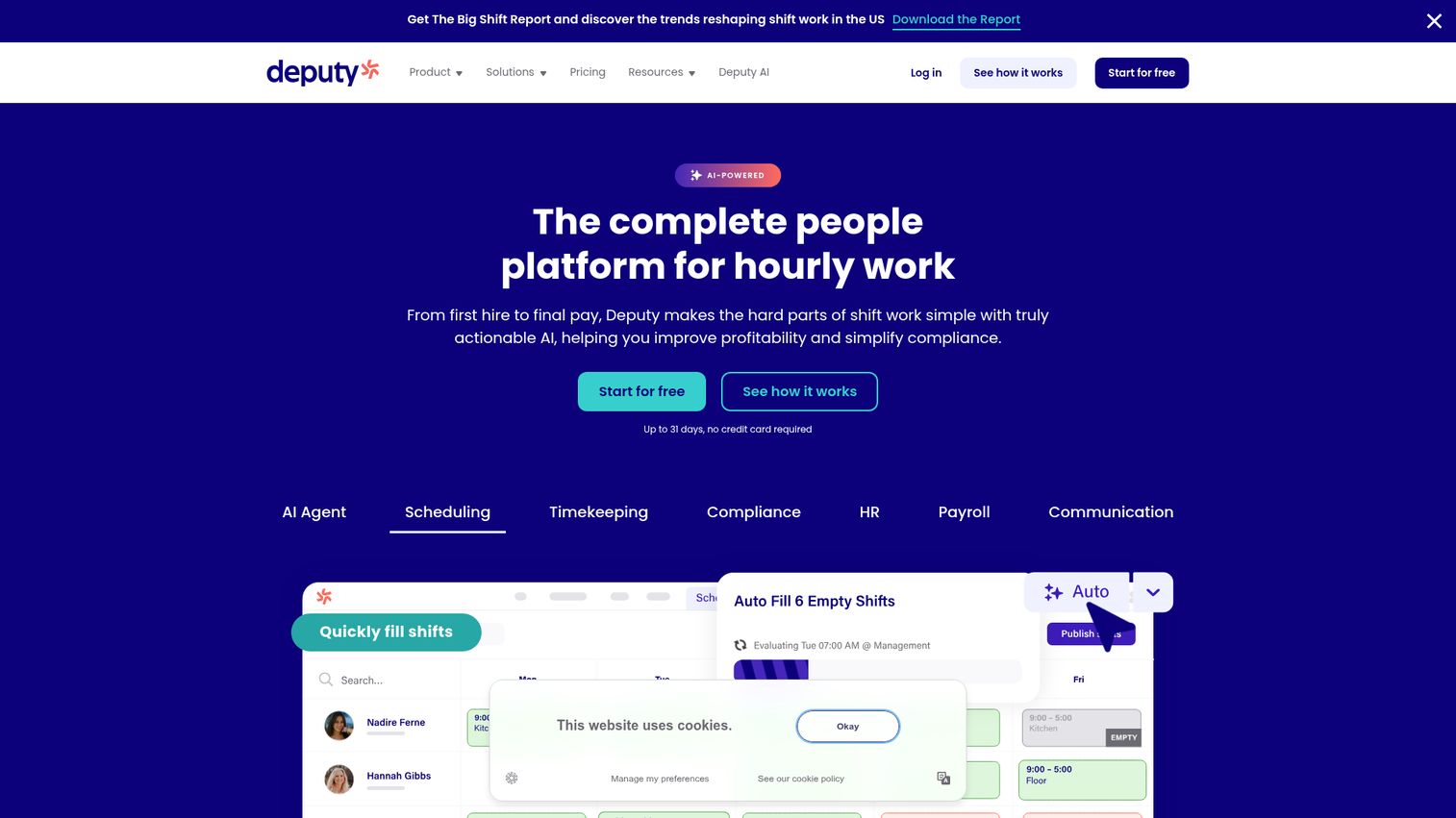
Deputy is shift scheduling software with a compliance-first approach. AI-powered auto-scheduling considers availability, skills, and labor costs. It's strong in industries with complex labor regulations: retail, healthcare, hospitality.
If labor compliance is a real risk for your business (overtime violations, break rule infractions, fair scheduling laws), Deputy's compliance management reduces legal exposure while automating the scheduling itself.
Best for: Businesses with complex shift requirements and labor compliance needs across regulated industries.
Key strengths
- AI-powered auto-scheduling based on availability and skills
- Compliance management with break rules and overtime alerts
- Time and attendance tracking with payroll integration
- Demand-based scheduling that adjusts to business volume
- Integrations with major payroll systems (ADP, Gusto, Xero)
Deputy is more expensive per user than Homebase's free tier, but the compliance features justify the cost for businesses where labor law violations carry real financial risk. For simple shift scheduling without compliance complexity, Homebase or Connecteam's free tiers are better starting points.
Pricing: From $4.50/user/month.
How to choose the right scheduling tool
Here's a decision framework you can forward to your VP of Sales or Head of RevOps.
Start with the use case
Meeting scheduling, appointment booking, and employee scheduling are different categories. Don't evaluate Calendly against Connecteam. Pick your category first, then compare within it.
Check your CRM integration first
If you run Salesforce, Chili Piper and Calendly have the deepest integrations (bidirectional sync, field mapping, workflow triggers). HubSpot users should start with HubSpot Meetings. Zoho teams should look at Zoho Bookings. The scheduling tool that doesn't talk to your CRM creates a data silo your RevOps team will resent. For help choosing the right CRM in the first place, see our guide to the best CRM software.
Evaluate team features, not solo features
Round-robin, routing, collective scheduling, and admin controls matter at scale. Free tiers almost always lack these. Test with your actual team structure, not just your personal calendar.
Calculate the real cost
Per-seat pricing at 50 users looks different than at 10. Model the cost at your current team size and at 2x. A tool that costs $500/month today might cost $1,600/month when you hit your hiring plan. For a deeper look at how pricing models work in SaaS, explore best pricing software options.
Test the booking experience from the prospect's side
The scheduling tool is often the first product experience a prospect has with your company. If it's clunky, that's your brand. Book a test meeting through your own link and see how it feels.
Consider what scheduling replaces vs. what it adds
The best business scheduling app eliminates a manual process and consolidates into your existing stack. It doesn't add another login your team forgets to check.
One more thing worth considering: interactive demos can complement scheduling by letting prospects self-qualify before booking a live call. When buyers experience your product on their own terms first, the meetings that do get booked tend to be higher intent and more likely to close. Guideflow is built for exactly this use case - you can see how it works on our demo showcase.
Closing
Scheduling software is infrastructure, not a nice-to-have. The right tool removes the founder from the booking process, gives the sales management team a repeatable system, and produces data on meeting patterns and conversion rates.
For most B2B SaaS teams at the Series B stage, Calendly or Chili Piper covers meeting scheduling. For teams in the Zoho or HubSpot stack, the native option reduces complexity. For employee scheduling, Connecteam and Deputy lead. The bigger opportunity is reducing your scheduling volume entirely by giving prospects a self-serve way to evaluate your product before booking a call - through a demo center or embedded interactive walkthrough - so the meetings that do happen are higher intent.
Start your journey with Guideflow today!
FAQs
Calendly offers a free tier for individuals, Cal.com has a free plan with self-hosting, Setmore is free for up to 4 users, and Square Appointments is free for solo users. For employee scheduling, Connecteam and Homebase both offer free tiers. Note that free plans typically lack team features like round-robin and routing, so you'll likely upgrade once your team grows past 5 to 10 people.
Appointment scheduling software (Calendly, Acuity, Square Appointments) lets external people book time on your calendar. Employee scheduling software (Connecteam, Homebase, Deputy) lets managers create and manage staff work shifts with time tracking and compliance. They solve different problems and should not be evaluated against each other.
Yes. Calendly and Chili Piper have deep Salesforce integrations including contact creation, activity logging, and routing rules. HubSpot Meetings is native to HubSpot CRM with automatic contact and deal updates. Always verify the depth of integration: one-way sync vs. bidirectional, field mapping, and whether it triggers workflows in your CRM.
Pricing ranges from free to $30+/user/month. Free tiers exist for most tools but lack team features. Most B2B SaaS teams spend $10 to $20/seat/month for a tool like Calendly or Chili Piper. Employee scheduling tools range from $4 to $10/user/month. Enterprise pricing with SSO, admin controls, and custom integrations is typically quoted on request.
Yes. Automated reminders (email and SMS) are standard across most scheduling programs and reduce no-shows by 20% to 40%. Tools like Calendly and Acuity allow customizable reminder sequences. For higher-value meetings, pairing scheduling with an interactive product demo before the call further reduces no-shows by letting prospects confirm their interest through hands-on evaluation.
Calendly for general meeting scheduling with broad integrations. Chili Piper for inbound lead routing and instant booking from web forms. HubSpot Meetings if your CRM is HubSpot. SavvyCal for founder-led sales where the booking experience matters. The right choice depends on your CRM, team size, and whether you need routing or just scheduling. Teams evaluating their full presales software stack should also consider how scheduling fits alongside demo automation and proposal tools.
Most tools can be set up in under an hour for basic use: calendar sync, booking page, and availability settings. Team features like round-robin, routing rules, and CRM integration take 1 to 3 days to configure properly. Employee scheduling tools require more setup time for shift templates, compliance rules, and staff onboarding.
If your CRM offers scheduling (HubSpot Meetings, Zoho Bookings), start there. It reduces stack complexity and keeps data in one system. Switch to a dedicated tool like Calendly or Chili Piper when you need advanced routing, team scheduling features, or integrations the native tool doesn't support. The trigger is usually when your team grows past 10 reps or your inbound lead volume requires automated routing.